-
-
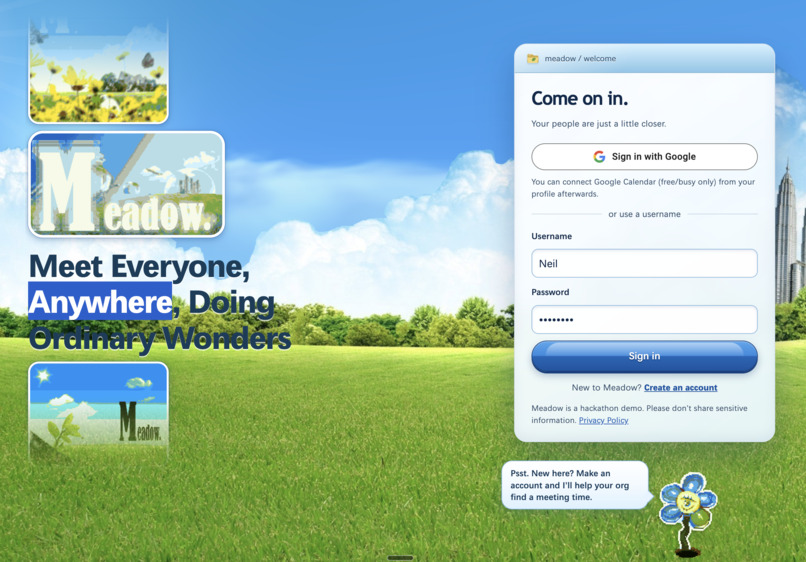
Login page
-
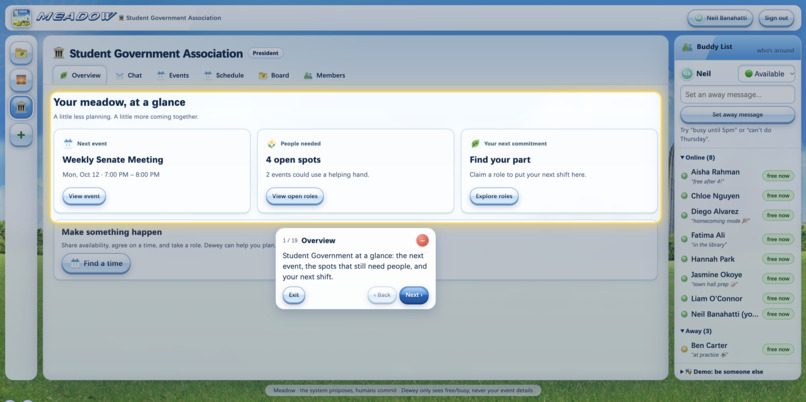
Demo
-
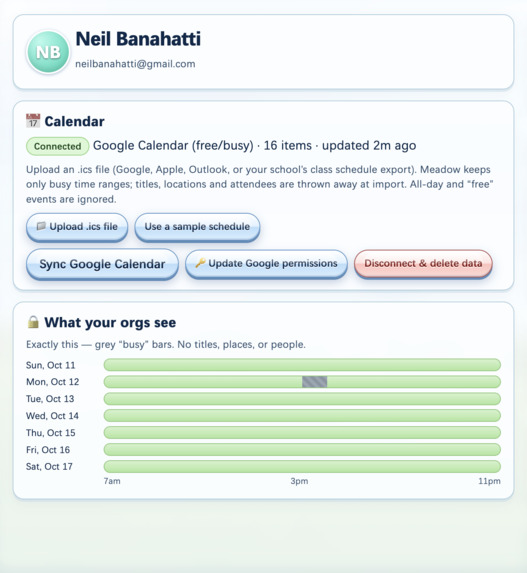
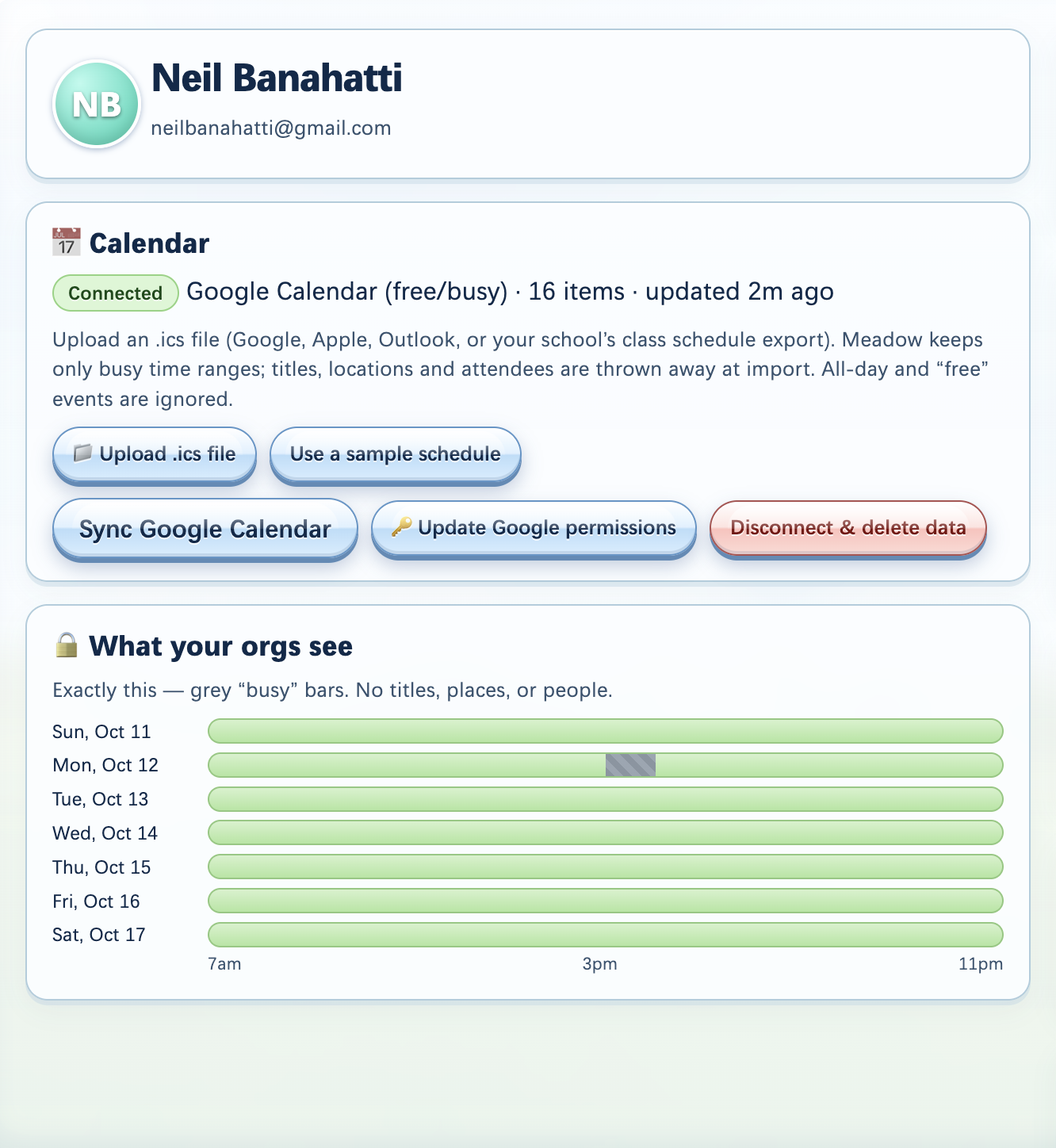
ex. of google calendar sync in profile tab
Inspiration
You finally got that leadership opportunity in a student org on campus. But why did that come with the responsibility of chasing people down in a group chat?
As a part of COGO (community government) at UNC, I experienced the struggle of turning an event idea into a workable plan for impact. Last Friday, we had to plan a service event with our Sustainability Officer, which meant finding a time between classes, coordinating supplies, figuring out who could handle setup and cleanup, location, etc. People wanted to help, but their availability and commitments were scattered across countless messages. Every unanswered question became another person we had to follow up with. We realized that student organizations already had a place to talk. What they needed was a way to turn “we should do this” into “we’re ready.” This led to the creation of Meadow, a shared space where student organizations turn scattered availability into a clear plan, with a time, a place, and people who know their part. The Y2K theme gave us a fitting way to bring that idea to life. We combined Frutiger Aero’s bright skies, bubbles, and glossy windows with the buddy lists and away messages of early instant messaging. It helped us answer the question of what that era had that we've lost since.
Connection.
We wanted to build something that revolved around the idea of bringing people together, but also solving a specific problem for the organizations in our own UNC community. We hope this could be adapted for any group of students trying to make plans with only a little zooming out and tweaking.
What it does
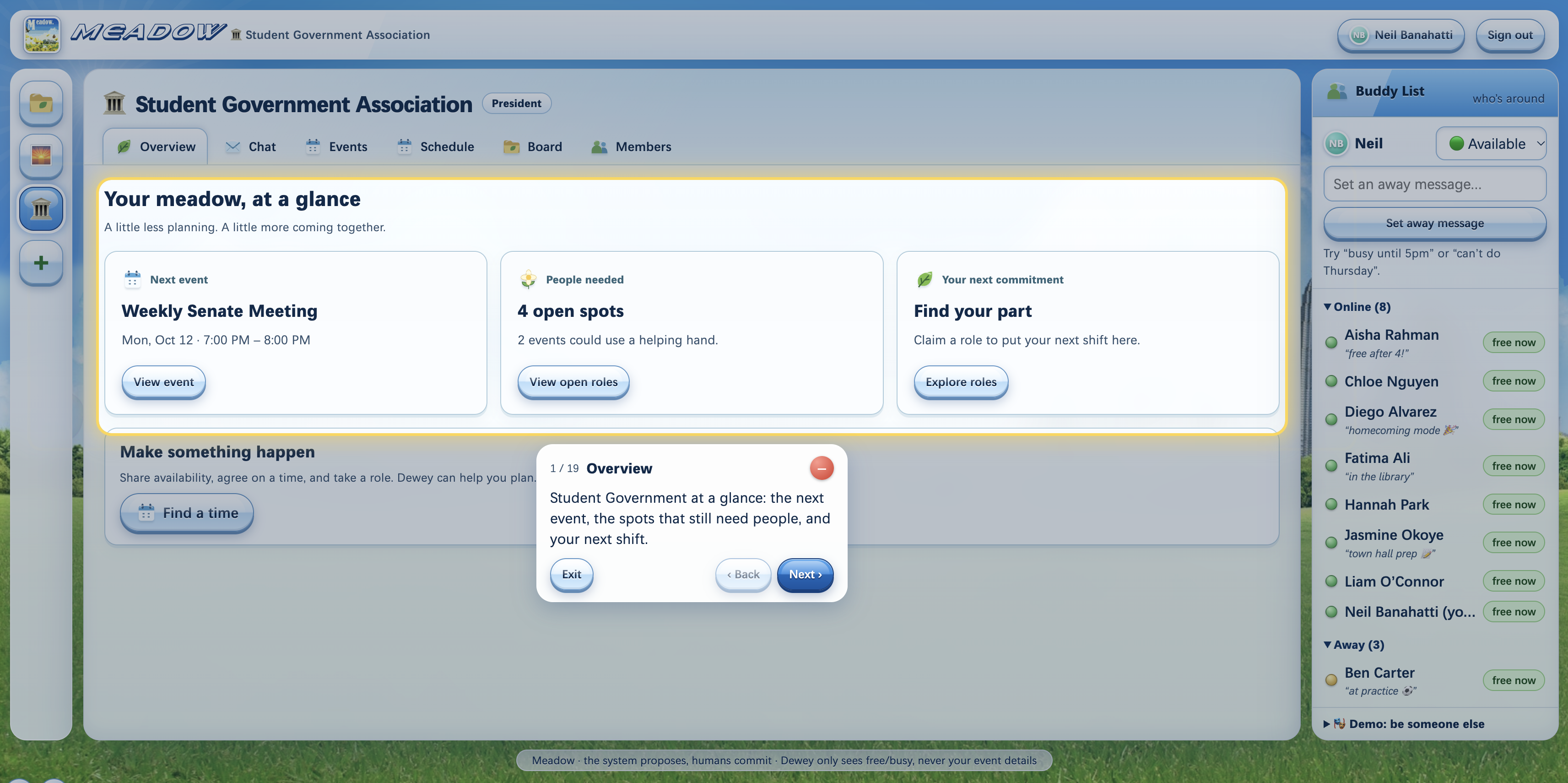
Meadow helps student orgs plan events without the chaos.
- Share your availability. Connect Google Calendar or upload an .ics file. Meadow only sees when you're busy, never what you're doing.
- Find a time. Ask Dewey, our assistant, in plain English, and Meadow ranks the best times with a quick explanation of why each one works.
- Claim a role. Events list jobs like setup and tabling. Members claim them, and the event confirms itself once every required role has an owner.
- Plans change? Send a flare. If someone drops, anyone free can grab the spot in one click.
- Stay in the loop. Dewey texts reminders over iMessage, and RSVPs flow back into the app.
- Pass it on. Guestbook notes and an auto-generated officer handoff mean next year's team doesn't start from scratch.
All wrapped in a Y2K / Frutiger Aero look, complete with a buddy list, away messages, and Eyey, our pixel-art flower.
How we built it
The backend is Flask and the frontend is vanilla JavaScript with no framework, since most of us were beginners and wanted to understand exactly how data moved through the app. The scheduler is deterministic: it checks every 30-minute slot in the requested window, skips any slot where an officer is busy, and scores the rest based on how many members are free, whether every required role can be covered, whether the time falls within preferred hours, and whether people have buffer time around the event. Gemini is only used to converse plain-English requests into constraints and to draft messages, with a rule-based fallback if the API is unavailable. For storage we used Tiger Data, since most of what an org generates (messages, check-ins, availability) is time-series data. We store those in TimescaleDB hypertables and use pgvector for searching org memory in the same Postgres database. The app is hosted on an AWS EC2 instance with nginx and gunicorn at m34dow.tech. We also built an iMessage bridge with Photon’s Spectrum SDK so Dewey can text members reminders and read their RSVP replies, which means people who don’t open the app regularly can still be reached.
Challenges we ran into
Challenges we faced: Implementing imessages and photon setting up the .tech domain issue with two users interacting with the page at once and concurrent writes design for oAuth (originally wanted to include microsoft but their process is a little harder and requires a credit card) Adding auth late required the rest of our systems to be rebuilt
What we learned
- How OAuth 2.0 actually works under the hood
- How to model data as time-series and why hypertables, continuous aggregates, and compression matter once data piles up.
- How hybrid search works, and how to combine keyword and vector rankings.
- That a clear guiding principle ("the system proposes, humans commit") makes dozens of small design decisions easy.
- How to do a systems design with so many variable components while visualizing the overall REST-API
What's next for Meadow
- Server-side authorization. Right now, the browser enforces business rules. Moving permissions to the server is the first step before real orgs use Meadow.
- Smarter scheduling. Feed the continuous aggregates' preferred-hours signal directly into the scheduler.
- Beyond student orgs. Generalize Meadow to any friend group trying to make plans, which is what we were aiming for from the start. This is partly how our idea formed.
- GroupMe plugin (currently incomplete)
- Handling multiple concurrent users
Built With
- amazon-ec2
- dotenv
- flask
- gemini
- gunicorn
- javascript
- nginx
- python

Log in or sign up for Devpost to join the conversation.