-
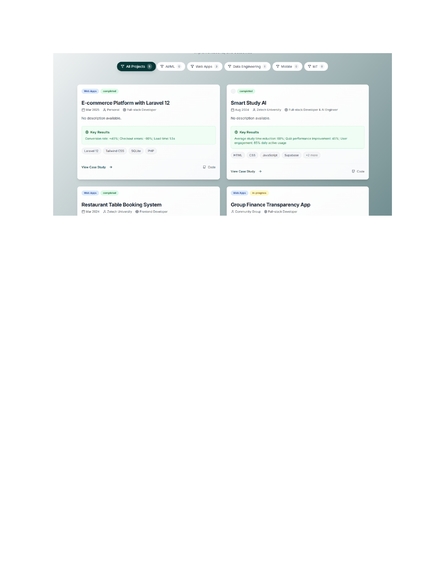
portfolio pages
-
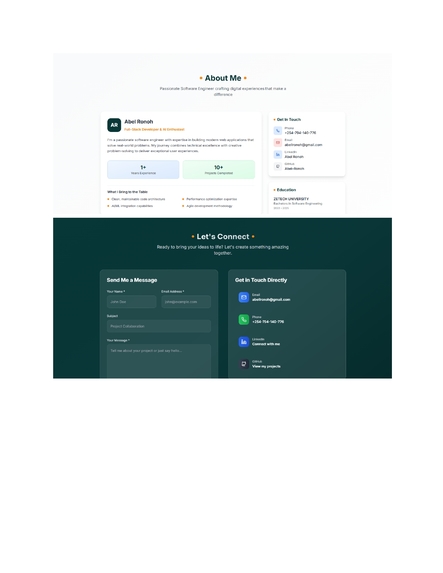
portfolio pages
-
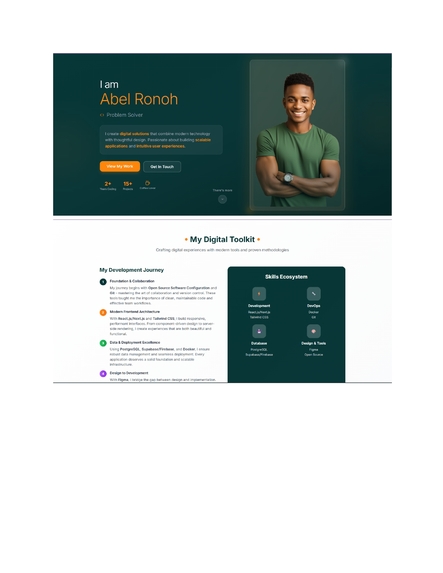
portfolio pages
-
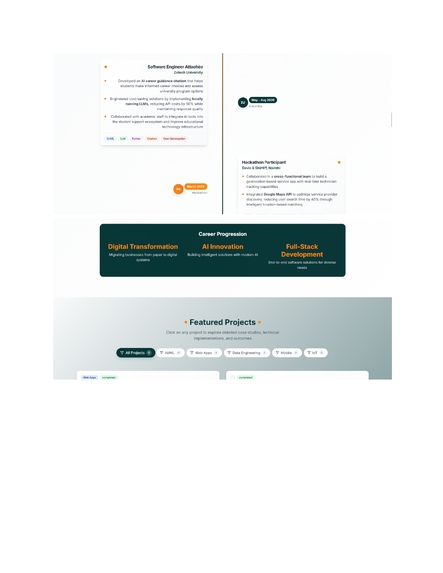
portfolio pages
-
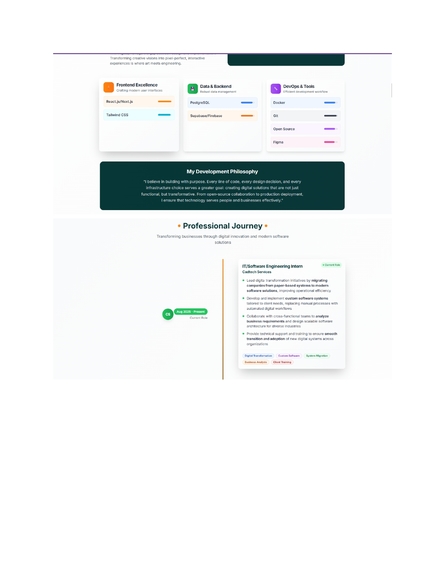
portfolio pages
-
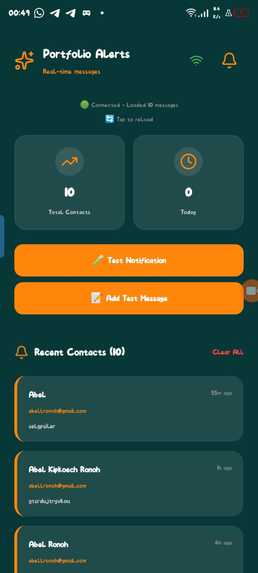
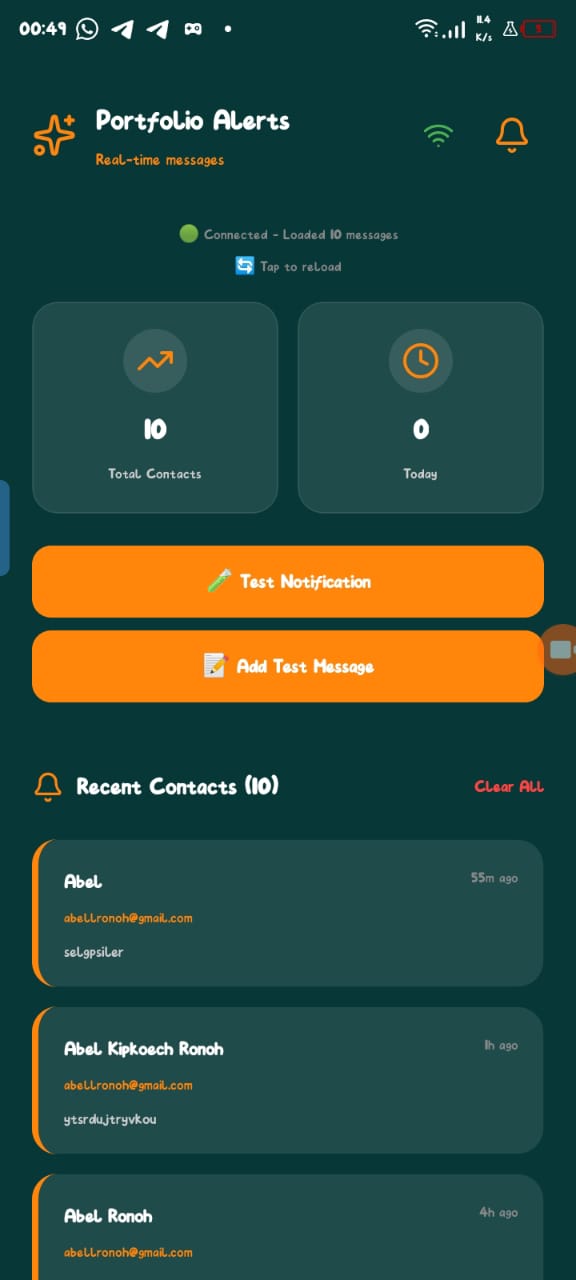
mobile app that notifies me if i am contacted
-
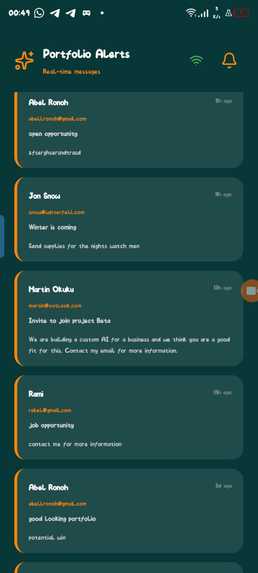
mobile app that notifies me if i am contacted
-
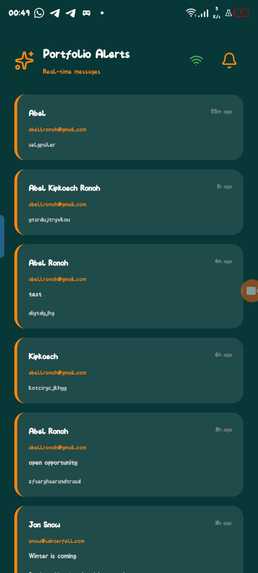
mobile app that notifies me if i am contacted
Inspiration
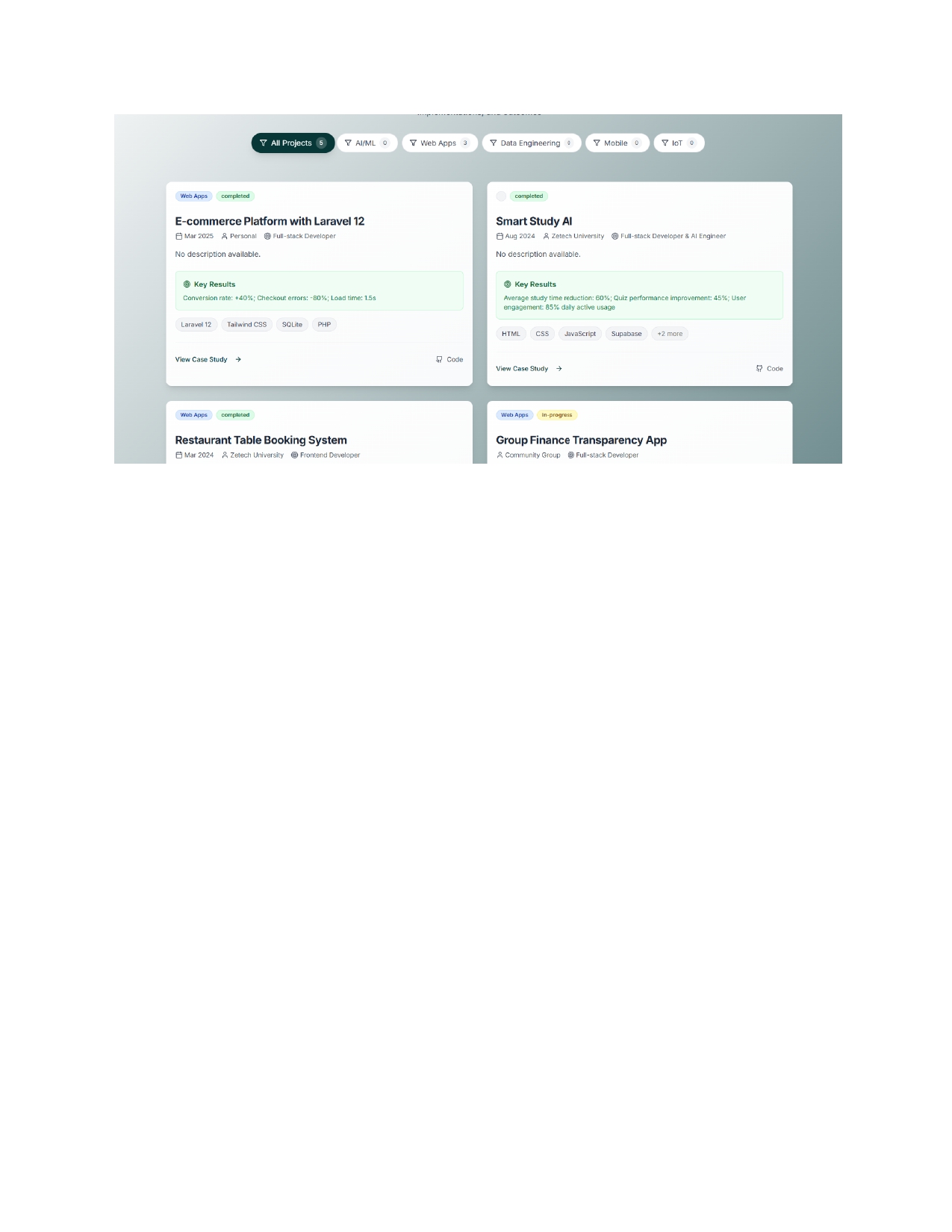
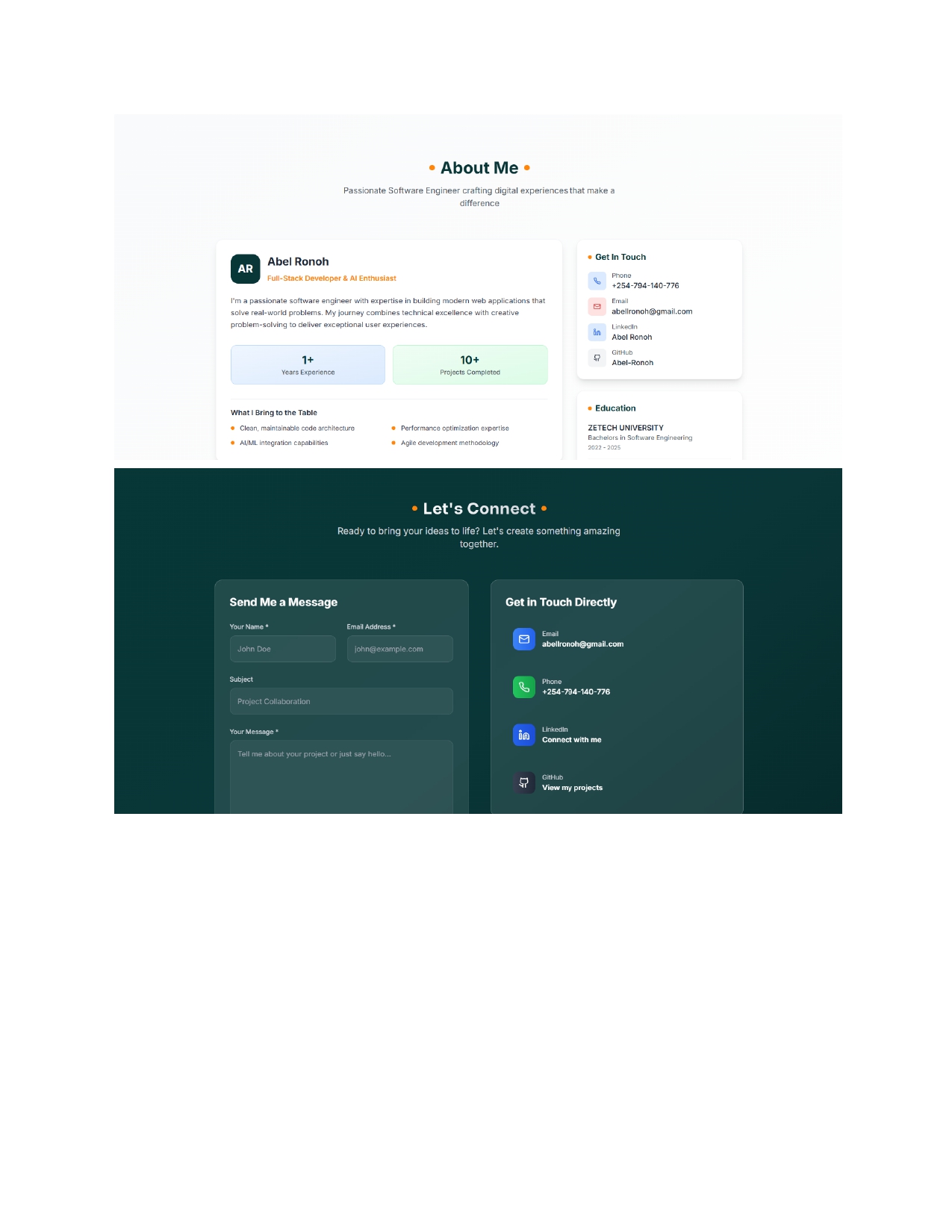
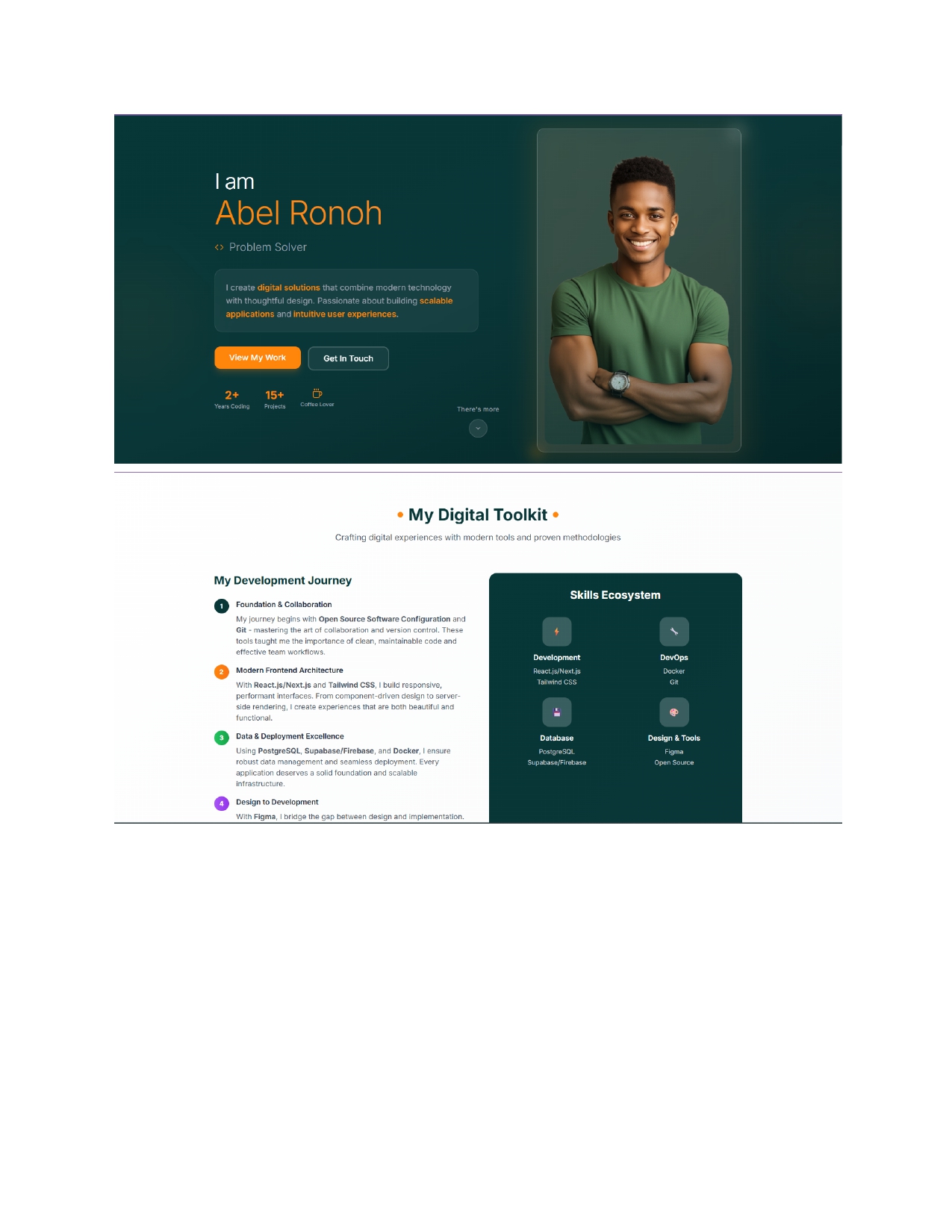
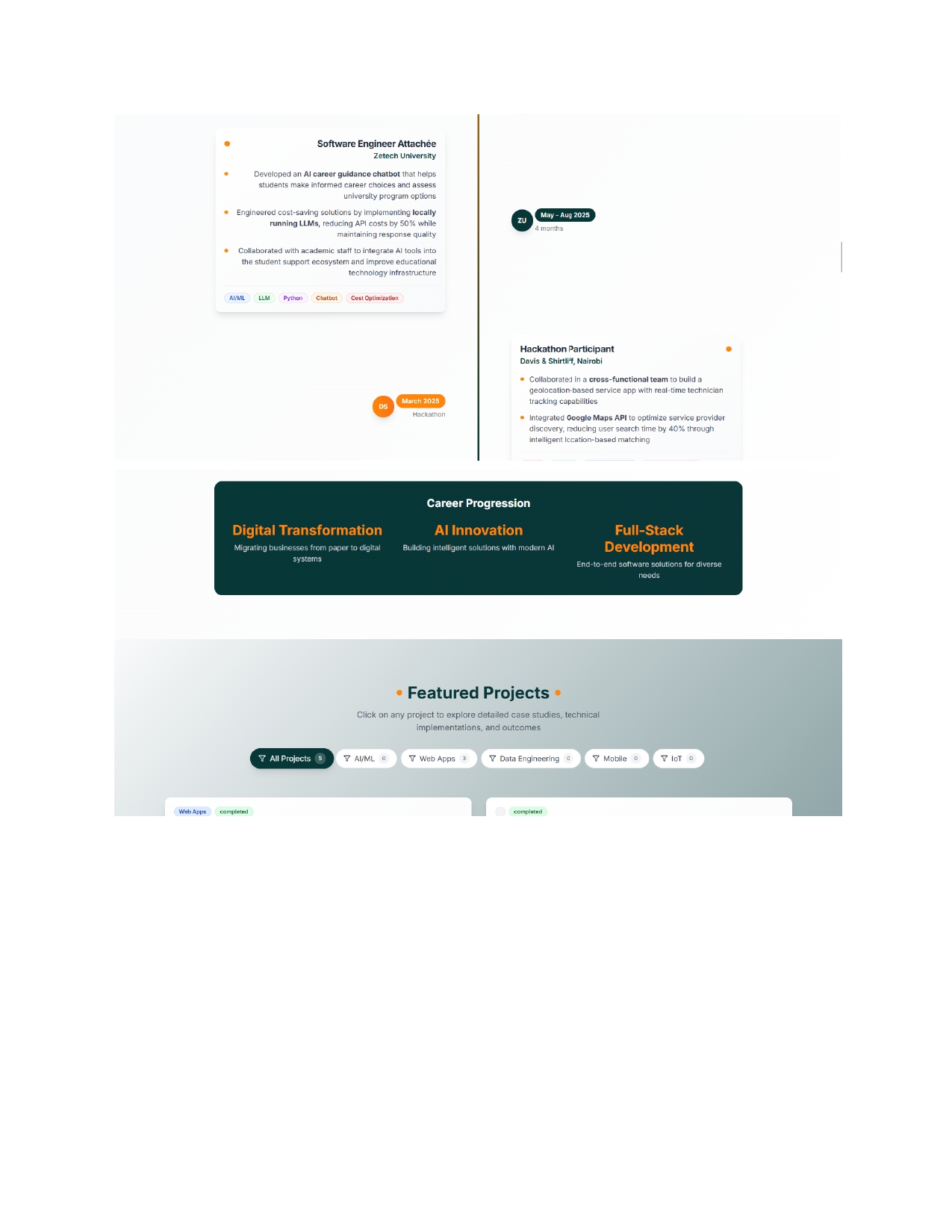
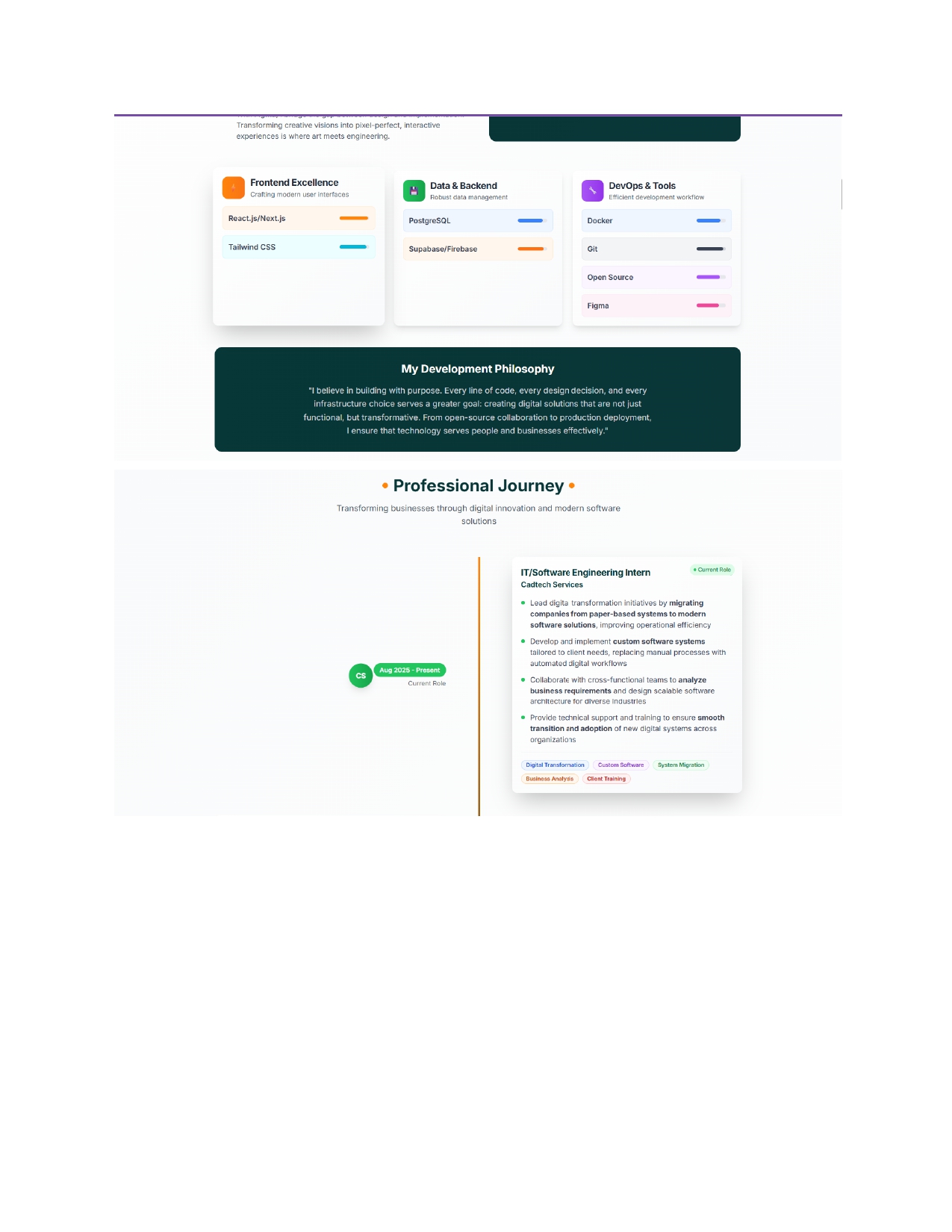
I wanted to create a portfolio that felt alive not just a static website, but a system that grows with me. Most developer portfolios require manual updates, frequent redeploys, and lack real interaction. I wanted to change that. I envisioned a portfolio that updates itself, connects instantly with visitors, and represents me as both a developer and a person.
What it does
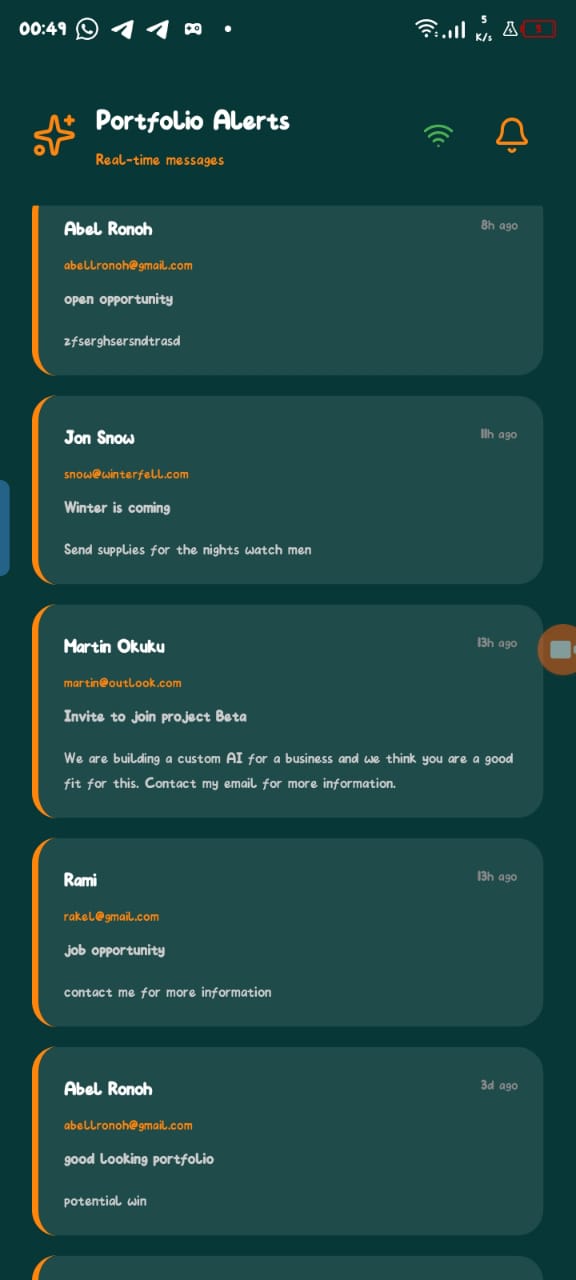
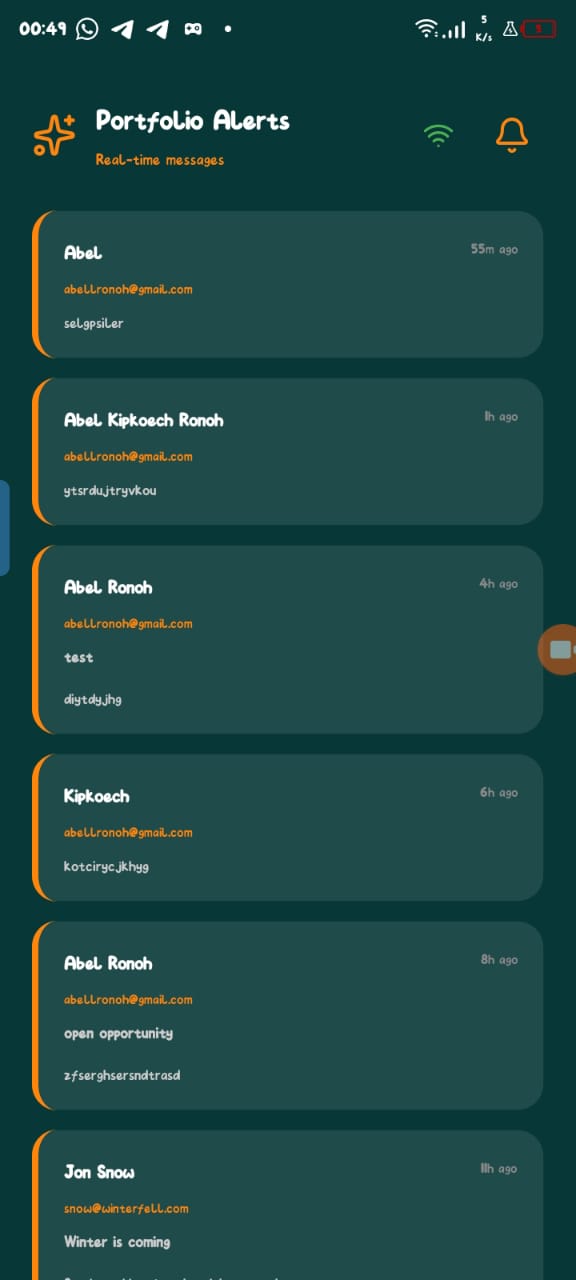
The Next.js portfolio dynamically updates from a Google Sheet, keeping content fresh without redeploying. When a recruiter submits a contact form, the React Native (Expo) mobile app instantly sends a notification to my phone. This creates a seamless loop, recruiters get a responsive experience, and I stay instantly informed of every interaction. In short, it’s a living portfolio that evolves, communicates, and connects.
How we built it
I used Next.js to build the web portfolio and React Native (Expo) to create a mobile app that receives instant contact alerts from recruiters. Together, they form a connected ecosystem showcasing technical creativity and usability.
Challenges we ran into
One major challenge was bundling the React Native app into an APK. Solving it deepened my understanding of mobile deployment workflows and cross-platform integration.
Accomplishments that we're proud of
Successfully connected a Next.js portfolio with a React Native (Expo) app for real-time recruiter notifications. Created a seamless bridge between developer experience and user experience, ensuring both performance and usability. Automated portfolio updates using Google Sheets, eliminating manual edits. Overcame deployment hurdles to bundle the mobile app into an APK, achieving full cross-platform functionality. Delivered a living, interactive portfolio that evolves as I do, a true reflection of continuous learning and innovation.
What we learned
I learned the balance between developer experience (DX) and user experience (UX), how clean design and seamless automation enhance both ends.
What's next for me portfolio
Analytics Dashboard: Track visitor interactions, clicks, and engagement to optimize content and UX.
Enhanced Automation: Allow automated project tagging, screenshots, and media updates directly from Google Sheets. Collaboration & Networking: Add features to connect with peers and mentors, making the portfolio a hub for professional networking. Performance & Accessibility Upgrades: Further optimize load times, animations, and accessibility to meet WCAG standards.
Built With
- firebase
- nextjs
- react-native
- tailwind


Log in or sign up for Devpost to join the conversation.