-
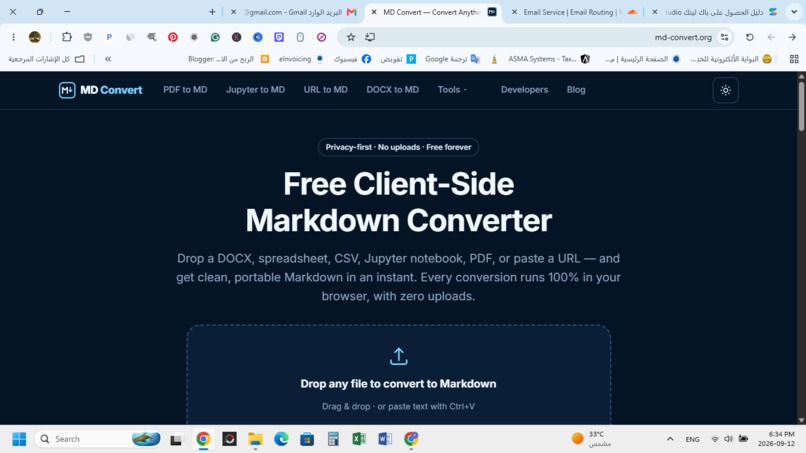
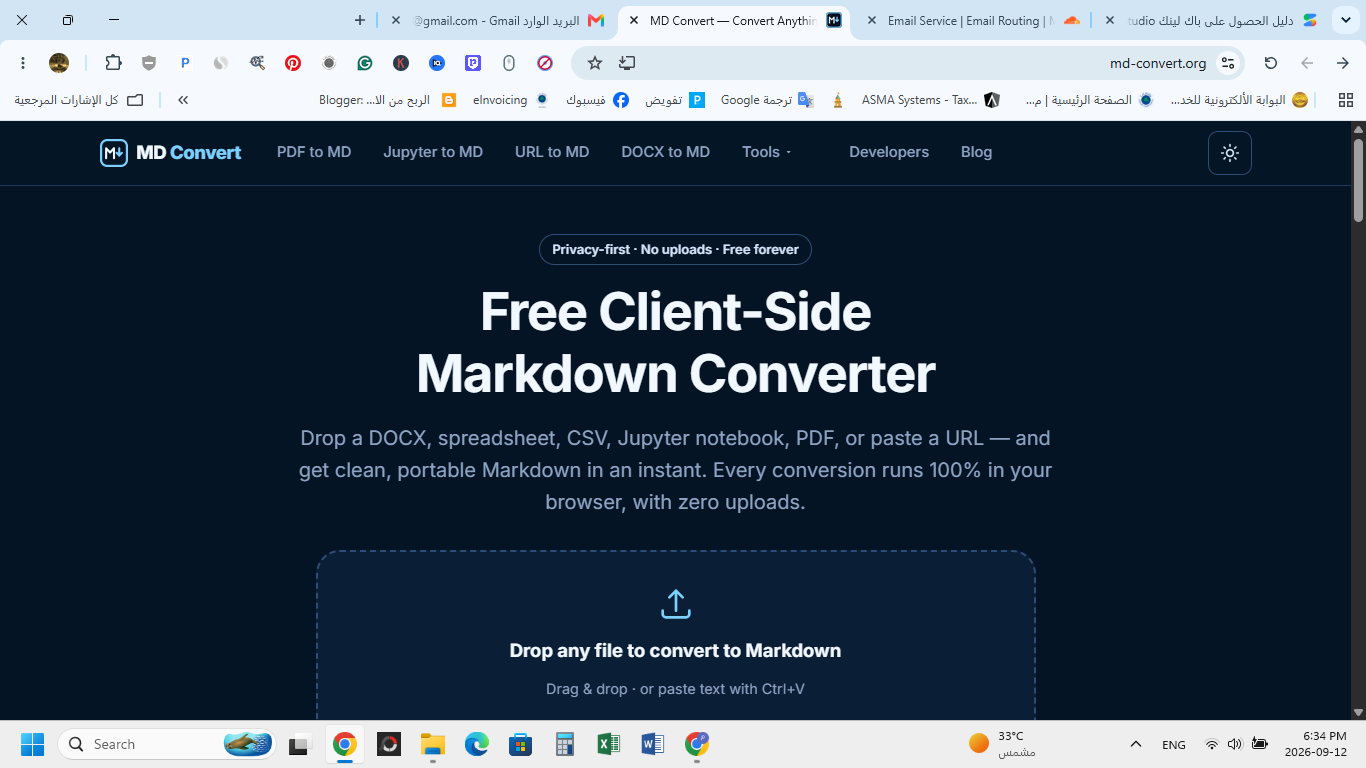
MD Convert homepage for converting 16 document formats into clean Markdown directly in your browser with zero uploads.
-
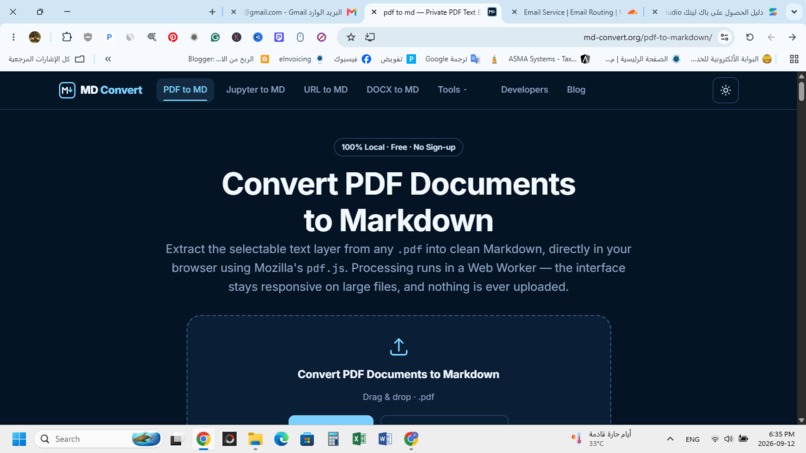
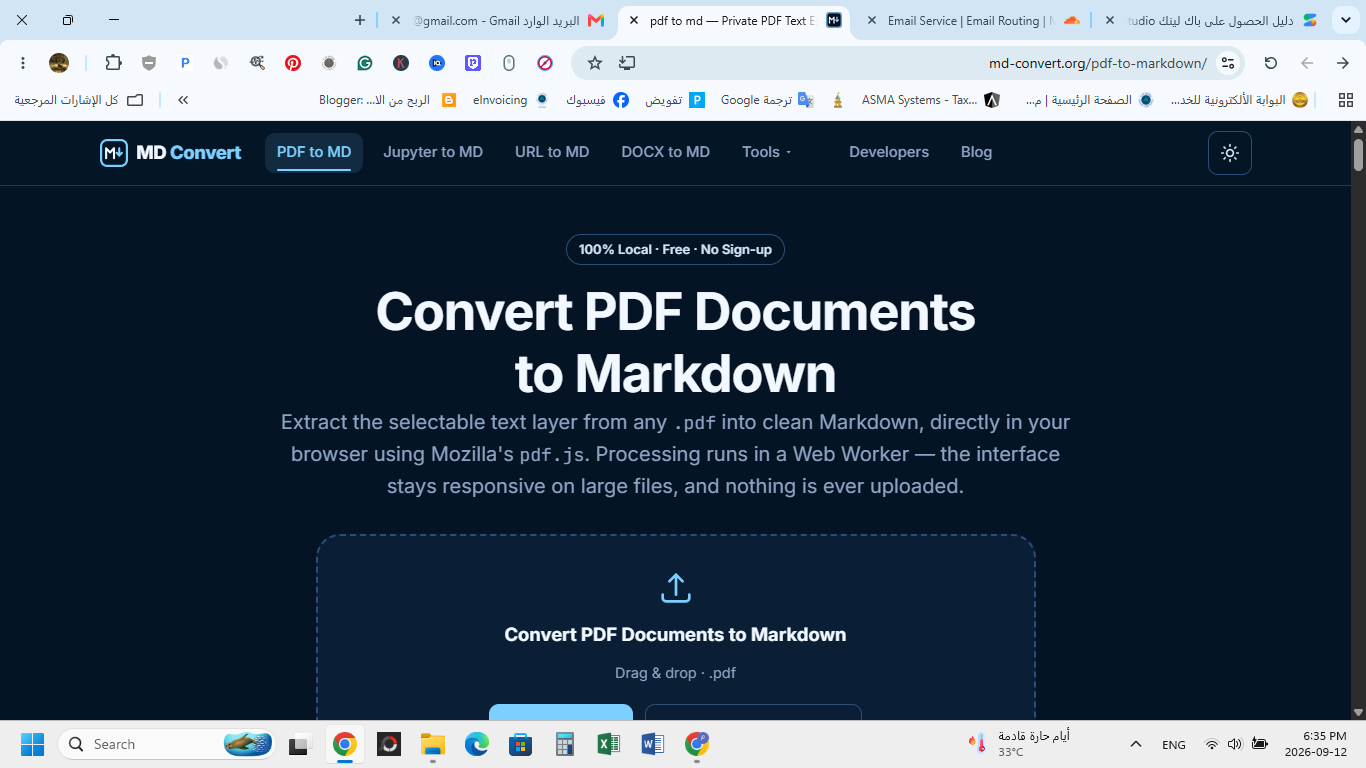
Fast client-side PDF to Markdown converter using PDF.js. Extracts text layers locally in Web Workers with full data privacy.
-
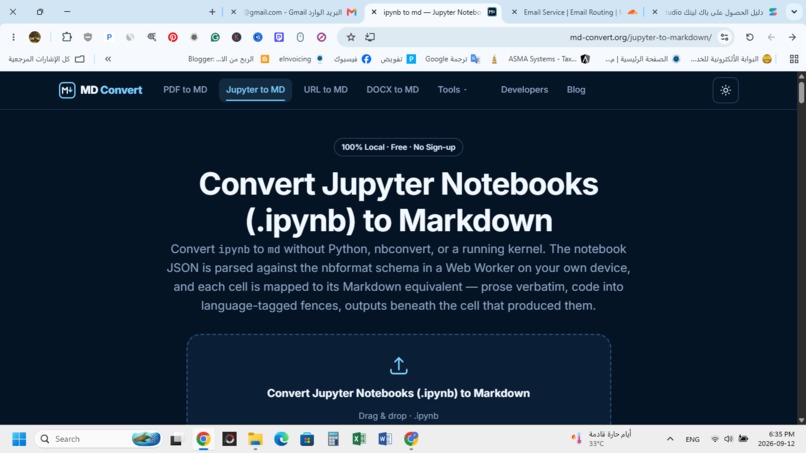
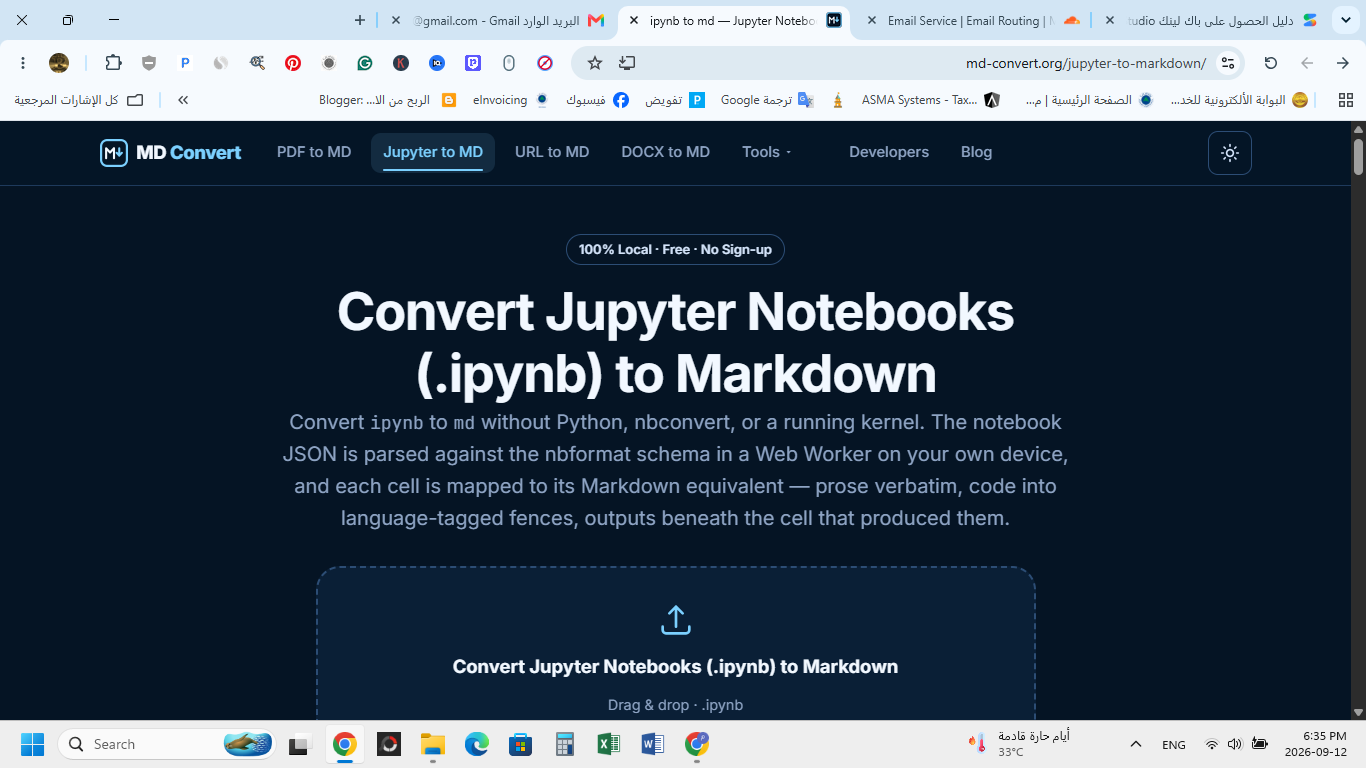
Convert Jupyter Notebooks (.ipynb) to Markdown in browser without Python or kernels, parsing JSON code and prose cells locally.
Inspiration
Working with Markdown is essential for modern technical writing, note-taking in Obsidian/Notion, and documentation. However, most online converters require uploading sensitive files to cloud servers or suffer from slow processing. We wanted to build a completely private, blazingly fast converter that runs 100% inside the user's browser.
What it does
MD Convert is an all-in-one web utility that converts 16 different file formats into clean, structured Markdown (.md).
- Supported Formats: HTML, DOCX, Excel (XLSX), CSV, TSV, Web URLs, Evernote exports (.enex), XML, YAML, Jupyter Notebooks (.ipynb), and PDFs.
- 100% Data Privacy: Files are processed entirely on your local machine using the browser's FileReader API and Web Workers. No content is ever sent over the internet.
- Offline Capability: Once loaded, MD Convert works seamlessly without an internet connection.
How we built it
The application is built using vanilla web technologies optimized for client-side execution:
- Turndown: For parsing and cleaning HTML into Markdown.
- Mammoth.js: For converting Microsoft Word (.docx) documents.
- SheetJS: For extracting structured tabular data from Excel and CSV/TSV spreadsheets.
- PDF.js: For streaming PDF page data and parsing text layout.
- Web Workers: To handle memory-intensive file conversions in background threads without freezing the browser UI.
Try it out
You can use the tool right now completely free without creating an account: 👉 https://md-convert.org/
Built With
- file-converter
- html5
- javascript
- markdown
- pdf-js
- sheetjs
- turndown
- web-workers

Log in or sign up for Devpost to join the conversation.