-
-
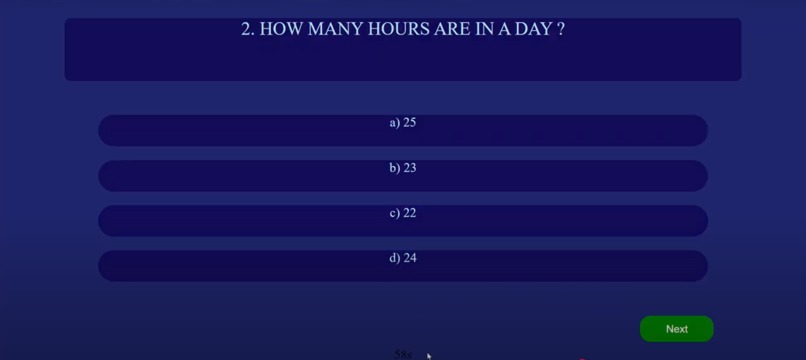
mcq
-
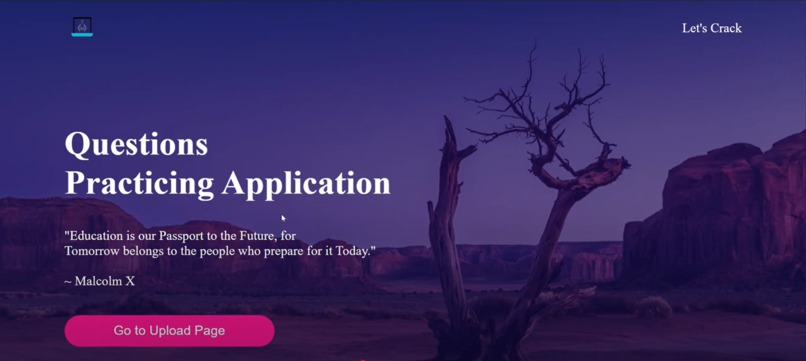
home page
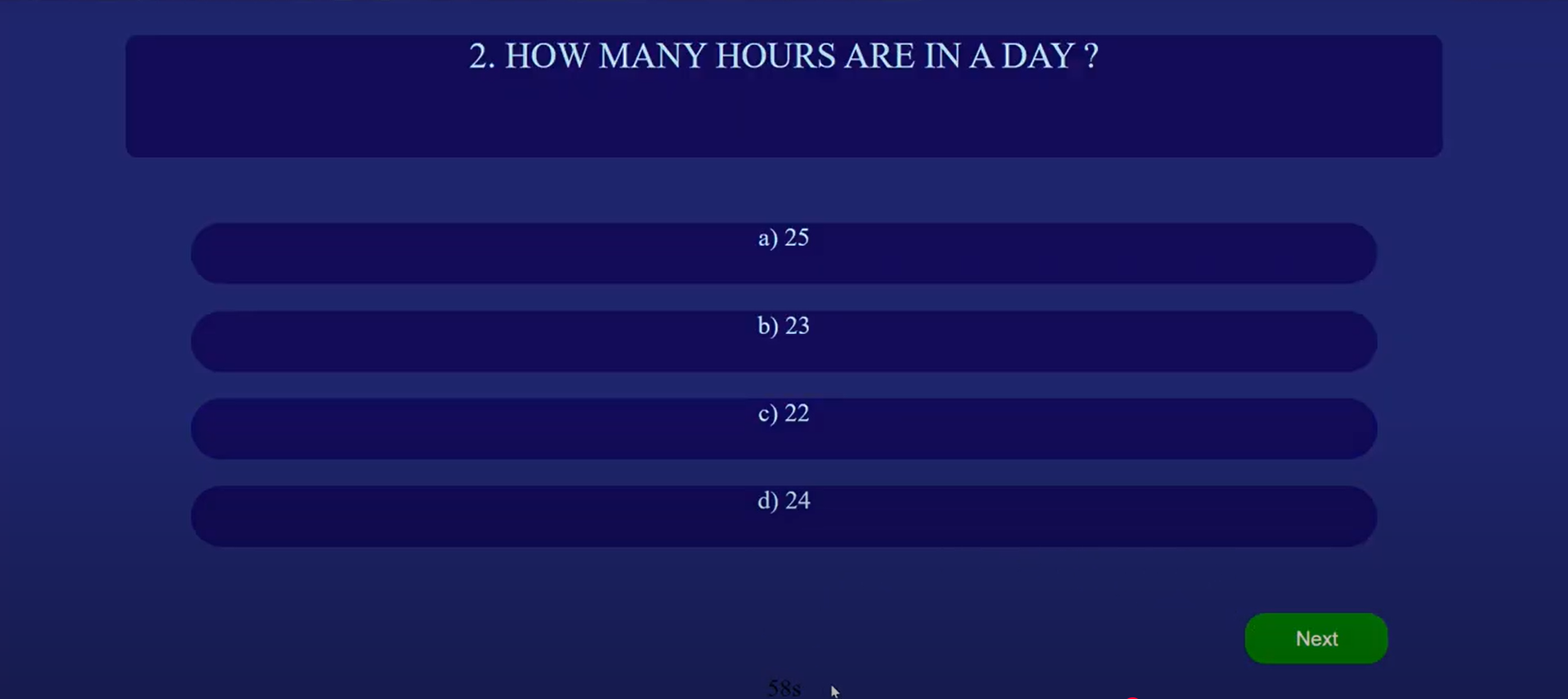

PDF to MCQ Test Converter
Project Overview
The PDF to MCQ Test Converter is a tool designed to help students practice by automatically generating multiple-choice questions (MCQs) from PDFs. This project extracts key content from educational materials, converts them into structured MCQs, and provides an interactive test format for students.
Key Features
- PDF Parsing – Extracts text from uploaded PDF documents.
- Automated MCQ Generation – Uses NLP techniques to create questions from extracted text.
- Customizable Question Sets – Allows users to modify or add their own questions.
- Export & Save Options – Saves generated MCQs in a structured format (PDF, CSV, or JSON).
- User-Friendly Interface – Simple and intuitive UI for easy test creation.
Tech Stack
- Backend: Python (using libraries like PyMuPDF, PDFMiner, or Textract for PDF processing).
- MCQ Generation: NLP techniques with SpaCy, NLTK, or OpenAI API.
- Frontend: React.js or a web-based UI for easy interaction.
- Storage: MySQL / Firebase for storing MCQs and user data.
How It Works
- Upload PDF → User uploads a study material PDF.
- Extract Content → The tool extracts key topics and sentences.
- Generate MCQs → The system generates multiple-choice questions.
- Review & Edit → Users can review, edit, or add questions.
- Download & Practice → Export MCQs or take a quiz directly.
Example MCQ Output
{
  "question": "What is the capital of France?",
  "options": ["Berlin", "Madrid", "Paris", "Rome"],
  "answer": "Paris"
}

Log in or sign up for Devpost to join the conversation.