-
-
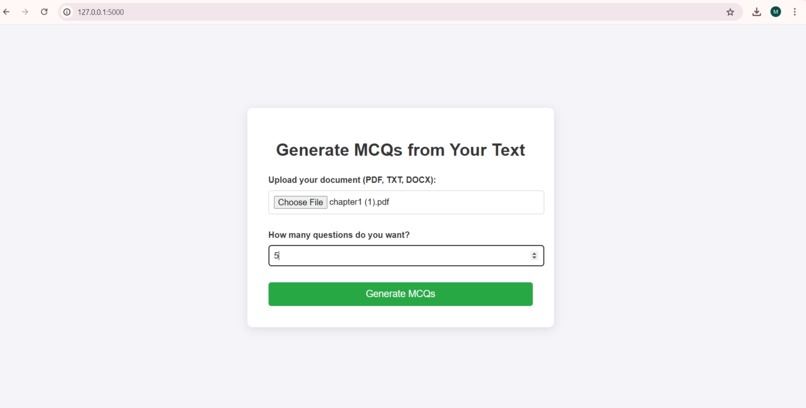
Option to upload a file and give number of questions to generate and click generate mcq's button to generate questions.
-
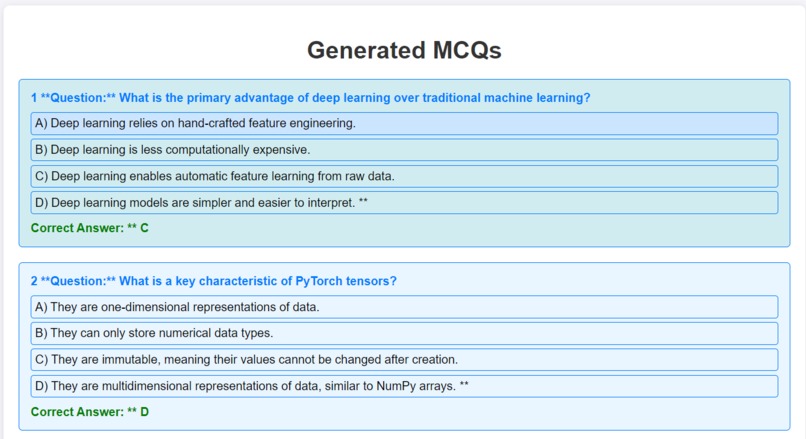
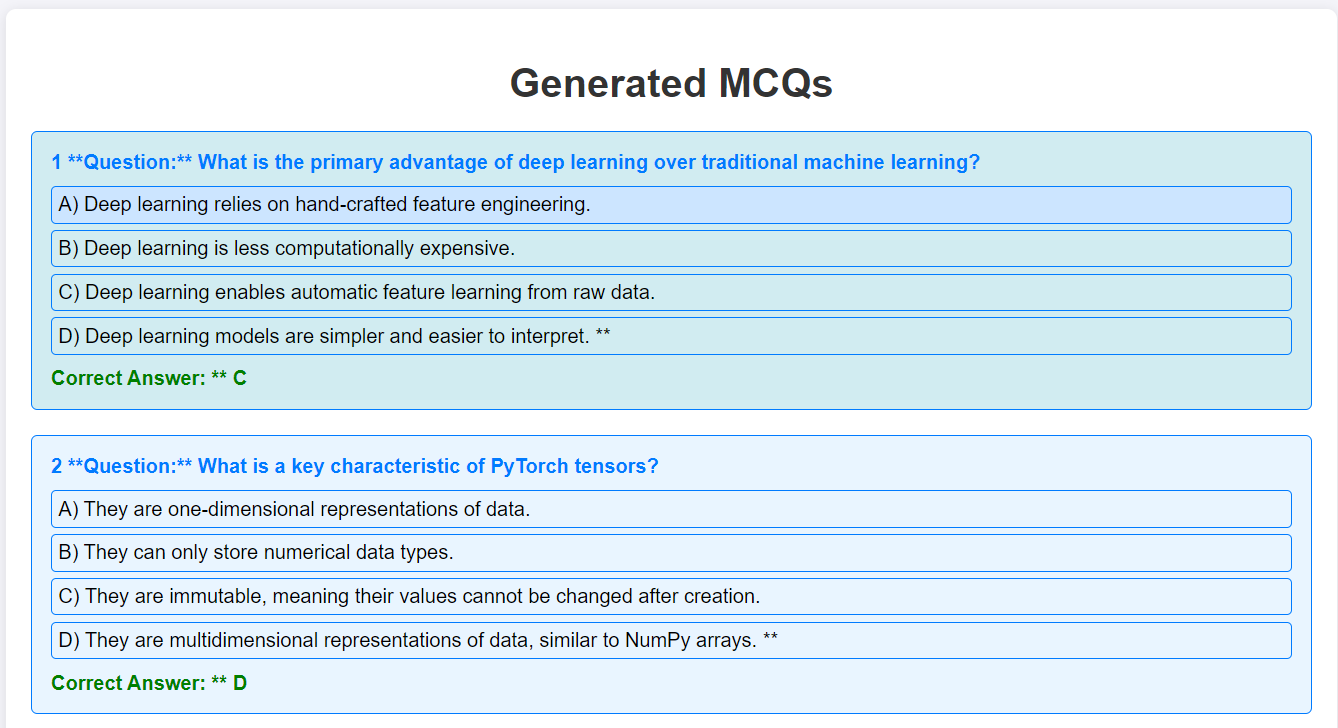
After clicking that button the questions are generated.
-

We can download the generated questions in the form of pdf or text document.


Inspiration
We were inspired by the need for teachers to efficiently create multiple choice questions for quiz that enhance learning. Traditional methods of creating multiple-choice questions are often time-consuming and very hard. We aimed to streamline this process, making it easier for educators to focus on teaching rather than spending excessive time on quiz preparation.
What it does
The MCQ Generator is a web-based application that allows users to upload documents (PDF, TXT, DOCX) and generate multiple-choice questions based on the text within those documents. Users specify the number of questions they want, and the system extracts text from the uploaded file, processes it through an AI model, and produces well-structured MCQs. The generated questions are then available for download in both text and PDF formats, making it easy for users to utilize them for quizzes, tests, or study materials.
How we built it
We built the MCQ Generator using the Flask web framework in Python. The application utilizes various libraries, including: pdfplumber: for extracting text from PDF files. python-docx: for reading DOCX files. fpdf : for creating PDF documents. google.generativeai :for leveraging AI capabilities to generate questions based on the extracted text. The workflow involves setting up the Flask application to handle file uploads, extracting text from the uploaded documents, generating MCQs with AI, and providing the results in downloadable formats.
Challenges we ran into
During the development of the MCQ Generator, we encountered several challenges, including: 1.Text Extraction Accuracy: Ensuring accurate text extraction from various document formats was challenging, particularly with PDFs that had complex layouts. 2.User Interface Design: Creating an intuitive and responsive user interface that provides a smooth experience for users when uploading files and receiving results.
Accomplishments that we're proud of
1.Successfully developing a fully functional web application that seamlessly integrates text extraction and AI-powered MCQ generation. 2.Achieving high accuracy in generating relevant MCQs that meet user specifications. 3.Creating a user-friendly interface that simplifies the process for educators and students to generate assessments from existing materials.
What we learned
Testing AI Content: We realized how important it is to thoroughly test and check AI-generated questions. This helps make sure the questions are useful and meet educational standards. User Experience Design: We discovered that having a clean and easy-to-use interface makes it better for users. It helps them feel more engaged and satisfied when using the application. Handling File Uploads: We learned the best ways to manage file uploads and process data in a web app.
What's next for MCQ Generator
Looking ahead, we plan to enhance the MCQ Generator by: Question Categorization: We aim to add features that allow users to categorize questions by difficulty level, making it easier for educators to tailor quizzes to different learning stages. Incorporating Visuals: We will introduce the ability to include images or diagrams in the questions, providing a richer learning experience for users. Quiz Functionality: Users will soon be able to take quizzes directly through the MCQ Generator. We will implement a scoring system that allows users to receive scores and feedback, making it a valuable tool for both self-assessment and educational purposes. LMS Integrations: Finally, we will explore integrations with learning management systems (LMS) to provide educators with a more comprehensive tool for creating and managing assessments, enabling seamless tracking of student performance and progress.
Built With
- flask
- fpdf
- google-cloud
- googlegenerativeaiapi
- html/css
- javascript
- pdfplumber
- python
- python-docx
- werkzeug

Log in or sign up for Devpost to join the conversation.