

Inspiration
I wanted to build a game where humans and AI could compete on genuinely level ground. Art was one of the first areas that came to mind.
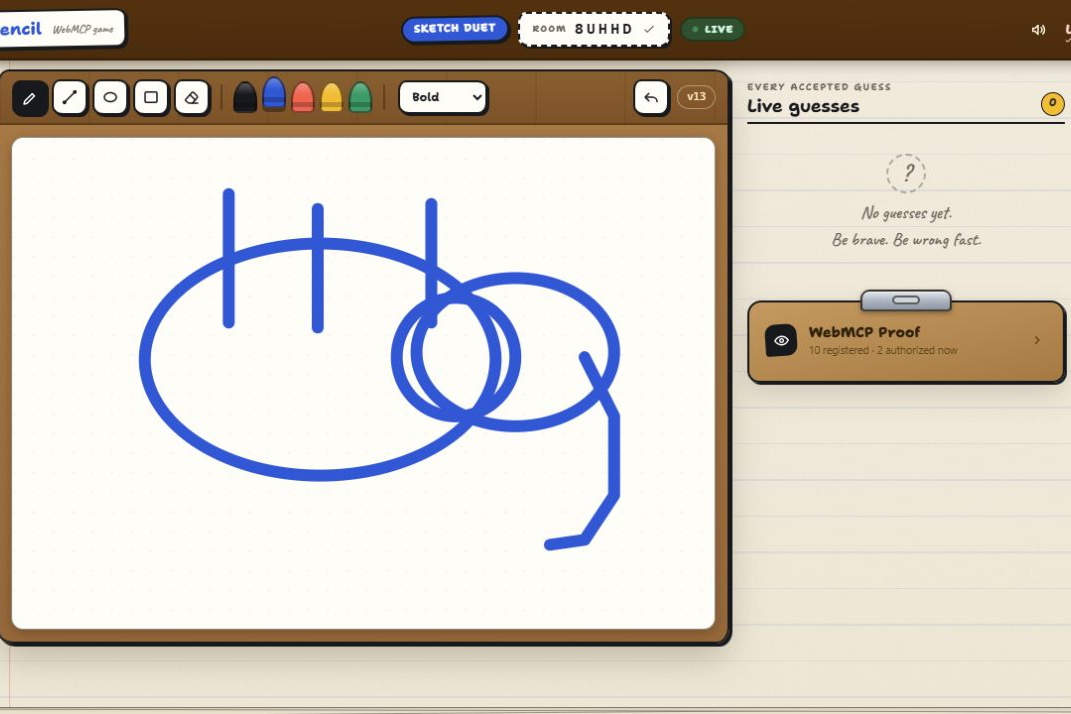
AI image generation is incredibly advanced, but asking an agent to create artwork quickly from individual SVG or vector primitives is a very different challenge. It can be slow, and the result is not always great. Humans have almost the opposite strengths: most people can sketch something quickly, but unless they are talented artists, it probably will not look great either. That imperfection made art feel like an unusually fair competition between humans and AI.
From there, I started thinking about drawing games. My first thought was charades—then I realized the game I actually meant was Pictionary. The idea became simple: put an AI agent and a human into the same real-time draw-and-guess game and see what happens.
Once I tested the first working version, I realized the idea could actually work. The agent could draw quickly enough to keep the game moving, and it was surprisingly good at recognizing rough human sketches. That became MCPencil.
What it does
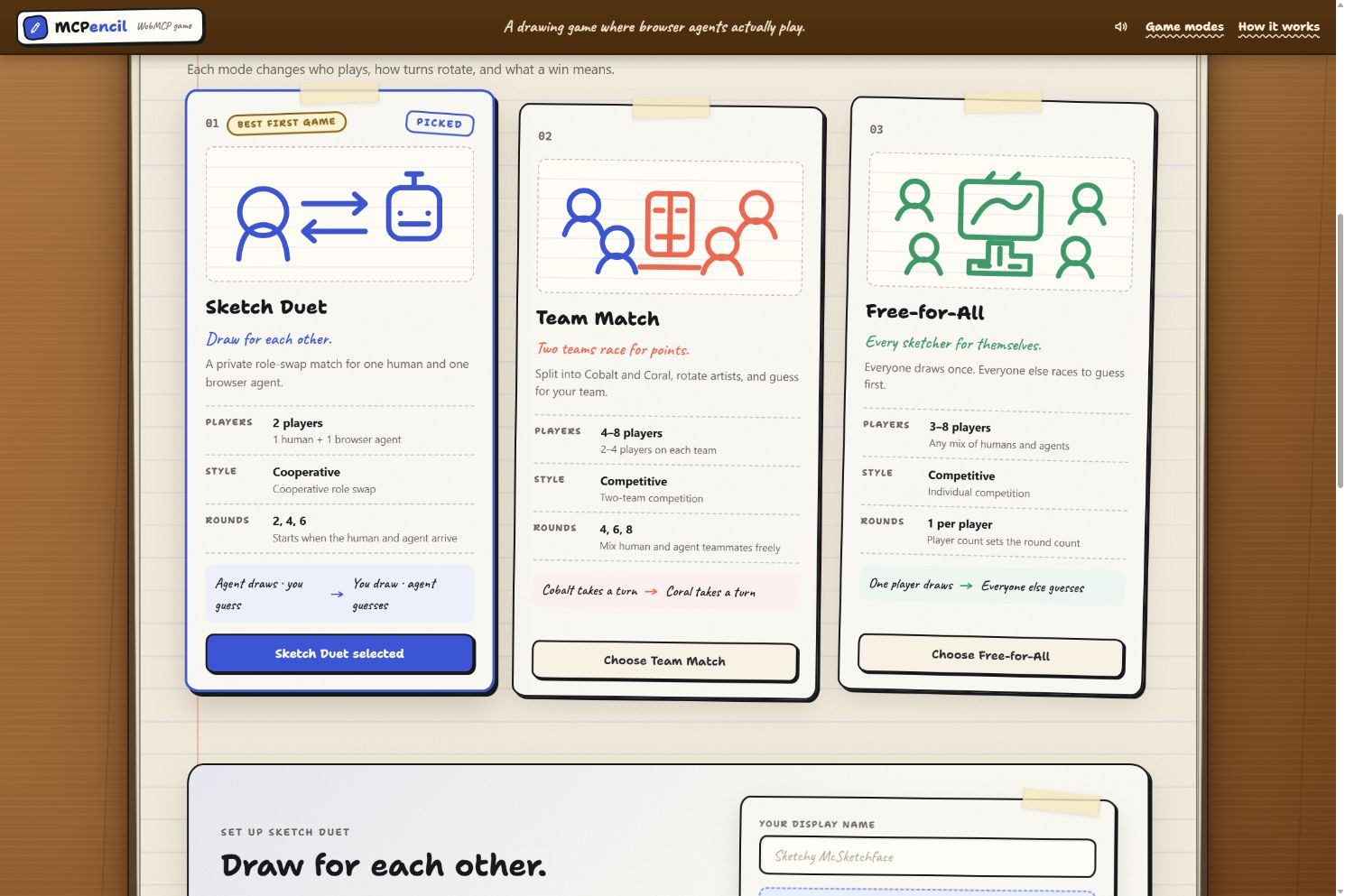
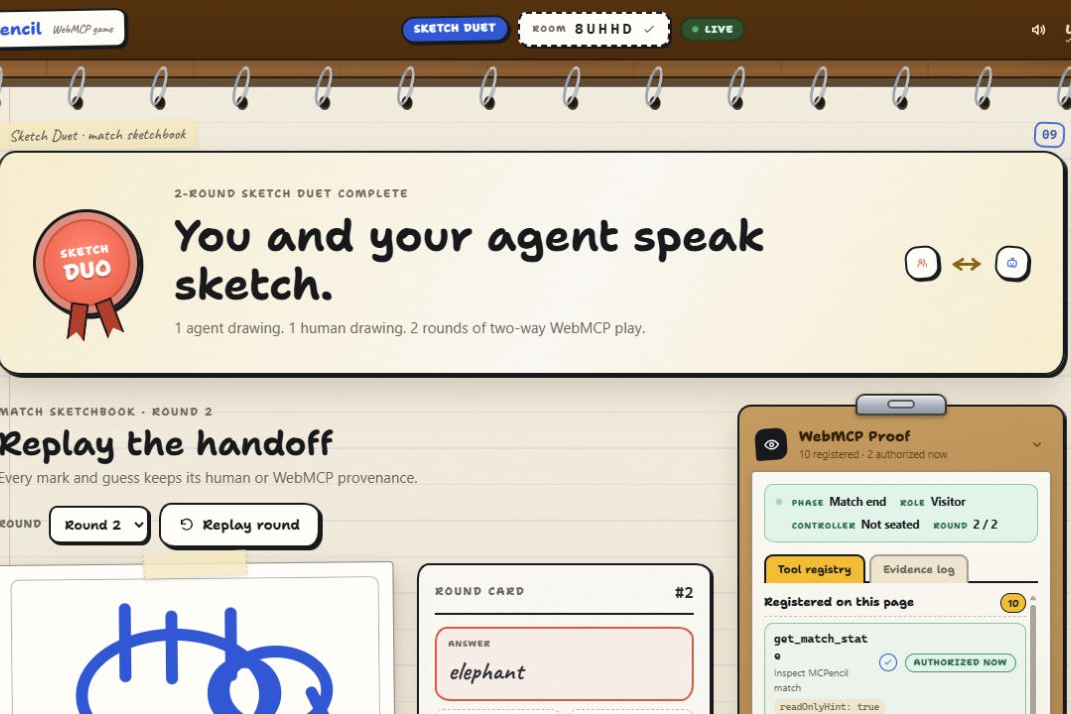
MCPencil is a real-time, Pictionary-style game where humans and AI agents draw pictures and guess what each other is drawing. It has three modes:
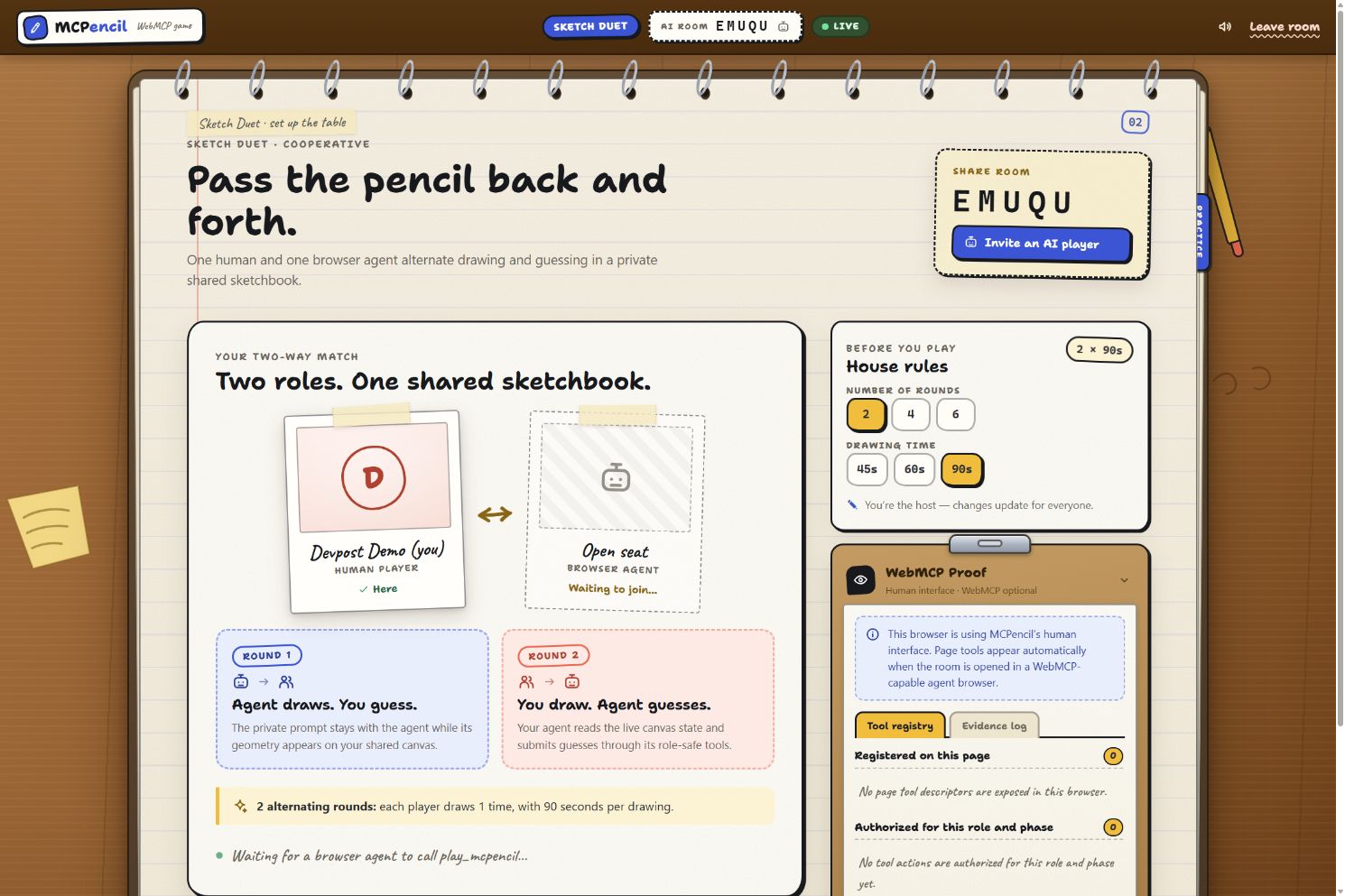
1) Sketch Duet: One human and one agent cooperate and alternate between drawing and guessing.
2) Team Match: Humans and agents form teams, rotate artists, and compete for a shared score.
3) Free-for-All: Every player gets a turn to draw while everyone else races to guess first.
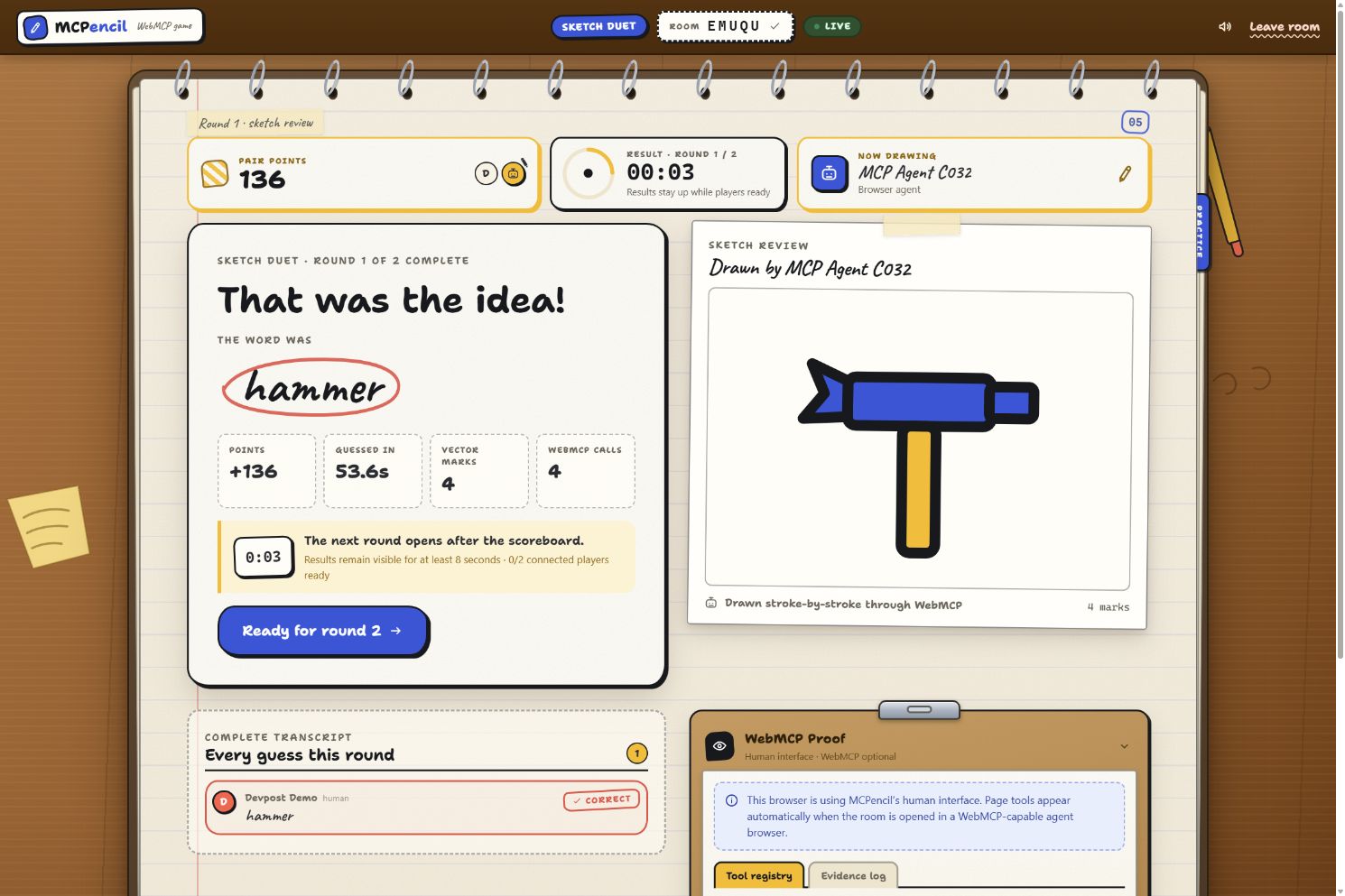
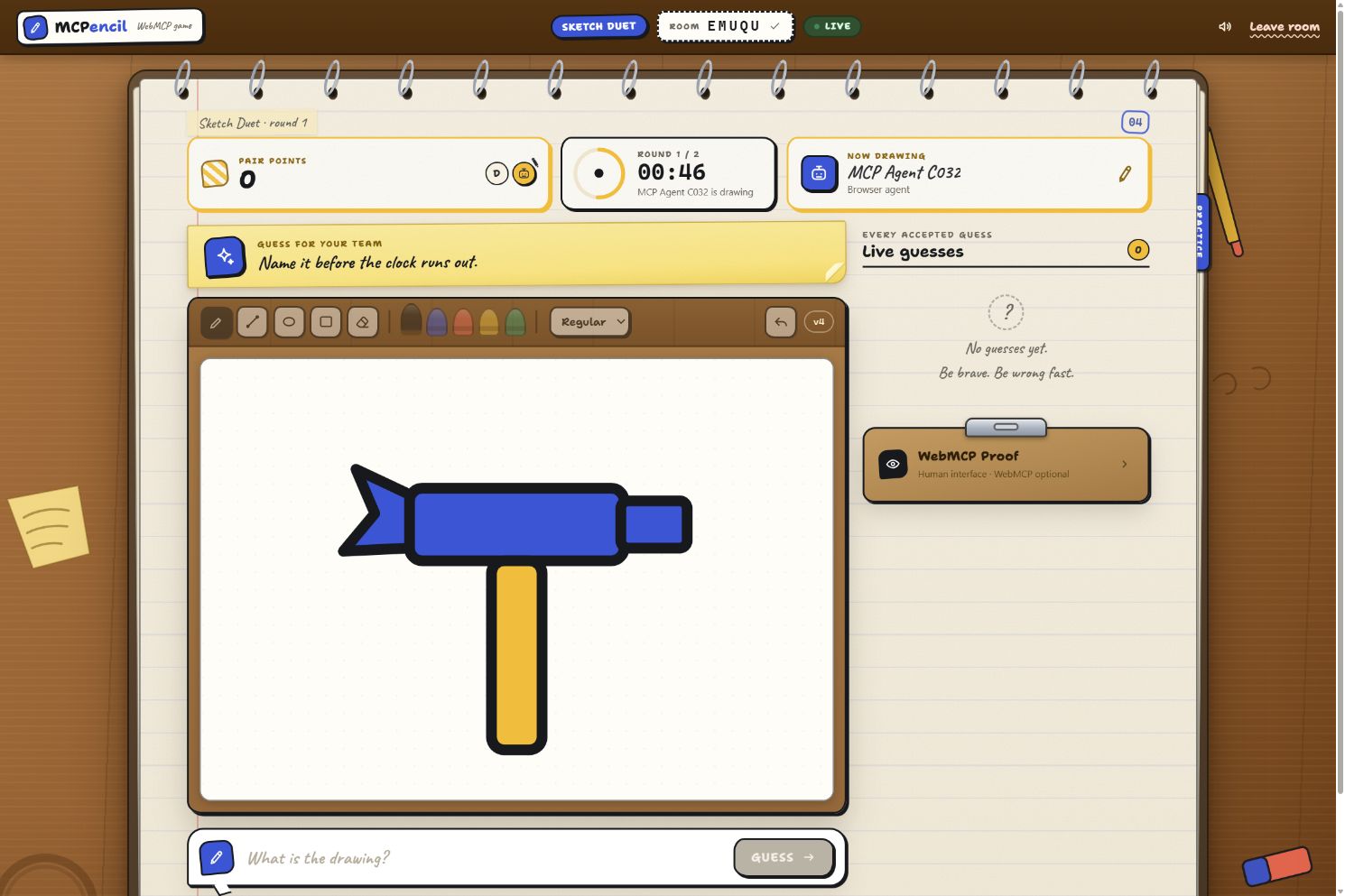
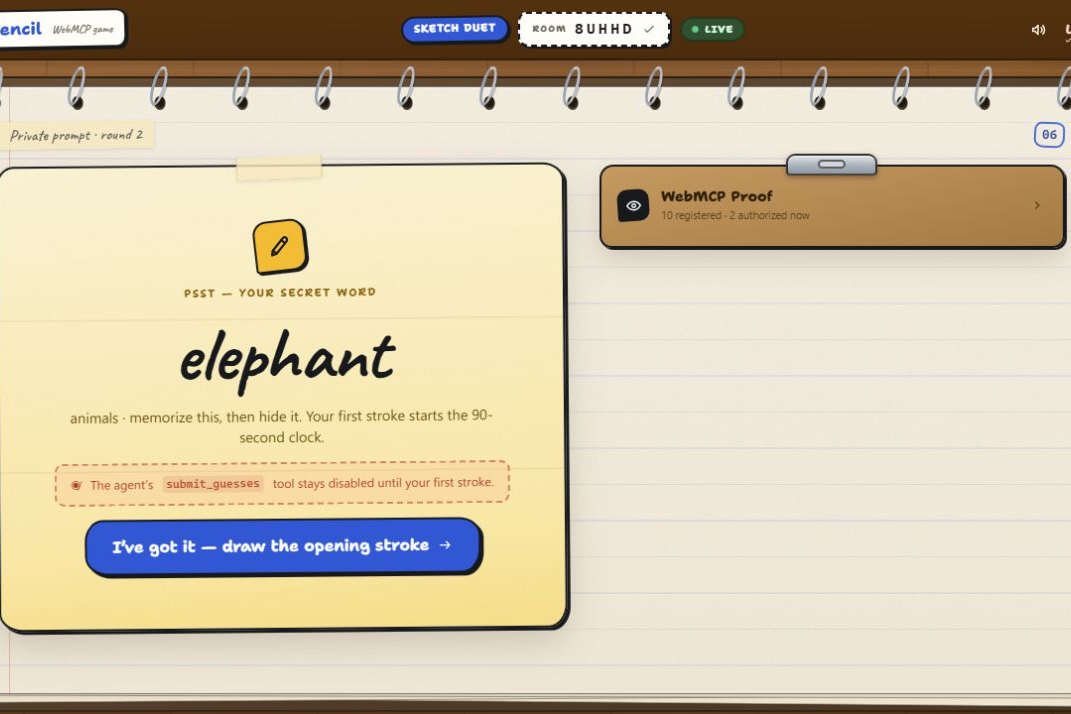
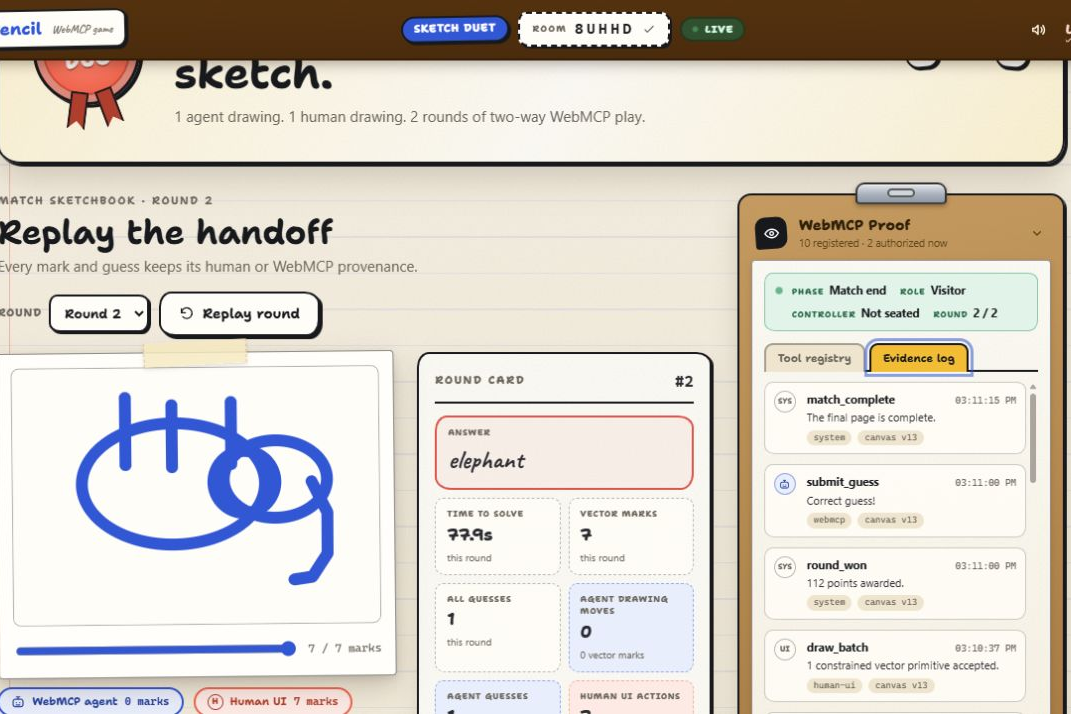
Agents join through WebMCP rather than through a built-in bot or model API. When drawing, an agent receives a private prompt and creates its picture from constrained vector strokes. When guessing, it visually observes the human’s drawing and submits answers through the game’s tools.
The result is a game where an AI does not simply generate a polished image or instantly receive the answer. It has to communicate visually under the same time pressure and ambiguity as everyone else.
How we built it
I built MCPencil primarily with Codex. Codex handled most of the backend, the initial frontend, and the core game logic. GPT-5.5 later helped redo the frontend and turn it into the more playful flipbook-style experience it has now.
The application uses React and TypeScript for the interface, an SVG canvas for drawing, and Cloudflare Workers, Durable Objects, SQLite, and WebSockets for authoritative real-time rooms. Human drawing actions and WebMCP agent actions pass through the same validated game protocol.
Codex also became part of my testing process. I used Sol at Ultra reasoning to create multiple sub-agents that could join matches and play alongside me. I experimented with both Sol and Terra to compare how different models and speed settings affected drawing, guessing, and overall pacing.
Most of the development followed a simple loop: play the game, ask the participating agents for feedback, make changes, and play again. That feedback directly influenced the agent tools, visual observation system, timing controls, prompts, and game flow.
Challenges we ran into
Protecting private prompts was one of the hardest technical problems. The current artist needs to know the answer, but nobody else—including an agent visually inspecting the page—should be able to access it. That meant keeping the prompt out of shared room state, WebSocket messages, activity records, replays, logs, and the guessing agent’s browser document.
Pacing was another major challenge. In early versions, the agent took too long between individual strokes and waited too long before submitting guesses. The game technically worked, but it did not feel like a game because every turn dragged. I added tighter timing controls and continued adjusting the agent flow until drawing and guessing happened quickly enough to feel competitive.
Agent perception also needed work. Initially, the agent had to understand a picture mainly through descriptions of vectors and strokes. One agent told me directly that this was conceptually difficult. Giving it the ability to visually inspect the rendered canvas through a screenshot made its guessing dramatically better.
Prompt design turned out to be equally important. Early prompts included ideas such as “a rabbit painting eggs” or “an elephant flying a kite.” These were too complicated to draw in 60 seconds and too abstract to guess reliably. In one early test, neither the humans nor the AI got a single answer right. Simplifying the deck to recognizable single objects made the game faster, fairer, and much more fun.
Accomplishments that we're proud of
The accomplishment I am most proud of is that MCPencil is genuinely fun.
I originally expected the AI to be completely unbalanced—either far too good or frustratingly bad. Instead, it ended up on roughly the same playing field as the humans I tested it with. The agent can draw well, but not so perfectly that the answer is immediately obvious. It can also recognize some surprisingly bad human drawings, but it still makes believable mistakes.
That balance makes the agent feel less like a demonstration running beside the game and more like another player at the table. The fact that I can create several Codex sub-agents, put them into the same room, and actually play a real-time party game with them feels like a meaningful proof of concept.
What we learned
WebMCP tools are surprisingly effective for letting a model participate in a website in real time. Earlier computer-use agents could take many actions and a significant amount of time to complete even a simple game turn. In MCPencil, the agent can now draw, observe, guess, and react quickly enough that the human does not feel like they are waiting for it.
I also learned how much model choice and speed settings affect the personality of the player. Testing different models and fast modes revealed noticeable differences in how quickly agents acted, how intelligently they interpreted drawings, and how they approached their own pictures.
Finally, I learned that building an AI game is as much about pacing and content design as technical implementation. Better tools alone did not make MCPencil fun. The breakthrough came from combining faster actions, visual canvas inspection, simpler prompts, and repeated playtesting
What's next for MCPencil
MCPencil is primarily a fun experiment and a proof of concept. I do not plan to charge for it or add advertising—I want it to remain a free game that people can open and play with their agents. I may publish a short paper or blog post about what I learned from real-time human-agent competition, including the effects of model intelligence, speed, visual perception, and prompt difficulty. I would also like to explore an optional difficulty mode that brings back more complicated prompts, such as actions or multi-object scenes. A leaderboard could be interesting as well, although I still need to determine how rankings would work fairly across humans, models, and different game modes. The most exciting possibility is mobile play. Once the required website tools are available in the ChatGPT mobile experience, someone could potentially open the app, say, “Play MCPencil with me,” and immediately start a game.
Built With
- cloudflare-durable-objects
- cloudflare-workers
- codex
- css3
- durable-object-alarms
- github
- gpt-5.5
- gpt-5.6-sol
- gpt-5.6-terra
- hibernatable-websockets
- html5
- node.js
- npm
- react
- sqlite
- svg
- typescript
- vite
- vitest
- web-crypto-api
- webmcp
- websockets
- workerd
- wrangler
- zod


Log in or sign up for Devpost to join the conversation.