-
-
-
users
-
password
-
-
-
Building a Scalable Chatbot with AWS Lambda and MCP
Inspiration
The inspiration for this project stemmed from the growing demand for highly responsive and scalable real-time communication applications, particularly chatbots. Traditional approaches often involve managing complex server infrastructure, which can be costly and difficult to scale. I was particularly interested in exploring how modern serverless architectures on AWS could address these challenges, providing a robust, cost-effective, and highly available solution for real-time interactions. The idea was to build a system that not only facilitates instant messaging but also incorporates advanced features for reliability, performance, and operational visibility, with a clear path towards sophisticated chatbot functionalities powered by MCP Lambda.
What it does
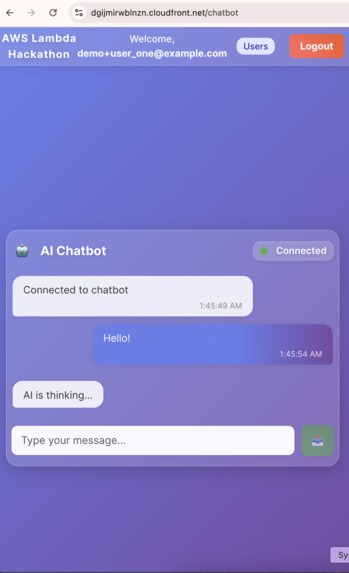
This project delivers a real-time communication platform, designed to facilitate instant messaging and collaborative interactions, with a strong foundation for a scalable chatbot. It provides a scalable and observable backend built on AWS serverless technologies, capable of handling numerous concurrent connections. Key functionalities include:
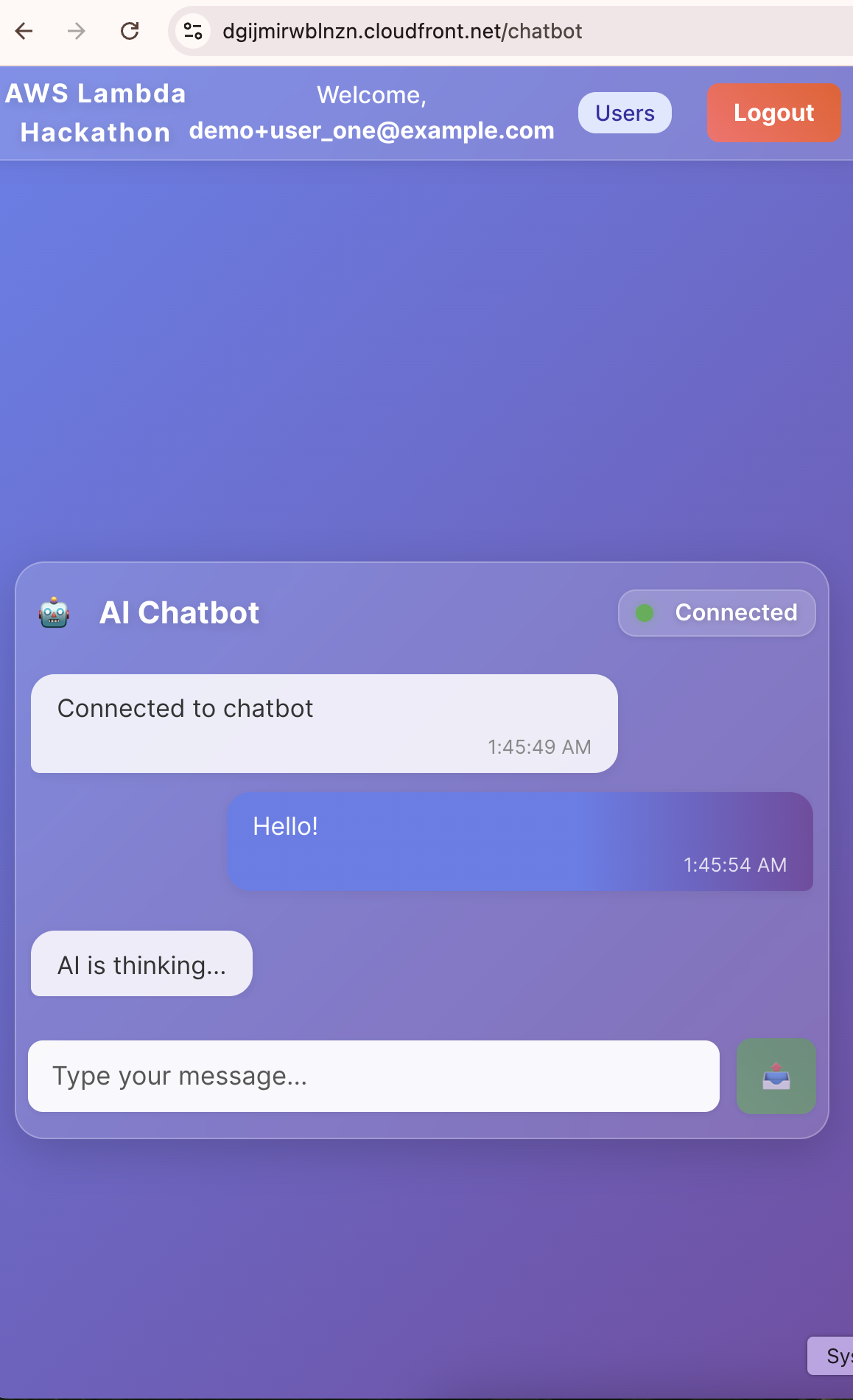
- Real-time Messaging: Enables instant, bidirectional communication between users via AWS API Gateway WebSockets and AWS Lambda.
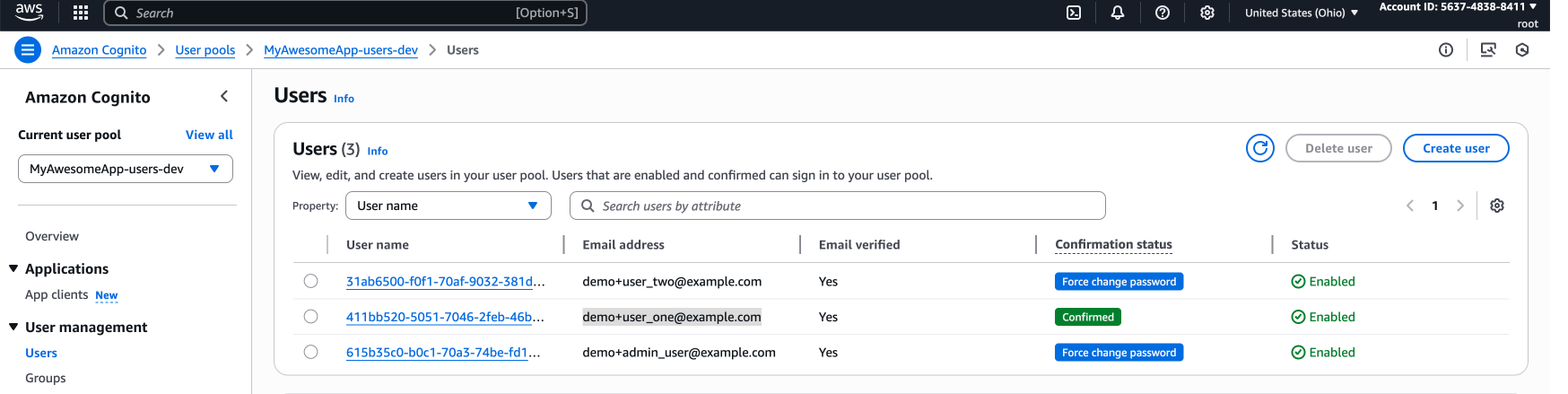
- User Authentication: Securely manages user access and identity within the AWS ecosystem.
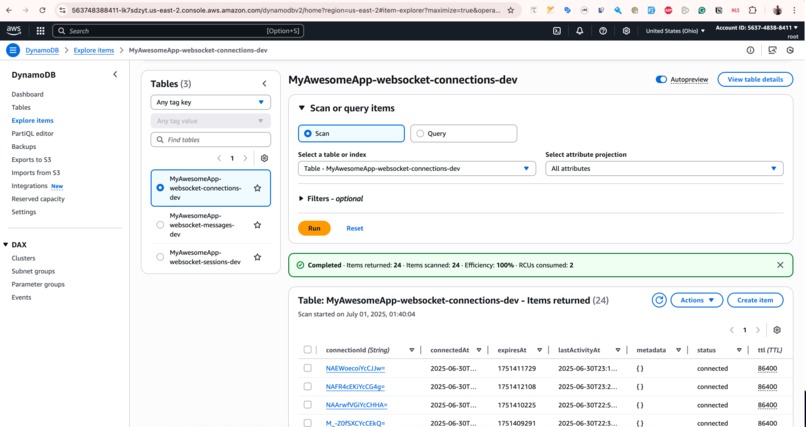
- Connection Management: Efficiently handles the lifecycle of WebSocket connections using AWS Lambda and DynamoDB.
- Robustness: Incorporates resilience patterns like Circuit Breakers within AWS Lambda functions to ensure high availability and fault tolerance.
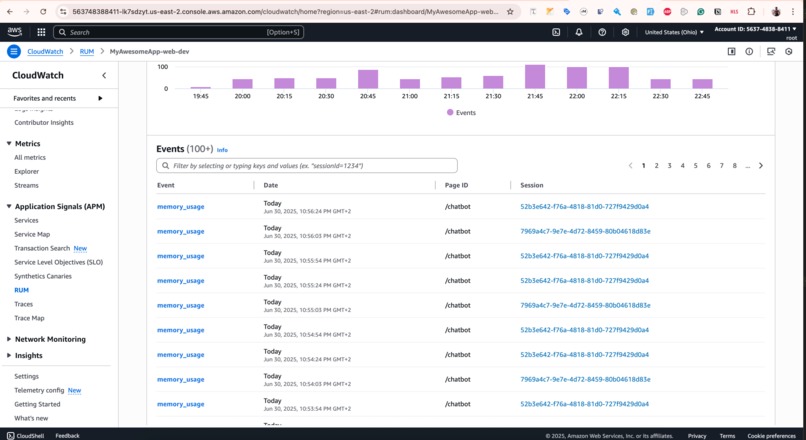
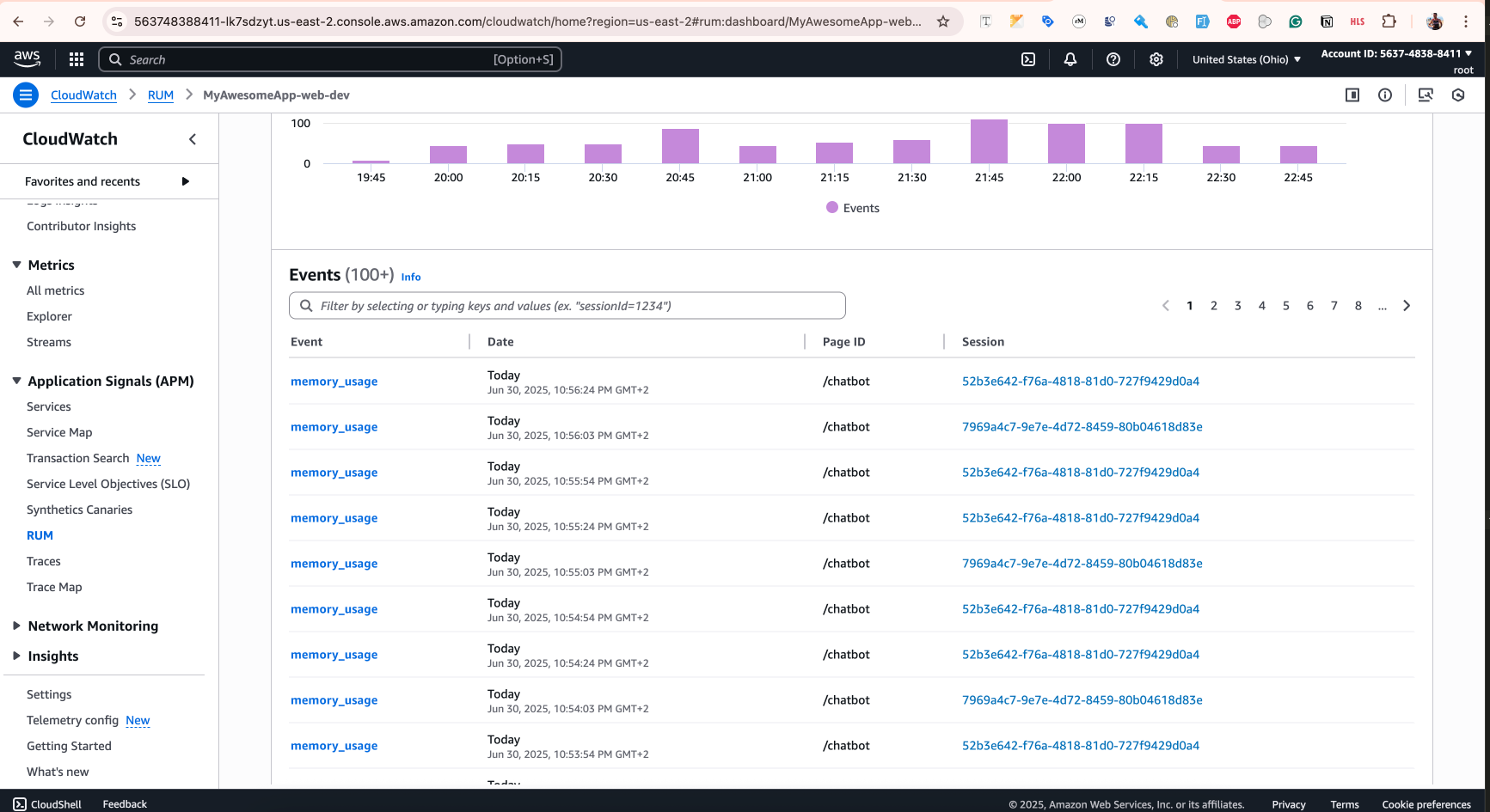
- Observability: Provides comprehensive monitoring and performance tracking for both backend services and frontend user experience using AWS CloudWatch and RUM.
- Extensibility with MCP Lambda: Integrates the Model Context Protocol (MCP) within the AWS Lambda runtime, allowing for dynamic extension of capabilities through external tools and resources. This is the core enabler for advanced chatbot functionalities or AI integrations, allowing the chatbot to interact with various external services.
How we built it
The project is structured as a monorepo, leveraging turbo.json for efficient build management across multiple applications and packages.
- Core AWS Architecture:
- Frontend (
apps/web): A React application providing the user interface for real-time communication, deployed as a static website on AWS S3 and CloudFront. - Backend (
apps/runtime): The heart of the system, implemented as a collection of AWS Lambda functions. These functions handle all business logic, including user authentication, connection management, and message processing. They are triggered by AWS API Gateway (for WebSocket and REST endpoints) and other AWS services. - Database (
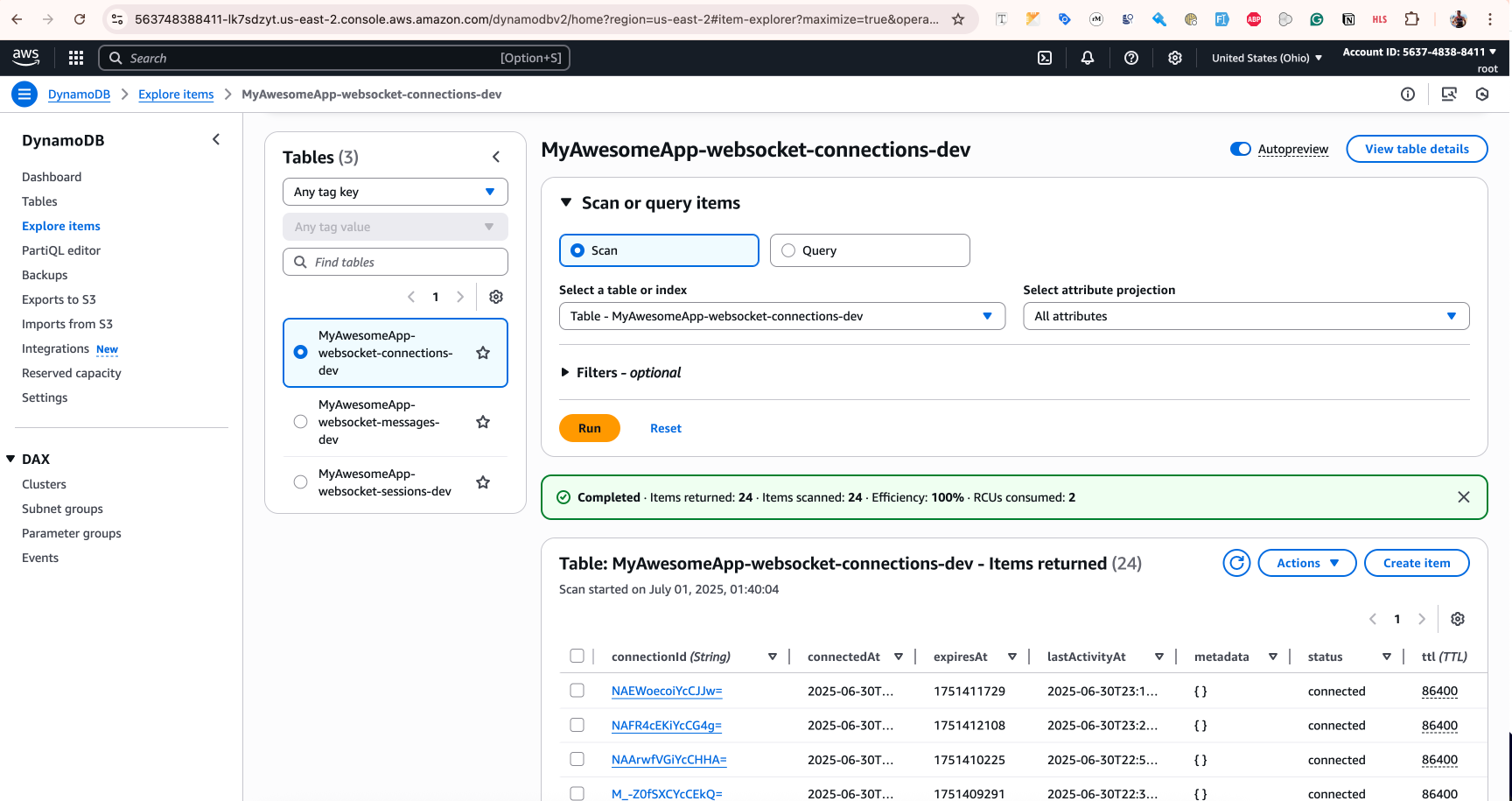
AWS DynamoDB): Used for persistent storage of user data, connection states, and chat messages, providing a highly scalable NoSQL solution. - AWS API Gateway: Configured with both WebSocket and REST APIs to manage real-time connections and traditional API requests, serving as the entry point for the Lambda functions.
- Infrastructure as Code (AWS CDK):
The
apps/cdkdirectory contains the AWS Cloud Development Kit (CDK) application responsible for deploying the entire infrastructure. This includes:AuthStack,RuntimeStack,WebStackfor logical separation of AWS resources.- CDK Constructs for
NodeLambda(packaging and deploying Lambda functions),RestApi,WebsocketApi,Database(DynamoDB),CloudWatchAlarms,RumMonitor, andStaticWebsite.
This CDK setup ensures that the entire AWS environment can be provisioned, updated, and torn down reliably and repeatably.
- Domain-Driven Design Implementation:
- The
apps/runtimeapplication adheres to DDD principles, ensuring a clean separation of concerns for the Lambda functions' business logic.
- Observability and Resilience on AWS:
PerformanceMonitoringServiceandErrorHandlingServiceare integrated into the Lambda runtime to capture metrics and manage errors effectively, pushing data to AWS CloudWatch.- AWS CloudWatch RUM is set up for client-side performance monitoring, providing end-to-end visibility into the user experience.
- Circuit Breaker patterns are implemented within the Lambda functions to isolate failures and maintain system stability.
- MCP Lambda Integration for Chatbot:
- The
apps/runtime/src/mcpdirectory contains themcp-host.tswhich demonstrates the integration of the Model Context Protocol (MCP). This allows the AWS Lambda functions to interact with external MCP servers, extending their capabilities beyond standard AWS services. This integration is crucial for enabling the chatbot to leverage external AI models or specialized tools for more intelligent and dynamic responses.
Challenges we ran into
Building this real-time communication platform with a focus on AWS Lambda and MCP presented several interesting challenges:
- Managing WebSocket State in Serverless Lambda: AWS Lambda is stateless, which makes managing persistent WebSocket connections tricky. I overcame this by storing connection IDs and associated user data in DynamoDB, allowing Lambda functions to retrieve connection information for sending messages back to clients.
- Cold Starts and Latency in Lambda: Minimizing Lambda cold starts was crucial for a real-time chatbot application. Strategies included optimizing bundle sizes, using provisioned concurrency where appropriate, and ensuring efficient dependency injection within the Lambda environment.
- CDK Complexity for Large Infrastructures: While powerful, AWS CDK can be complex for deploying large-scale AWS infrastructures. Managing dependencies between stacks and constructs, and ensuring correct resource provisioning order, required careful planning and iterative refinement.
- MCP Integration within Lambda: Understanding and correctly implementing the Model Context Protocol (MCP) within the AWS Lambda environment was a novel challenge. Ensuring seamless communication with external MCP servers and correctly handling the context for chatbot interactions required careful design and implementation. This expanded the project's capabilities significantly but added a layer of complexity.
- Security and Authentication on AWS: Securely authenticating users and authorizing WebSocket connections within the AWS ecosystem required careful design, integrating with AWS Cognito or similar identity providers, and ensuring proper token validation on every message processed by Lambda.
Accomplishments that we're proud of
- Successfully implemented a fully serverless real-time communication backend using AWS Lambda, AWS API Gateway WebSockets, and AWS DynamoDB, demonstrating high scalability and cost-efficiency for a potential chatbot service.
- Achieved comprehensive infrastructure deployment and management through AWS CDK, ensuring a repeatable and version-controlled AWS environment.
- Integrated advanced observability features, including AWS CloudWatch custom metrics, alarms, and Real User Monitoring (RUM), providing deep insights into application performance and user experience within the AWS ecosystem.
- Pioneered the integration of the Model Context Protocol (MCP) within the AWS Lambda runtime, showcasing a powerful mechanism for extending serverless application capabilities with external, context-aware tools, which is foundational for an intelligent chatbot.
What we learned
Throughout this project, I gained extensive knowledge in several key areas:
- AWS Serverless Architecture: Deepened my understanding of AWS Lambda, AWS API Gateway (especially WebSocket APIs), and AWS DynamoDB, learning how to design and implement event-driven, serverless applications.
- Infrastructure as Code (AWS CDK): Mastered AWS Cloud Development Kit (CDK) to define and provision all AWS infrastructure components programmatically, ensuring consistency, repeatability, and version control. This was crucial for managing the complexity of multiple AWS services.
- Observability and Monitoring on AWS: Implemented comprehensive monitoring using AWS CloudWatch, including custom metrics, alarms, and Real User Monitoring (RUM) for frontend performance. This provided critical insights into system health and user experience on AWS.
- Model Context Protocol (MCP) Integration: Explored and implemented the Model Context Protocol (MCP) within the AWS Lambda runtime, demonstrating how to extend the application's capabilities by integrating external tools and resources seamlessly. This opened up possibilities for dynamic, context-aware chatbot functionalities.
- Real-time Communication Nuances on AWS: Gained practical experience in managing WebSocket connections, handling message routing, and ensuring secure, authenticated real-time data flow in a serverless AWS environment.
What's next for MCP Lambda chatbot
- Enhanced Chatbot Capabilities: Fully leverage the MCP integration to connect with various AI models and external services, enabling more sophisticated and context-aware chatbot responses within the AWS Lambda environment.
- Multi-tenancy Support: Implement features to support multiple independent tenants, allowing for broader application of the platform on AWS.
- Advanced Message Features: Introduce features like message history, read receipts, and rich media support for the chatbot.
- Scalability Optimizations: Further optimize AWS Lambda cold starts and DynamoDB access patterns for even higher performance under extreme load on AWS.
- Broader MCP Tooling: Develop and integrate more MCP-compliant tools and resources to expand the range of functionalities available to the AWS Lambda runtime for the chatbot.
- Client SDKs: Create client-side SDKs to simplify integration for various frontend frameworks and mobile applications interacting with the AWS backend.
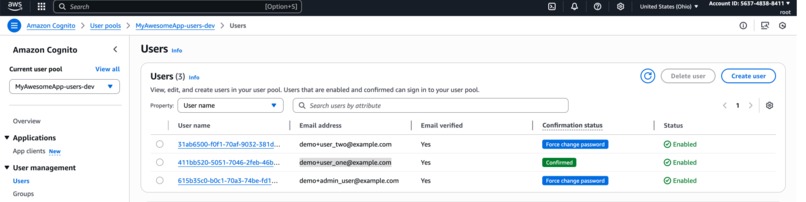
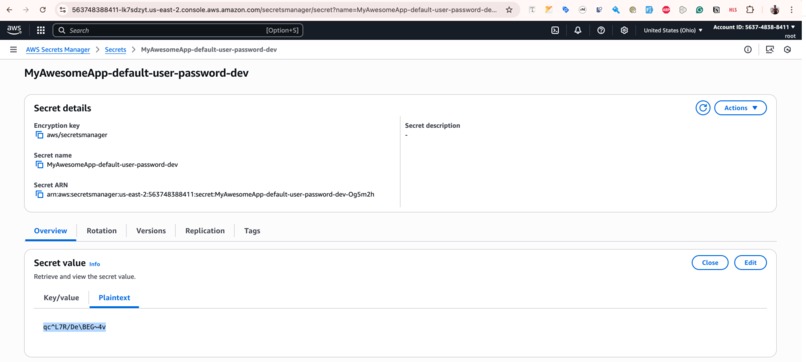
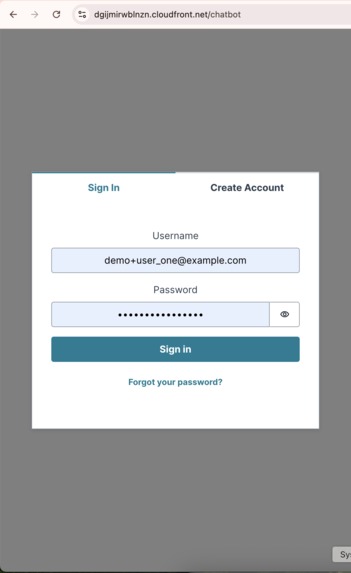
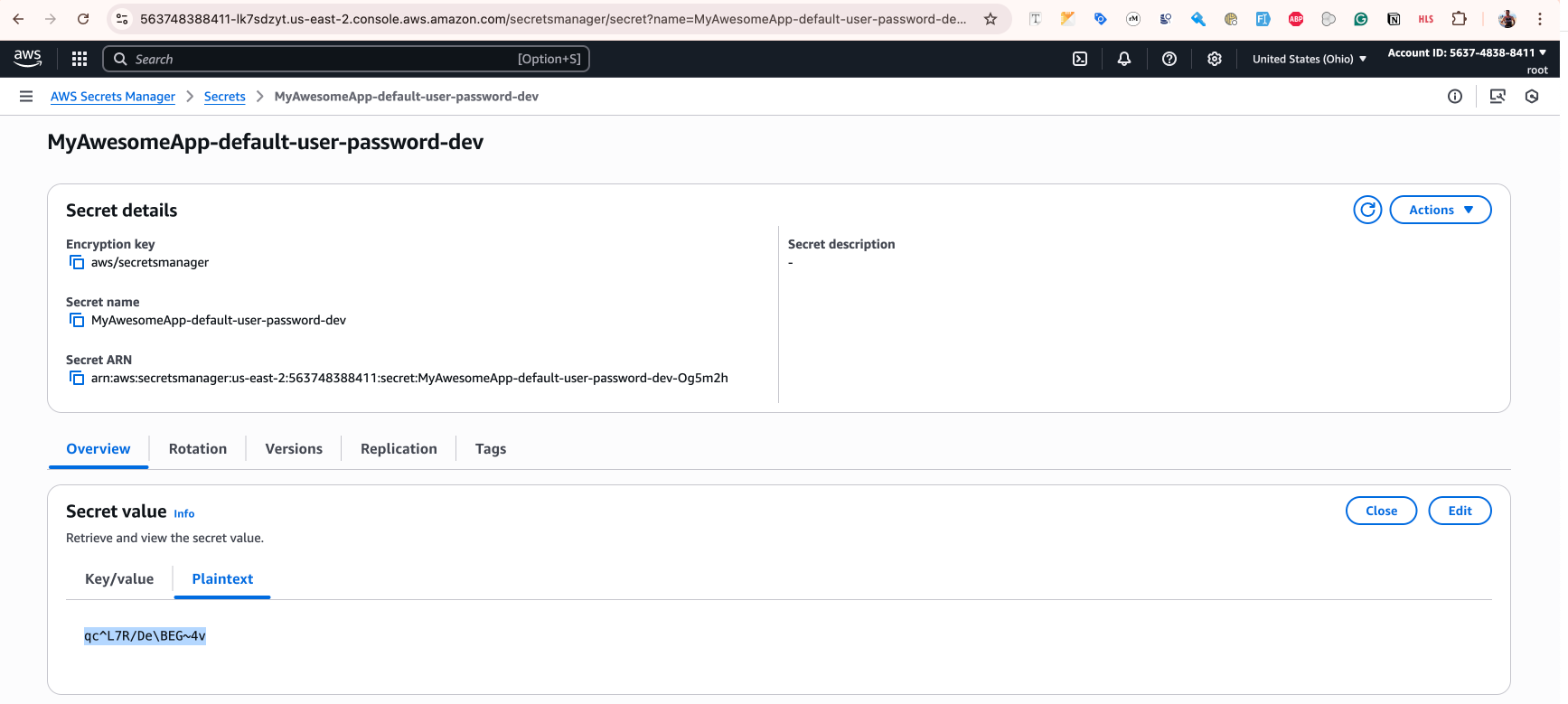
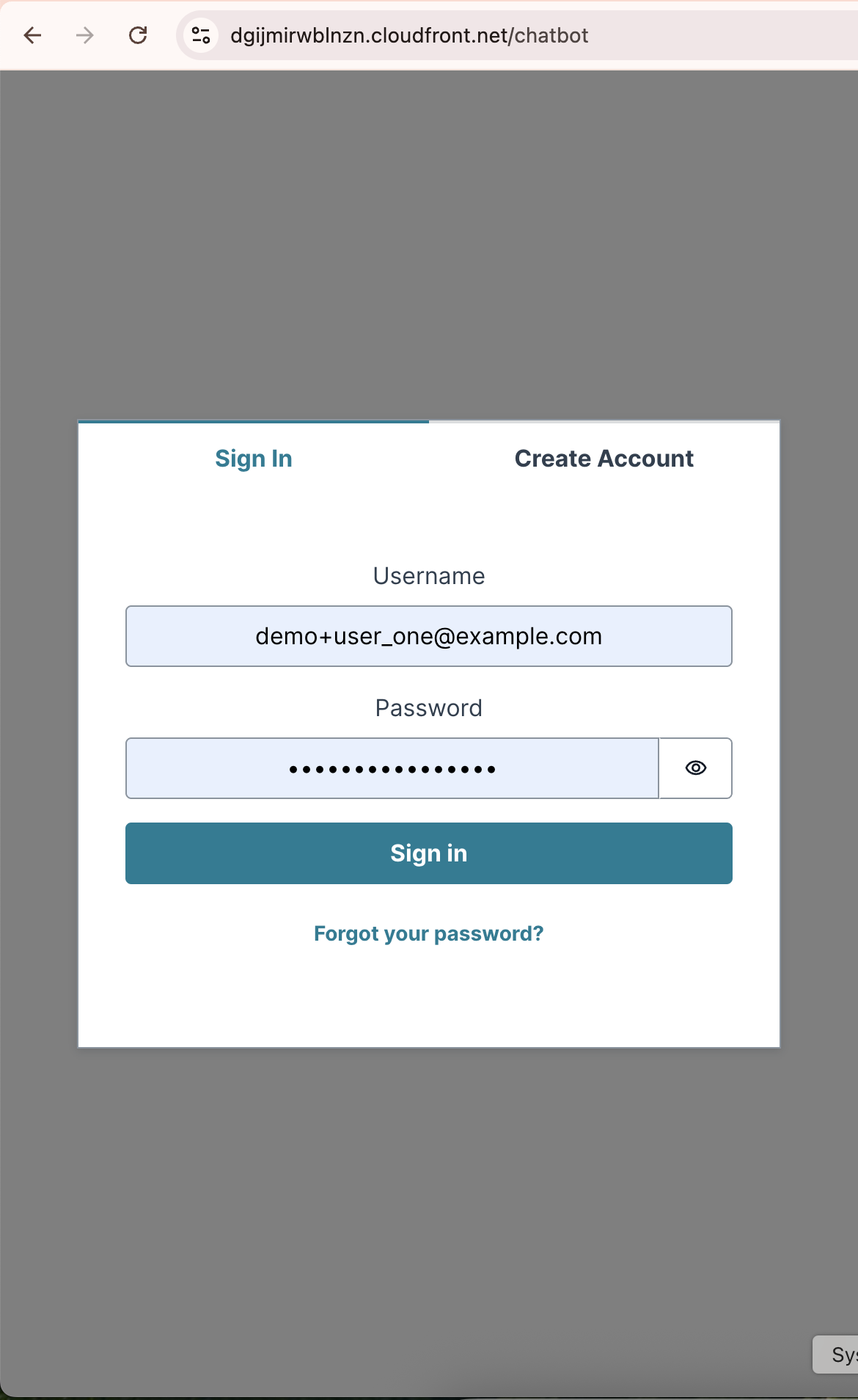
Test user data: user: [email protected] password: qc^L7R/De\BEG~4v
Built With
- amazon-cloudfront-cdn
- amazon-web-services
- aws-api-gateway-(websocket-and-rest)
- aws-cdk
- aws-cloudfront
- aws-cloudwatch
- aws-cognito
- aws-dynamodb
- aws-lambda
- eslint
- javascript
- mcp
- model-context-protocol-(mcp)
- node.js
- prettier
- react
- s3
- turborepo
- typescript
- vitest
- websockets


Log in or sign up for Devpost to join the conversation.