-
-
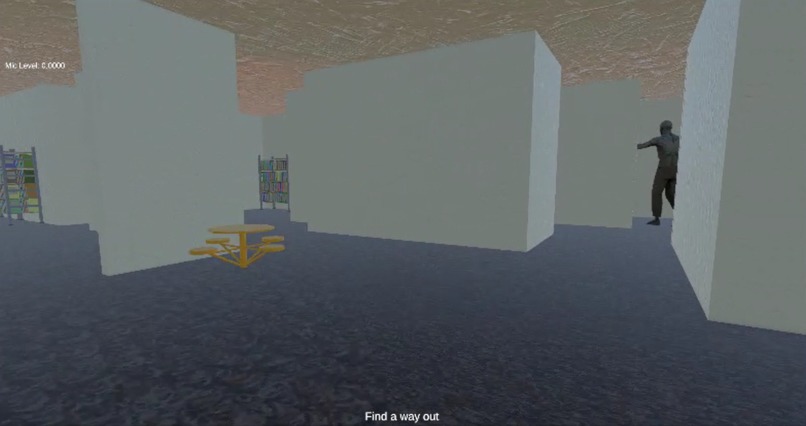
Sneak peek inside the game..
-
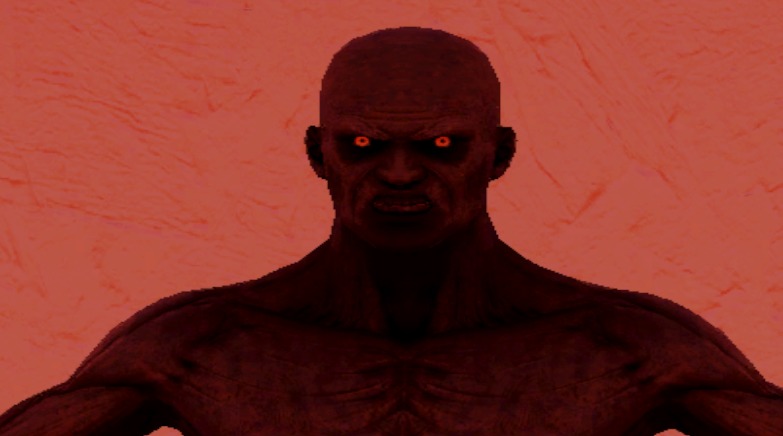
Jumpscare!
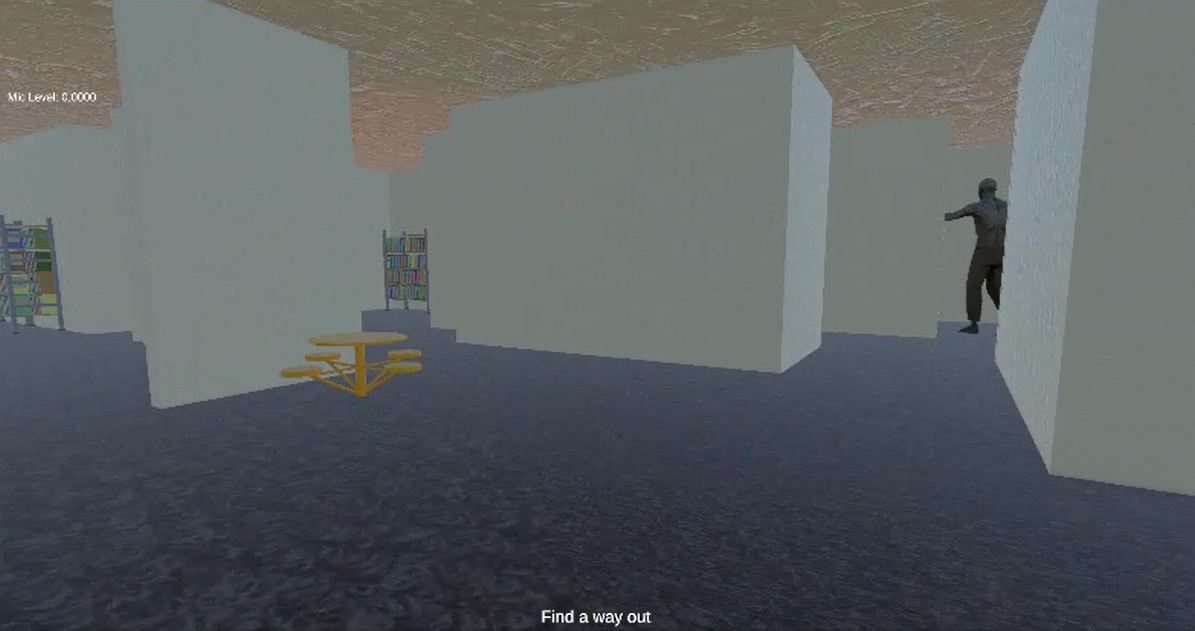
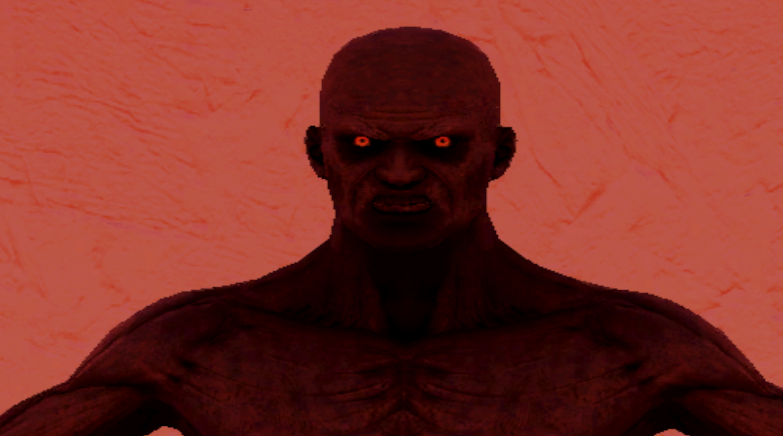
McKeldin After Hours
➳ About the Project
McKeldin After Hours is a first-person horror game inspired by the idea of being trapped inside a familiar place that suddenly closes early, slowly becoming unfamiliar and threatening. The game takes place in the McKeldin Library at UMD, reimagined as an empty, distorted version of itself after hours.
What inspired this project was the idea of combining a real-world academic space with psychological horror. Libraries are usually quiet, safe, and structured — which makes them the perfect setting for something that breaks those expectations. We wanted to create a monster that doesn’t just chase the player, but uses the player’s own voice against them.
➳ Core Concept
The main mechanic of the game is a voice mimic system:
- The game records the player’s microphone input in real time
- A monster can replay distorted versions of the player’s voice
- Audio effects like echo, distortion, and low-pass filtering make it sound unnatural
- The monster creates the feeling that “something is learning from you”
This turns sound into a gameplay mechanic, where speaking too much can become dangerous.
➳ How We Built It
The game was developed in Unity 6 using C# scripting.
Key systems include:
- Microphone recording using Unity’s
MicrophoneAPI - Real-time audio playback through
AudioSource - Audio manipulation using Unity Audio Filters:
- Echo Filter
- Distortion Filter
- Low Pass Filter
- Echo Filter
- A simple “voice memory” system to store the latest captured audio clip
- Basic AI behavior for triggering playback at random intervals
Version control was handled using Git and GitHub, with GitHub Desktop used to manage commits and collaboration.
➳ Challenges Faced
One of the biggest challenges was working with real-time microphone input in Unity, including ensuring the audio was being recorded and processed correctly.
We also struggled with project setup and GitHub integration, especially when handling merge conflicts during collaboration.
Additional challenges included working with player and character physics to achieve smooth movement and collision, as well as setting up animations with proper transitions.
We also encountered issues with Unity’s rendering pipeline, where some assets appeared pink due to shader mismatches.
➳ What We Learned
Through this project, we learned:
- How Unity handles real-time audio input and playback
- How to manipulate sound to create horror atmosphere
- How to debug audio systems using runtime visualization (mic level UI)
- How render pipelines affect materials and shaders in Unity
- How to structure a small game system using modular scripts in C#
- The importance of version control when working on game projects
➳ Future Improvements
If expanded further, we would like to add:
- More advanced voice segmentation (detecting speech phrases instead of raw audio loops)
- AI-driven monster behavior based on player voice intensity
- Proximity-based whispering system
- Environmental storytelling inside the library
- Improved lighting and navigation-based horror systems


Log in or sign up for Devpost to join the conversation.