-
-
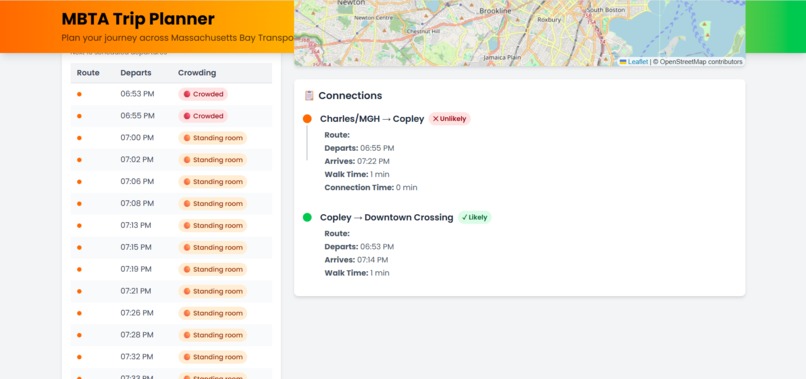
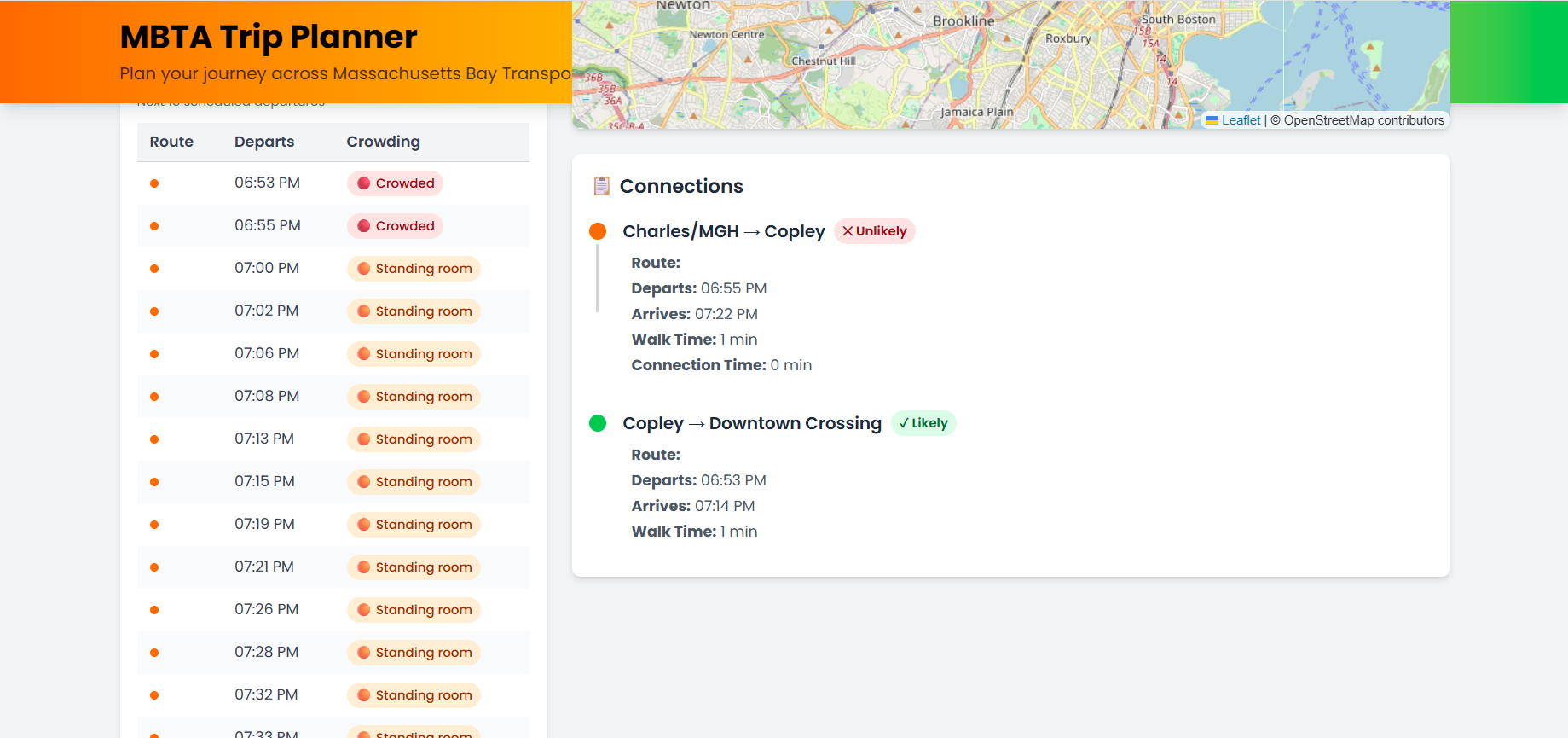
Computer Version - Start, Transfer, Dest Selected - Crowd Info & Data
-
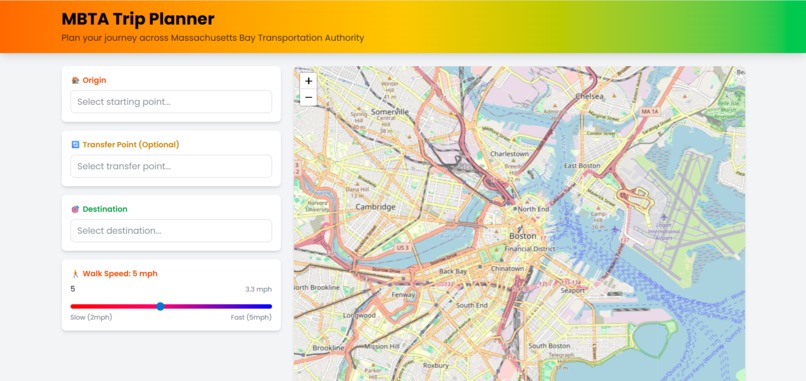
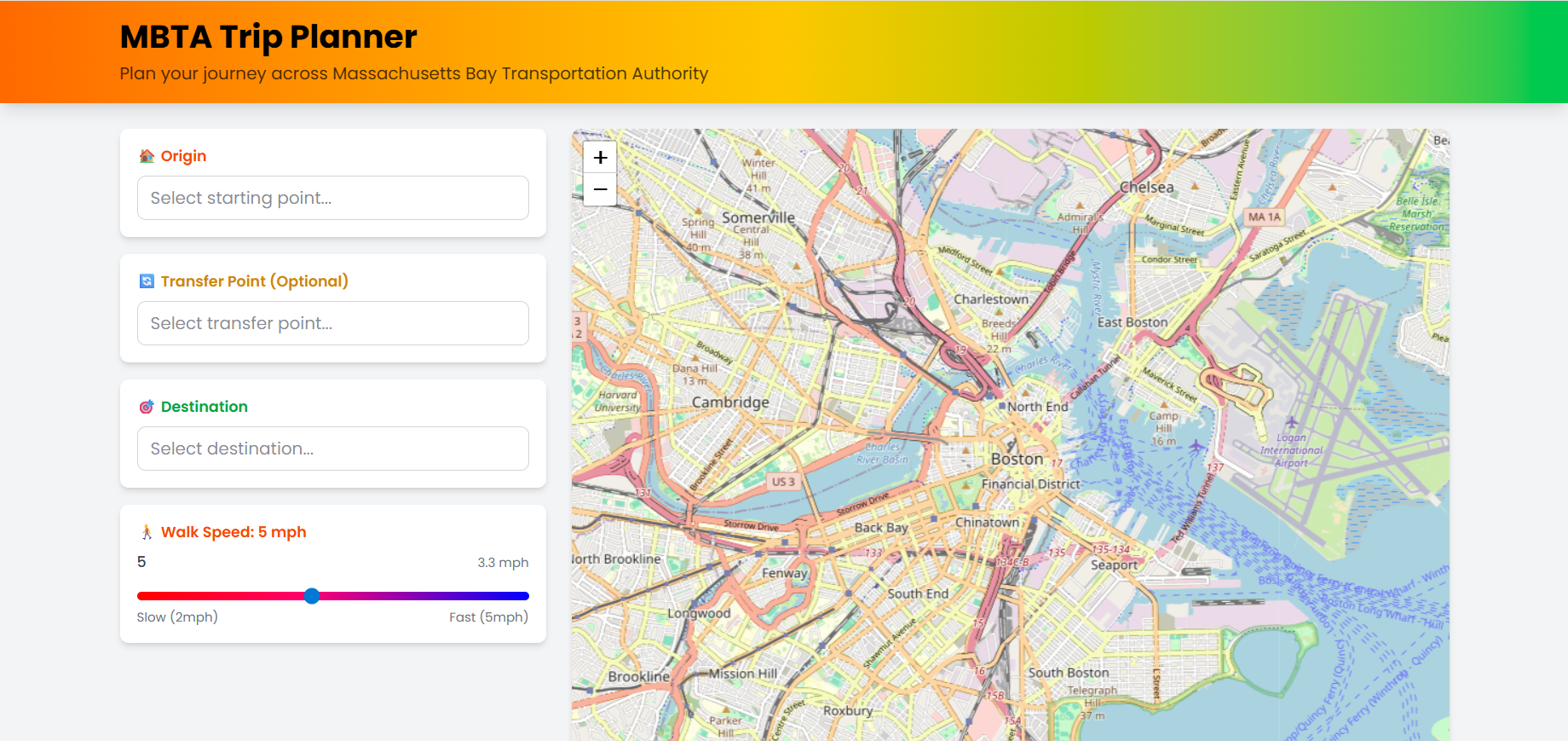
Computer Version - Initial State
-
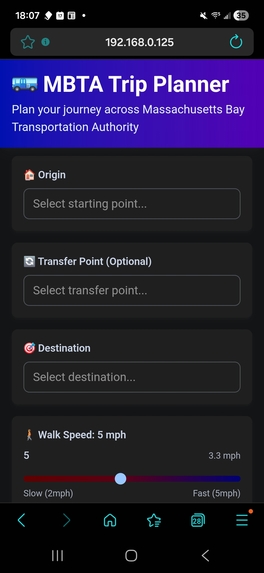
Mobile Map - Initial State
-
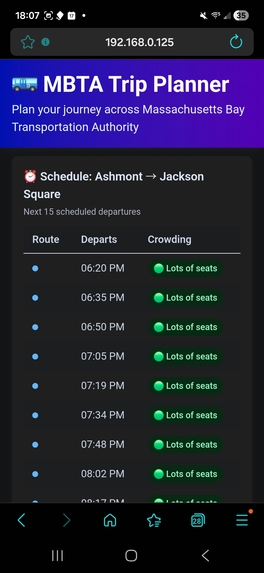
Mobile Map - Crowd Levels
-
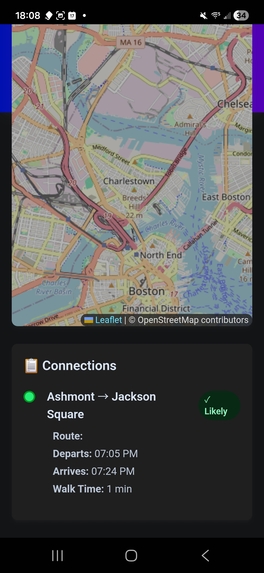
Mobile Map - Route Info
-
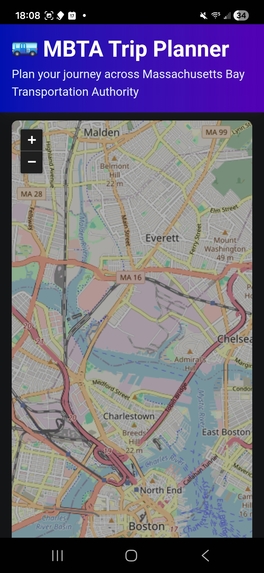
Mobile Version - Map
Inspiration
The $1000 mainly, but also the complexity of the problem. After completing (more-or-less) the basic features, I was inspired by the airport to create the extra features like the occupancy predictions and upcoming departure visualization. The occupancy prediction feature was also inspired by a predictive modelling app I created last year (or the year before) that predicted the occupancy of the Gordon Library on campus.
What it does
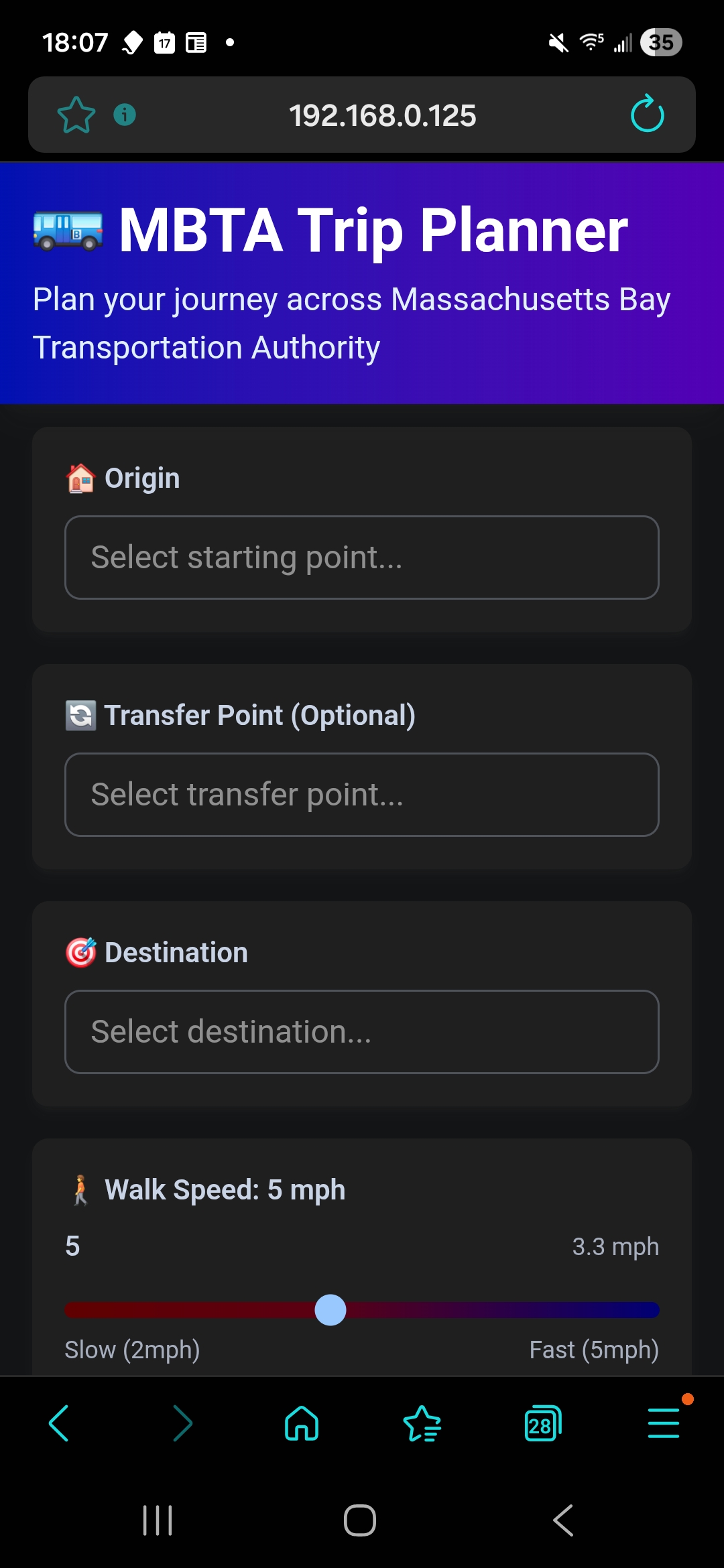
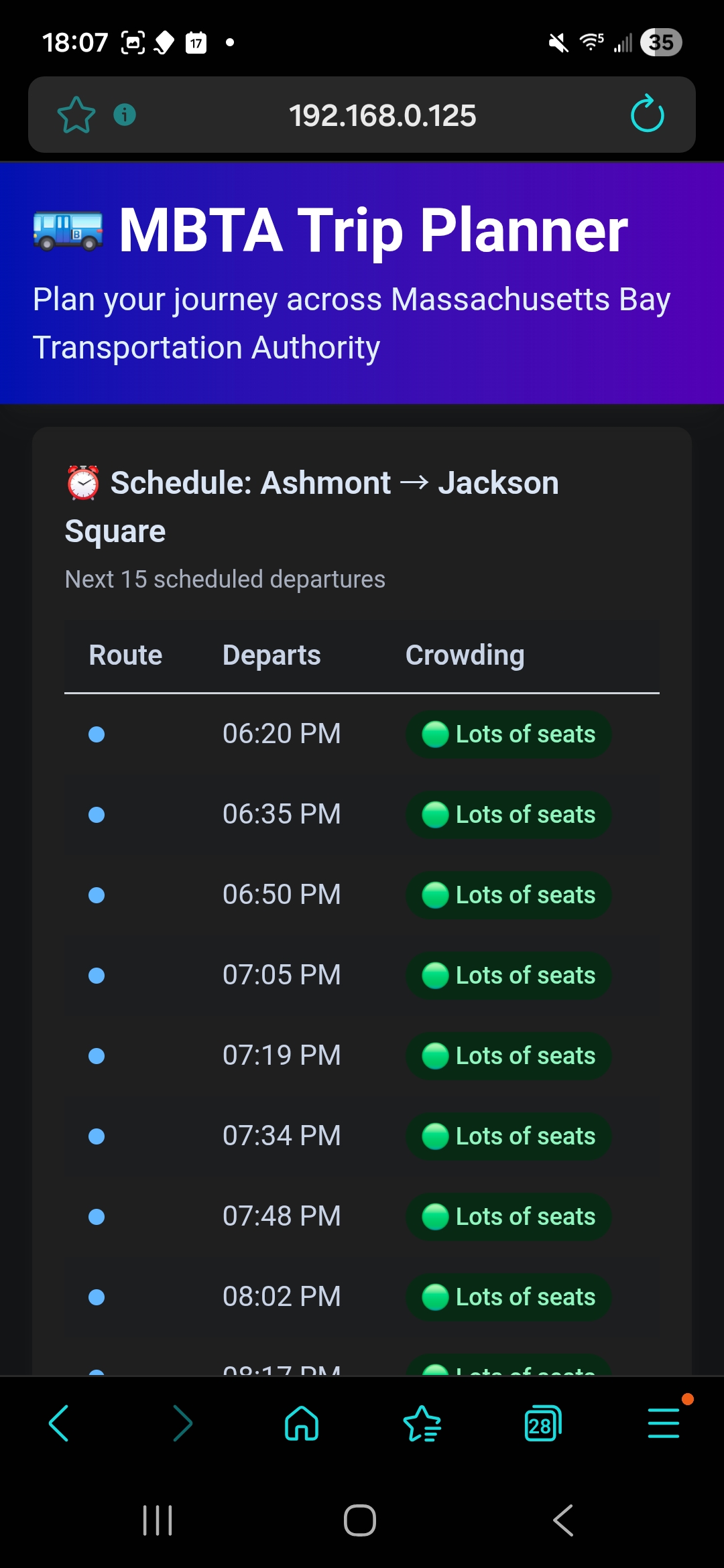
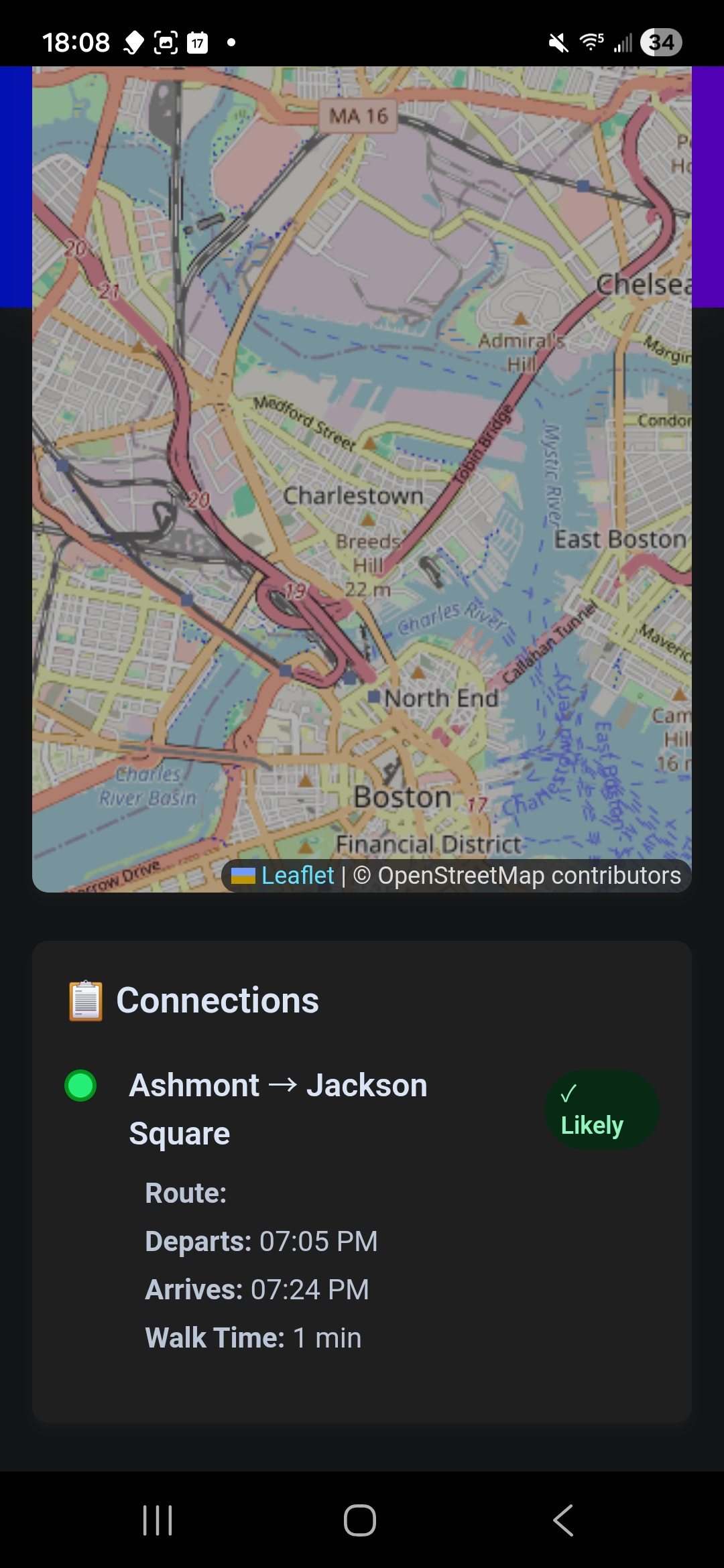
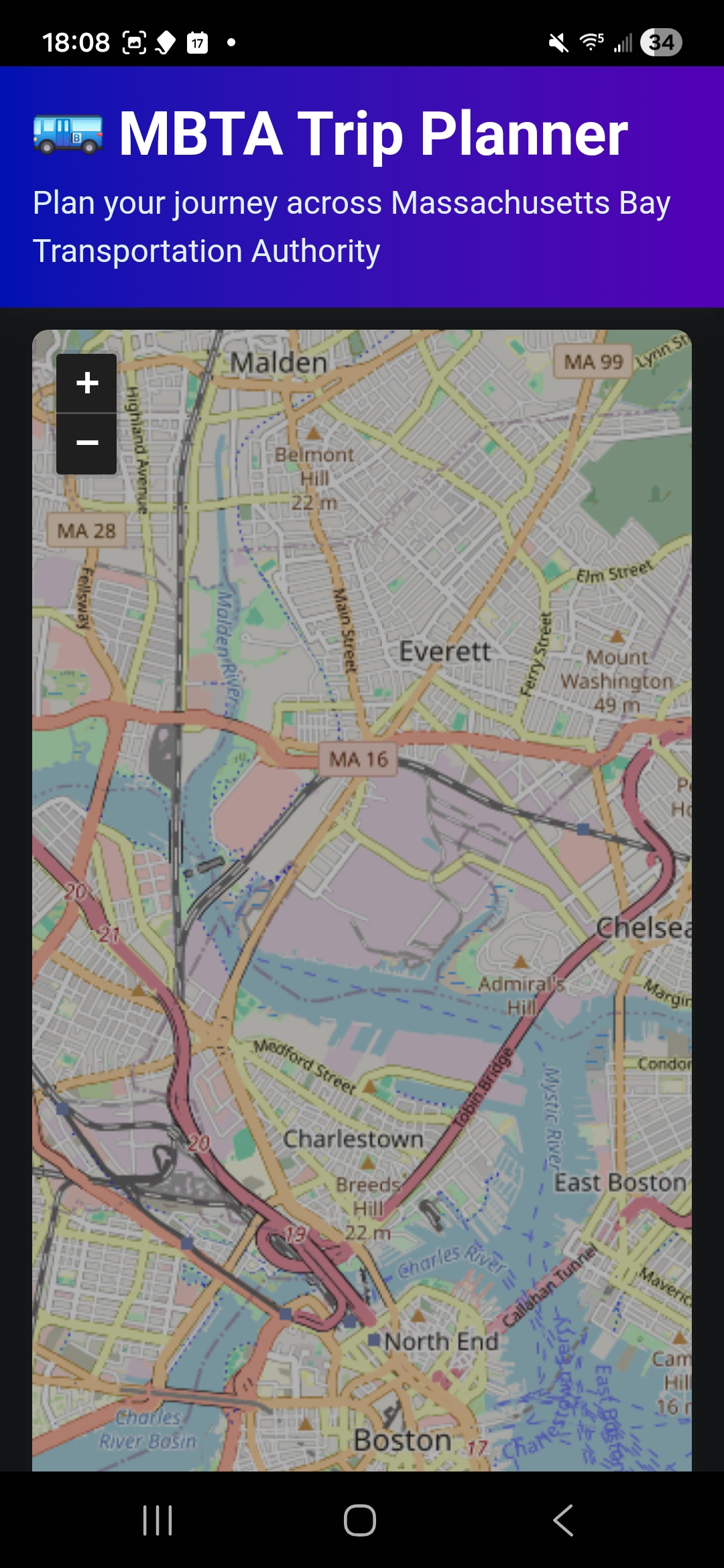
The features of this interactive trip planner include: smart routing to automatically find connections between two stops (even without direct routes), live schedules showing the next 15 departures with real-time data, crowding forecasts displaying expected occupancy based off real vehicle data and time-based estimates (which also serve as the fallback), walk time calculations based off user-input speed, transfer point planning, and interactive 2D map provided by the Google Maps API, and the option to download the app on the phone home screen. I believe that is all.
How we built it
The app has a React + Typescript frontend with Vite, Leaflet maps, and Tailwind CSS v4 for UI; Zustand was used for trip data like stops, transfers, and preferences; MBTA v3 API was used for stops, routes, predictions, schedules, and vehicles; Google Maps API (specifically the Distance Matrix API) was used for calculating semi-accurate walking distances (I hope; I'd need to walk the space myself to get an idea of the validity of the walk time) and for the map tiles
Challenges we ran into
Originally the path predictions would not shown up, but then I realized I needed an API key. Also predictions endpoint returned empty data initially, so I pivoted to the /schedules endpoint for more reliable scheduled departure times.
Accomplishments that we're proud of
A robust fail system was implemented to handle edge cases well, such as no common routes, disconnected stops, and missing API data. I'm also proud I was able to make the app work seamlessly on both desktop and mobile with an installable home screen app. I thought the progressive web app was perfect for this use case.
What we learned
How to create a mobile application and also how to make an application that can be used on both computer and mobile device.
What's next for MBTATPCBBP (MBTA Trip Planner Created by Ben Perry)
Implementing real-time feedback on the mobile version based on current location would be a cool next step.
Built With
- google-maps
- leaflet.js
- mbtav3-api
- react
- tailwind
- typescript

Log in or sign up for Devpost to join the conversation.