-
-
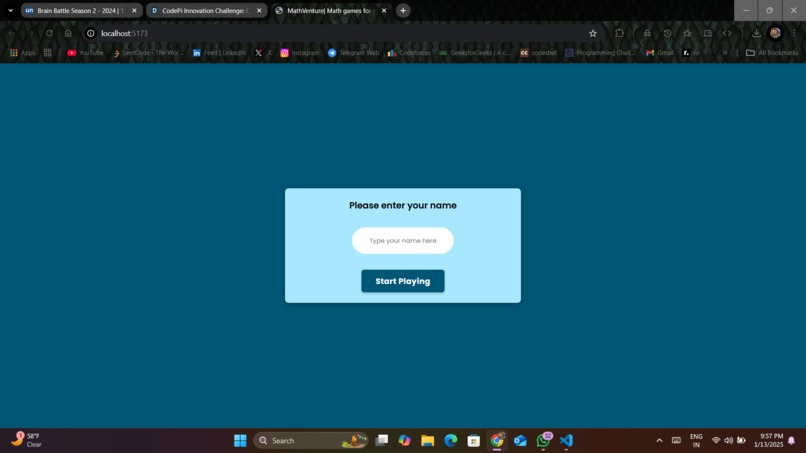
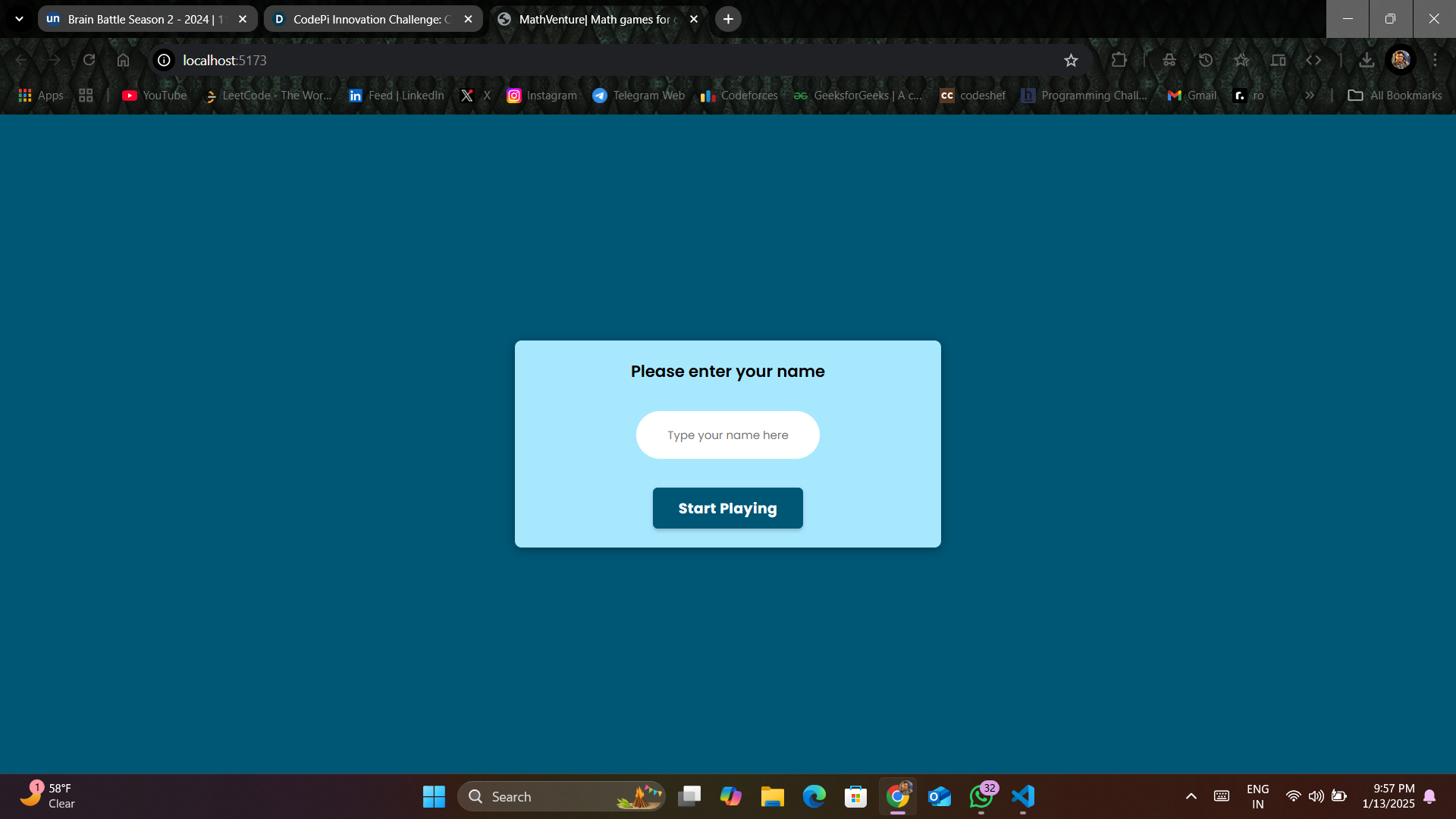
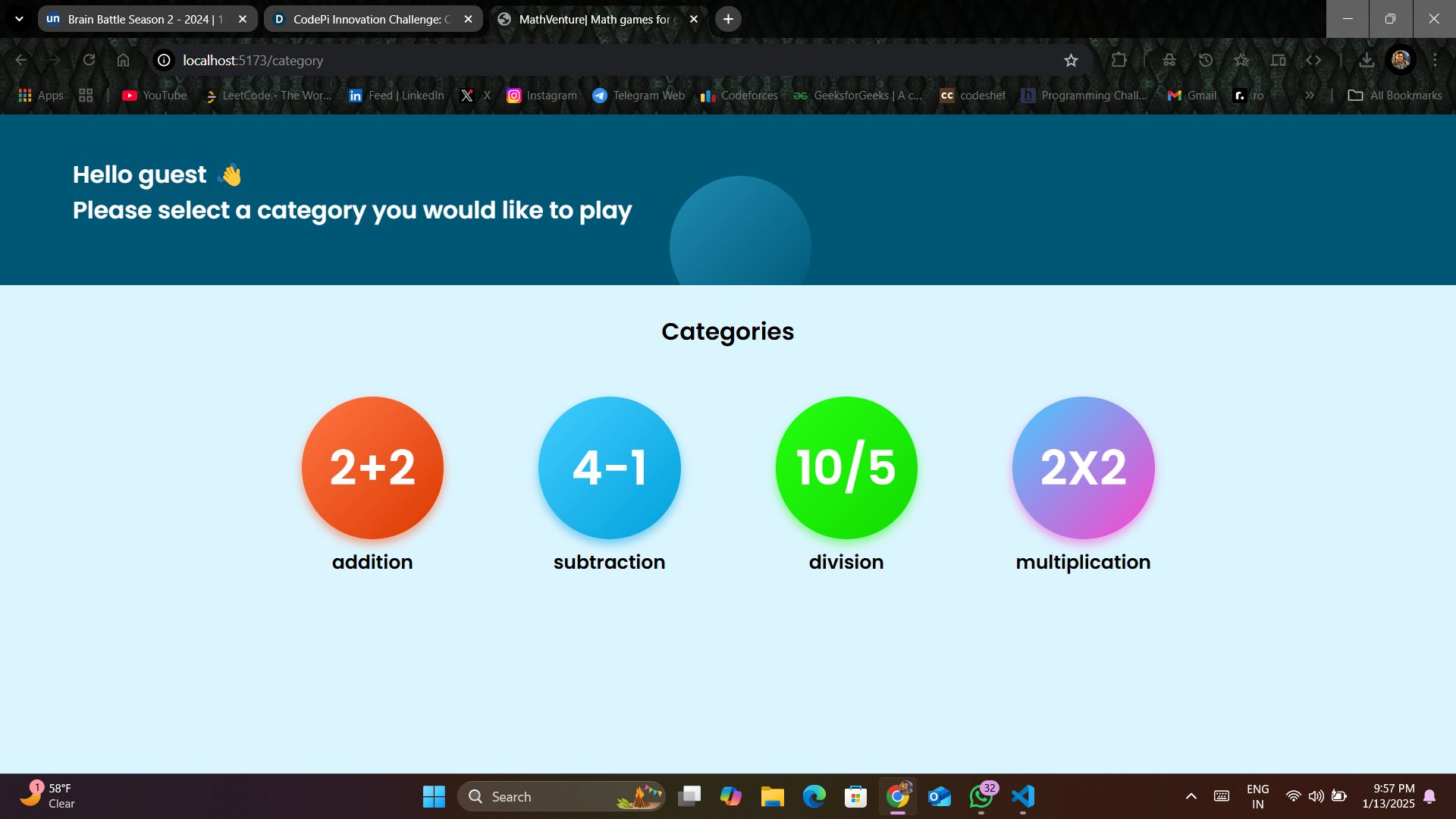
home page for enter user by name
-
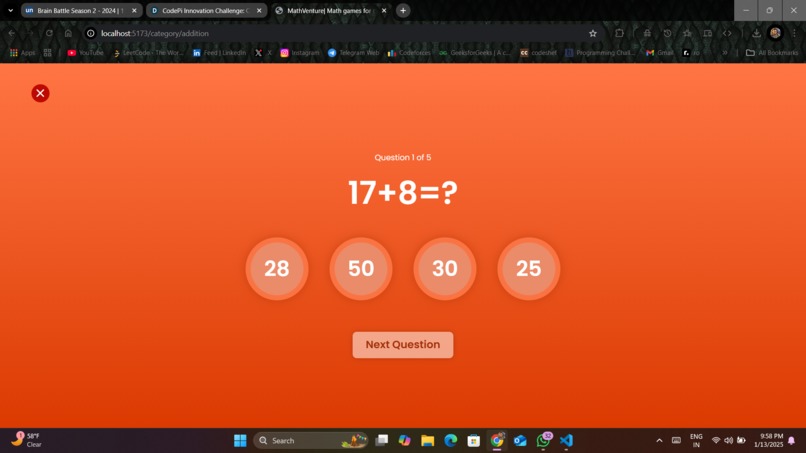
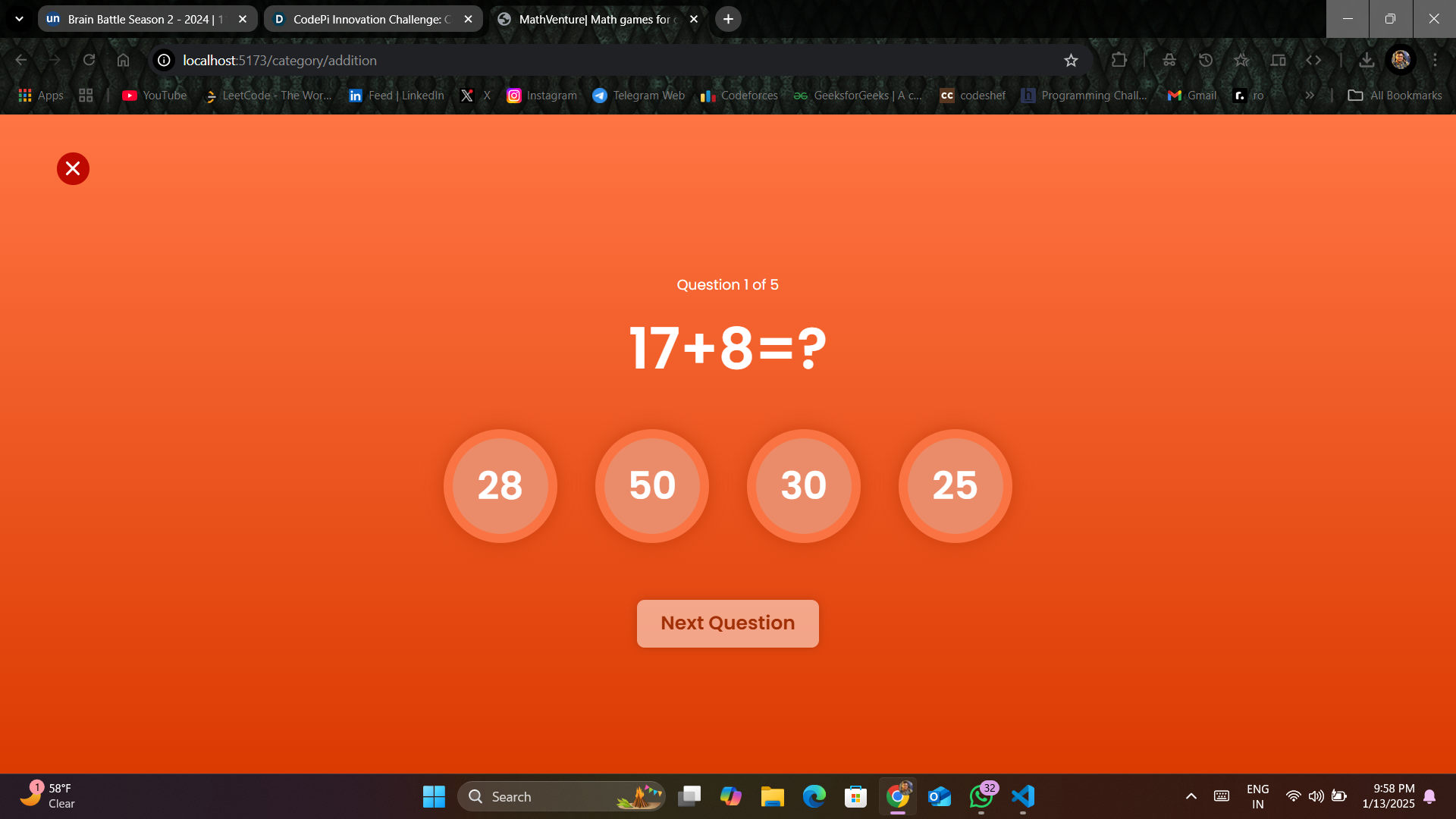
questionaire
-

result
-
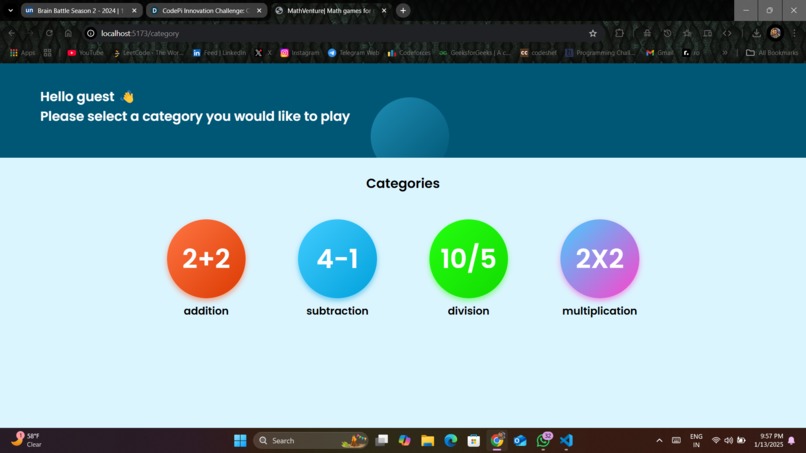
challenges

Inspiration
The inspiration for MathVenture comes from educational games like Khan Academy Kids and Math Blaster, the concept of "edutainment" blending learning with fun, traditional methods like flashcards, and the idea of learning through exploration in early childhood education. It's designed to engage young children with interactive, rewarding gameplay while teaching basic math concepts like addition and subtraction.
What it does
MathVenture is a fun, interactive game designed to teach children basic math operations like addition and subtraction. It features different levels where kids solve math problems in a playful environment. As they progress, they unlock new challenges and earn rewards, helping to reinforce their learning. The game is designed to engage children through colorful visuals, simple gameplay, and positive reinforcement, making math learning both enjoyable and educational.
How we built it
To build MathVenture: Design: Use InVision Studio to create UI designs with a mobile-first approach, focusing on simplicity and fun for children. Development Setup: Set up a React project, using JSX to structure components and ReactJS for interactivity. Styling: Apply CSS custom properties for reusable styles and Flexbox for responsive layouts, ensuring the game is mobile-friendly. Game Logic: Implement math operations (addition, subtraction) and track progress with React’s state management. Interactivity: Allow users to tap buttons and select answers, using animations for fun transitions. Testing & Deployment: Test on various devices and deploy the game using services like Netlify or Vercel. This approach ensures a fun, interactive, and mobile-optimized game for children.
Challenges we ran into
The challenges you might encounter in building MathVenture include: Responsive Design: Ensuring the game works well across all device sizes. Solution: Use mobile-first design with Flexbox and CSS custom properties. State Management: Handling player progress and scores. Solution: Use React’s state hooks and Context API. Highscore Persistence: Storing scores across sessions. Solution: Use localStorage carefully. Dynamic Content Generation: Creating random math problems. Solution: Write functions for balanced, varied questions. UI for Young Kids: Designing a simple, intuitive interface. Solution: Use large buttons, clear visuals, and test with kids. Game Flow: Keeping the game engaging and motivating. Solution: Add rewards, feedback, and gradual difficulty.
Select between the 4 categories Play 5 levels per category See a different theme depending on the category picked Have a saved version of their highscore (in localStorage) for each level
Accomplishments that we're proud of
Built an engaging educational game for kids to learn math. Ensured responsive, mobile-optimized design. Added customizable themes for each category. Implemented localStorage to save high scores. Designed a child-friendly, intuitive UI. Used a solid tech stack with ReactJS, JSX, and CSS. Created dynamic math problem generation. Ensured cross-platform compatibility across devices and browsers.
What we learned
From building MathVenture,
Mobile-First Design: Designing with mobile devices in mind to ensure smooth gameplay on smartphones, which are commonly used by younger audiences. ReactJS: How to manage app state, build interactive components, and handle user inputs effectively using React. Responsive Layouts: Using Flexbox and CSS custom properties to create flexible and adaptive layouts across various screen sizes. Persistence with localStorage: Storing high scores and progress so players can continue their journey across sessions. User-Centered Design: Creating intuitive, engaging interfaces for young children, with easy navigation and visually appealing elements. Random Problem Generation: Writing functions to dynamically generate balanced and age-appropriate math problems for different difficulty levels. Cross-Browser Compatibility: Ensuring the game works consistently across all major browsers and devices, avoiding issues in different environments.
What's next for MathVenture
The next steps for MathVenture could include:
Expand Game Categories: Add more math operations (e.g., multiplication, division) and introduce different learning themes to keep the game fresh and engaging. Introduce Progress Tracking: Include a progress dashboard where players (or parents) can track improvement over time across different categories and levels. Add Sound and Animation: Enhance the user experience with fun sound effects, background music, and animations that celebrate achievements and reinforce learning. Implement Multi-Device Syncing: Allow players to sync their progress across multiple devices using cloud storage, so their scores and levels are saved no matter where they play. User Feedback and Testing: Conduct testing with your target audience (children) and gather feedback to refine the game’s interface and gameplay. Gamification and Challenges: Introduce timed challenges, daily/weekly missions, or leaderboards to boost engagement and competition. Localization: Offer multiple languages to make the game accessible to a wider audience. Publish and Market: Launch the game on app stores or as a web app and start marketing it to parents and educators.

Log in or sign up for Devpost to join the conversation.