Inspiration
As a parent and developer, I watched my teen struggle with math homework—frustrated by unclear explanations and one-size-fits-all practice. I saw college students and adult learners face the same: math anxiety rooted in not understanding why a solution works. The idea for MathTutor AI was born: create an AI-powered tool that doesn’t just give answers, but guides learners through every step, adapts to their gaps, and makes math feel approachable—with engaging design to keep them motivated.
What it does
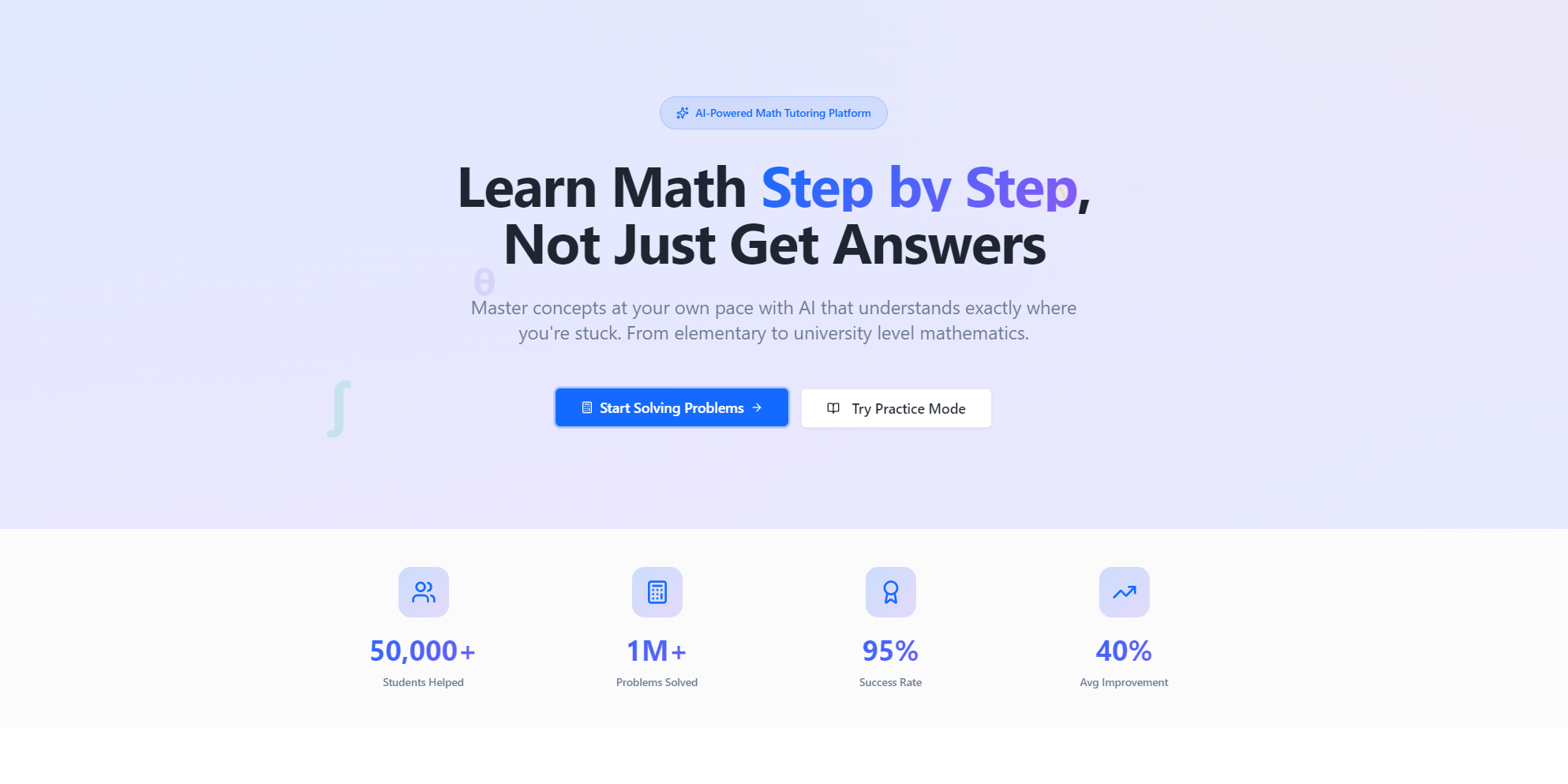
MathTutor AI lets users input math problems via camera, text, or voice, then delivers step-by-step explanations with expandable details. It identifies knowledge gaps through diagnostic quizzes, generates adaptive practice problems, and tracks progress via student/parent dashboards—free tier for basics, premium for unlimited access and advanced analytics.
How we built it
We started with core functionality: integrating computer vision for problem recognition and LaTeX for math notation. We built the UI with React, using GSAP for immersive animations (3D effects, particle systems, parallax) to make the platform engaging. Backend with Node.js and AWS handled data storage/sync; Firebase enabled cross-device progress tracking; Chart.js powered dynamic progress visualizations. We iterated on user testing to refine adaptive difficulty logic and animation performance.
Challenges we ran into
Camera recognition of handwritten math was inconsistent—we had to fine-tune the Computer Vision API and add user guidance (lighting tips, crop tools). Balancing high-end animations with performance on low-end devices required dynamic animation throttling. Designing adaptive difficulty that felt intuitive (not too easy/hard) took weeks of testing with diverse learners to calibrate the logic.
Accomplishments that we're proud of
We achieved 90%+ accuracy for camera problem recognition (printed/handwritten). The platform maintains 60fps animations across devices, even with complex 3D and particle effects. We built a parent dashboard that gives clear insights without overwhelming families, and the adaptive learning logic now consistently identifies knowledge gaps and targets practice effectively.
What we learned
We learned to prioritize accessibility—respecting reduced motion preferences while keeping the UI engaging. We also discovered how critical user testing with diverse learners (K-12, college, adults) is to building a tool that works for all skill levels. Technical wins: mastering GSAP for performance, and integrating multiple APIs seamlessly without sacrificing speed.
What's next for this project
We’re expanding supported math topics (advanced calculus, discrete math refinements) and adding offline access for premium users. We’ll enhance the parent dashboard with personalized learning recommendations, and test the platform with schools to refine bulk features (out of scope for v1). We also plan to optimize mobile performance further and explore integration with popular education tools to reach more learners.

Log in or sign up for Devpost to join the conversation.