Inspiration
I created Math Speedrunner to make math practice fun and engaging, inspired by my own struggles with mental math as a student. I wanted to build a tool that helps users improve their arithmetic skills through an interactive, game-like experience.
What I Learned
While developing this app, I deepened my understanding of PyQt5 for building GUI applications and managing layouts like QStackedWidget for screen navigation. I also learned how to handle dynamic content, such as generating random math problems and implementing a timer-based scoring system.
How I Built It
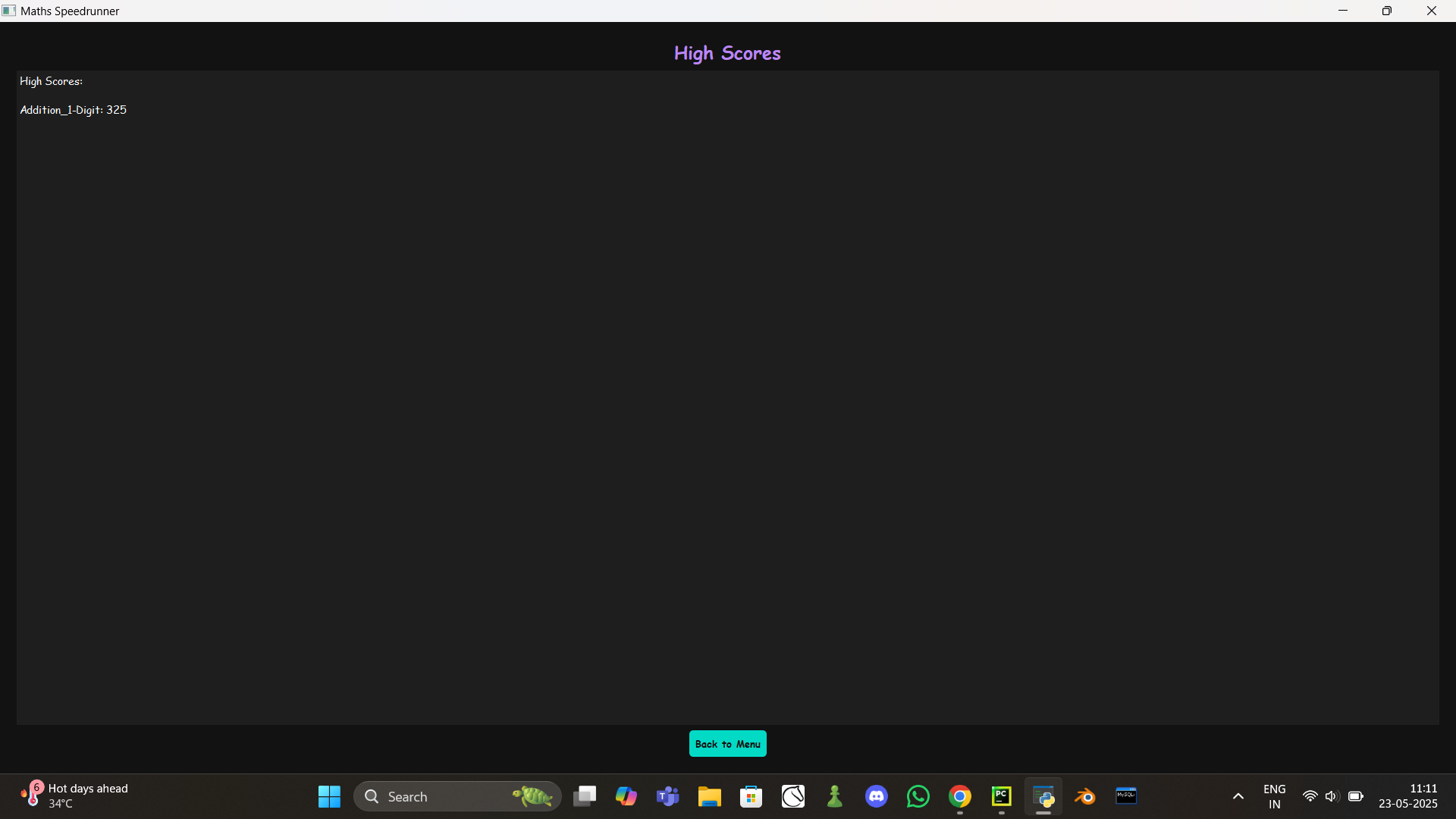
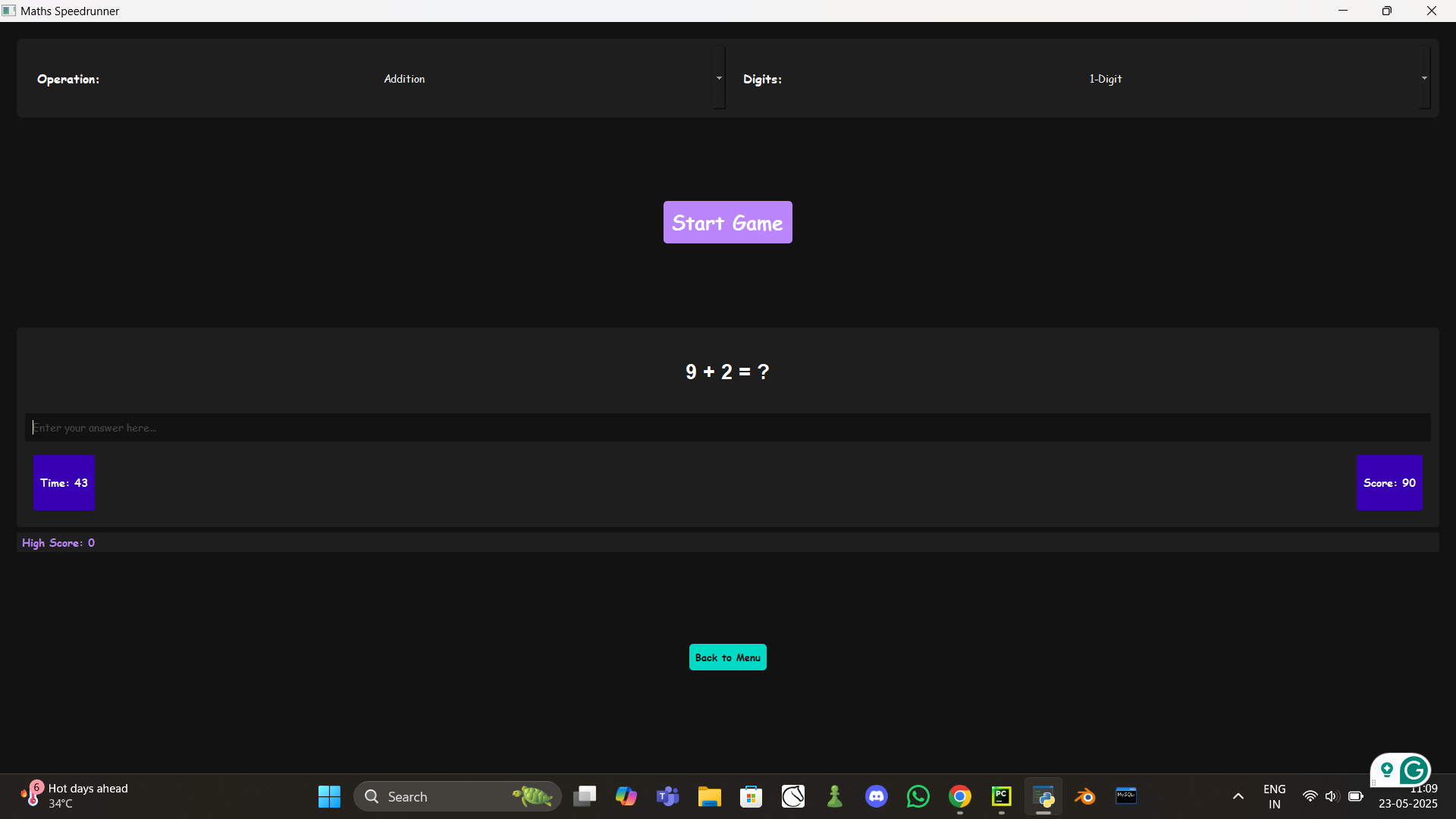
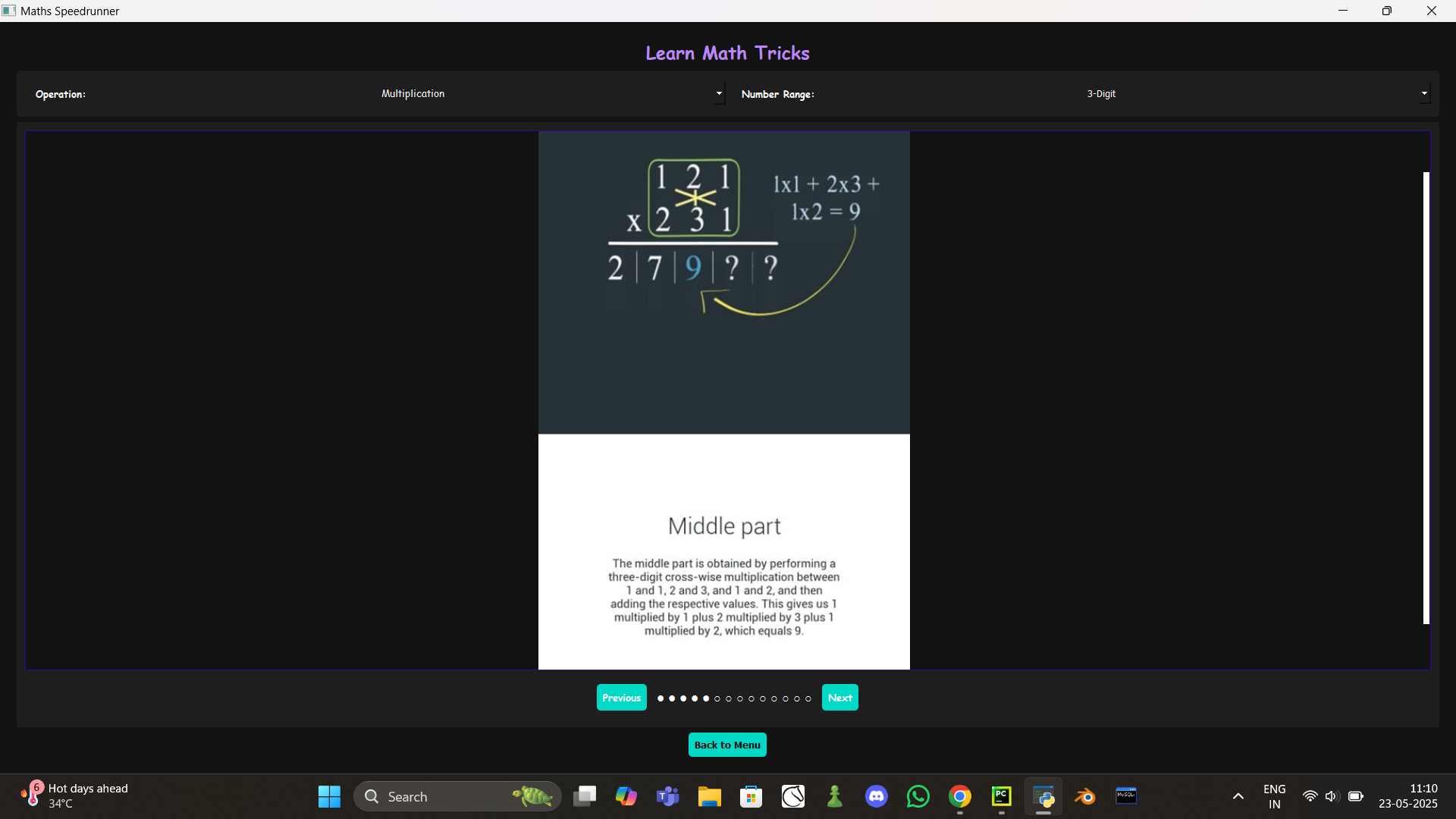
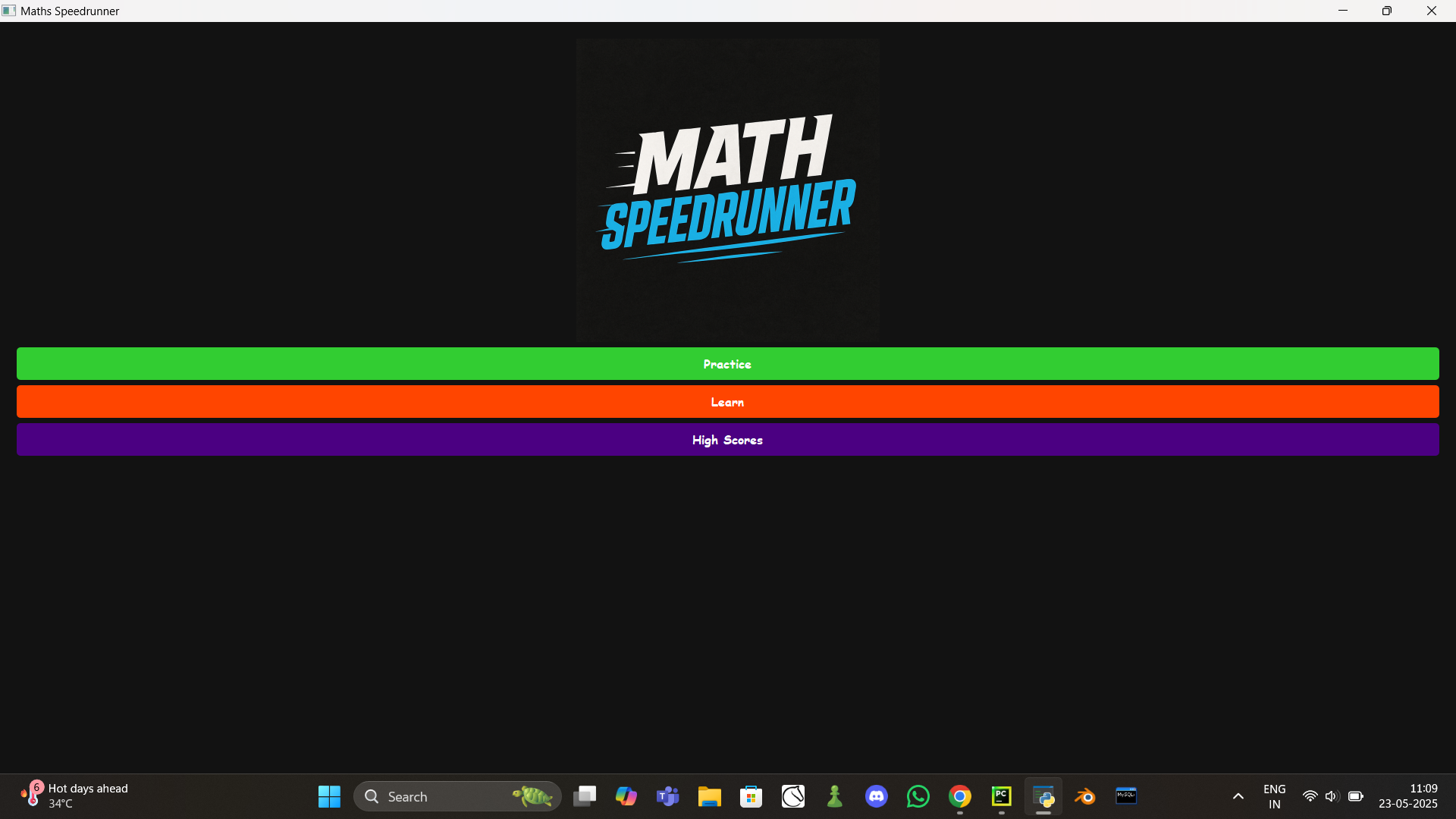
The app is built using Python and PyQt5. It features a main menu with options to practice, learn math tricks, or view high scores. The practice mode generates random math problems based on user-selected operations and digit ranges, with a 60-second timer to challenge users. The learn mode includes a slideshow of math tips, and high scores are saved to track progress.
Challenges Faced
One major challenge was managing the slideshow in the learn mode—loading images dynamically and ensuring smooth navigation without lag. Another hurdle was handling edge cases in math problem generation, like ensuring division problems are solvable with whole numbers. Debugging the timer and score updates also took some trial and error to ensure a seamless user experience.
Built With
- pyqt5
- python


Log in or sign up for Devpost to join the conversation.