-
-

Math master
-
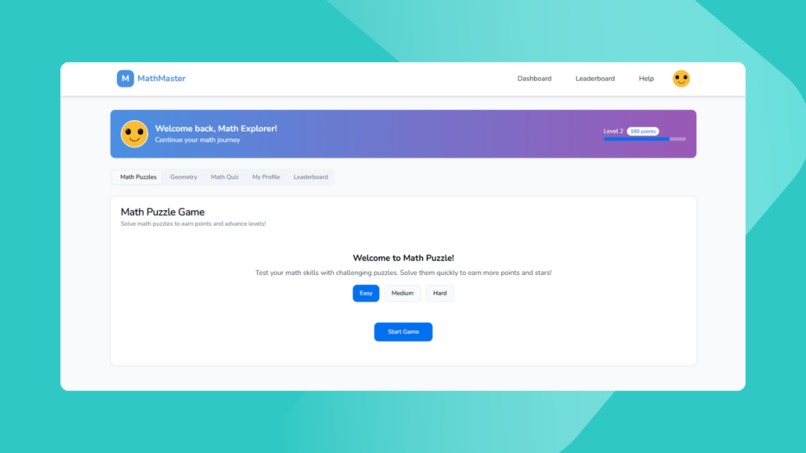
Thumbnail
-
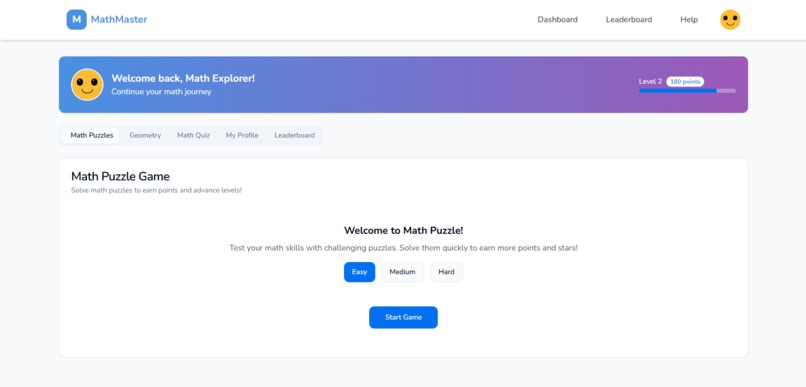
UI

🧠📚 MathMaster – Interactive Math Learning Web App
MathMaster is an interactive web application designed to help users improve their mathematical skills through engaging quizzes and challenges. Built with modern web technologies, it offers a dynamic and responsive user experience.
🌍 Live Demo
👉 View
🎯 Purpose of the Project
MathMaster aims to make math learning fun and engaging through interactive quizzes and gamified challenges. It helps users practice math at their own pace while tracking their progress.
📌 Features
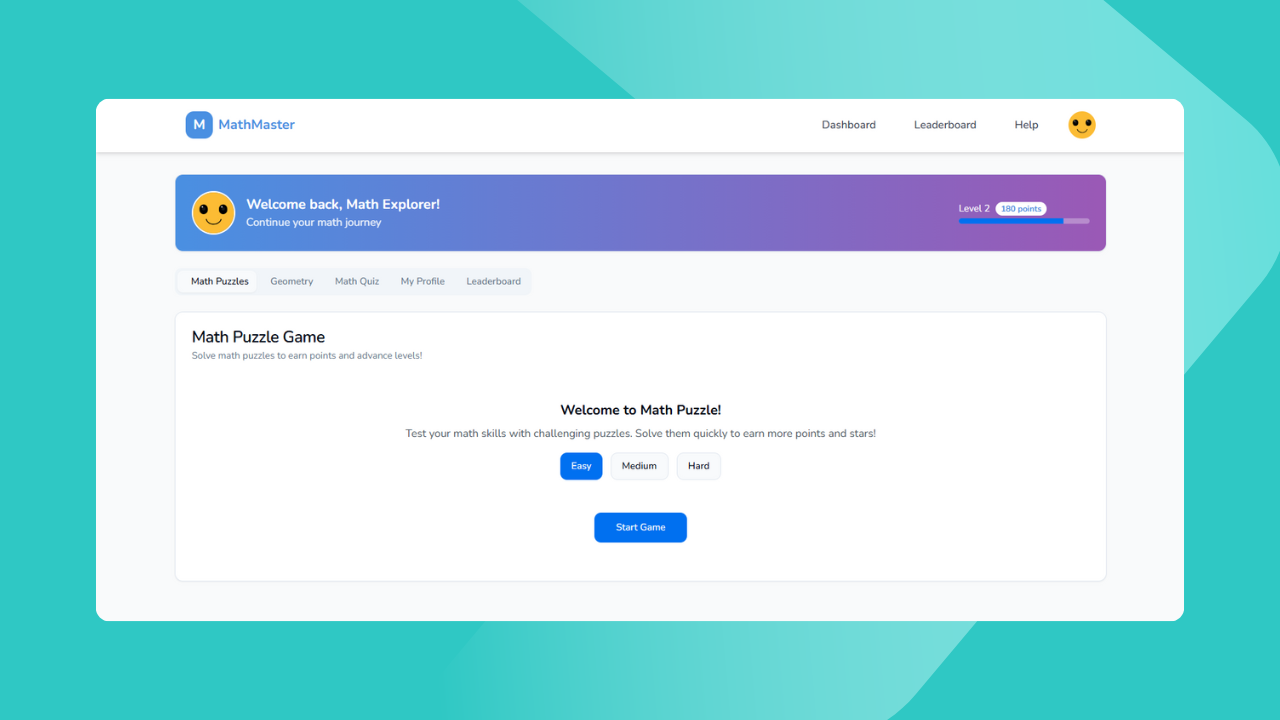
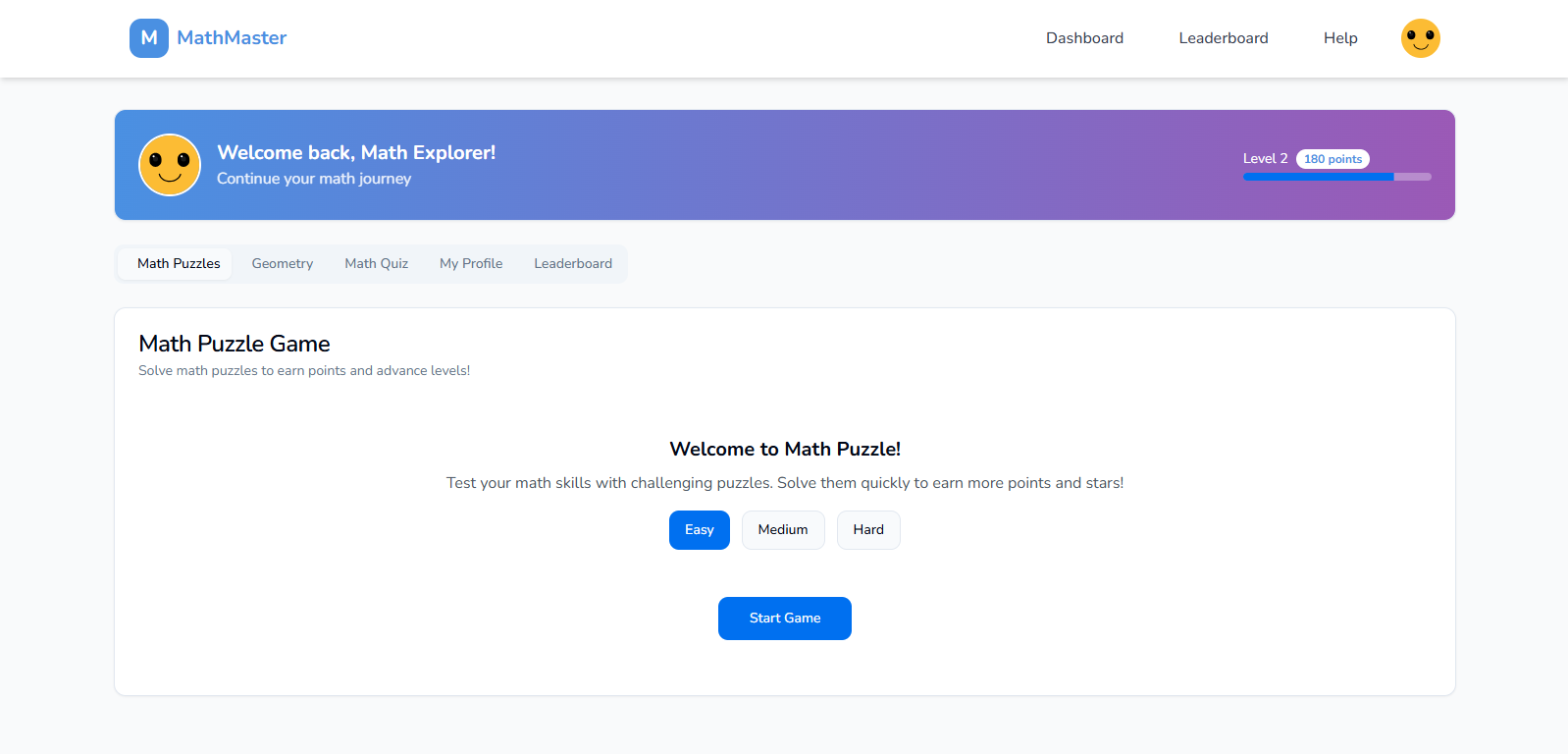
✅ Math Puzzle Game – Solve logic and arithmetic puzzles with level progression and animations.
✅ Geometry Visualizer – Drag & drop shapes, calculate angles, areas, and volumes interactively.
✅ Math Quiz App – Topic-based quizzes with difficulty levels and a score leaderboard.
✅ Combined Dashboard – Central hub to track progress across all games and quizzes.
✅ User System – Login, profile management, and personalized progress tracking.
💻 Tech Stack
| Frontend | Backend | Database |
|---|---|---|
| HTML, CSS, JS | Node.js, Express.js | MongoDB (optional, used for persistent user/score data) |
🛠 Tools & APIs Used
- Node.js + Express.js
- MongoDB + Mongoose
- EJS Templating
- Vanilla JavaScript
- HTML Canvas/SVG
- CSS (with Flexbox/Grid)
🧠 STEM Connection
This project makes math learning interactive, visual, and fun:
- Puzzles improve logic & problem-solving
- Geometry visualizer builds spatial intelligence
- Quizzes reinforce core math skills (fractions, algebra)
📁 Folder Structure
MathMaster/
├── public/             # Static assets
├── src/                # Source code
│   ├── components/     # Reusable components
│   ├── pages/          # Page components
│   ├── styles/         # CSS/SCSS files
│   ├── App.tsx         # Root component
│   └── main.tsx        # Entry point
├── index.html          # Main HTML file
├── package.json        # Project metadata and scripts
├── tailwind.config.ts  # Tailwind CSS configuration
└── vite.config.ts      # Vite configuration
🔐 User Flow
- User registers/logs in.
- Access dashboard → choose game, quiz, or visualizer.
- Earn points for each activity.
- View progress & leaderboard from profile.
🚀 Setup Instructions
Installation
- Clone the repository:
   git clone https://github.com/krushna001m/MathMaster.git
   cd MathMaster
- Install dependencies:
   npm install
   # or
   yarn install
- Start the development server:
   npm run dev
   # or
   yarn dev
The application will be available at http://localhost:5173/ by default.
Building for Production
To create an optimized production build:
npm run build
# or
yarn build
The output will be in the dist directory.
Contributing
Contributions are welcome! Please follow these steps:
Fork the repository.
Create a new branch:
git checkout -b feature/YourFeatureName
- Commit your changes:
git commit -m "Add YourFeatureName"
- Push to the branch:
git push origin feature/YourFeatureName
- Open a pull request.
👨💻 Author
- Krushna Mengal GitHub: @krushna001m GitHub: @ajinkyashinde818


Log in or sign up for Devpost to join the conversation.