Inspiration
While helping my cousin create a poster in Adobe Express, I realised there was no straightforward way to include complex equations. That led me to develop MathDraw, an add-on that makes adding mathematics to designs effortless.
What it does
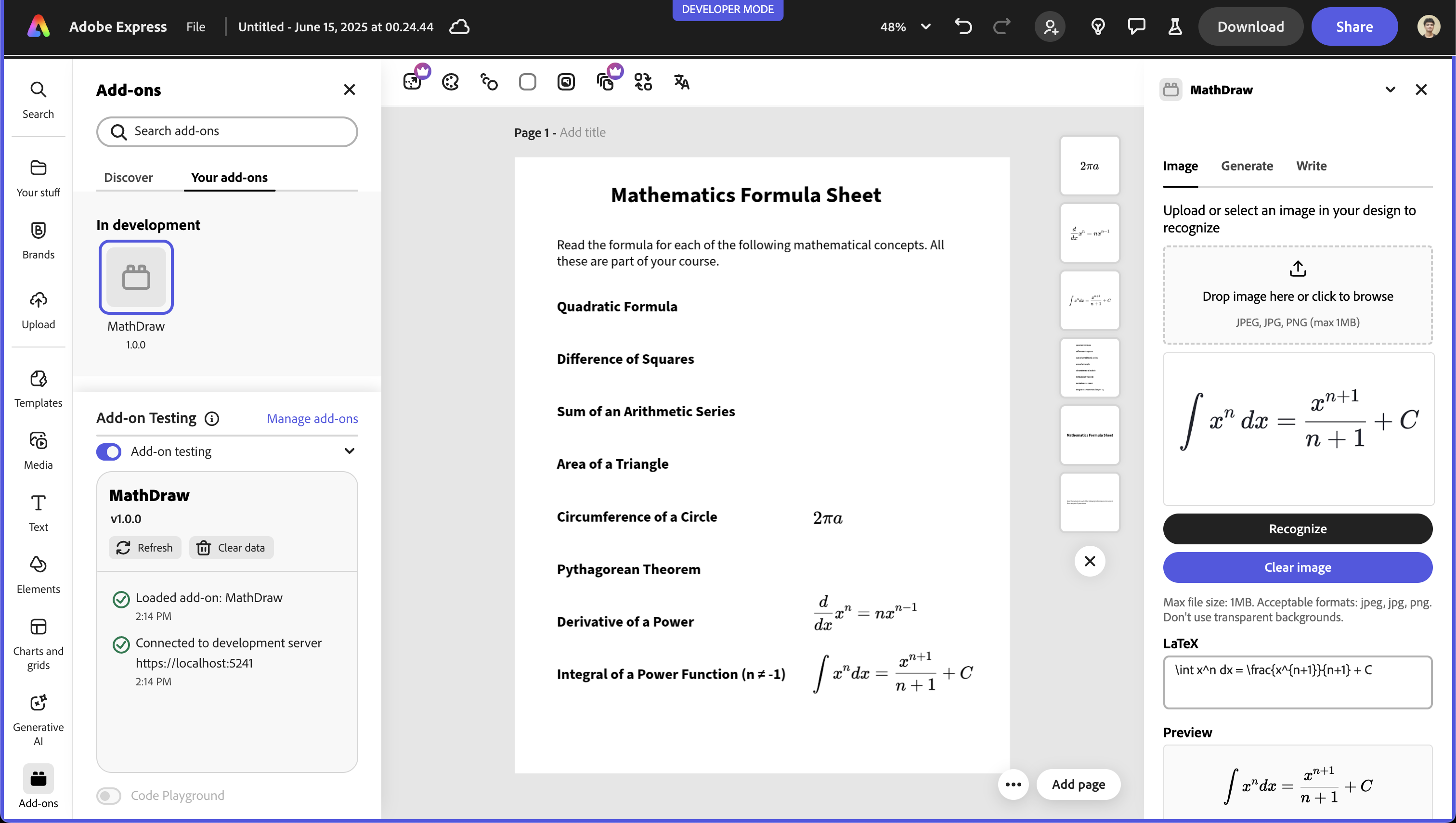
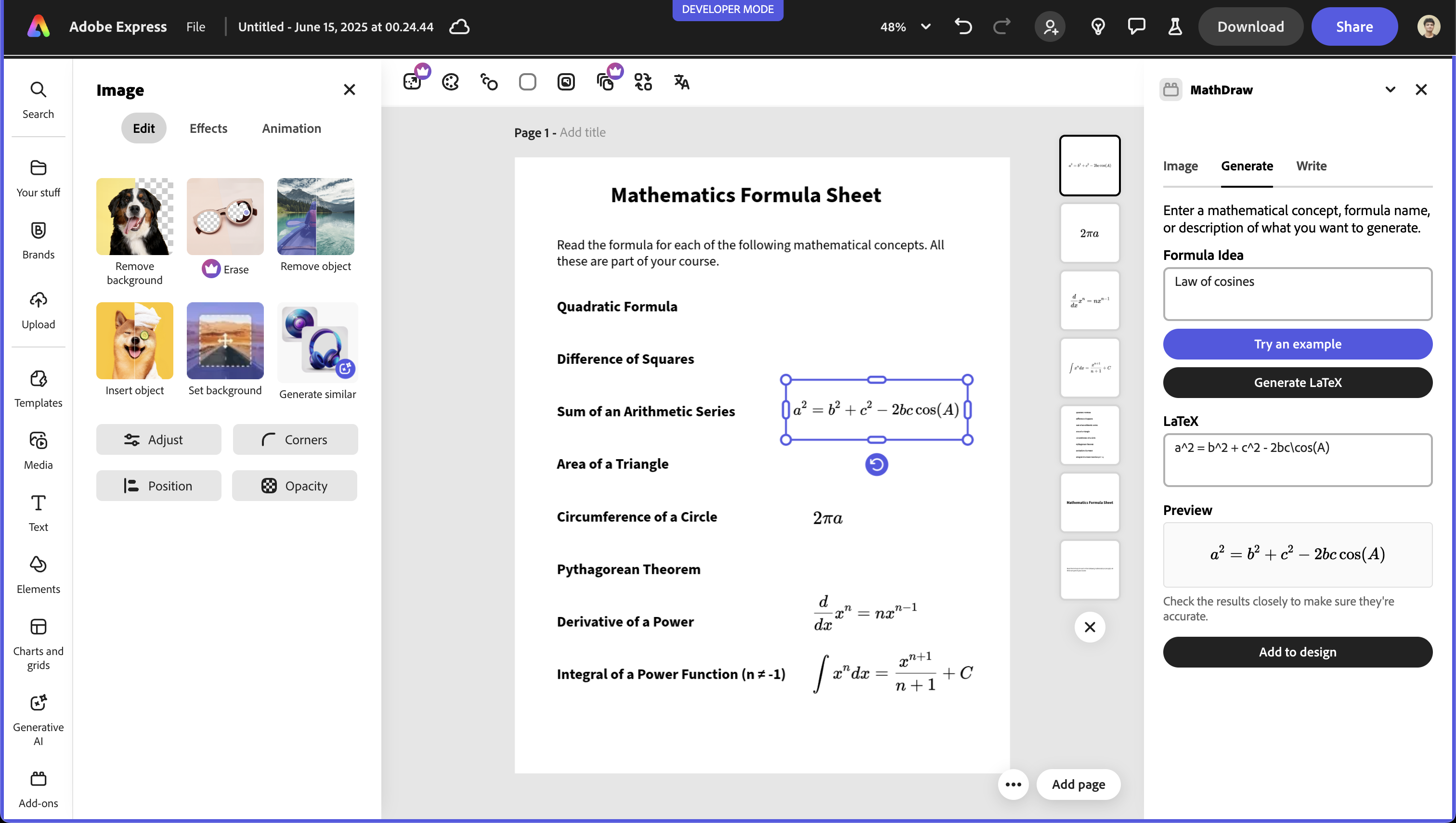
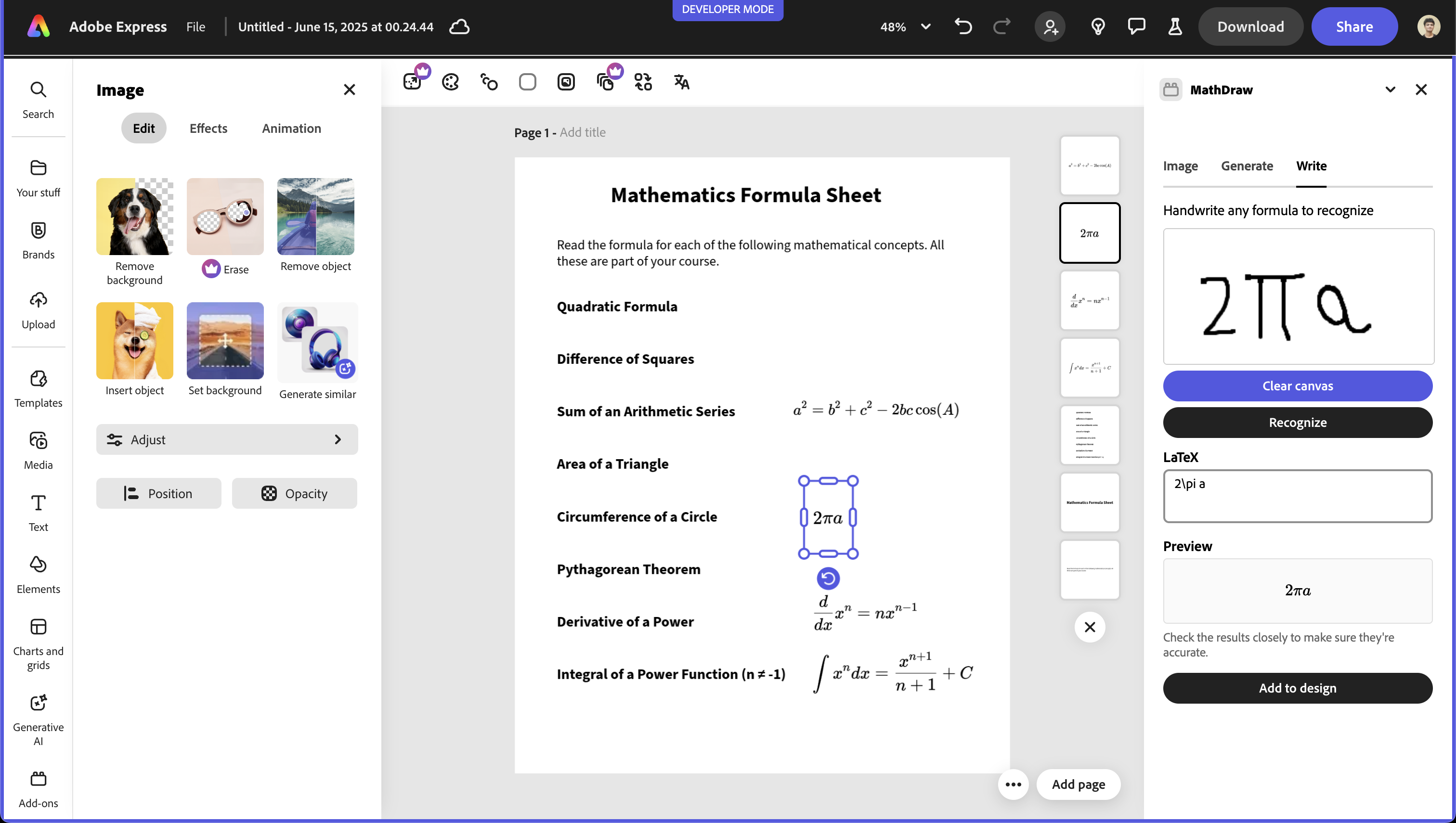
MathDraw inserts beautifully typeset LaTeX into any adobe express project through three modes:
- Image – Drop in a photo or screenshot of an equation; MathDraw recognises it and converts it to LaTeX.
- Generate – Describe the formula in plain English (e.g. “derivative of sin x”); AI returns the matching LaTeX.
- Write – Hand-draw an equation on the canvas; MathDraw turns your strokes into LaTeX.
A single click then places the rendered equation directly in your design.
How we built it
React + TypeScript, Adobe Express Add-on SDK, Spectrum Web Components. Google Gemini generates or recognises LaTeX; KaTeX renders it in-app. html2canvas captures the rendered formula as a high-resolution PNG ready for the artboard.
The official add-on boilerplate jump-started setup, while Spectrum kept the UI consistent with Adobe Express.
Challenges
Navigating a new platform’s SDK and permission model. Converting high-DPI LaTeX previews into crisp, transparent PNGs. Keeping the AI response fast and the bundle size lean.
Accomplishments
Built a one-click workflow to add mathematical equations in Adobe Express designs. This is my very first Adobe Express add-on.
What we learned
Adobe Express add-on architecture and Spectrum design guidelines. Integrating generative-AI models for specialised task.
What’s next
- Add colour, size, and font controls for equations
- Support multi-line displays and inline math editing
- Explore offline handwriting recognition to reduce API calls
- Publish on the Adobe Express marketplace


Log in or sign up for Devpost to join the conversation.