-
-

This widget tells us whether the task can be solved using AWS
-
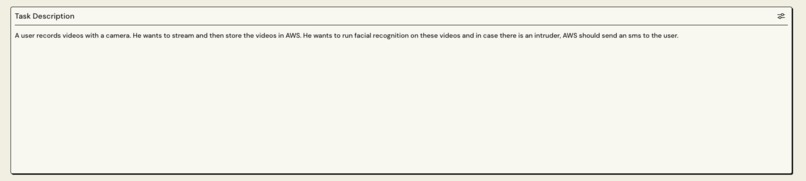
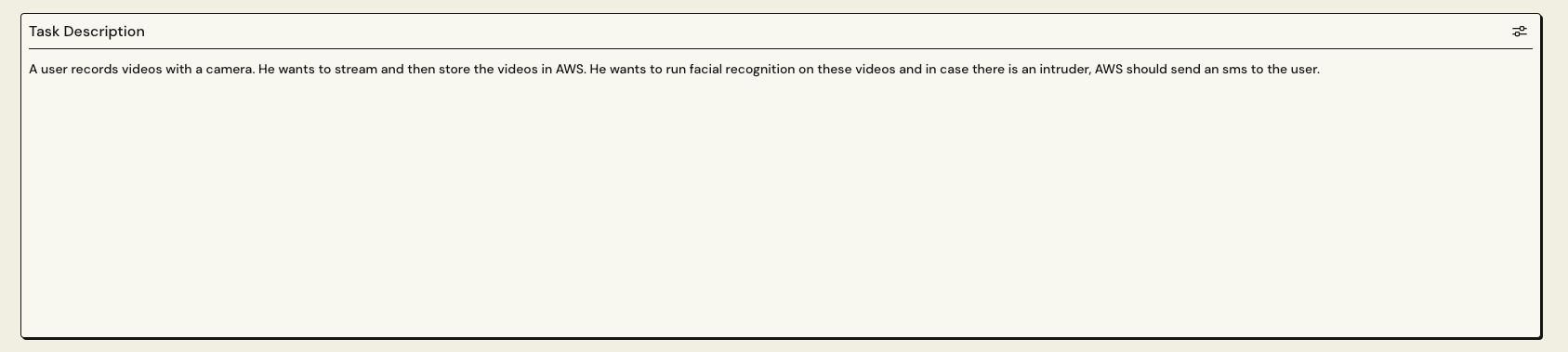
User writes the a description of the task in this widget
-
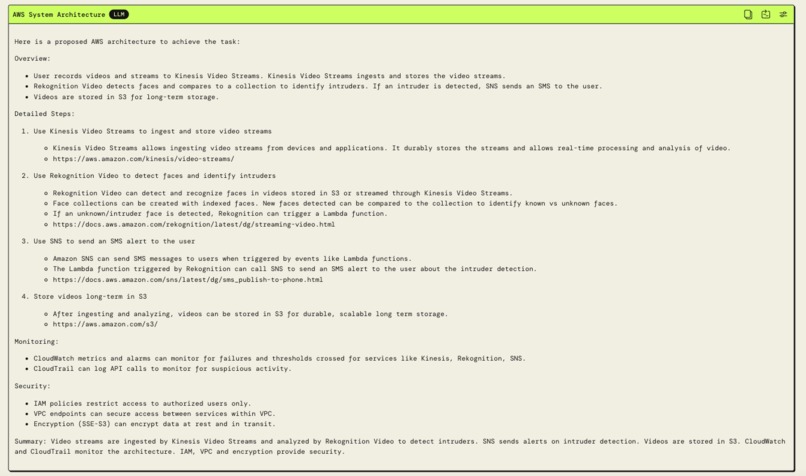
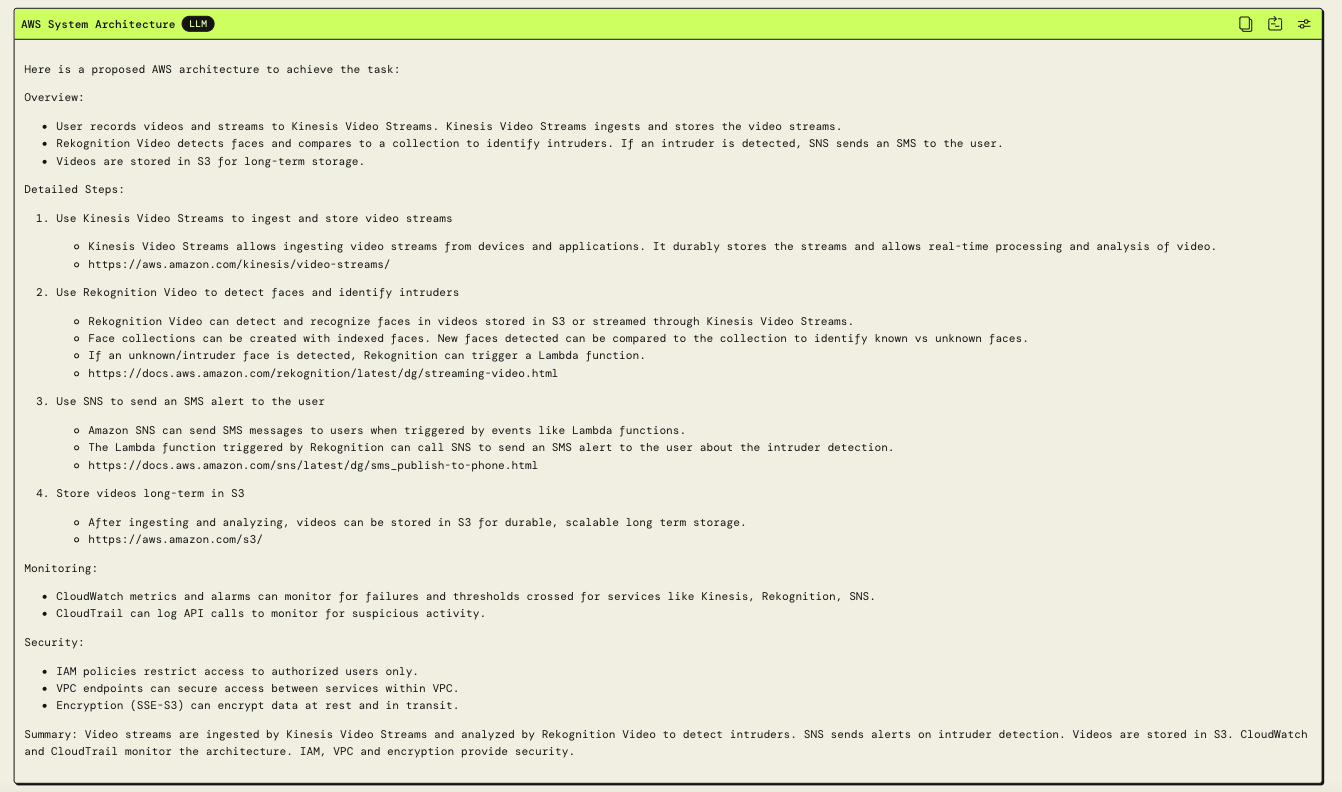
This widget gives the AWS system architecture
-
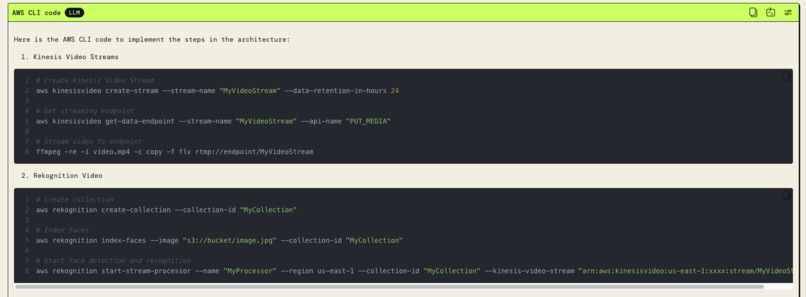
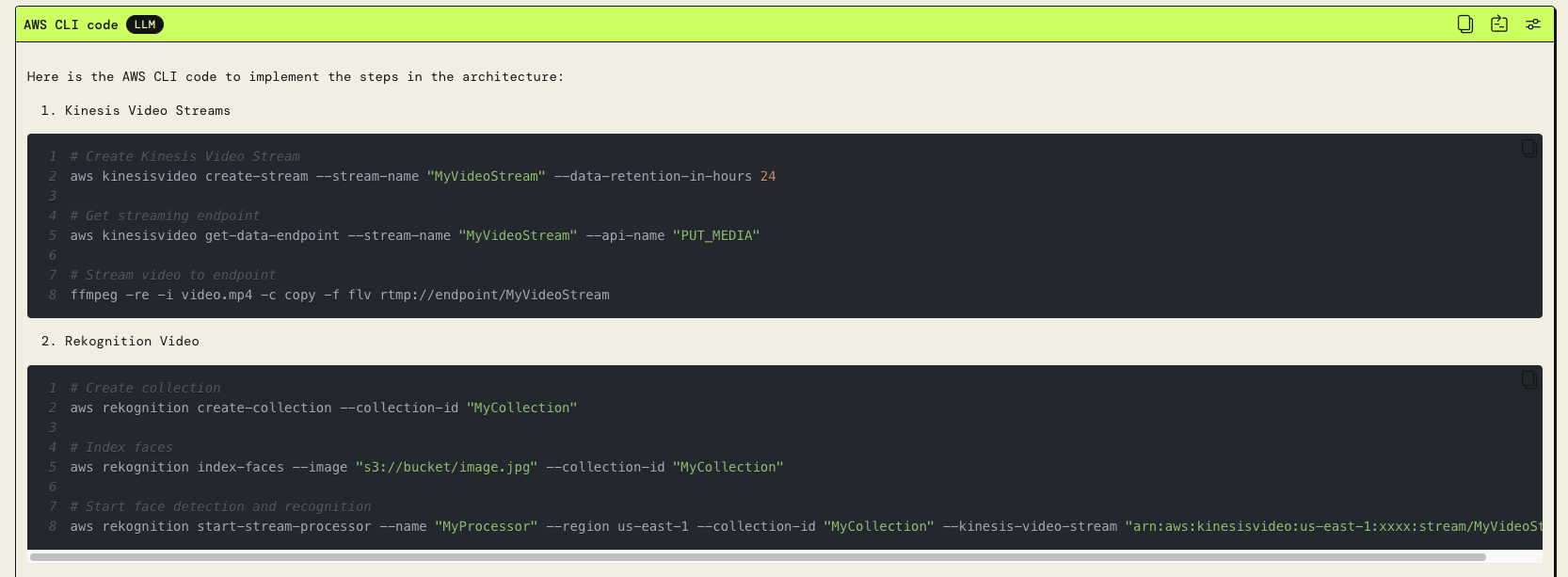
AWS CLI code that builds the AWS system
-
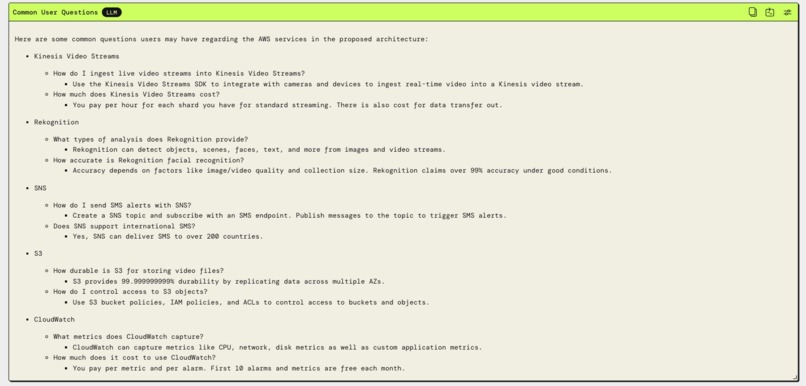
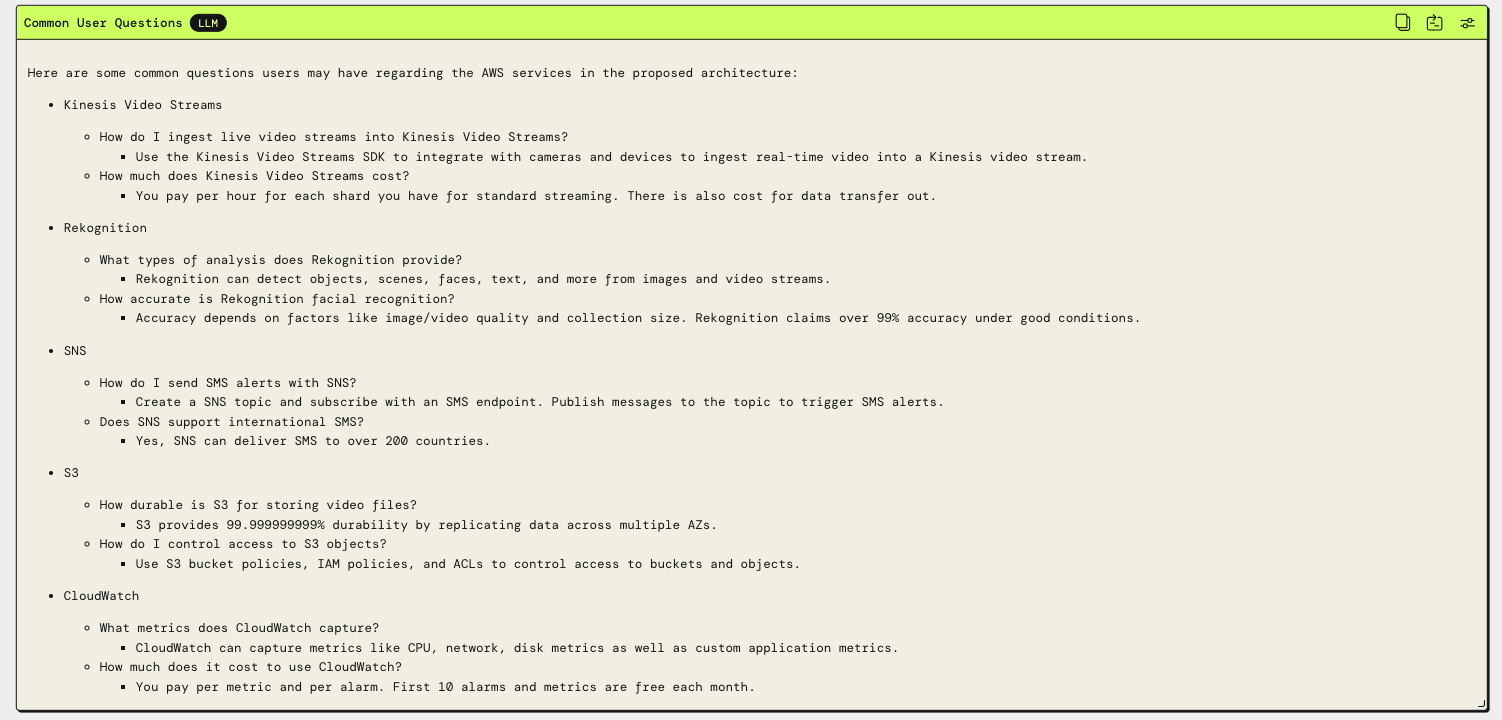
Common questions that users have when using the services in our AWS system

Inspiration
When I first started using AWS, I was not able to quickly build an AWS system architecture to solve my tasks because of the steep learning curve for many AWS services. I reviewed a lot of resources online, signed up for AWS premium support, and was finally able to build a working system. This took a non-trivial amount of time. So to help new AWS users like me build AWS systems quickly, I built the PartyRock app called AWS Solutions Architect.
What it does
The user begins by crafting a text description of the task they aim to achieve. Next, the AWS Solutions Architect app presents an AWS architecture tailored to fulfill this task, offering detailed step-by-step instructions for configuring various services via both CLI and web console.
Moreover, it identifies common pitfalls users encounter during service setup and provides a comprehensive system diagram illustrating the architecture. Additionally, the app outlines the associated costs for each service used in the app.
How we built it
We used AWS PartyRock and created a widget for each module in the app. The different widgets in the app are
- Status Indicates if we can build AWS system for solving the user's task
- AWS System Architecture Outputs the AWS system architecture
- AWS CLI Code Outputs the AWS CLI Code for building the system
- AWS Web Console Outputs the steps for building the system using the AWS Web Console
- Common Mistakes Common mistakes that users make when using these services
- Common Issues Common issues that users face when using these services
- Common User Questions Common questions that users have when using these services
- Vulnerabilities Vulnerabilities of the system
- Cost Cost of all the services
- Architecture Limitations Limitations of the architecture
- Extra Help
- Architecture Diagram Prompt Prompt used to generate the AWS system architecture diagram
- Architecture Diagram AWS system architecture diagram
Challenges we ran into
One of the biggest challenges was coming up with the correct prompt for different widgets. Different prompts gave dramatically different results. Often the same input gave dramatically different results when the app was run multiple times, even if everything else in the app did not change. So we have to keep refining the prompts until we reached a point where the same input gave similar results when run multiple times. The hardest part was getting an image of the system architecture. It didn't matter what prompt I used or what parameters I set in the widget, I could never get a good image of even the simplest possible test case.
Accomplishments that we're proud of
This app will significantly reduce the time taken to build solutions for tasks with AWS. It will also encourage more users to use AWS.
What we learned
Prompt engineering.
What's next for AWS Solutions Architect
Add image generation functionality. The image generation widget is currently very bad. After trying a lot of different prompts, I couldn't get a good system architecture diagram. If this widget improves in the future, then we can add additional image generation functionality to all the widgets in the app to give better user experience. Linking this app to internal AWS data like historical customer care questions, so we can give users additional insights into building the app. Better comparison to other cloud providers, so users can see the benefits of using AWS vs. other providers.
Built With
- amazon-web-services
- partyrock

Log in or sign up for Devpost to join the conversation.