-
-
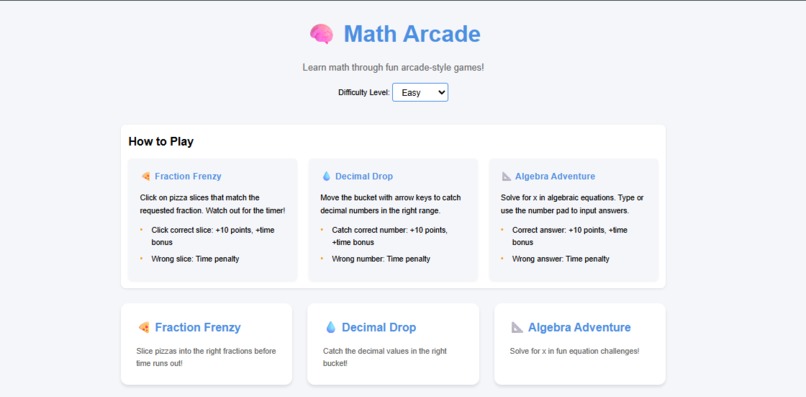
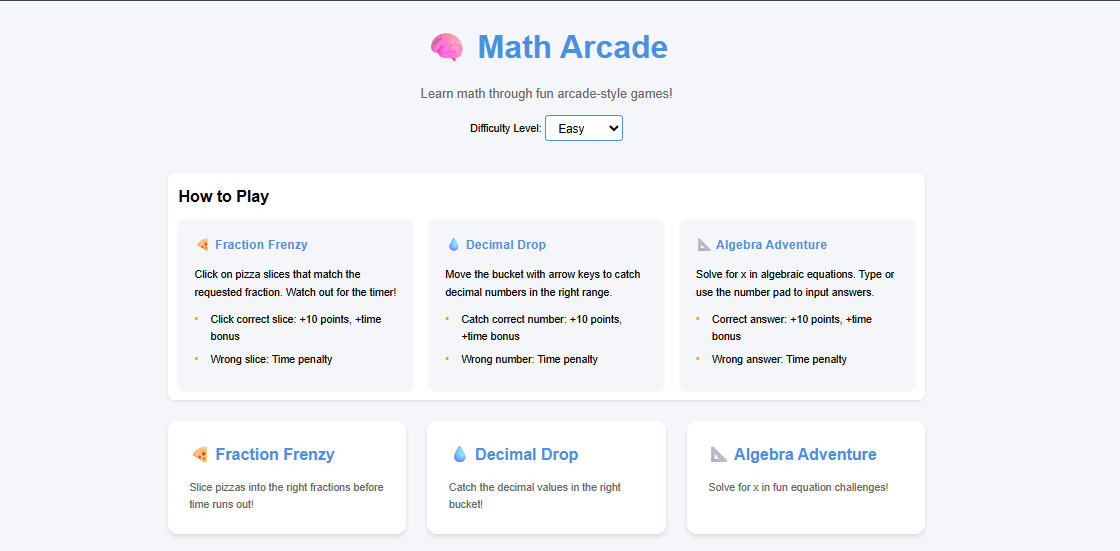
Landing Page
-

Leaderboard
-
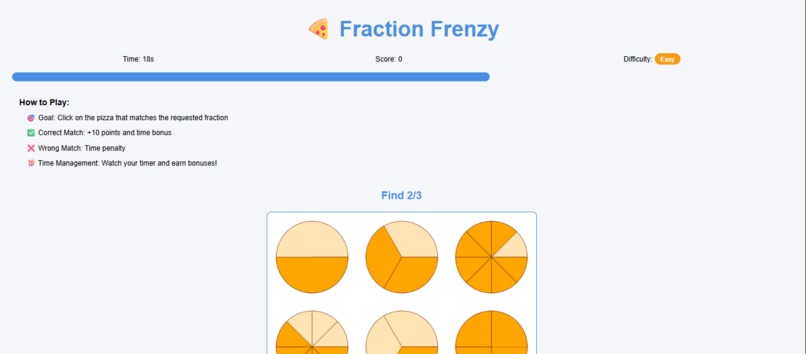
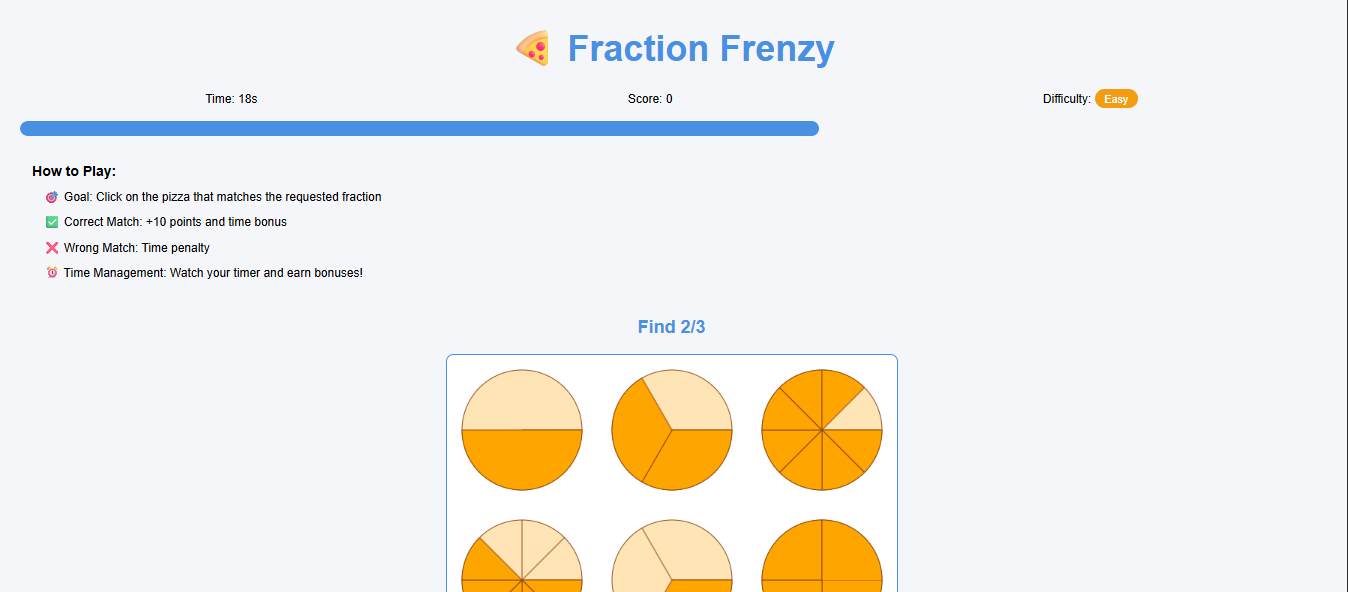
Fraction Frenzy
-
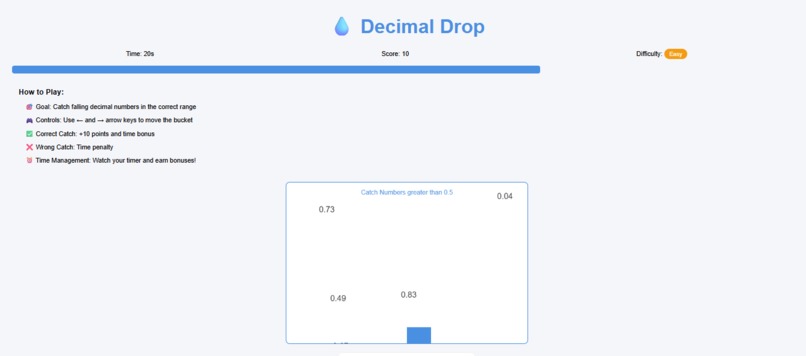
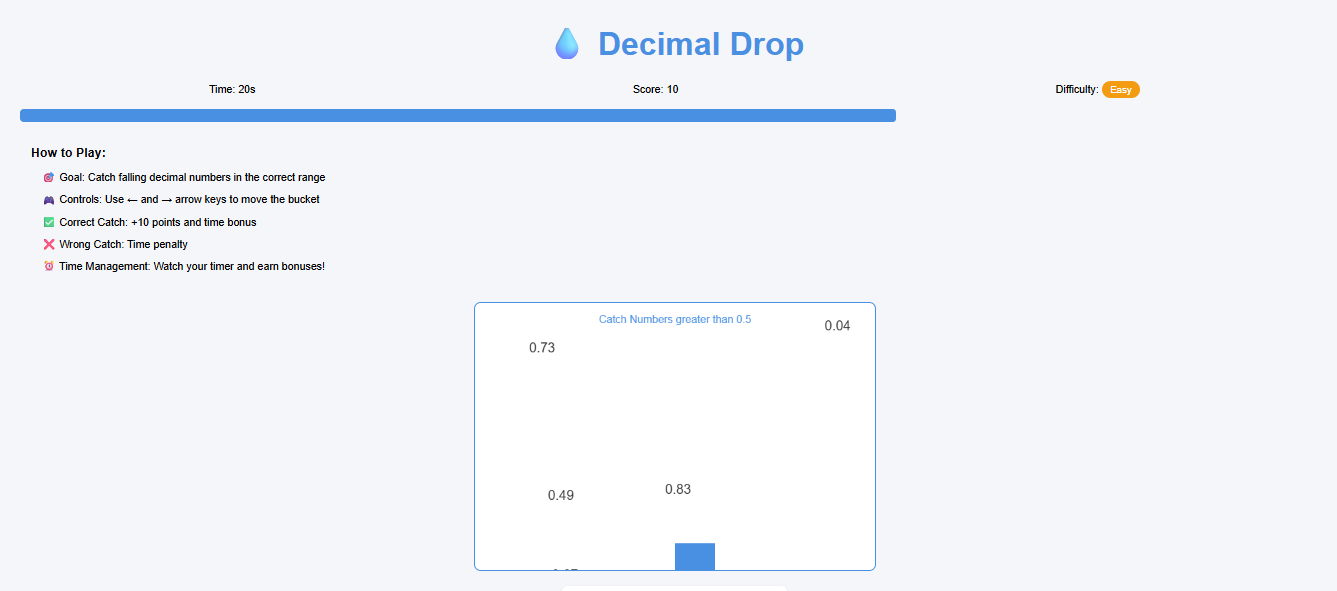
Decimal Drop
-
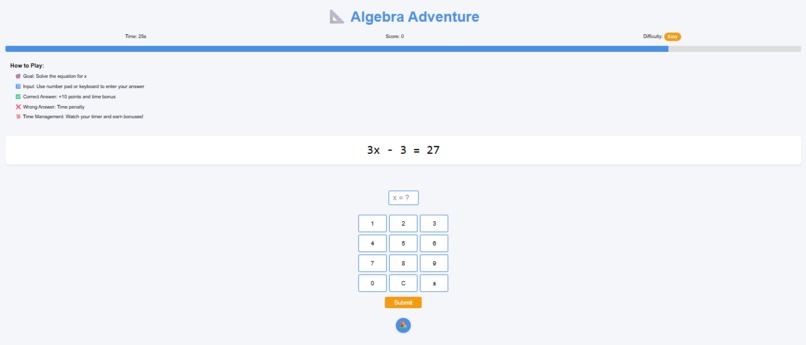
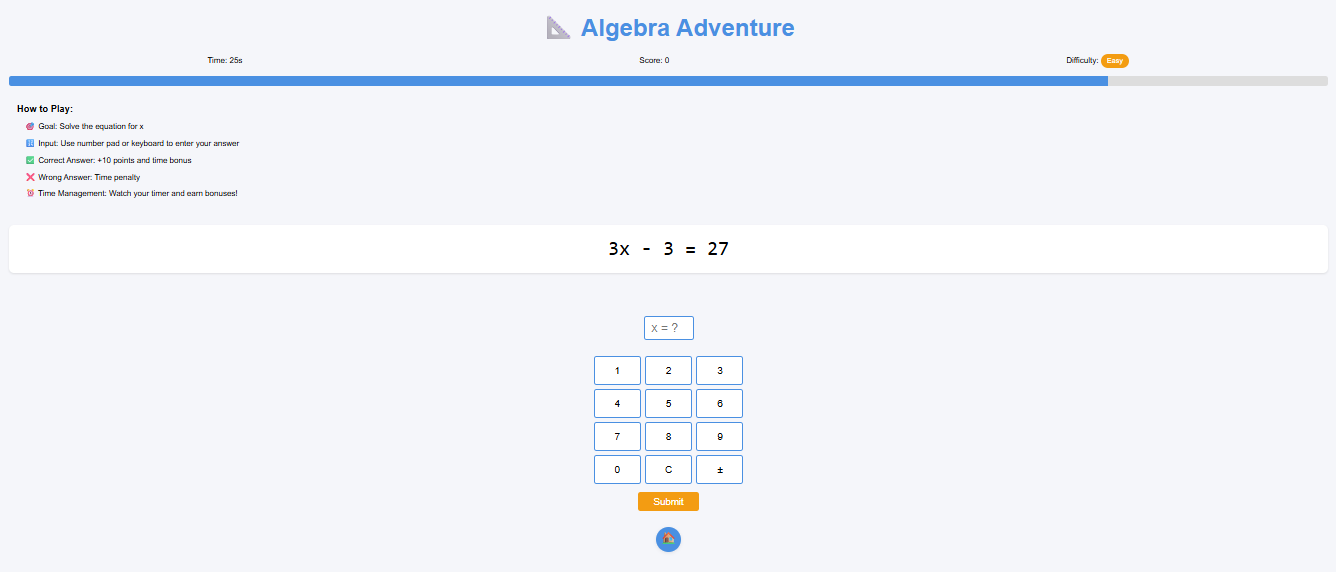
Algebra Adventure

Inspiration
I was inspired by the idea that math doesn’t have to be boring. Many middle school students struggle with understanding math concepts because traditional teaching methods can feel dry or disconnected. Since I love both coding and games, I wanted to use programming to make math fun, interactive, and rewarding. That’s how Math Arcade was born, a collection of mini-games designed to make learning math feel like playing in an arcade.
What it does
Math Arcade is a web-based platform with mini-games that help students practice key math topics like fractions, decimals, and algebra. The games are fast, interactive, and built to reinforce concepts through play: Fraction Frenzy – Select the pizza to match the correct fraction. Decimal Drop – Catch the correct decimal numbers into the correct category. Algebra Adventure – Solve simple equations to find the value of x.
Each game provides instant feedback and encourages exploration through coding-based mechanics.
How i built it
I built the entire project using HTML, CSS, and JavaScript, focusing on a clean, playful frontend experience: -The homepage (index.html) acts as a game hub. -I used the Canvas API in JavaScript to render visuals, like pizzas in Fraction Frenzy. -Keyboard controls power Decimal Drop and Algebra Adventure. -Algebra Adventure generates and solves random math puzzles using simple logic. -I used vanilla JavaScript to keep the code lightweight and browser-friendly.
Everything runs in the browser (no backend needed).
Challenges i ran into
-Balancing educational value with fun gameplay — making sure each mini-game taught a concept without feeling like homework. -Learning how to use the Canvas API to create dynamic, clickable graphics. -Making the games accessible and intuitive for middle schoolers. -Keeping the project scope realistic while still building multiple working games.
Accomplishments that I'm proud of
-I built three interactive math games from scratch using only frontend technologies. -I turned math problems into engaging game mechanics. -The interface is responsive, kid-friendly, and doesn’t require installation. -I managed the full project alone, from concept and design to coding and testing.
What I learned
-How to use the Canvas API to draw and animate game elements. -How to implement keyboard interactivity in JavaScript. -How to translate academic topics into fun, coded challenges. -The importance of simplicity and feedback in educational game design.
What's next for Math Arcade
-Add more games that cover additional math topics like geometry, percentages, and word problems. -Add progress tracking and rewards like stars or badges to encourage repeated play. -Include audio, animations, and accessibility features for a more polished experience. -Build a teacher dashboard to support use in classrooms.
I’m excited about how far this idea could go and proud of how coding helped bring it to life.
Built With
- canvas-api
- css3
- github
- html5
- javascript
- visual-studio


Log in or sign up for Devpost to join the conversation.