-
-

Material app icon — original uncropped 1024 × 1024 PNG.
-
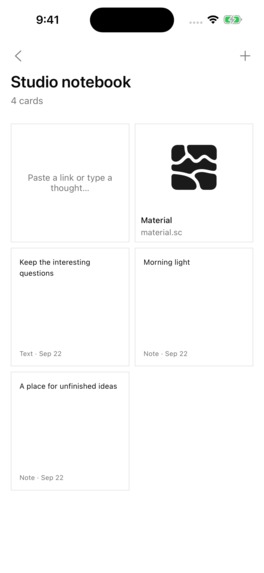
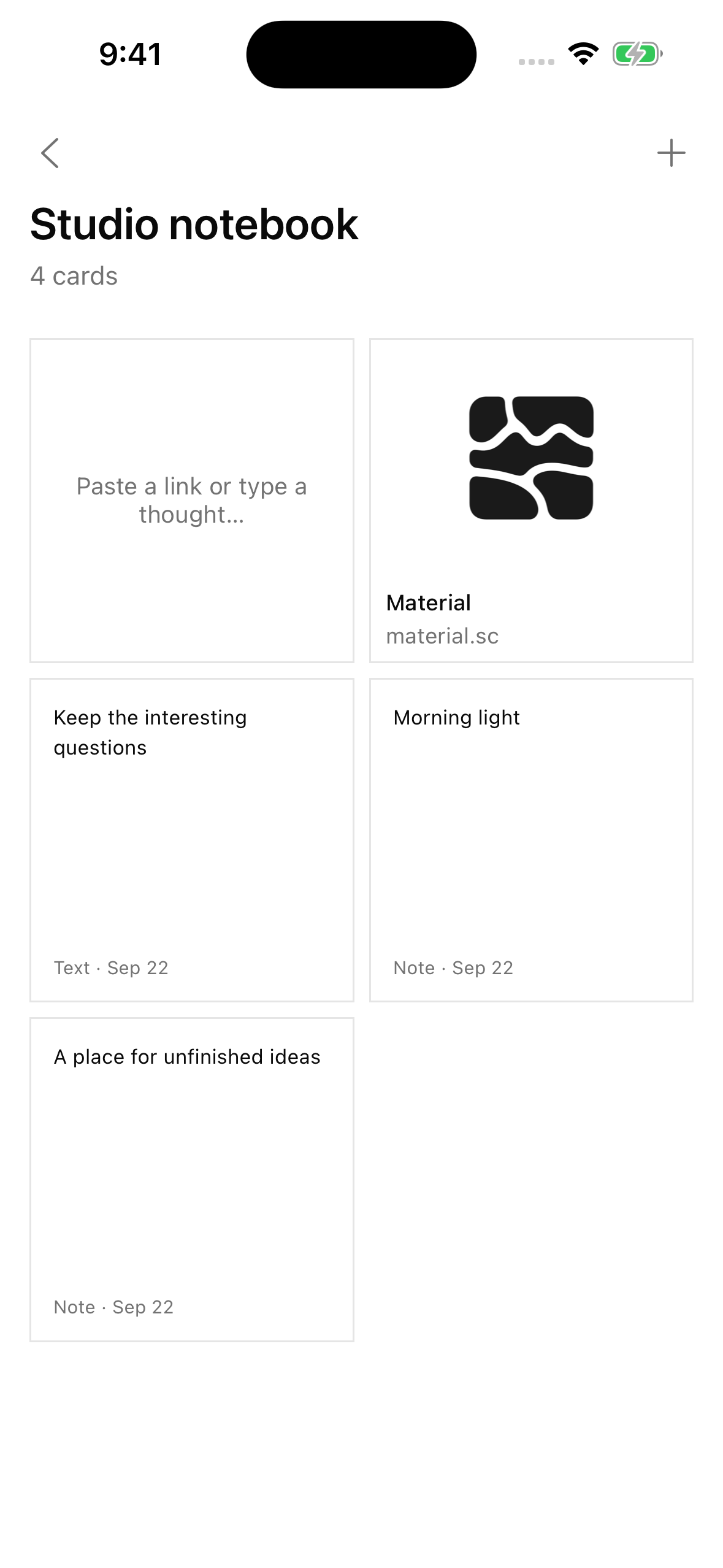
Material on iPhone — 1179 × 2556 screenshot without a device frame.
-
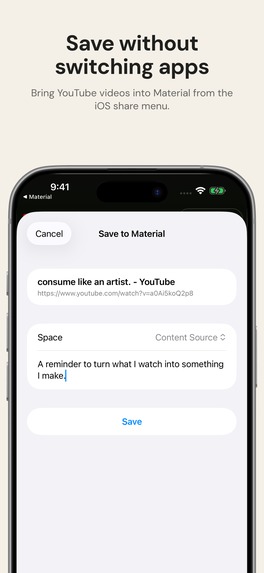
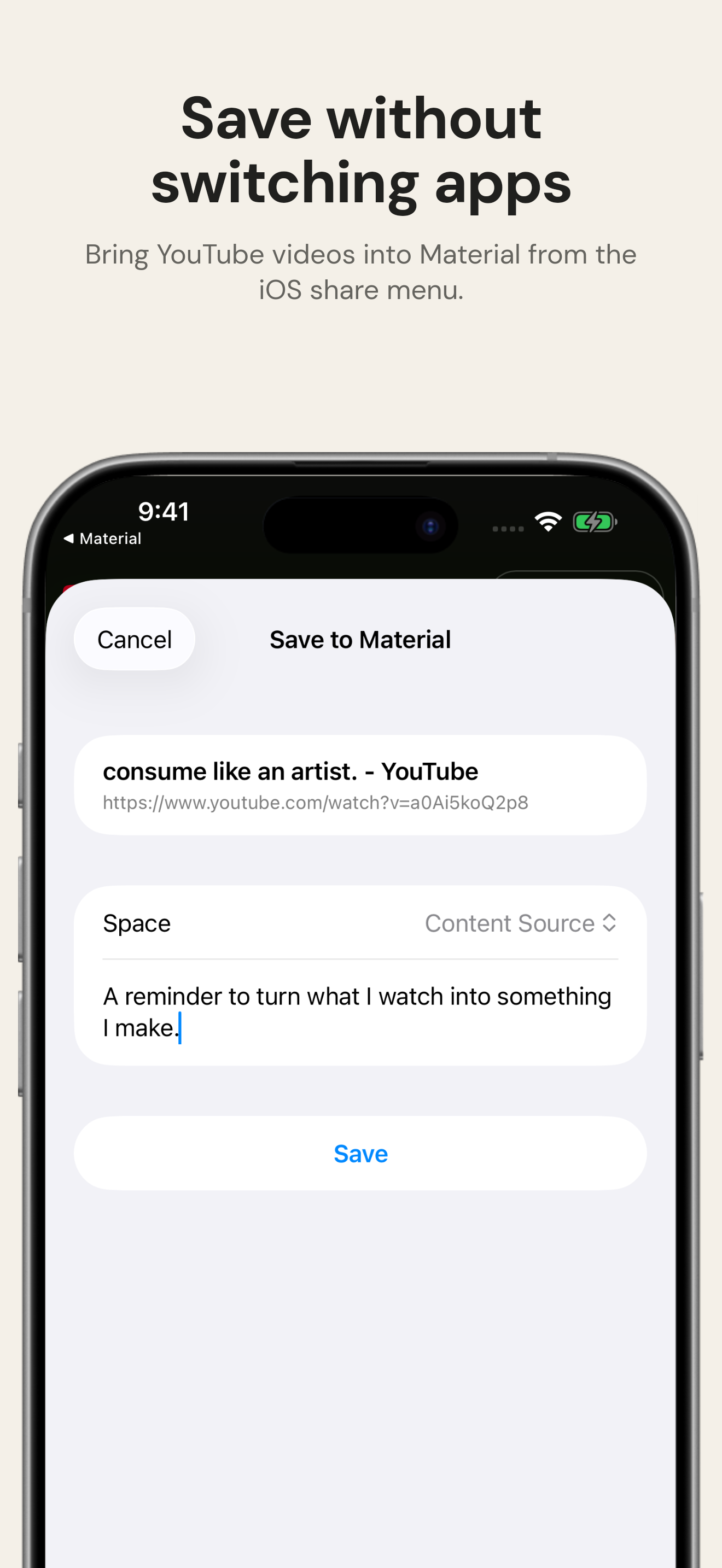
Native iOS sharing — save to Material without switching apps.
-
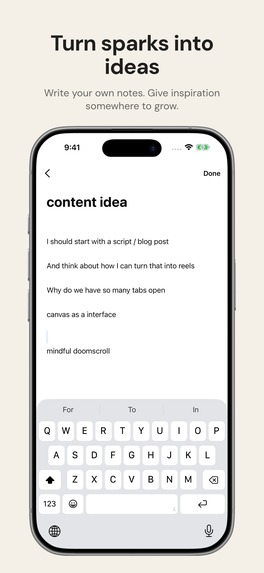
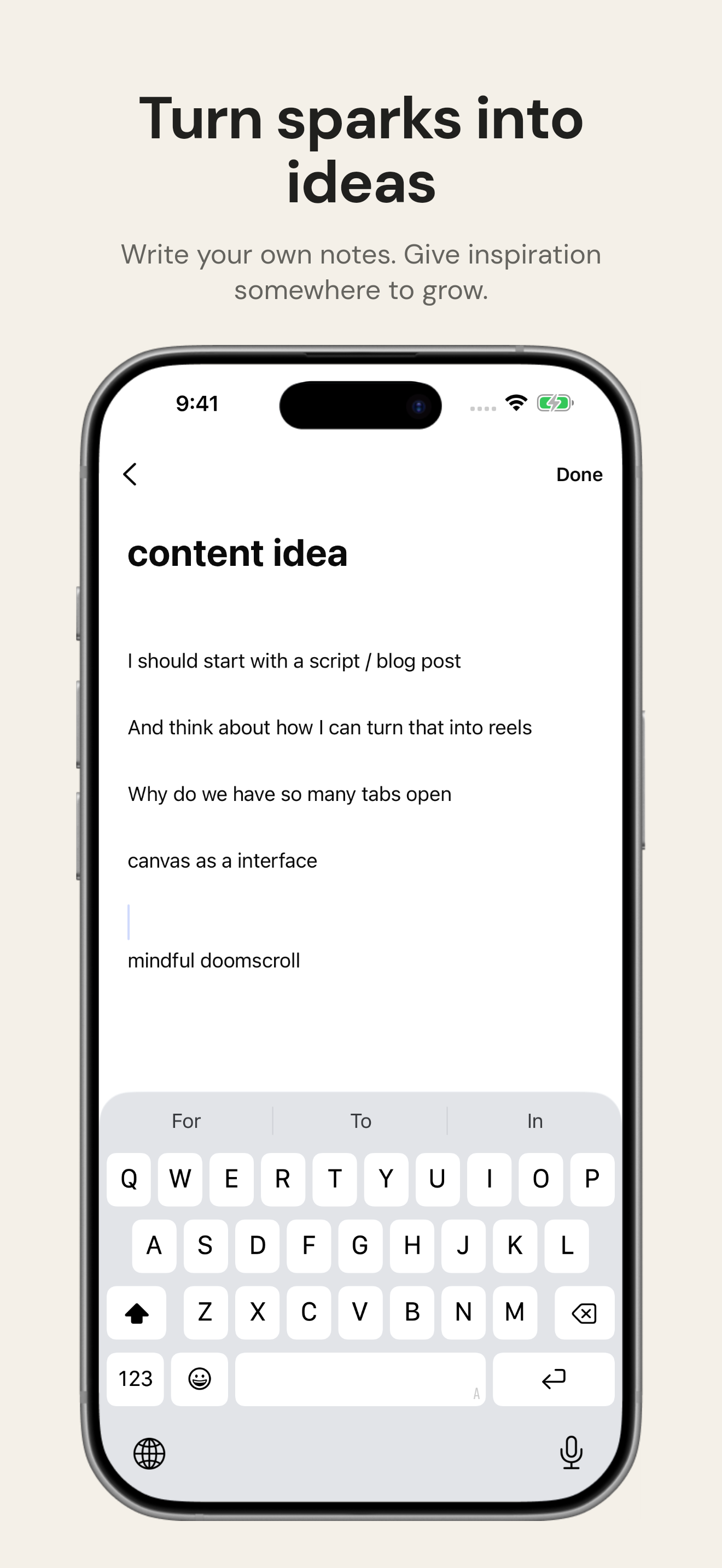
Notes — turn saved inspiration into your own ideas.
-
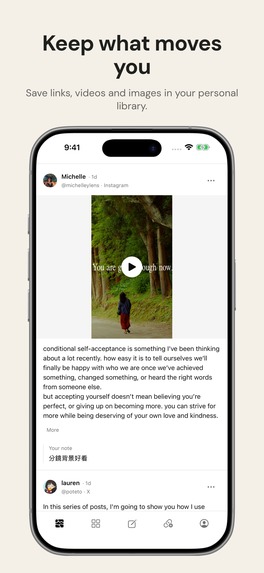
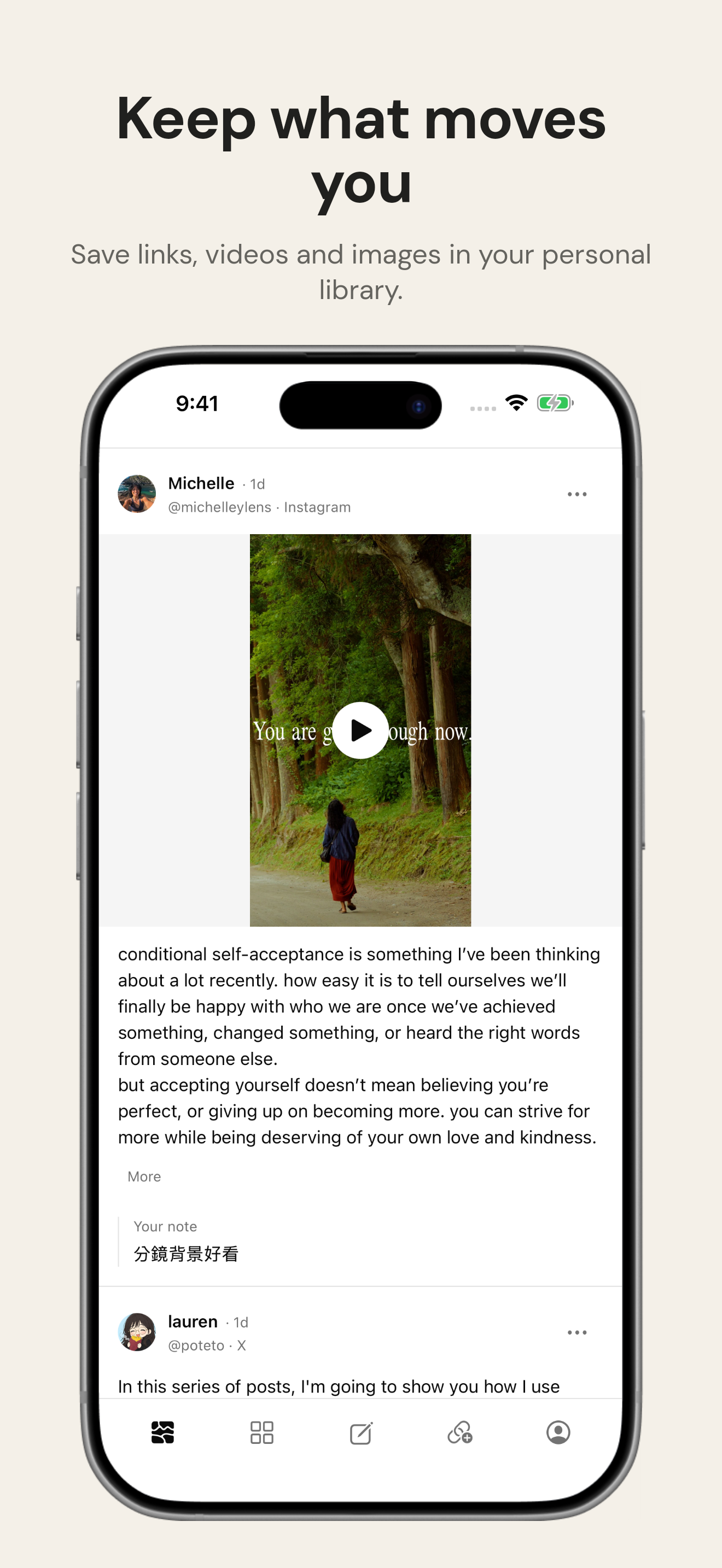
Stream — keep the links, videos, and images that move you.
-
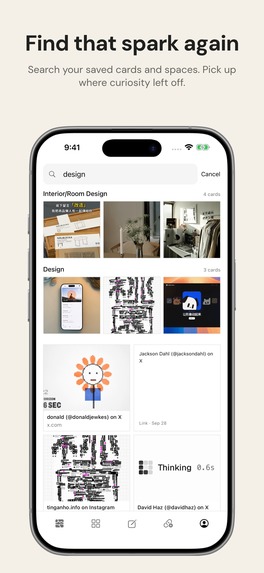
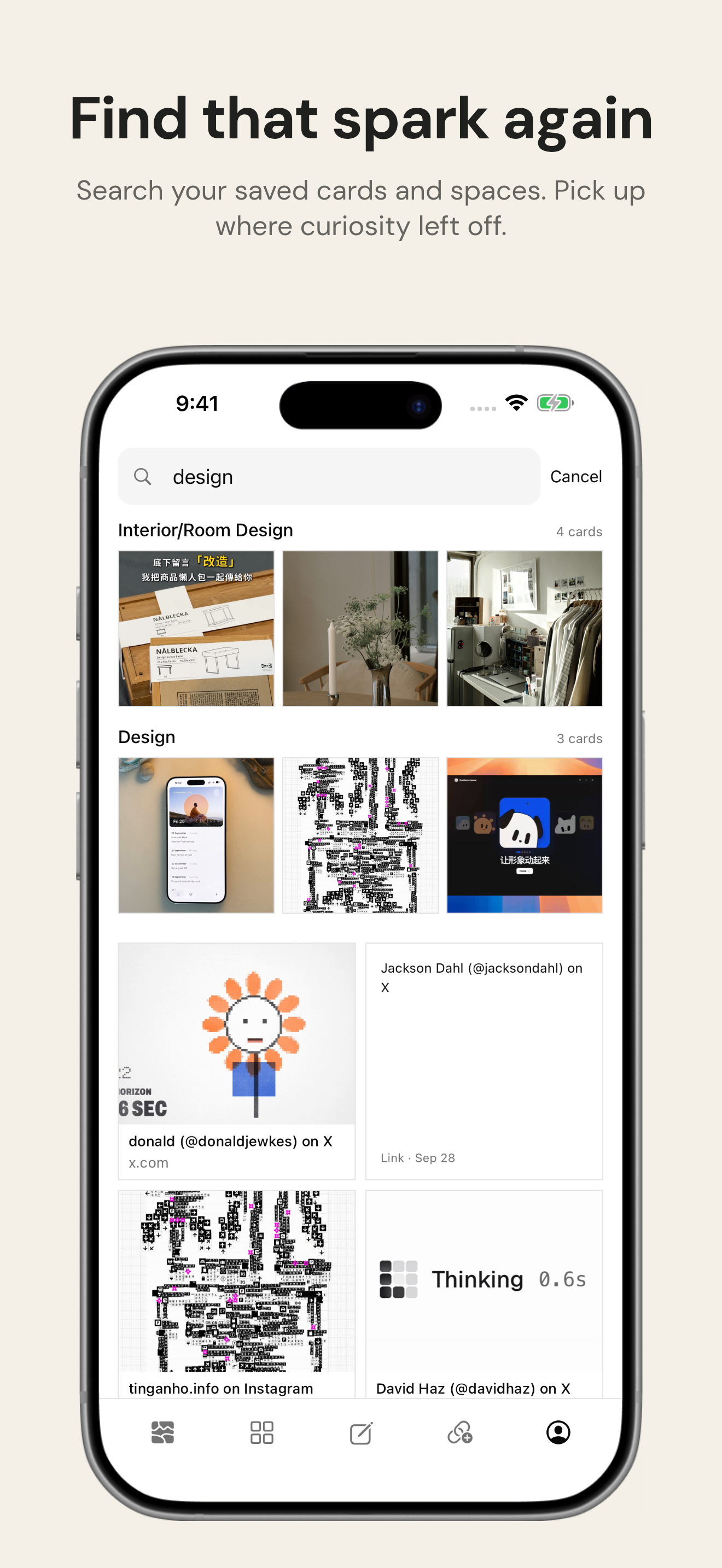
Search — find a saved reference and pick up where you left off.
-
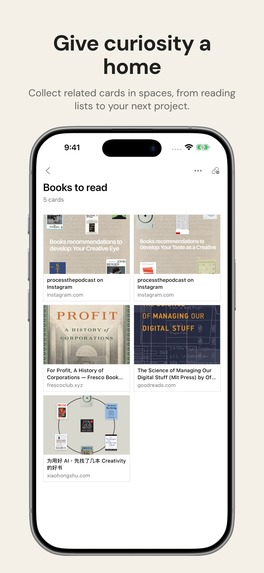
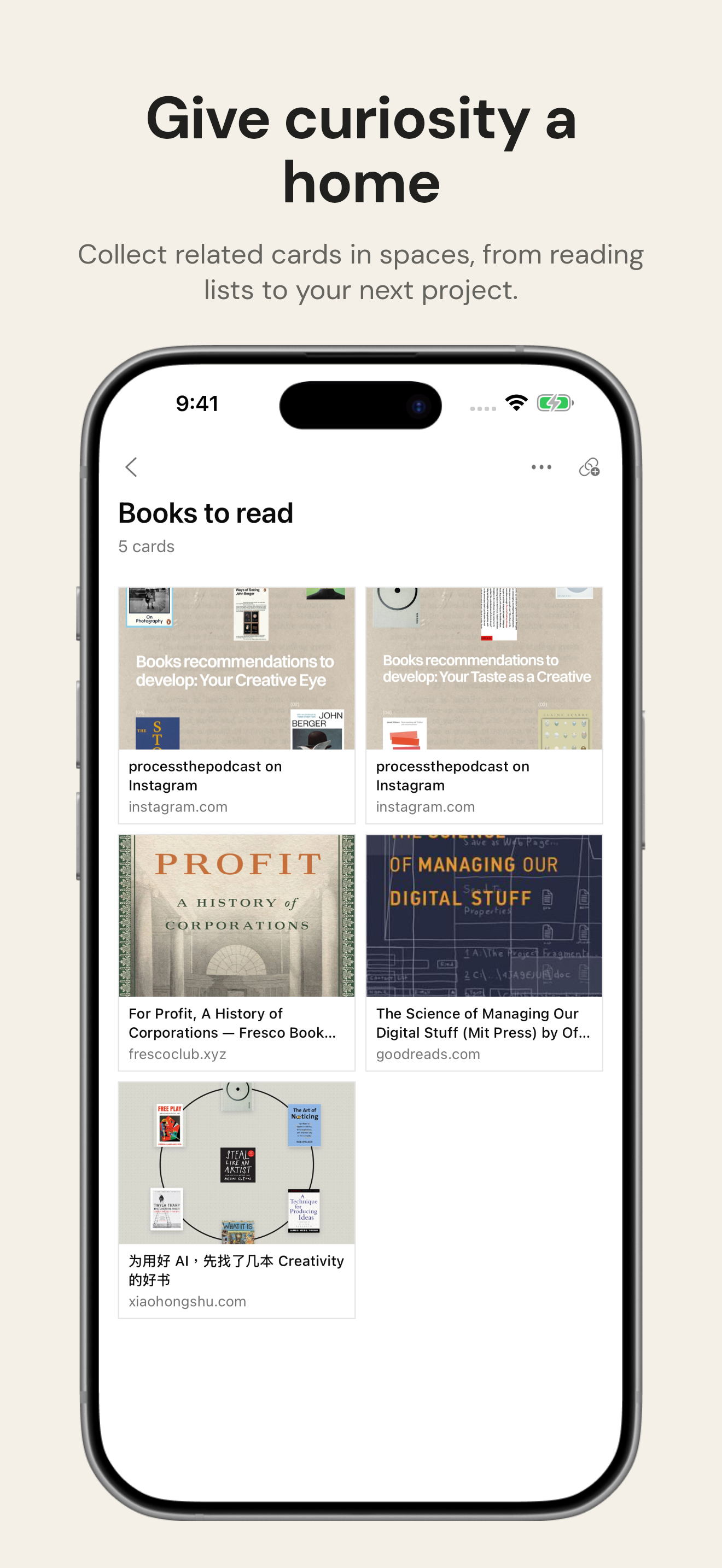
Spaces — organize references around projects and interests.

Inspiration
I started making Material because of a simple question: where do I put all the interesting things I find online—and how do I actually use them?
I'm a curious reader and collector. Whether I'm starting a research project, writing about something I'm learning, or scrolling Instagram and X, I always find something worth keeping. My Readwise grew to more than a thousand saved items, and I built dozens of Are.na channels full of references and inspiration. Saving worked. Returning to those things did not.
The missing piece was the distance between collecting and creating: organizing, searching, and resurfacing something at the moment it becomes useful. I wanted a place that felt like a studio, scrapbook, or wandering library—not another productivity database to maintain. Research can begin with curiosity, long before it has a deliverable.
Material helps curious people turn the things they save into the things they make.
What it does
Material brings links, reusable text, notes, images, documents, and files into one personal library. Its core workflow is simple: capture → find → make.
Capture without breaking your flow
Use the native iOS share extension to save a link from Instagram, X, or Safari, or share text, an image, or a file from an app that supports it. You do not need to build a filing system before saving something. The iPhone app is focused on quick capture, viewing, and retrieval; saving is not dependent on an AI response.
Organize around what you are making
Group cards into Spaces for a project, topic, or ongoing interest. The same card can live in multiple Spaces without duplicating the original. On the web canvas, arrange references and notes beside each other so relationships can emerge. A collection becomes working context, not just a list of bookmarks.
Find the idea, then put it to work
Use keyword search for a direct lookup, or tap the floating Ask Material button when you remember an idea but not its exact title. The in-app assistant searches your saved cards, reads relevant content, and returns answers with tappable source cards.
Ask it to compare references, connect ideas, or turn saved material into a draft. When asked, it can save a new note, capture a supplied link or text, create a Space, add existing cards to it, or refine a card's title, personal annotation, or authored note. Captured originals are protected.
For example: find the articles you saved about attention and creativity, compare their arguments, and save a short outline for an essay. The value is not another generated answer. It is bringing your own research back into your work.
How I built it
The iPhone app uses Expo, React Native, and TypeScript, with a native Swift share extension. The web workspace uses Next.js. PlanetScale Postgres and Drizzle provide the system of record; PowerSync connects it to the mobile SQLite library. Cloudflare R2 stores files, and Inngest handles background enrichment. RevenueCat is integrated for subscriptions and entitlement checks.
Ask Material uses the OpenAI Agents SDK with Material's existing Model Context Protocol (MCP) tools. It combines keyword search with model-driven query expansion, then reads relevant cards before summarizing them. The assistant works through authenticated, owner-scoped tools rather than having unrestricted database access. API credentials stay on the server.
Challenges
The central challenge was keeping a richer product focused. Capture needs to be dependable before enrichment or intelligence can be useful, so durable saving and synchronization are separate from the assistant.
Another challenge was making AI useful without making the library feel unpredictable. The assistant writes only when explicitly asked, preserves source material, and checks for conflicting edits. The interface streams responses, shows actual tool progress, and provides source cards and saved/updated receipts rather than hiding everything behind a spinner.
What I'm proud of
Material closes the loop from finding something on a phone to retrieving it, thinking with it, and saving something new. Native sharing, direct search, Spaces, the canvas, and Ask Material are parts of one product—not separate demos.
The design stays quiet: clear cards, light and dark appearances, and a minimal chat sheet that is there when needed. The archive remains useful without asking the assistant anything.
What I learned
Saving is only the beginning of a thinking process. A useful collection is not necessarily the most neatly organized one; it is one you can return to, understand, and use. Intelligence matters when it reduces that distance, while preserving the user's control.
Material's promise is that your scattered attention is not wasted. It can become a personal canon, a research practice, and the starting point for something you make.
Built With
- expo.io
- mcp
- next.js
- openai
- postgresql
- powersync
- react
- react-native
- revenuecat
- swift
- typescript

Log in or sign up for Devpost to join the conversation.