Inspiration
Receiving a payment does not always tell a business which invoices the customer intended to pay.
While researching the problem, we found public discussions describing missing invoice references, inconsistent payer names and manual spreadsheet comparisons. A question in the QuickBooks community also described uncertainty when several invoices have the same amount.
These reports inspired MatchDesk: a focused review workspace that makes ambiguous matches understandable.
Sources:
These are examples of reported problems, rather than a representative survey or validation of MatchDesk.
What it does
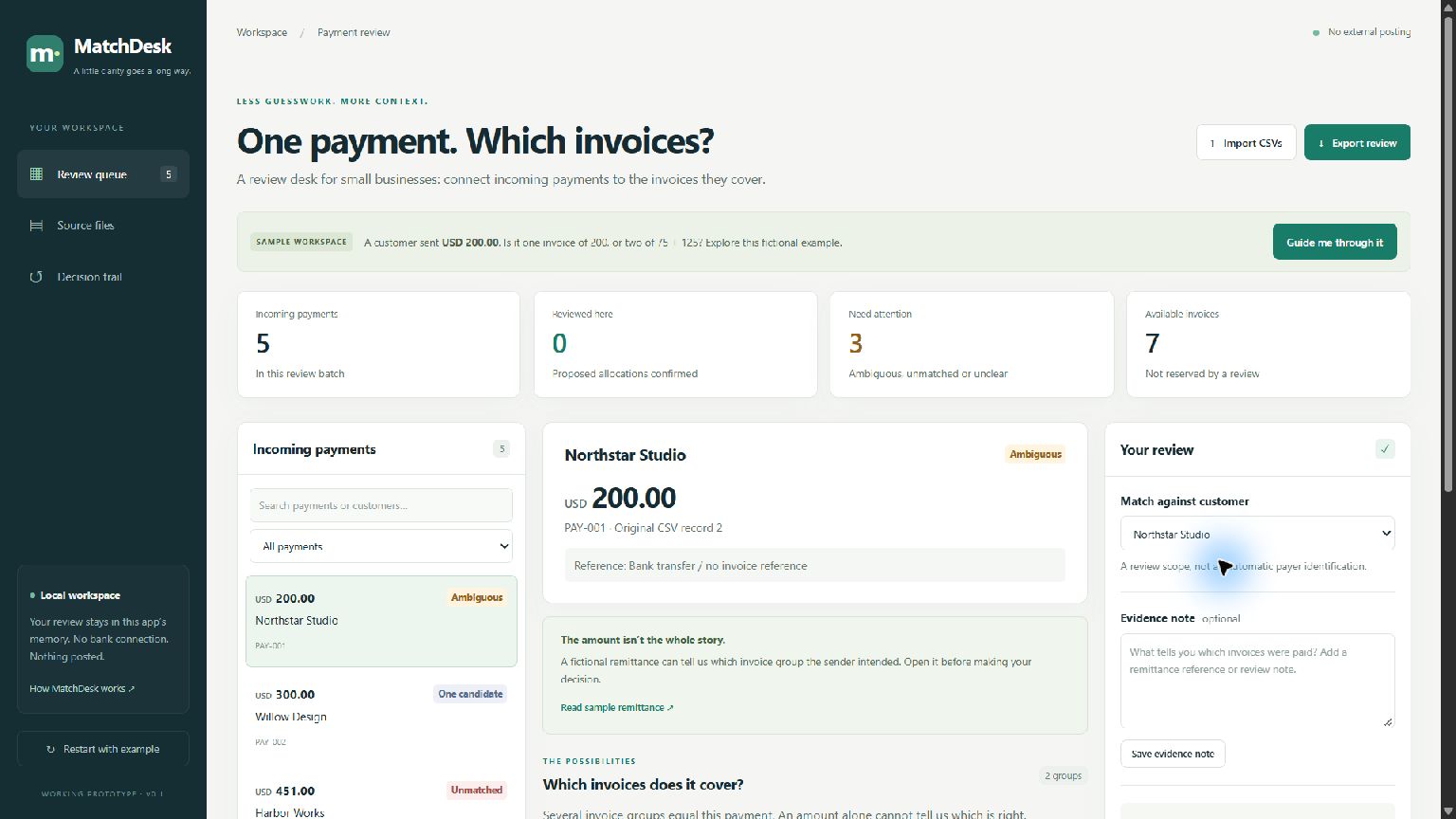
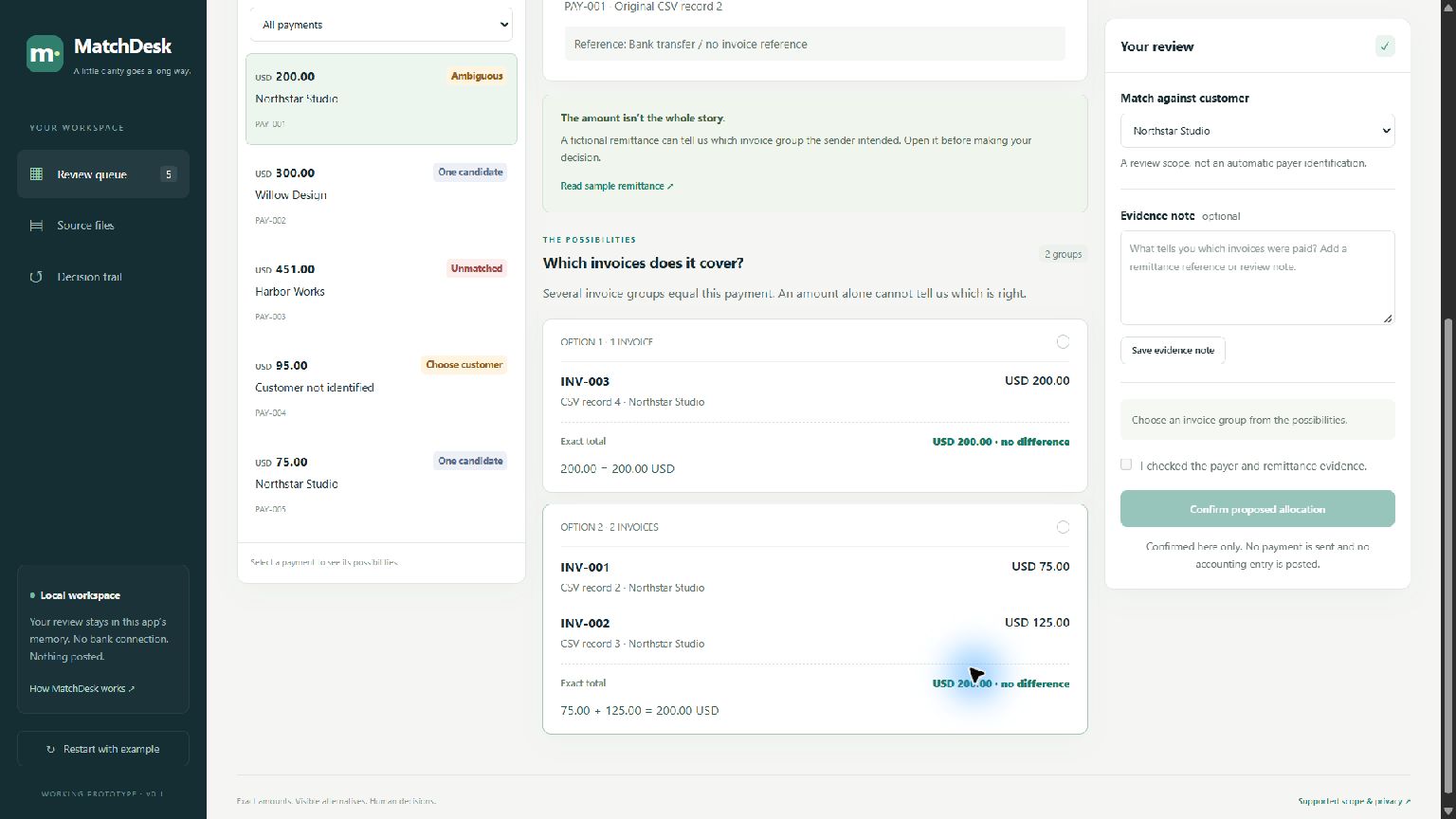
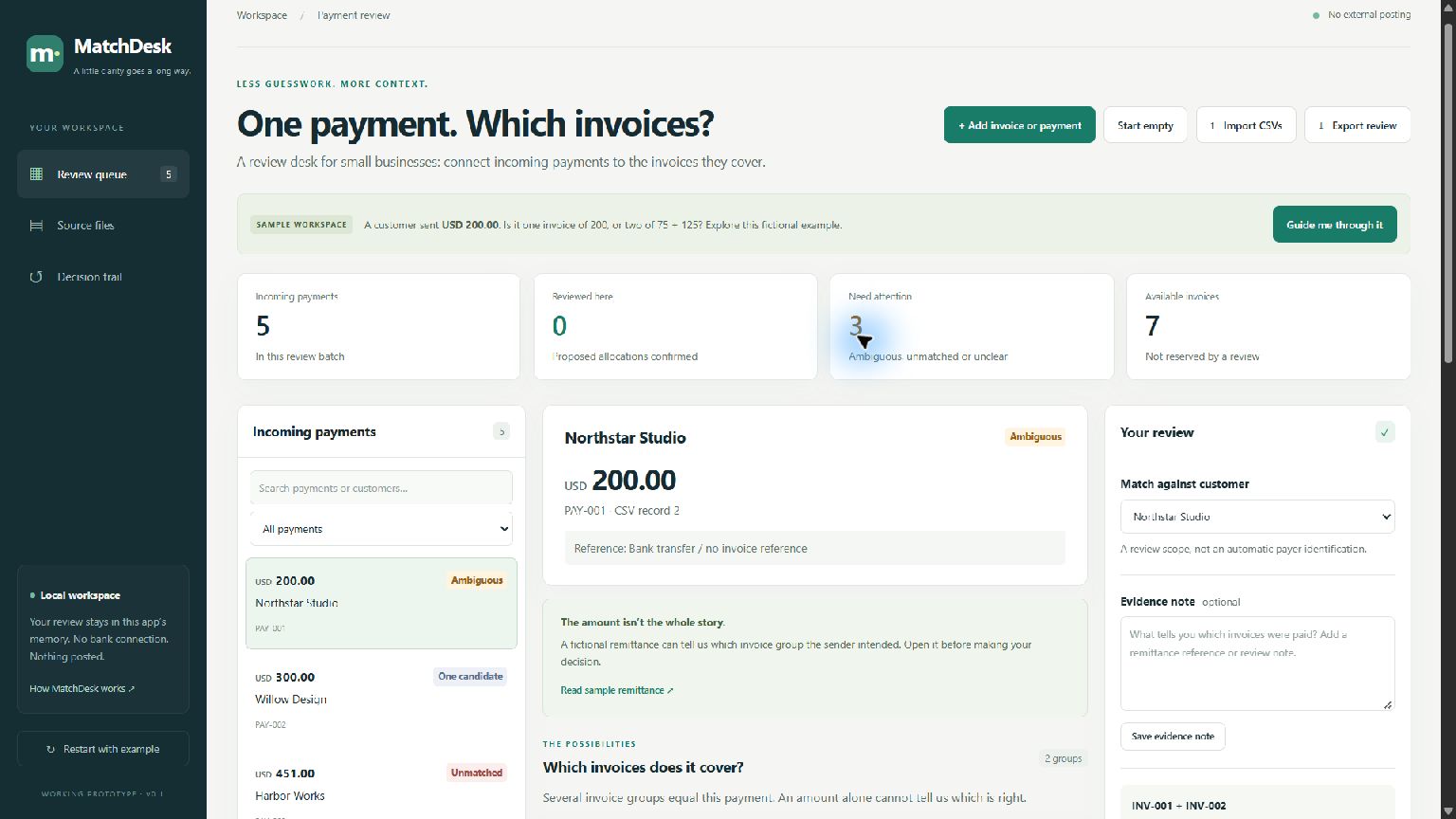
Imagine three outstanding invoices: $75, $125 and $200. An incoming $200 payment could cover the single $200 invoice or the $75 + $125 pair. Both calculations are correct; the amount alone cannot establish the intended allocation.
MatchDesk lets a reviewer:
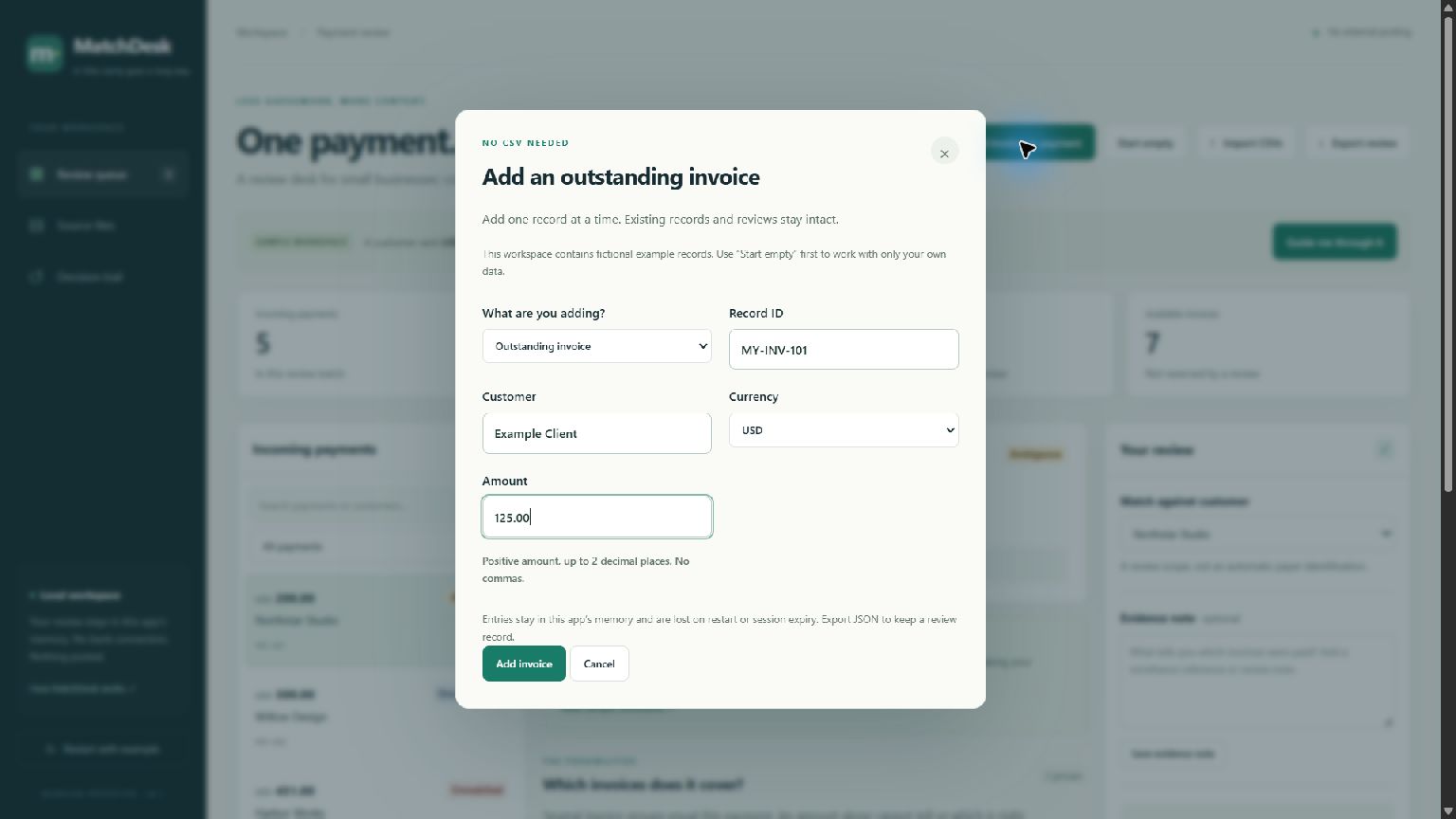
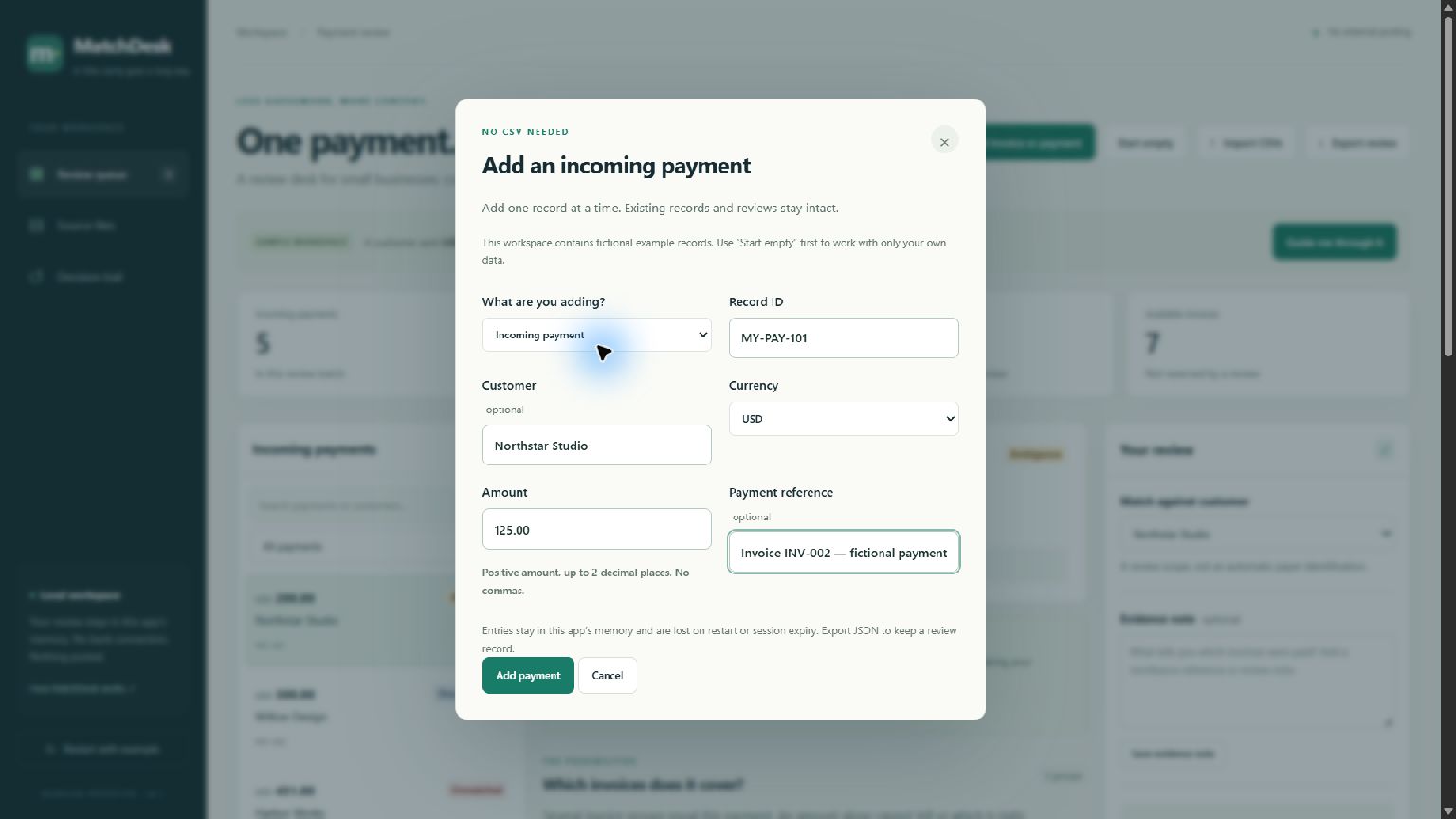
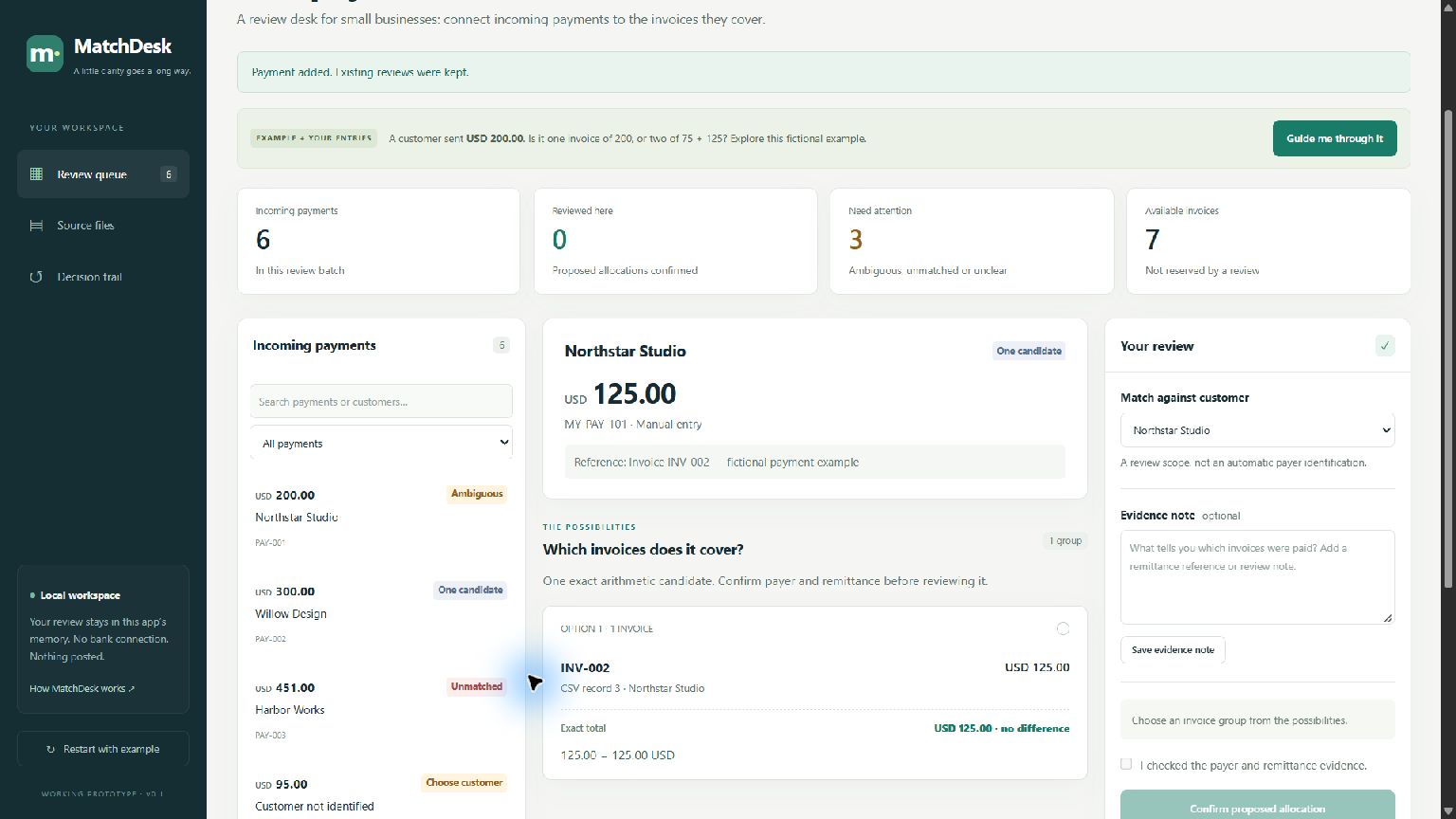
- Add invoices and payments through simple forms, or import CSV exports.
- Start an empty workspace or explore a guided fictional example.
- Compare exact invoice combinations within a customer and currency.
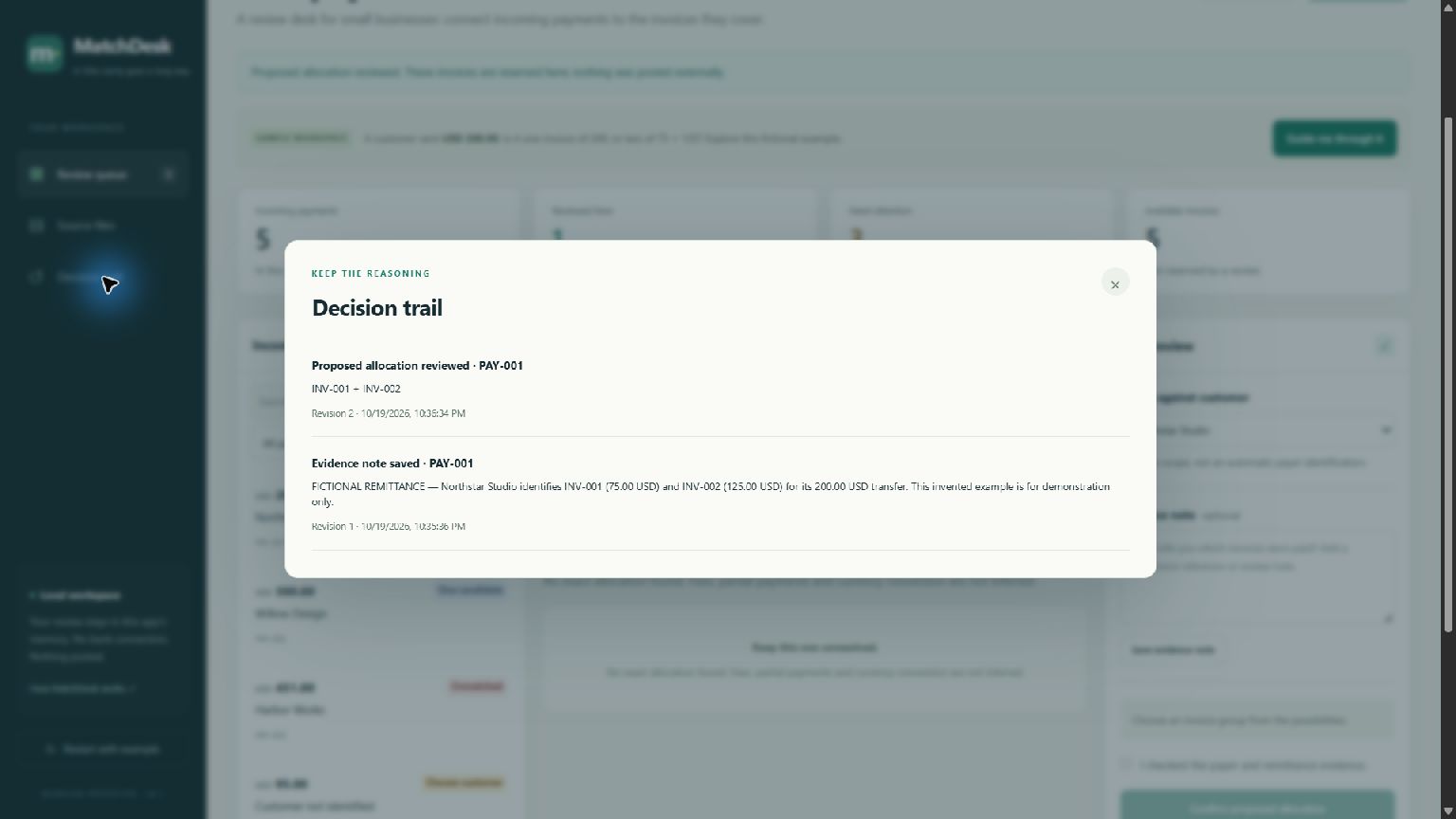
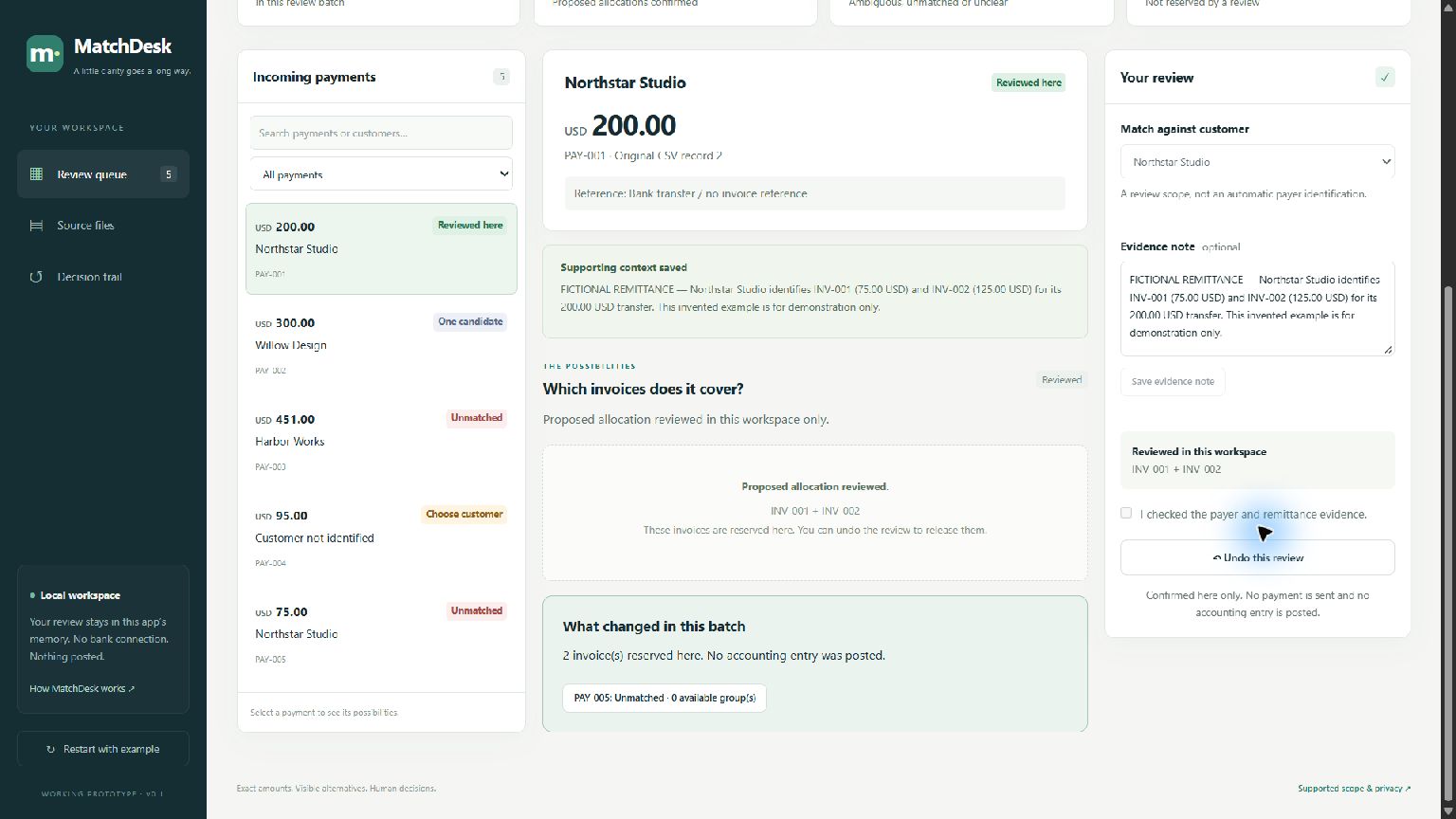
- Inspect source records and save payment evidence.
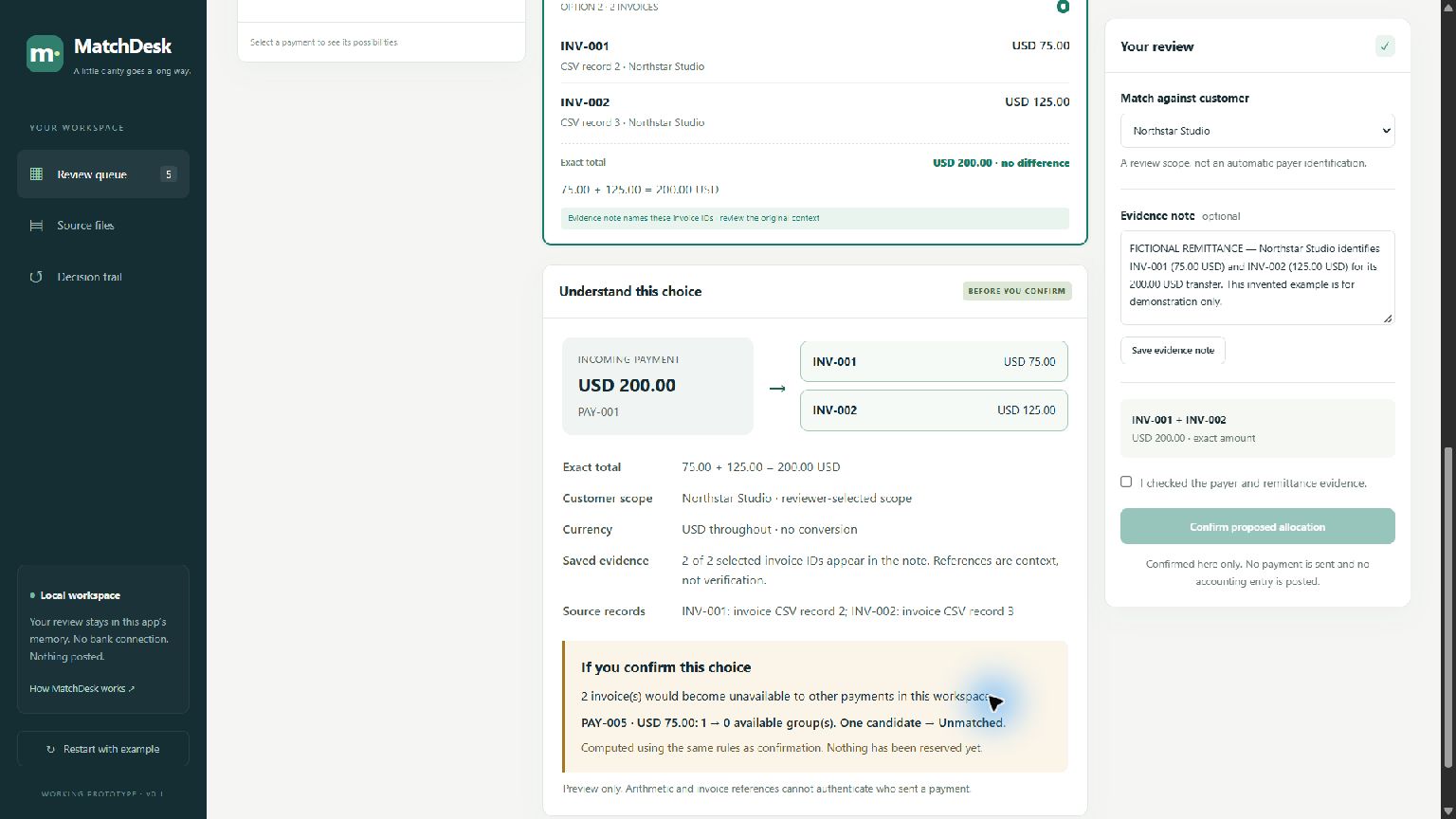
- Preview how a choice would affect other payments before confirming.
- Confirm a proposed allocation and prevent those invoices from being reused locally.
- Inspect the decision trail, export the review, or undo a decision.
The reviewer makes the decision. MatchDesk does not move money or post accounting entries.
How it was built
MatchDesk uses Python, Starlette and Uvicorn for its local API, with HTML, CSS and JavaScript for the interface.
The matching engine calculates amounts in integer cents. Before accepting a confirmation, the server checks the amount, customer, currency, workspace revision and invoice availability again.
The consequence preview runs the actual confirmation rules on a separate copy of the review state. This allows users to inspect the effect without reserving invoices or changing their decisions.
Codex assisted with research, planning, implementation, testing, documentation and technical video editing under my direction. I provided product feedback, requested clearer interactions and direct-entry forms, recorded the narration, and approved and uploaded the demo.
Challenges
The main challenge was making ambiguity useful rather than hiding it behind an automatic answer.
Other challenges included preventing duplicate invoice allocation, rejecting stale changes, preserving evidence drafts during delayed saves, and ensuring that invalid imports leave the existing workspace untouched.
Adding manual entry also required preserving existing reviews and distinguishing manually entered records from imported CSV records and their original file hashes.
Technical lessons
Correct arithmetic is not proof of payment identity. A useful review tool needs context, visible alternatives and an explicit human decision.
Testing also needs counterexamples: multiple valid matches, missing customers, invalid data and conflicting decisions matter as much as the successful demonstration.
What is working
The project includes a complete local review workflow, direct-entry forms, CSV import, evidence notes, consequence previews, confirmation, exports and undo.
Verification includes 31 backend tests and 11 frontend interaction tests, plus actual desktop Chrome inspection and screenshots.
What comes next
The next priority is observing a freelancer or bookkeeper using the prototype without assistance, then improving the steps they find confusing.
The current version supports modest batches and exact positive amounts. Session data lives in memory and is lost on restart or expiry. Partial payments, fees, currency conversion and bank integrations remain outside this proof of concept.

Log in or sign up for Devpost to join the conversation.