Inspiration
Match Tactician turns match preparation into a focused living-room tactics board. Instead of requiring a paper pitch or a complicated coaching tool, it gives a viewer a clear formation, movable player markers, and a compact match clock. The aim is a remote-friendly planning surface where the next move can be discussed from the sofa.
What it does
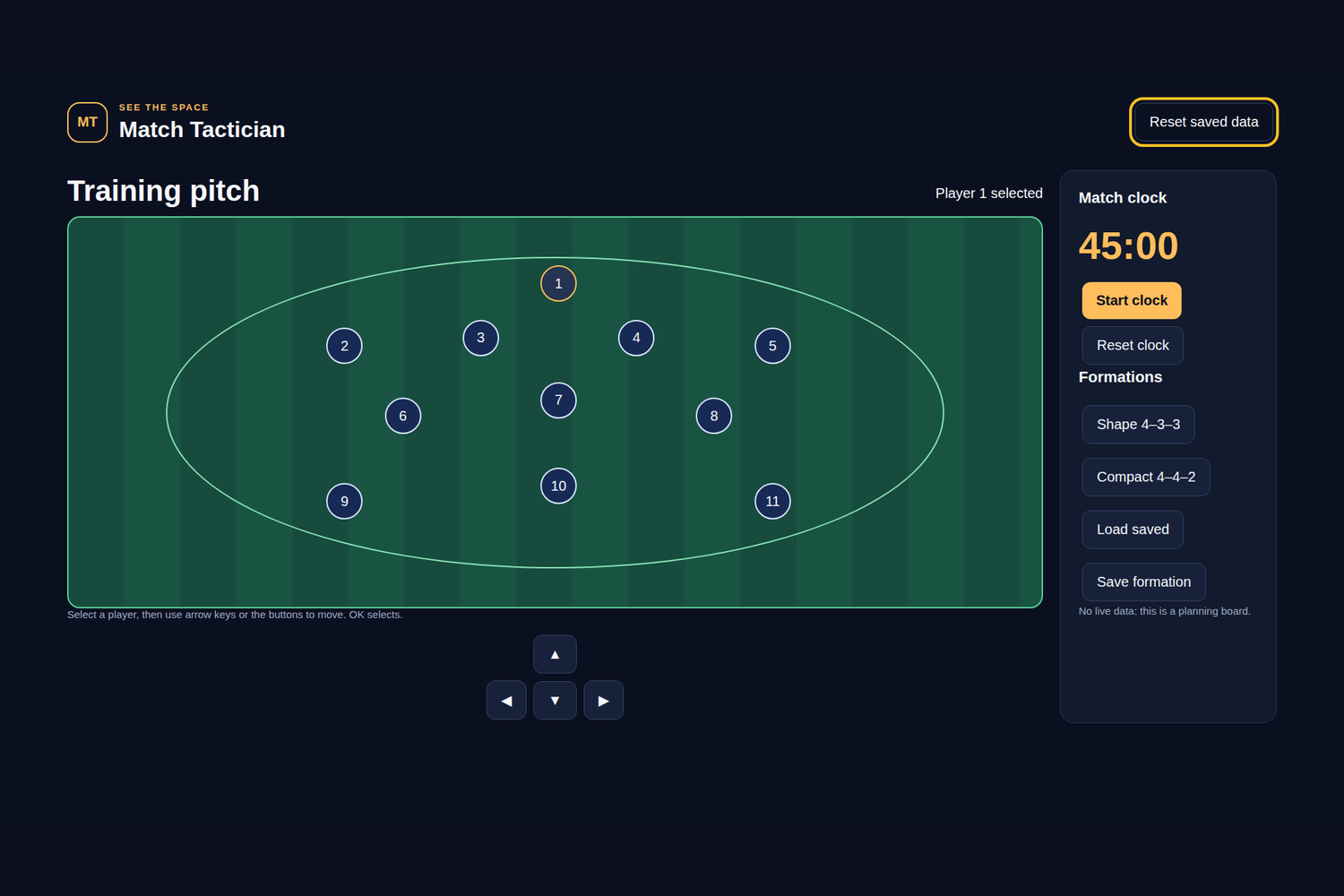
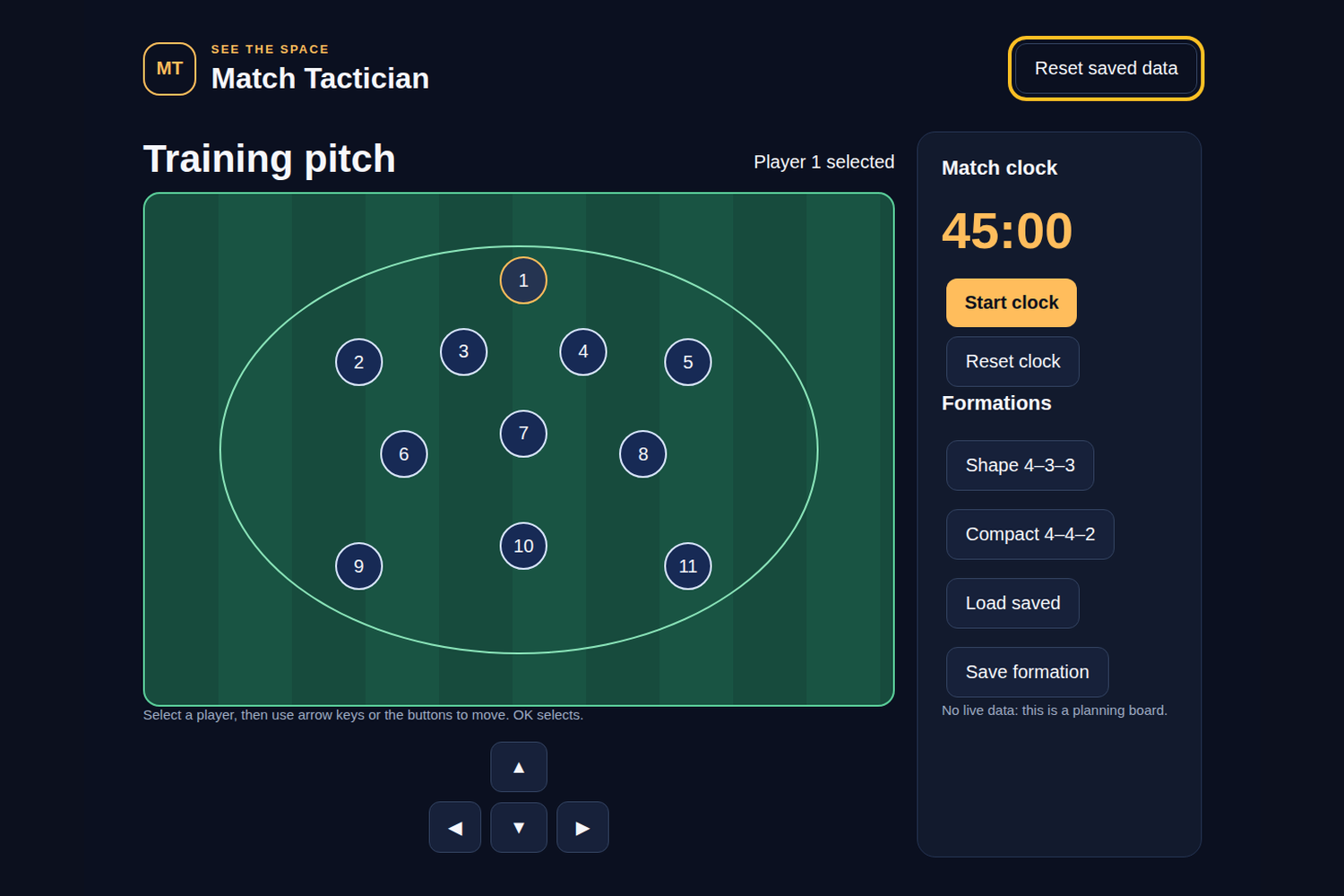
The app presents a pitch with players that can be selected and repositioned through directional controls. Formation presets provide a quick starting shape, while directional input changes the selected player’s coordinates within bounded pitch limits. A match clock can be started and paused, reset to its initial value, and displayed in minutes and seconds. Save Formation stores the current arrangement locally and confirms “Formation saved locally.” Reset saved data is always available. The layout uses large type, contrast, visible focus, and no hover-only actions.
How we built it
This is an offline-first HTML/CSS/JavaScript web application wrapped by a native Java Android WebView host for Fire OS. app.js owns the pitch UI, player selection, formations, clock, and local persistence; domain.js contains coordinate clamping, clock formatting, and persisted-state validation. Bundled SVG artwork and application assets keep the runtime self-contained. There are no network calls, accounts, analytics, external assets, microphones, cameras, or cloud services. The Android target is Fire OS 7 or newer Android-based Fire TV hardware at minimum API 28, not Vega OS.
What we learned
A tiny domain layer is valuable even for a visual board: clamping prevents players leaving the pitch, deterministic clock formatting keeps the display stable, and validation protects against corrupted saved arrays. Local persistence can support a useful planning tool without adding login or service dependencies.
Challenges
The main challenge was translating a two-dimensional board into predictable D-pad movement while keeping selection obvious at TV distance. Clock controls also need to pause safely when the viewer uses Back or a TV pause event. Development signing and APK packaging should not be confused with a production publication identity.
Verification and next steps
Node domain tests and desktop Chromium keyboard/D-pad interaction flows were executed, and local SDK package/signature checks succeeded. No physical Fire OS device testing was performed; therefore device WebView performance, remote feel, VoiceView, and model-specific scaling are unverified. Local browser preview images and the silent preview video are not physical screenshots or submission video. This is an entrant-review draft produced with AI assistance. The entrant must review code, rights, eligibility, and wording before submission. Nothing has been uploaded. Next steps are physical Fire TV acceptance testing, accessibility review, and an entrant-recorded demonstration.

Log in or sign up for Devpost to join the conversation.