-

-
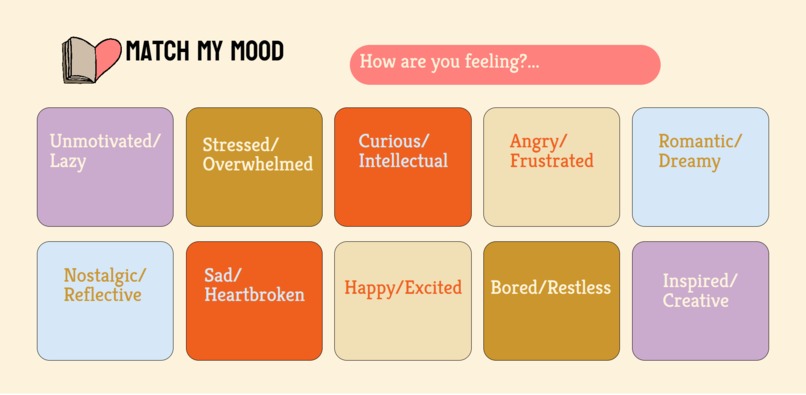
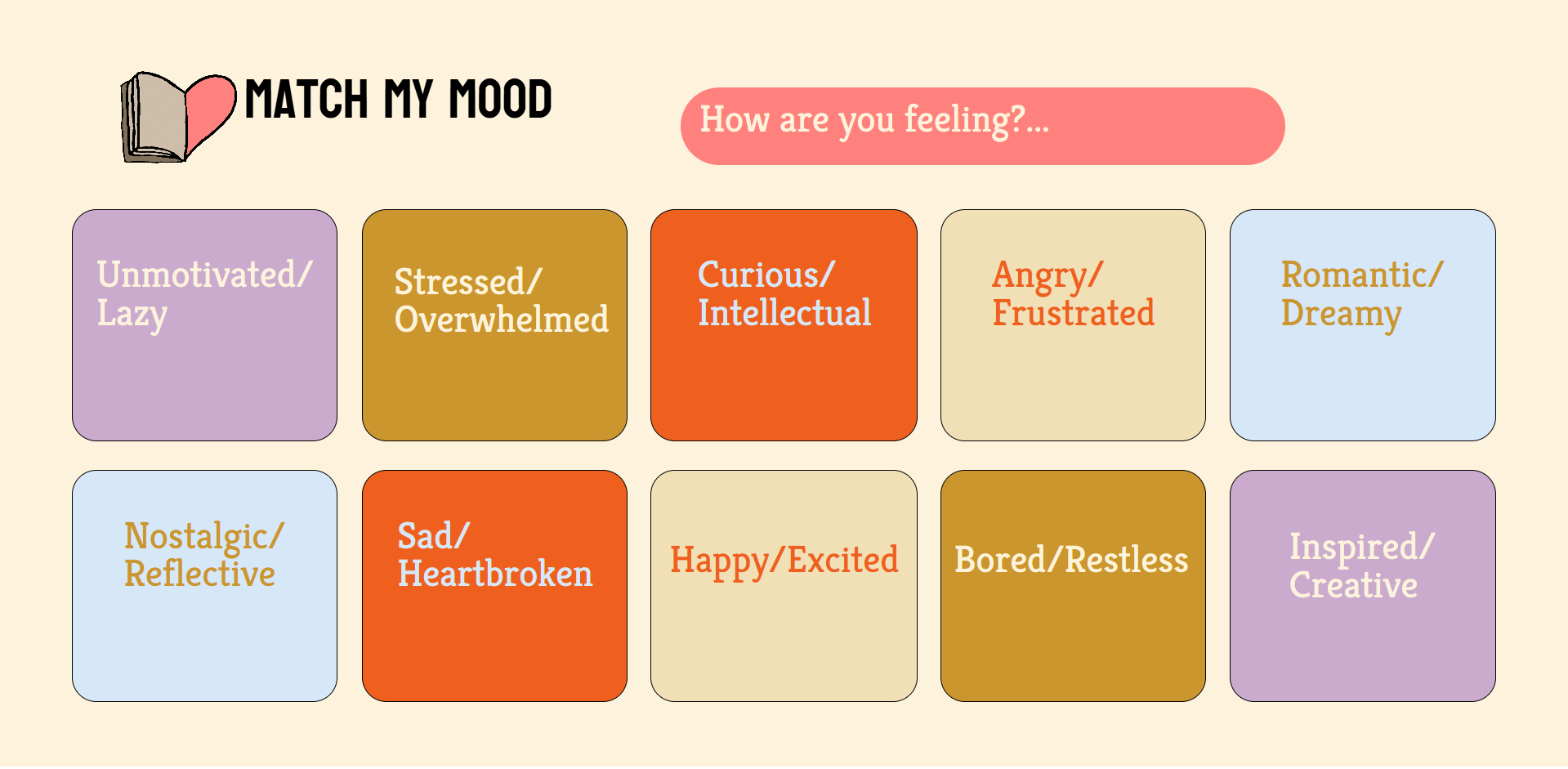
Mood Selection Page
-
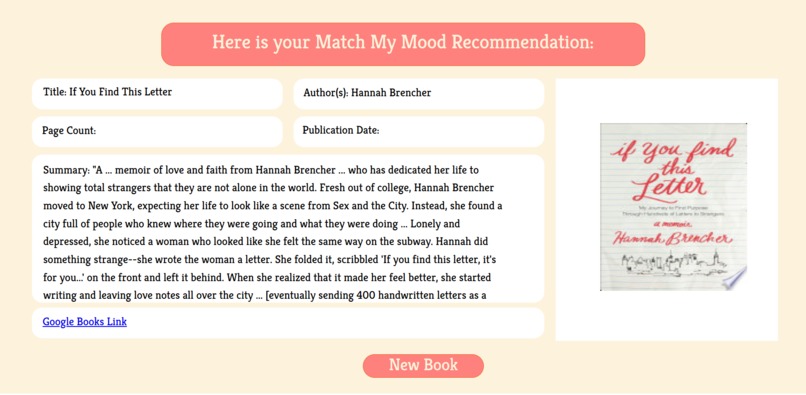
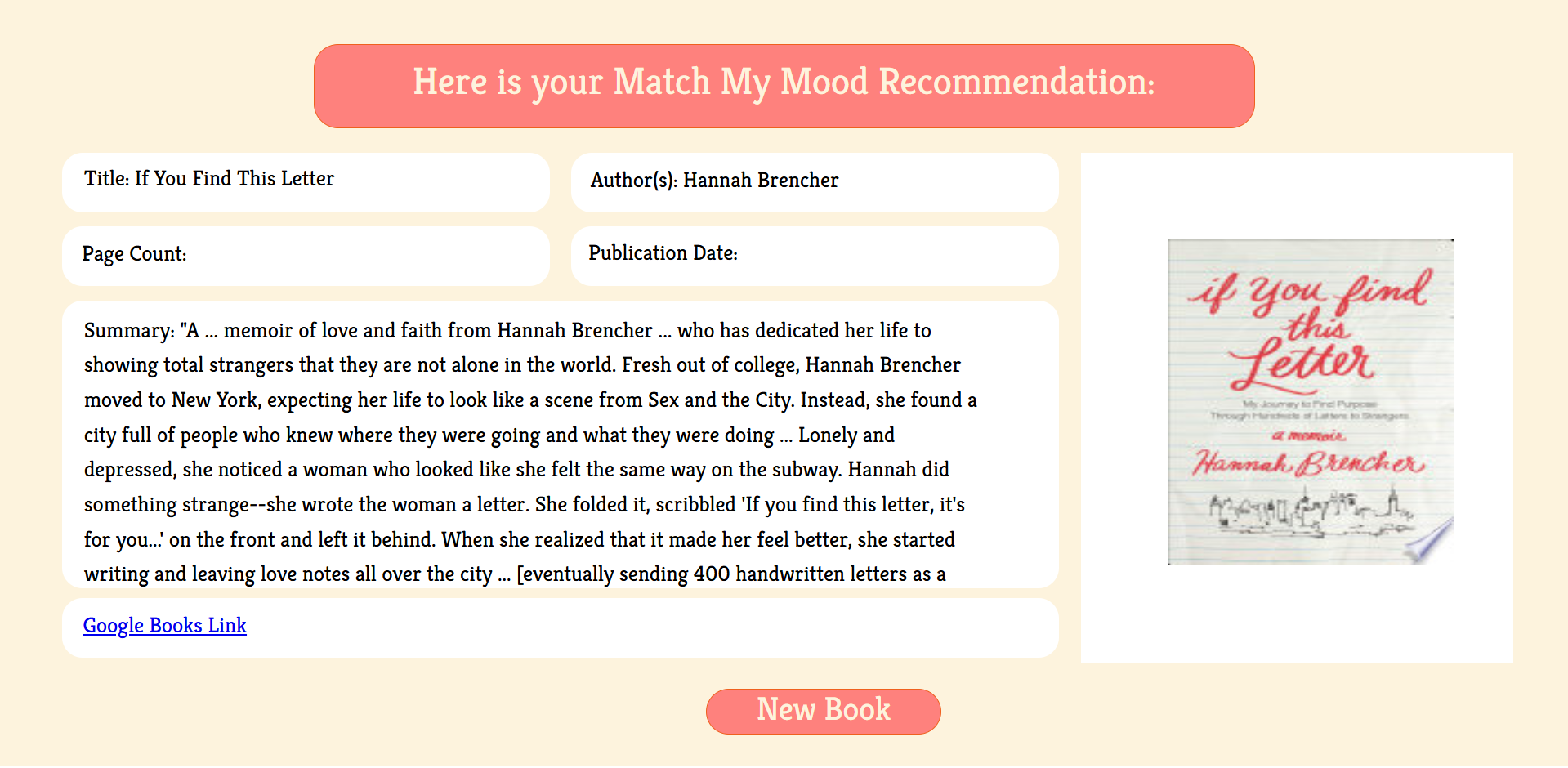
Example of Sad/Heartbroken book recommendation
Inspiration
The inspiration for Match My Mood came from the idea of combining emotional well-being with literature. Often, people turn to books for comfort, self-discovery, and inspiration during emotional moments. We wanted to create a personalized experience where users could receive book recommendations tailored to their current feelings, helping them find stories that resonate with their mood and and possibly even uplift their mood.
What it does
Match My Mood is a web-based book recommendation tool designed to help users discover books based on how they feel. The platform offers a visually engaging interface where users select a mood, and the system generates a personalized book suggestion tailored to that emotional state.
The app connects to the Google Books API, retrieving book titles, authors, summaries, and cover images related to a mood-specific genre. The goal is to make reading more therapeutic by recommending books that match the user's current emotional needs, whether they seek comfort, inspiration, or excitement.
How we built it
We developed Match My Mood as a web-based book recommendation platform designed to personalize reading suggestions based on emotional states. The project was built using a combination of: Frontend Design: Created in Figma, where we visually designed the interface with mood buttons and results pages using a no-code approach. Frontend Development: The Figma design was manually translated into HTML and CSS, ensuring the website visually matched the original design while being functional. Backend Development: We used Flask (Python) for the server-side logic. The backend handled: Receiving user input (selected mood). Selecting a random genre tied to the mood. Sending a request to the Google Books API to fetch book data. Displaying book titles, authors, summaries, and cover images. API Integration: The Google Books API was used to dynamically fetch book recommendations based on the selected genre.
This workflow allowed us to create a full-stack web application, with a strong focus on both design and functionality.
Challenges we ran into
Since this was our first hackathon, we faced challenges working with APIs, frontend tools like Figma, and backend development using Flask, all of which required significant learning. API Integration: Understanding API requests and JSON responses was initially difficult. We collaborated to modify a Python script using the Google Books API from GitHub, adapting it for genre-based book recommendations. Flask and Backend Development: Using Flask for the first time involved learning how to create routes, handle data flow between the backend and frontend, and integrate templates effectively. Frontend Tools (Figma): Our limited experience with Figma made designing a smooth UI challenging, but we quickly learned to create wireframes and collaborate effectively on the design. Through teamwork, we overcome these challenges and gained valuable experience in new tools and technologies.
Accomplishments that we're proud of
We are proud of the progress we made despite this being our first hackathon. Through collaboration and effective communication, we developed an idea and worked together to bring it to life. As a team, we embraced the learning process, exploring new tools while collaborating in a supportive environment. Initially, we faced some challenges, but as we adapted, we started to enjoy the experience and make steady progress. We are most proud of our teamwork and how we were able to quickly learn and utilize new tools, such as Flask and Figma, to create a functional project in a short period of time.
What we learned
During this hackathon, we gained valuable experience working with new tools and technologies. We learned how to use Flask for backend development, including setting up routes, handling API requests, and passing data between the backend and frontend. We also explored the Google Books API, improving our understanding of how to fetch and process external data using JSON responses. On the frontend, we learned to use Figma for designing and prototyping, which helped us create a clearer visual structure for our project. Beyond the technical skills, we learned the importance of teamwork, effective communication, and problem-solving in a collaborative environment, all while working under time constraints.
What's next for Match My Mood
While Match My Mood currently provides a single book recommendation per mood selection, we have several exciting ideas to expand and improve the platform in the future:
Expanding Emotion Categories:
We plan to include a broader range of emotional states beyond the current list, allowing for a more personalized and diverse reading experience.
Multiple Book Recommendations (Pagination):
Currently, the app displays one book per mood selection. In the future, we aim to implement a pagination system or scrollable cards where users can explore multiple book suggestions at once for each mood.
Enhanced Mood-to-Genre Mapping:
We want to fine-tune the mood-to-genre dictionary by expanding the genre pool for each mood, ensuring a richer variety of recommendations.
User Interaction Features:
Adding features like:
- Save for Later: Allow users to bookmark their favorite book suggestions.
Improved API Handling:
Enhancing the current Google Books API integration to provide more reliable data and handle missing information more effectively.
User Accounts and Personalization:
- Implementing user accounts for a personalized experience.
- Providing a recommendation history for frequent users.
Built With
- api
- figma
- flask
- github
- google-books-api
- python
- visual-studio


Log in or sign up for Devpost to join the conversation.