-
-
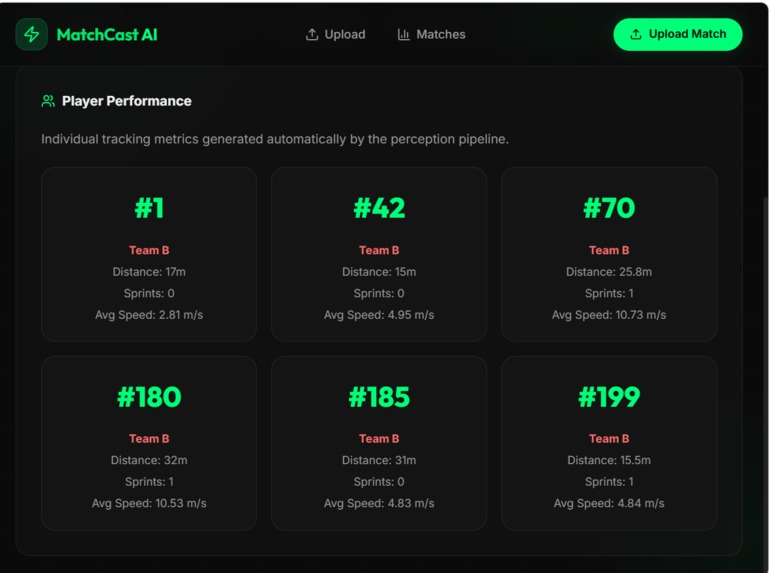
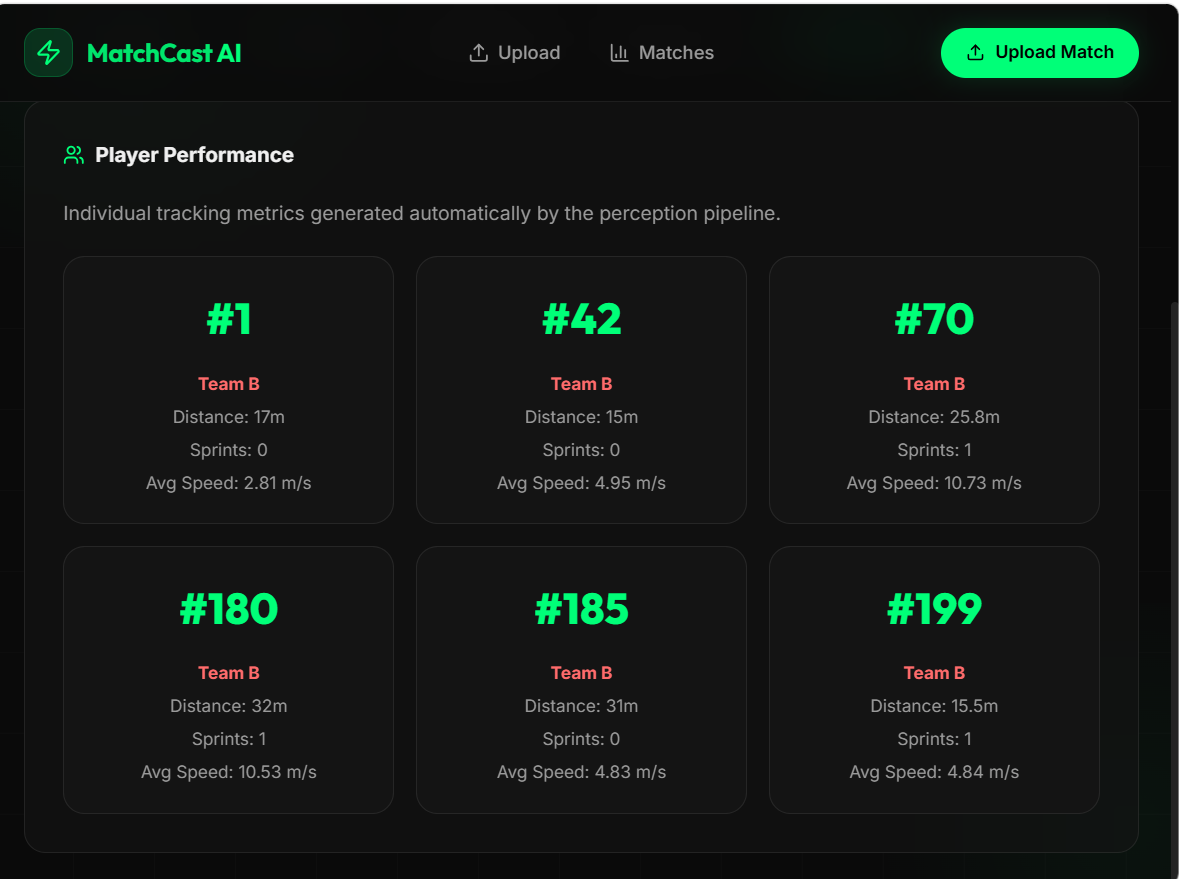
Players Analysis
-
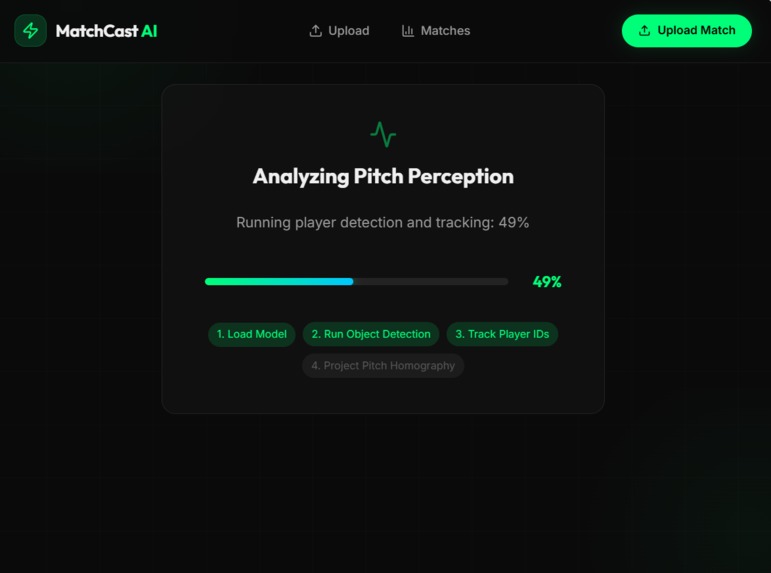
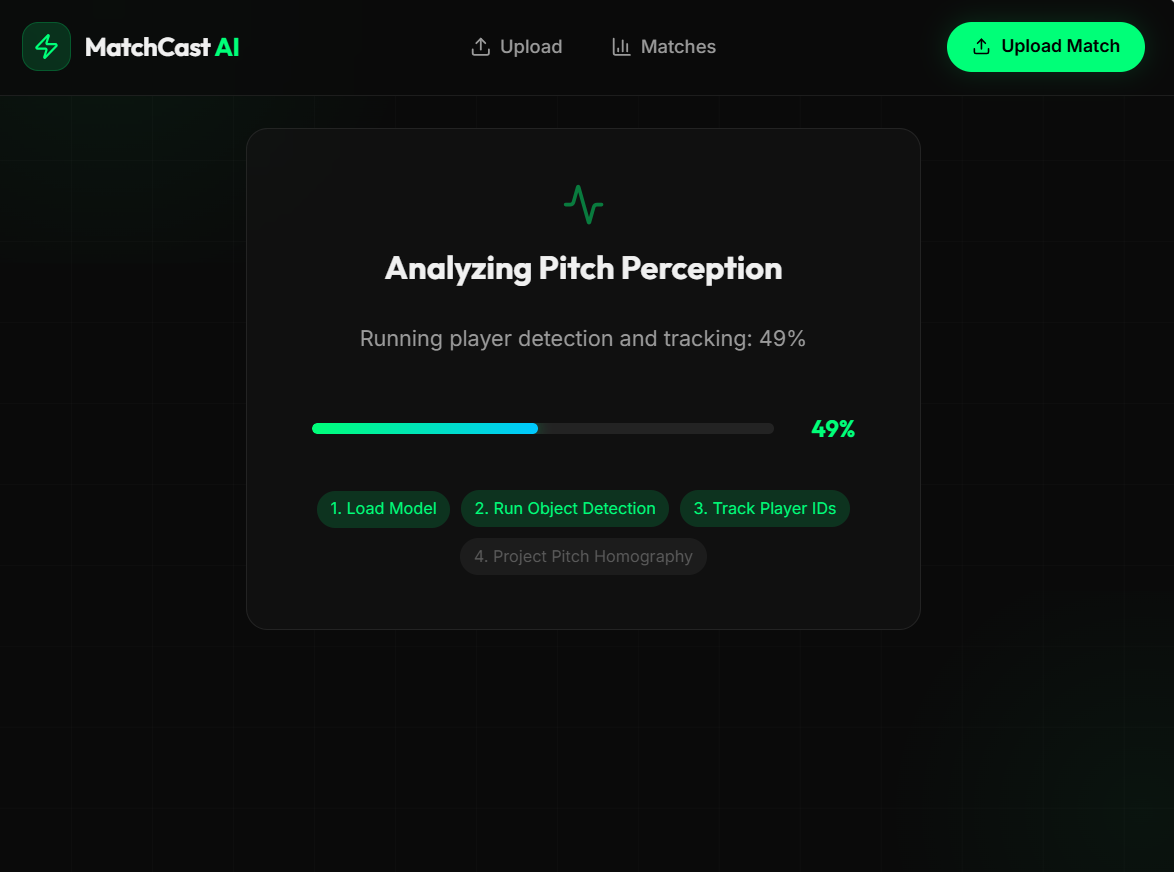
Video Analysis
-
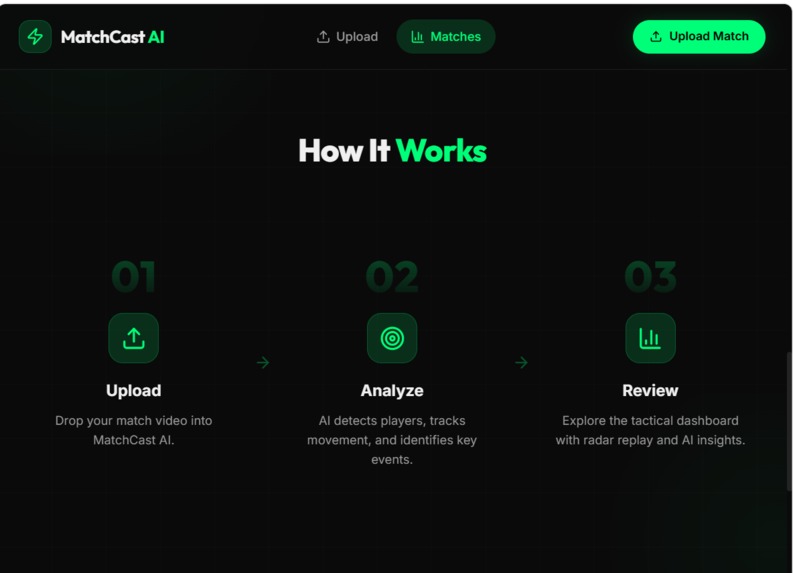
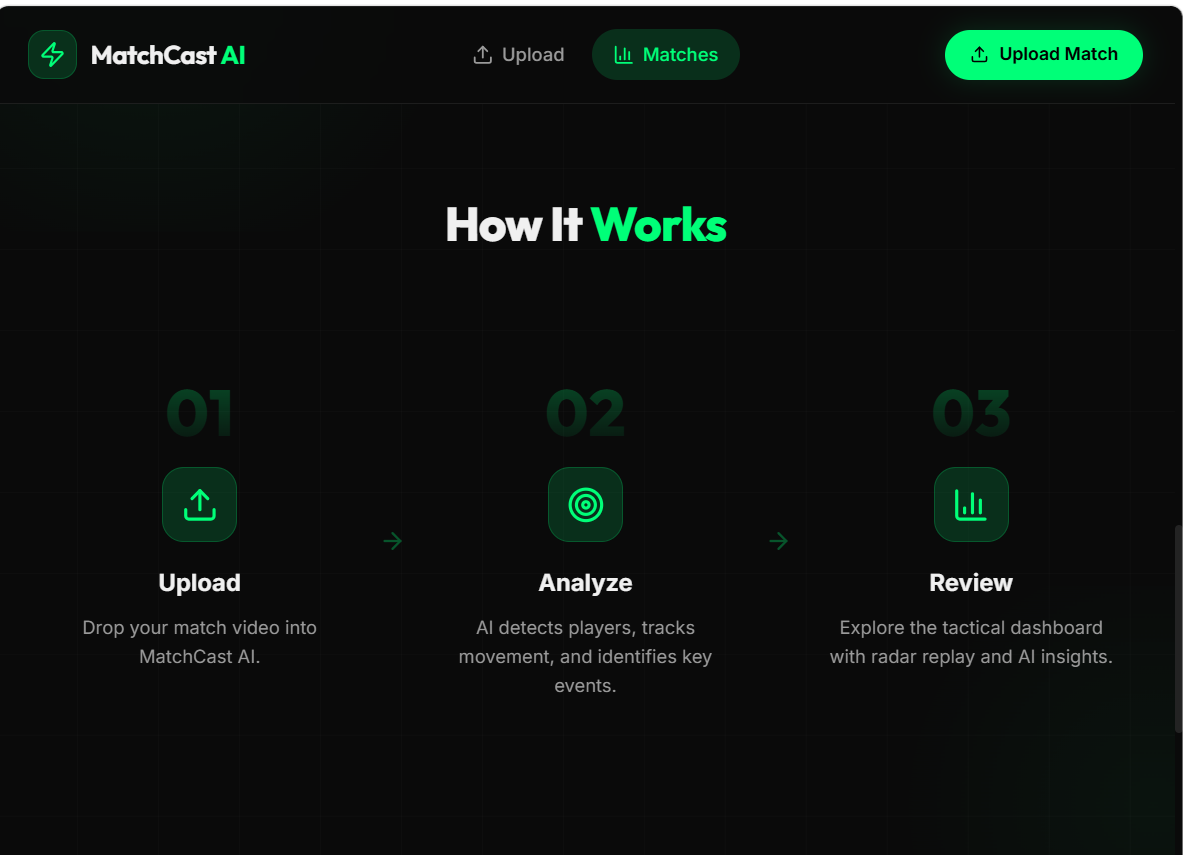
How it works
-
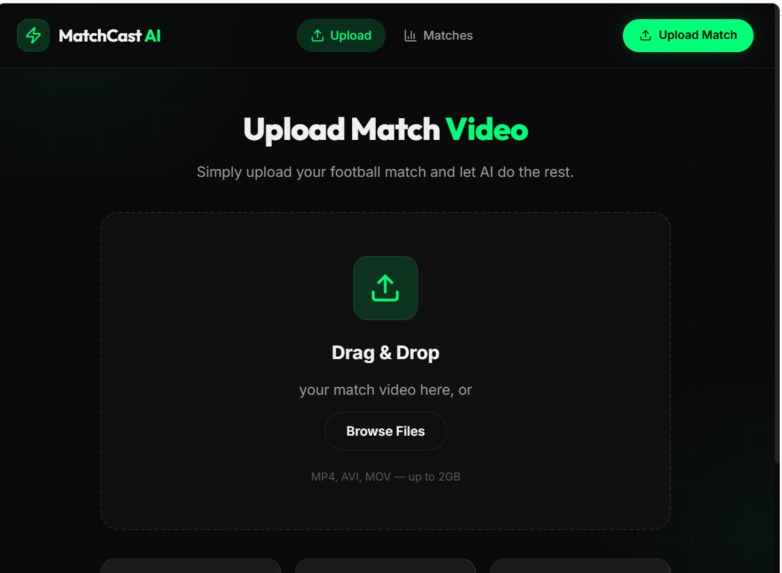
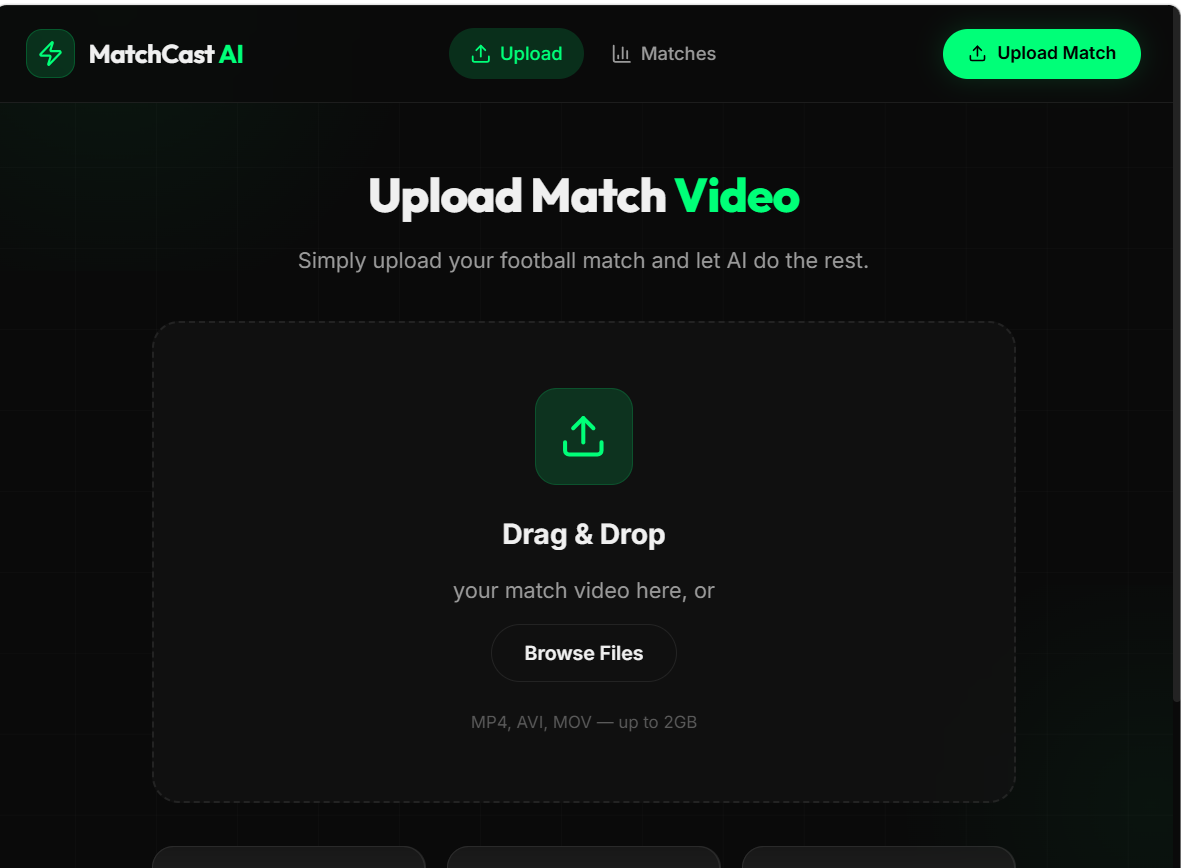
Upload Video
-
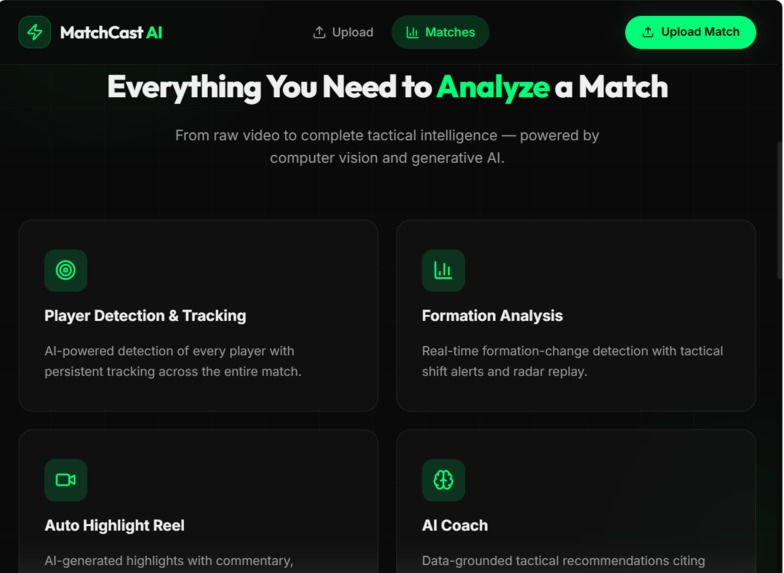
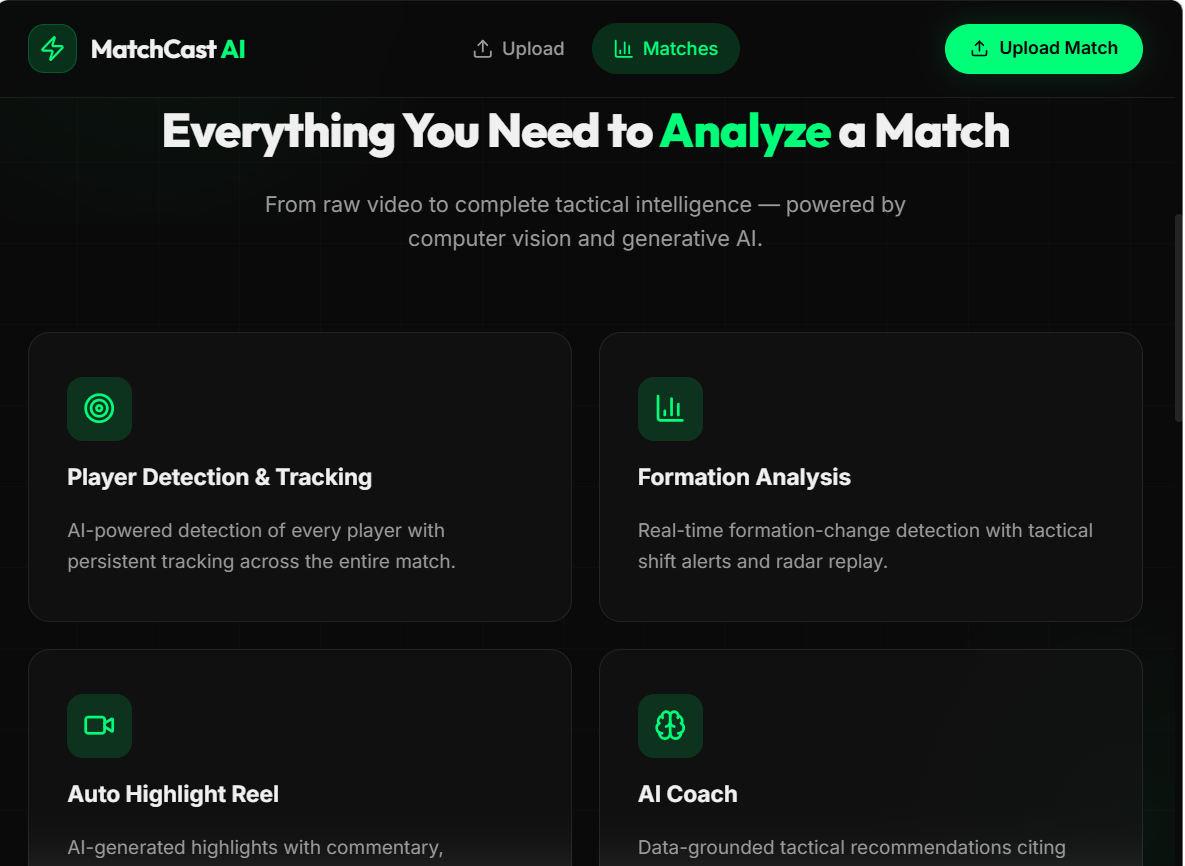
Features in App
-
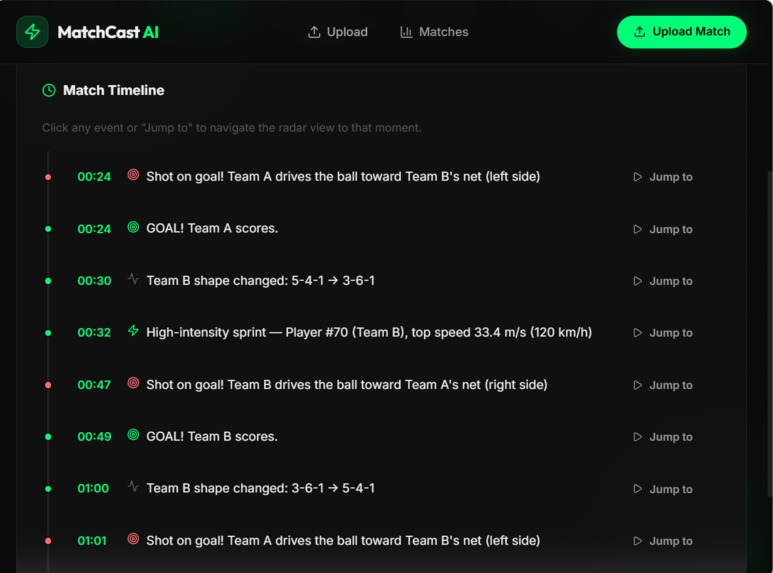
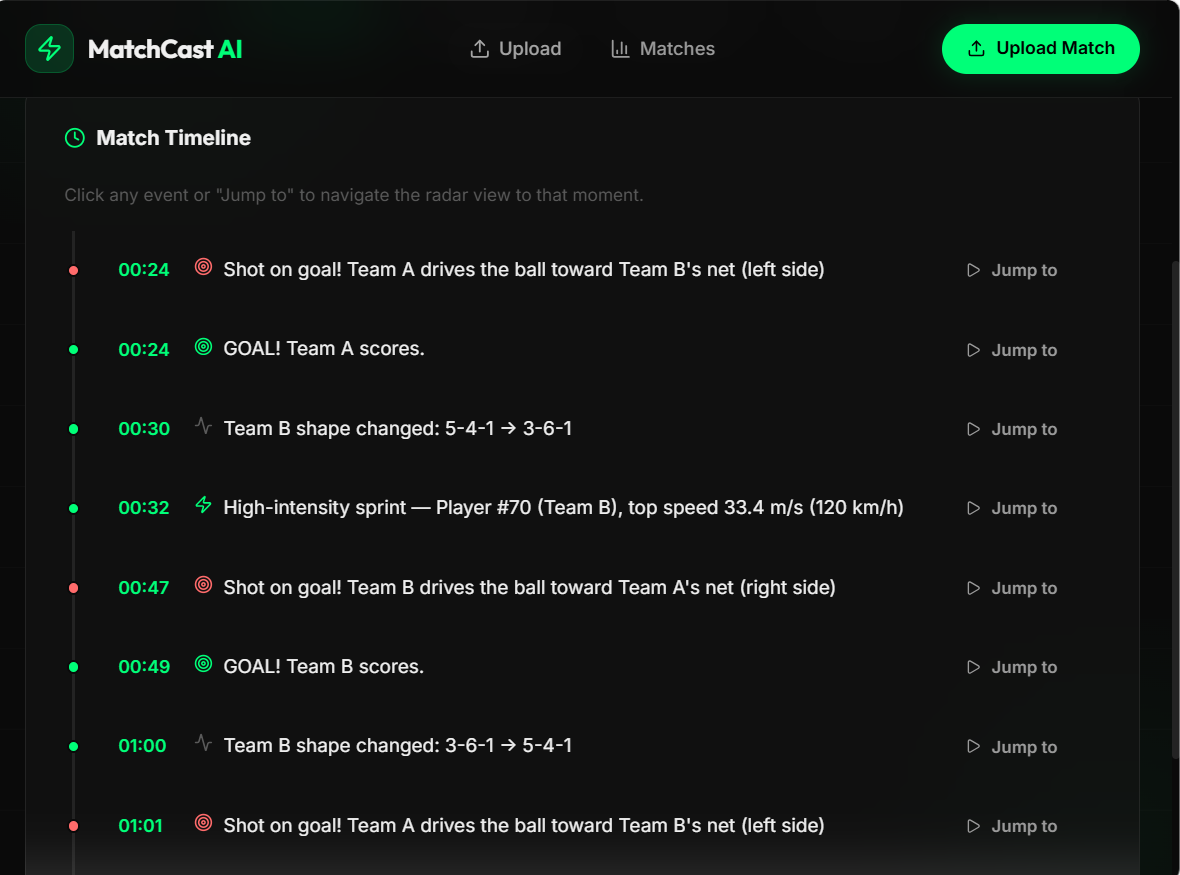
Events that occur in match
-
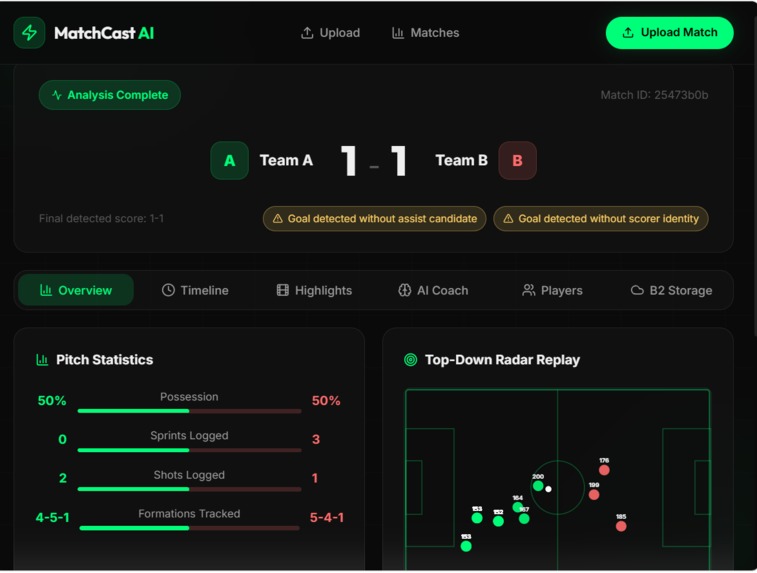
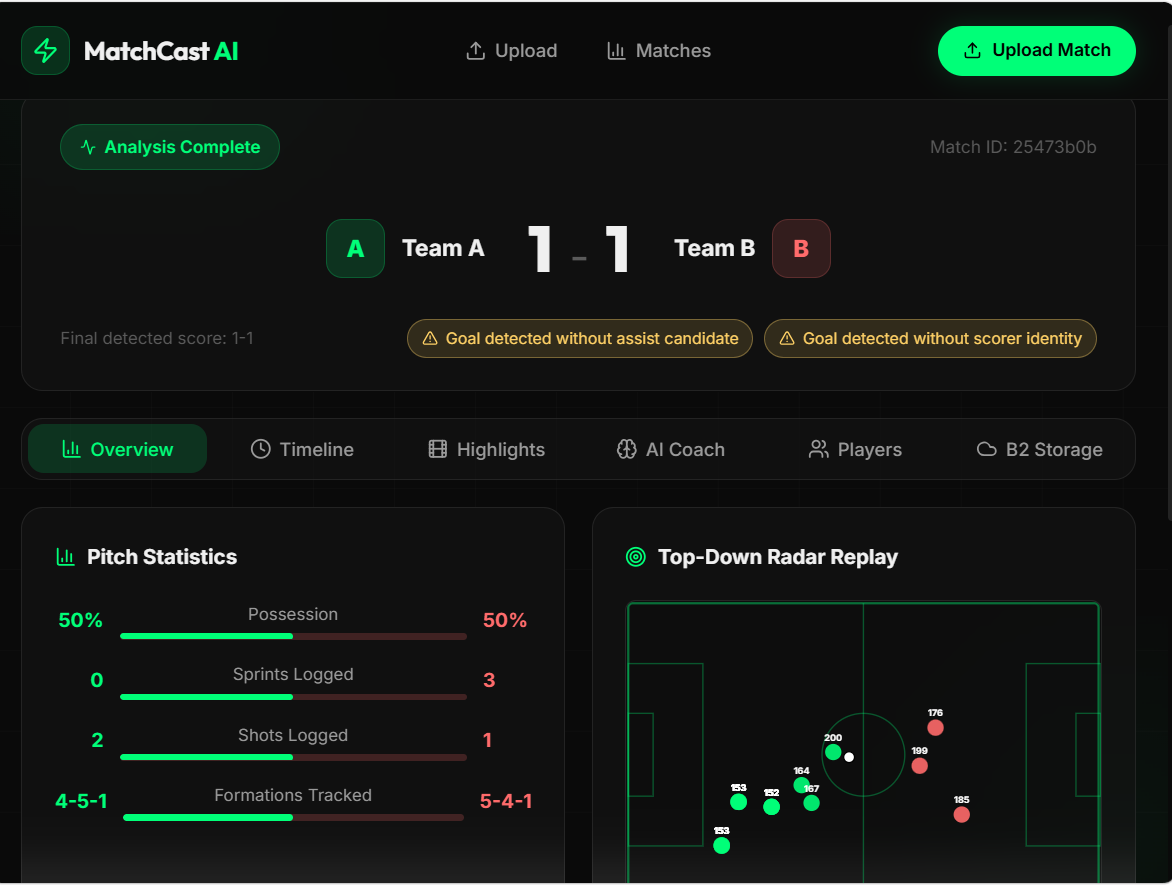
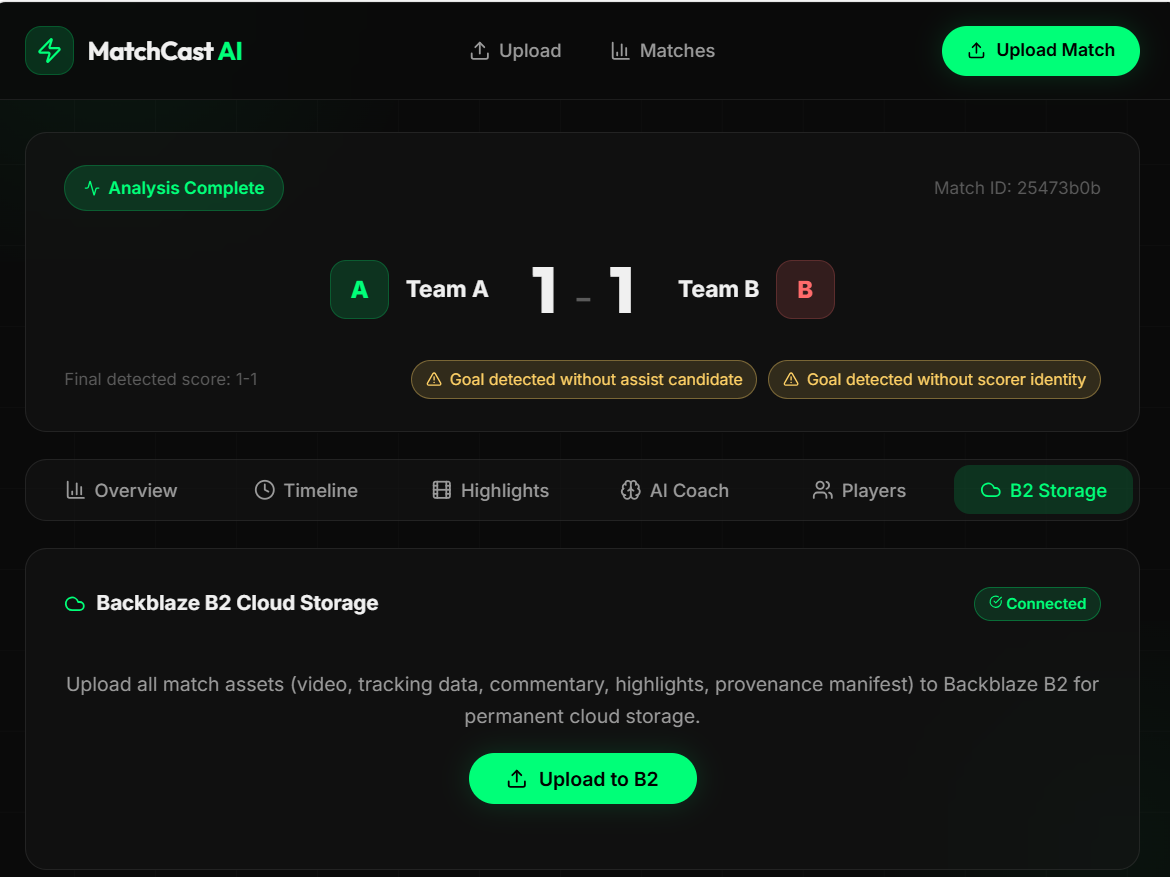
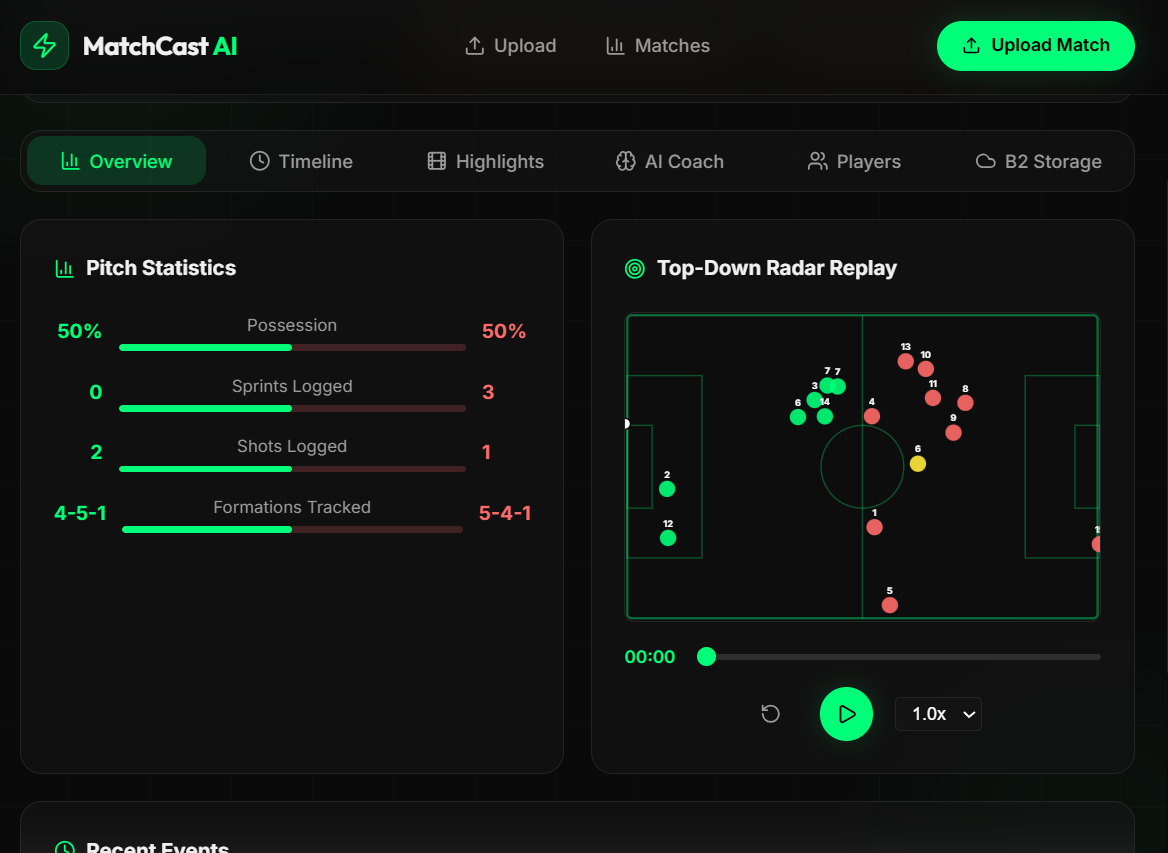
Score + Analysis of both teams
-
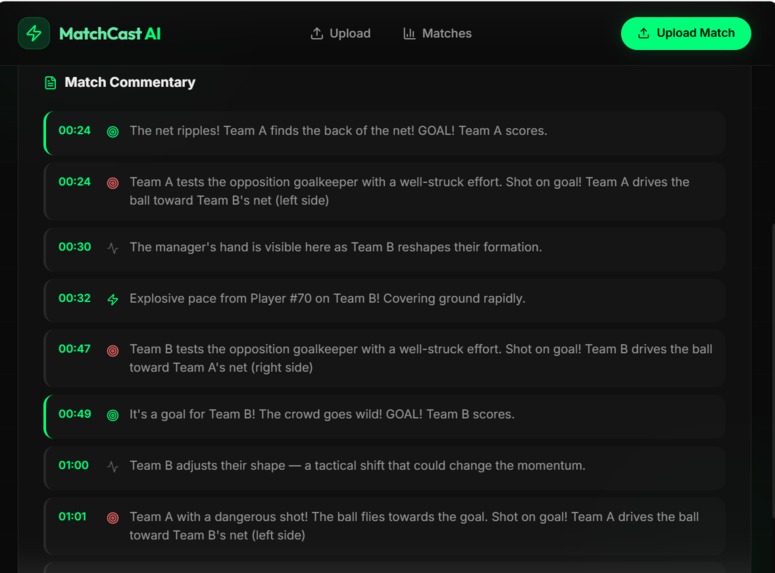
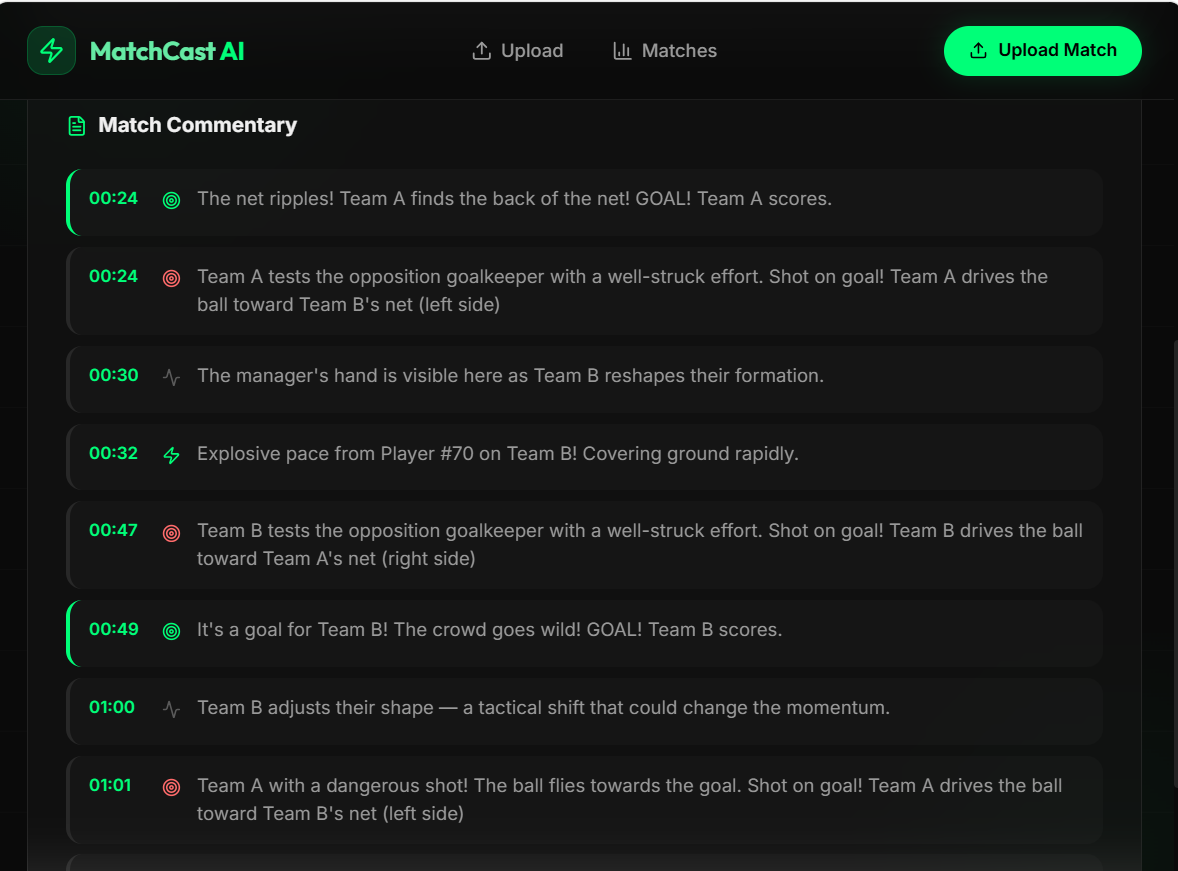
Live commentary
-
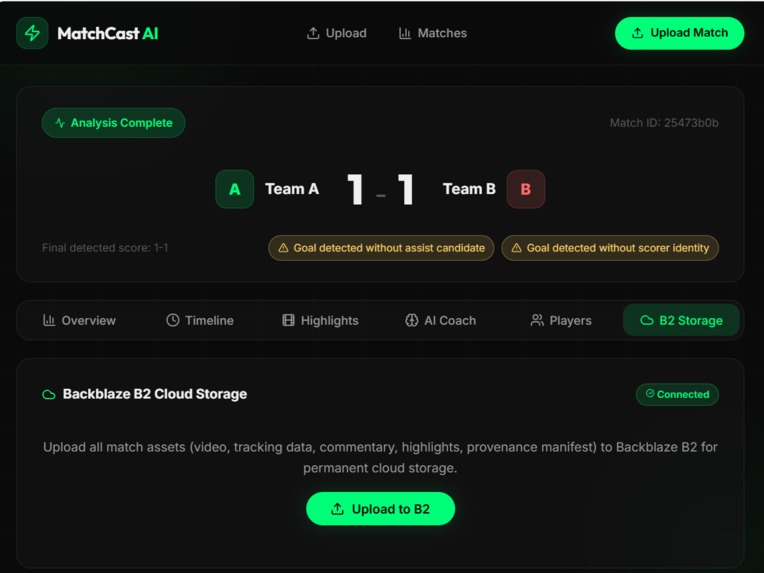
B2B cloud Storage
-
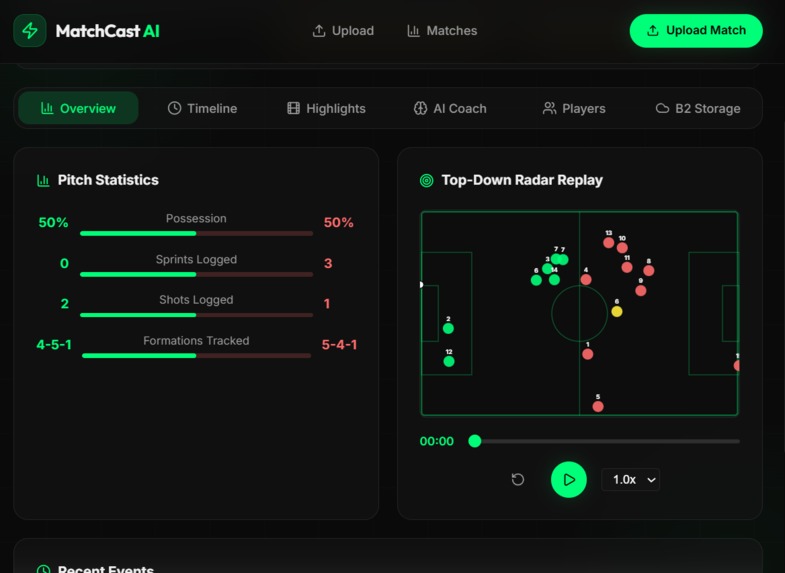
Top-Down Match Footage
-
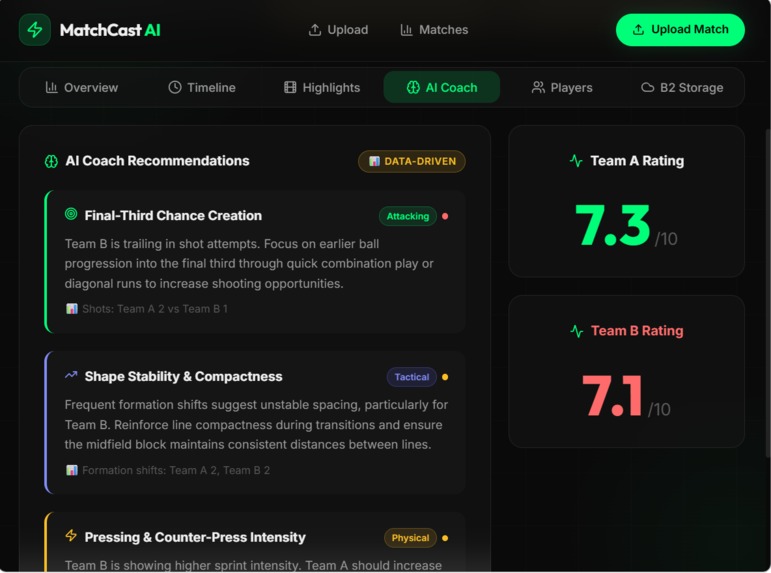
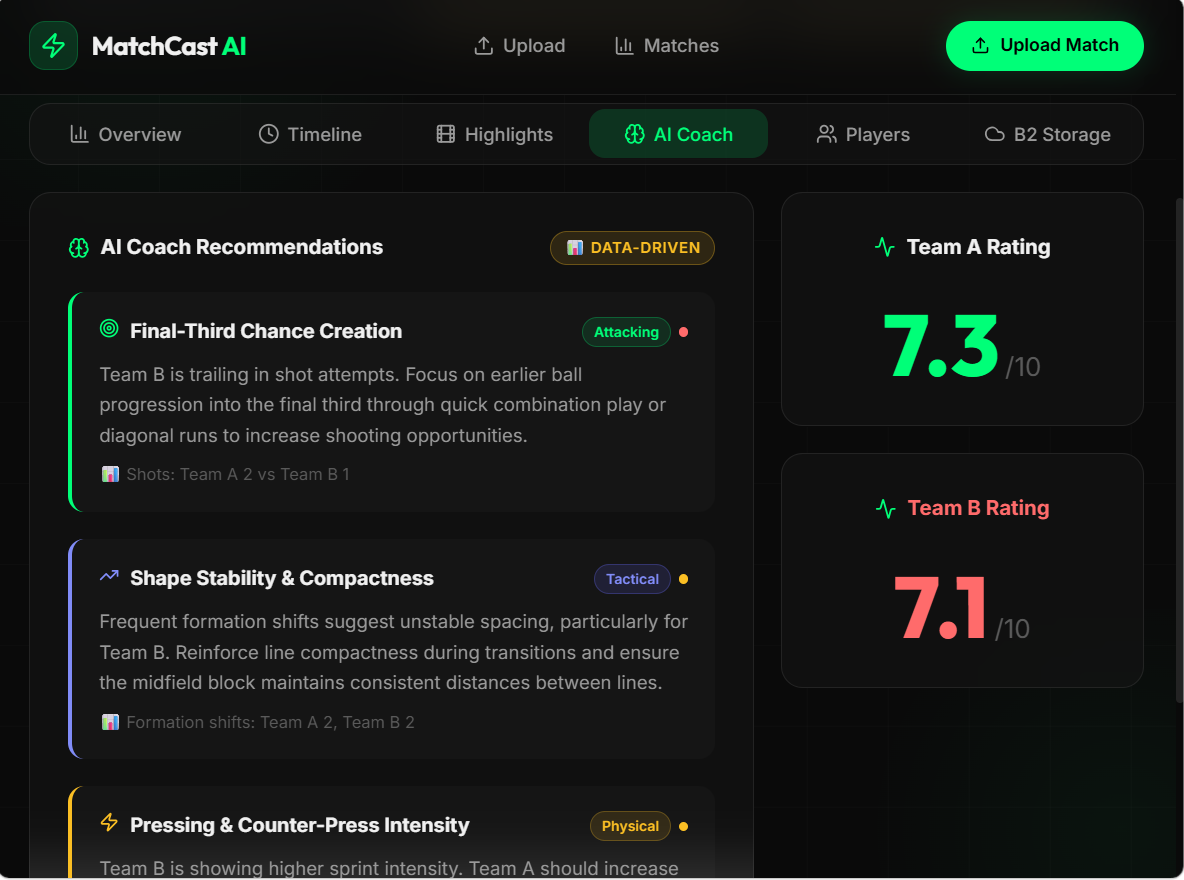
Coach Suggestions and Rating
-
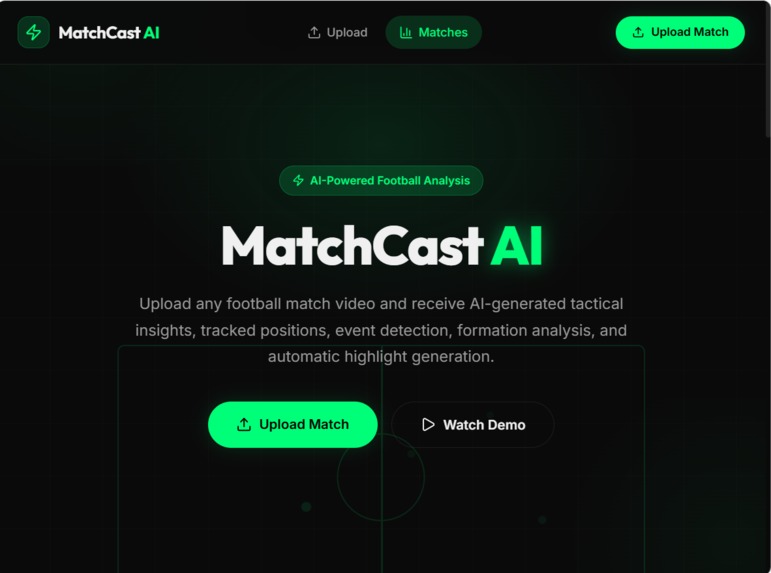
DashBoard
About the Project **MatchCast
Inspiration
I built MatchCast because sports analysis is still labor‑intensive: creating coach‑grade highlight reels and narrated commentary requires stitching video, annotating events, and writing context-aware copy. I wanted a pipeline that turns raw match footage into playable highlights + spoken commentary in minutes, so analysts and fans can act on insights quickly.
What I built
- An end‑to‑end pipeline that:
- Detects players & ball using YOLOv8 and supervision/ByteTrack for ID stability.
- Extracts events and analytics (passes, shots, xT, sequences).
- Generates commentary lines via an LLM integration (Genblaze / GMICloud optional) with fallback templates.
- Synthesizes speech (Edge/GMICloud,
gTTS/pyttsx3fallbacks). - Assembles highlight reels with
moviepy+ FFmpeg. - Persists artifacts and manifests to Backblaze B2 (S3-compatible) for provenance.
- Key code entrypoints:
- pipeline.py — commentary + TTS + highlight assembly.
- b2.py — upload/manifest helpers for provenance.
- main.py — FastAPI service with health and API routes.
- Frontend: Vite/React demo under frontend, Streamlit pages under
app/pages/*.
How I built it (short process)
- Prototype detection and tracking locally with YOLOv8 → validate detections on short sample clips.
- Build analytics layer to convert tracks → event timeline (pass, shot, assist candidates).
- Design commentary templates and LLM prompts; add Genblaze/GMICloud adapters with safe fallbacks.
- Wire TTS providers and integrate audio onto clips using
moviepy+ FFmpeg. - Add B2 upload + manifest for evidence/provenance.
- Expose everything via
FastAPIand demo in the frontend built with Vite. - Add deploy artifacts: Dockerfile (for container builds) and Procfile (quick PaaS deploy).
What I learned
- Integration is often the hardest part, not the model: syncing detection → tracking → event extraction requires robust error handling and graceful fallbacks.
- Deployment traps:
- Docker builds can fail if the build context doesn't include requirements.txt — Railway (and other PaaS) may use a subfolder context by default.
- Large repo contexts (models, videos) drastically slow or break remote builds; a targeted .dockerignore fixes this.
- A Procfile provides a fast non‑Docker PaaS path when you need a quick demo.
- Practical tradeoffs: accuracy vs latency. On CPU, set frame stride higher to reduce computation; on GPU you can lower it for finer granularity.
Challenges faced
- Build/deploy: initial Railway Docker build failed with
"/requirements.txt": not founddue to build context mismatch and large upload size. Fixes: add requirements.txt, tighten .dockerignore, provide a Procfile fallback. - Audio/LLM credentials: production Genblaze/GMICloud runs require API keys — pipeline includes secure fallbacks so demo works without private keys.
- Performance: assembling reels + encoding audio is I/O and CPU heavy — tuning FFmpeg parameters and selective frame sampling were required.
- Provenance: ensuring uploaded artifacts are traceable and reproducible (manifests + B2 metadata).
Quick technical note / metric
Total processing latency for a highlight sequence can be decomposed as: $$ L_total = L_detect + L_analysis + L_commentary + L_render $$ where each term can be reduced independently (faster model, async LLM calls, prefetching assets, hardware acceleration for FFmpeg).
Next improvements (roadmap)
- Quantize/freeze models and batch inference to reduce $L_detect$.
- Prebuild and push a Docker image to a registry so Railway/Render can pull a ready image (avoids context/upload issues).
- Add E2E tests and CI (unit tests for b2.py, smoke test for
/health). - Add a small QA dataset + automated accuracy checks for event extraction.
Built With
- ai
- automation
- b2b
- backend
- blackbaze
- cloud-deployment
- computer-vision
- data-visualization
- deep-learning
- docker
- fastapi
- football
- frontend
- generative-ai
- highlight-reels
- machine-learning
- natural-language-processing
- python
- react
- real-time
- speech-synthesis
- sports
- sportstech
- video
- vite

