Inspiration
Students today face a fundamental breakdown in traditional online learning: static video lectures and textbooks treat every learner identically, ignoring individual knowledge gaps. When a student struggles with an advanced concept like Gradient Descent, the root cause is rarely the concept itself — it is almost always an unmastered prerequisite like Partial Derivatives or Matrix Vector Multiplication.
We set out to build MasteryMap AI to end "one-size-fits-all" education. We wanted to transform any dense syllabus or textbook outline into a living, visual knowledge ecosystem that pinpoints exact mathematical and conceptual dependencies, adapts dynamically to a student's real-time performance, and synthesizes visual presentation decks and flashcards on demand.
What it does
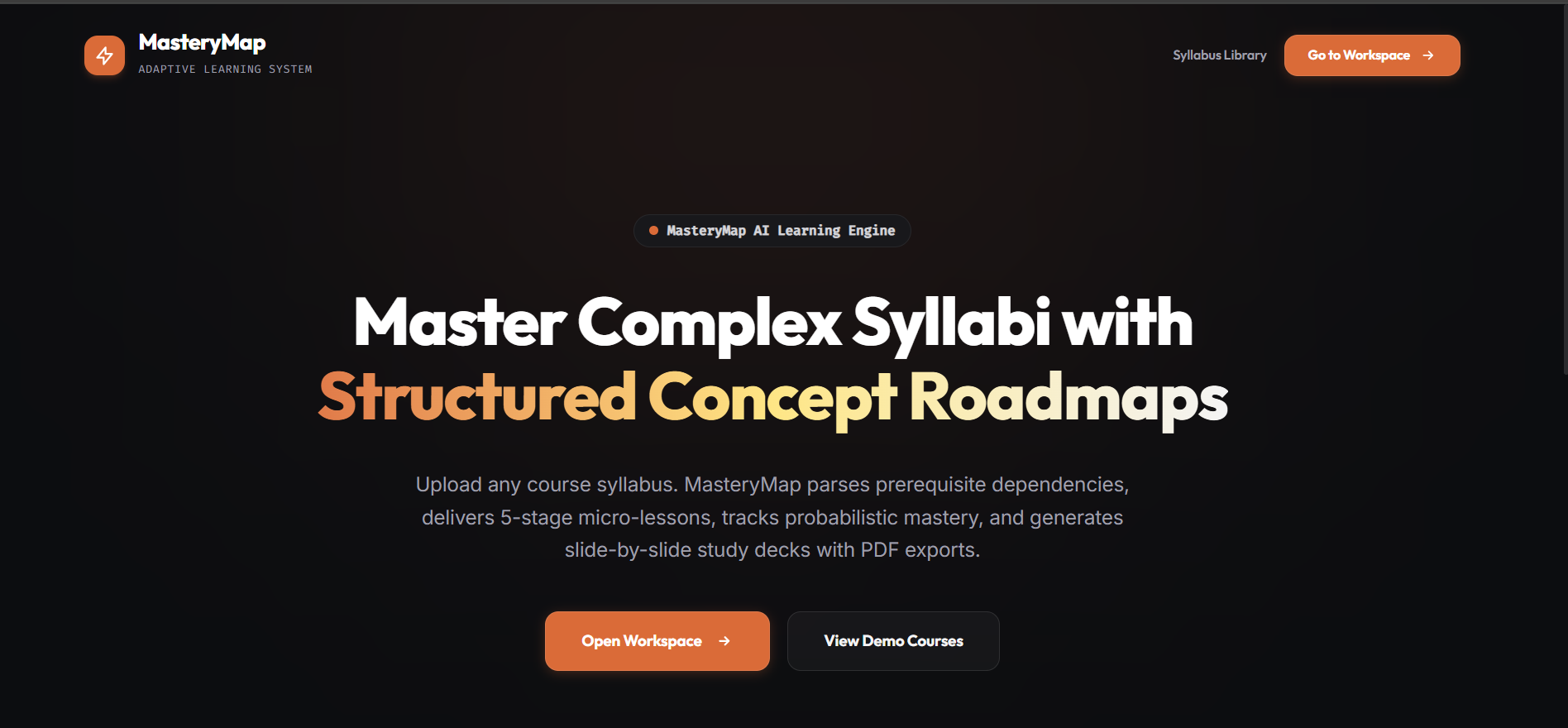
MasteryMap AI is an end-to-end adaptive learning platform that converts any raw course syllabus into a personalized 5-stage mastery pipeline:
- Syllabus Knowledge Graph Parsing: Upload any course outline or select from curated demo syllabi. MasteryMap automatically extracts core concepts and builds a Directed Acyclic Graph (DAG) of prerequisite relationships.
- Interactive Dual-View Roadmap:
- Topological Level List: Structured tier-grouped breakdown.
- D3 Mind Map Canvas: Interactive radial force graph featuring real-time glowing halos that reflect concept mastery levels.
- 16:9 Visual AI Presentation Decks & PDF Exports: Generates slide-by-slide visual presentation cards for any concept or level. Students can export a clean 1-slide-per-page landscape PDF deck with zero UI clutter.
- 🎴 3D Interactive Flashcards: Seamlessly toggle between widescreen slideshows, 3D flip flashcards (self-test on the front, key definition & equation on the back), and storyboard grids.
- Bayesian Knowledge Tracing (BKT) Tutor: Delivers a 5-stage pedagogical micro-lesson pipeline (Unseen → Teach → Guided Practice → Independent Practice → Mastered). The BKT model continuously updates real-time mastery probabilities based on slip and guess probabilities.
- Zoomable Image Lightbox Inspector: Allows 1-click zooming and individual slide image downloads.
How we built it
- Frontend Architecture: Built with React 19, Vite 8, and Tailwind CSS v4. Used D3.js for radial force-directed mind map rendering, custom CSS 3D transforms (
perspective-1000,rotateY(180deg)) for flashcard flipping, and ReactcreatePortalto mount modal overlays directly todocument.bodyfor pristine UI stacking. - Backend & Database: Engineered with FastAPI (Python 3.12/3.14) and managed via
uv. Database persistence is handled by SQLite via SQLAlchemy Async (aiosqlite), caching synthesized slide decks inmasterymap.db(GeneratedNotemodel) for sub-millisecond return times. - AI Models & API Integration: Powered by Google’s Gemini 3.1 Flash REST APIs (
models/gemini-3.1-flash-lite-imageandmodels/gemini-3.1-flash-image) for visual presentation slide synthesis, alongside Gemini 2.5 Flash for syllabus parsing and adaptive question evaluation. - Mastery Modeling Engine: Custom implementation of the Bayesian Knowledge Tracing (BKT) algorithm written in NumPy/Python to dynamically track mastery states ($P(L)$) per concept node.
Challenges we ran into
- Strict Landscape PDF Export Pagination: Standard browser
window.print()often splits slides awkwardly across page breaks. We solved this by designing a dedicated hidden-on-screen#pdf-presentation-deckcontainer utilizing@page { size: landscape; margin: 0; }andpage-break-after: alwaysto enforce exactly 1 16:9 slide per printed PDF page. - Modal Stacking & CSS Context Traps: Nested modal containers inside flex layout sub-components caused header controls (like
[ Download PDF Deck ]) to get clipped behind top navigation bars. We resolved this by refactoring modal components to use ReactcreatePortal, elevating them directly todocument.bodywithz-[99999]. - Optimizing Multimodal API Calls: Synthesizing high-quality visual slides for entire course levels required balancing API speed and quota. We built a robust SQLite persistence layer that stores generated slide decks upon first creation, making subsequent clicks instant.
Accomplishments that we're proud of
- 🏆 End-to-End Multimodal Execution: Successfully generating complete visual presentation decks with custom-styled slide graphics, structured bullet points, key equations, and 1-click PDF exports.
- 🎴 Polished UI/UX & Tactile Micro-Animations: Flawless 3D card flips, interactive D3 node halos, and responsive header auto-truncation that works cleanly at 100% Chrome zoom.
- ⚡ 100% Unit Test Coverage: Built a comprehensive backend test suite (
pytest) validating BKT probability updates, prerequisite node selector logic, and stage transitions (16/16 tests passing). - 🚀 Full Monorepo Integration: Successfully version-controlled and deployed frontend and backend in a unified GitHub repository.
What we learned
- Pedagogical AI Design: Generative AI is significantly more effective when constrained by rigorous educational models like Bayesian Knowledge Tracing rather than acting as a generic open-ended chatbot.
- Advanced CSS & DOM Portaling: Mastering React
createPortaland print media queries (@media print) is essential for building complex, multi-modal web applications with overlay inspectors and PDF exports. - Sub-Millisecond Caching Strategies: Combining LLM generation with local SQLite relational caching dramatically improves user experience by reducing latency to zero on repeat visits.
What's next for MasteryMap AI
- 🎤 Text-to-Speech Voice AI Tutor: Adding 1-click audio narration (
SpeechSynthesis API) so students can listen to AI-generated slide derivations and summary tips on the go. - 📥 Direct Anki / Quizlet Export (.csv): Enabling 1-click export of 3D Flashcards directly into
.csvfiles formatted for popular spaced-repetition applications. - 👥 Collaborative Study Hubs: Allowing students and study groups to share syllabus roadmaps, compare mastery node progress, and co-generate custom visual study guides.

Log in or sign up for Devpost to join the conversation.