-
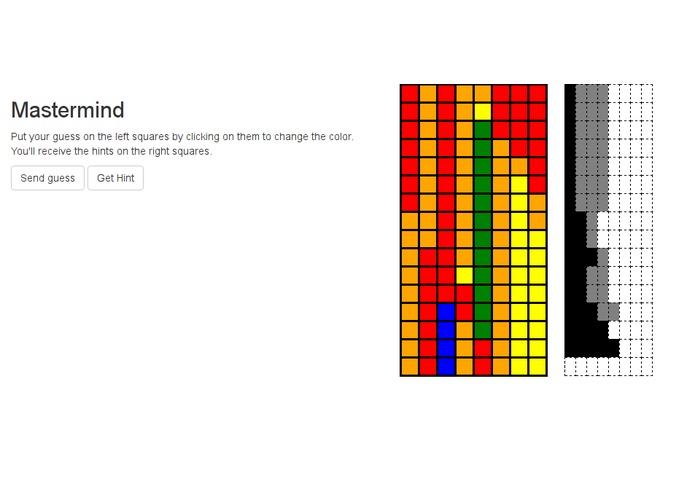
The front page of Mastermind frontend
-
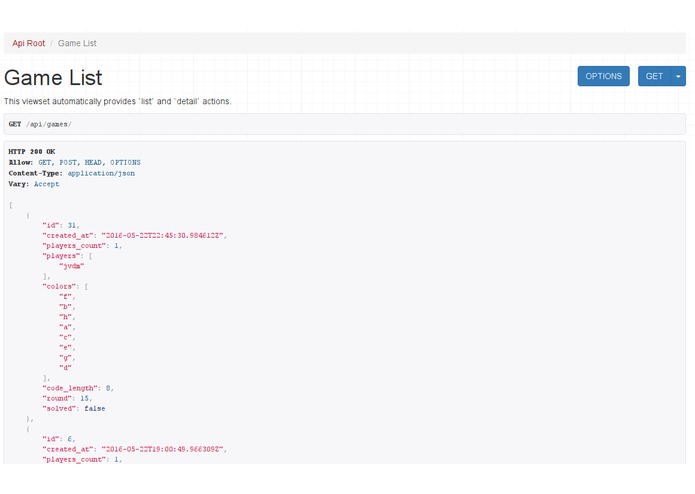
The API usage screen: http://mastermind-macacoprego.herokuapp.com/api/games/
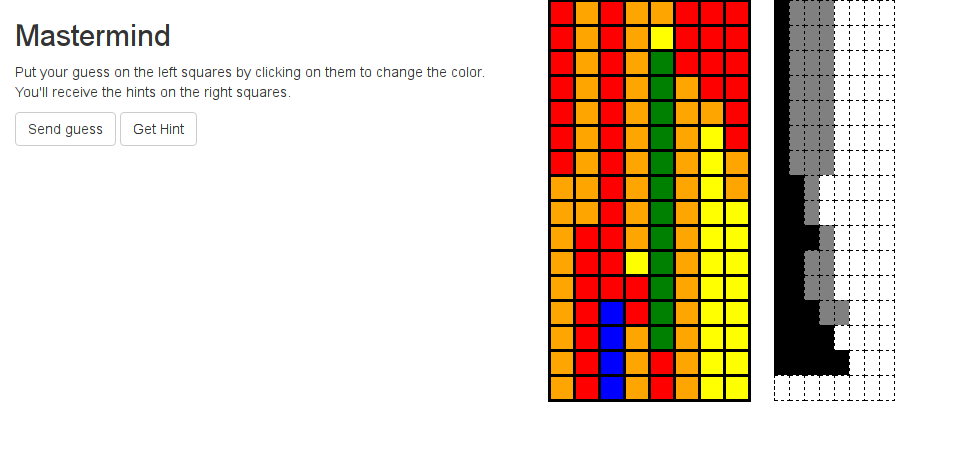
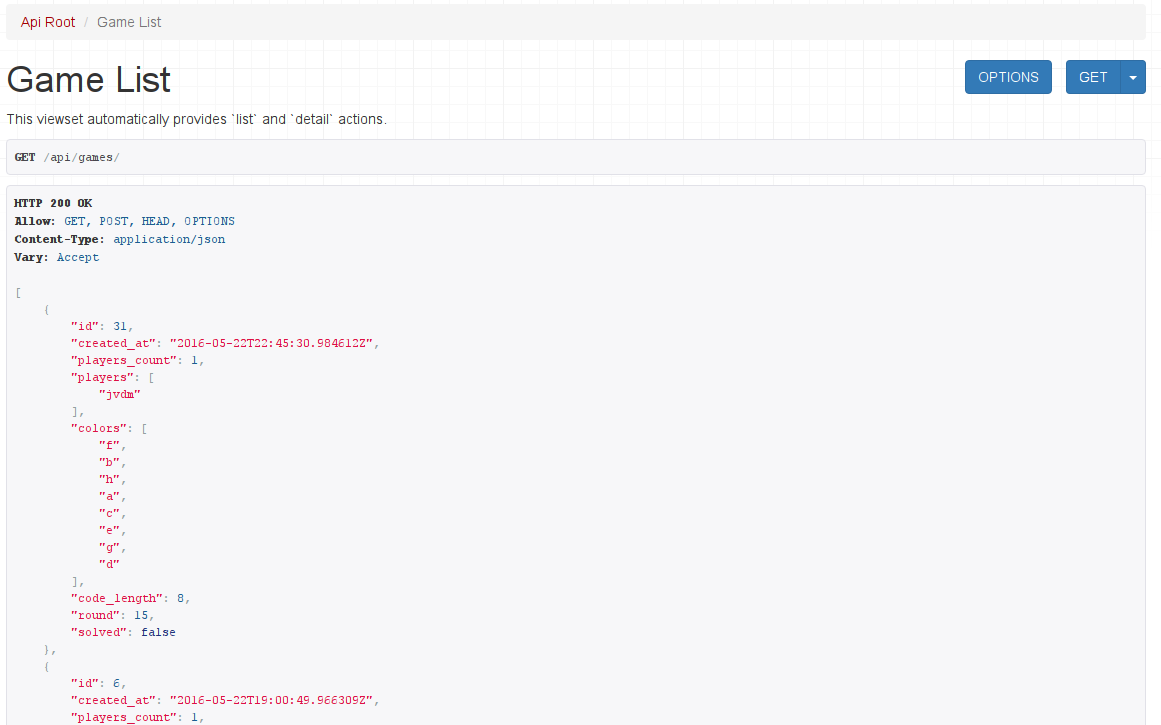
Usage
The bot is currently very simple, you can create games, make a guess and ask for a hint.
Create games
Send a message to the bot (for the sake of the example, let's call it macaco):
@macaco create ... [list of players]
For example:
jvdm [6:42 PM]
@macaco: create with @felipenfranco

macacoBOT [6:42 PM]
@jvdm: sure, give me a second to create a game for you...

[6:42]
@jvdm: the game #1 has been created, there are 2 players (@jvdm, @felipenfranco), you all may send guesses by sending messages like 'guess #29 <your guess>'.
Making a guess
Send a message to the bot like this:
@macaco guess #<game-id> <guess string>
And the bot will reply (to the same channel):
jvdm [6:42 PM]
@macaco: guess #29 abcdefgh

macacoBOT [6:42 PM]
@jvdm: 0 exacts, 6 nears (total guess: 1)
Guesses are all lower-case characters from a to g (8
possibilities, 8**8 combinations).
A reply with 8 exacts marks you as a winner. The other players
can keep playing (the bot will accept their guesses) until they submit
the correct answer. If you have already guessed the correct answer or
if you send a invalid guess (for example, bad characters in the guess
and so on) the bot only replies with:
macacoBOT [6:42 PM]
@jvdm: bad guess
Yes, that's a FIXME.
Asking for a hint
To ask for a hint just say something to the bot with hint followed
by a game id in the form #<id>, e.g.:
@macaco please, give a hint for the game #29?
Or:
@macaco with a hint i certainly can finish the game #29
The bot replies:
jvdm [6:51 PM]
@macaco: with a hint I can finish #29

macacoBOT [6:51 PM]
@jvdm: 'd' at position 0
Introduction
This is a django backend multiplayer implementation of the Mastermind game in the form of a RESTfull API, including a slack bot to play the gam, running at http://mastermind-macacoprego.herokuapp.com/.
This original game was for two players: One player becomes the codemaker, the other the codebreaker. The codemaker chooses a pattern of four code pegscodebreaker. The codebreaker tries to guess the pattern, in both order and color, within twelve (or ten, or eight) turns.
This is a very simple implementation, with minimal interfaces, no authentication and was created during the participation of macacoprego.tech on the 2016's vanhackathon.
This implementation mimics the codemaker role on the backend. Then the HTML UI can be used be codebreakers and also the slack bot proxies the backend as a codemaker using the same APIs.
We also support multiple concurrent codebreakers for each game. This is a very simple implementation, with minimal interfaces.
Inspiration
This was built based on the Axiom-Zen challenge #1, #2 and #3.
What it does
It provides a multiplayer API to play mastermind, including multiple games concurrently offered in as a RESTfull API. This RESTfull API is used to provide a web interface and a slack bot for users to play the mastermind game.
How we built it
Everything uses python3. The backend uses
Django and Django REST Framework. The bot is using aslack
<https://github.com/macacoprego/aslack>_ asynchronous interface to
slack (on top of asyncio).
Installation
Typically you would run the backend and it inside a pyvenv::
$ git clone https://github.com/macacoprego/mastermind-bot $ mastermind-bot $ mkdir venv $ pyvenv venv/mastermind-bot $ source venv/mastermind-bot/bin/activate
It is distributed with setuptools, you only need to install it
using::
$ python setup.py install .
And then::
$ mastermind-bot
It will ask you for the api token, you can also user --token or set
MACACOPREGO_MASTERMIND_BOT_TOKEN.
Challenges we ran into
Initially we thought that APIs to join a game between two different
users were supposed to keep the HTTP request waiting for all
participants to join. This led to a lot of discussions on how to
synchronize multiple django requests, using postgresql or any other
inter-process locking mechanism.
After we discovered (by asking Axiom-zen people about it) that this was not a requirement everything became easier.
Accomplishments that we're proud of
The API is very maintainable and scalable, we also think that we made it usable very quickly.
What we learned
- How to provide custom endpoints for rest framework's ViewSets.
What's next for mastermind-backend
Include a field during game creation to enable users to select the maximum number of guessing rounds.
Delete the game after if nobody plays during some timeout.
API Documentation
Three APIs are provides, they all receive JSON inputs, so fields below refers to properties of a JSON object.
GET /api/games/
List all games.

**Parameters**:

``None``

**Returns**:

List of objects for each game::

  { "id": <game id>
  , "created_at": <timestamp of game creation>
  , "players_count": <total number of players allowed to join>
  , "players": <list of current players (which will be always be empty on creation)>
  , "colors": ["e","f","d","g","c","h","a","b"]
  , "code_length": 8
  , "round": <game rounds or turns played until now (which will be 0)>
  , "solved" : <if the game was solved or not>
  }

**Description**:

All games are returned, solved and unsolved.
POST /api/games/
Create a new game.

**Parameters**:

  :players_count: Number of players this game supports.

**Returns**:

  { "id": <game id>
  , "created_at": <timestamp of game creation>
  , "players_count": <total number of players allowed to join>
  , "players": <list of current players (which will be always be empty on creation)>
  , "colors": ["e","f","d","g","c","h","a","b"]
  , "code_length": 8
  , "round": <game rounds or turns played until now (which will be 0)>
  , "solved" : <if the game was solved or not>
  }

**Description**:

Create a new game.  ``players_count`` defines the maximum amount
of people allowed to join, after that no other player can join.
Currently there is no limit on the amount of guesses a player can
get until he solves the challenge.
GET /api/games/<game_id>/
Retrieve information of a specific game.

See GET ``/api/games/`` for the object returned.
POST /api/games/<game_id>/join/
Join a game.

**Parameters**:

  :name: Name of the player joining the game
POST /api/games/<game_id>/guess/
Send a guess.

**Parameters**:

  :name: Name of the player
  :code: Player guess, ex: 'abcdefgh'

**Returns**:
    {
        'exact': <number of exact colors
        'near': <number of colors missed>
    }
r


Log in or sign up for Devpost to join the conversation.