Inspiration
As a fitness enthusiast, I struggled to track my protein intake consistently and make sense of whether I was hitting my goals—or if my sources were balanced. I saw friends face the same issue: endless spreadsheets, guesswork on supplement timing, and no easy way to see trends. That’s when I knew I needed to build a tool that simplified protein tracking and made it actionable, not just data-heavy.
What it does
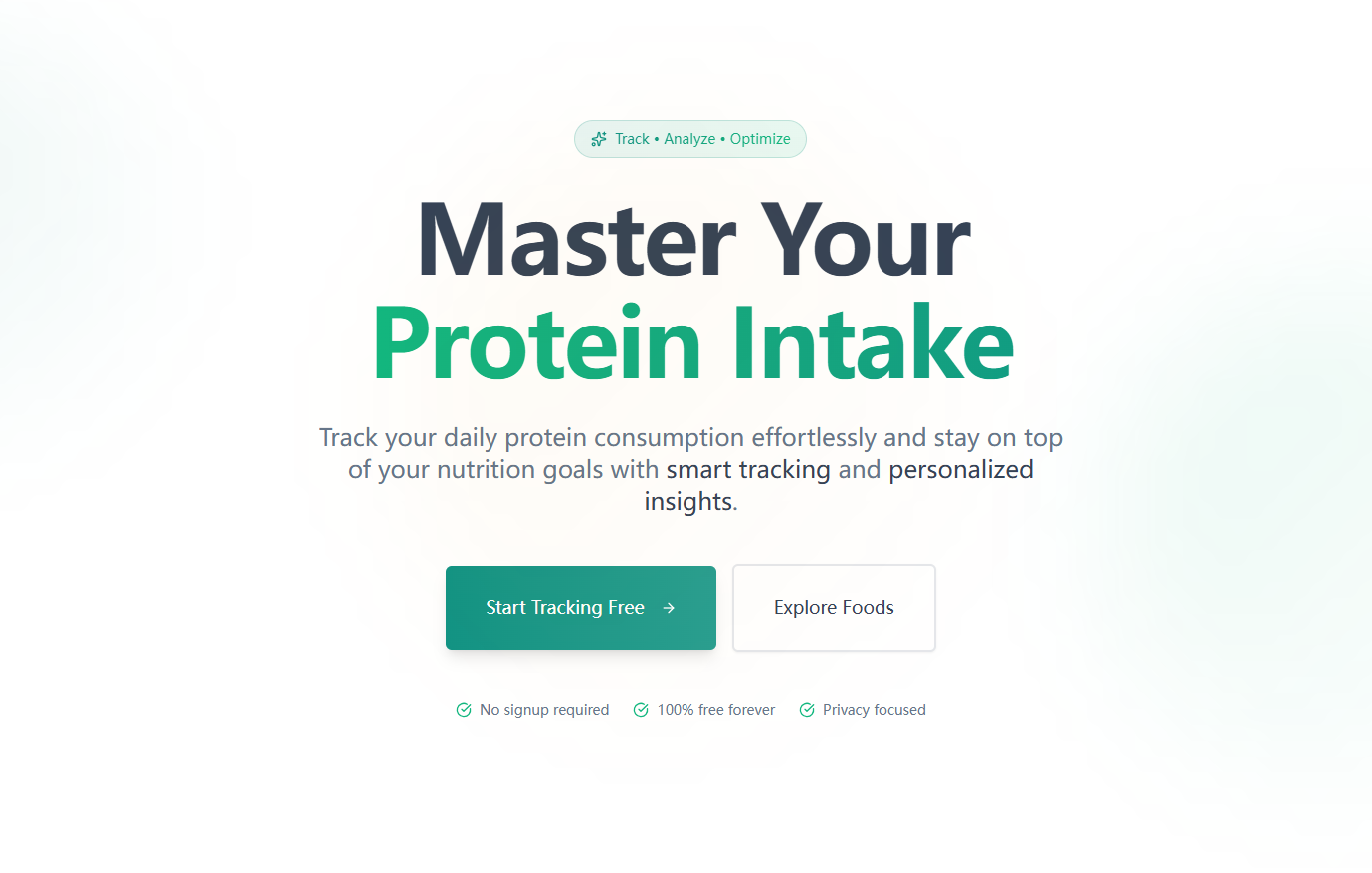
ProteinOptimizer lets users log daily protein intake across meals, visualize progress toward personalized goals (based on weight/activity), analyze animal vs. plant protein ratios, and get tailored food/supplement recommendations to fill intake gaps. It also shows weekly trends to track consistency over time.
How we built it
I started by mapping core user needs (tracking, analysis, recommendations) to a simple screen structure: Dashboard, Meal Logging, Analysis, and Recommendations. I used React Native for cross-platform compatibility, Firebase for lightweight data storage, and Chart.js to build intuitive pie/bar graphs for visualizing intake. I integrated a food recognition API for photo-based logging and a nutrition database API to auto-classify protein sources.
Challenges we ran into
The biggest hurdle was refining the supplement recommendation logic—balancing accuracy (e.g., 30g intake gap threshold) with usability, so recommendations felt personalized but not overcomplicated. I also struggled with photo recognition reliability; when the API failed to identify food, I had to design clear error handling to prompt manual entry without frustrating users.
Accomplishments that we're proud of
I’m most proud of the progress color-coding system (green/yellow/red for goal progress) that makes at-a-glance tracking effortless. Users immediately grasp their intake status, and early testers said it motivated them to adjust their meals to hit green. The weekly summary feature, with a consistency score, also resonated—people loved seeing long-term trends instead of just daily numbers.
What we learned
I learned how to translate complex nutrition logic (e.g., 1.6-2.2g/kg protein goal calculation) into simple, user-friendly features. I also realized the importance of error handling—users make mistakes (e.g., negative protein values), and clear, non-technical feedback is key to keeping them engaged. Most importantly, I learned to prioritize core features over "nice-to-haves" to keep the app focused on its mission.
What's next for this project
Next, I want to add barcode scanning for packaged foods to speed up logging—users asked for this constantly. I also plan to integrate basic macro tracking (carbs/fats) as an optional feature, and build a simplified meal planning tool to help users pre-log protein intake for the day. Finally, I’ll refine the supplement recommendations to factor in workout timing more granularly, based on user-logged exercise sessions.

Log in or sign up for Devpost to join the conversation.