Inspiration
As someone who’s endlessly frustrated by conflicting, unscientific diet advice online—from “detox teas work” to “carbs make you fat”—I wanted to create something accessible for everyday adults. I saw friends struggle to read food labels or separate fact from fiction, so I set out to build a simple, science-backed tool to demystify nutrition without jargon or subscriptions.
What it does
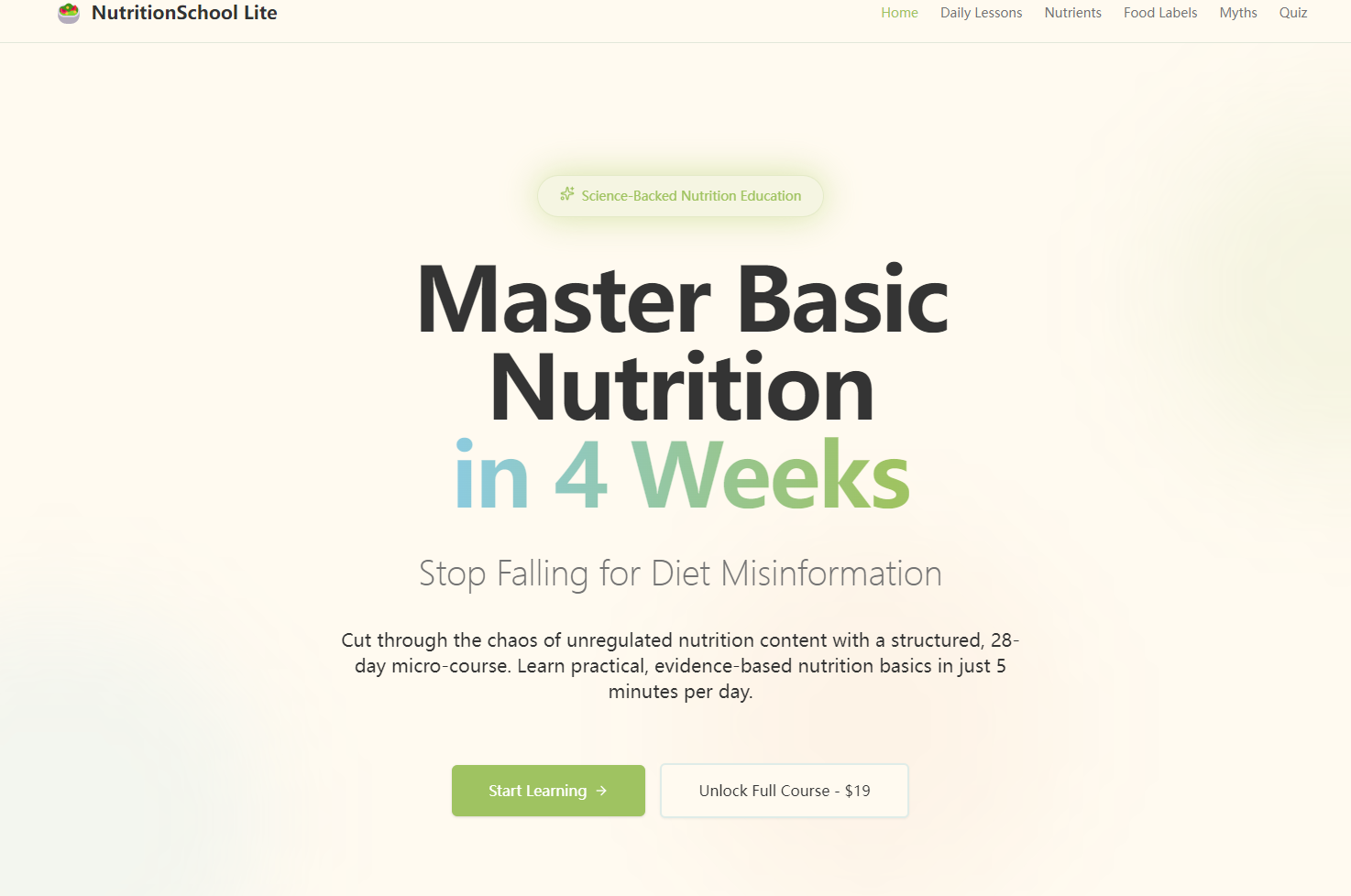
NutritionSchool Lite is a self-paced 28-day nutrition course that delivers daily 5-minute micro-lessons. It breaks down macronutrients/micronutrients with visual guides, teaches users to decode food labels, debunks common diet myths with science, and offers personalized eating suggestions based on individual preferences and goals. All content is designed for non-experts, with clear, actionable advice and no hidden fees—just a one-time $19 unlock for lifetime access.
How we built it
I started by mapping out the 28-day lesson structure and core modules (nutrient basics, label tool, myth busting) to ensure logical, incremental learning. I designed the UI in Figma to prioritize simplicity and mobile responsiveness, then built the front end with React and Bootstrap for smooth navigation. I created all educational content from scratch, partnering with a nutrition expert to ensure accuracy, and added progress tracking and interactive elements (like tap-to-explore food labels) with JavaScript and Chart.js.
Challenges we ran into
The biggest hurdle was balancing depth and simplicity—making nutrition science accurate but not overwhelming for non-experts. I also struggled with designing intuitive navigation for the 28 daily lessons, ensuring users could move seamlessly between days while tracking progress reliably. Additionally, creating realistic, relatable food label demos that reflected common grocery store products required careful research to match real-world packaging.
Accomplishments that we're proud of
We built a fully responsive platform that makes complex nutrition concepts approachable—users consistently say the 5-minute daily format feels manageable, not daunting. The food label decoding tool has been particularly well-received; testers reported feeling confident reading labels after just one session. We also nailed the progress tracking system, which keeps users motivated without friction.
What we learned
I learned how to translate technical nutrition data into accessible language for non-experts—stripping jargon without losing accuracy. I also gained hands-on experience in building interactive, user-centric tools (like the nutrient demo cards) and iterating based on user feedback (e.g., simplifying the quiz flow for personalized recommendations). Most importantly, I learned that accessibility (short lessons, mobile design) is key to keeping users engaged with educational content.
What's next for this project
Next, I plan to expand the lesson library to cover more niche topics (e.g., plant-based nutrition, kid-friendly meals) and add video micro-lessons to complement text/infographics. I also want to integrate a community feature where users can ask questions and share tips, and explore partnerships with dietitians to add live Q&A sessions. Finally, I’ll optimize the tool for offline access so users can learn on the go, no internet required.

Log in or sign up for Devpost to join the conversation.