Inspiration
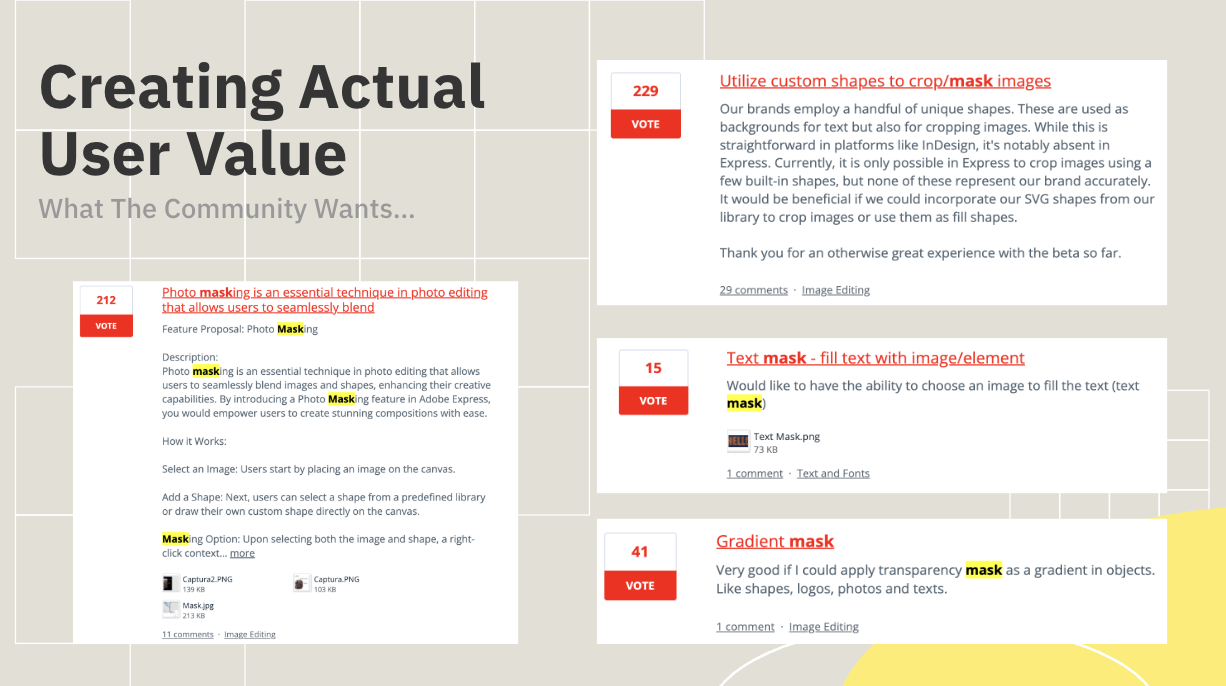
I was inspired to build this add-on for a couple of reasons. First, I had already competed in an add-on hackathon hosted by Express in collaboration with the AI-collaborate club and Santa Clara University where I won an ethical AI award for my project. Secondly, the idea for my add-on came from my research where I mainly focused on user/community voices. I found that a lot of the unaddressed commotion on the forums was with regards to the absence of a masking tool in Adobe Express. I found that the absence of this tool in Express was posing such an issue to many users that it was causing them to have to seek alternatives like Canva.
What it does
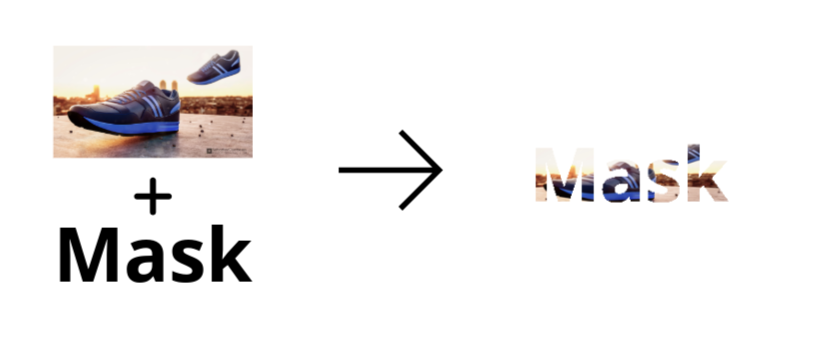
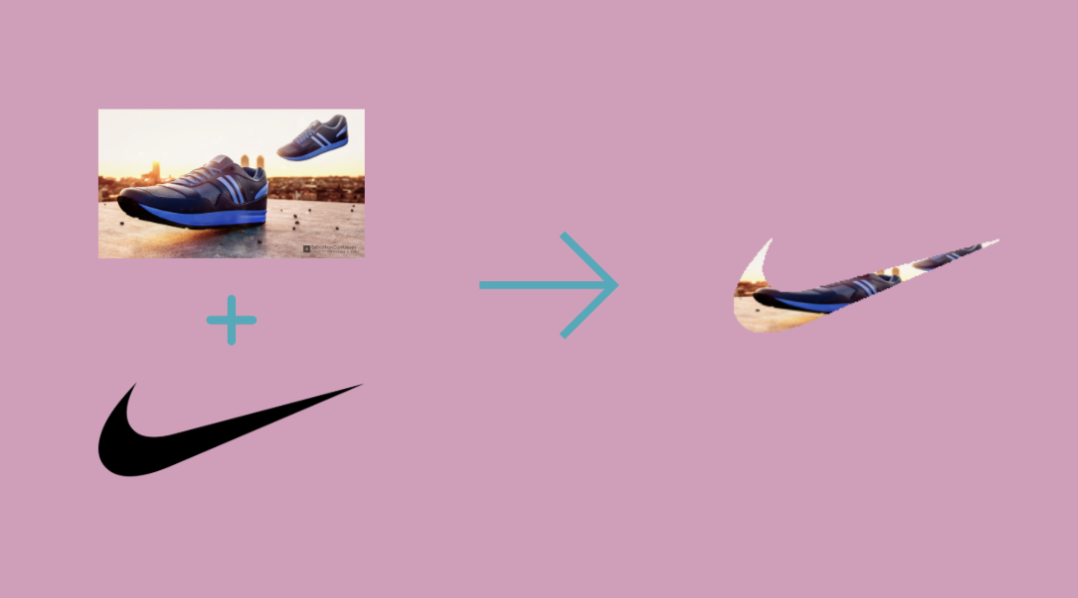
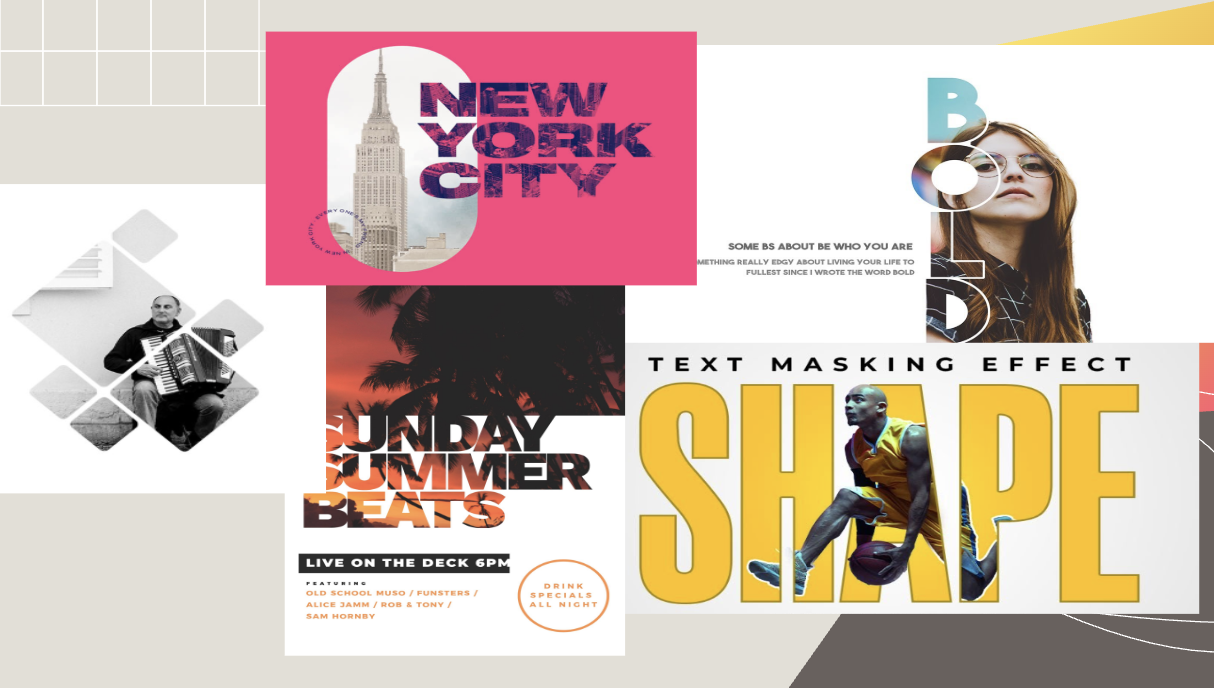
Essentially, MaskMaster is an add-on that enables the user to do something called image/object masking. This is a practice that is widely used by graphic designers all over the world and is available on most graphic design platforms, except Adobe Express.
Basically what my tool does is it allows users to choose an object as an "alpha layer" and create a mask over the object with an image or video that is cropped to fit within only the object. You can either upload a PNG with a transparent background to use as the "crop-within" object or select an area directly from your canvas, like a custom made frame for the images/videos.
How we built it
For the frontend, I used basic JavaScript to code the UI and object interactions on the canvas itself.
For the main functionality, I used Python in the backend where I used several libraries including OpenCV, rembg, imageio, and more to implement the masking functionality through isolating the alpha layer of the chosen objects/elements and cropping the overlay image into that selected area and vice-versa.
The full implementation can be seen in the GitHub repo which I will link below.
Challenges we ran into
I think one of the biggest challenges with implementing projects like these is execution. The idea can be really good, but there are always areas and certain things that can go wrong or not go as planned.
Therefore, I opted to submit a fully working private-link add-on rather than mockups just to be sure it would work.
As suspected, during the process of making the features, there were a handful of things that went wrong. I initially wanted to allow the users to select things from the canvas and upload it to my add-on's backend. This proved to be quite challenging as there was no direct function/method in the SDK that supported this. After a lot of trial and error, I came up with a solution that involved having the objects be in front of a white background, taking a rendition of the entire page and cropping it to the bounds of the selected area, then removing the white background and using that element as the cropping channel.
Secondly, I faced a lot of issues with the video aspect and it is still not fully polished. While I was able to mask the video within an element, I'm not able to add videos into the canvas with a transparent background. As a result, I had to come up with an alternative where the background is black (for now), but in the future, the user will be able to select the background color. Something that will be easy as I already implemented it for another feature in the add-on.
Accomplishments that we're proud of
One feature that I am especially proud of is where the add-on allows the user to grab custom elements/objects directly from the canvas and use those to mask images and videos over. Something that I demonstrated in the video.
I am proud of this as it was a pretty hard feature to implement once I realized that there was no function that allows you to just grab something from the canvas and load it onto the add-on UI. I was able to ultimately do it successfully after coming up with a viable alternative.
What's next for MaskMaster
Ultimately, with my working prototype (attached as a private link), I have already implemented all the functionality that requires work with APIs. I mainly focused on this first because I know from my previous experience with developing add-ons, the main bottleneck for idea implementation is platform development through the specific SDKs.
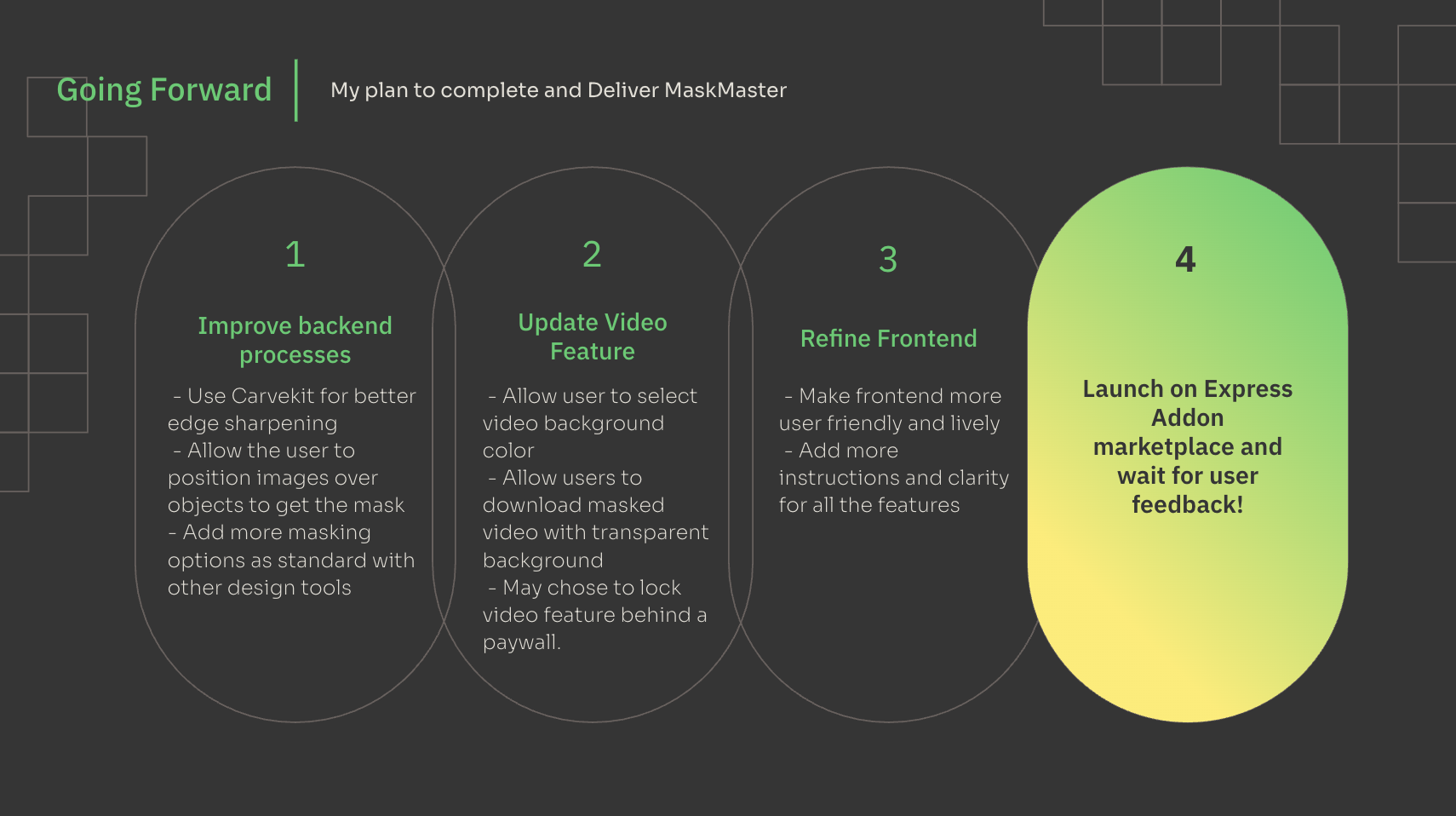
Moving forward, I would want to do a couple of things:
Outline:
- Refine the Frontend – This will involve improving the visual design and adding clearer user instructions to enhance usability.
- Enhance Backend Accuracy – I plan to integrate CarveKit to improve object isolation quality, addressing the current issue of pixelation when masking images from the canvas.
- Finish the Video Feature – I’ll complete the functionality that allows users to change the background color in masked videos.
- Publish and Iterate – Once launched, I’ll gather user feedback to guide development of version 2!
Private Link:
https://adobesparkpost.app.link/TR9Mb7TXFLb?mode=private&claimCode=wm216hm08:0WY4IRFU

Log in or sign up for Devpost to join the conversation.