-
-
banner
-
app icon
-
app screenshot
-
app screenshot
Inspiration
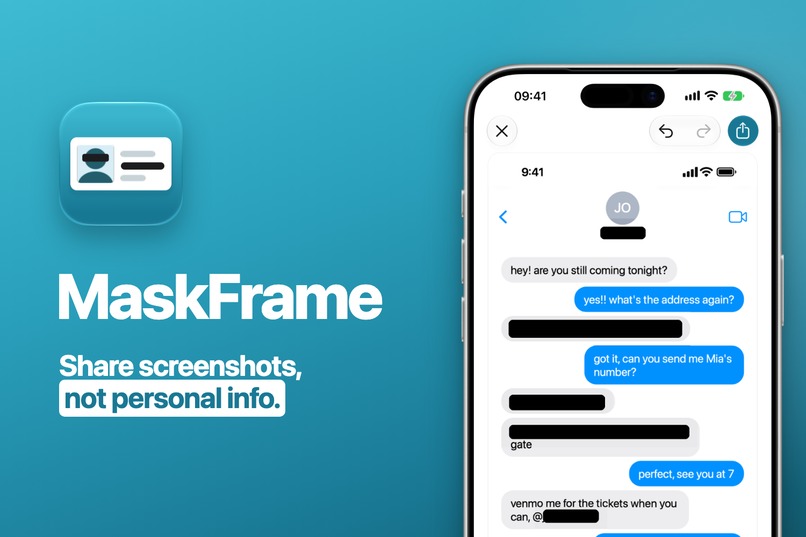
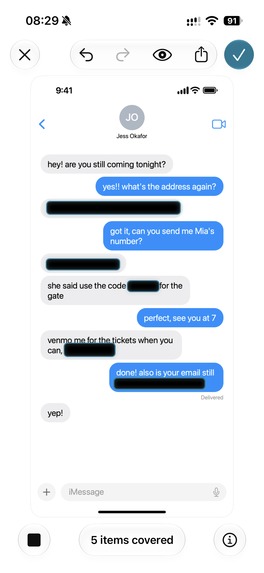
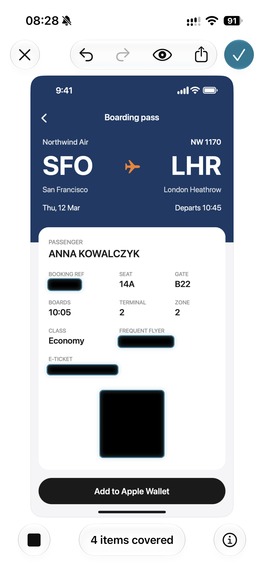
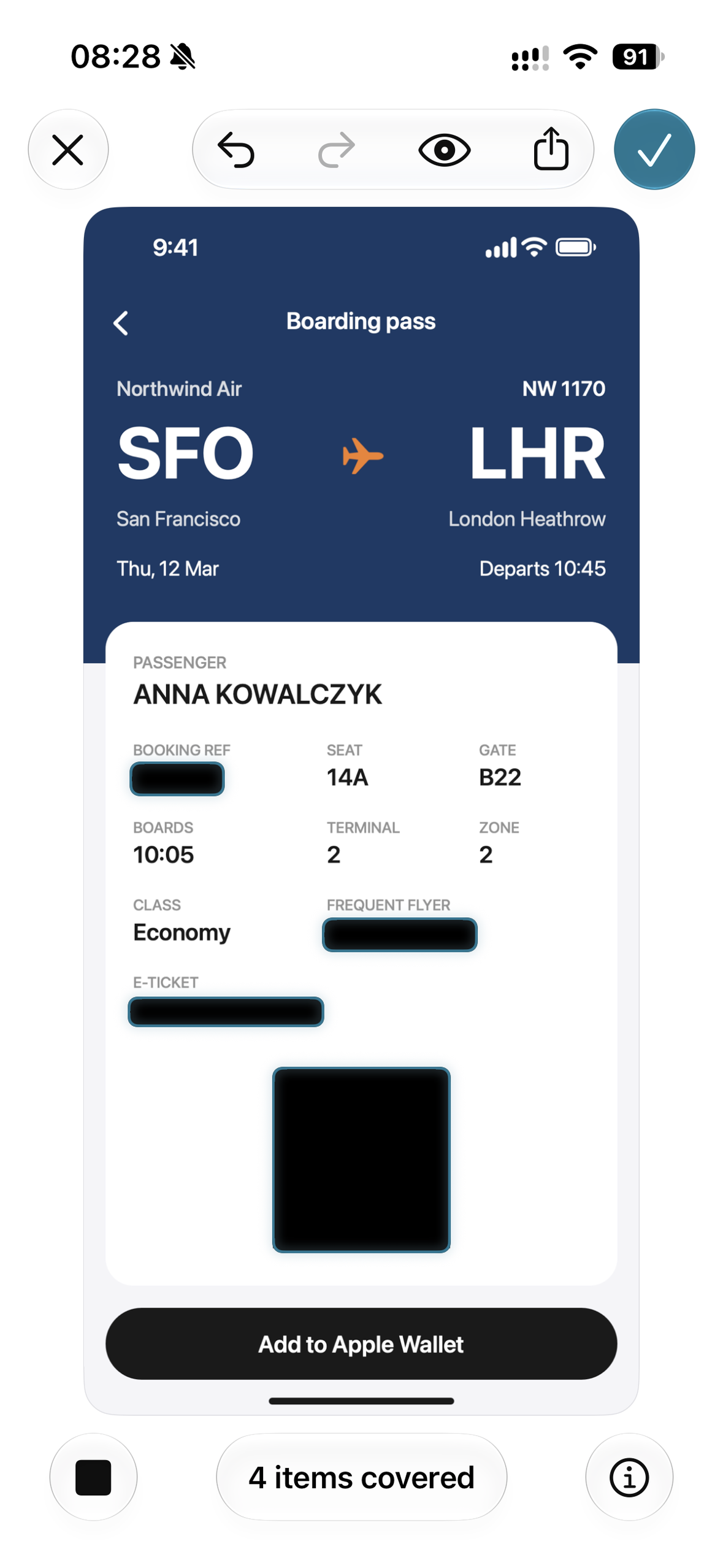
A screenshot you share to prove one thing carries ten others. A transfer receipt shows your balance. A boarding pass has a barcode with your name and booking code. A chat has a phone number and a home address two bubbles up. Covering them by hand in Markup takes a minute per screenshot, and I kept missing a line. I wanted an app that finds the details for me, lets me check its work, and keeps my screenshot on my phone while it does.
What it does
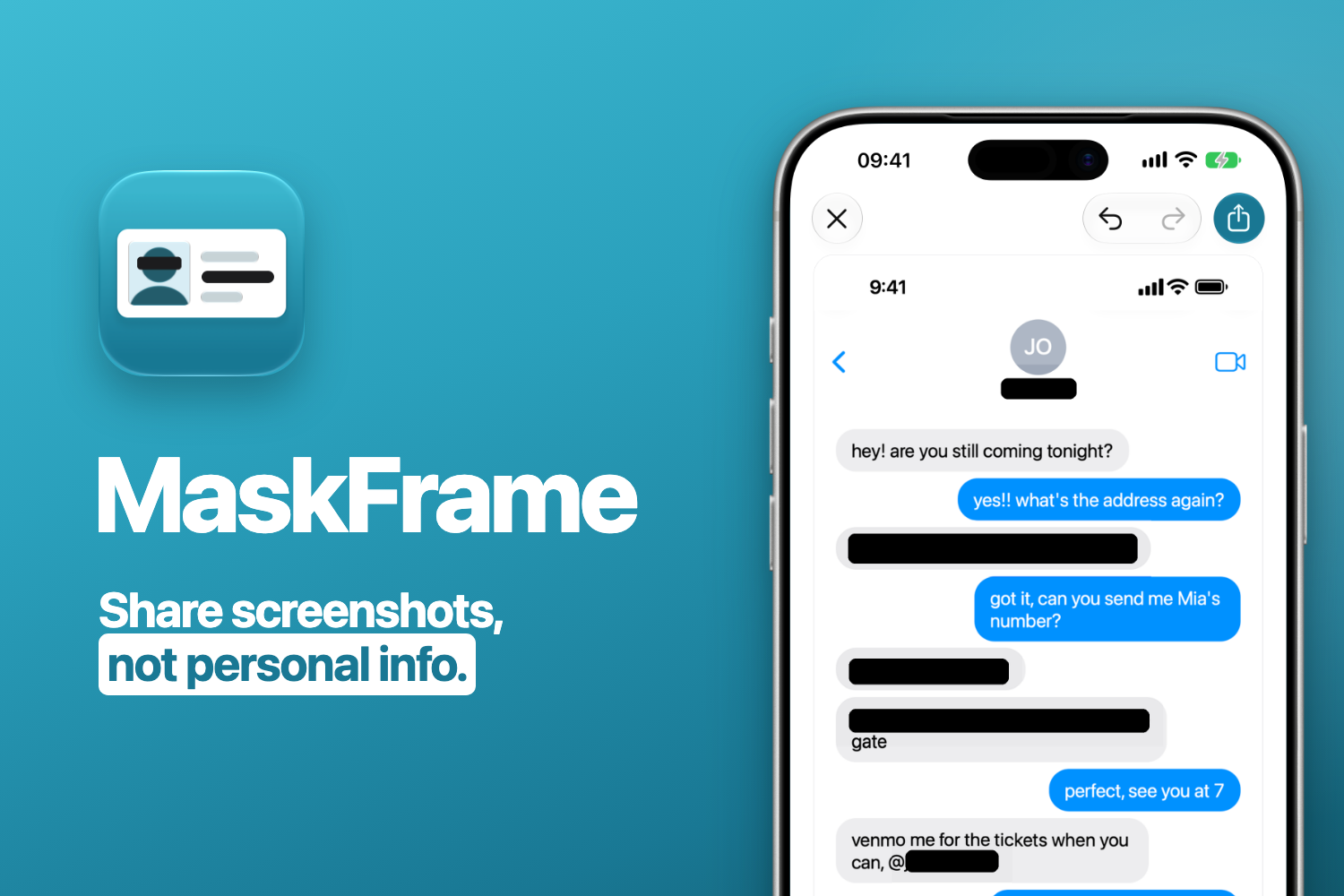
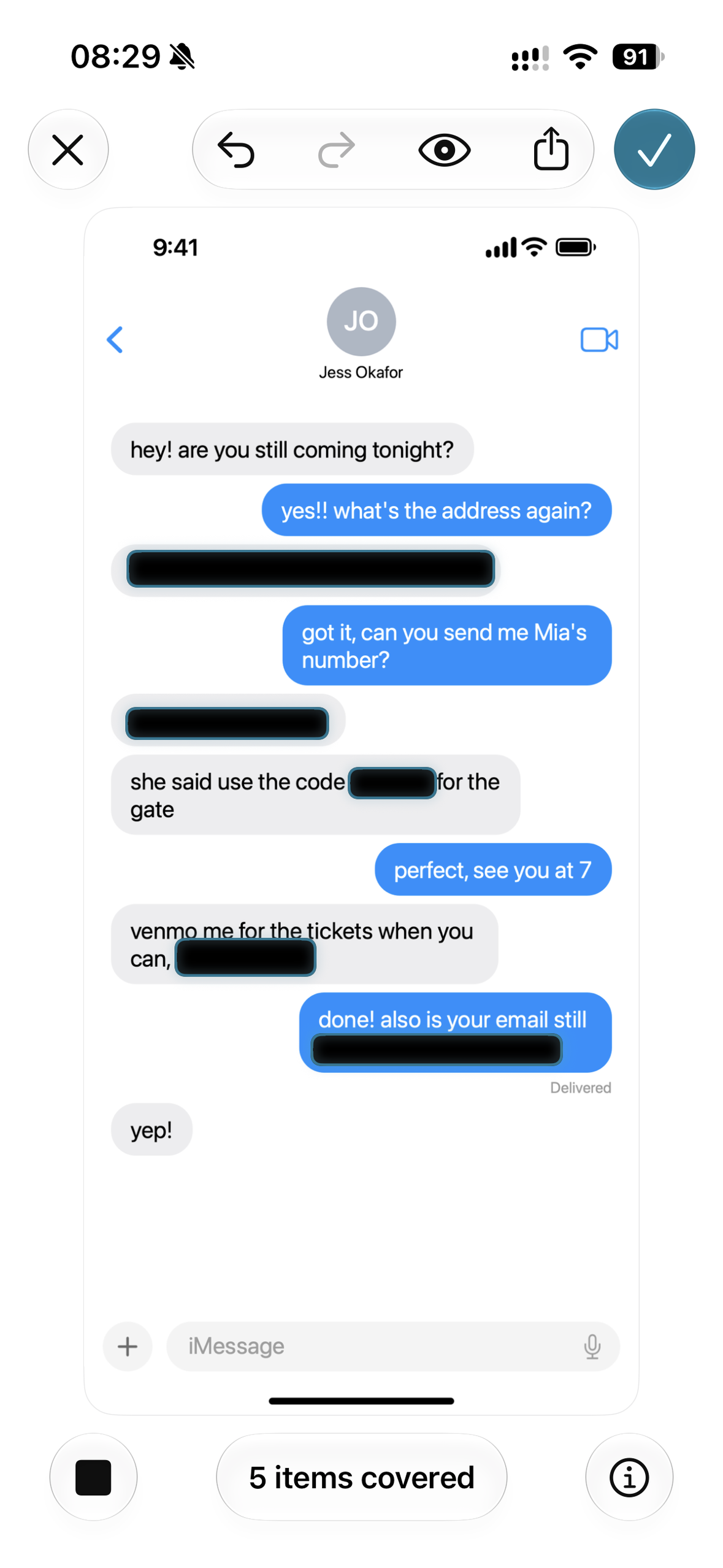
You send a screenshot to MaskFrame from the share sheet, right after you take it or later from Photos. You can also open one from the app itself, a Home Screen quick action or Shortcuts. MaskFrame reads it on the iPhone and puts a mask over each personal detail it finds: card numbers, IBANs, emails, phone numbers, one-time codes, faces, QR codes and barcodes. On an iPhone with Apple Intelligence and iOS 27 it also finds even more types of information.
The masks are suggestions, and you decide. Tap a mask to peek underneath, hold to remove it, drag to draw a new one, pull the corners to resize. Then share. MaskFrame draws a new image for the copy that leaves the app, so it carries no location, no capture date and no device name.
History keeps every screenshot you finish, the original plus your masks, in your own iCloud. Open one again, change a mask, share it again.
The app and its store listing come in 17 languages.
How I built it
MaskFrame is a native iPhone app in Swift and SwiftUI. Everything that looks at your screenshot runs on the phone: Apple's Vision framework, pattern rules for card numbers, IBANs and phone formats from 20 countries, and Apple Intelligence where the iPhone has it. There's no server of my own, no account and no analytics.
RevenueCat handles the purchase and the paywall. History syncs through the user's private iCloud database, which I have no access to.
I shipped 1.0 on September 14 and four updates in the twelve days after.
Challenges I ran into
Teaching the model what's private. Early versions masked headings, prices and the clock in the status bar, and on one receipt put the email mask on the wrong line. It took many rounds of test screens before the masks sat where they belonged.
Blur can be undone. Tools like Depix recover pixelated text, so solid masks are the default and the app warns you before you pick pixelate or blur.
Who could install it. Version 1.0 required Apple Intelligence and iOS 27, which hid it from more than half of all iPhones. The app works without the model, so since 1.1 it runs on any iPhone with iOS 26, and Apple Intelligence adds findings where it's available.
How it makes money
MaskFrame is free to download, and the free tier has every feature. You get one new screenshot a day. MaskFrame Pro removes the limit for a one-time $14.99. No subscription.
What I learned
MaskFrame is my first project with Apple's Foundation Models. The model needs precise instructions, and it fails in ways I can't control: a refusal, a model still loading after launch, a language it doesn't support yet. So MaskFrame works without it and still finds cards, emails, phones, faces and codes.
What's next
Video, which is why the name says frame. And pattern rules for one-time codes in more languages than English.

Log in or sign up for Devpost to join the conversation.