-
-
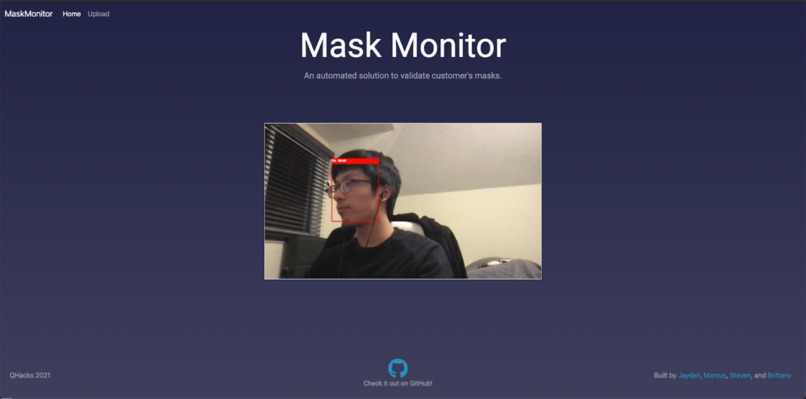
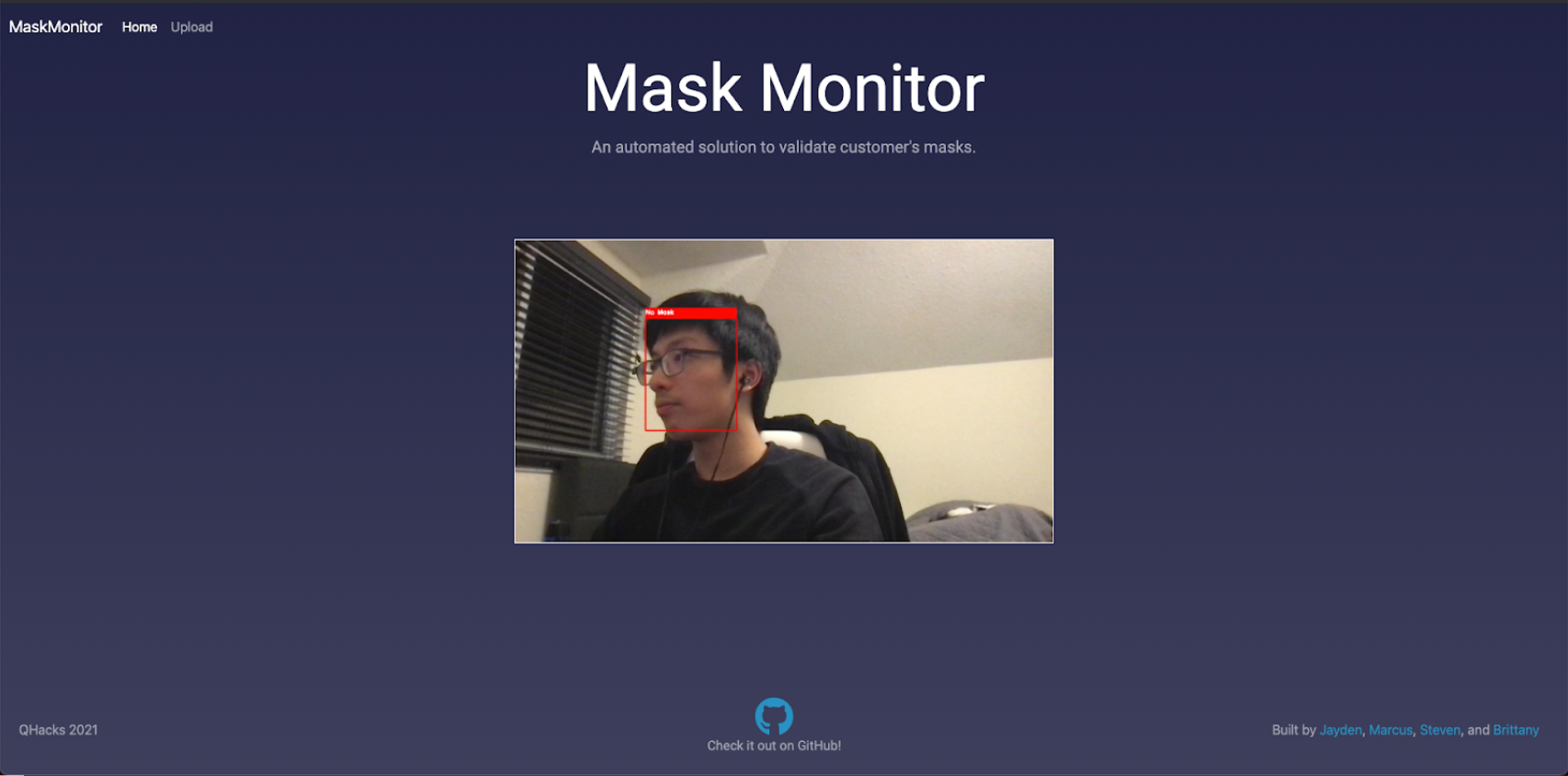
Home Page
-
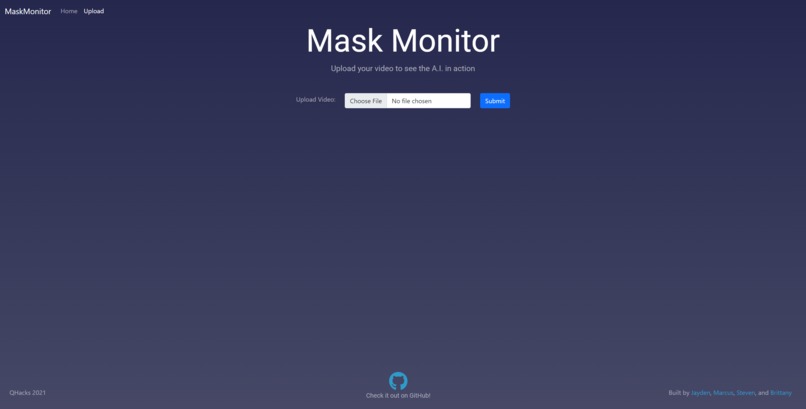
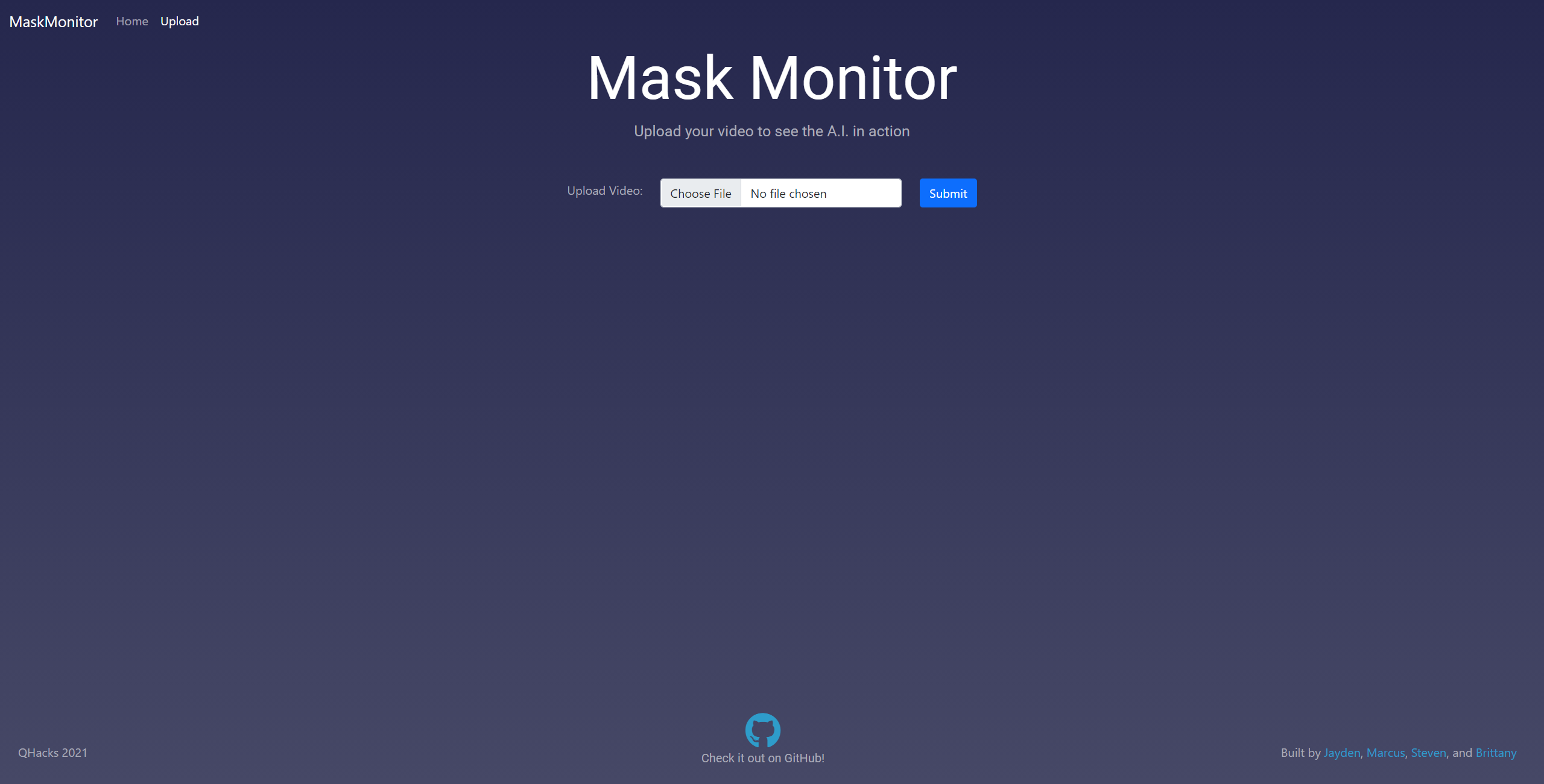
Upload Page
-
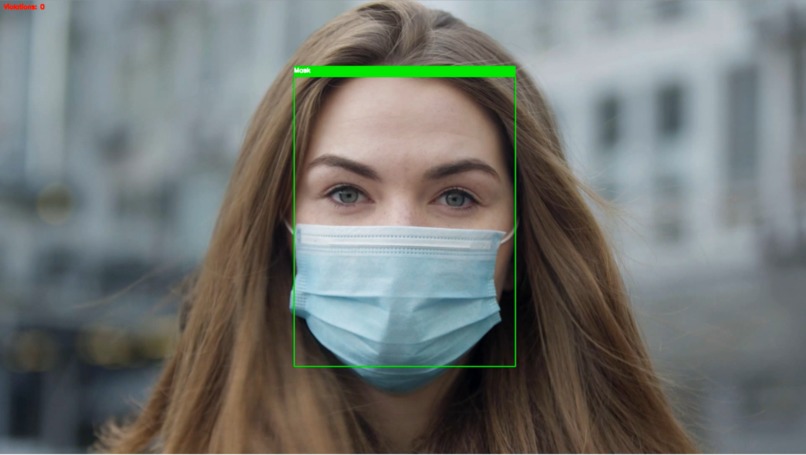
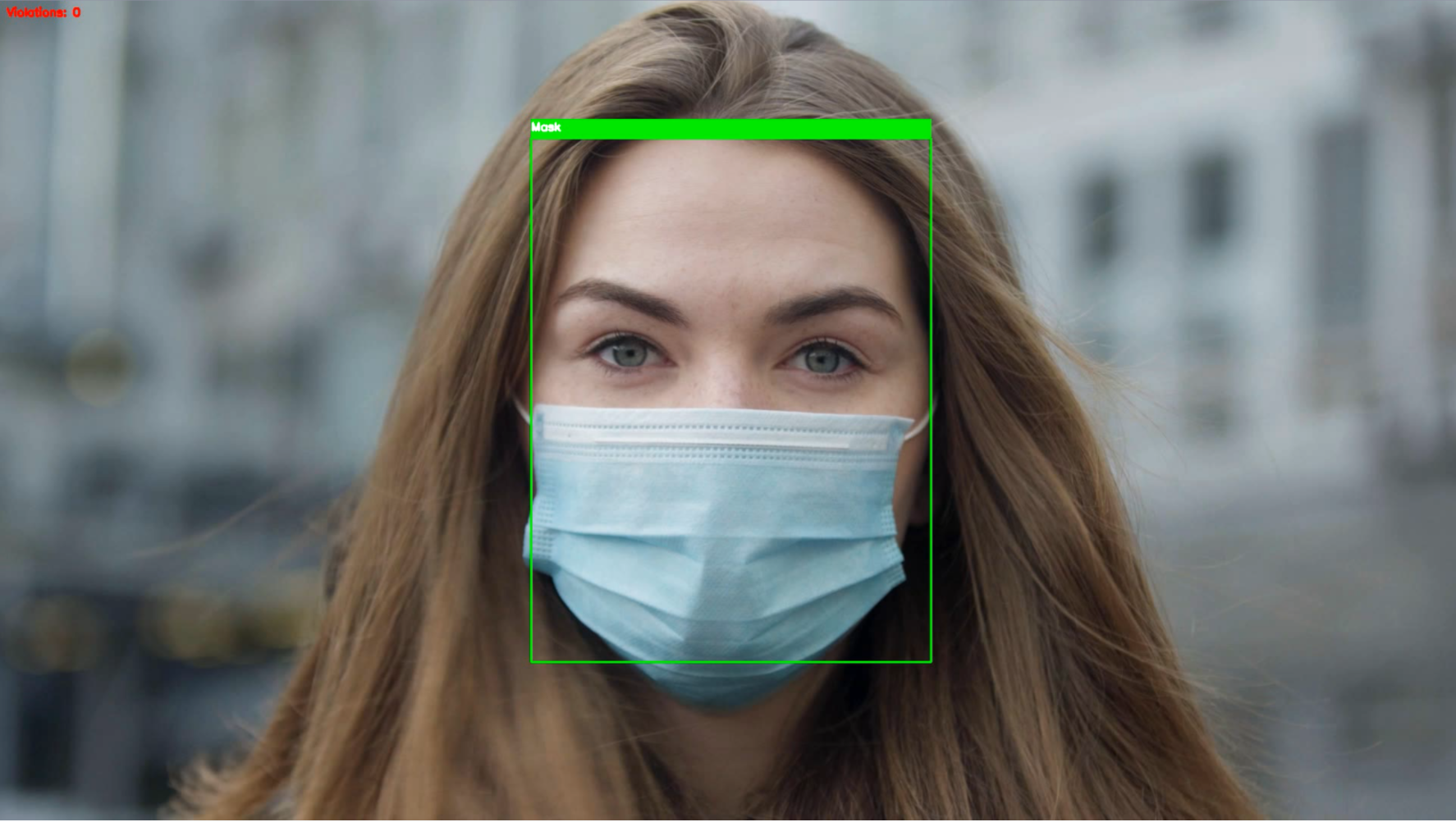
Demo image
-
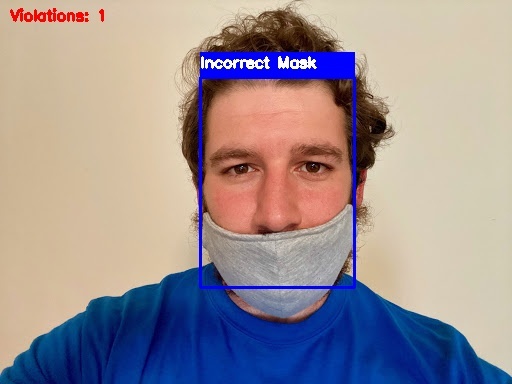
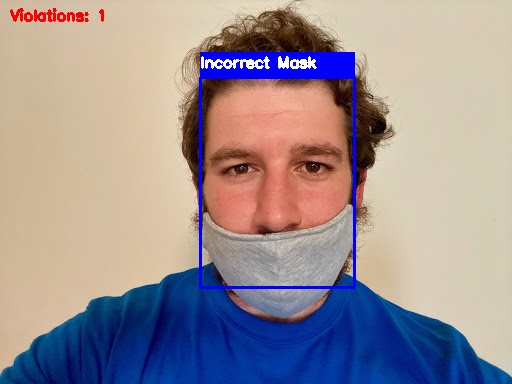
Demo image
Team 13
- Jayden Chiu - Jayden#3838
- Marcus Chok - Ace no ™#8264
- Steven Yau - stevenn#8855
- Brittany Wong - Brittany#8474
Inspiration
We wanted to learn something related to ML/AI as we all thought it was an interesting topic we can learn for QHacks and we also wanted to tackle an issue related to the current pandemic, so we decided to make a website for business monitors to monitor if customers are wearing masks properly. We decided to use Tensorflow and OpenCV along with Flask to tackle these issues and create a website. Now, business owners can track who's wearing a mask properly depending on where they set up their camera and monitor it from a single website, making it much easier monitor potential exposure to COVID-19 in their business!
What it does
- Detects if user is wearing a mask, wearing a mask incorrectly, or not wearing a mask at all from webcam or uploaded video
- Displays live webcam footage on home page
- Allows users to upload their own videos and download them with detected masks and violations
How we built it
Datasets
- MaskedFace-Net, AI-generated face mask dataset
- RWMFD, real-world face mask dataset
- WIDERFACE Dataset, face dataset
Models
- Finetuned model based off of MobileNetV2 for detecting mask status of face
- OpenCV DNN sample for face detection model
Technologies
- Google Colab GPU runtime used to train models
Stack
- Flask for website backend routing
- OpenCV used for video processing
- Tensorflow and Keras for training models
- Bootstrap CSS for UI
Challenges we ran into
- Model inaccuracies depending on viewing angle, lighting, and mask
- Depending on epochs, initial learning rate, etc., model would overfit to data
- Choosing the best gradient descent optimization algorithm for training
- Model would sometimes break because of improper frame loading
- Google Colab would sometimes take excruciatingly long to load images from datasets
- Bootstrap CSS would not create UI as we wanted
What we learned and our accomplishments
- Learning Tensorflow and Flask for the project
- Learning about how ML and neural networks work
- Learning how to use Google Colab to train your own ML models
- Finding proper face mask datasets to train the model with
- Running OpenCV locally compared to displaying it on a website using Flask
- Creating a responsive UI using Bootstrap CSS
- Training a model with a high enough accuracy (~93% accuracy) that we can deploy
What's next for Mask Monitor
- Create authentication system which can email users if a mask violation is detected
- Allow users to upload webcam footage to the cloud so they can review the videos later
- Find larger datasets to increase the accuracy of our model
- Expand our app to tackle more COVID-19 related issues such as social distancing or self-isolation
- Deploy the app so owners can use it from anywhere

Log in or sign up for Devpost to join the conversation.