Inspiration
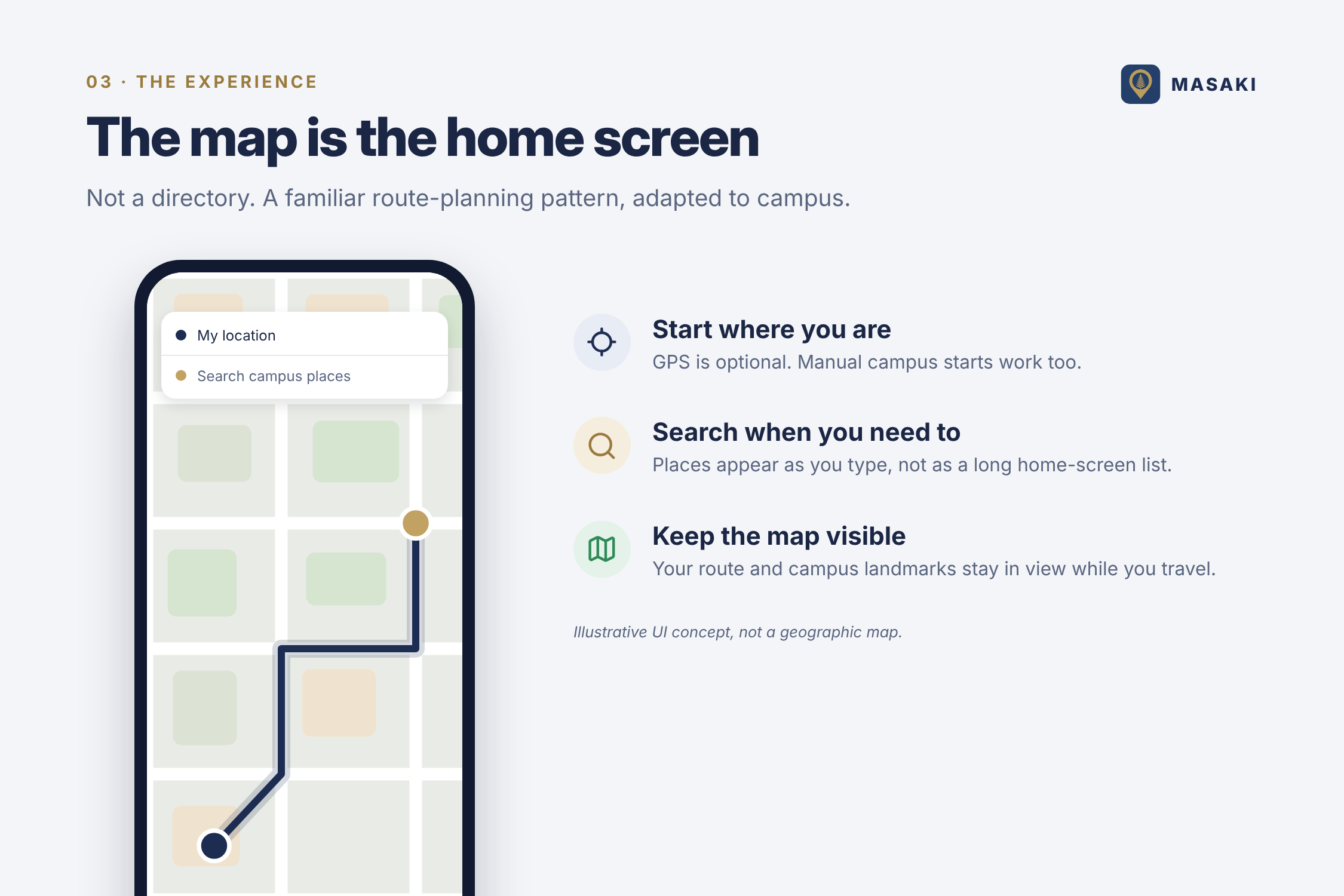
Getting around a large campus can be difficult when you don’t know the buildings, entrances, or best route. MASAKI is inspired by the simple, map-first flow of ride-hailing apps: start with where you are, choose where you’re going, compare ways to travel, and keep the map visible as you move. We adapted that experience specifically for the University of Ghana’s Legon campus.
What it does
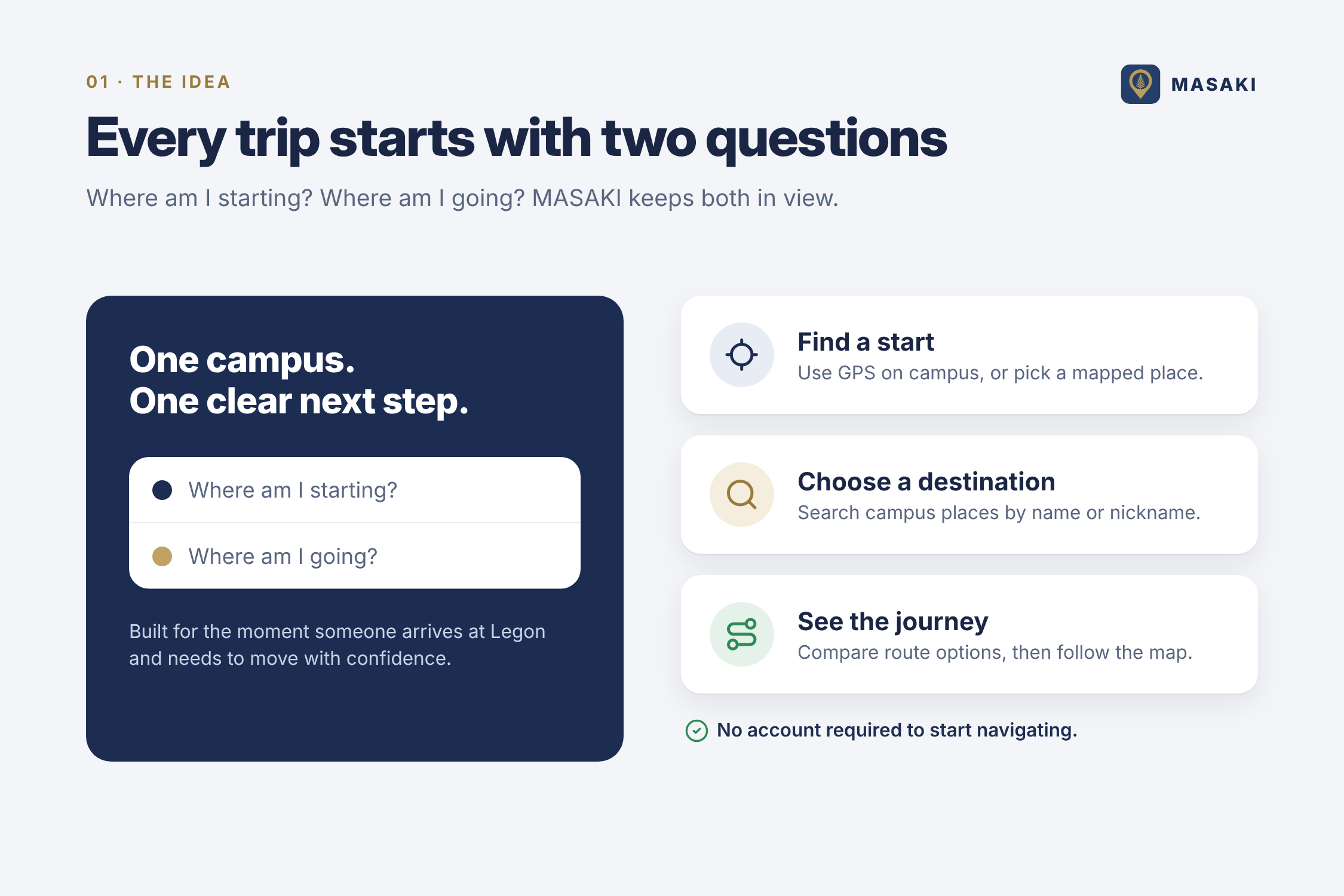
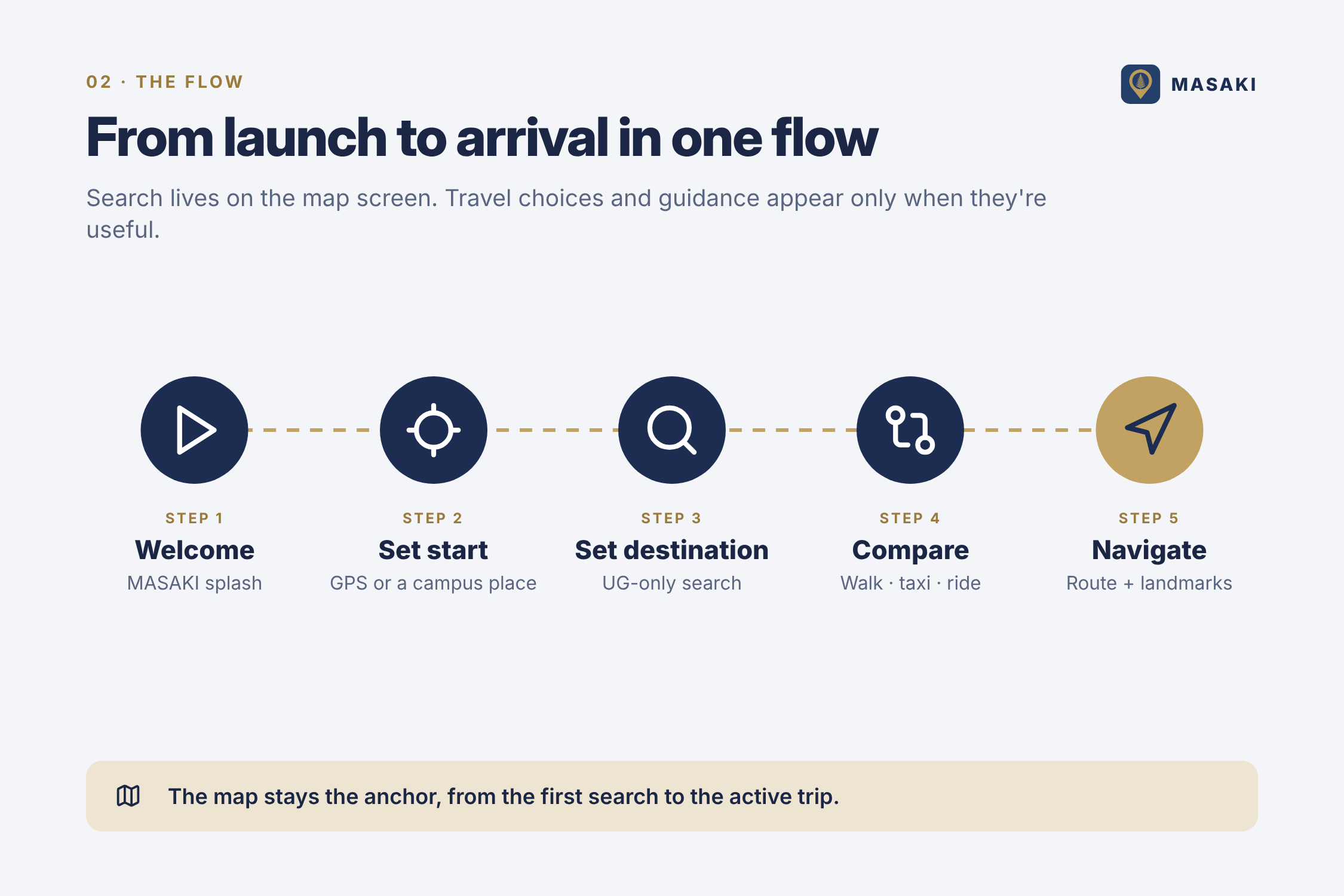
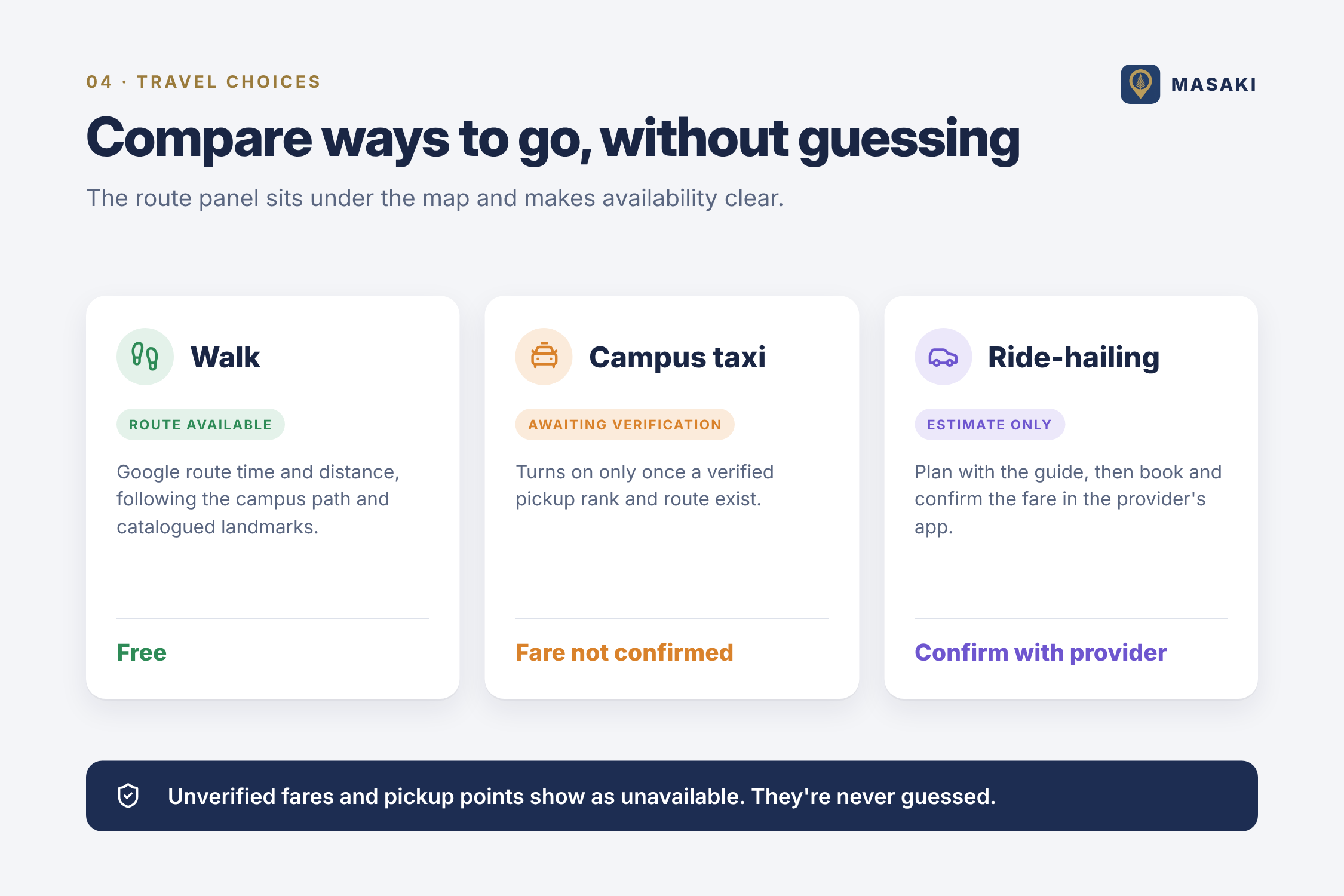
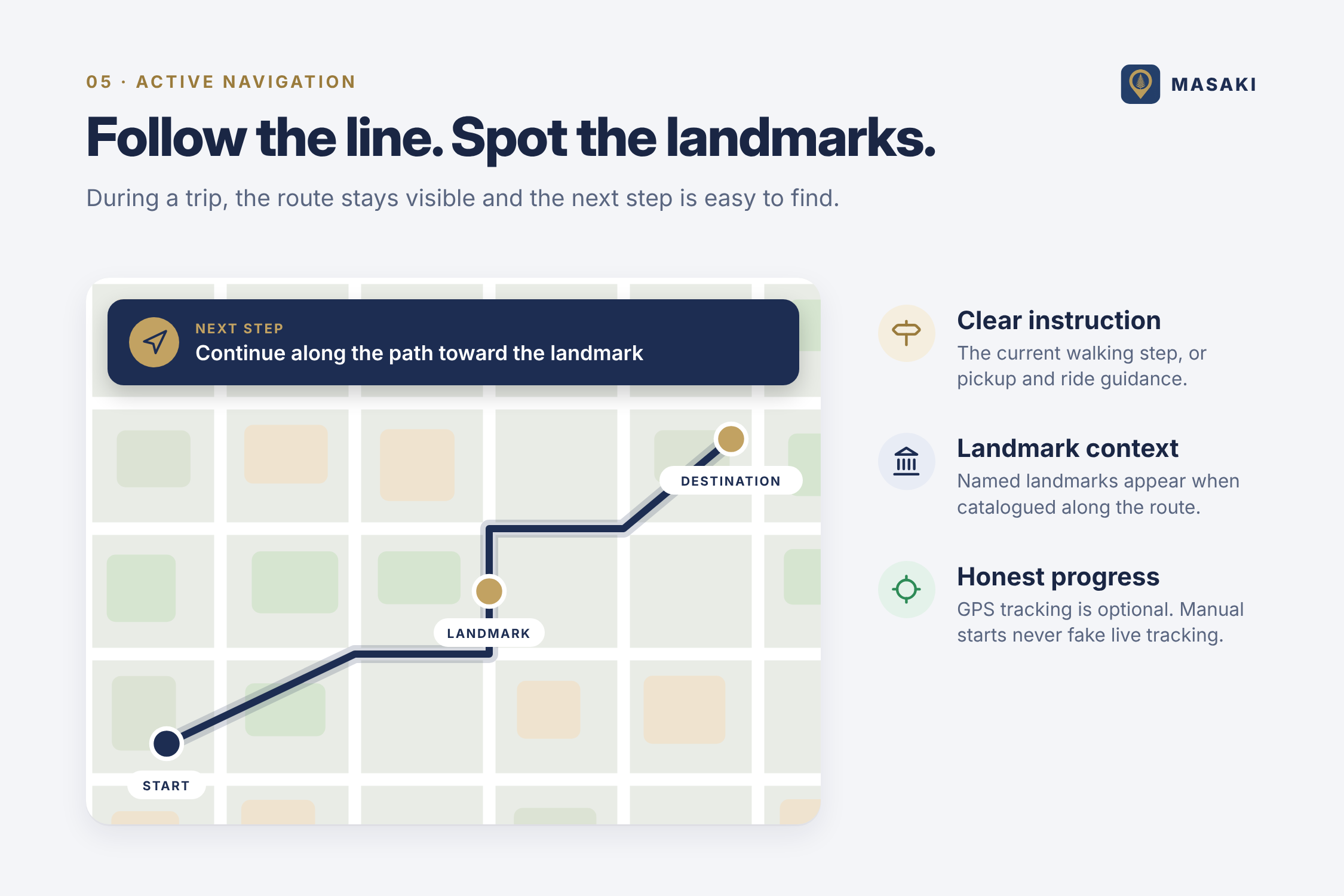
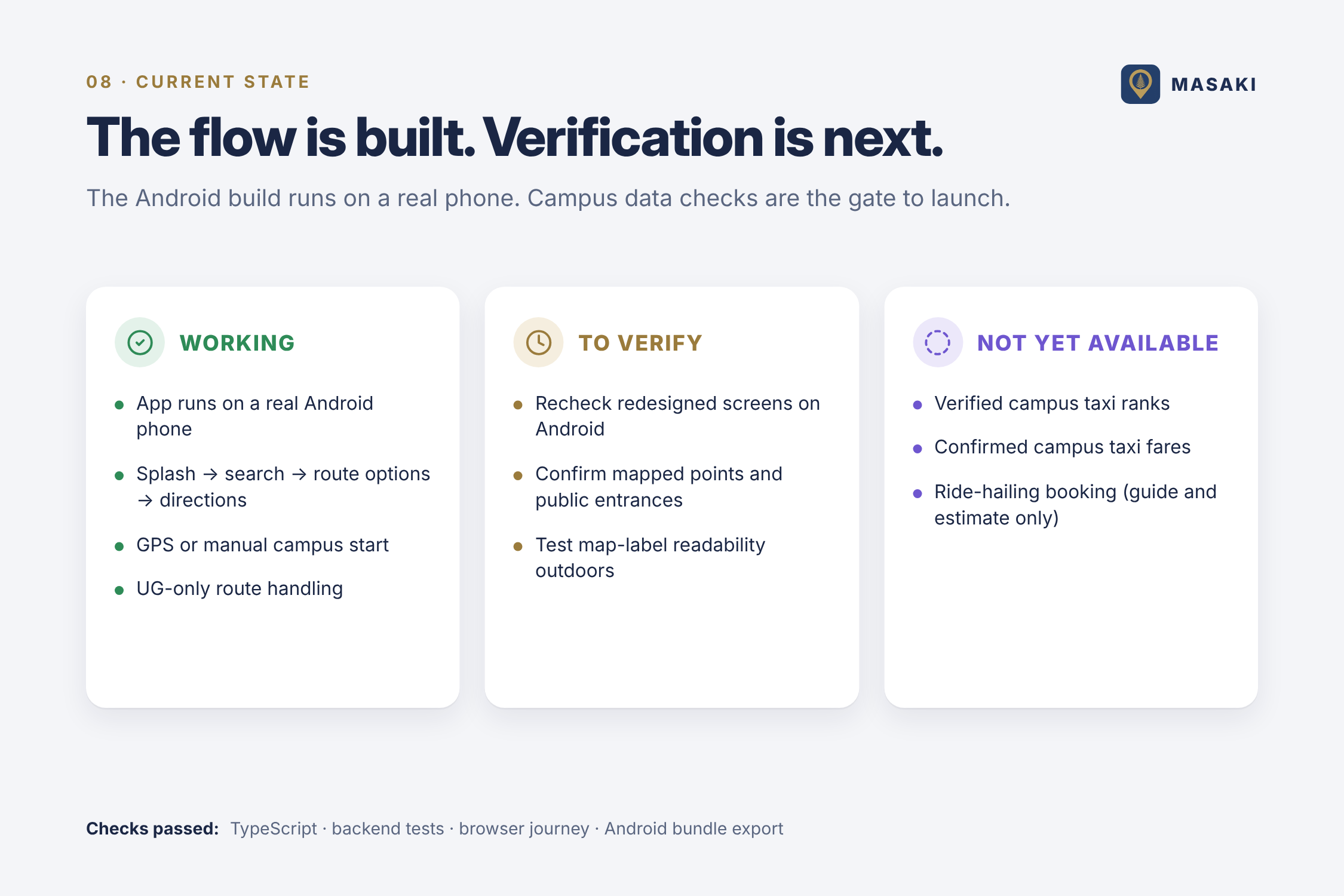
MASAKI helps students and visitors find their way around UG Legon. On launch, users can start from their current location or search for a campus starting point, then search for a destination by name or nickname. The app displays a route and available travel options, followed by a map-focused navigation view with directions and catalogued landmarks. MASAKI is campus-only and does not require an account. Saved places stay on the user’s device. Taxi ranks and fares are not shown as confirmed until they have been verified; ride-hailing information is guidance, not a booking
How we built it
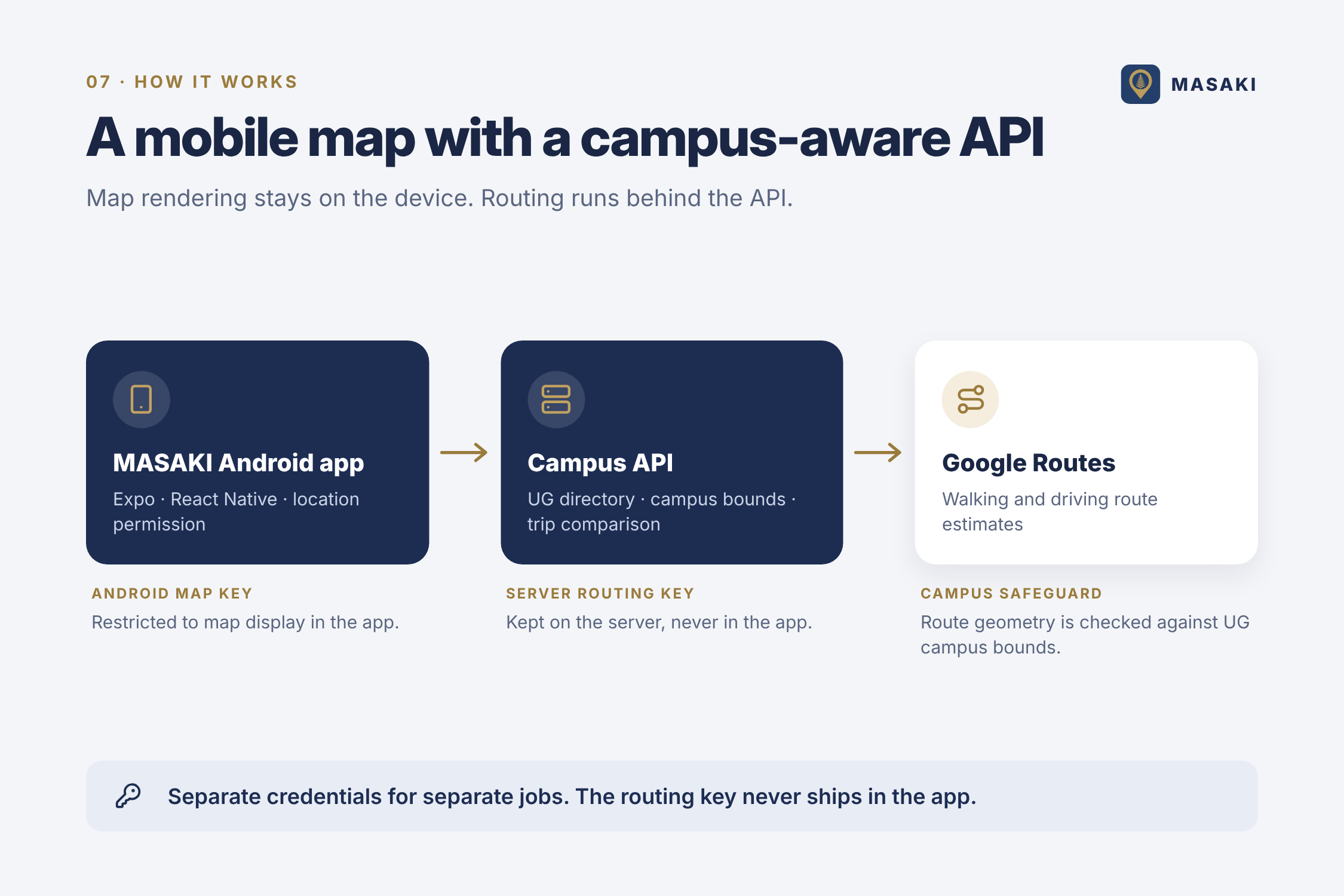
We built MASAKI as an Android-first app using Expo, React Native, and TypeScript. Google Maps SDK displays the map in the Android app, while a Node.js API requests routes from Google Routes. The API keeps routing credentials on the server and checks that journeys stay within the UG campus boundary. Campus locations and landmarks are served by the API. The app uses GPS or manually selected campus locations for trip starts, and keeps saved and recent places on-device.
Challenges we ran into
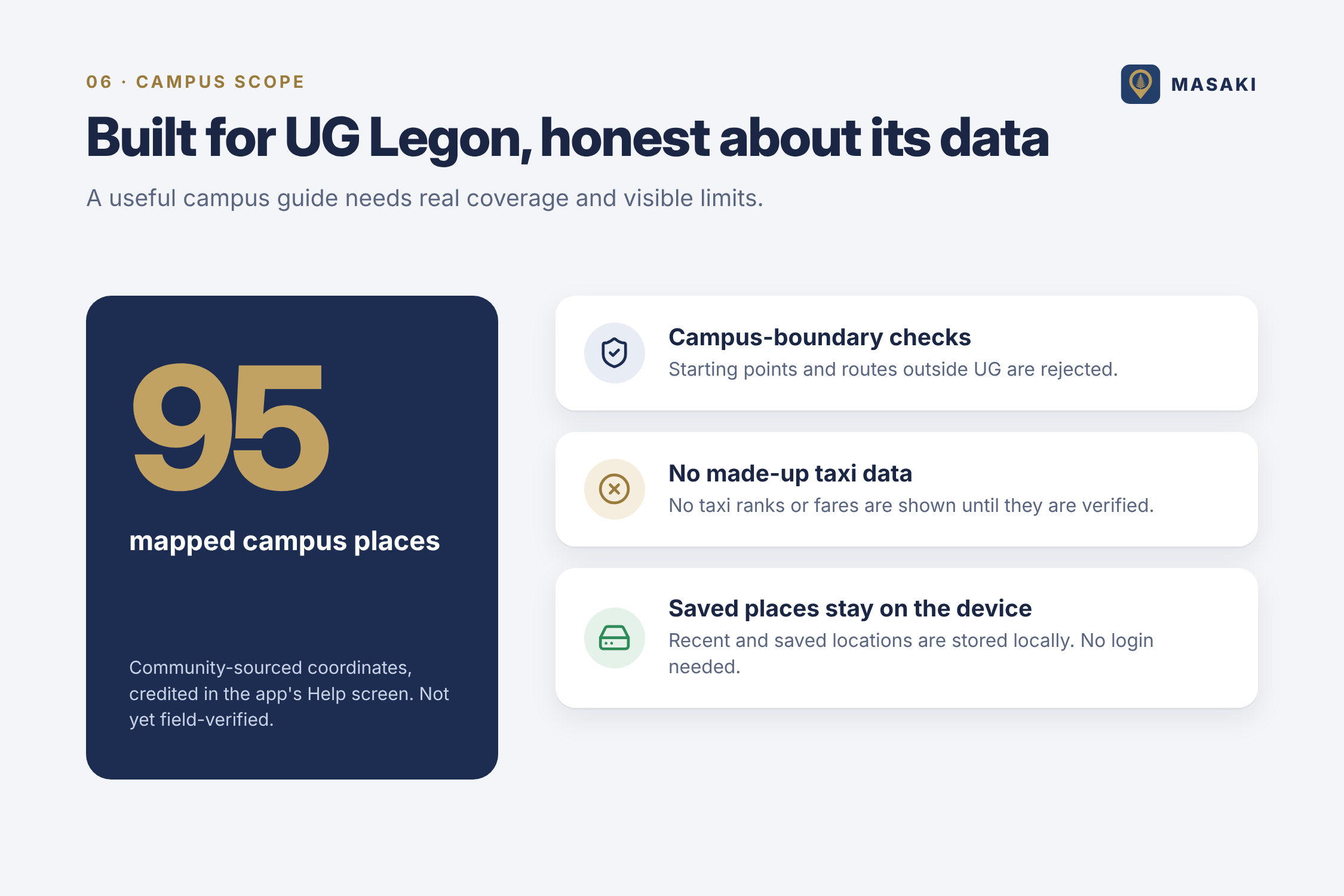
The imported project was missing parts of its backend and workspace setup, so we had to restore the route service and campus data flow before we could test the full journey. Getting Expo Go working on a physical Android phone also took troubleshooting across tunnel connectivity and SDK compatibility. Another challenge was handling incomplete campus information responsibly. The current campus locations are community-sourced, not independently field-verified, and there are no verified taxi ranks or confirmed campus fares in the data. We chose to show those gaps rather than make up answers.
Accomplishments that we're proud of
We brought the app to a working Android build and shaped its main journey around a clear sequence: launch, choose a start and destination, compare travel options, and follow directions. The updated interface puts the map first, keeps travel choices below it, and surfaces campus search only when needed. We’re also proud that the route service is campus-aware, that mapped landmarks can appear along a route, and that the app distinguishes estimates from confirmed information.
What we learned
A useful campus-navigation app depends on more than drawing a route. The interface needs to make location selection and route guidance clear, while the underlying data needs to be trustworthy. We also learned to keep Android map-display credentials separate from server-side routing credentials, and to make unavailable information explicit instead of presenting uncertain fares or pickup locations as facts.
What's next for Masaki
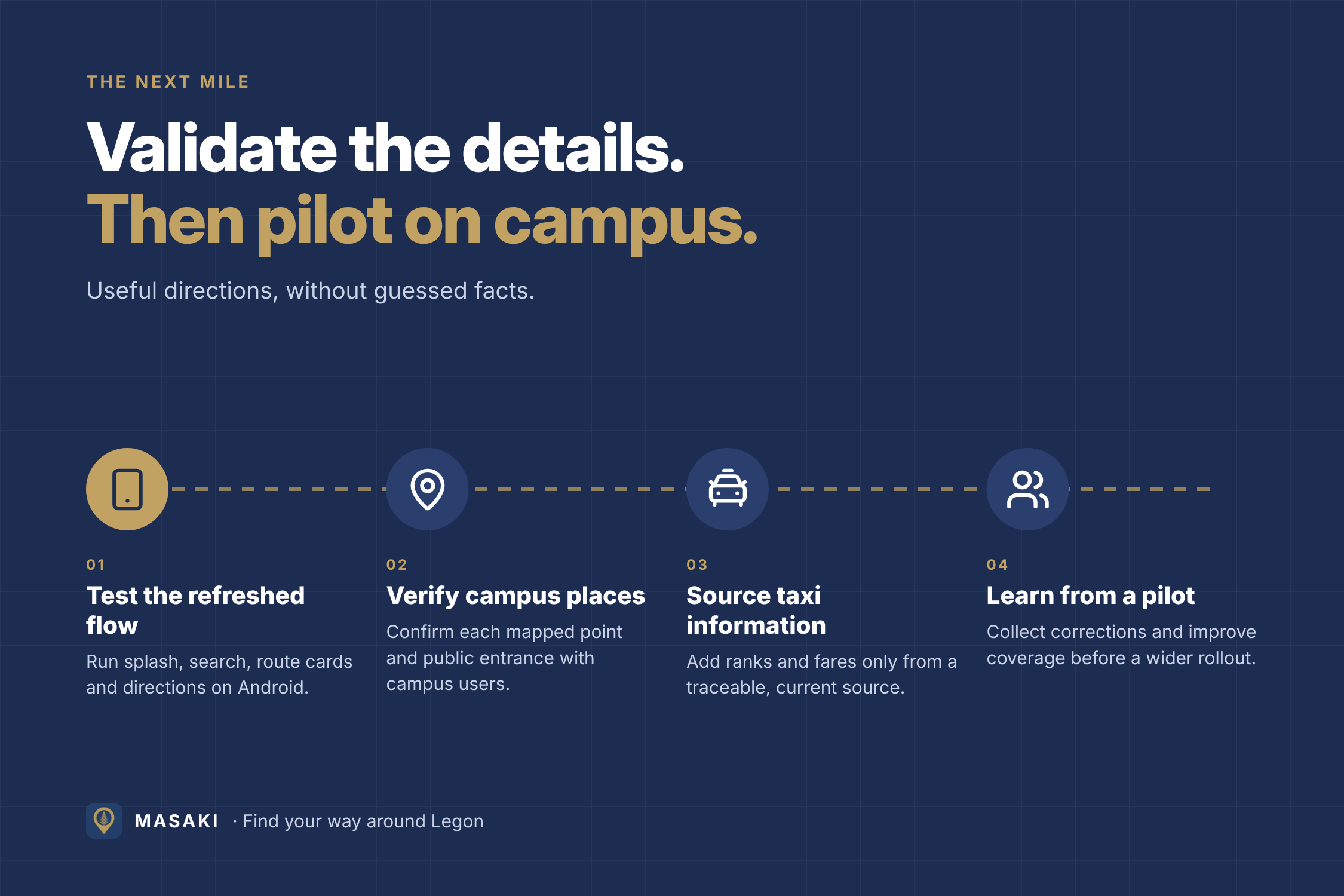
Next, we plan to test the updated screens on an Android phone, confirm mapped locations and entrances with people on campus, and gather reliable sources for taxi ranks and fares. After that, we can run a small campus pilot, collect corrections, and improve the map and landmark coverage before considering a wider rollout.


Log in or sign up for Devpost to join the conversation.