-
-
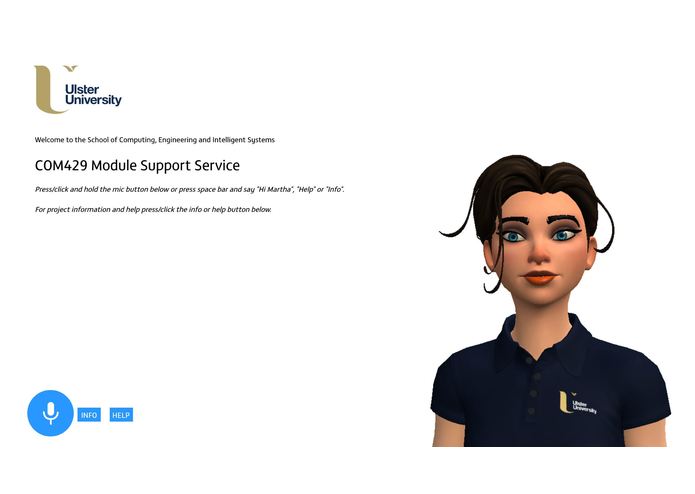
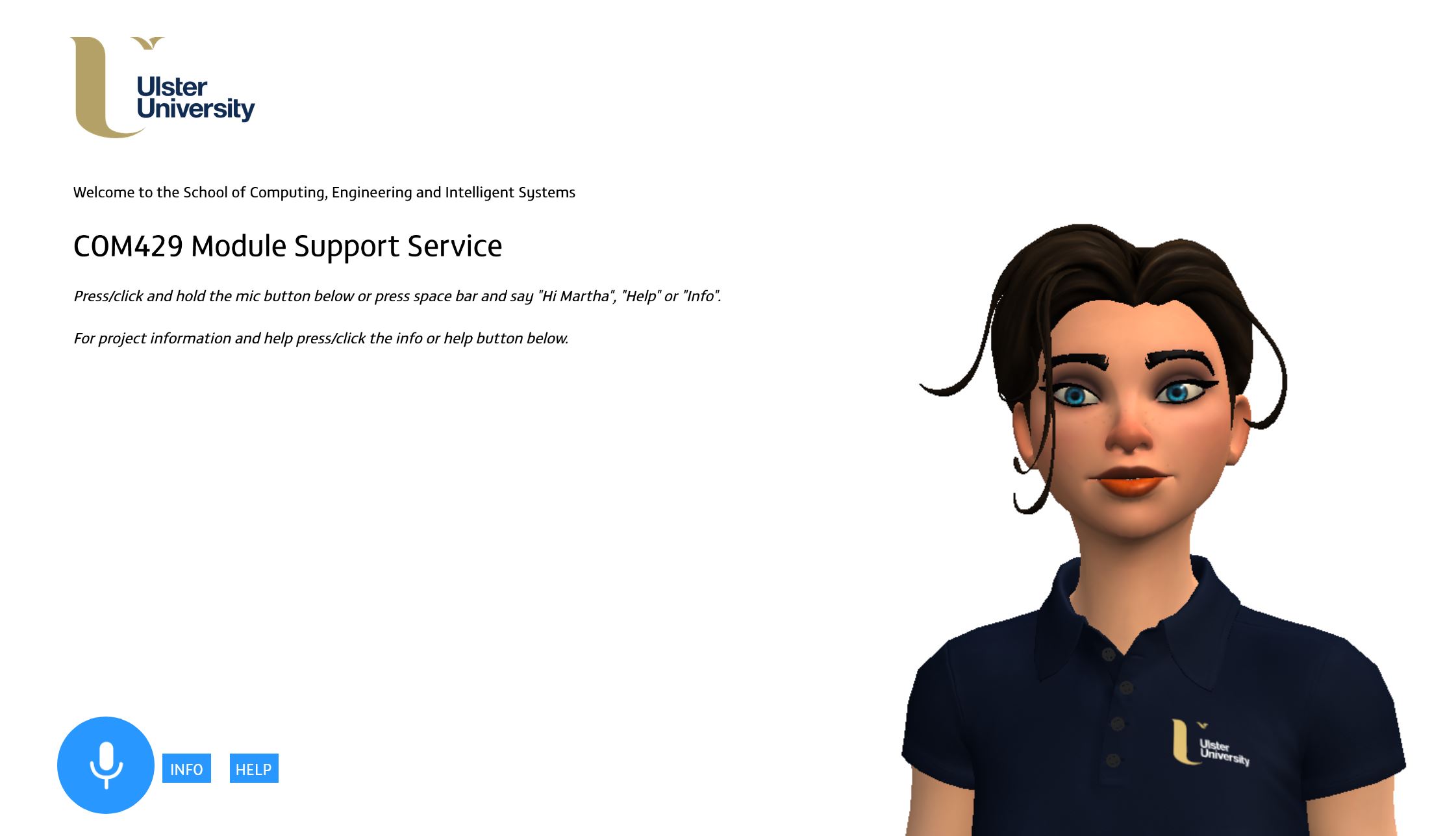
Start page
-
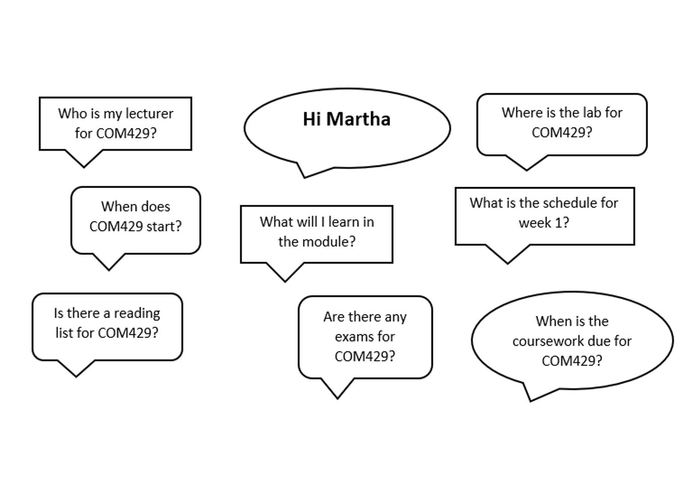
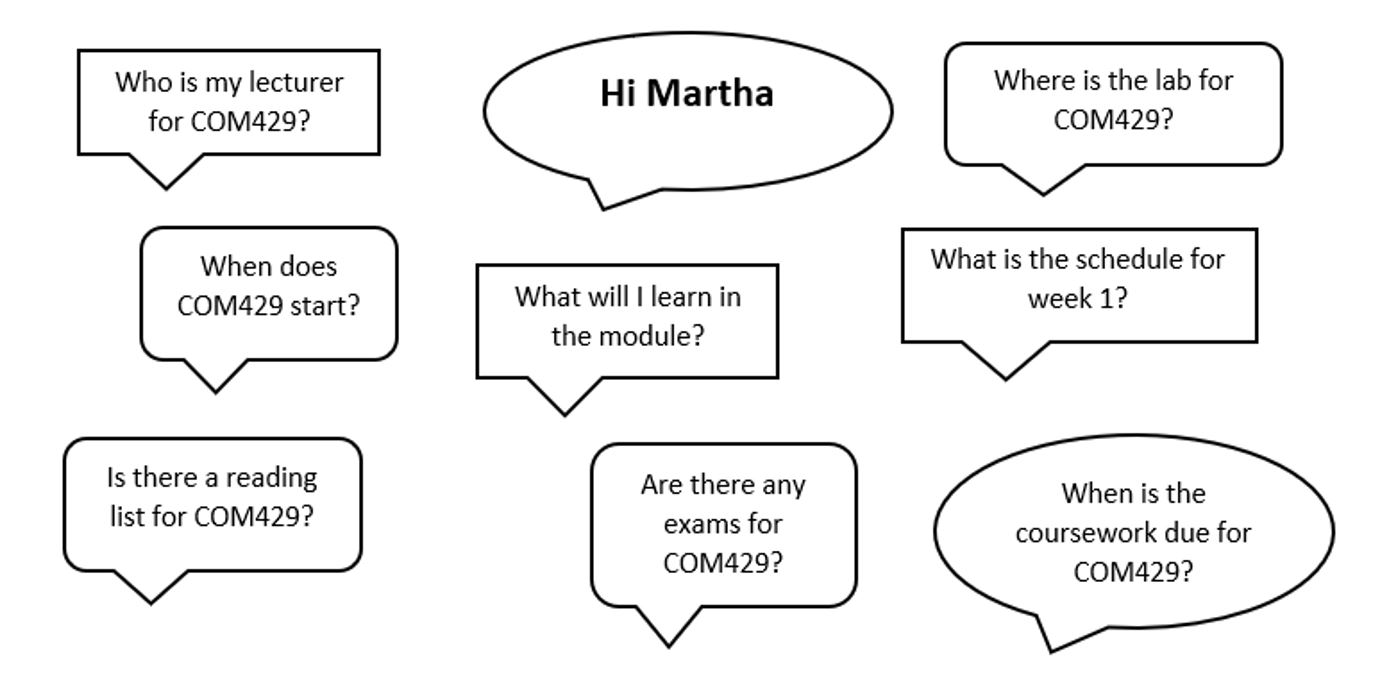
Application features and functionality
-
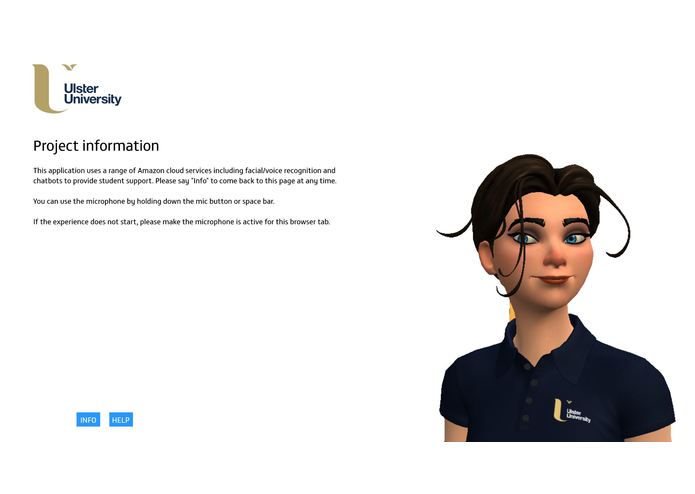
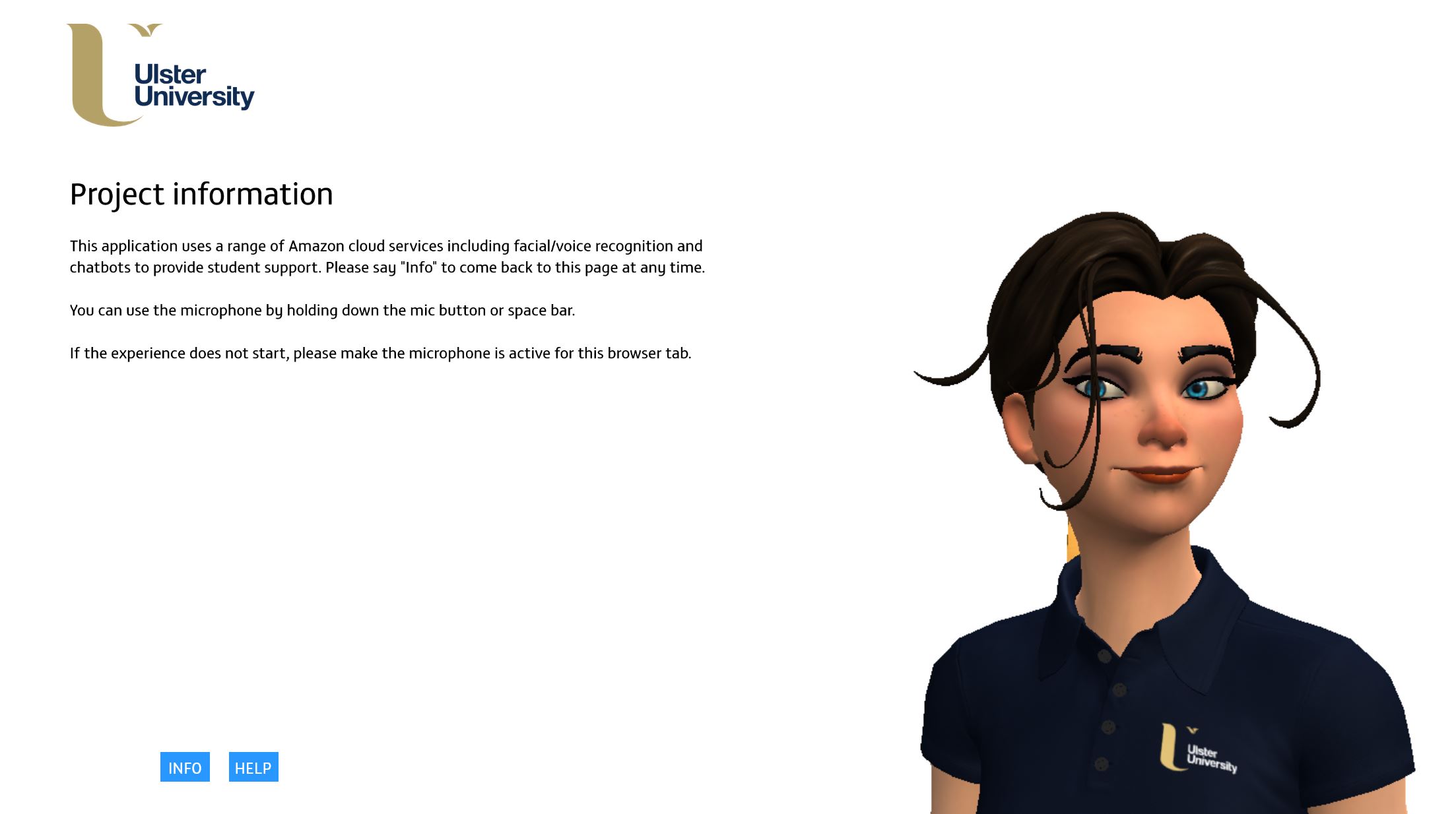
Information page
-
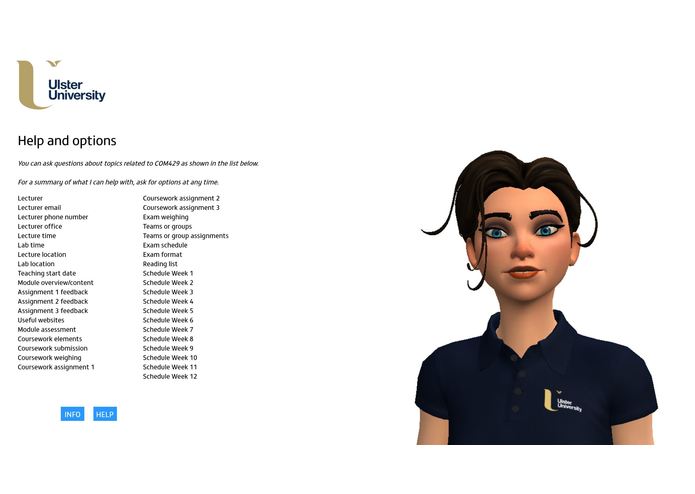
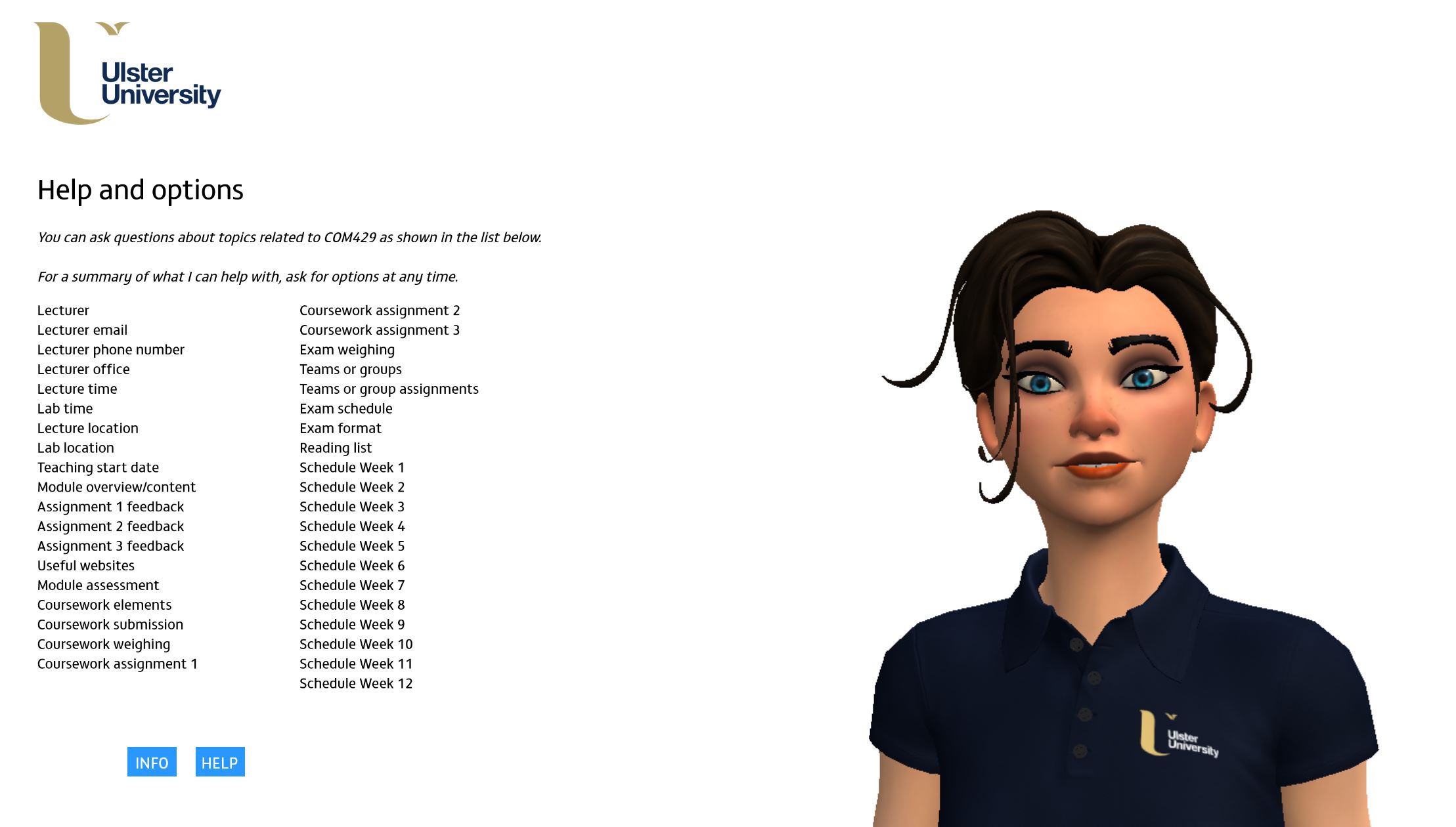
Help page with content and topics
Inspiration
Web-based, traditional Virtual Learning Environments used within educational institutions (e.g. Blackboard Learn, Moodle) which manage and present the digital aspects of courses of study, activities, resources and assessment have evolved incrementally over the last three decades. These environments typically store and manage PowerPoint, Word and PDF documents e.g. handouts/handbooks which provide a summary of the content of a module of study with assessment schedule and deliverables. These documents are subsequently siloed inside hard to search and navigate virtual learning environments across multiple modules and semesters.
What it does
This application repurposes existing student teaching and support material on a module of study as an interactive experience where information is easily accessible in bite sizes across a number of platforms and devices through a conversational interface facilitated by a Sumerian host on an as needed and just in time basis. This application repurposes existing student teaching and support material on a module of study as an interactive experience where information is easily accessible in bite sizes across a number of platforms and devices through a conversational interface facilitated by a Sumerian host on an as needed and just in time basis. The current application focusses on resources and support material for one module, COM429, Multimedia Game Development from the School of Computing, Engineering and Intelligent Systems at Ulster University in Derry, Northern Ireland but has the potential to scale up across the University where it could be deeply integrated into existing software systems and virtual learning environments, supporting and guiding students through all of their modules and undergraduate studies.
How we built it
We reviewed the content, structure, presentation and (physical and virtual) delivery of a module of undergraduate study on a computing course identifying the key elements students would need to know and talked to students about what types of information they needed, why and when. From this we created an initial project specification and researched viable delivery technologies on which to build and deploy the application. The application currently uses Amazon Sumerian, Lex and Polly. The application could offer a higher level of personalisation with the use of Amazon Rekognition and Kinesis for facial recognition. This was developed and implemented but is disabled for the publicly available version.
Accomplishments that we're proud of
The project comprised a small team of students led by a member of academic staff. There was no formal budget for the project and we had no previous experience of AWS or Sumerian and the related services. From this starting point we created an application that could reimagine elements of a virtual learning environment to make it more interactive and engaging to help students navigate through their studies.
What's next for Martha, your digital study friend for COM429 Multimedia Game Development
The application will be trialed with selected students undertaking the COM429 in the second semester of this academic year. The practicalities of embedding the application into a virtual learning environment will be explored and the challenges of scaling up the application from one module to an entire year/course explored.
Challenges we ran into
The initial challenge was to understand how the students approach module(s) over a semester, planning their time and effort and what module specific information they needed to know and when. The next challenge was how to present the required information to students in a timely and easy to use fashion inside the Sumerian and the AWS ecosystem using a voice user interface.
What we learned
We explored how students currently access and use module content and talked to academic staff about frequently asked questions and student support in a module context. We also learnt about the IT infrastructure and services that supports teaching and teaching delivery. In addition, we learnt about AWS and related applications e.g. Lex, Polly, Sumerian and voice services etc and their potential uses in both this application domain and others.
Try the application out
Sumerian compatible browser/PC with microphone enabled required
Operational instructions
The application can be viewed in any Sumerian compatible browser with a microphone enabled with access permissions. You can start the application by pressing/clicking on the mic button on the screen or pressing the space bar with the correct browser window open and active. Start by saying "Hi Martha", "help" or "info". The list of topics the application can give advice and support on can be seen by clicking the "help" button.
YouTube
Built With
- amazon-sumerian
- amazon-web-services
- lex
- polly


Log in or sign up for Devpost to join the conversation.