-
-
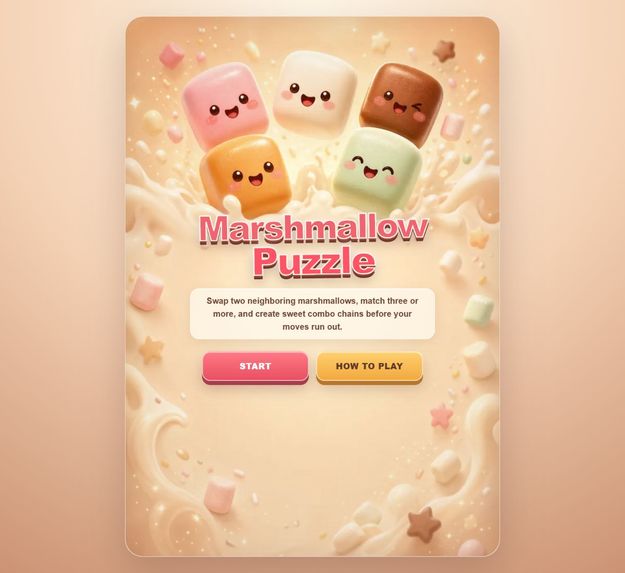
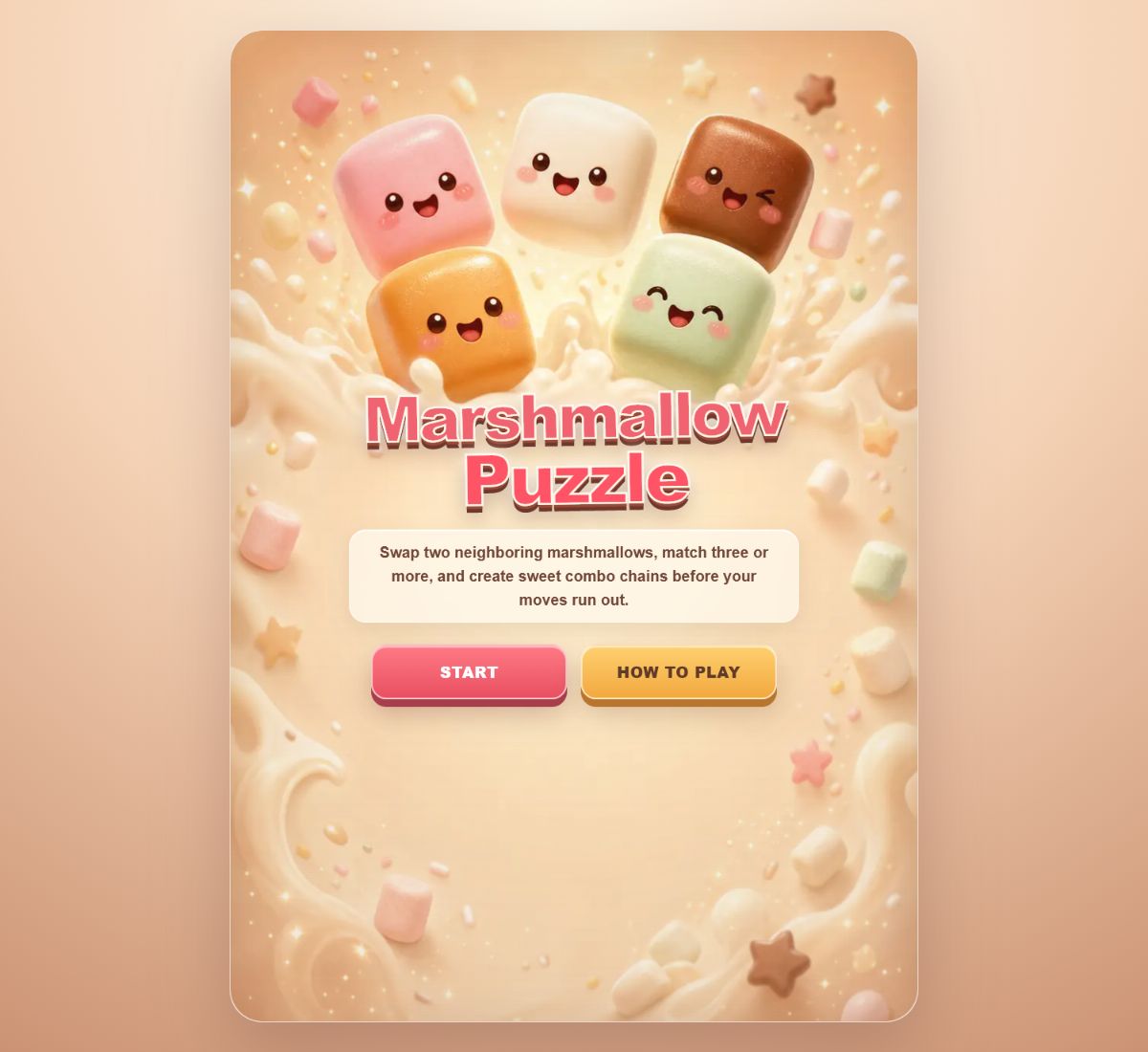
Marshmallow Puzzle title screen featuring the five marshmallow characters.
-
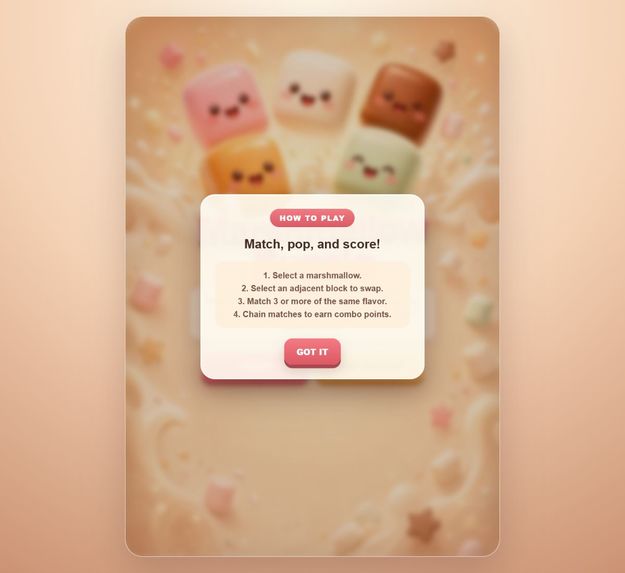
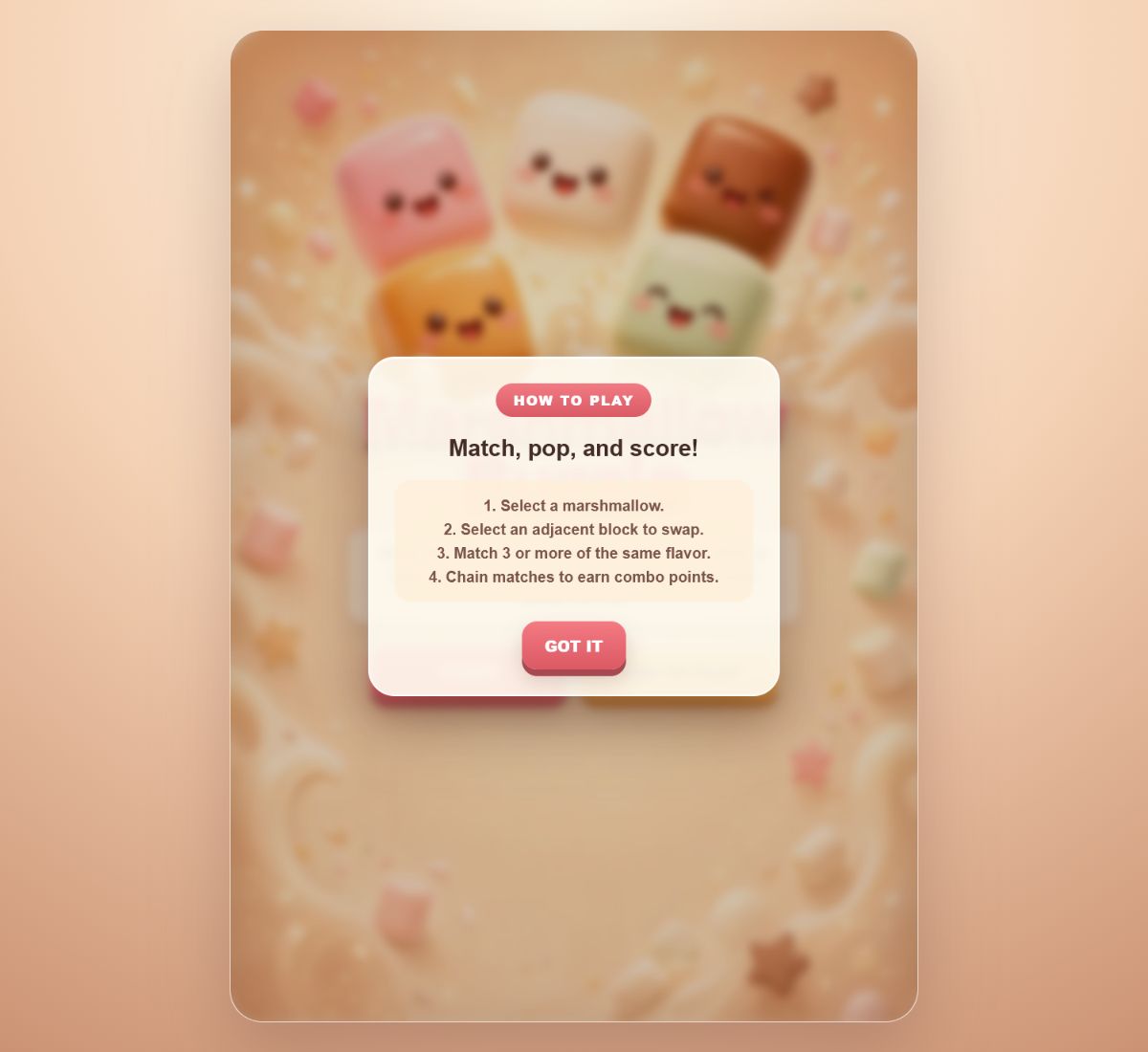
How-to-play screen explaining the basic match-3 rules and controls.
-
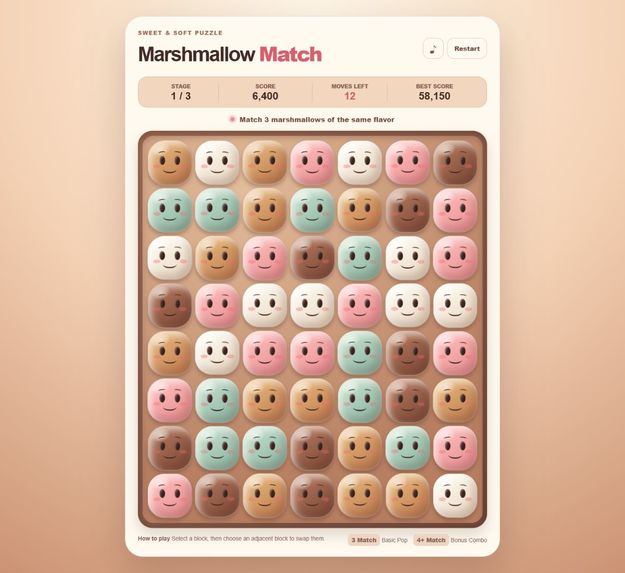
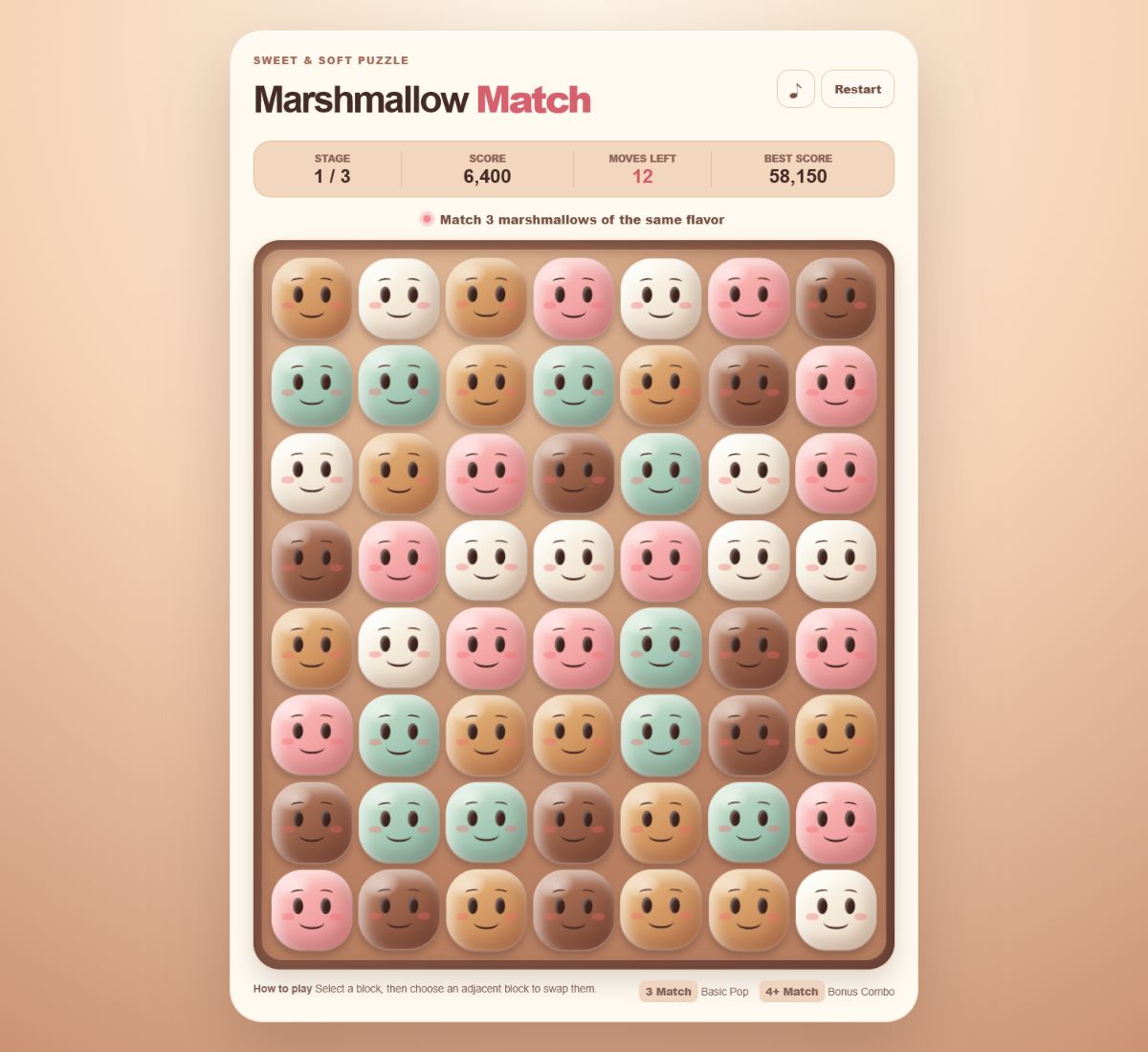
Stage 1 gameplay with classic marshmallow matching and combo scoring.
-
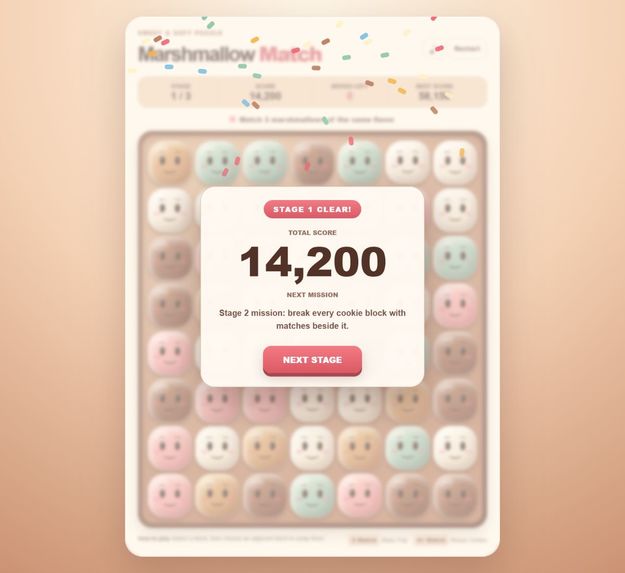
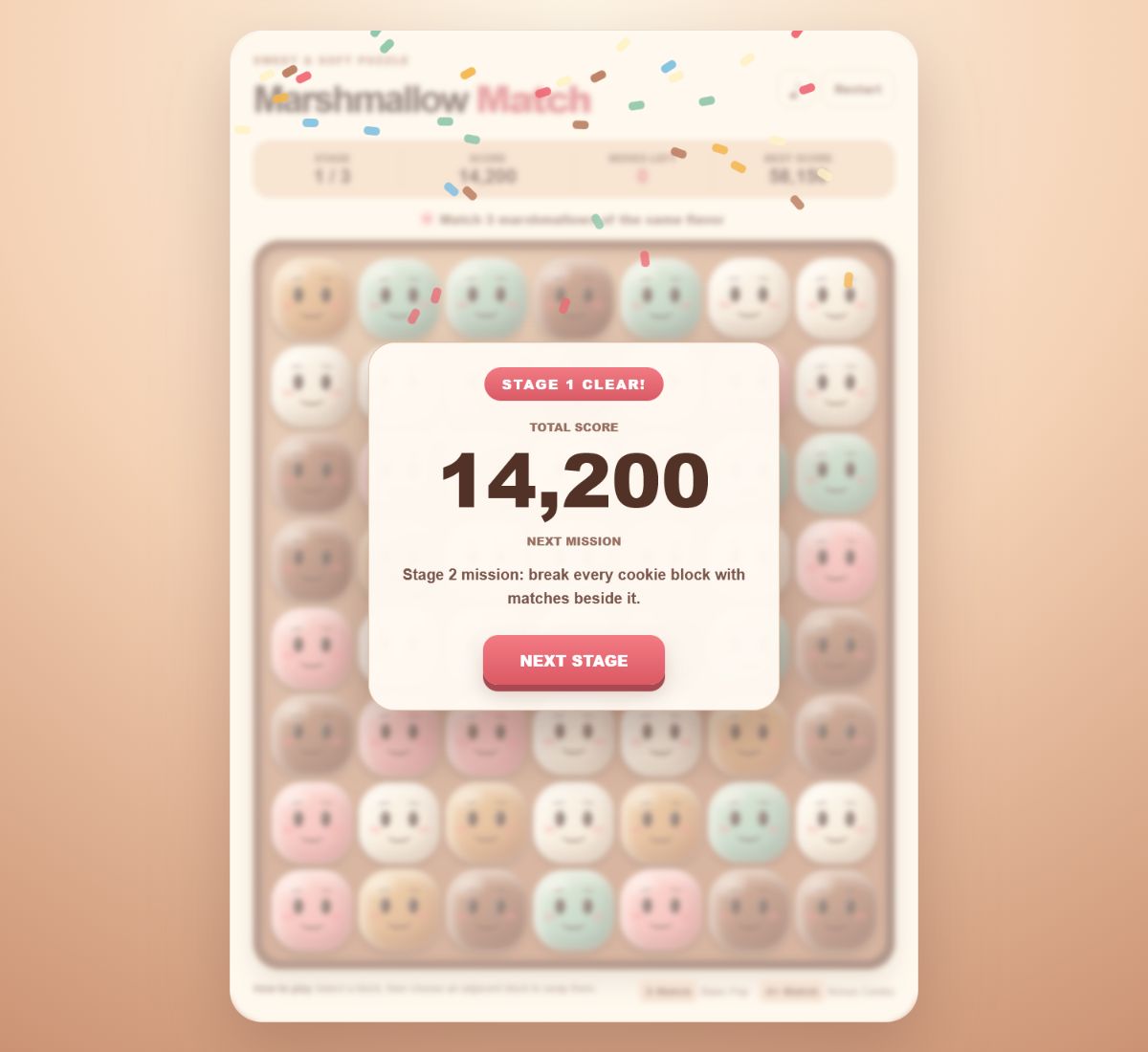
Stage 1 clear screen showing the score and the next mission.
-
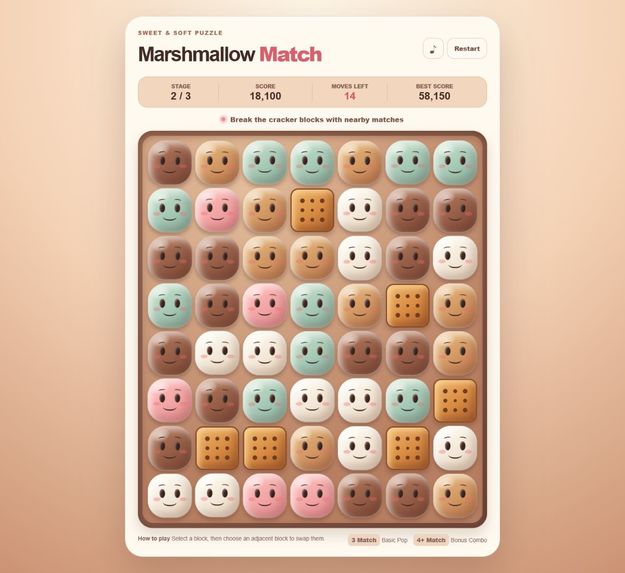
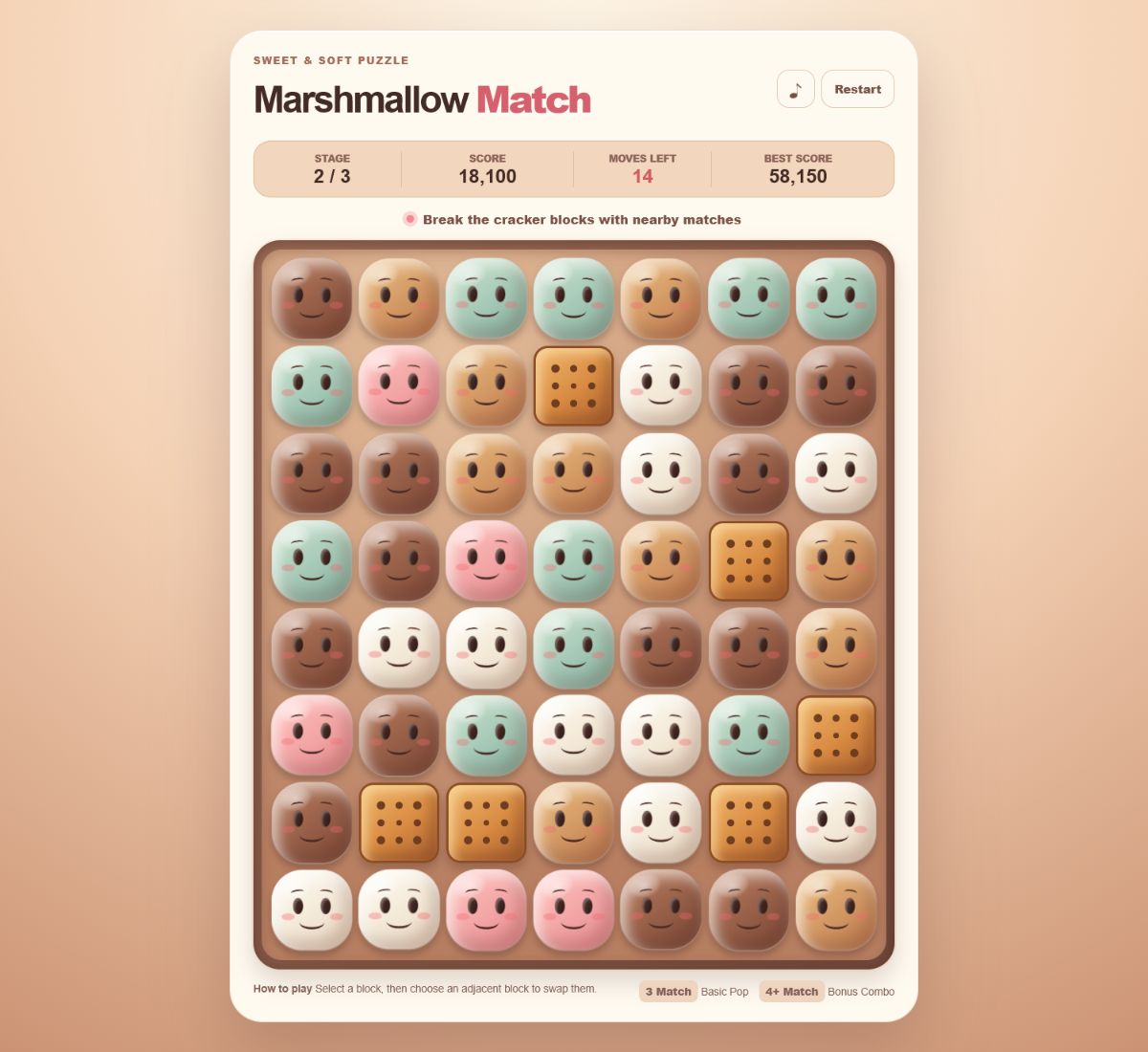
Stage 2 gameplay featuring cookie obstacles that break with nearby matches.
-
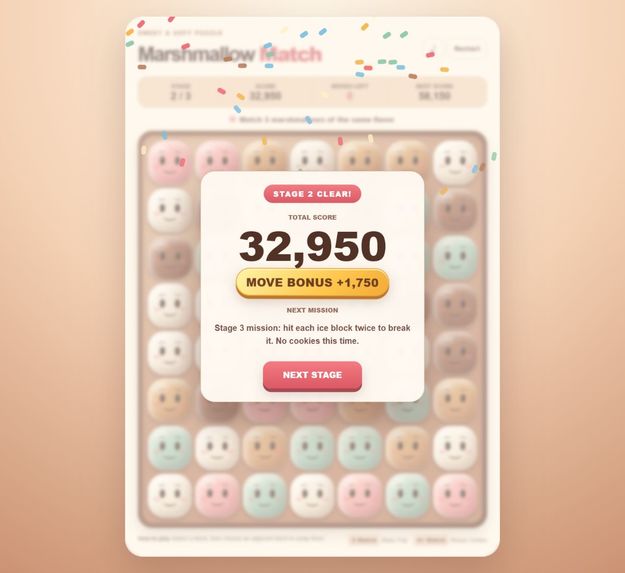
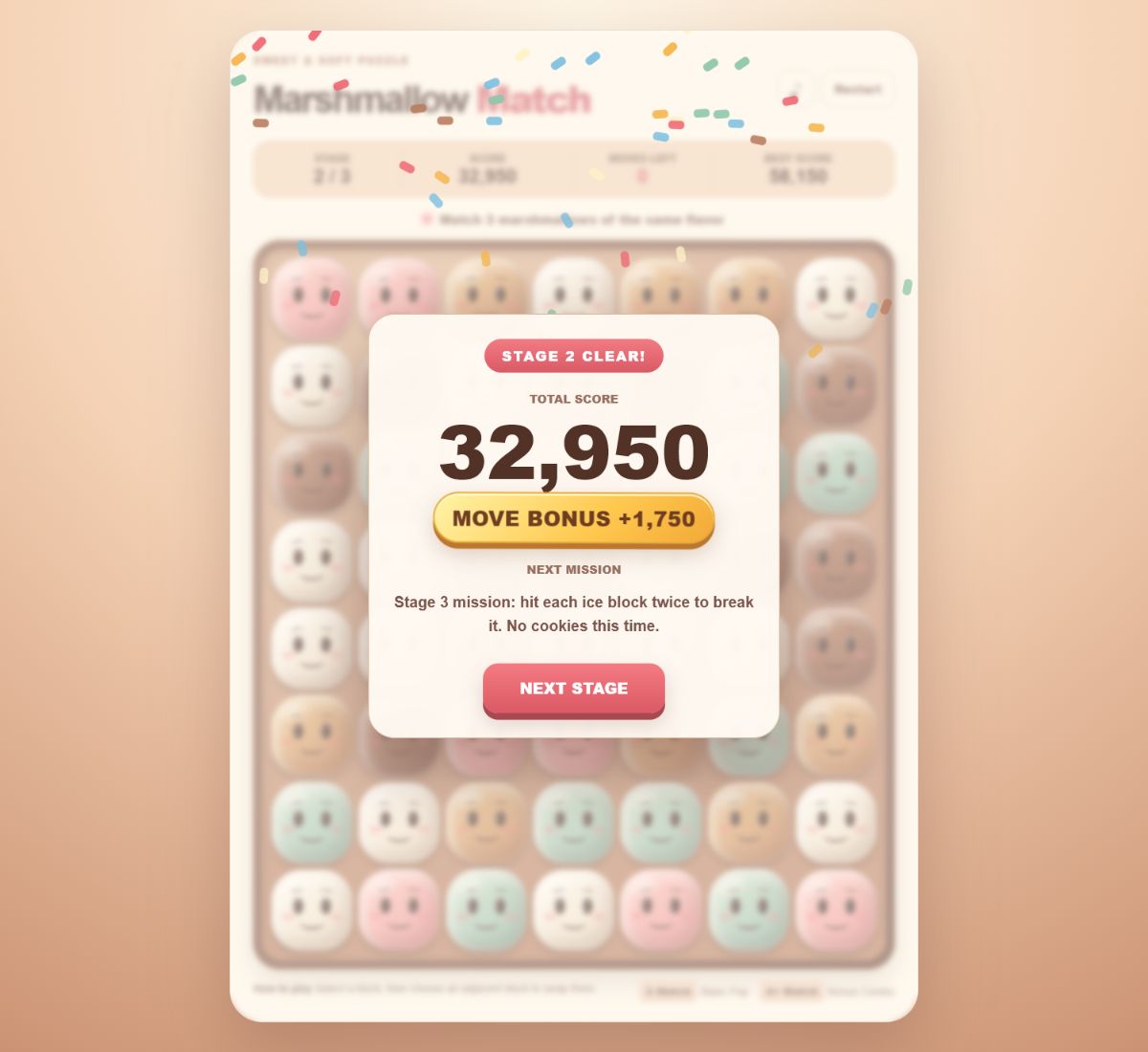
Stage 2 clear screen introducing the final ice challenge.
-
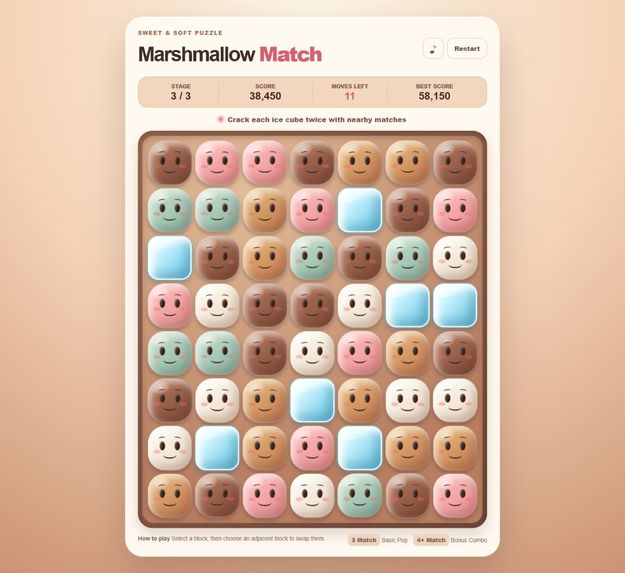
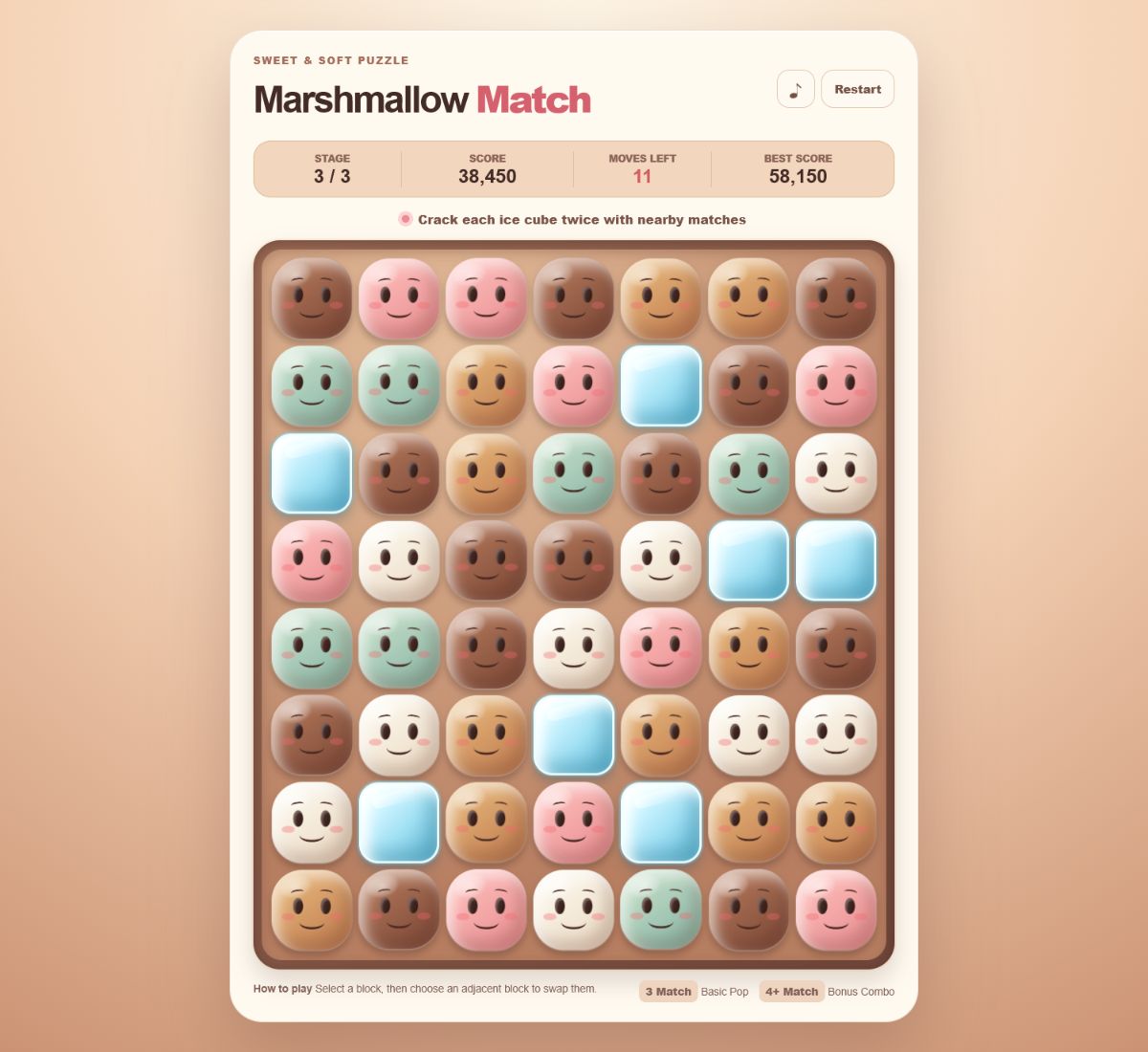
Stage 3 gameplay with ice blocks that require two hits to break.
-
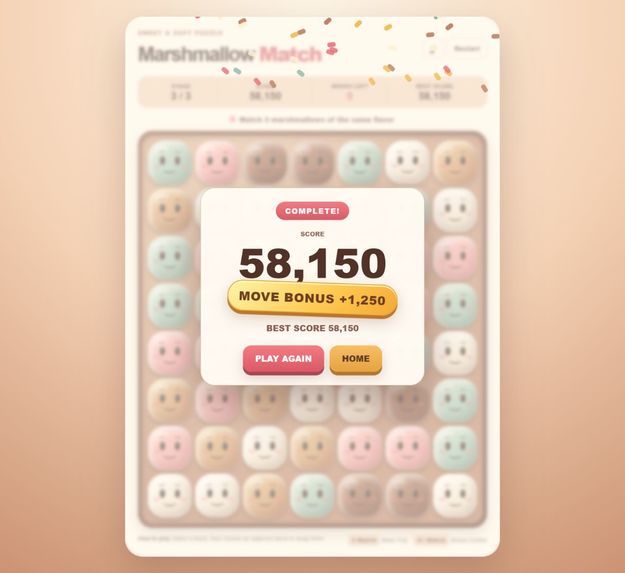
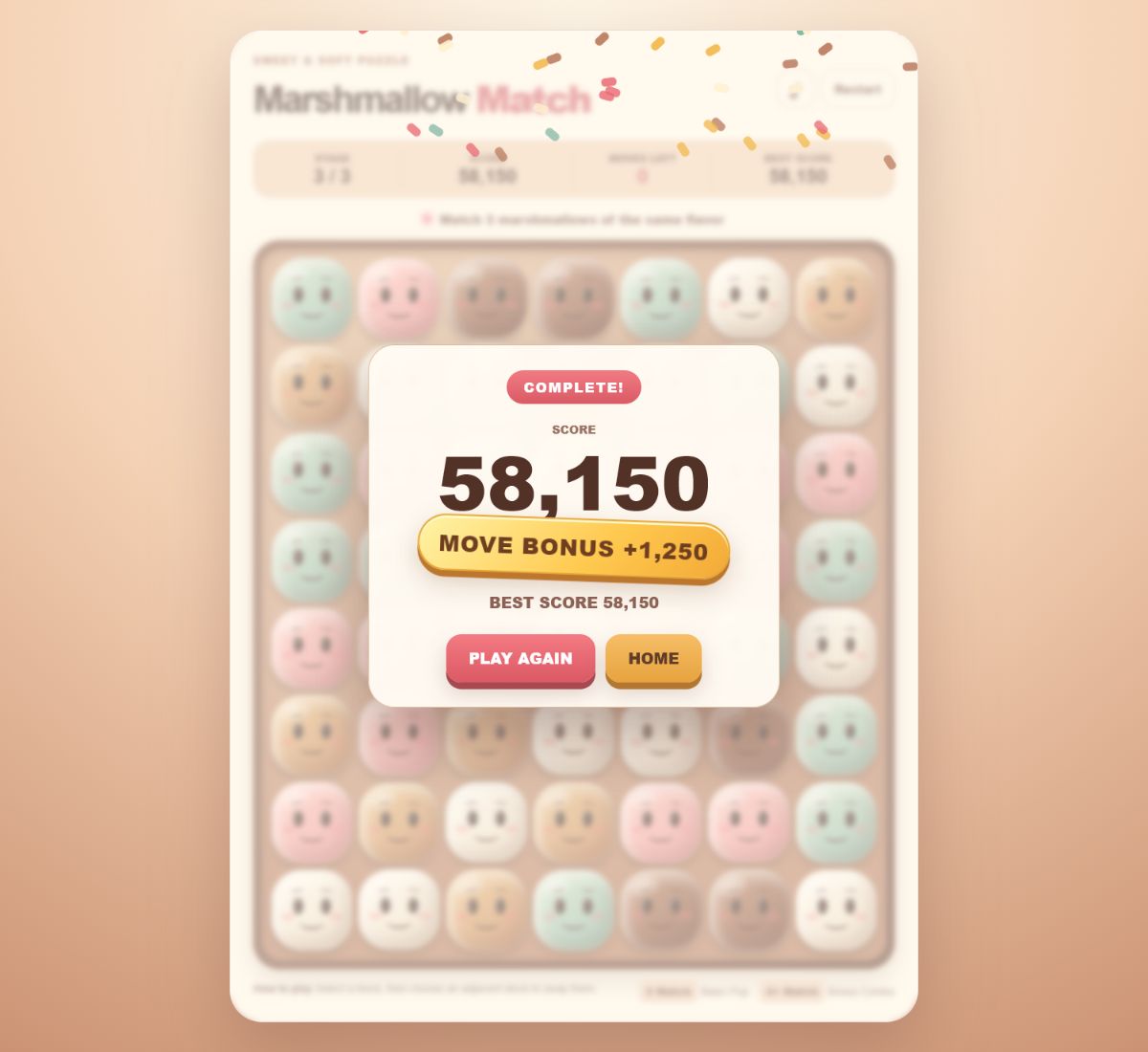
Final completion screen showing the total score and replay options.
Marshmallow Puzzle
Marshmallow Puzzle is a colorful casual browser game inspired by an everyday family moment.
The idea began while watching my child enjoy colorful cereal with milk. That small moment grew into a cheerful three-stage match-3 game featuring soft marshmallow characters, combo chains, cookie obstacles, ice challenges, music, sound effects, and animated score feedback.
The game was designed to feel friendly, playful, and easy to understand for players of all ages.
Play the Game
Play directly in your browser:
No installation, login, or download is required.
The source code is available here:
How to Play
- Select a marshmallow.
- Select an adjacent marshmallow to swap them.
- Match three or more marshmallows of the same flavor.
- Use nearby matches to damage cookie and ice obstacles.
- Complete each stage mission before running out of moves.
Every adjacent swap uses one move. If the swap does not create a match, the blocks return to their original positions with an error sound.
Board
- Grid: 8 rows × 7 columns
- Flavors: milk, berry, chocolate, caramel, and mint
- Moves: 20 per stage
- Initial matches are removed during board generation
- If the board has no possible move, it is automatically shuffled
Stages
Stage 1 — Marshmallow Match
Play classic match-3 for 20 moves and build the highest score possible.
Stage 2 — Cookie Challenge
Six cookie blocks are placed on the board.
- Cookies cannot be selected or moved.
- A match beside a cookie breaks it.
- The stage clears as soon as every cookie is removed.
- If moves reach zero while cookies remain, the stage fails and can be retried.
Stage 3 — Ice Challenge
Seven ice blocks are placed on the board.
- Ice cannot be selected or moved.
- Each ice block requires two nearby match hits.
- The first hit cracks the ice.
- The second hit shatters it.
- The stage clears as soon as every ice block is removed.
- If moves reach zero while ice remains, the stage fails and can be retried.
Scoring
| Action | Score |
|---|---|
| Each matched marshmallow | 100 × combo chain |
| Cookie removed | 150 bonus points |
| Ice removed | 250 bonus points |
| Remaining move after an early Stage 2 or 3 clear | 250 points |
Example: clearing four marshmallows on the second chain awards 4 × 100 × 2 = 800 points before obstacle bonuses.
The remaining-move bonus is displayed separately on the stage result screen. The best score is saved in browser Local Storage.
Combos
- Matching four or more blocks displays a match-combo banner.
- Consecutive automatic matches increase the chain multiplier.
- Chain combos display
COMBO ×2,COMBO ×3, and so on. - Combo score text is larger and uses stronger board-impact effects.
- English combo voice feedback is included.
Visual Feedback
- Animated block swapping
- Failed swaps return to their original positions
- Falling blocks squash and recover on landing
- Subtle marshmallow breathing motion
- Cookie shake and crumb particles
- Ice floating, gleam, crack, and shatter particles
- Large animated score numbers
- Score-counting animation on result screens
- Animated move-bonus badge
- Stage and final confetti
- Responsive desktop and mobile layout
- Reduced-motion support through
prefers-reduced-motion
Audio
The game uses the Web Audio API and browser speech synthesis, so no external audio files are required.
- Looping MIDI-style background music
- Match and combo tones
- Invalid-swap error sound
- Cookie crunch and crumb sounds
- Separate ice-crack and ice-shatter sounds
- Dynamic pitch while result scores count upward
- English mission-clear, mission-failed, final-clear, and combo voices
- One sound button controls music, sound effects, and voice feedback
Audio begins only after the player presses START, following browser autoplay requirements.
Title Screen
The title screen includes a compressed WebP illustration embedded directly inside index.html as a Base64 data URI.
The project therefore remains portable as a single playable HTML file.
Selecting HOW TO PLAY opens a frosted overlay above the illustrated title screen without replacing the background.
Controls
| Control | Action |
|---|---|
| Marshmallow block | Select or swap |
| START | Begin a new game |
| HOW TO PLAY | Open the instructions overlay |
| Restart | Restart the current stage and restore its starting score |
| Sound button | Toggle music, effects, and voices |
| NEXT STAGE | Continue after a successful mission |
| RETRY STAGE | Retry a failed mission |
| PLAY AGAIN | Restart from Stage 1 |
| HOME | Return to the title screen |
Technical Details
- HTML5
- CSS3 animations and responsive layout
- Vanilla JavaScript
- Web Audio API
- Web Speech API
- Local Storage
- No libraries or frameworks
- No network connection required after the page has loaded
Project Structure
marshmallow-puzzle/
├── index.html   # Complete standalone game
└── README.md    # Project documentation
Built With
- chatgpt
- codex
- css
- design
- development
- game
- html
- javascript
- responsive
- ui/ux
- web


Log in or sign up for Devpost to join the conversation.