-
-
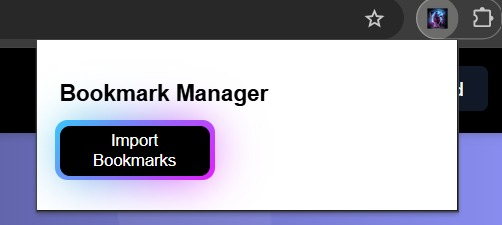
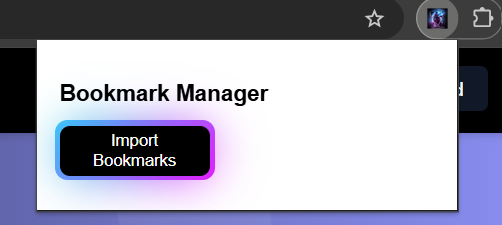
Chrome Extension for fetching existing Bookmarks from Chrome Browser.
-
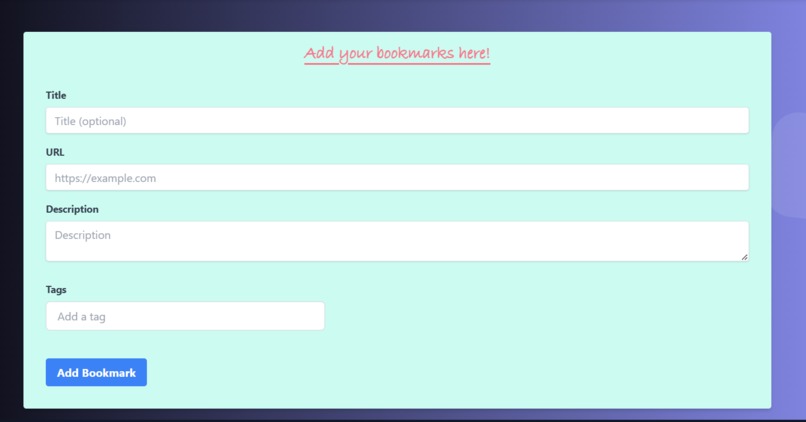
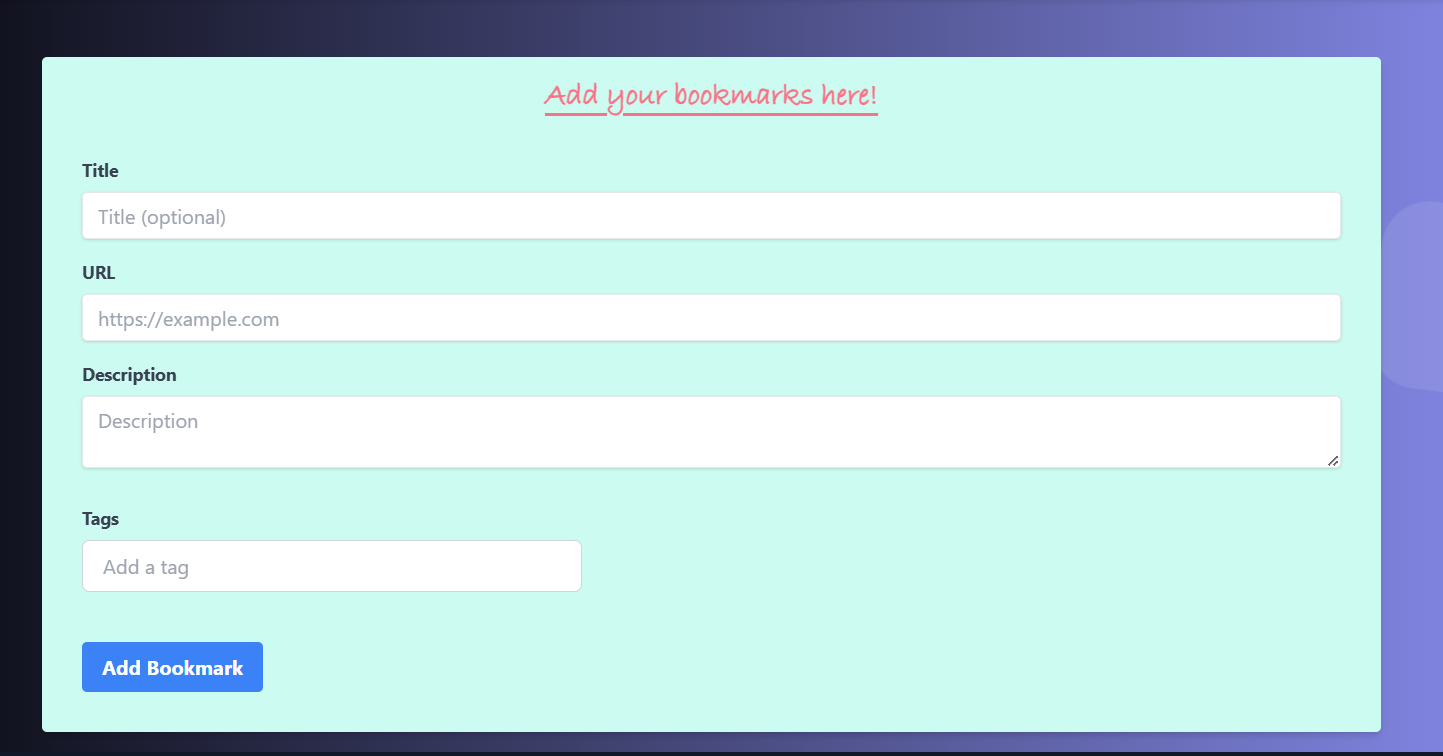
Add New Bookmark
-
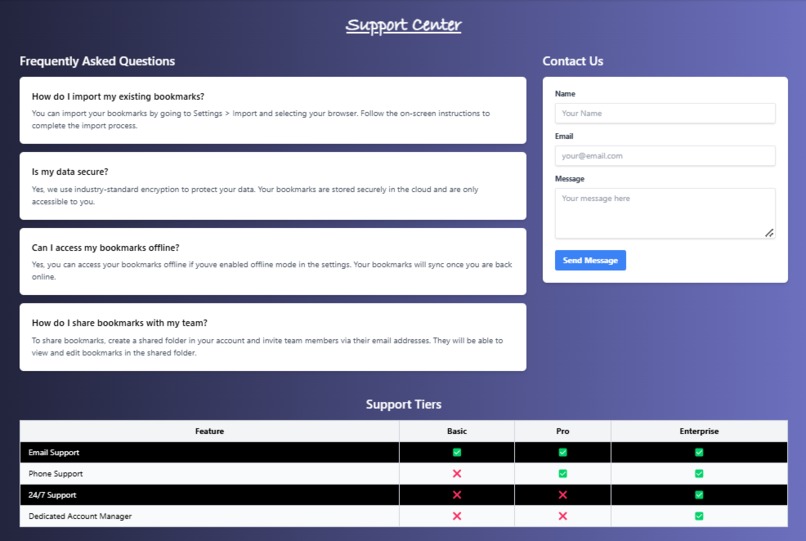
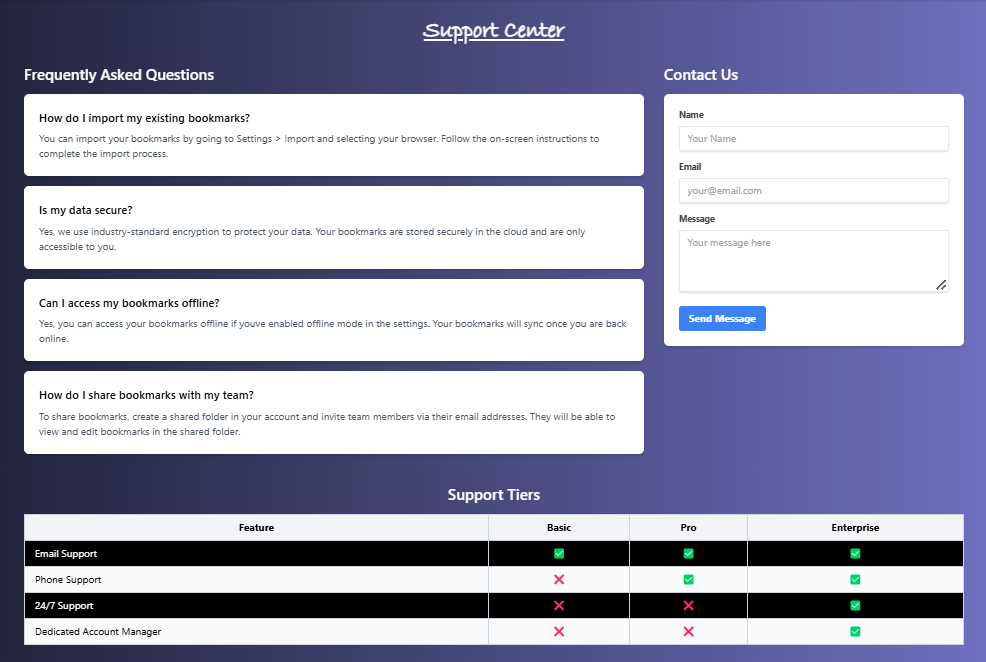
Support Center
-
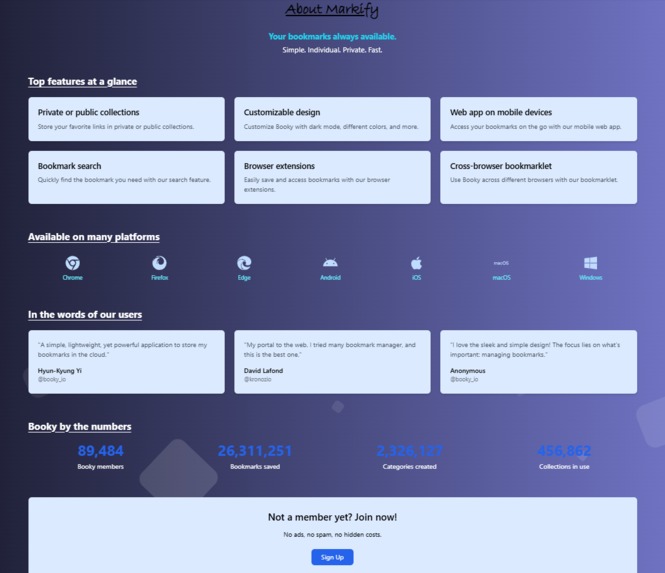
AboutUs
-
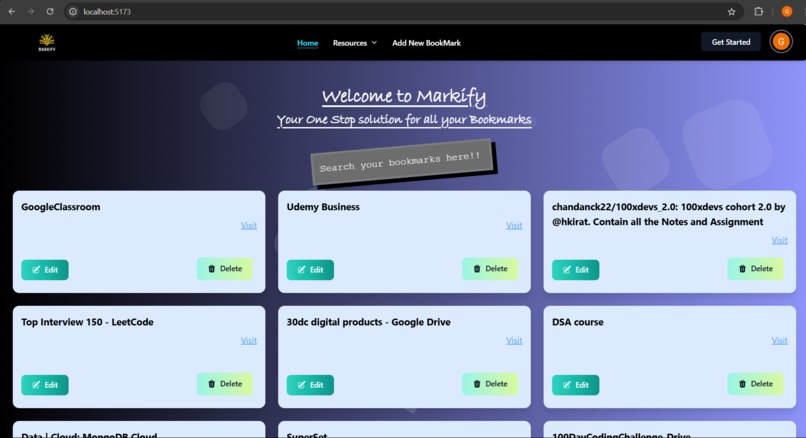
Dashboard

Inspiration
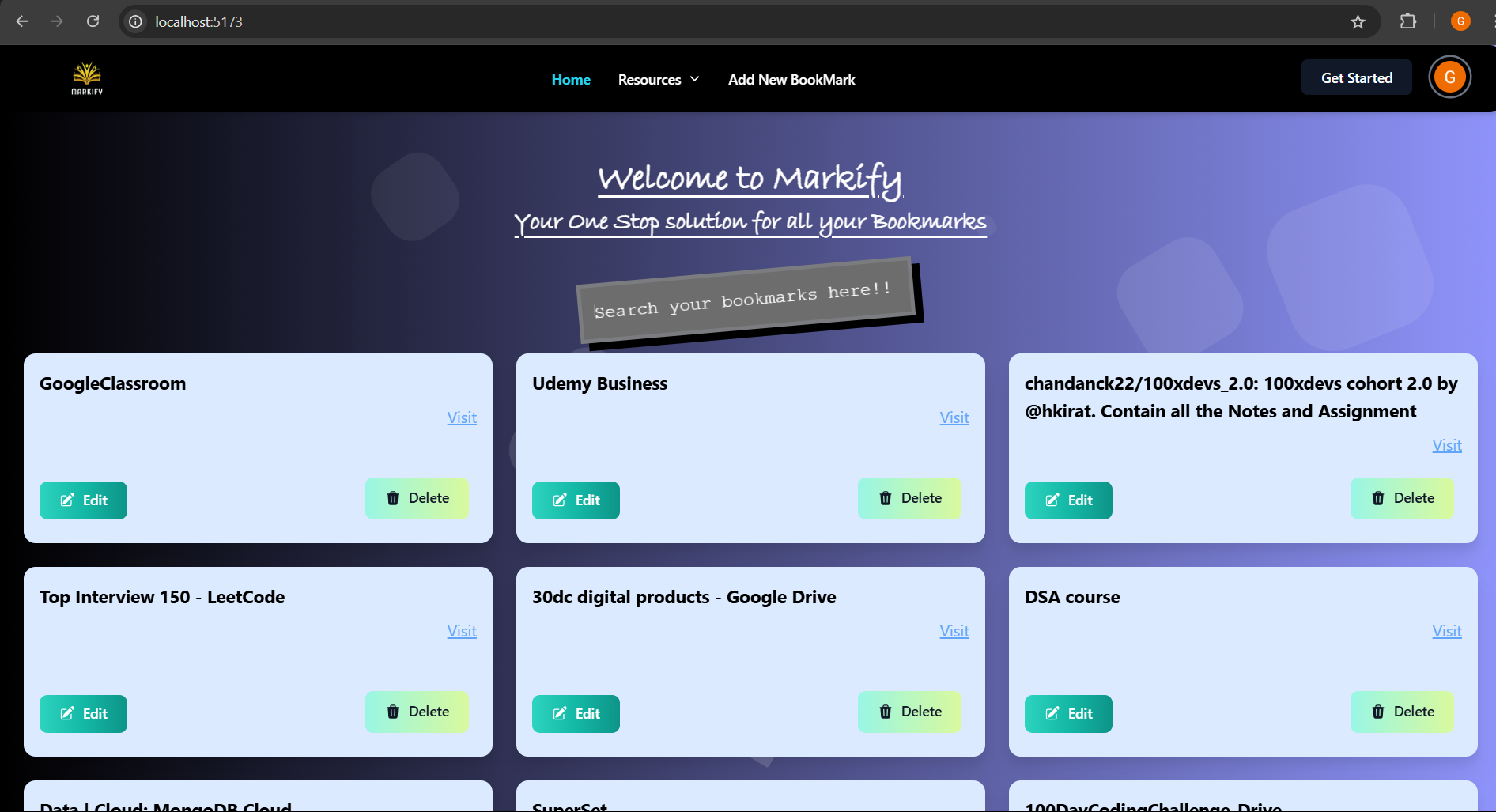
Markify was inspired by the cluttered mess of bookmarks most users face in their browsers. The overwhelming number of saved links often leads to frustration when trying to find a specific resource. We wanted to create a simple, elegant solution that not only organizes bookmarks but also makes them easy to search, edit, and manage—all in one place.
What it does
Markify fetches bookmarks directly from your Chrome browser and presents them in a visually organized interface. Users can:
- Search bookmarks instantly
- Edit bookmark details for better organization
- Delete outdated or unnecessary links It’s a straightforward and efficient way to declutter your browser and keep your favorite resources within reach.
How we built it
Markify was developed using the MERN stack:
- Frontend: React.js for creating a responsive and user-friendly interface.
- Backend: Node.js and Express.js for managing APIs and processing bookmark data.
- Database: MongoDB for storing and organizing bookmark information.
- Integration: Chrome’s Bookmark API for fetching saved links seamlessly. We also used Tailwind CSS to design a clean and minimalistic UI.
Challenges we ran into
- Browser Integration: Fetching bookmarks dynamically while ensuring cross-browser compatibility was a key challenge.
- Search Functionality: Implementing a search feature that returns results instantly and accurately required optimizing queries.
- Data Synchronization: Handling updates and ensuring that changes made in Markify reflected correctly in the database and UI.
Accomplishments that we're proud of
- Successfully building a tool that simplifies bookmark management for everyday users.
- Creating an intuitive UI that makes managing bookmarks enjoyable rather than a chore.
- Implementing a lightning-fast search feature to help users locate bookmarks in seconds.
What we learned
- The importance of user experience and simplicity in app design.
- Technical insights into working with browser APIs and managing real-time data synchronization.
- How to balance functionality and performance to deliver an app that works seamlessly across devices.
What's next for Markify
- Cross-Browser Support: Expanding compatibility to Firefox, Edge, and Safari.
- Tagging System: Allowing users to organize bookmarks with custom tags for better categorization.
- Offline Mode: Enabling users to access and edit bookmarks even when offline.
- Mobile App Development: Introducing Markify as a mobile app for Android and iOS.
- Dark Mode: Adding a theme toggle for a better user experience.
Built With
- express.js
- mongodb
- node.js
- react
- tailwindcss


Log in or sign up for Devpost to join the conversation.