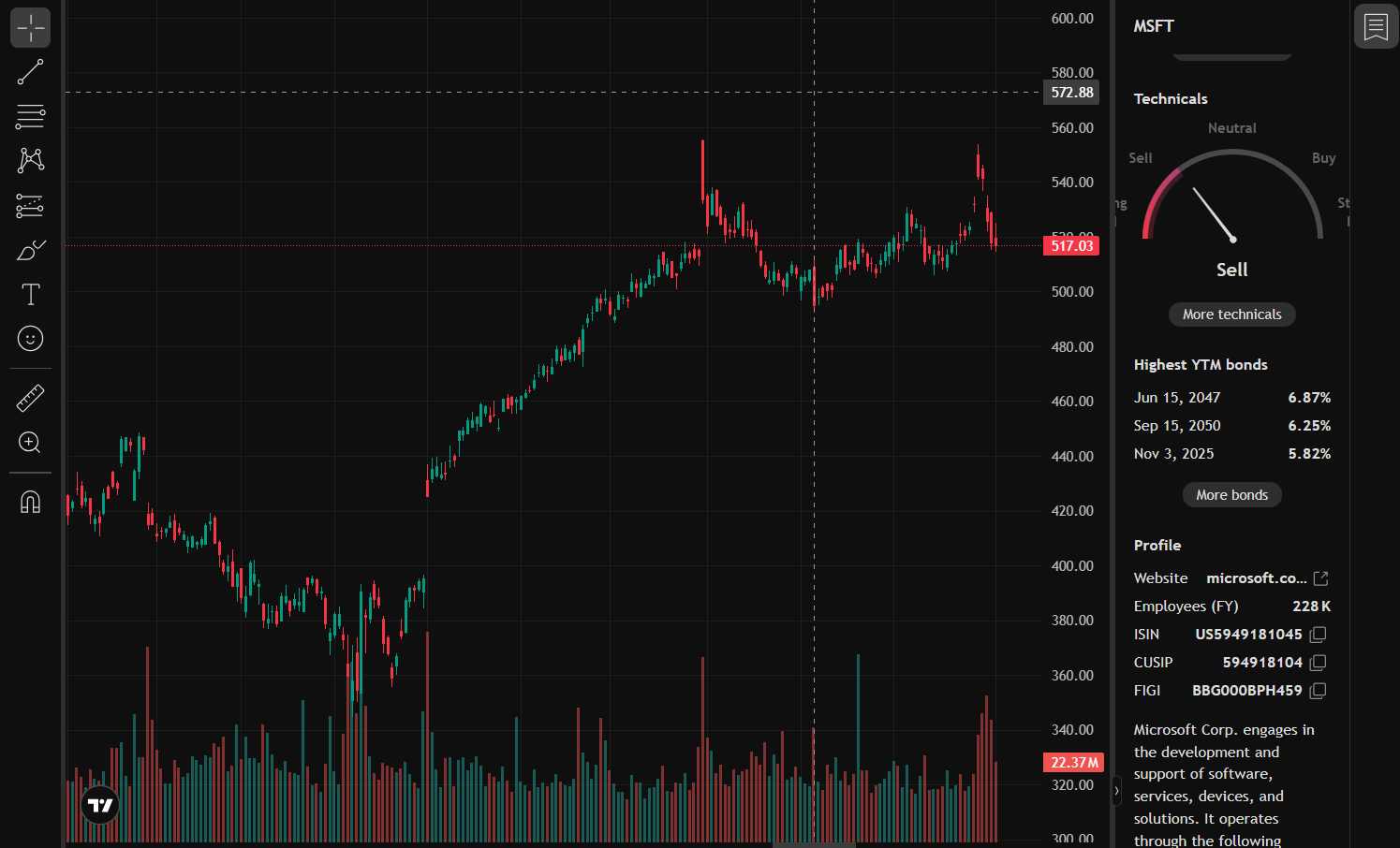
MarketMood: Stock Sentiment Analyzer A full-stack web application that analyzes the real-time market sentiment for any given stock ticker. This tool fetches the latest news articles related to a stock, uses Natural Language Processing (NLP) to calculate a sentiment score, and displays the result ("Positive," "Negative," or "Neutral") alongside a dynamic TradingView chart. This project was developed by Mohit Soni, Sachin Gautam, and Dhruv Rawat. Features Real-time Sentiment Analysis: Get an instant sentiment score based on the latest news. Dynamic Stock Charts: An integrated TradingView widget updates to show the chart for the selected stock. NLP Powered: Uses TextBlob to perform simple and fast polarity scoring on news headlines and descriptions. Full-Stack Architecture: Built with a modern FastAPI backend and a clean HTML/CSS/JS frontend. Technology Stack Backend: Python 3.x FastAPI (for the high-performance API) TextBlob (for NLP sentiment analysis) Requests (for calling the News API) News API (for fetching news articles) Frontend: HTML5 CSS3 (basic styling) JavaScript (for API calls and DOM manipulation) TradingView Widget (for financial charts) How It Works A user enters a stock symbol (e.g., "TSLA") into the web interface. The frontend JavaScript sends a fetch request to the backend FastAPI server. The FastAPI server queries the News API for recent articles related to the symbol. The server loops through each article, using TextBlob to analyze the sentiment of its title and description. All individual sentiment scores are averaged to produce a final, single score. This score is classified as "Positive," "Negative," or "Neutral" and sent back to the frontend. The frontend dynamically updates the page to display the sentiment and re-renders the TradingView chart for the new symbol. Installation & Usage To run this project locally, you will need to set up the backend and frontend. Prerequisites Python 3.7+ A free API Key from News API
- Backend Setup Clone the repository: git clone https://github.com/your-username/your-project-name.git cd your-project-name/backend Create and activate a virtual environment: # For Windows python -m venv venv .\venv\Scripts\activate
For macOS/Linux
python3 -m venv venv source venv/bin/activate Install the required Python libraries: pip install fastapi uvicorn "textblob[all]" requests Open the main.py file and paste your News API key into the NEWS_API_KEY variable: NEWS_API_KEY = "YOUR_API_KEY_HERE" Run the backend server: uvicorn main:app --reload The API will now be running at http://127.0.0.1:8000
- Frontend Setup Open the frontend folder. Right-click the index.html file and open it in any web browser. The application is now fully functional! Screenshot (Add a screenshot of your application working here. You can do this on GitHub by dragging and dropping an image into this file.) Project Screenshot Team Members Mohit Soni (Team Leader) Sachin Gautam (Team Member) Dhruv Rawat (Team Member)
Built With
- css
- fastapi
- html5
- javascript
- python

Log in or sign up for Devpost to join the conversation.