-
-

MarketMitra - Home
-

MarketMitra - About Us
-
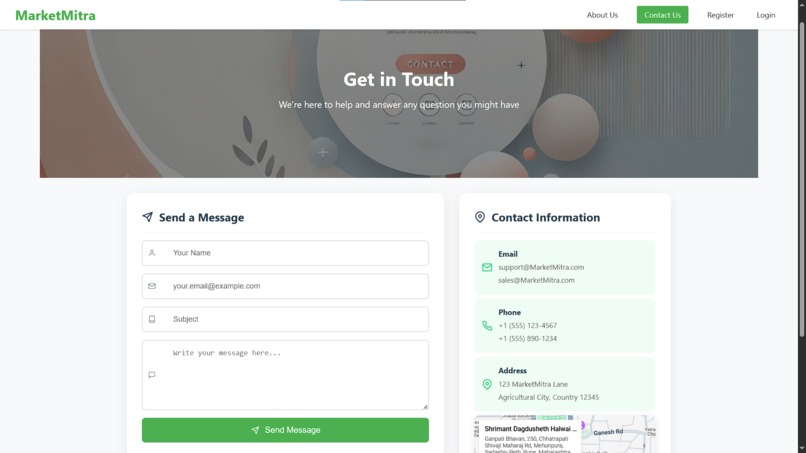
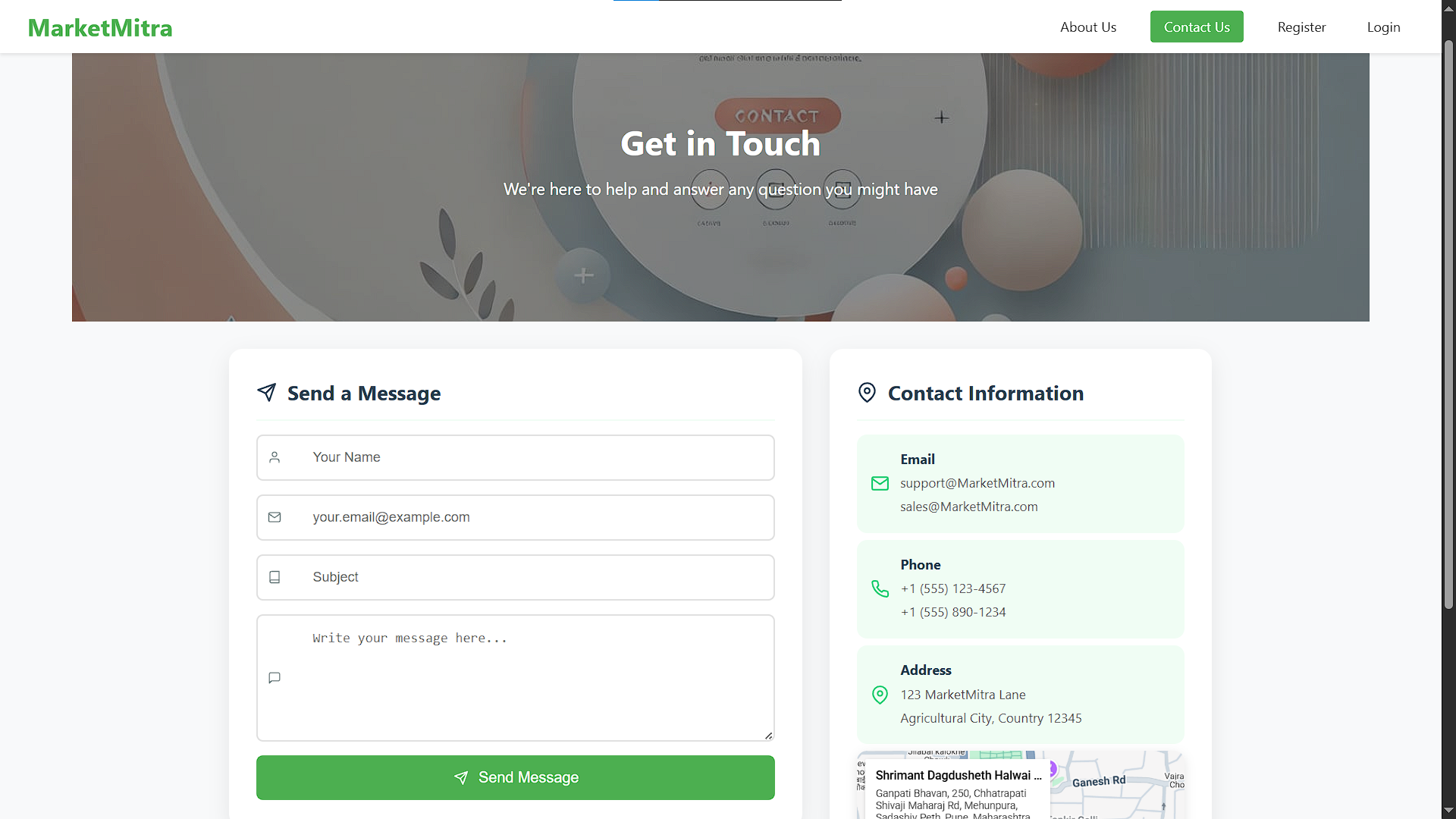
MarketMitra - Contact Us
-
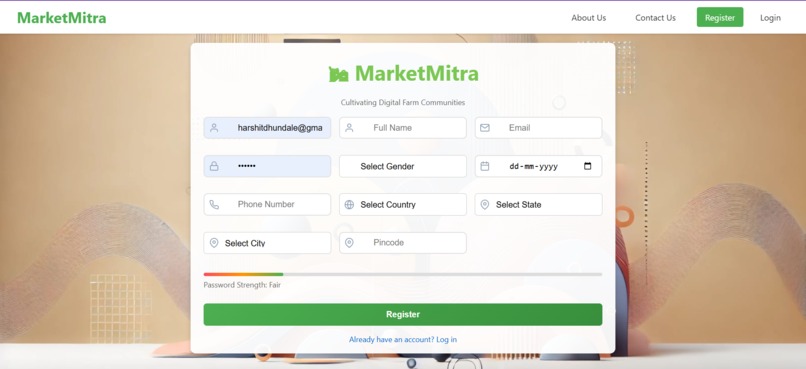
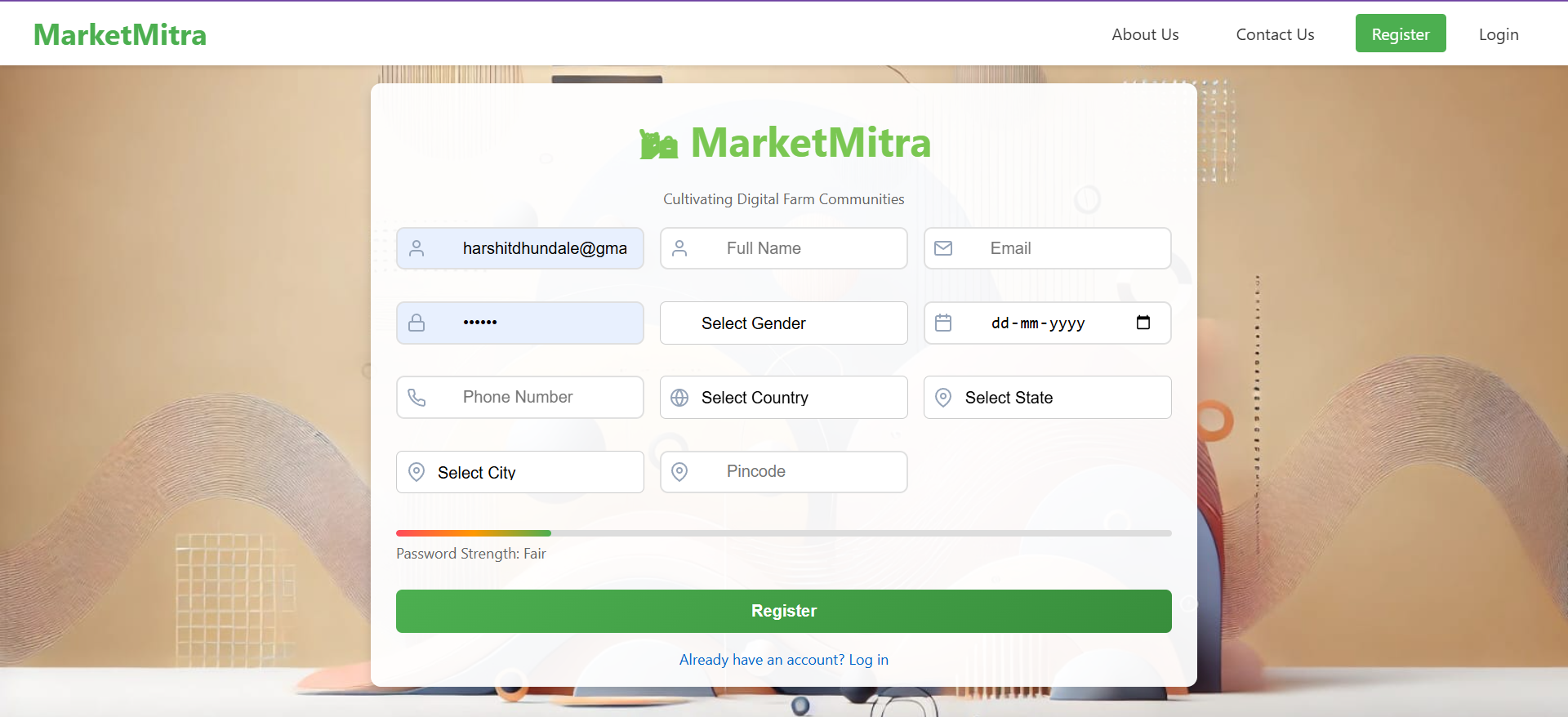
MarketMitra - Register User
-

MarketMitra - Login User
-
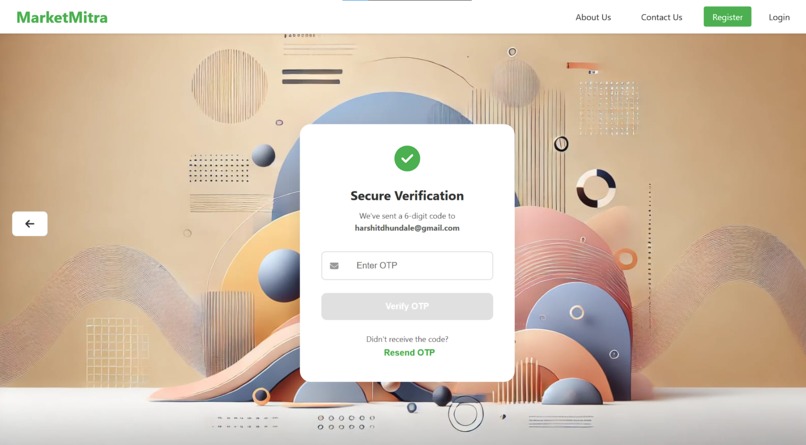
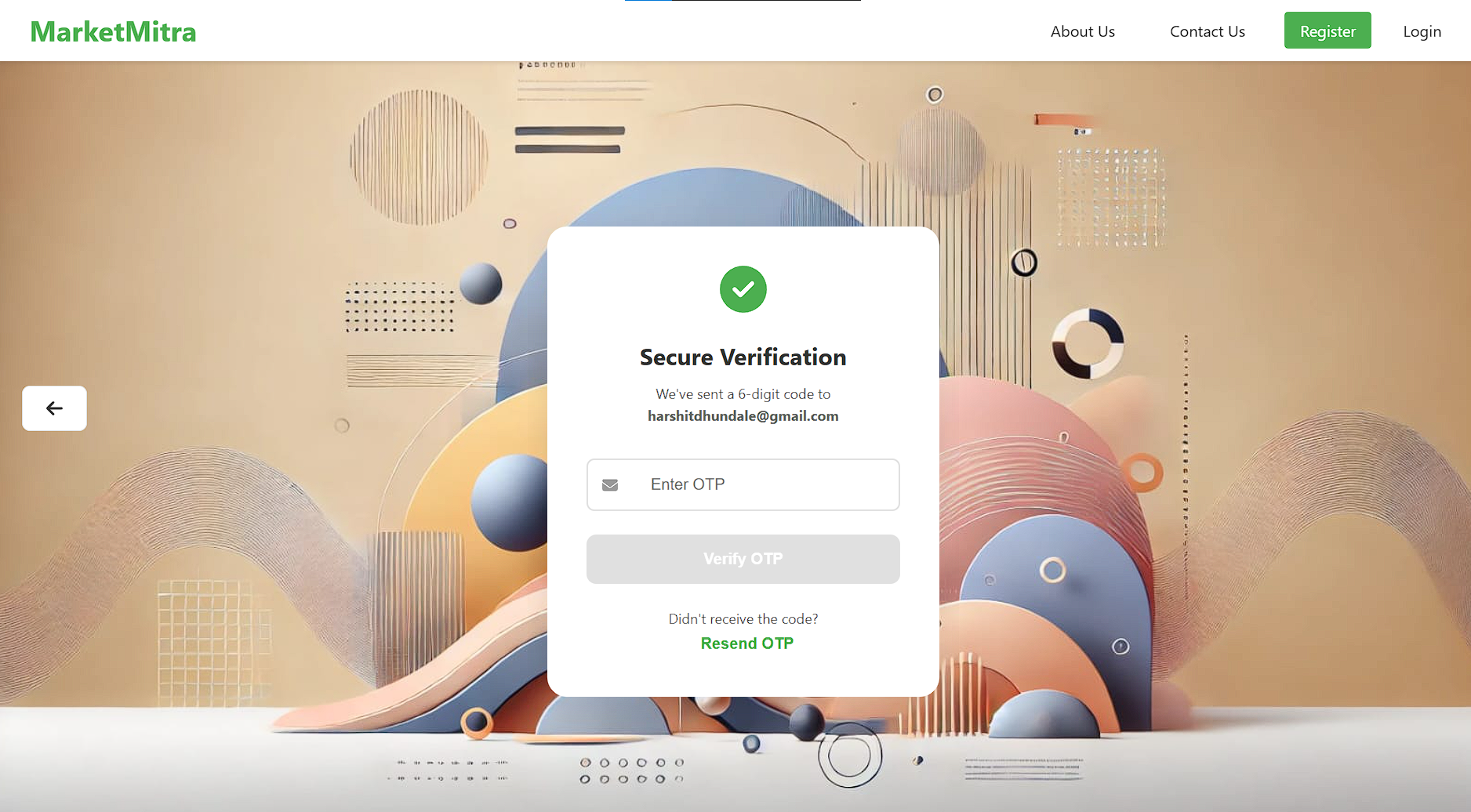
MarketMitra - OTP Verification Register User
-
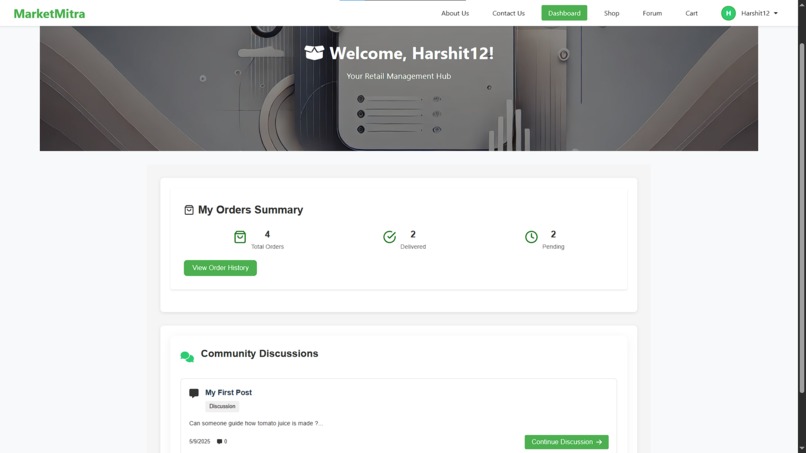
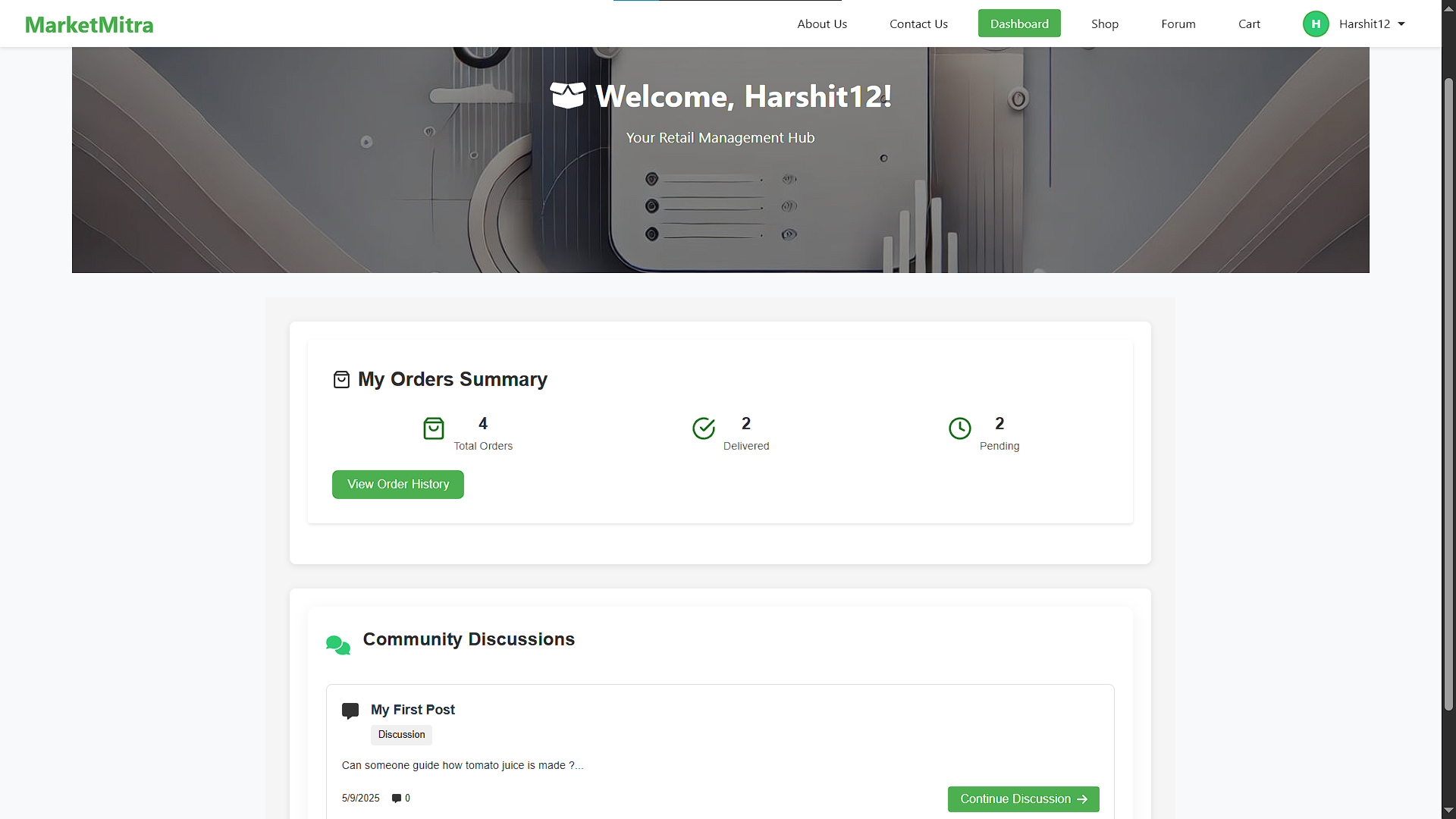
MarketMitra - Dashboard
-
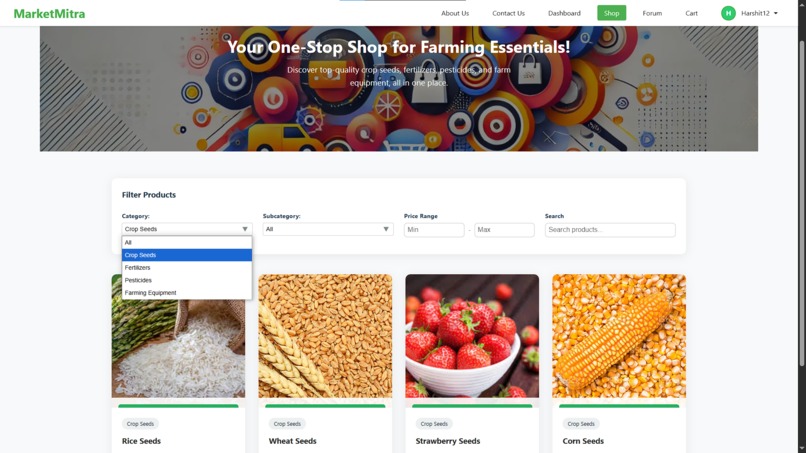
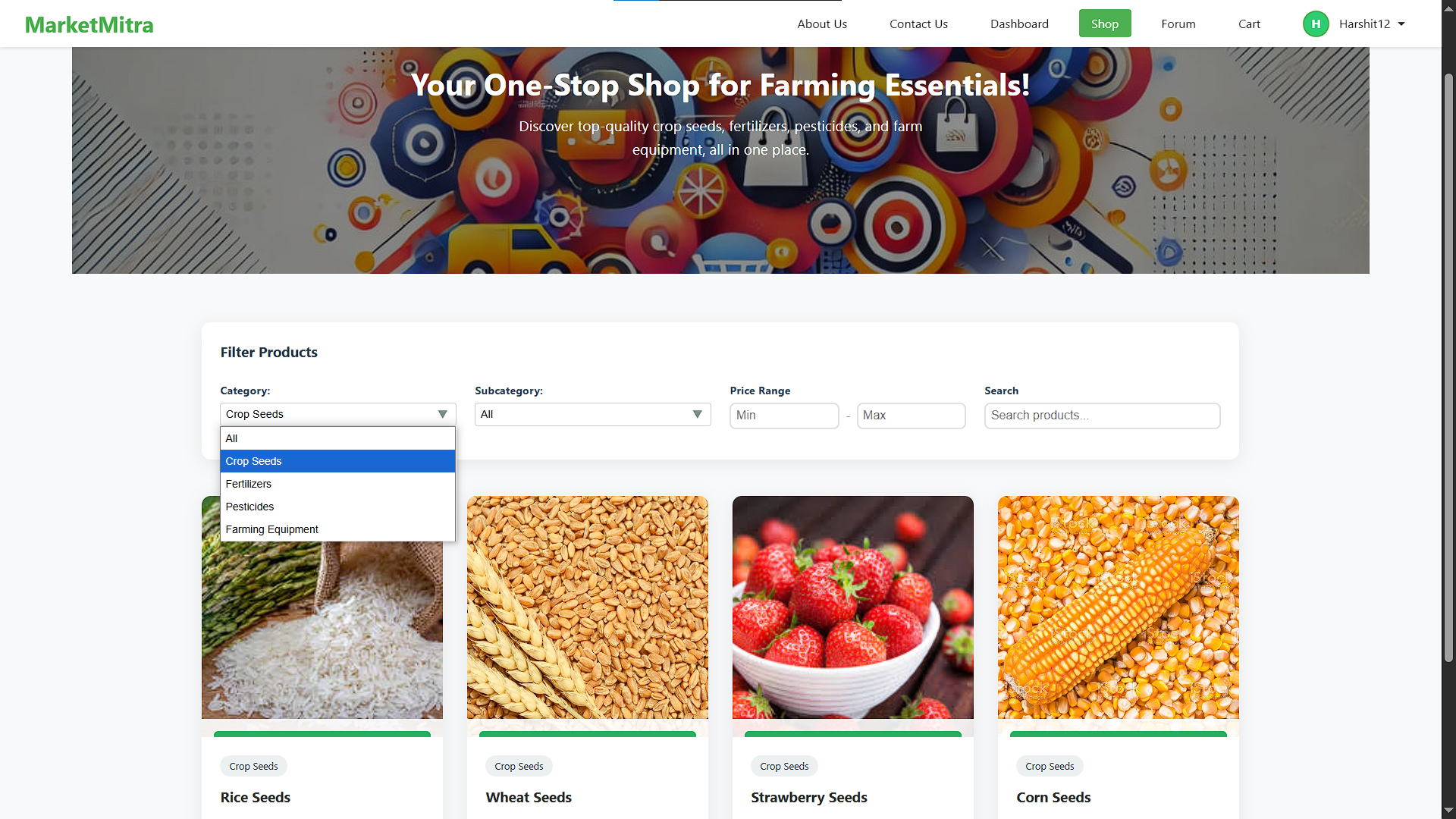
MarketMitra - Shop
-
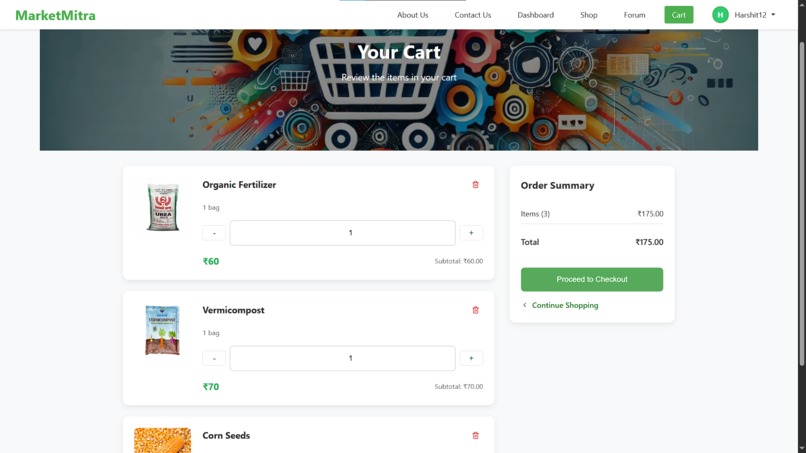
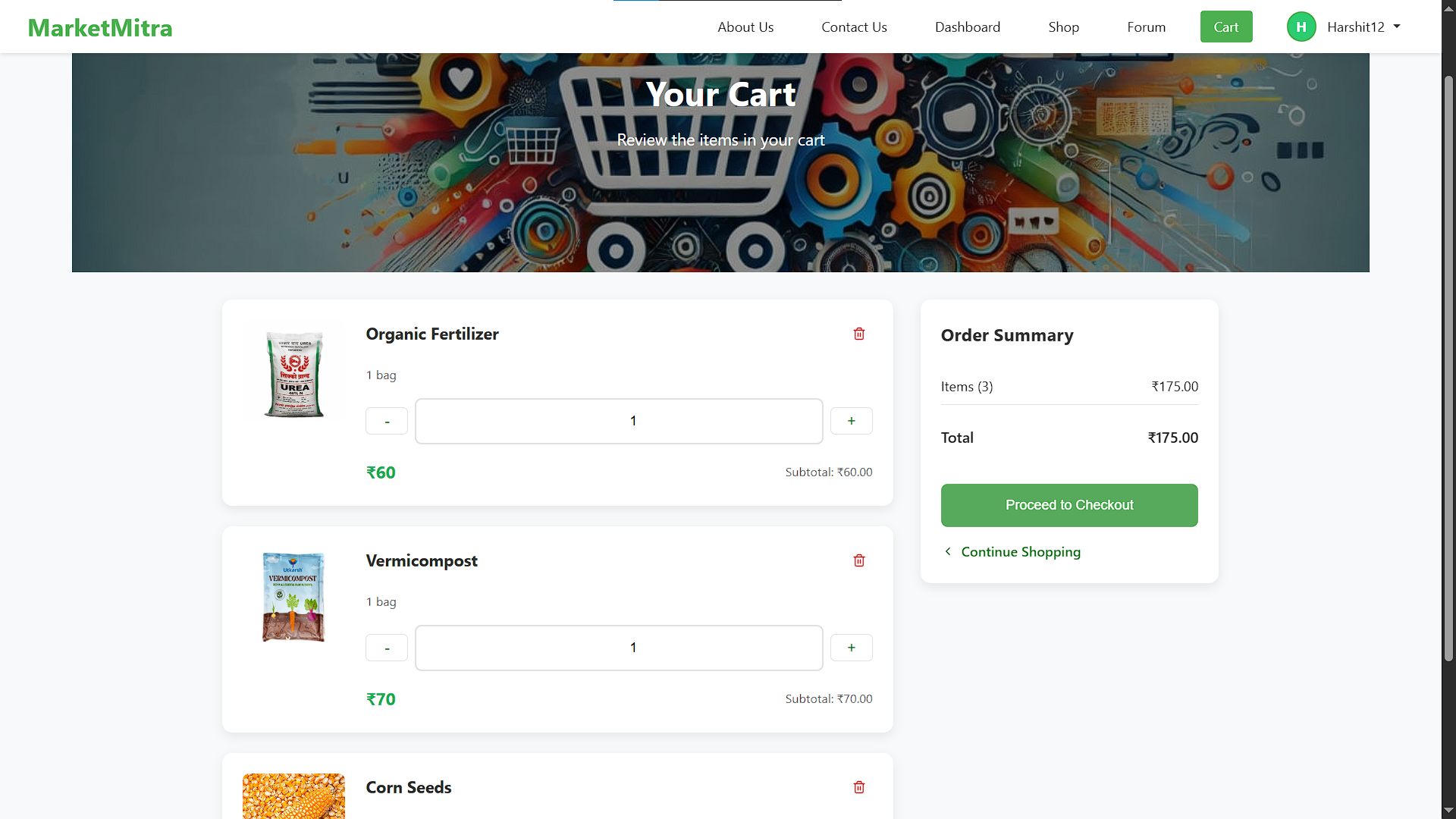
MarketMitra - Cart
-
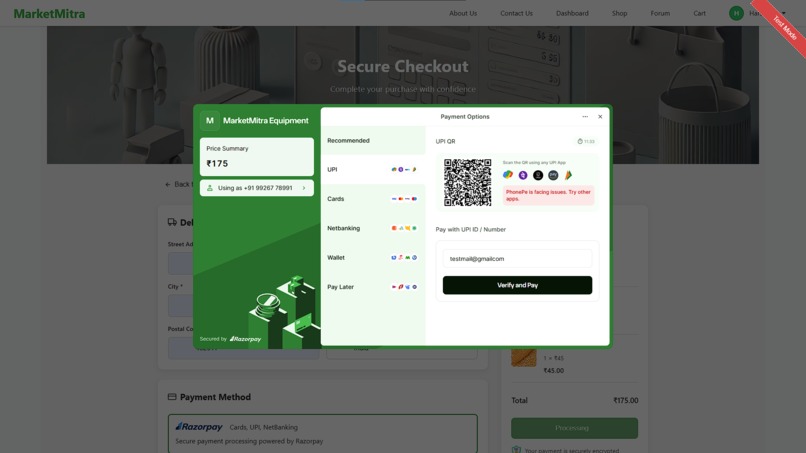
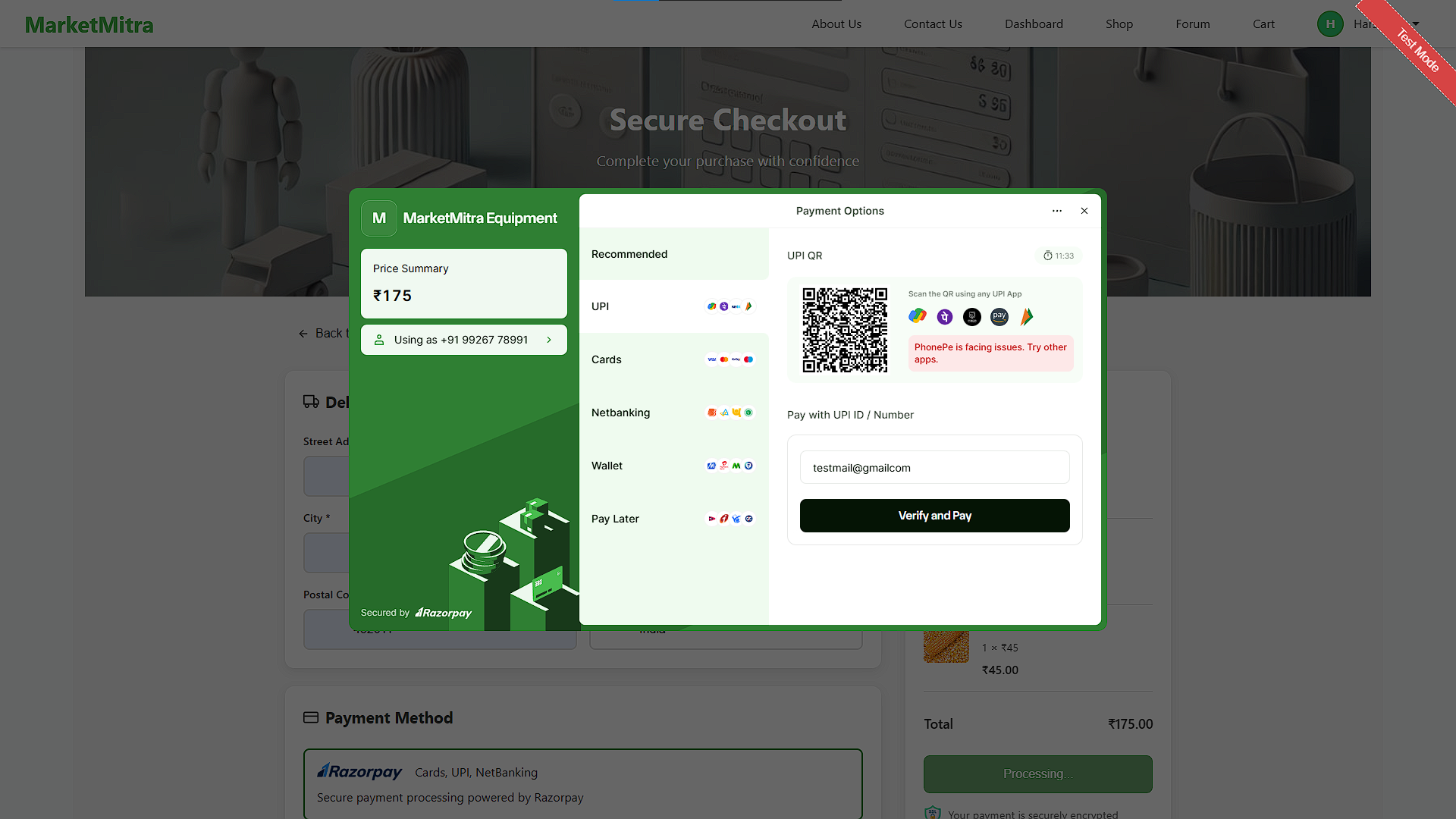
MarketMitra - Razorpay Payment Gateway
-
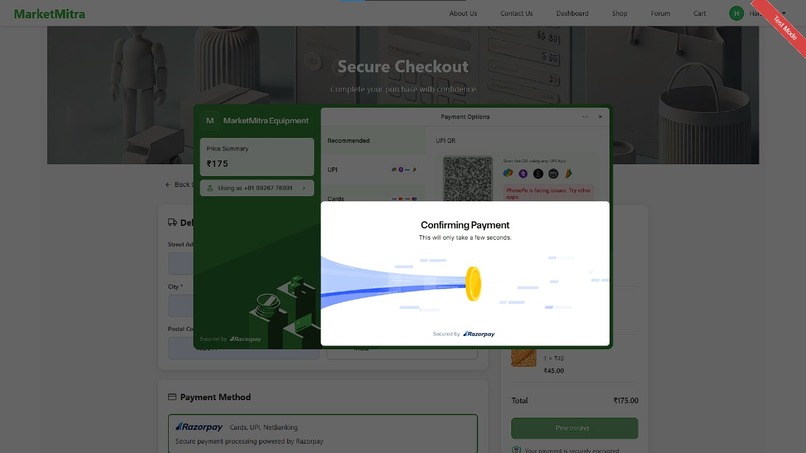
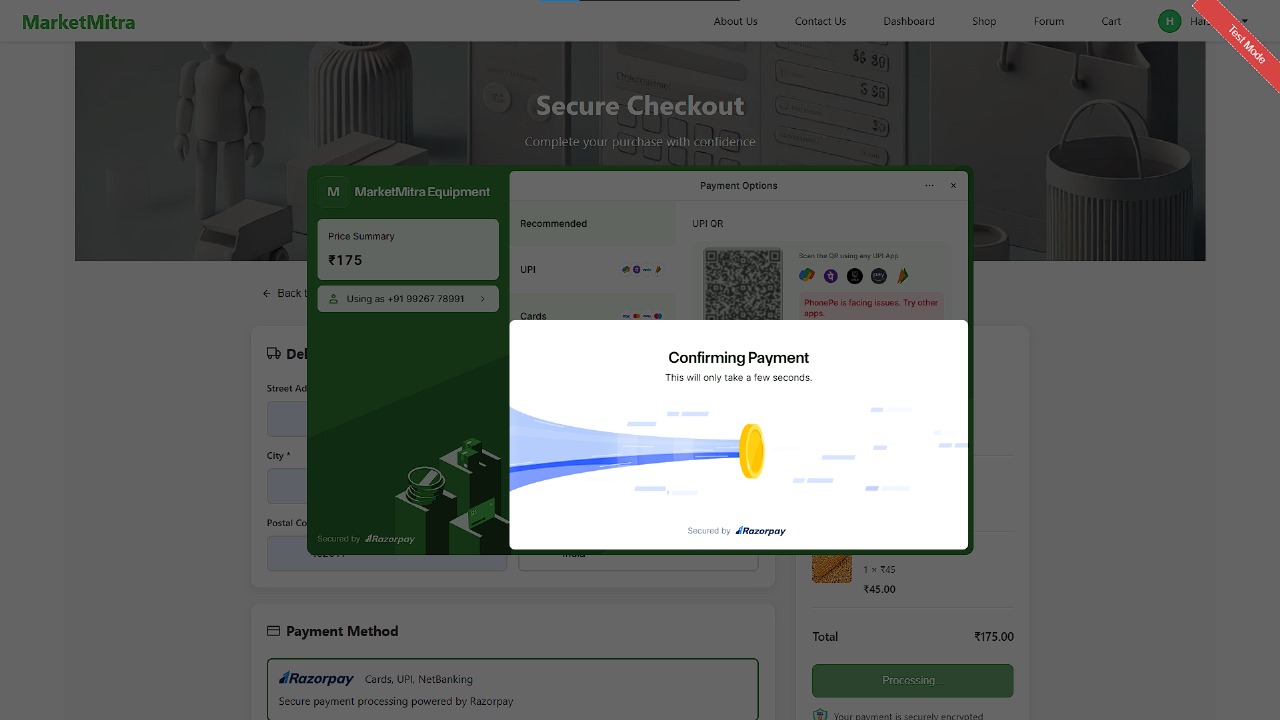
MarketMitra - Razorpay Payment Inprogress
-
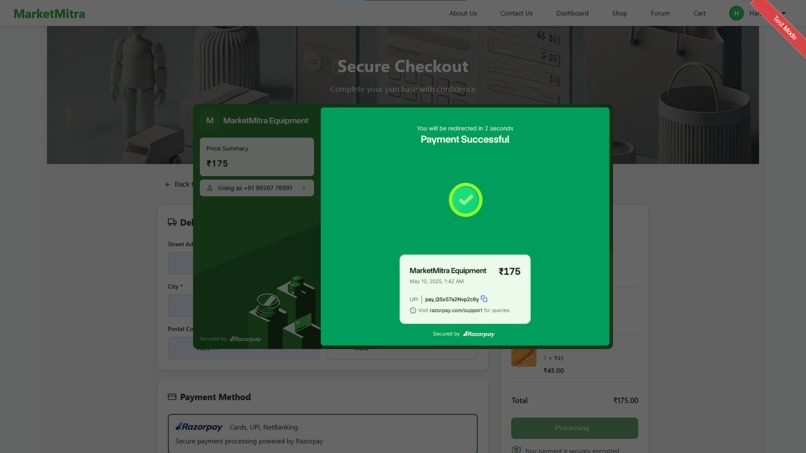
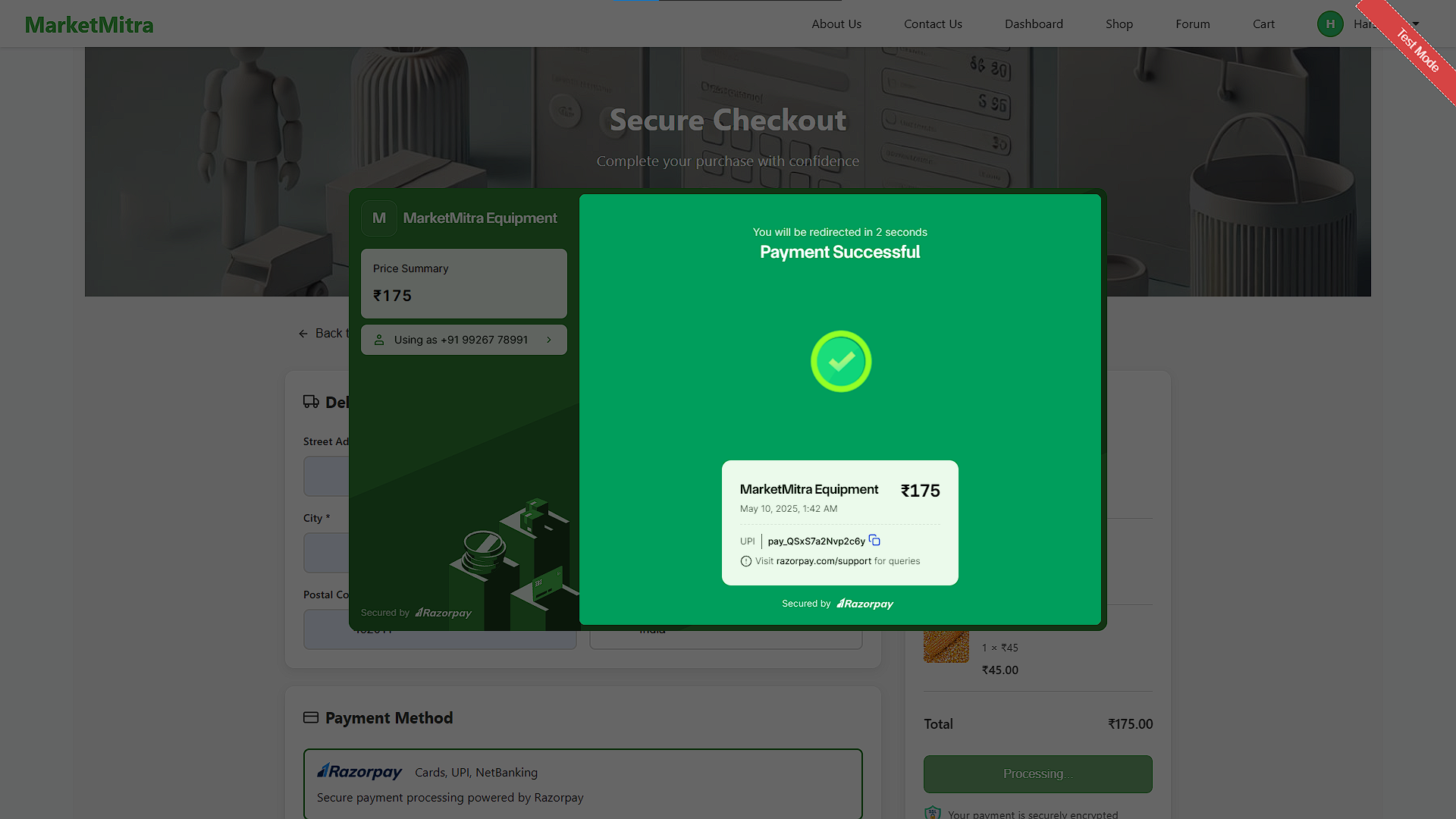
MarketMitra - RazorPay Payment Success
-
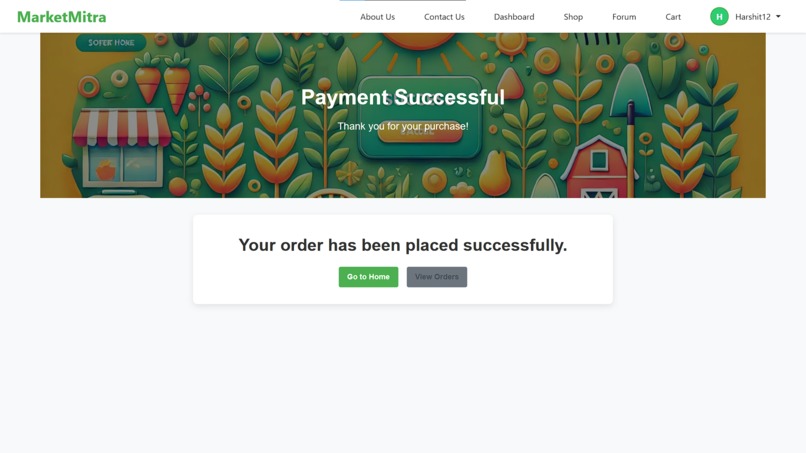
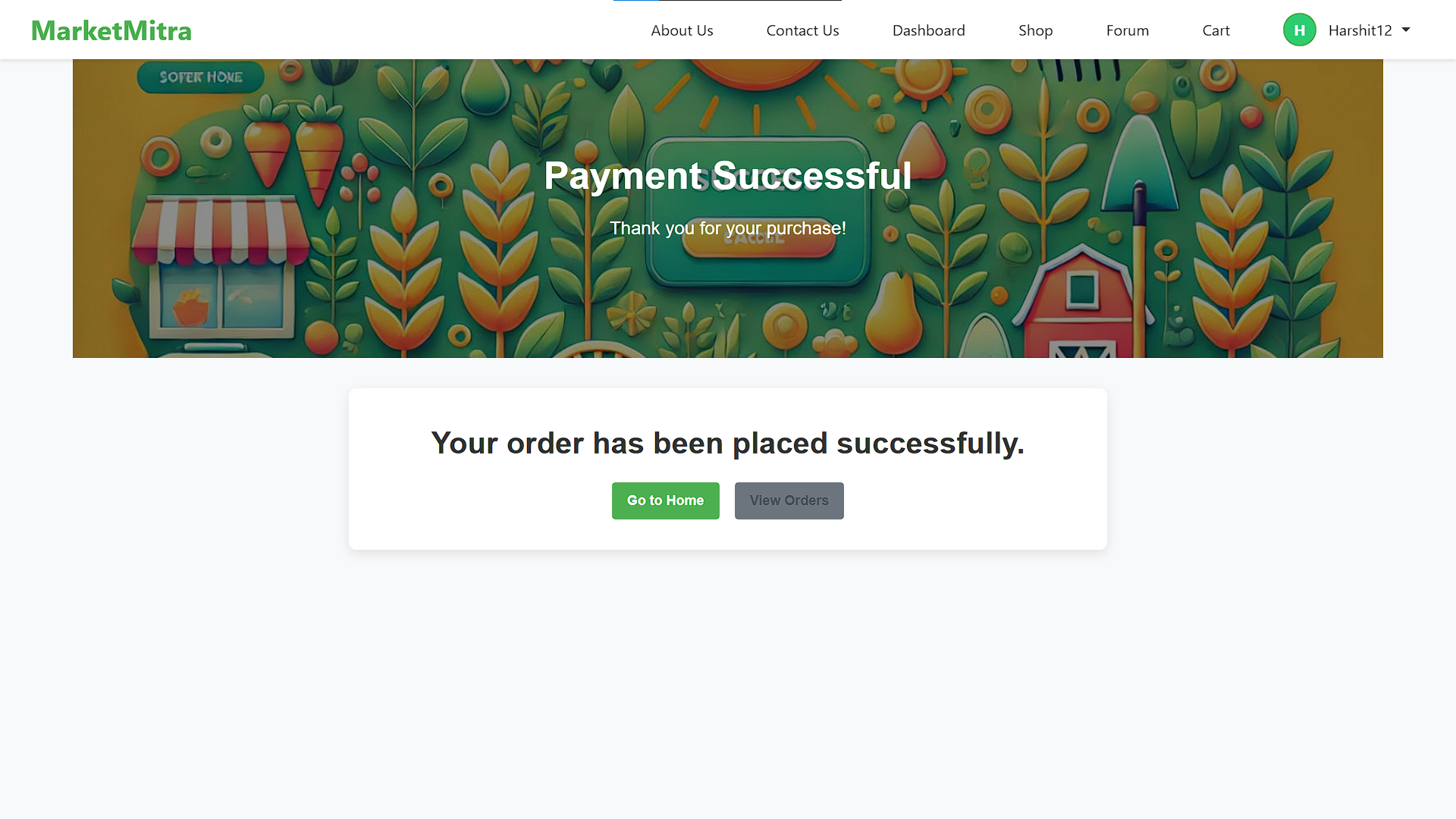
MarketMitra - Order Confirmed
-
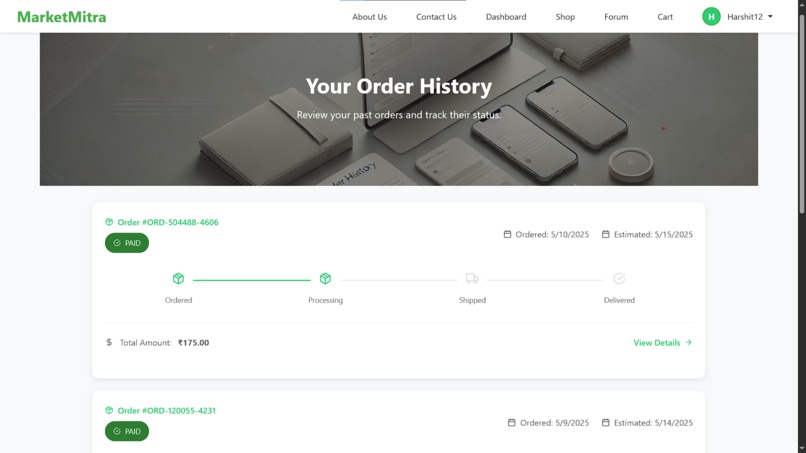
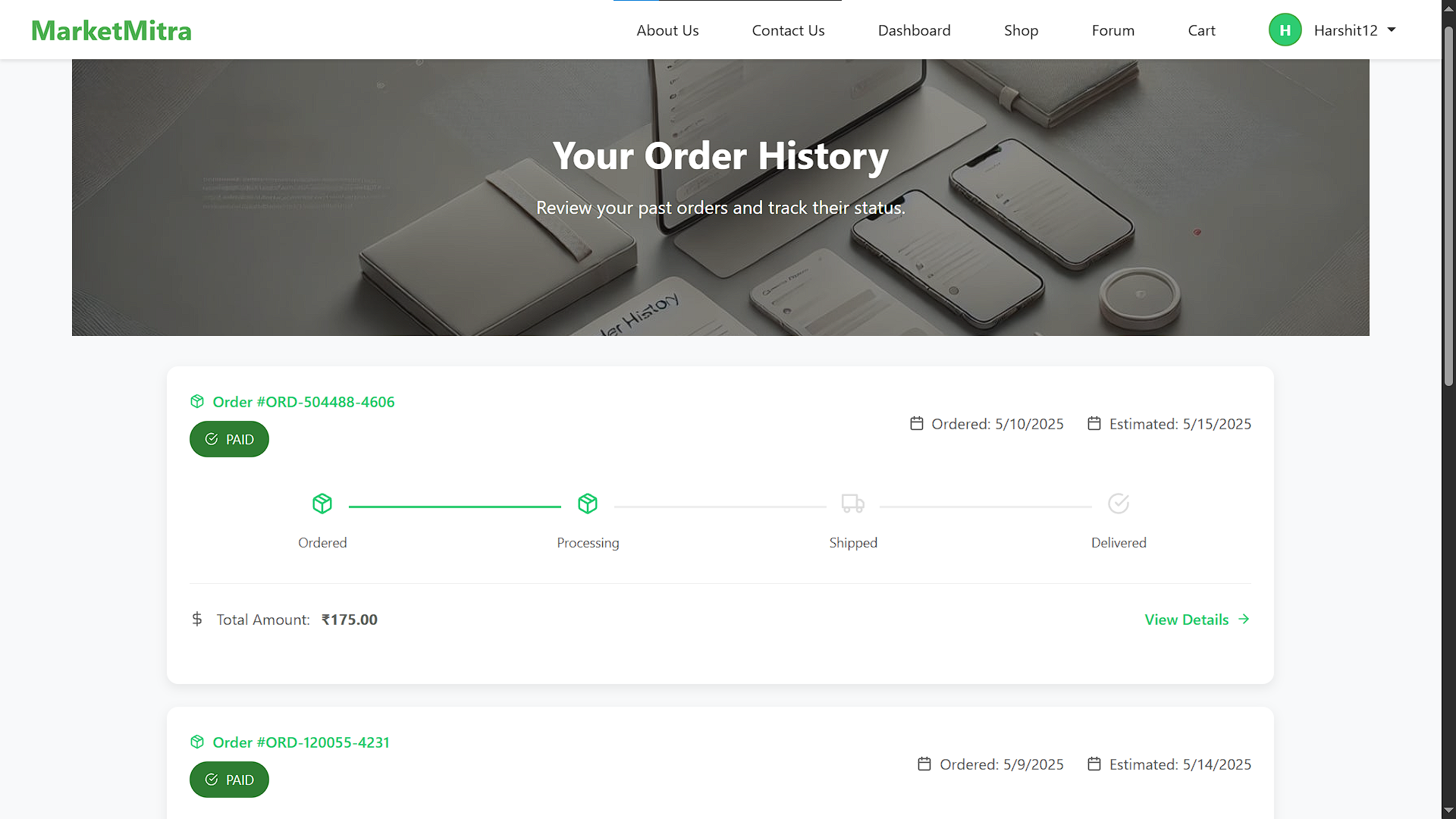
MarketMitra - Order History
-
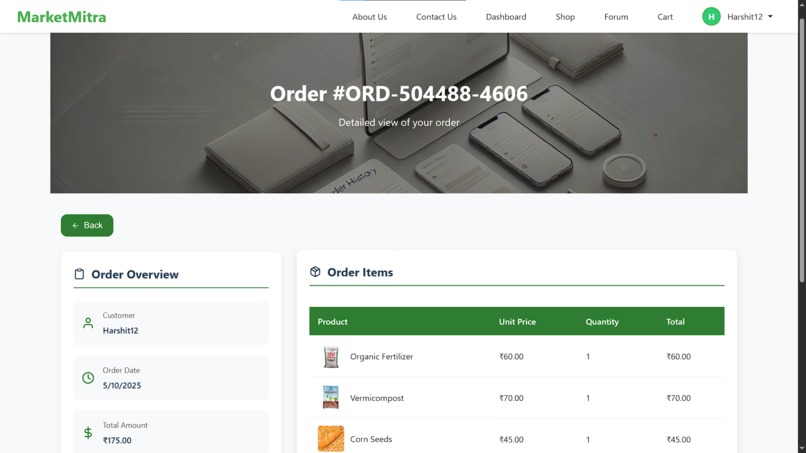
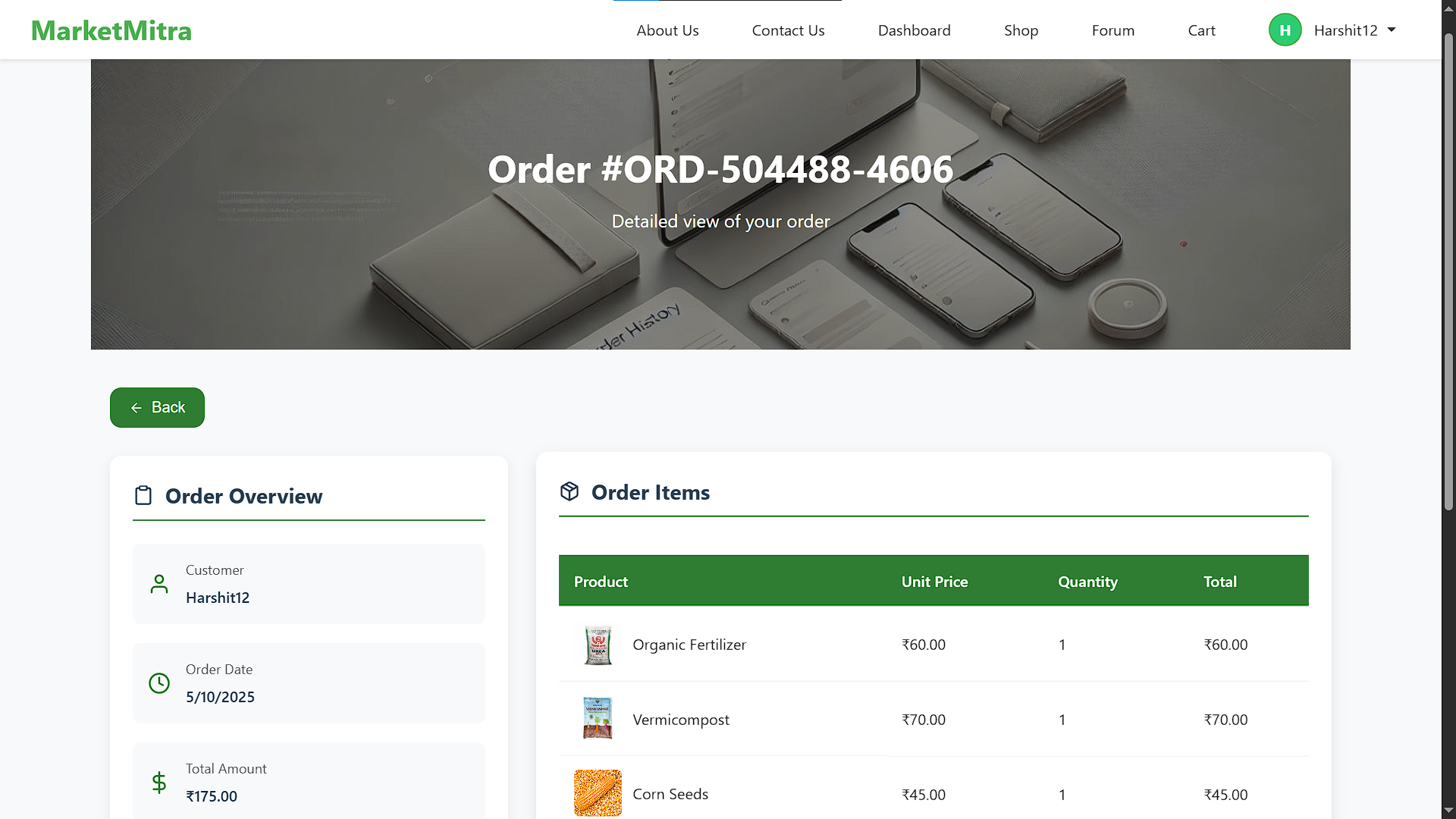
MarketMitra - Order Detail
-
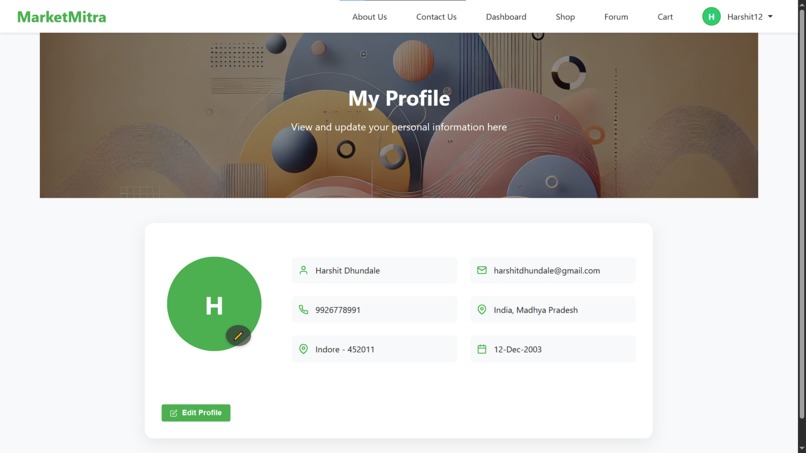
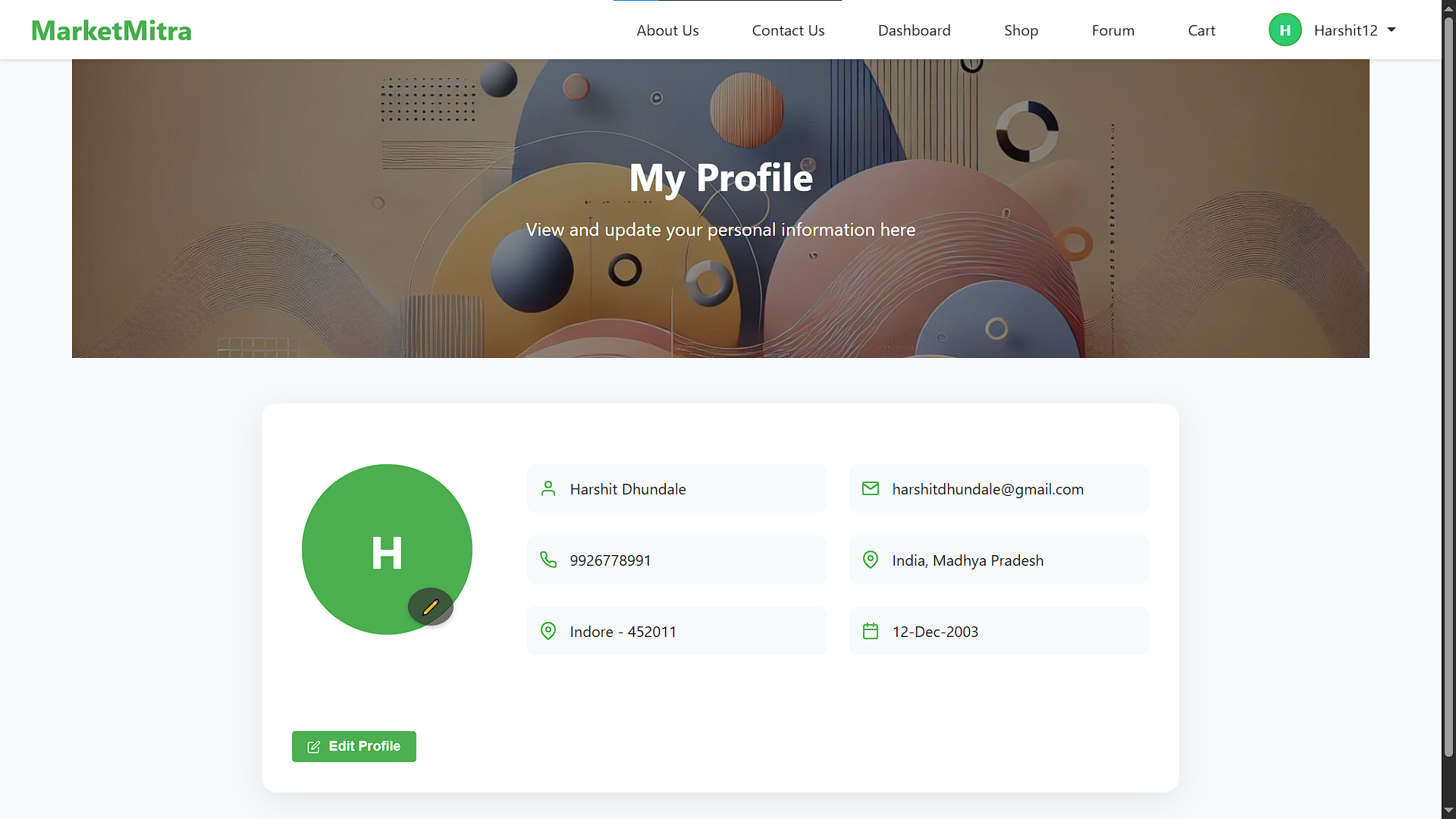
MarketMitra - Profile
-
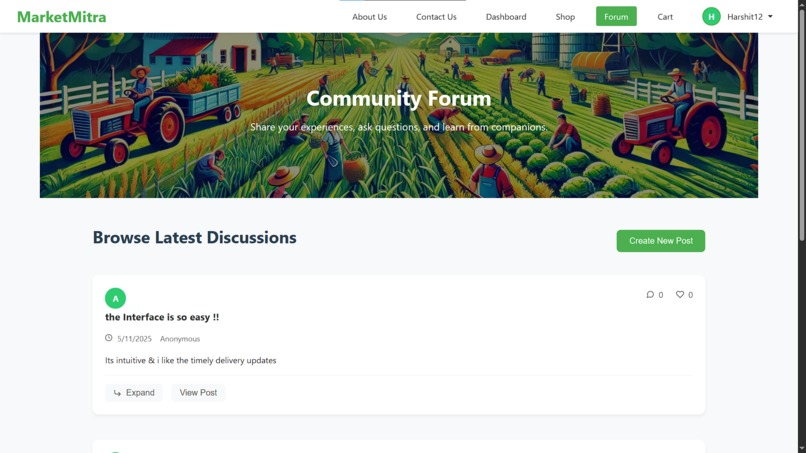
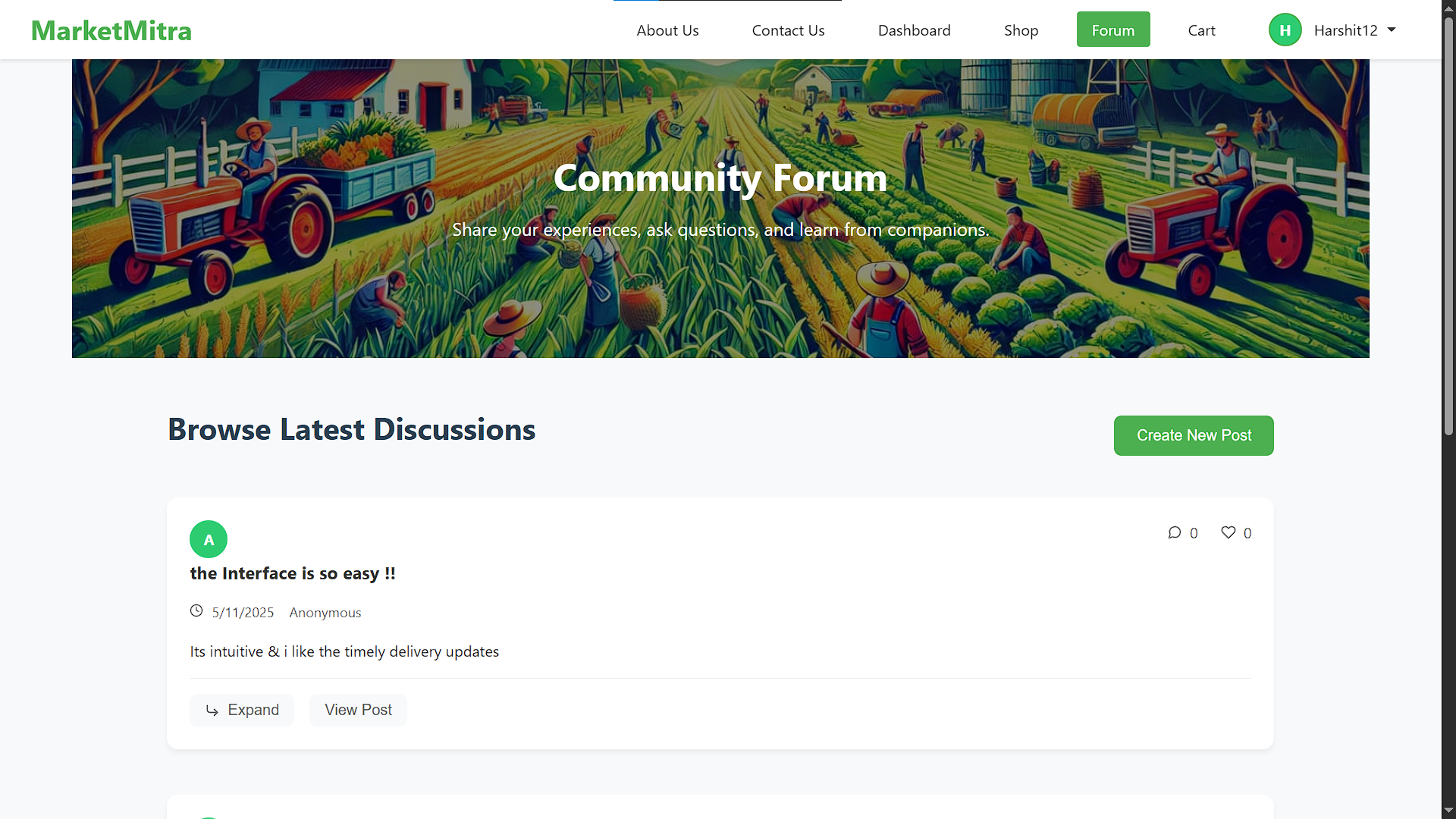
MarketMitra - Community Forum
-
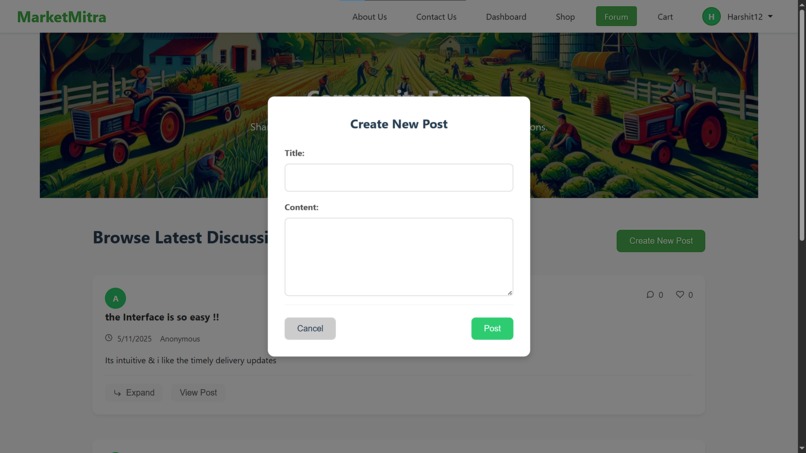
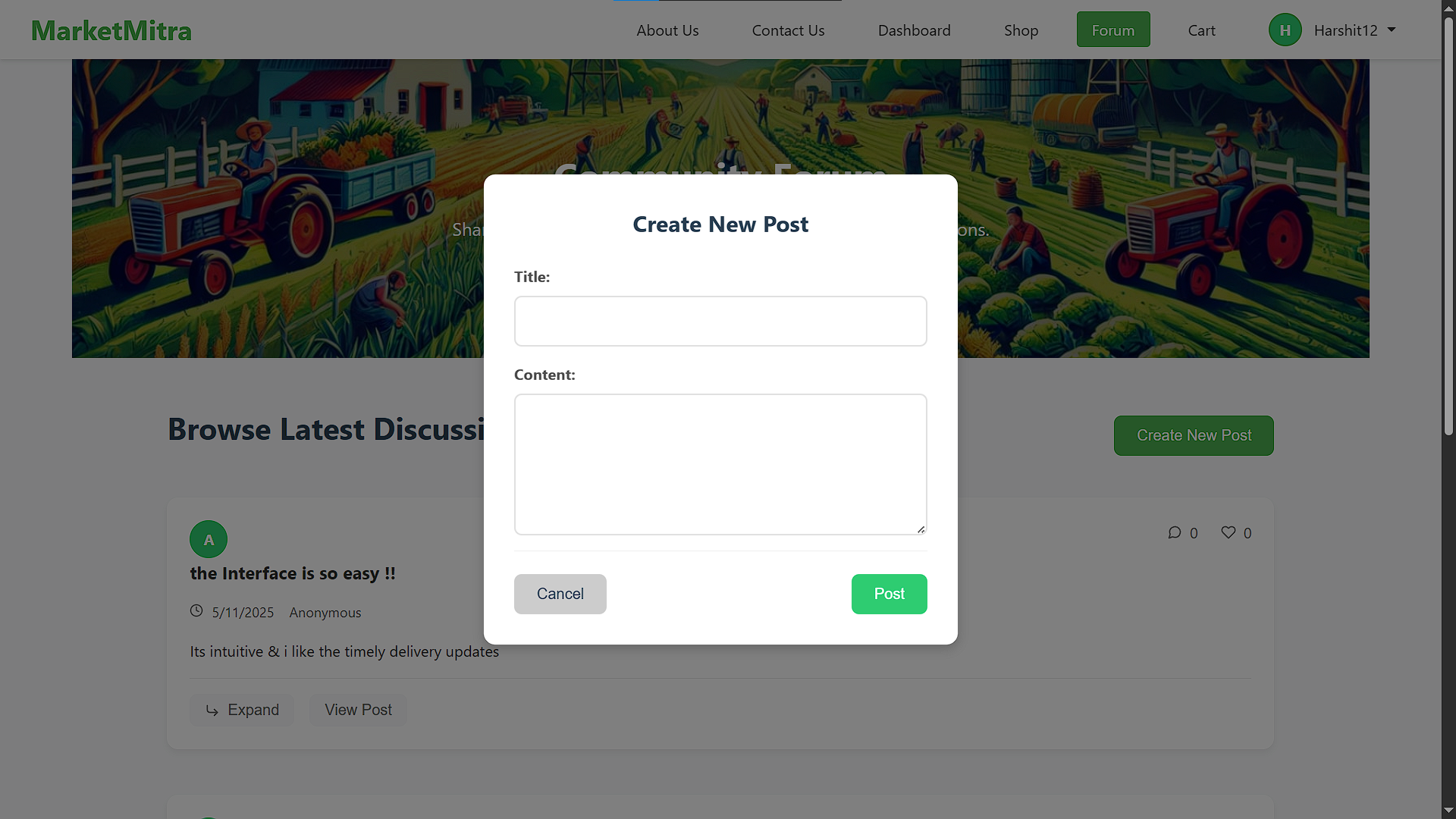
MarketMitra - Community Forum Add Post
-
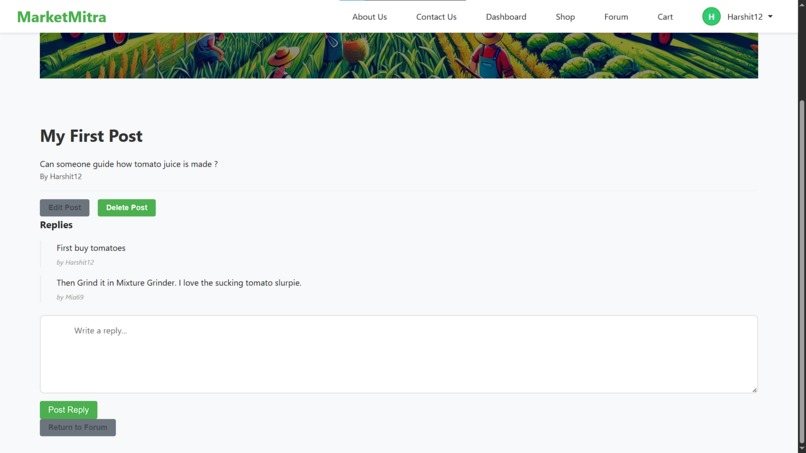
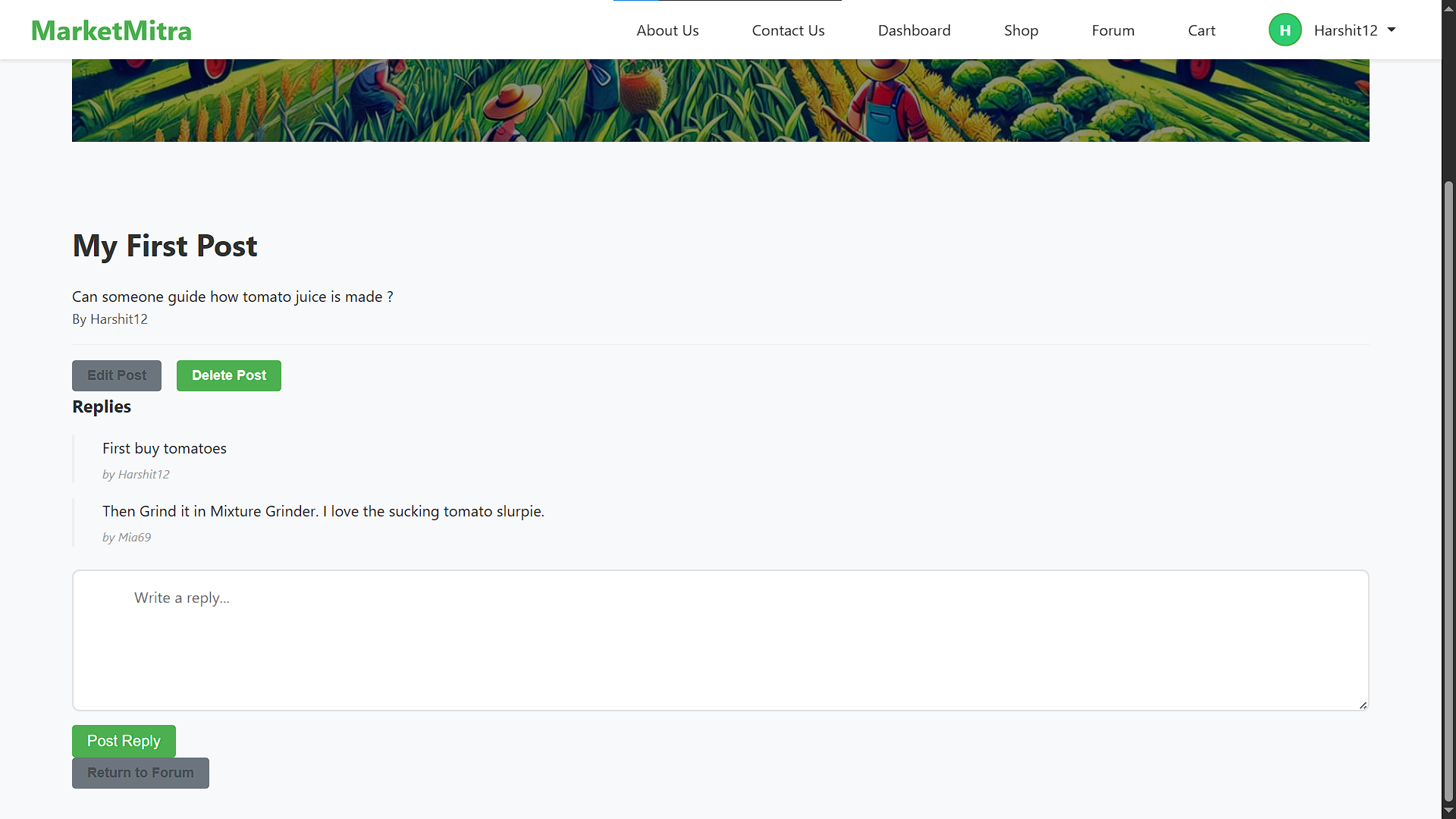
MarketMitra - Post Detail
-
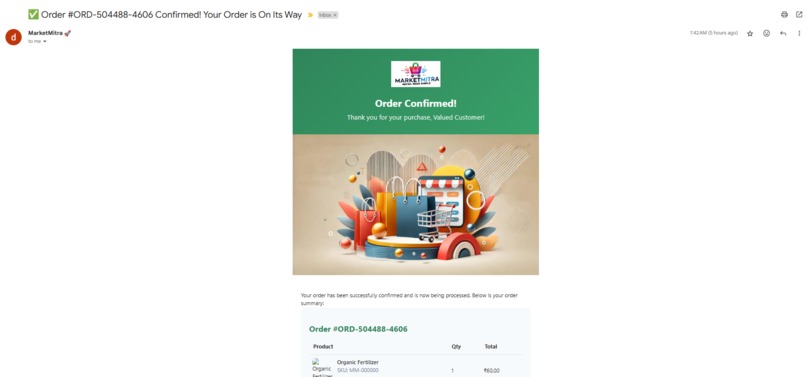
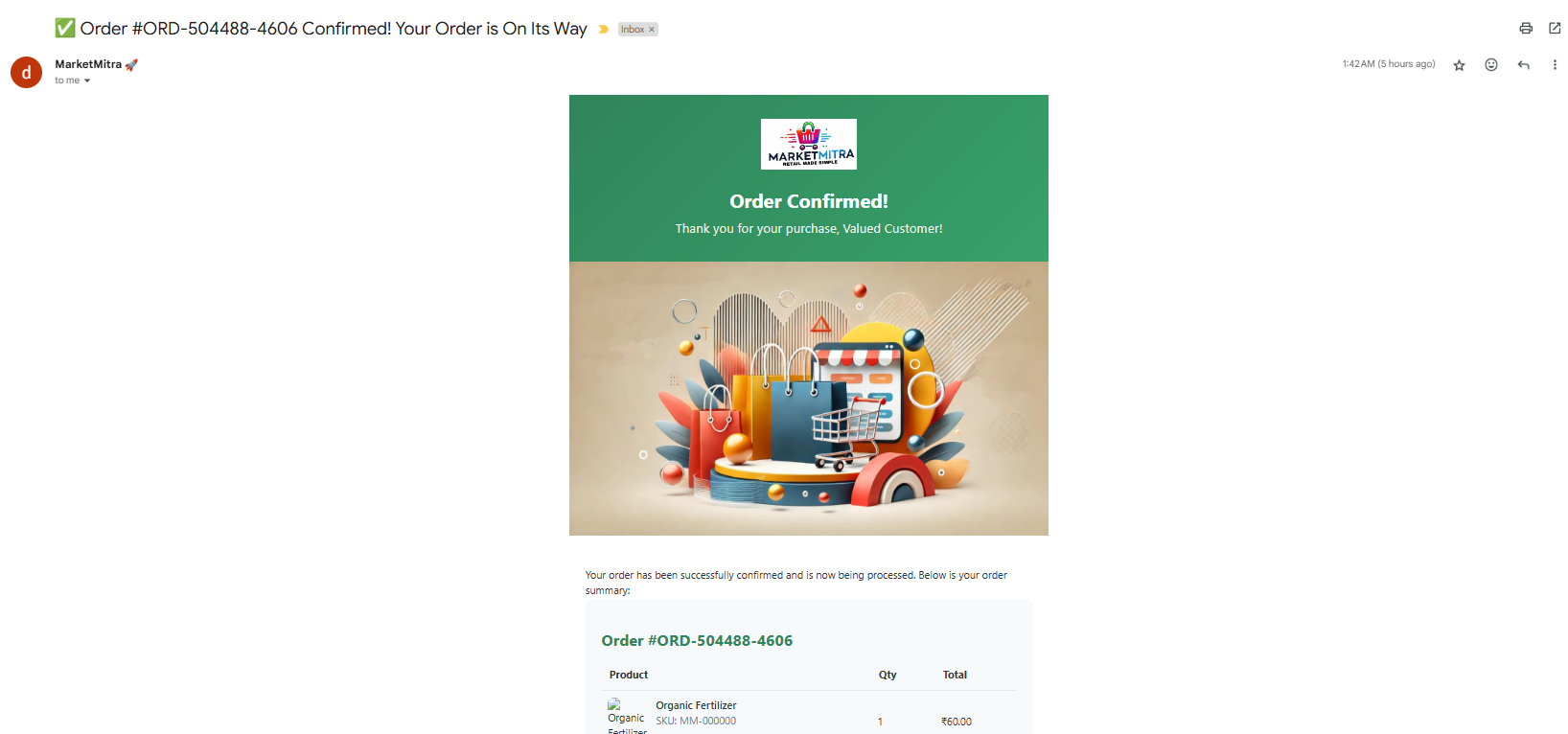
MarketMitra - Order Mail Invoice
-

Stockly - Home
-
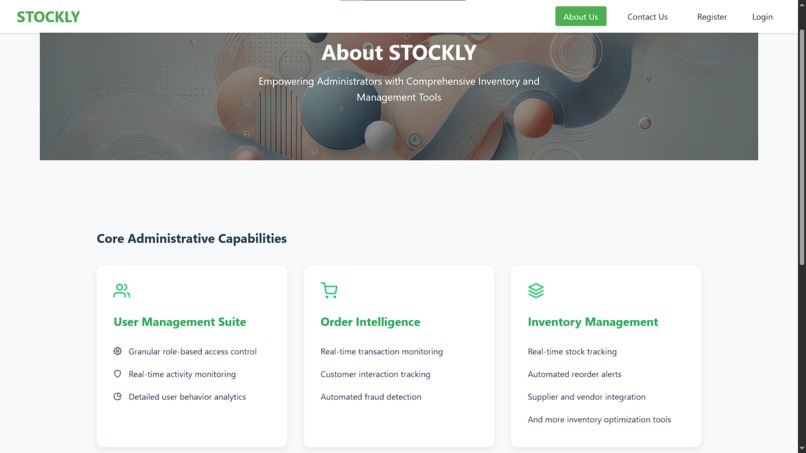
Stockly - About Us
-
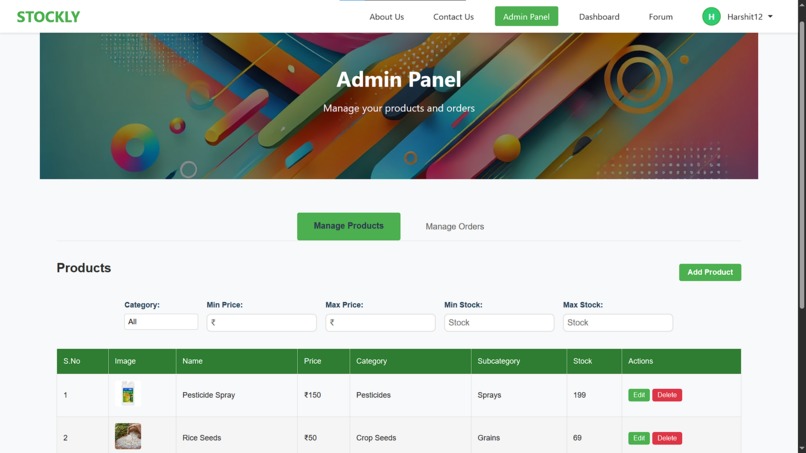
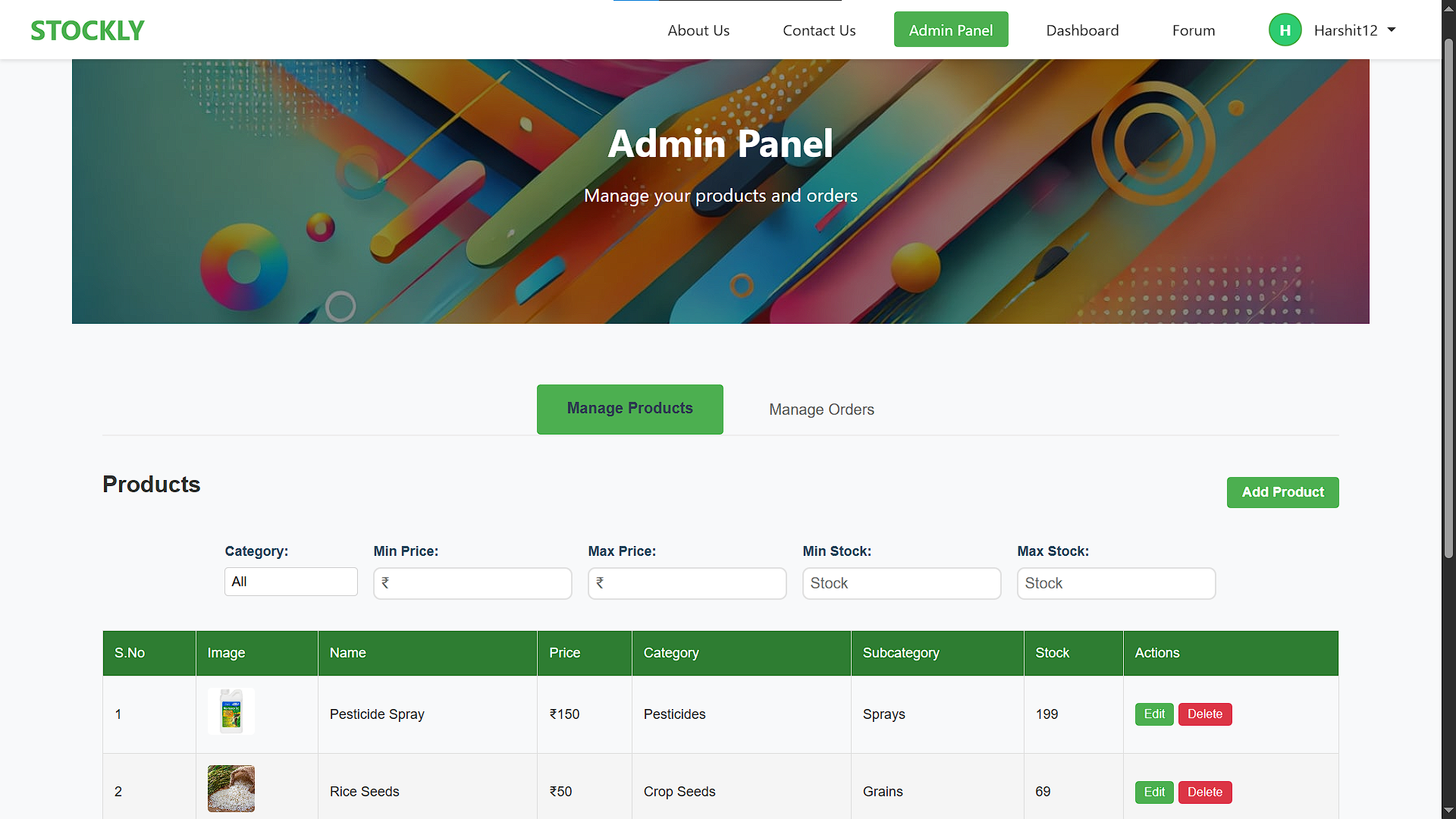
Stockly - Admin Panel - Manage Products
-
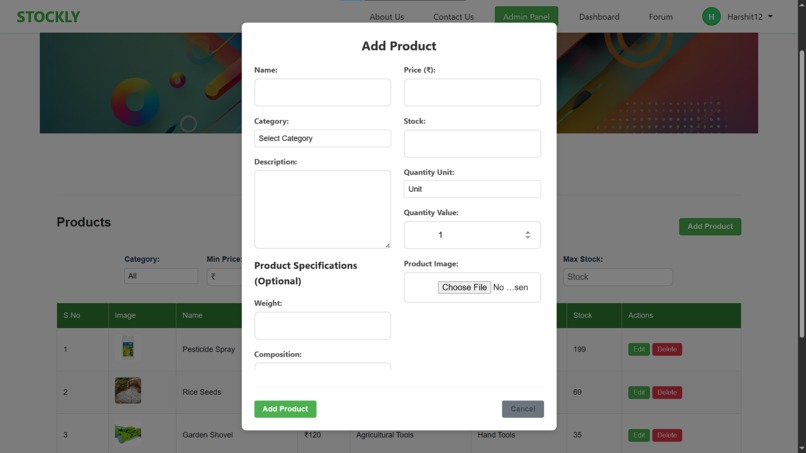
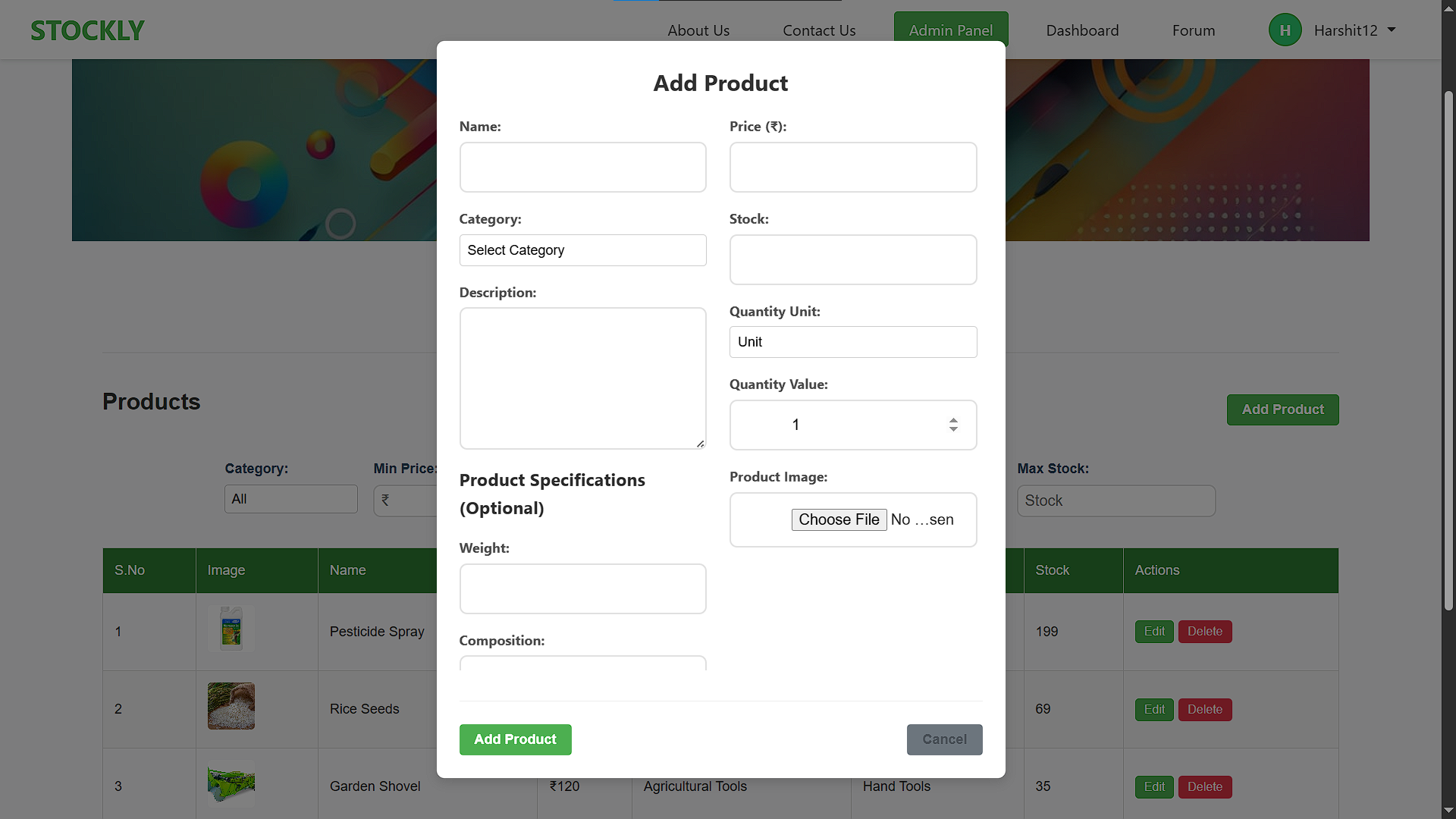
Stockly - Admin Panel - Manage Products - Add Product
-
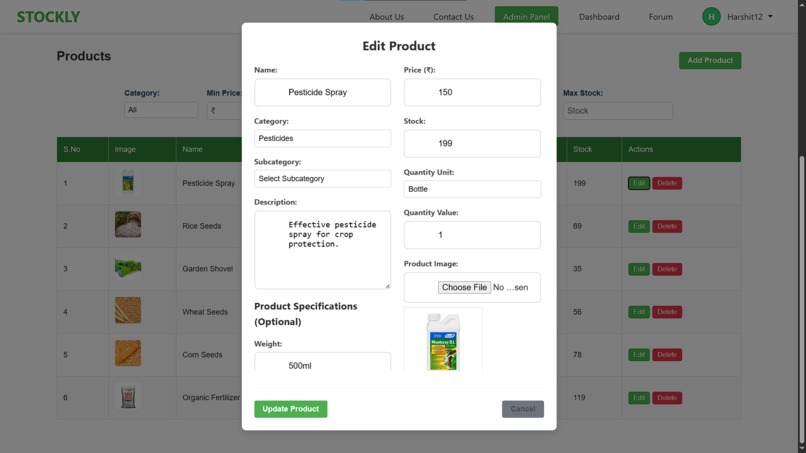
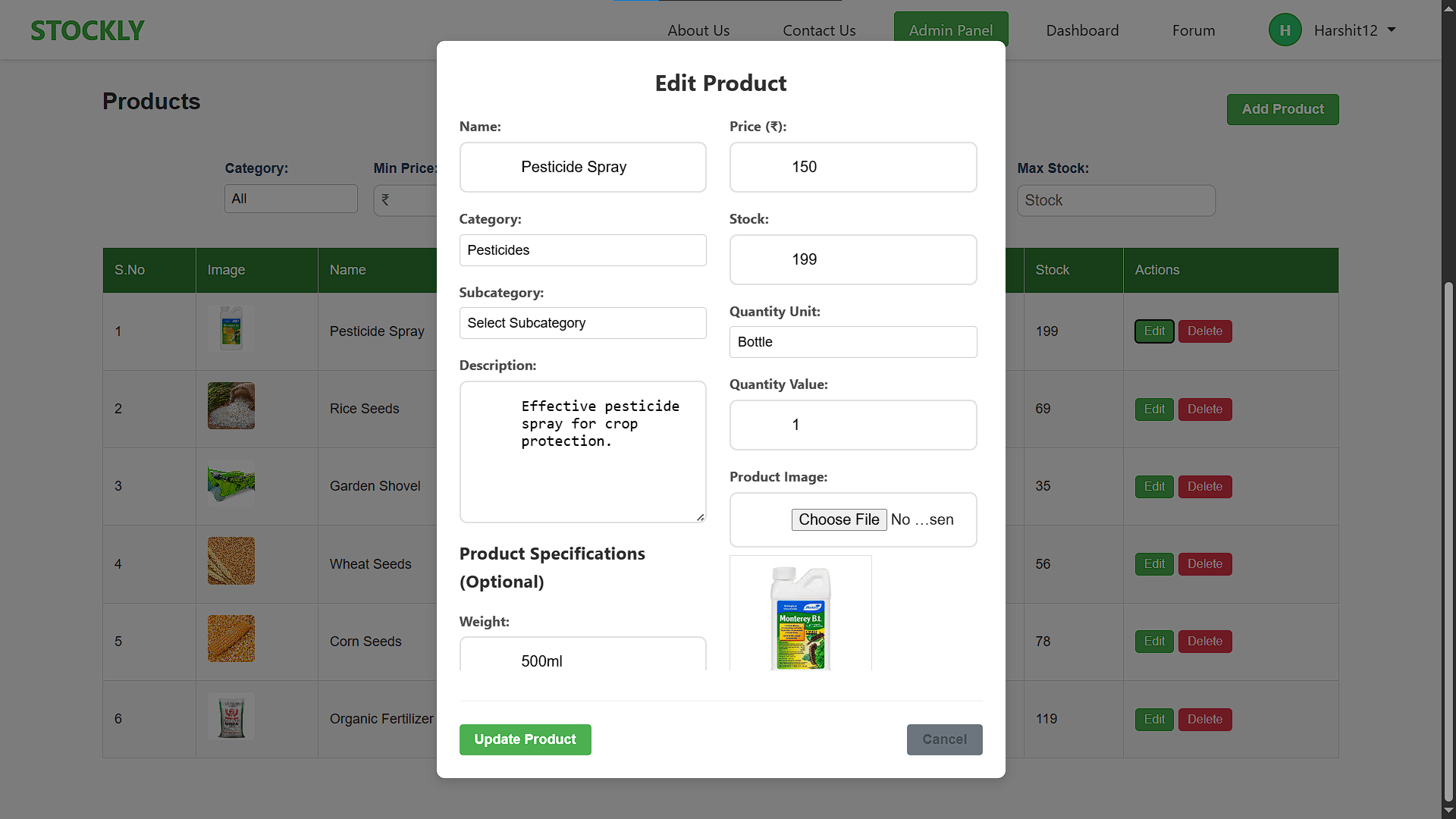
Stockly - Admin Panel - Manage Products - Edit Product
-
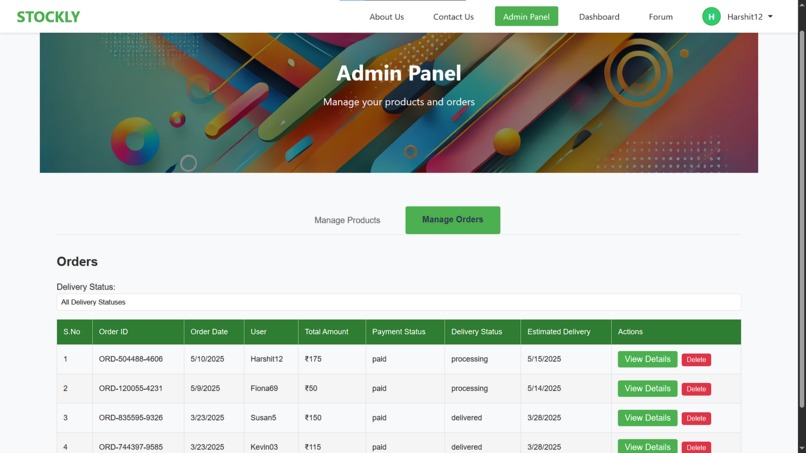
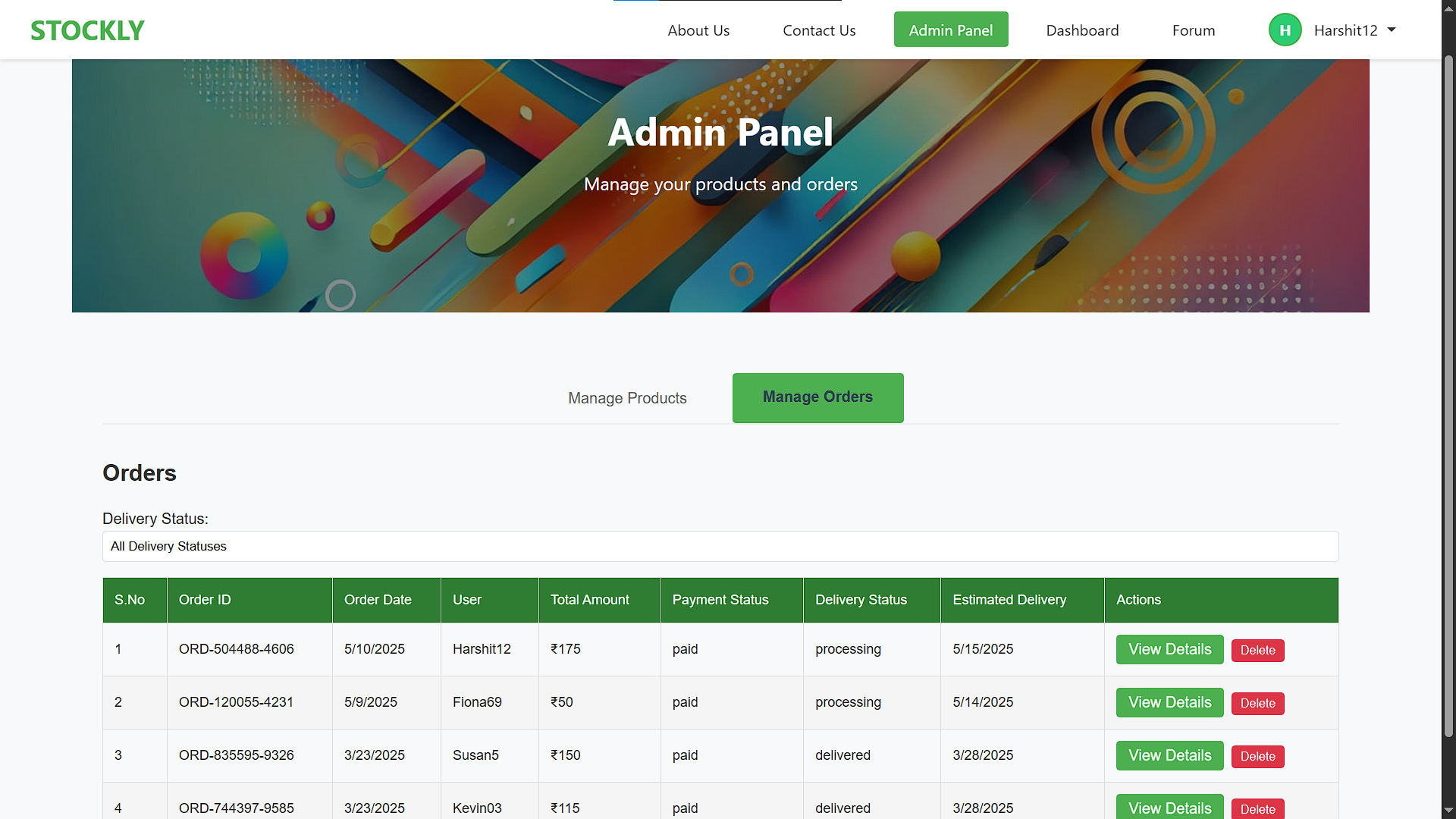
Stockly - Admin Panel - Manage Orders
-
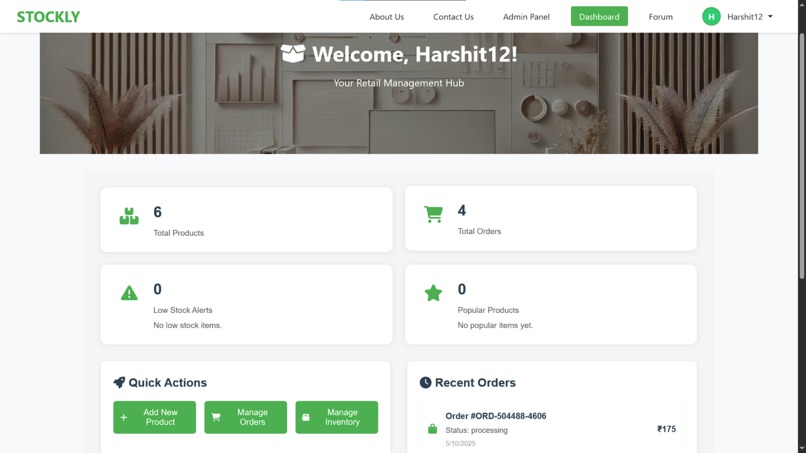
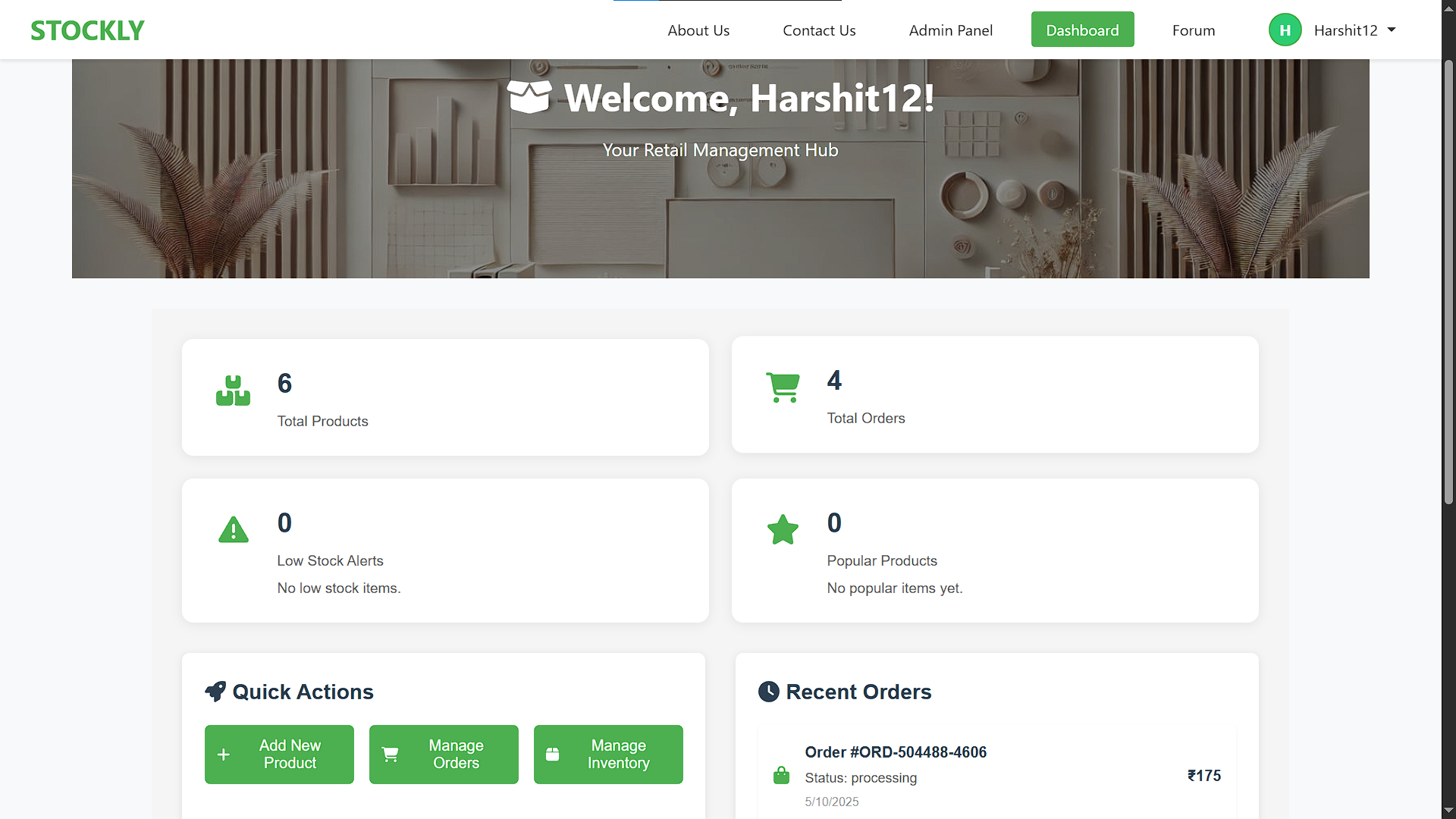
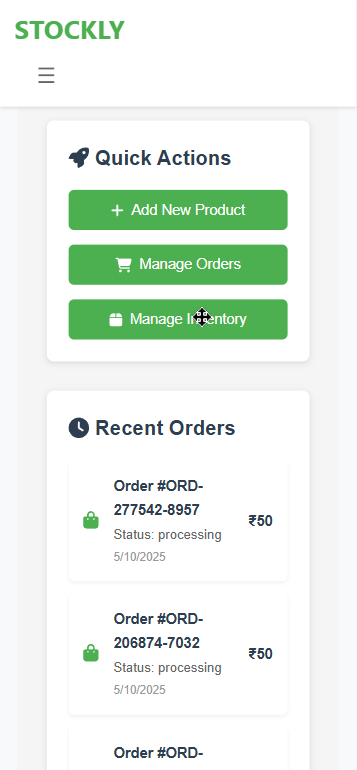
Stockly - Dashboard
-
MarketMitra Mobile App Logo
-
MarketMitra Mobile App Loading Screen
-
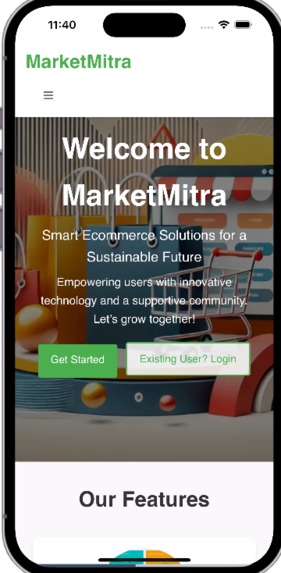
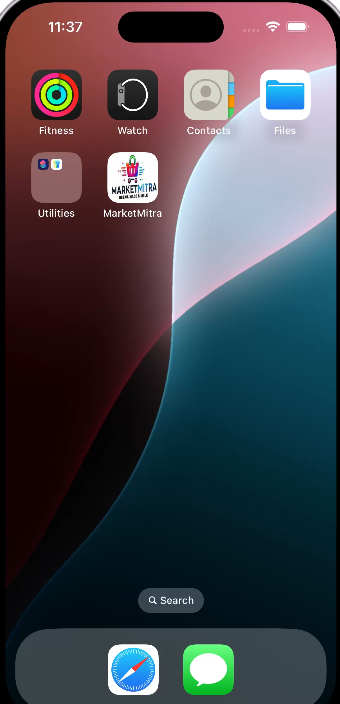
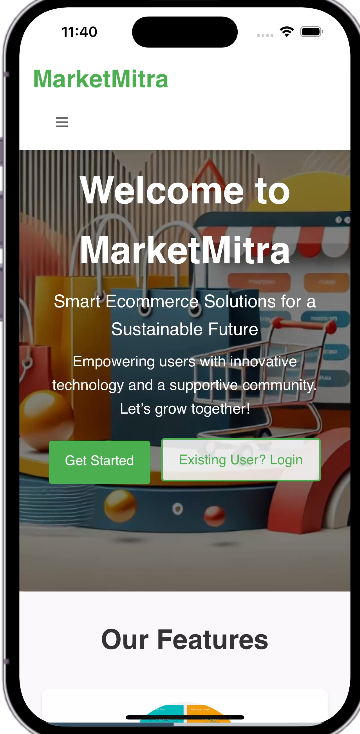
MarketMitra Mobile App Home
-
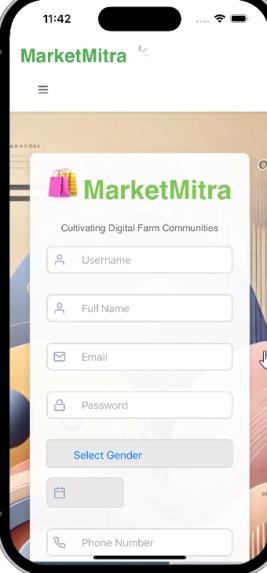
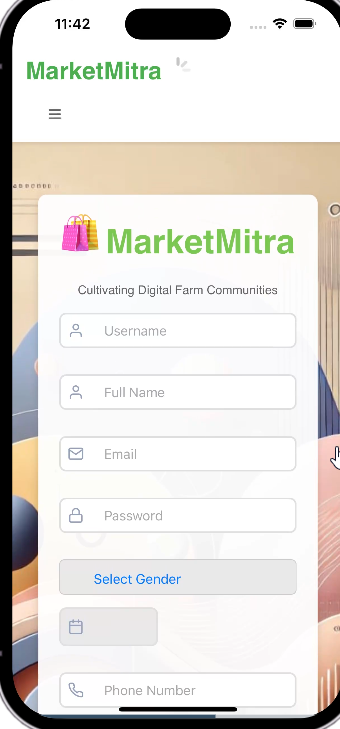
MarketMitra Mobile App Register user
-
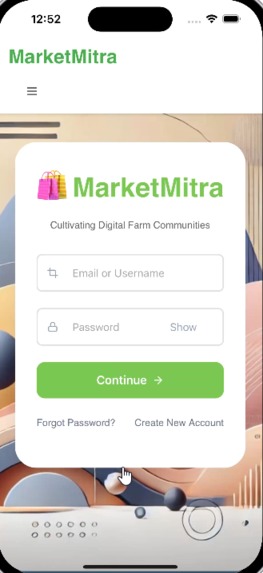
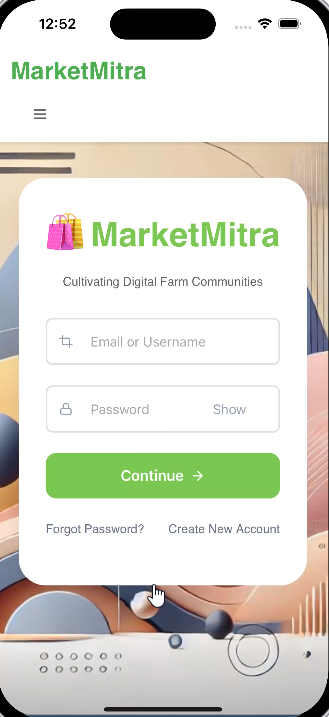
MarketMitra Mobile App Login
-
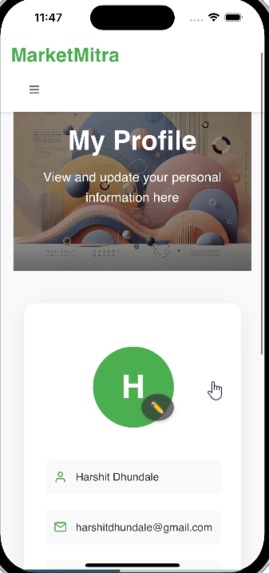
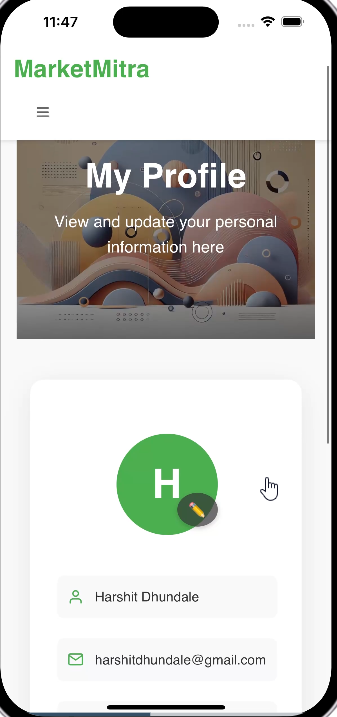
MarketMitra Mobile App Profile
-
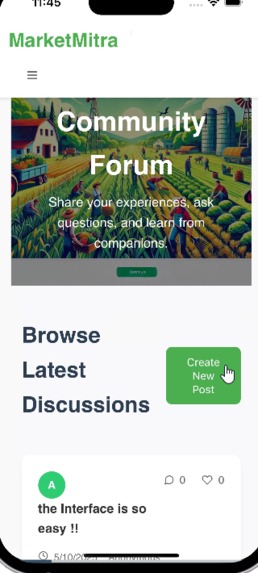
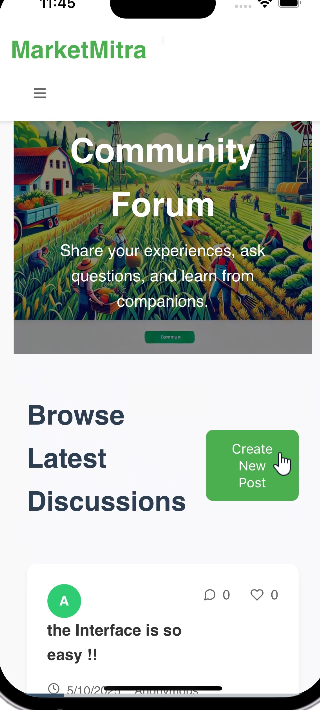
MarketMitra Mobile App Community forum
-
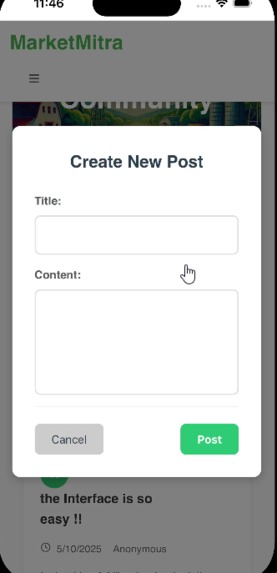
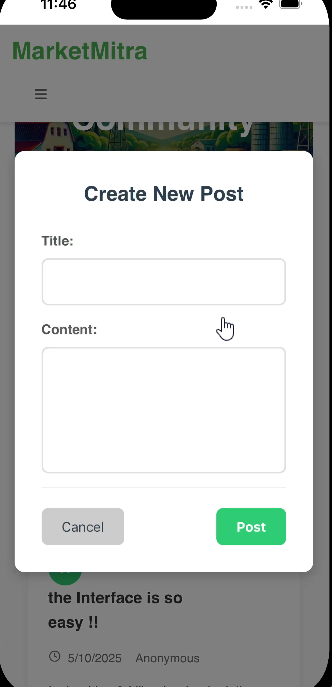
MarketMitra Mobile App New Post
-
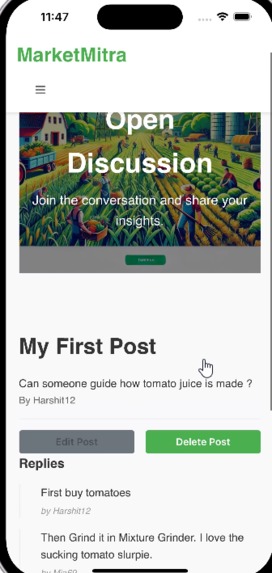
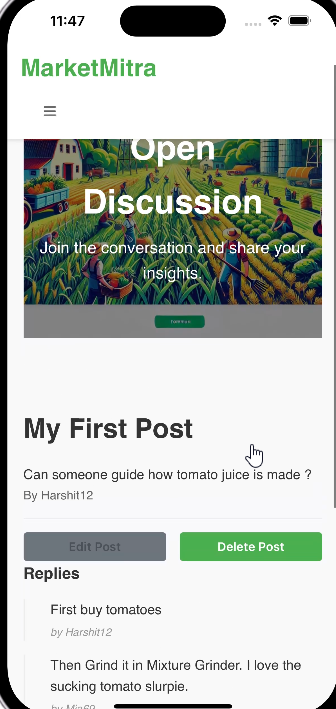
MarketMitra Mobile App View Post
-
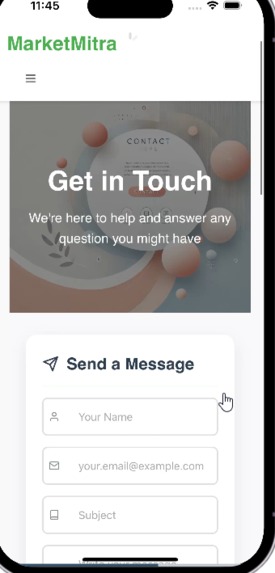
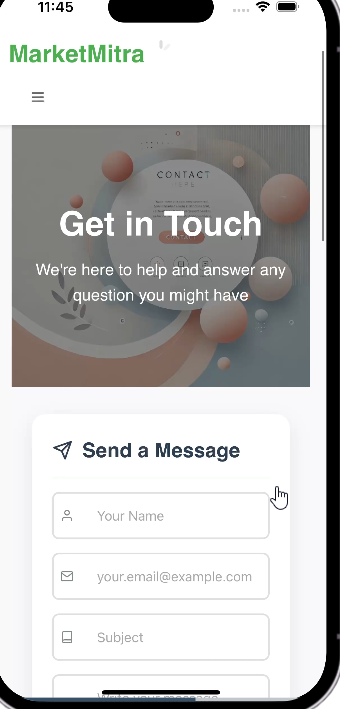
MarketMitra Mobile App Contact Us
-
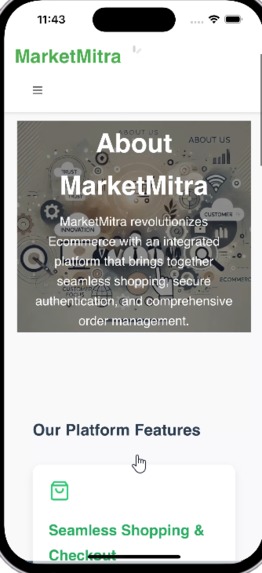
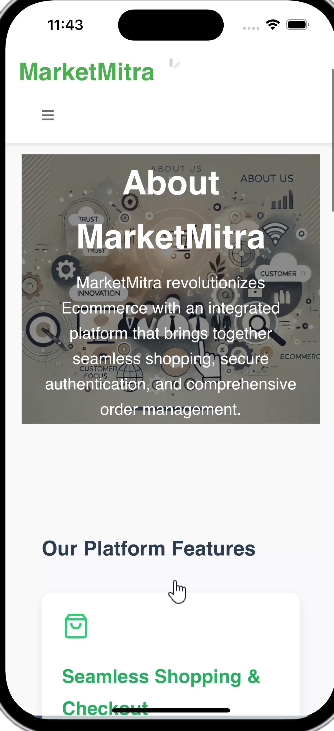
MarketMitra Mobile App About us
-
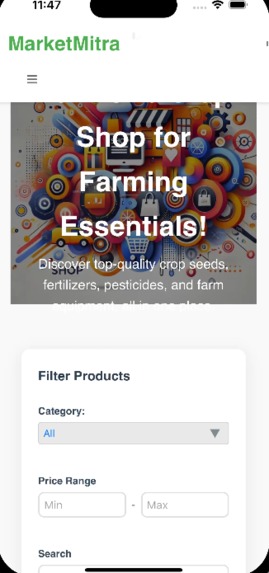
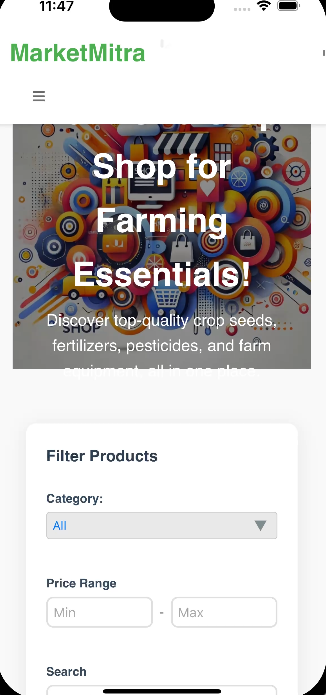
MarketMitra Mobile App Shop
-
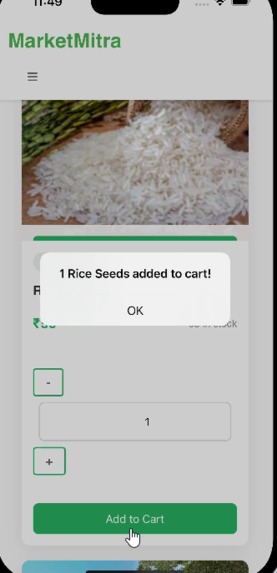
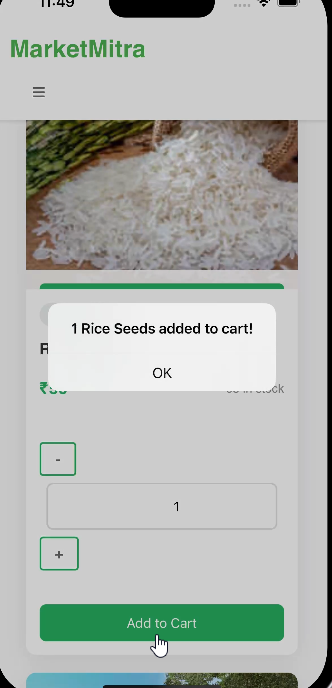
MarketMitra Mobile App Product Added
-
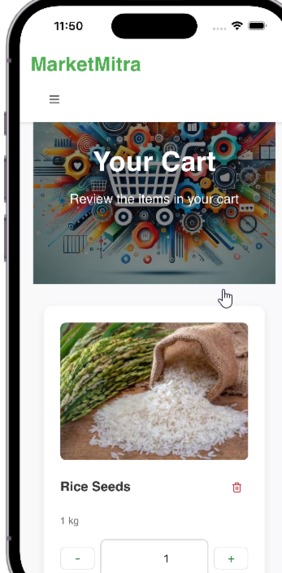
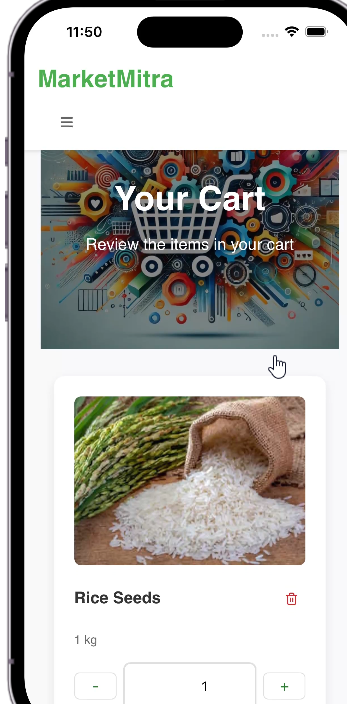
MarketMitra Mobile App Cart
-
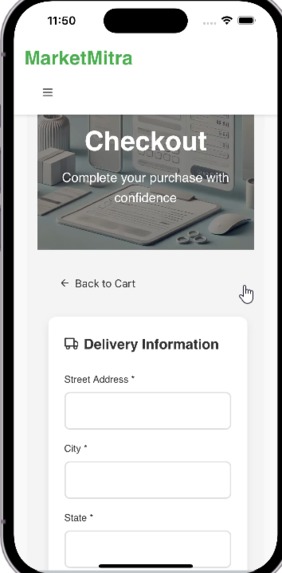
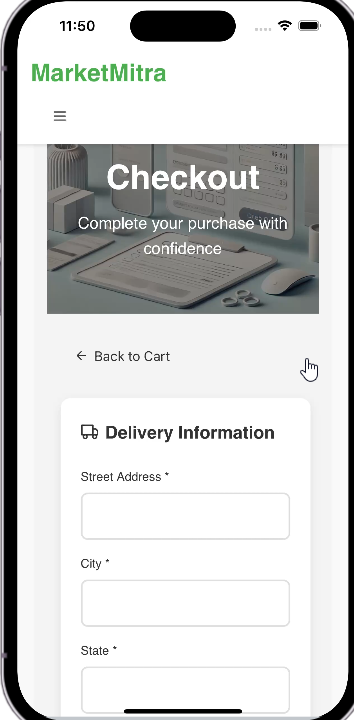
MarketMitra Mobile App Checkout 1
-
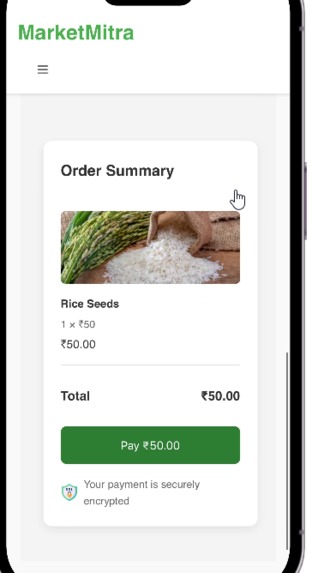
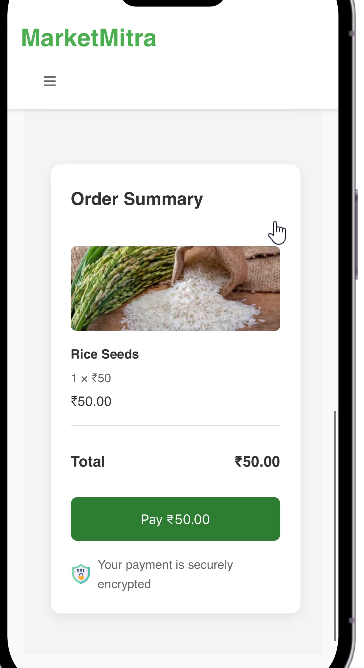
MarketMitra Mobile App 2
-
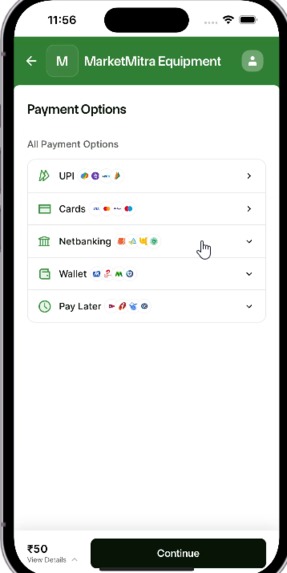
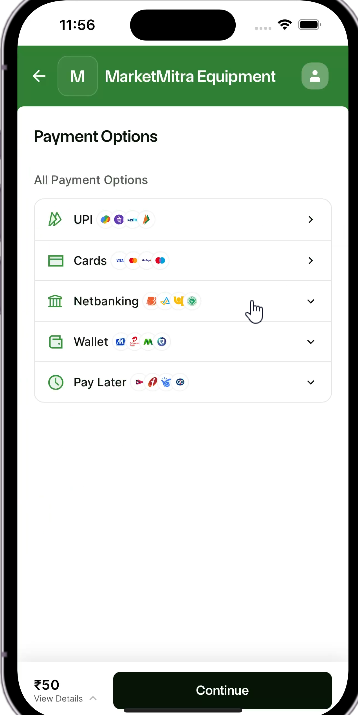
MarketMitra Mobile App MarketMitra Mobile App Payment Gateway
-
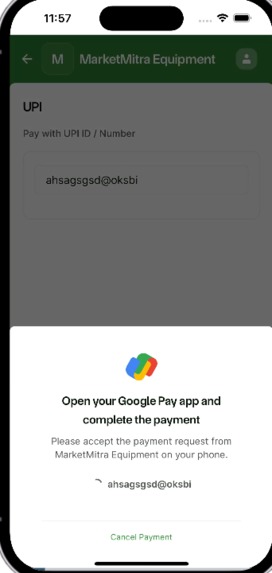
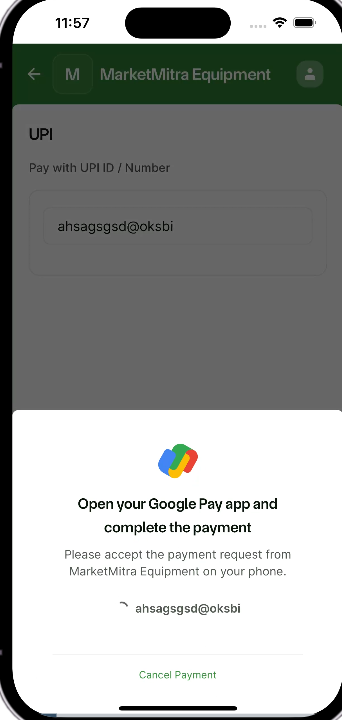
MarketMitra Mobile App Payment Authenticating
-
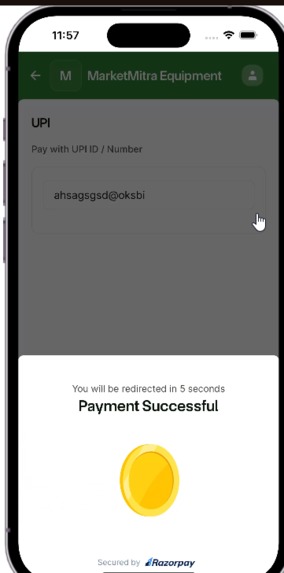
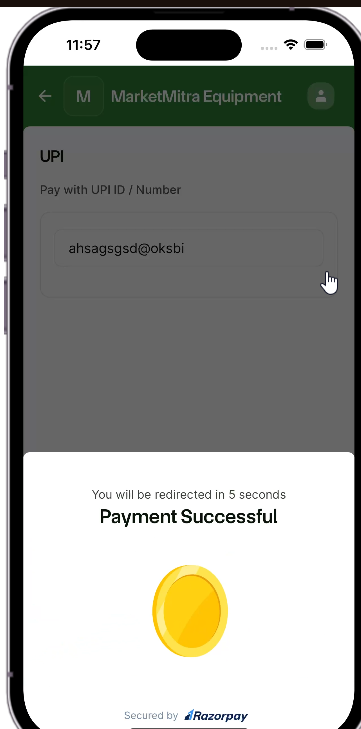
MarketMitra Mobile App Razorpay Payment Success
-
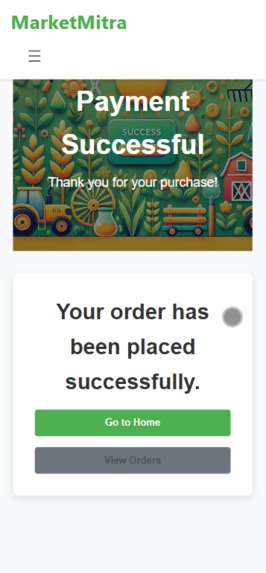
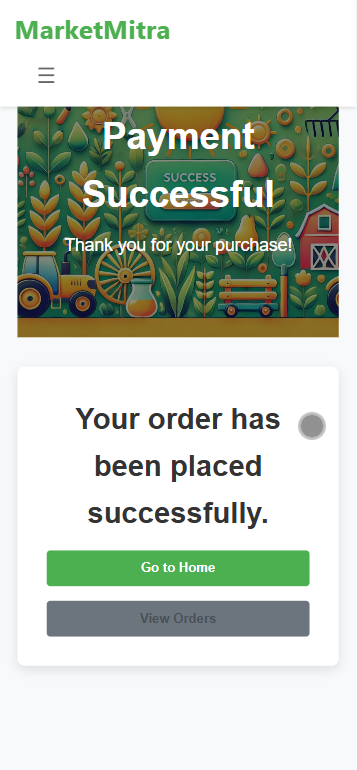
MarketMitra Mobile App Payment Success
-
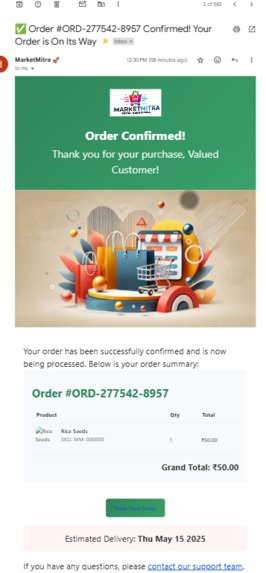
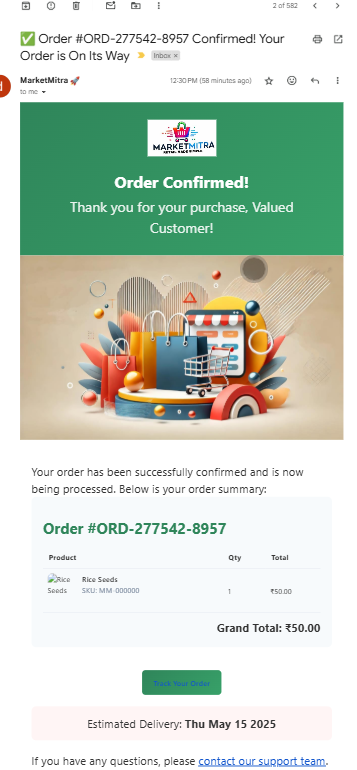
MarketMitra Mobile App Payment Invoice on Mail
-
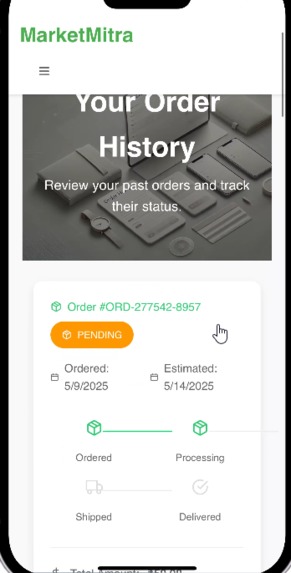
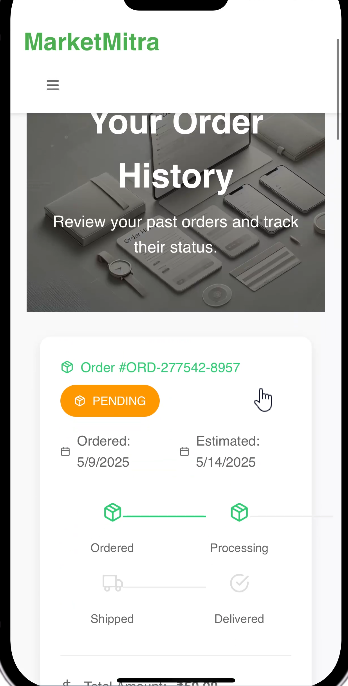
MarketMitra Mobile App Order History
-
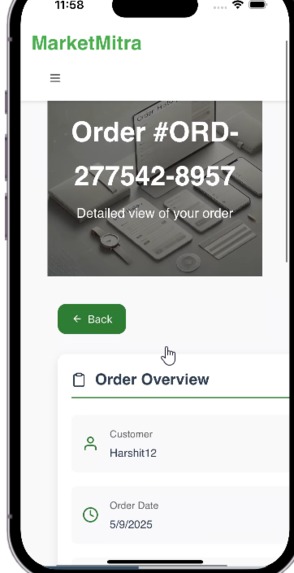
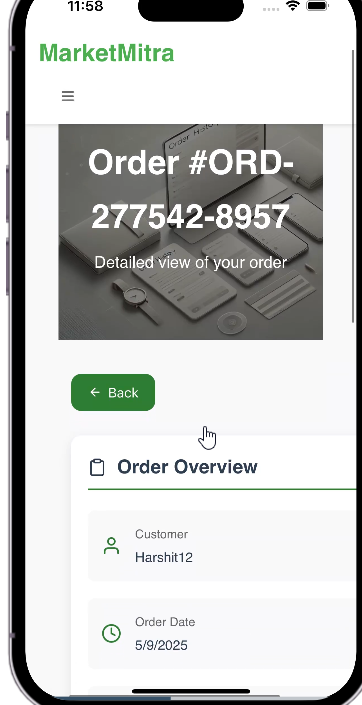
MarketMitra Mobile App Order Details
-
Stockly Mobile App Logo
-
Stockly Mobile App Loading Screen
-

Stockly Mobile App Home
-
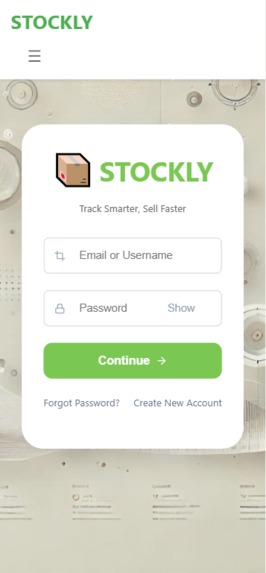
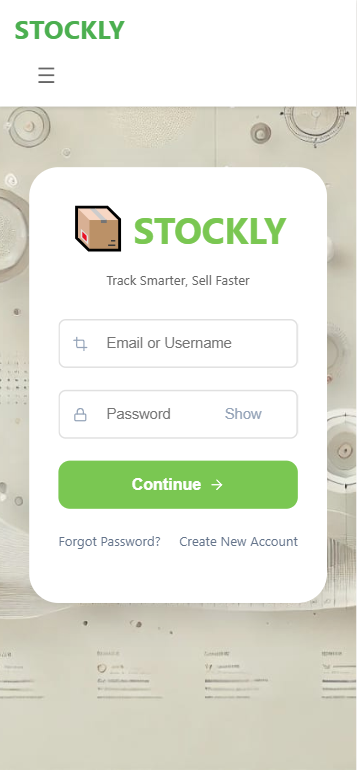
Stockly Mobile App Login
-
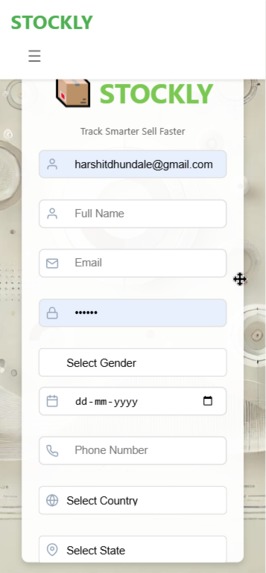
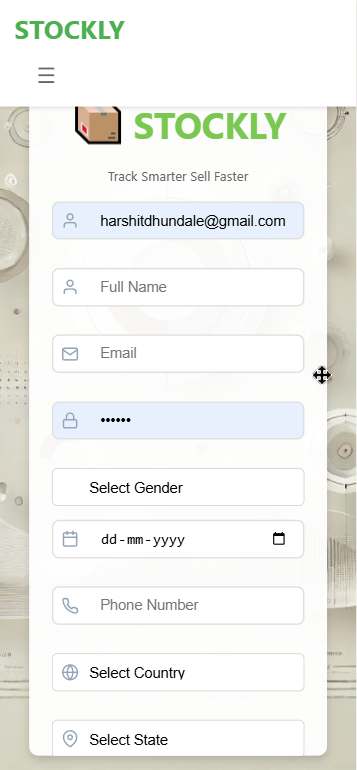
Stockly Mobile App Register
-
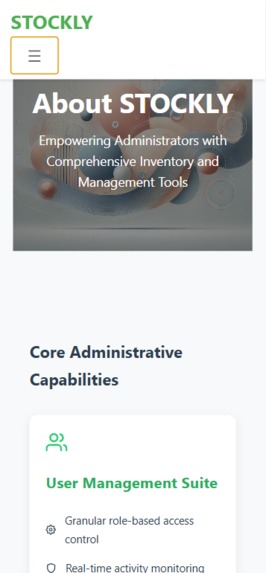
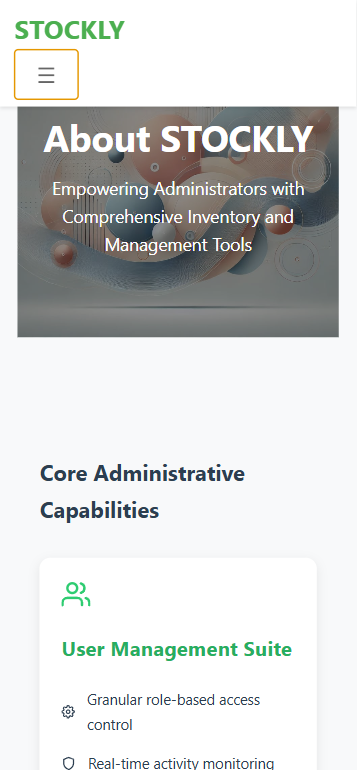
Stockly Mobile App About Us
-
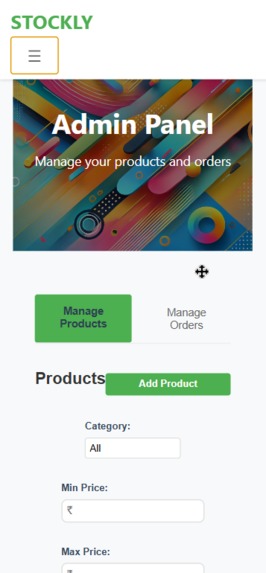
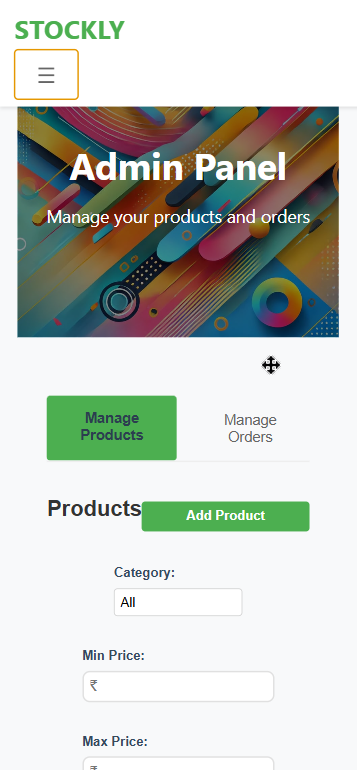
Stockly Mobile App Admin Panel
-
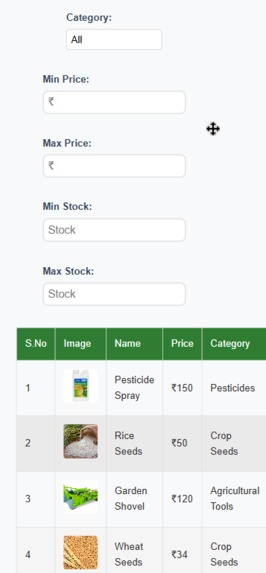
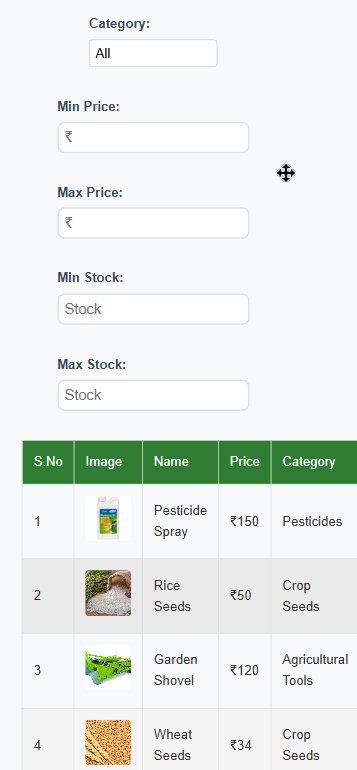
Stockly Mobile App Admin Panel - Manage Products
-
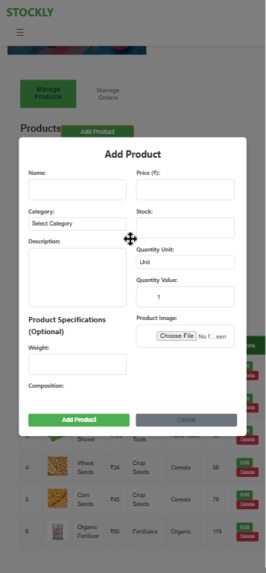
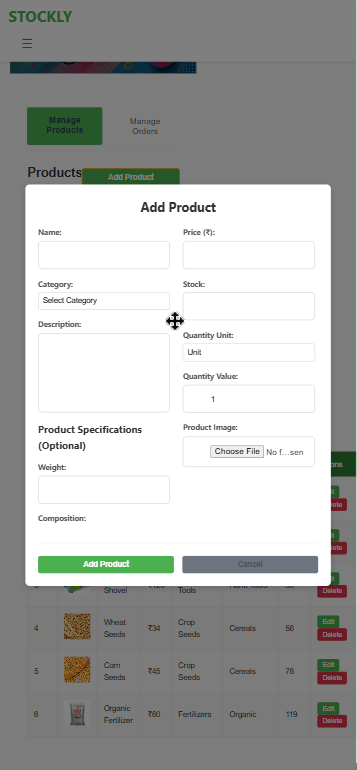
Stockly Mobile App Admin Panel - Add Product
-
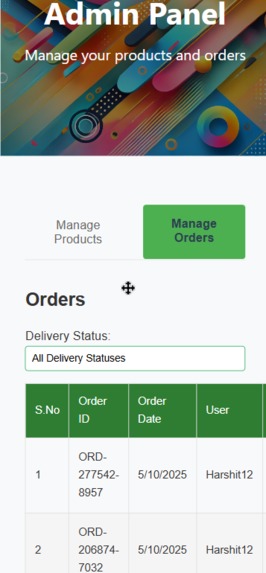
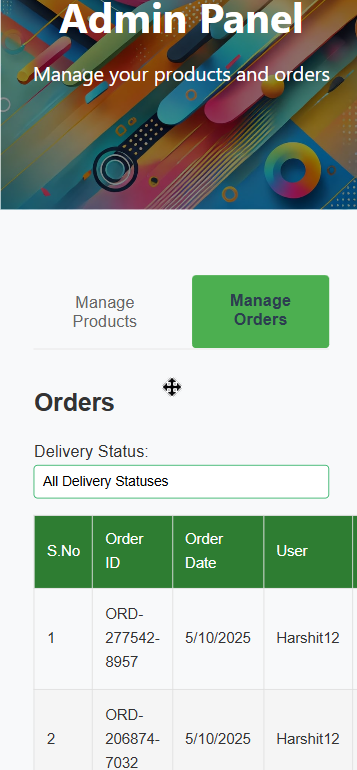
Stockly Mobile App Admin Panel - Manage Orders
-
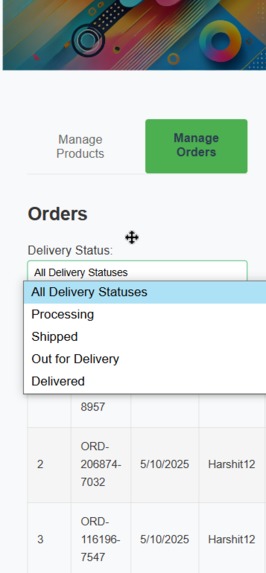
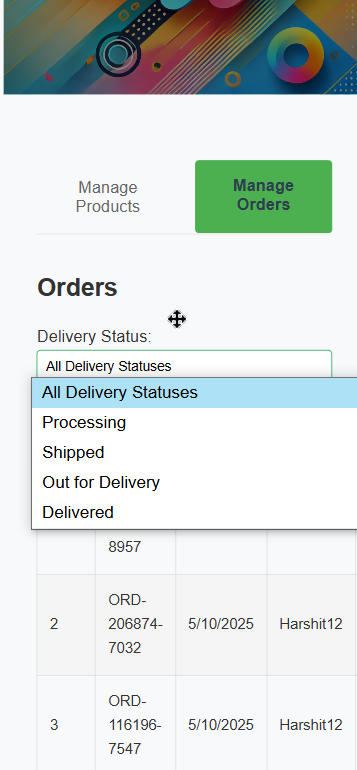
Stockly Mobile App Admin Panel - Manage Orders
-
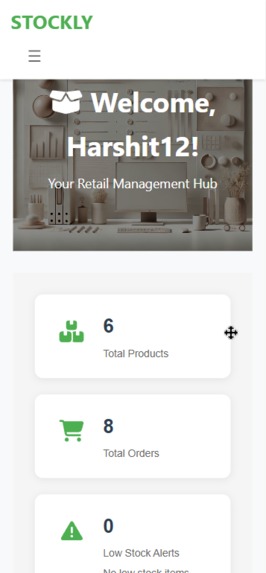
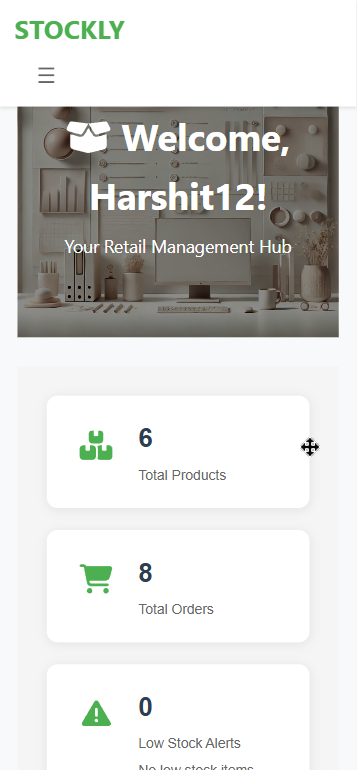
Stockly Mobile App Dashboard 1
-
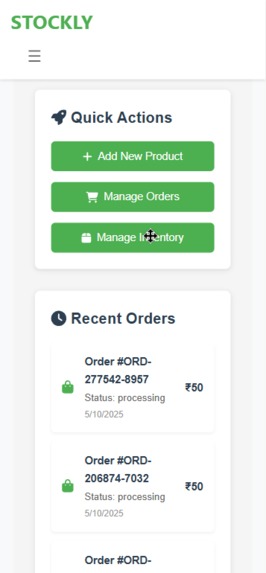
Stockly Mobile App Dashboard 2
-
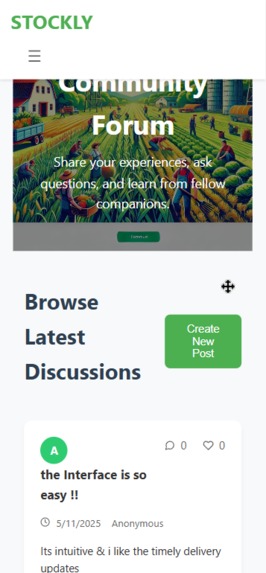
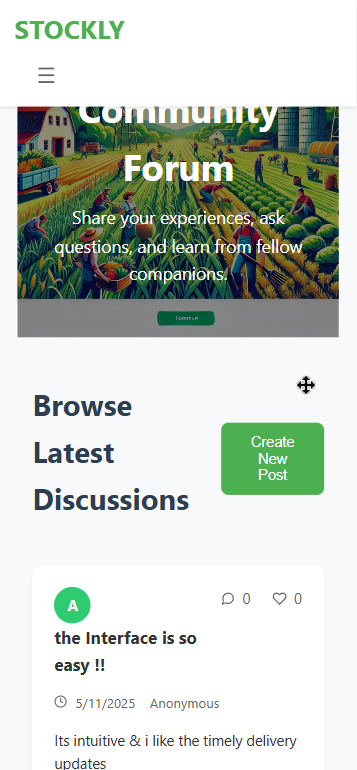
Stockly Mobile App Community Forum
-
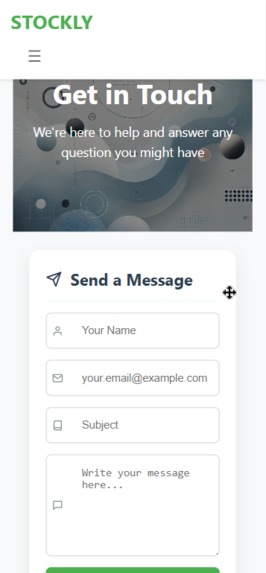
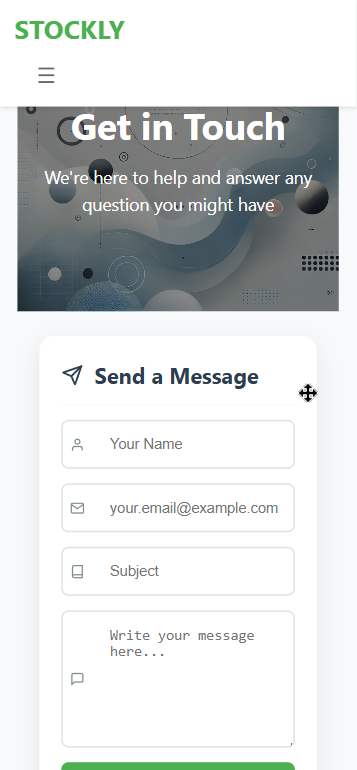
Stockly Mobile App Contact Us






Inspiration
HerbVerse Hack challenged us to unite technology and nature. We saw a chance to empower eco-conscious shoppers and small-scale herbal vendors with one seamless ecosystem. Instead of rebuilding, we leveraged our responsive React web apps by wrapping them in a true mobile shell—delivering both native and web experiences in record time.
What it does
MarketMitra (Customer)
- 🔐 Secure auth: Email + OTP signup/login, password reset
- 🔍 Product discovery: Browse & filter by category, price, availability
- 🛒 Shopping flow: Add to cart → checkout (address entry) → Razorpay payment → invoice email
- 📦 Order tracking: Real-time delivery updates & retry/pay-within-30-mins logic
- 💬 Community: Forum for user discussions
Stockly (Vendor/Admin)
- 🔐 Same secure auth + low-stock & dead-stock alerts
- 📊 Dashboard: Total products, orders, analytics, popular items
- ✏️ Inventory CRUD: Add/Edit/Delete; sort by type, price, stock
- 🚚 Order management: View by status, detail view, bulk deletes
- 💬 Community: Forum & profile management
Mobile delivery: Wrapped each responsive React app in an Expo-powered
react-native-webview(and Capacitor) to produce installable Android APKs in under a day.
How we built it
- Core stack: React, Node.js, Express, MongoDB, Redis
- Mobile shell: Expo +
react-native-webview; Capacitor for native packaging - State & UI: Redux Thunk, React Router, Tailwind CSS, AOS animations, GSAP
- Auth & security: JWT, Passport.js (Google OAuth), bcrypt, express-rate-limit, express-mongo-sanitize
- Payments & emails: Razorpay SDK, Nodemailer
- Dev & deploy: Nodemon, concurrently, GitHub Actions CI, Vercel (frontend), Render (backend)
// Example: WebView wrapper in Expo
import React from 'react';
import { SafeAreaView } from 'react-native';
import { WebView } from 'react-native-webview';

export default function App() {
  return (
    <SafeAreaView style={{ flex: 1 }}>
      <WebView source={{ uri: 'https://marketmitra.vercel.app' }} />
    </SafeAreaView>
  );
}
Challenges we ran into
- ⚙️ Integrating Redis-backed OTP/session caching for reliability
- 🔄 Keeping inventory in sync across web and mobile WebViews
- 📂 Organizing a mono-repo with two frontends + one backend
Accomplishments we’re proud of
- 📱 True mobile APKs via Expo & Capacitor—compliant with React Native requirement
- 🔄 Full end-to-end checkout with retry logic and automatic stock updates
- 🎨 Responsive, polished UI across desktop and phone without separate codebases
What we learned
- 🚀 Rapid mobile prototyping using WebView wrappers
- 📐 Best practices for structuring a full-stack mono-repo
- 🤖 CI/CD flows for multi-app deployments
What’s next
- Offline support & push notifications in a native wrapper
- In-app chat between customers and vendors
- AI-driven demand forecasting & vendor recommendations
Built With
- aos
- bcrypt-payments-&-email:-razorpay-api
- capacitor(ionic)
- concurrently
- country-state-city
- cron
- expo.io
- express-databases-&-caching:-mongodb
- github
- githubactions
- google-oauth
- gsap
- javascript
- languages-&-frameworks:-javascript
- node-cron
- node.js
- nodemailer-dev-&-deployment:-nodemon
- passport.js
- react
- react-modal
- react-native
- react-native-webview
- react-router
- redis-authentication-&-security:-jwt
- render-libraries-&-tools:-redux-thunk
- sharp
- vercel
