-
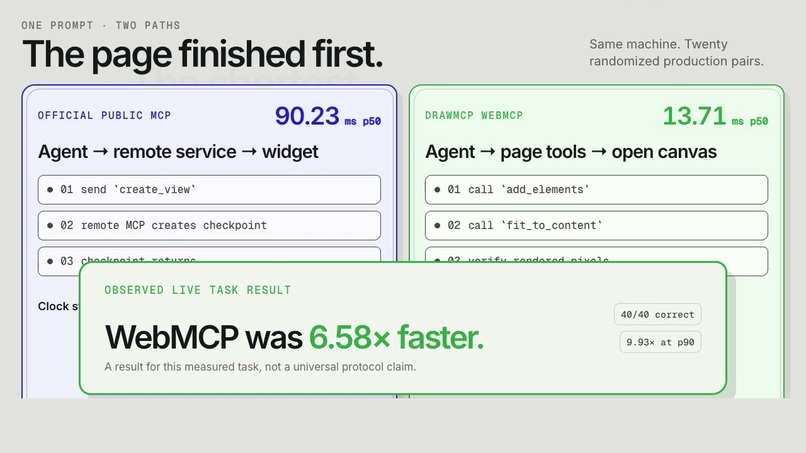
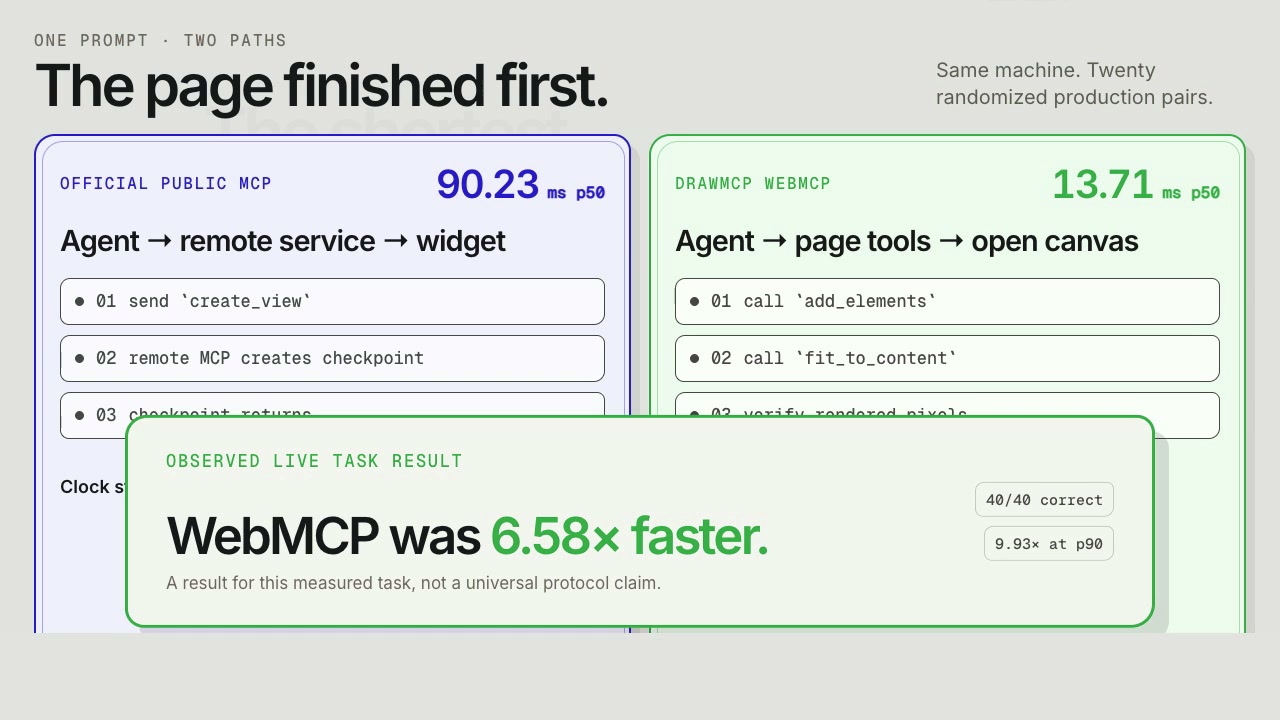
20 randomized production pairs: DrawMCP finished the measured task 6.58x faster at p50.
-
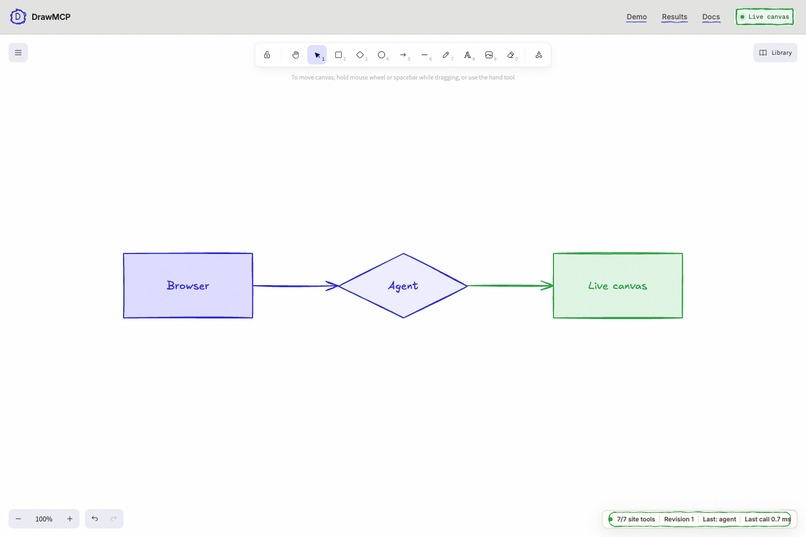
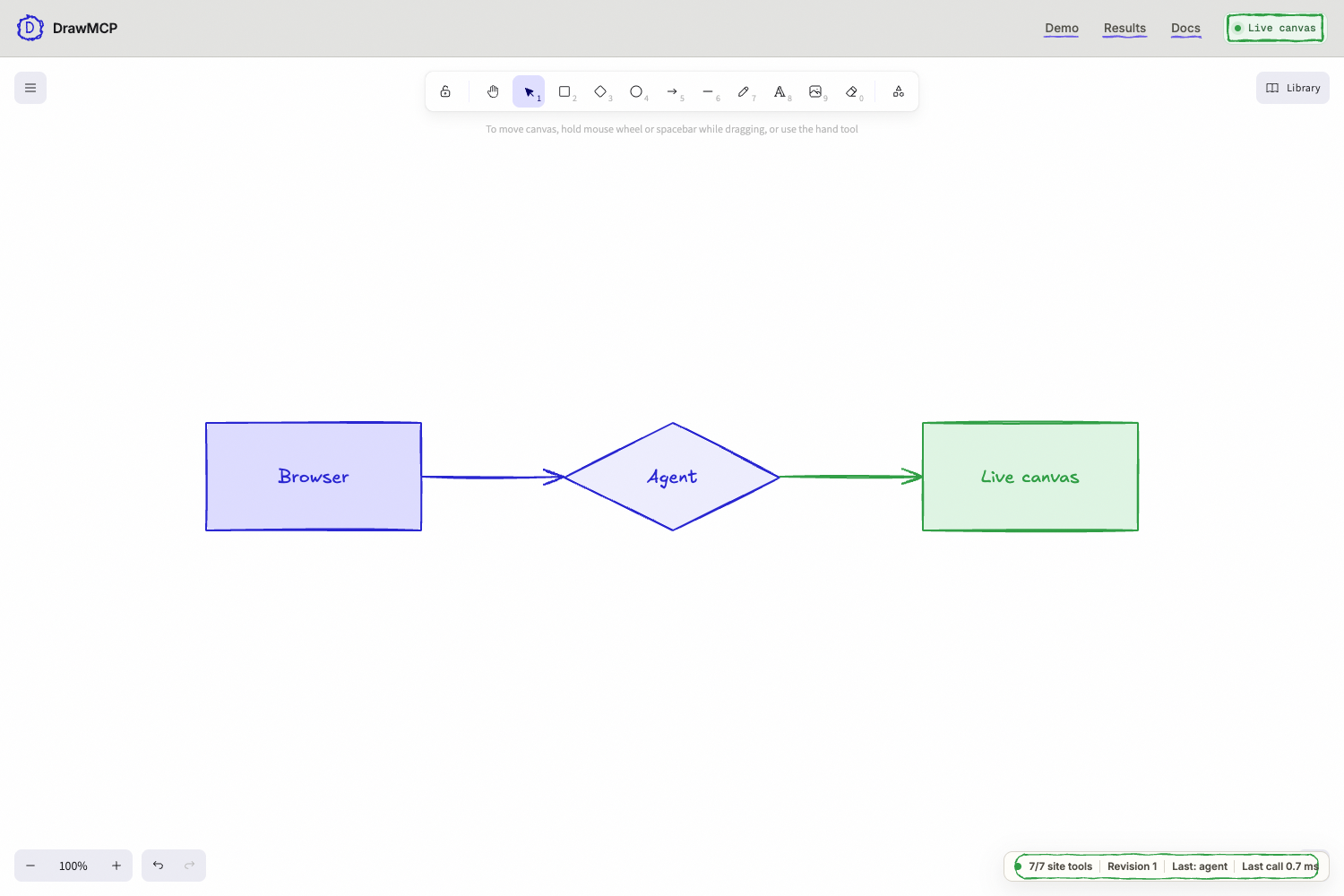
Seven WebMCP tools let the browser agent read and update the same live Excalidraw canvas.
-
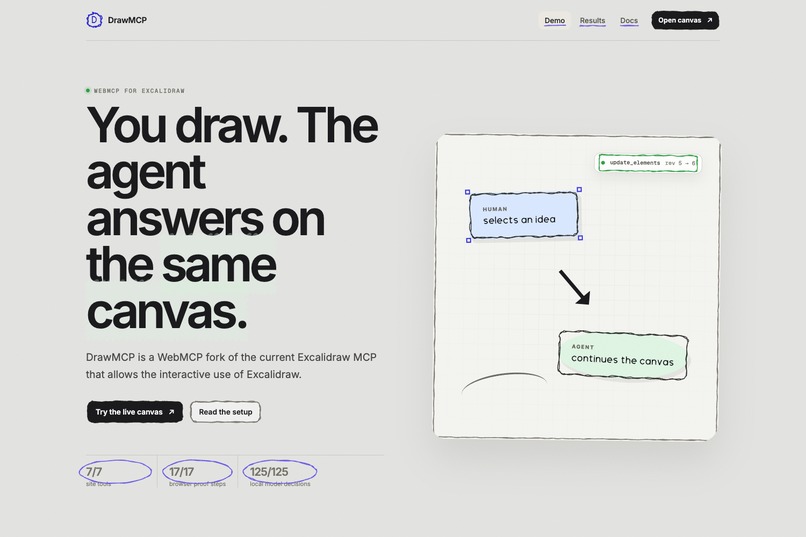
DrawMCP: Excalidraw's public MCP rebuilt as a WebMCP
Inspiration
Excalidraw has a great MCP server. I used it and kept running into one awkward boundary: the agent generated a diagram in a remote widget while the canvas in front of me remained separate. I wanted the agent to work with me on the page I already had open. That is where WebMCP clicked.
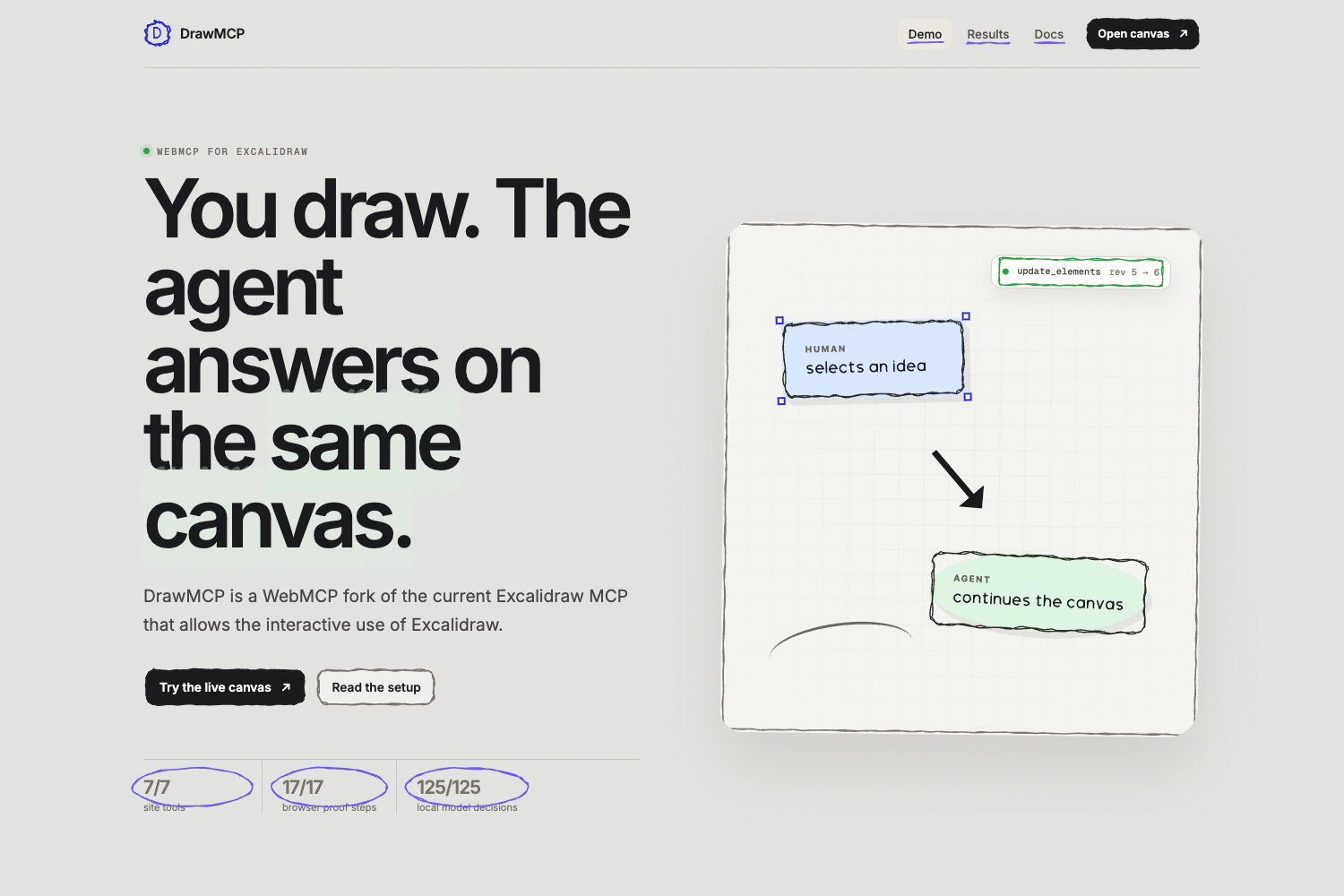
DrawMCP is my WebMCP take on the current Excalidraw MCP. You draw through the normal Excalidraw controls, and the agent works on that same canvas through WebMCP.
What it does
DrawMCP gives a browser agent seven tools over the Excalidraw canvas on screen:
get_canvas_summaryget_selectionadd_elementsupdate_elementsdelete_elementsfit_to_contentorganize_diagram
A person can sketch an idea, select part of it, or move a shape by hand. The agent reads that exact state and can continue the drawing. Both edits use one revision history, so the normal Excalidraw Undo and Redo controls still work. There is no connector to configure for the WebMCP path, no export step, and no second canvas to reconcile.
The site also places the official Excalidraw MCP and DrawMCP side by side. Both are useful. They solve the agent-to-canvas boundary in different places.
How I built it
The app uses React, TypeScript, Vite, and the published Excalidraw React SDK. The /canvas page registers seven closed-schema tools through document.modelContext.registerTool(...). Read tools return bounded scene and selection summaries. Write tools validate their inputs again when they execute, serialize competing changes, support cancellation, and accept an optional expected_revision so a stale agent write cannot silently overwrite a newer human edit.
Every agent mutation goes through one canvas service and Excalidraw's own element versioning. The tool returns after the editor has applied the change. Registrations are aborted when the page unmounts, and the ordinary editor still works when WebMCP is unavailable.
I used Puppeteer for real-browser evaluation, Vitest for component and contract tests, AJV for runtime schema validation, and Vercel for the production deployment.
The measured result
I ran 20 randomized production pairs from the same machine. All 40 trials passed the same scene oracle.
The DrawMCP lane called add_elements, called fit_to_content, and proved that the rendered Excalidraw pixels changed before its clock stopped. It measured 13.71 ms at p50. The official public MCP lane stopped when create_view returned its checkpoint, before the separate widget rendered, and measured 90.23 ms at p50. DrawMCP was 6.58 times faster for this measured task and 9.93 times faster at p90.
Those clocks include different work, so I keep the boundary beside the result. This is a measured workflow result, not a claim that every WebMCP site beats every remote MCP server.
Challenges I ran into
Drawing rectangles was easy. Keeping Excalidraw normal after an agent write was the real work. Bound text, connectors, selection, revisions, stale writes, cancellation, local recovery, and native history all had to survive the tool boundary.
The benchmark was the second hard part. The two implementations do not expose the same stopping point. I kept every failed trial in the denominator, randomized the lane order, throttled calls to the public service, checksummed the raw rows, and withheld p95 because each live lane had fewer than 40 successful samples.
Accomplishments that I am proud of
The final release passed 115 deterministic tests, 17 browser proof steps against both the development and production builds, 11 Chrome Labs smoke calls, 125 repeated local-model decisions, and nine desktop and mobile visual routes. The shared-canvas evaluation also proved a complete human edit, WebMCP read, agent write, rendered change, Undo, and Redo sequence.
More importantly, the product still feels like Excalidraw. The person can use the normal keyboard shortcuts and pointer while the agent sees the same scene. Nothing has to leave the page for the two of them to continue working.
What I learned
WebMCP changes who owns the useful context. The page already knows the current selection, viewport, scene revision, and undo history. Exposing a small set of bounded tools lets the agent use that context without inventing another document model beside it.
I also learned that tool design matters more than tool count. Seven narrow tools were enough because each one has a clear job, a closed input schema, bounded output, and visible consequences on the page.
What's next for DrawMCP
I want to prepare a narrow upstream proposal for the official Excalidraw MCP project after the challenge, so this can be officially integrated into the live Excalidraw platform
For now, the live site shows the thing I wanted to test: a person and an agent can work on the same open Excalidraw canvas without passing a drawing back and forth.
Built With
- ajv
- excalidraw
- node.js
- puppeteer
- react
- typescript
- vercel
- vite
- vitest
- webmcp


Log in or sign up for Devpost to join the conversation.