-
-
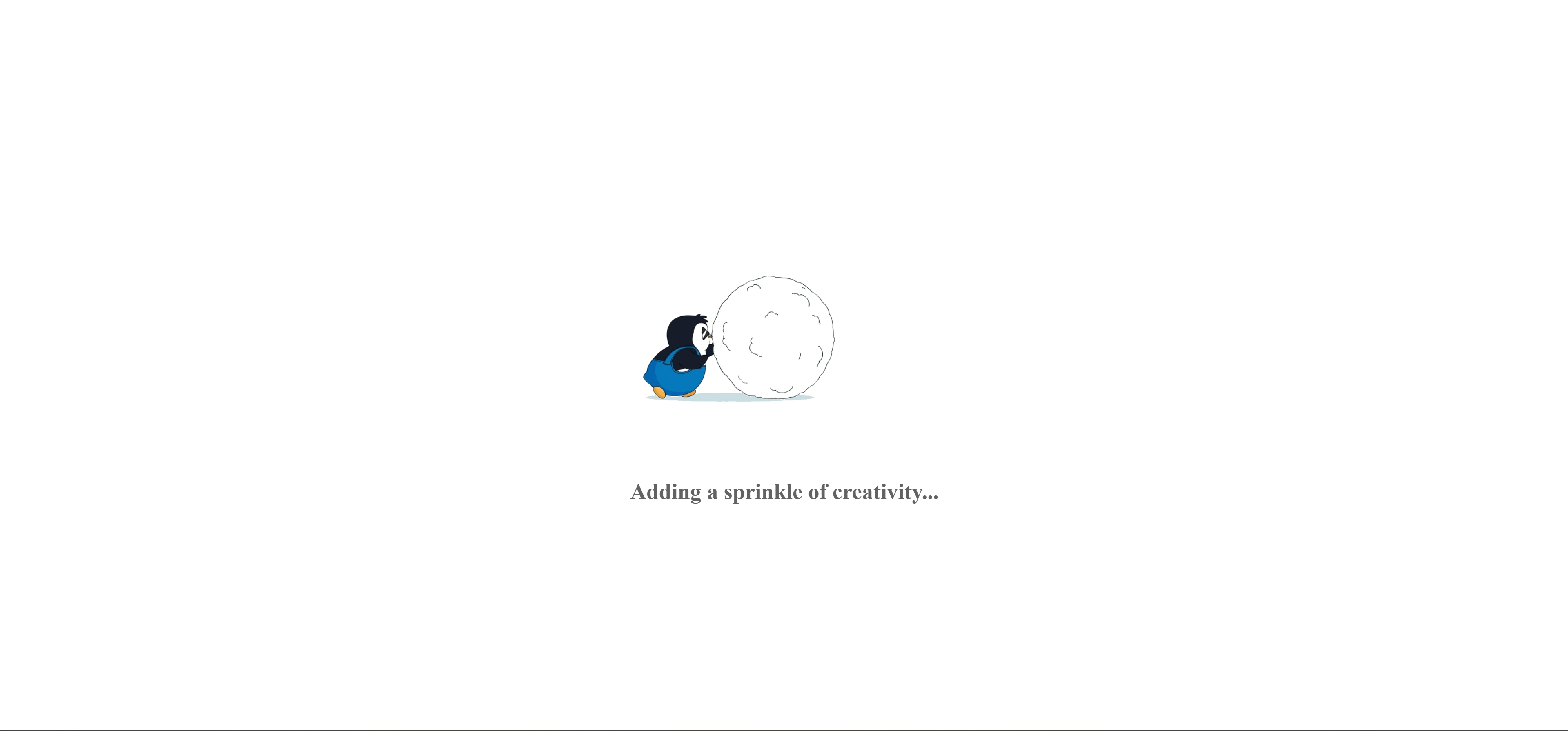
Waiting Screen/ API Response Wait
-
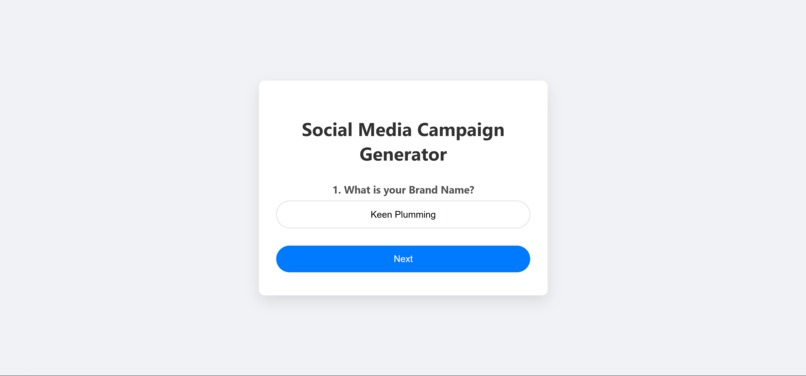
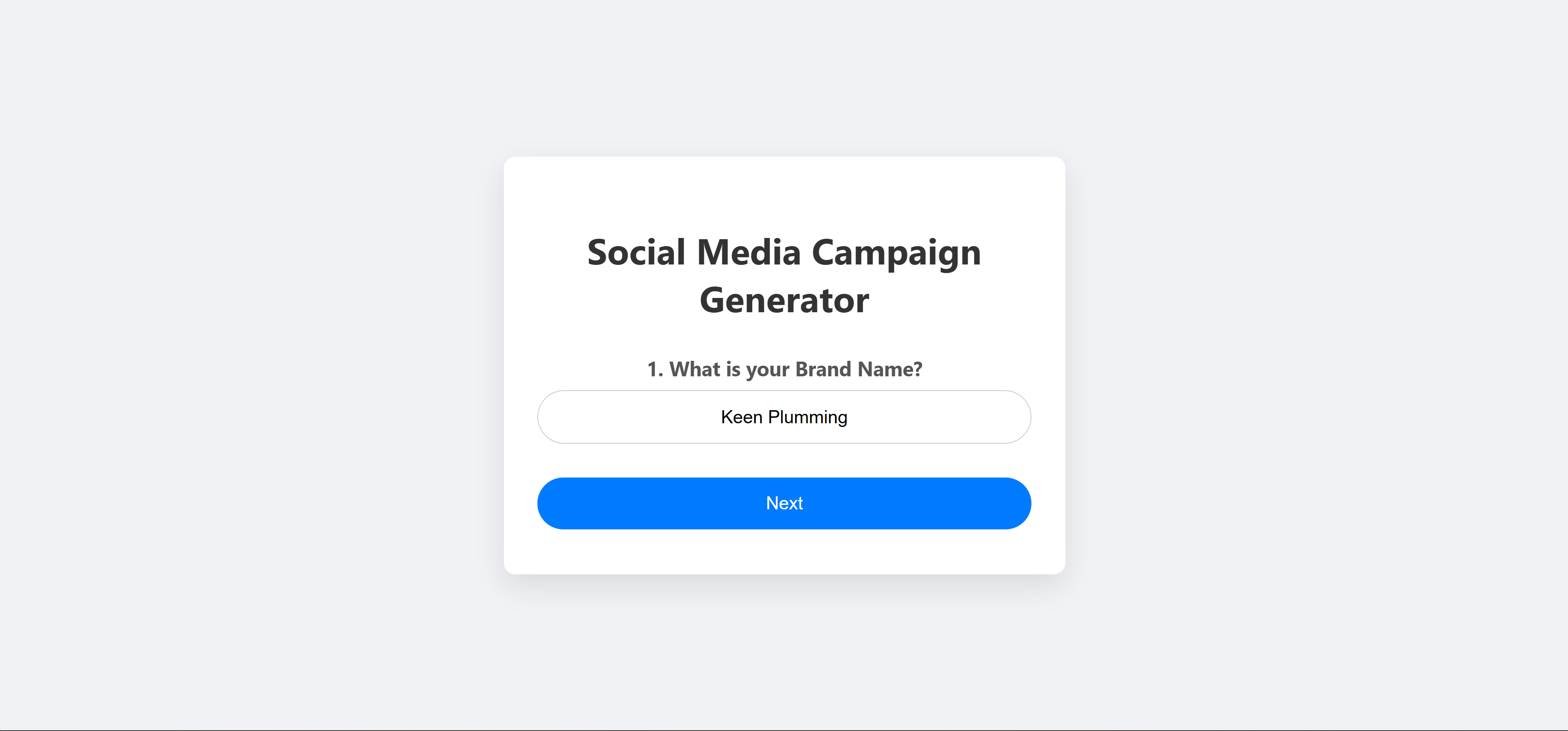
Brand Name Info QA
-
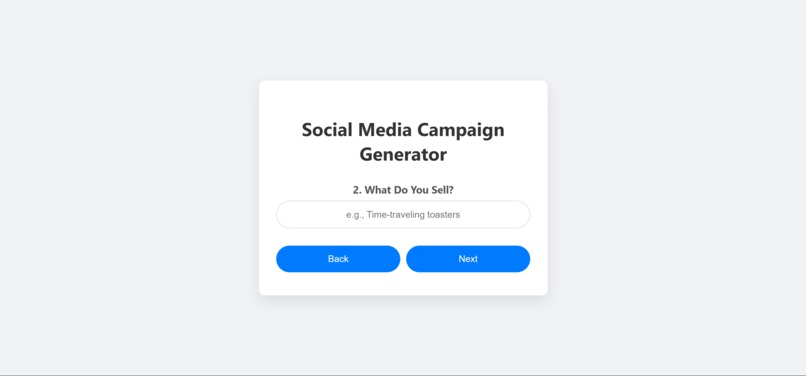
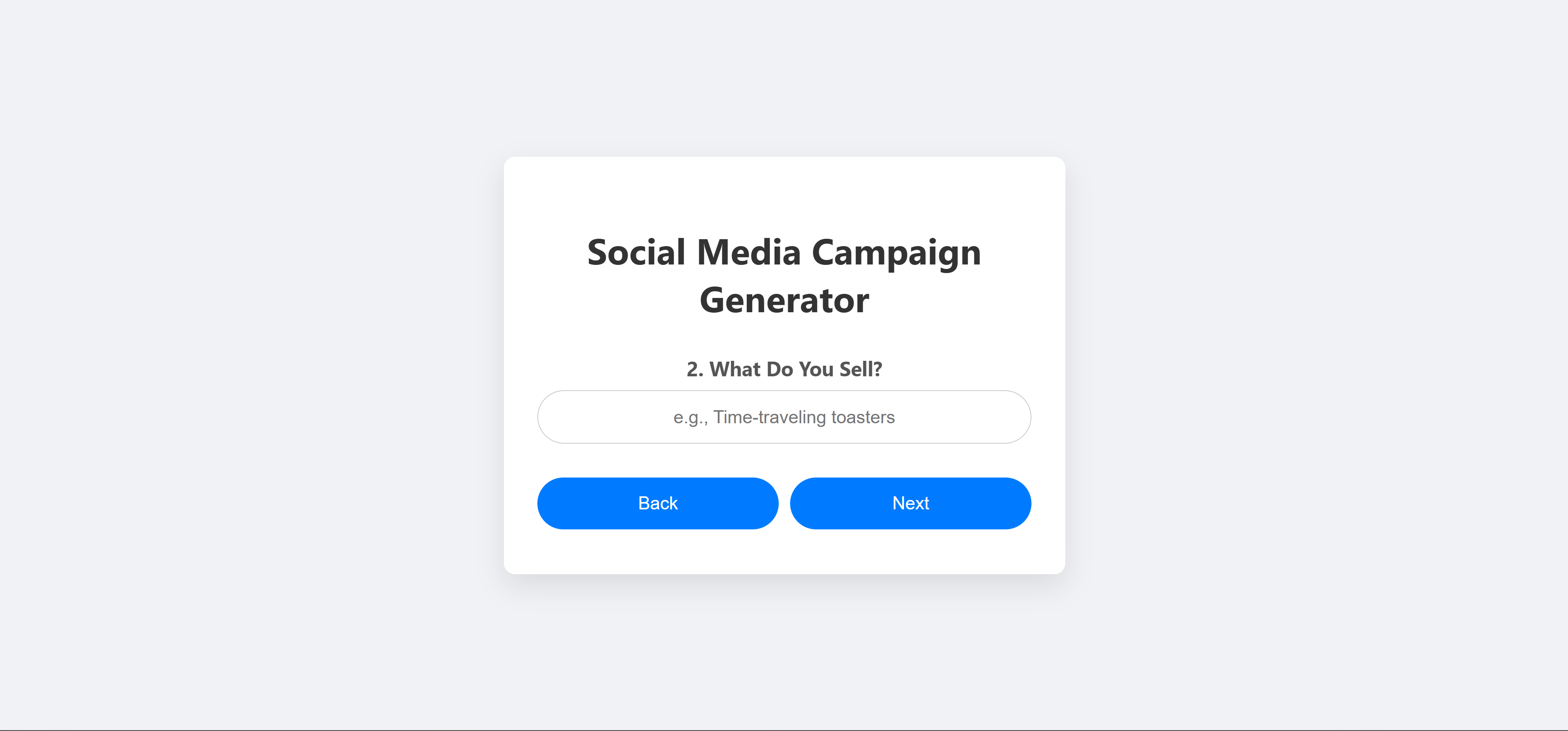
Brand Product Info QA
-
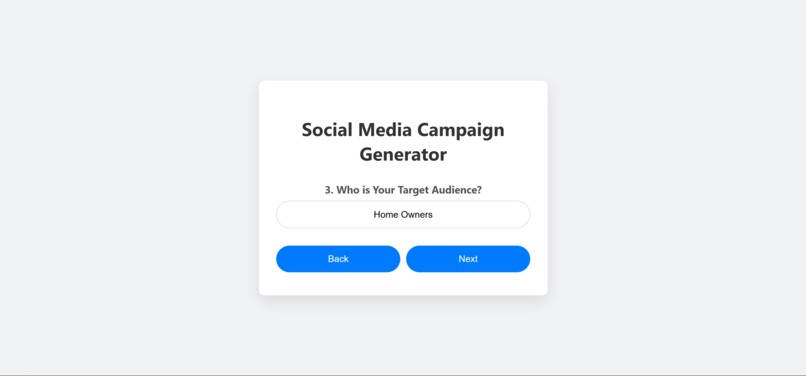
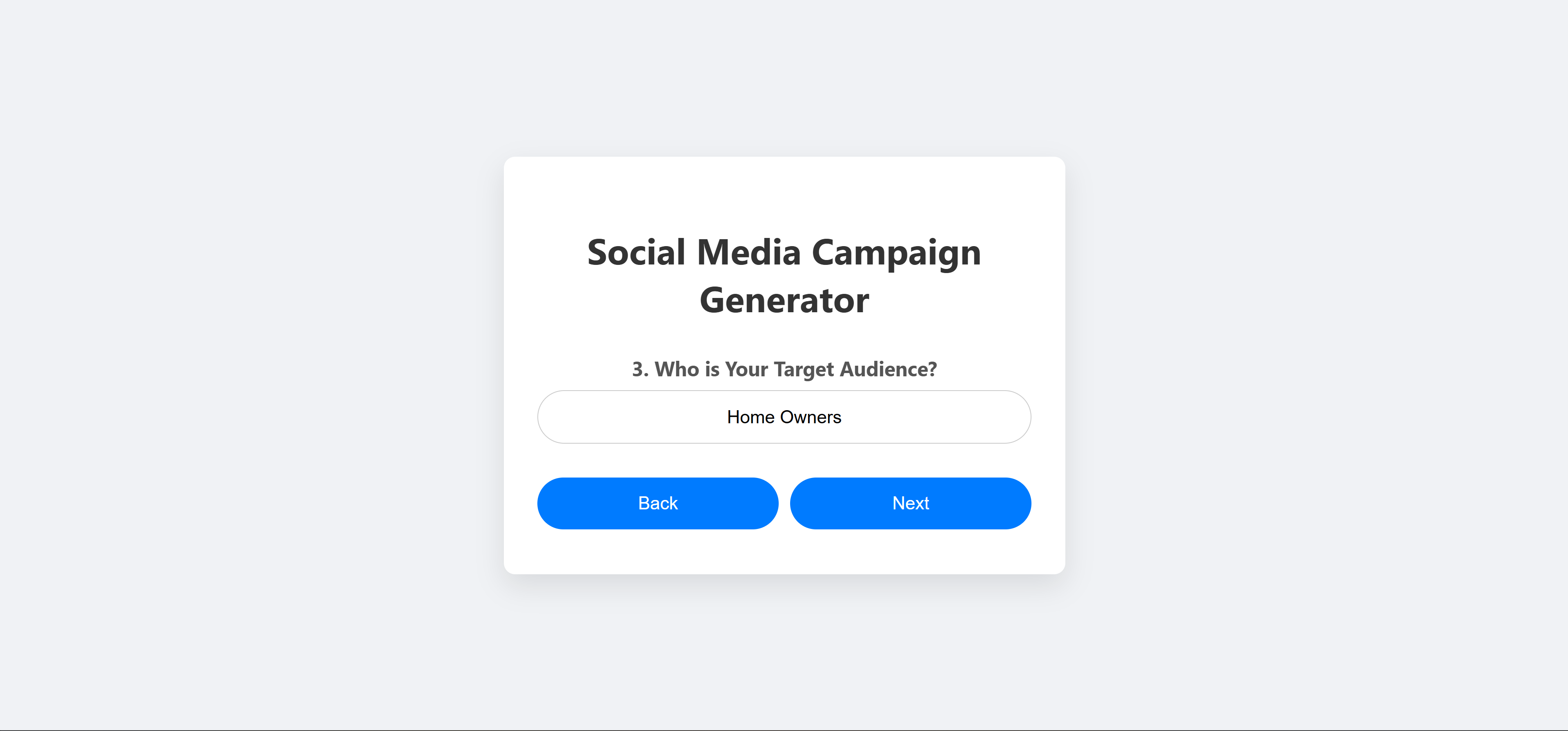
Brand Target Audience Info QA
-
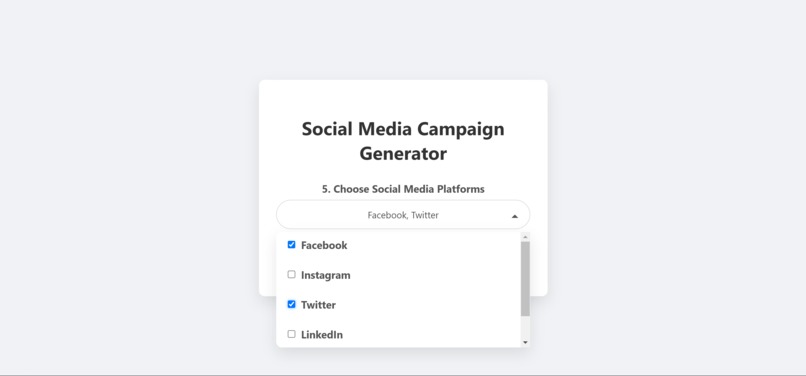
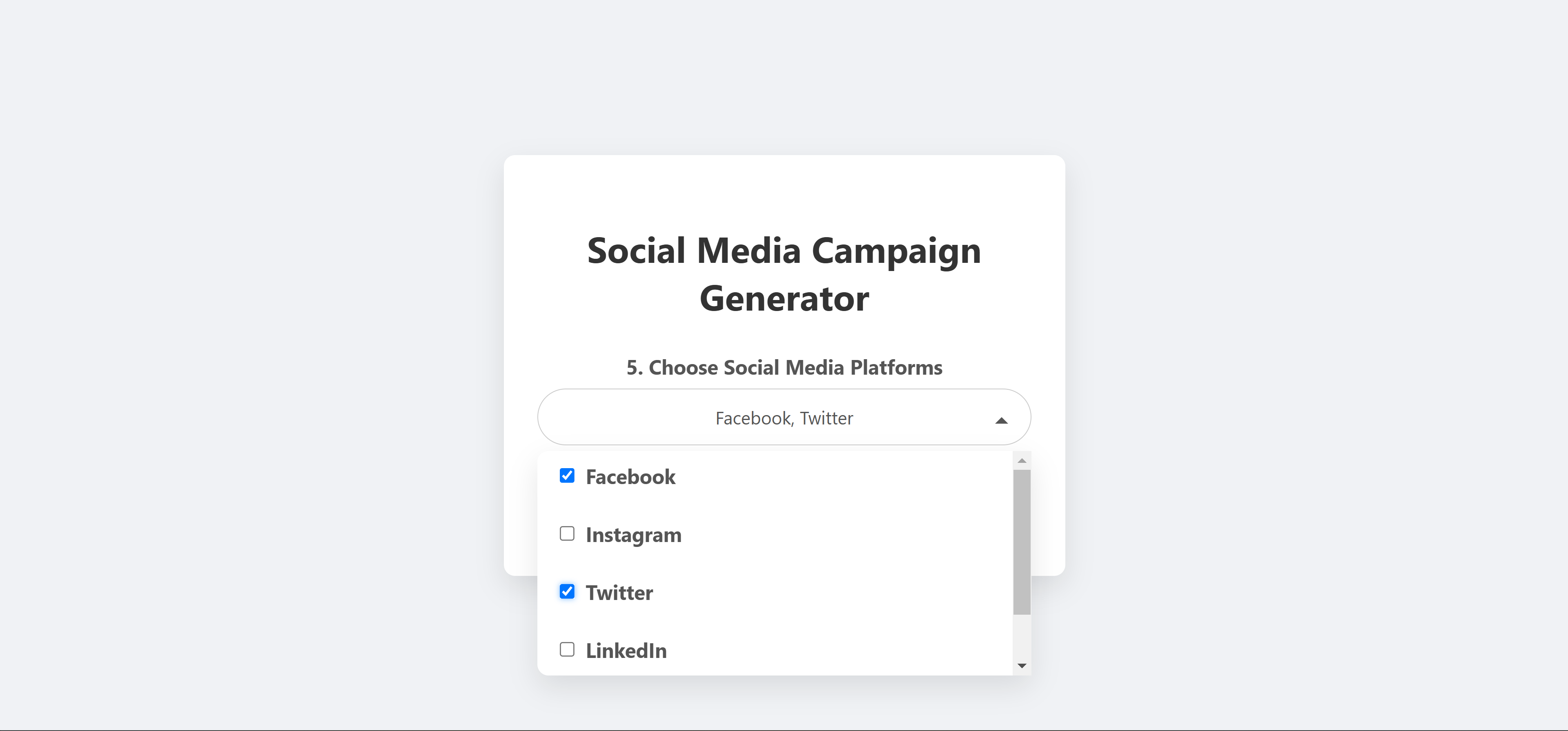
Brand Social Media Platforms To Target QA
-
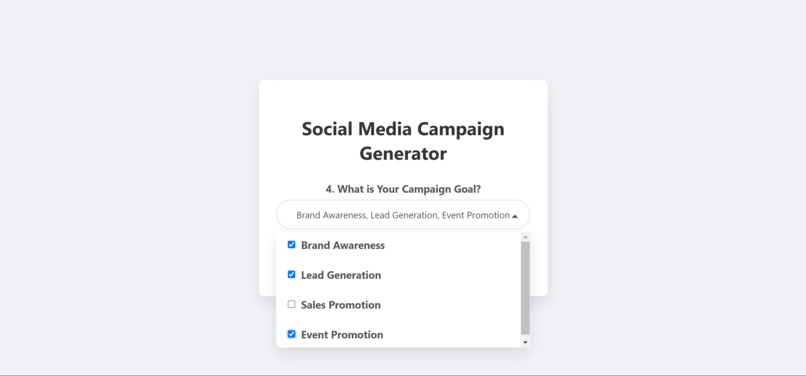
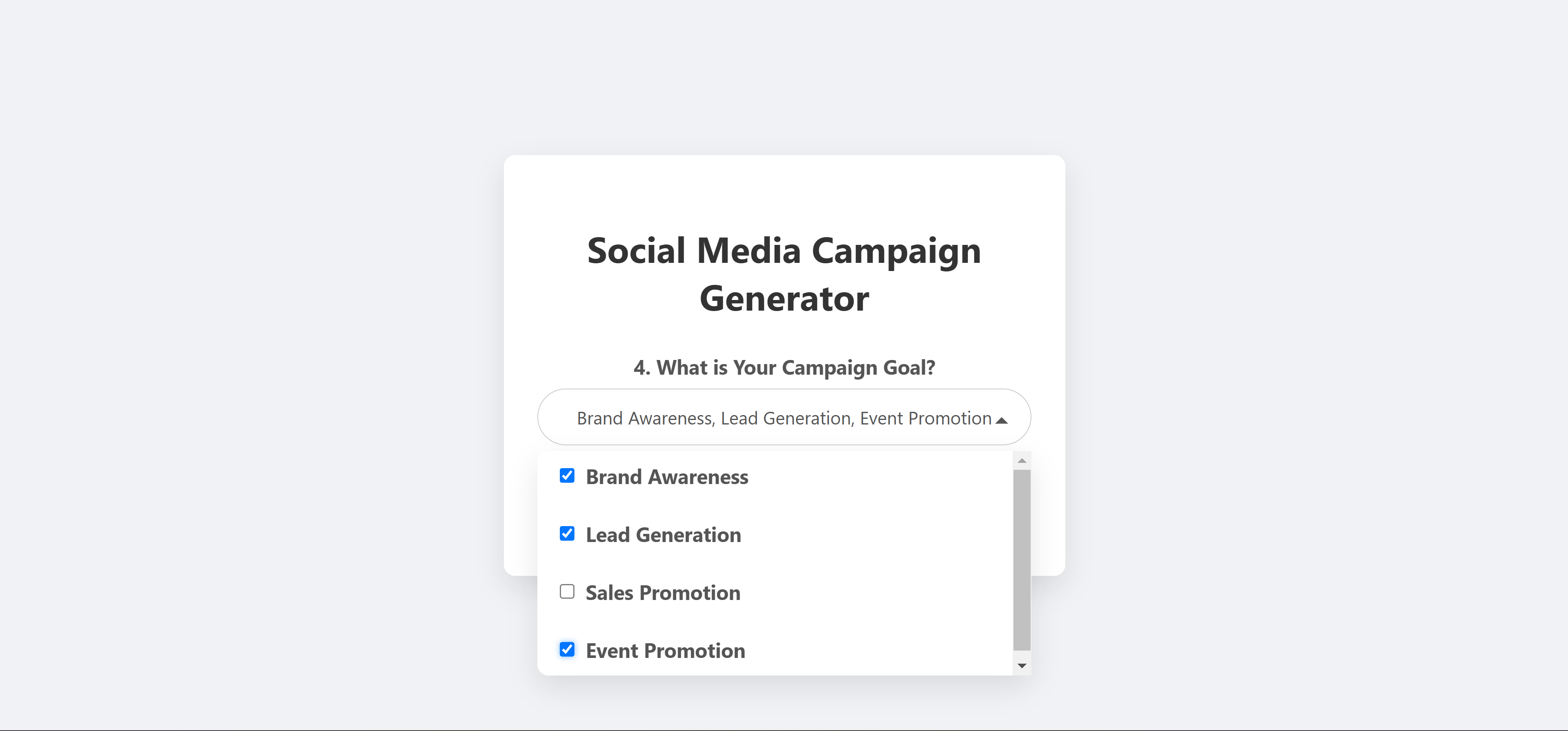
Brand Goal Info QA
-
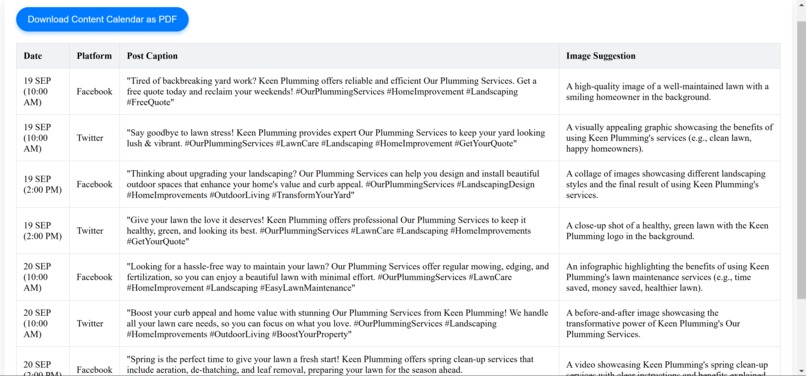
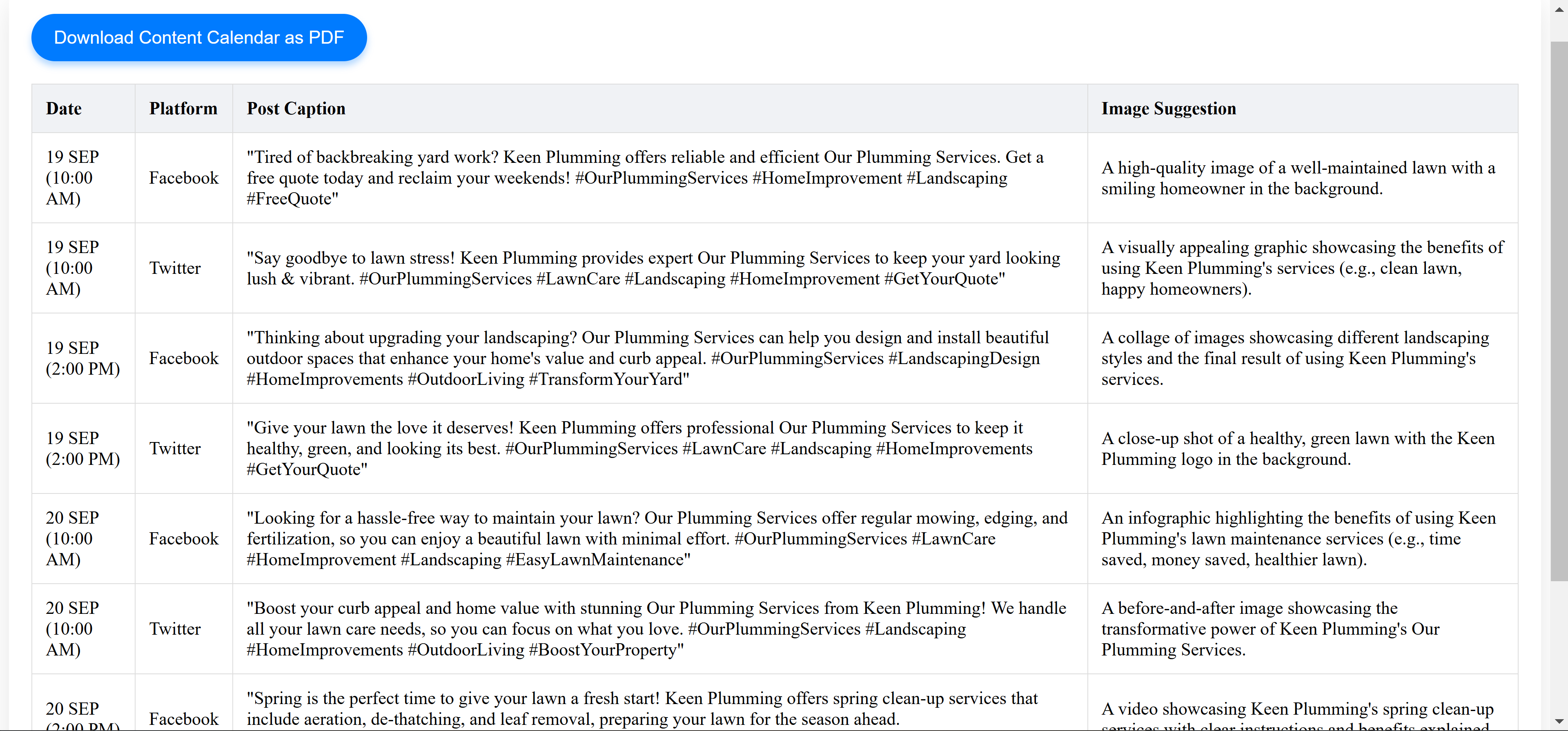
Output Page
-
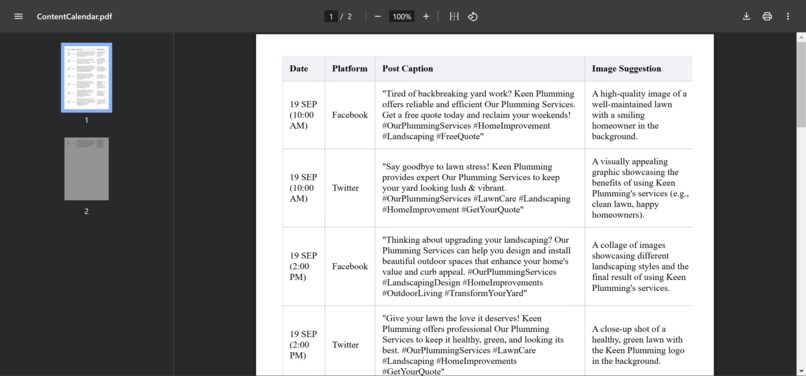
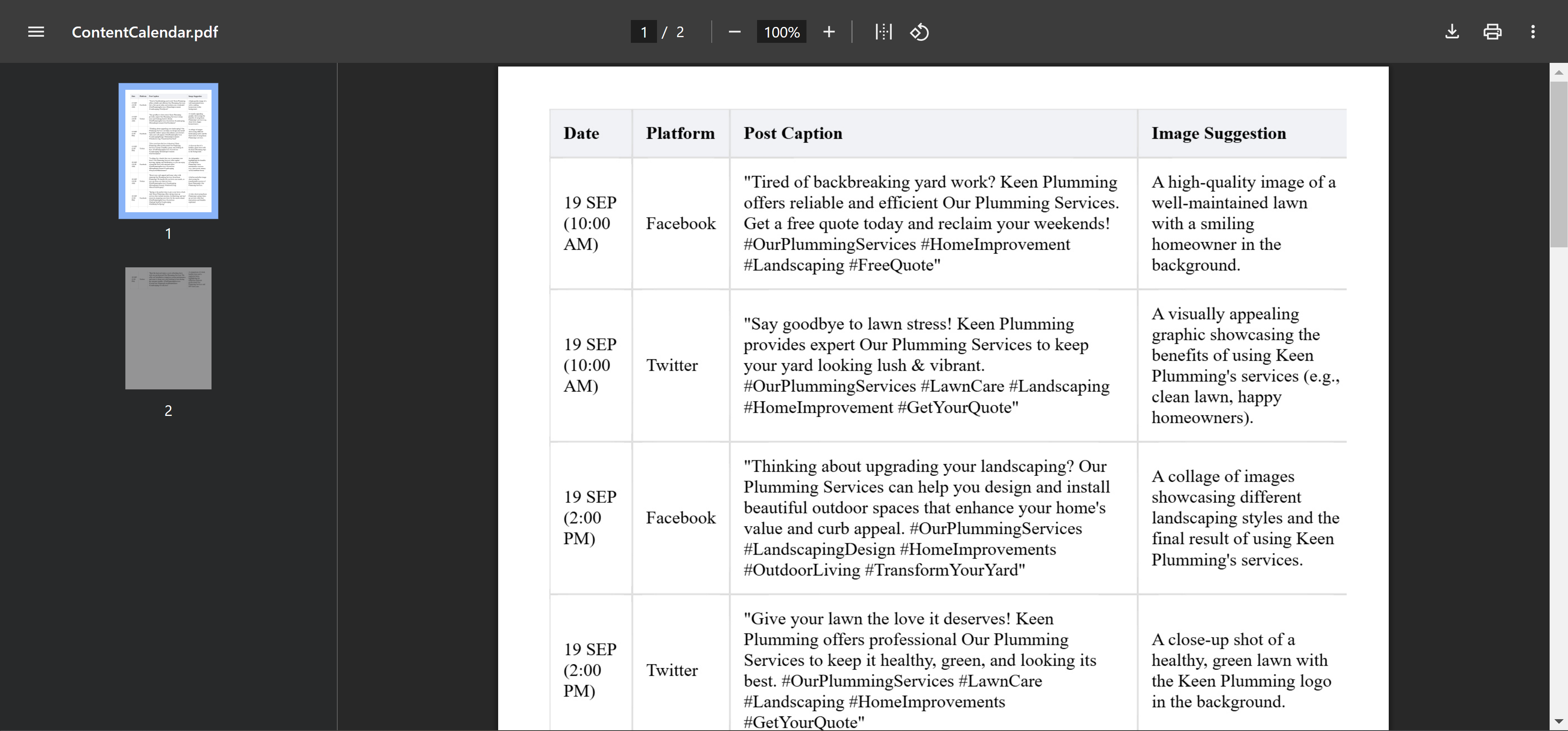
Download PDF/ PDF Output
Project Story
About the Project
Inspiration
The inspiration for MarketingMagic AI came from witnessing the challenges that small businesses and startups face when creating effective marketing campaigns. Crafting a compelling campaign requires time, expertise, and resources that not all businesses have readily available. I wanted to democratize access to high-quality marketing strategies by leveraging AI technology to simplify and accelerate the process.
What It Does
MarketingMagic AI is a web application that instantly generates personalized marketing campaigns. Users input their brand details, describe what they sell, define their target audience, outline their campaign goals, and select preferred platforms. With this information, the application produces a tailored marketing campaign designed to resonate with the intended audience and meet the specified goals.
How I Built It
The project is built using Python and the Flask web framework for the backend. The frontend is crafted with HTML, CSS, and JavaScript to provide a seamless user experience.
Backend Development: I wrote the
app.pyscript to handle routing and form submissions. The/generateroute collects the input data and prepares it for the campaign generation process.@app.route('/generate', methods=['POST']) def generate_campaign(): # Gather form data # Validate inputs # Prepare data to pass to the template return render_template('generate.html', form_data=form_data)Frontend Development: The templates
index.htmlandgenerate.htmlwere created to capture user inputs and display the generated marketing campaign. The forms are designed to be user-friendly and intuitive.AI Integration: While the initial code sets the foundation, the next step involves integrating Chrome's built-in AI APIs, such as the Prompt API to generate dynamic and contextually relevant marketing content directly in the browser.
Challenges I Faced
One of the primary challenges was ensuring that the application could function efficiently without relying on server-side AI processing. Since Chrome's built-in AI models operate on the client side, adapting the application to utilize these APIs required a shift in the traditional development approach.
Another challenge was input validation and error handling. It was crucial to ensure that users provide all necessary information for the AI to generate an effective campaign, so I implemented input validation to prompt users if any fields were missing.
What I Learned
Throughout the development of MarketingMagic AI, I gained valuable insights into:
Client-Side AI Implementation: Learning how to leverage Chrome's built-in AI capabilities to perform complex tasks without overloading the server.
User-Centric Design: Emphasizing the importance of creating an application that is not only functional but also easy and enjoyable to use.
Web Development Best Practices: Enhancing my skills in building secure, scalable web applications using Flask and ensuring that the codebase is maintainable.
What's Next
Moving forward, I plan to:
Integrate AI Features: Fully implement the AI functionalities using Chrome's APIs to generate real-time marketing content.
Enhance Customization: Allow users to select the tone, style, and format of their marketing campaigns for even more personalized results.
Gather User Feedback: Implement a feedback system to continually improve the application based on user experiences and needs.
Conclusion
Building MarketingMagic AI has been an exciting journey into the possibilities of AI-enhanced web applications. By simplifying the marketing campaign creation process, I hope to empower businesses of all sizes to achieve their marketing goals more efficiently.

Log in or sign up for Devpost to join the conversation.