-
-
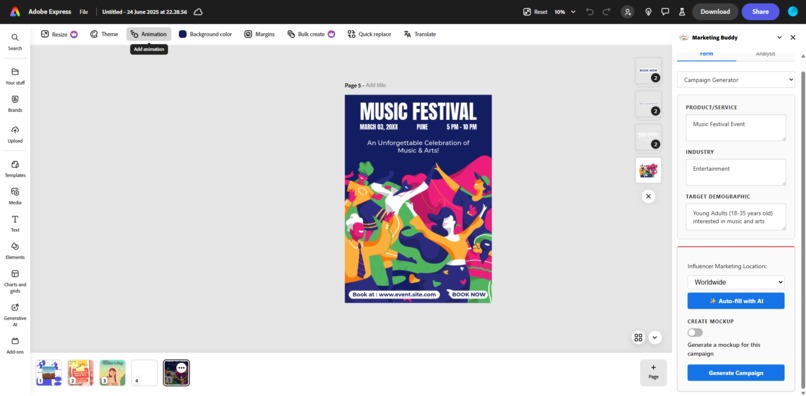
How it looks
-
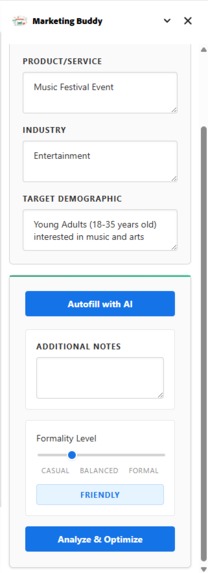
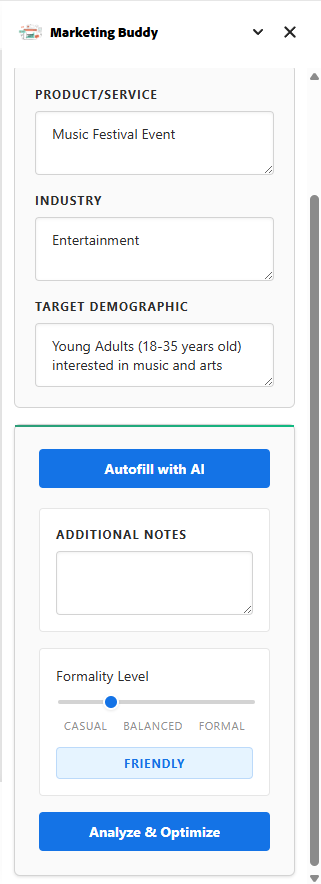
Design Analysis Form
-
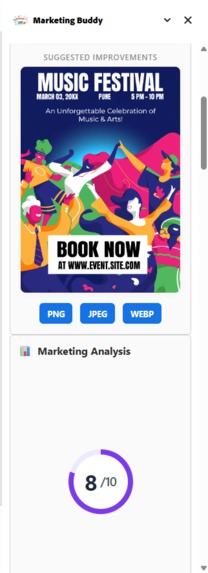
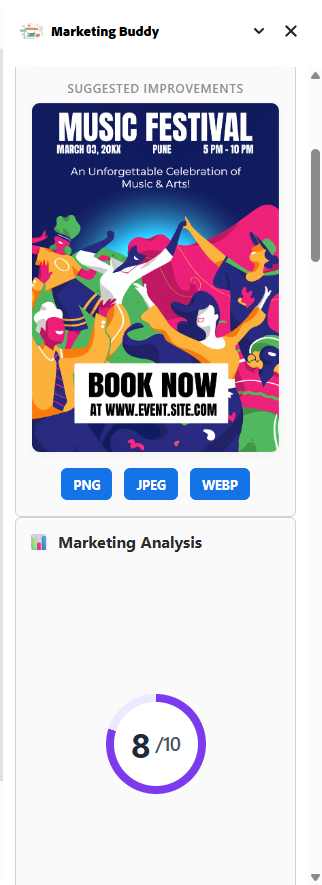
Market Analysis Score
-
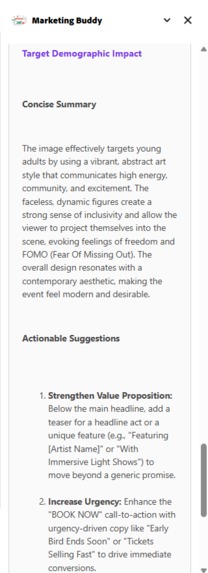
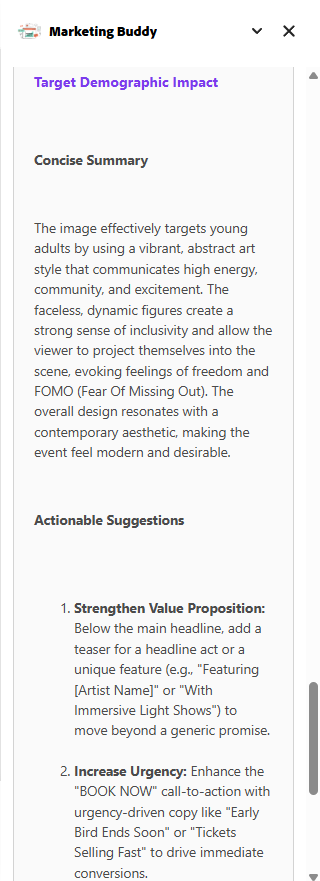
Market Analysis
-
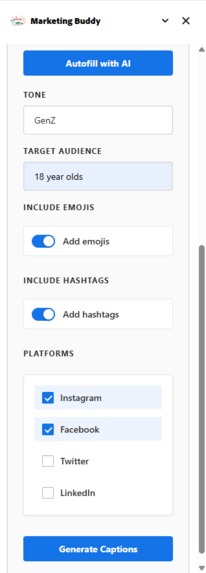
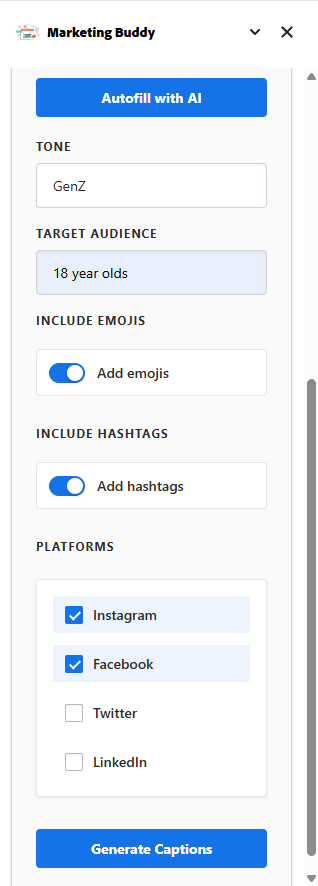
Caption generator form
-
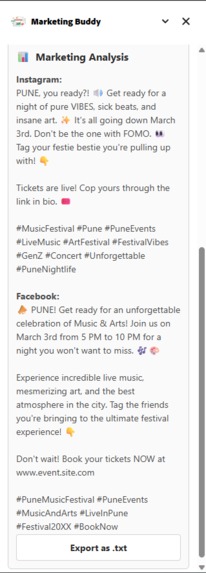
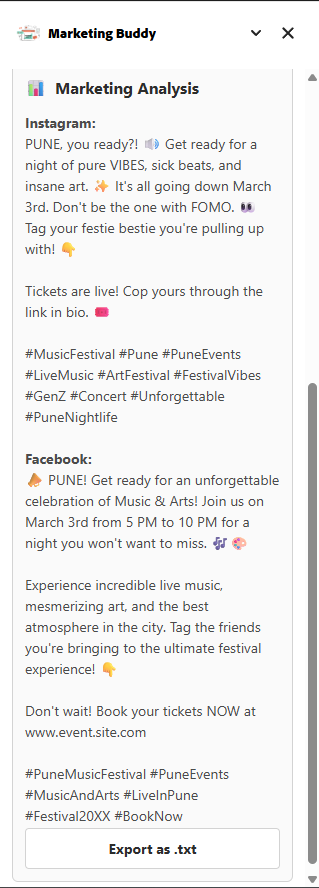
Caption generated
-
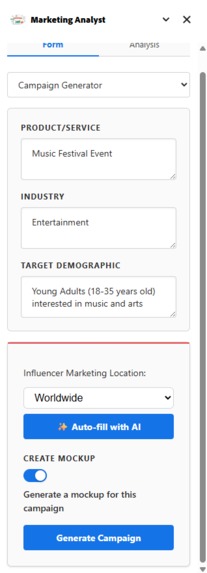
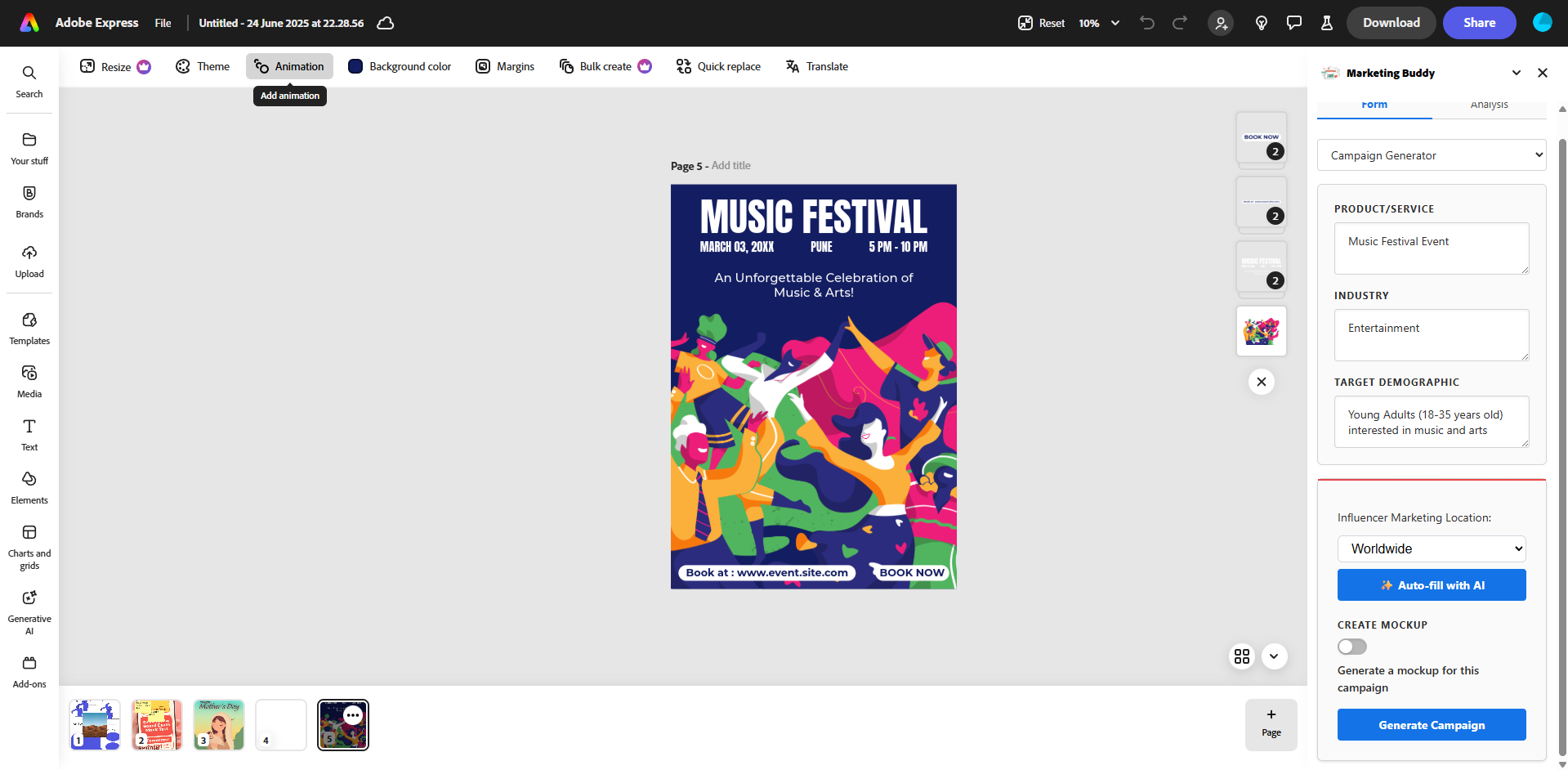
Campaign generator form
-
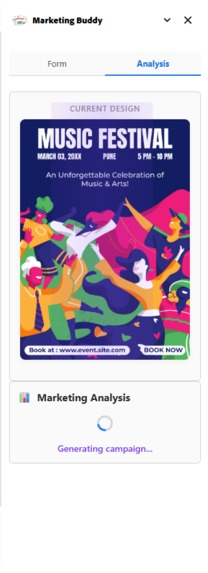
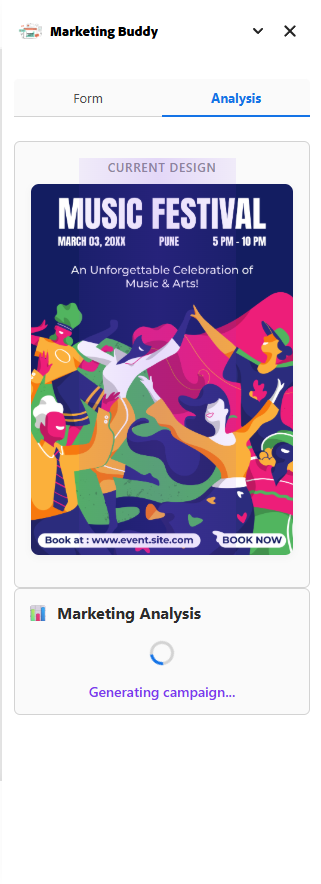
Analysis loading screen
-
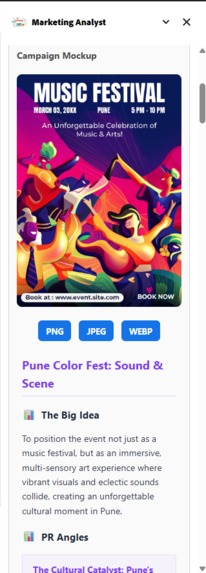
Campaign analysis 1
-
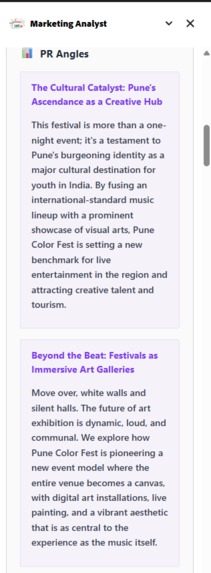
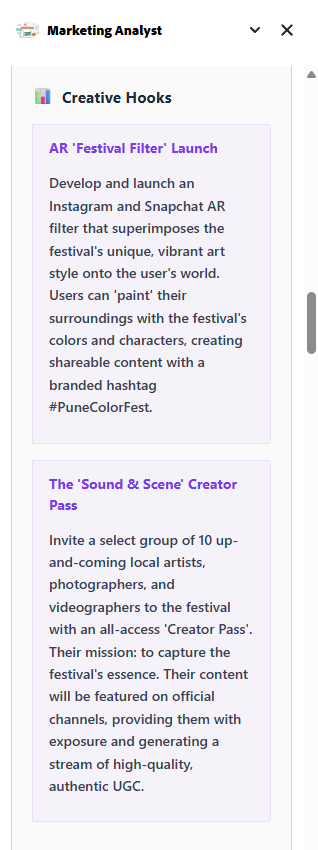
Campaign analysis 2
-
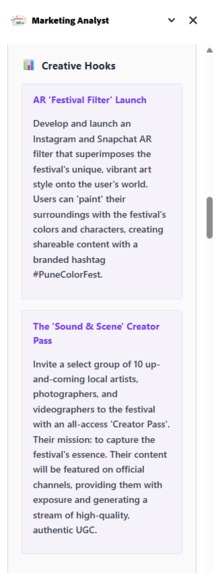
Campaign analysis 3
-
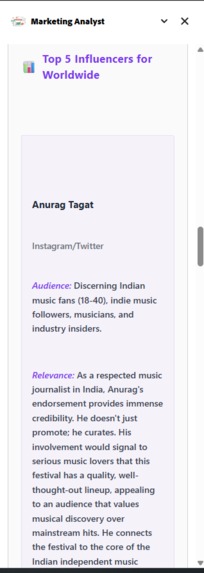
Campaign analysis 4



Inspiration
Small businesses, startups, and independent designers frequently use Adobe Express for quick mockups, posters, and social media content. But they often lack access to actionable insights about how their designs will perform with specific target demographics. Currently, they have to scramble across multiple tools and websites to generate captions, create marketing campaigns, analyze visuals, and understand psychological aspects like color impact or visual hierarchy. There’s also no easy way for them to test or improve designs from a marketing perspective in one place. We built Marketing Analyst to solve this—a one-stop solution that merges marketing strategy with creative workflows directly inside Adobe Express.
What it does
Marketing Analyst is an Adobe Express add-on that transforms the design workflow into a marketing-powered process. It includes:
1️⃣ Design Analyzer
- Auto-fill inputs using Llama 4 so users can quickly set parameters.
Performs a 3-step design analysis:
- Color Psychology Check
- Visual Hierarchy Analysis
- Target Demographic Alignment
Returns an improved design mockup along with insights.
2️⃣ Caption Generator
- Select social media platforms, tone, hashtags, and emoji preferences.
- Generates platform-optimized captions for each design.
3️⃣ Campaign Generator
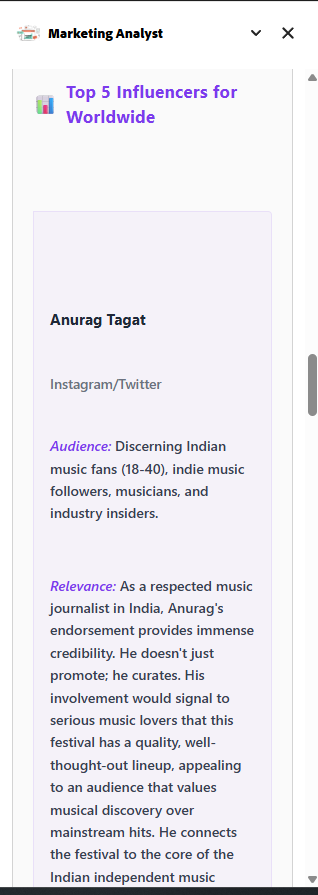
- Provides unique PR angles, campaign ideas, and influencer outreach suggestions.
- Generates campaign mockups showing how the design could be used in real promotions.
- Allows exporting captions and campaign text as
.txtfiles and designs/mockups as.png,.jpg, or.webpfiles.
How we built it
- Adobe Express APIs for exporting and manipulating designs.
- Converted exported images to Base64 to feed into various AI workflows.
- Used Llama 4 for auto-fill suggestions in forms.
Leveraged Gemini 2.5 Pro for:
- Three-step design analysis
- Caption generation
- Campaign generation
Used Gemini 2.0 Flash (preview image gen) to create improved designs and mockup images.
For file downloads, we:
- Render images on a
<canvas>. - Convert the canvas to a Blob in the chosen format.
- Use a temporary link to trigger downloads programmatically, cleaning up after the action.
- Render images on a
Challenges we ran into
- Designing a clean and intuitive UI that elegantly presents multi-step outputs.
- Handling multiple AI features (design, caption, and campaign generation) while keeping the flow simple.
- Instructing the model to generate effective design variations with text elements placed meaningfully in images.
- Fine-tuning the three-step design analysis logic to make it actionable and not just generic feedback.
Accomplishments that we're proud of
- Seamlessly blending creative design and marketing strategy in one tool.
- Offering mockups and real outputs (images + text) instead of just static analysis.
- Enabling small businesses and designers to get marketing insights without leaving Adobe Express.
- Building a multi-modal AI pipeline (image + text generation) within the constraints of an Adobe Express add-on.
What we learned
- Multi-modal workflows (design + marketing) need careful UX planning to avoid feature overload.
- Balancing AI guidance with creative freedom is key—users want help, not constraints.
- Image handling in the browser (canvas manipulation, blob conversions) is crucial for smooth download/export experiences.
What's next for Marketing Analyst
- Personalization based on brand guidelines: Incorporate brand colors, fonts, and tone consistently.
- Real-time performance prediction: Use past campaign data to predict possible reach or engagement.
- Collaborative mode: Allow teams to co-analyze and co-create marketing strategies inside Adobe Express.
- Integration with publishing pipelines: Post directly to social media from within the tool.
Built With
- css
- documentapi
- gemini
- groq
- html
- javascript
- llama4
- sandboxtemplate

Log in or sign up for Devpost to join the conversation.