-
-
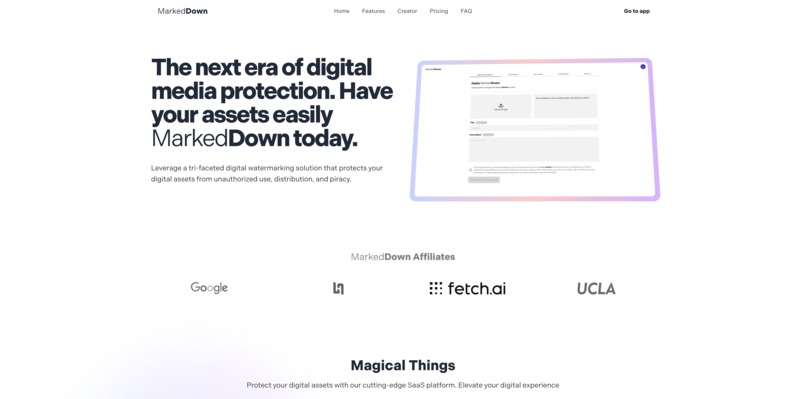
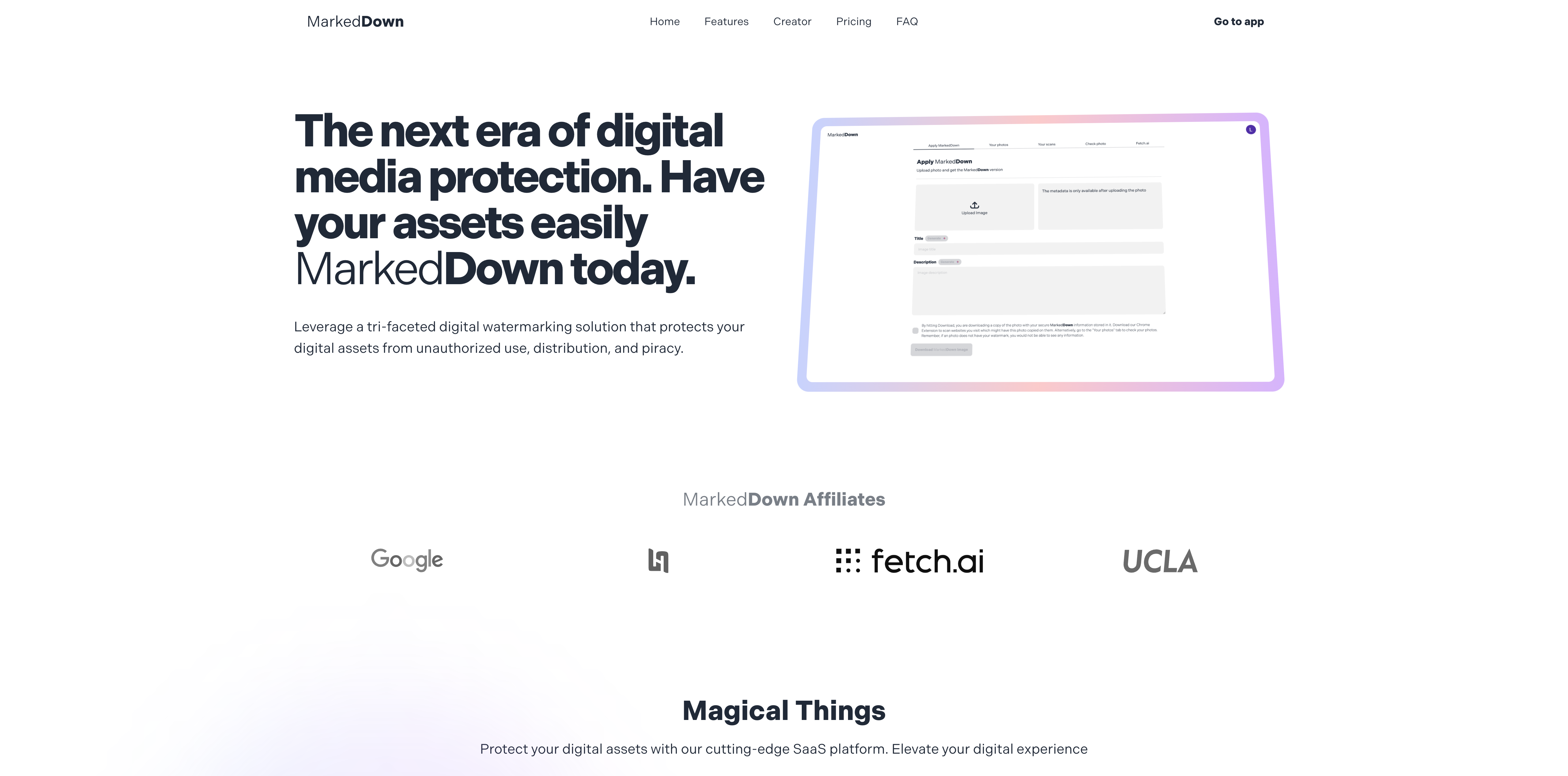
Landing page
-
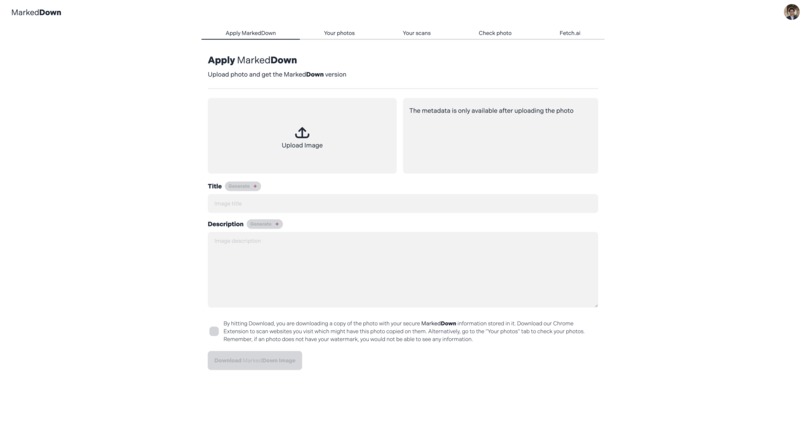
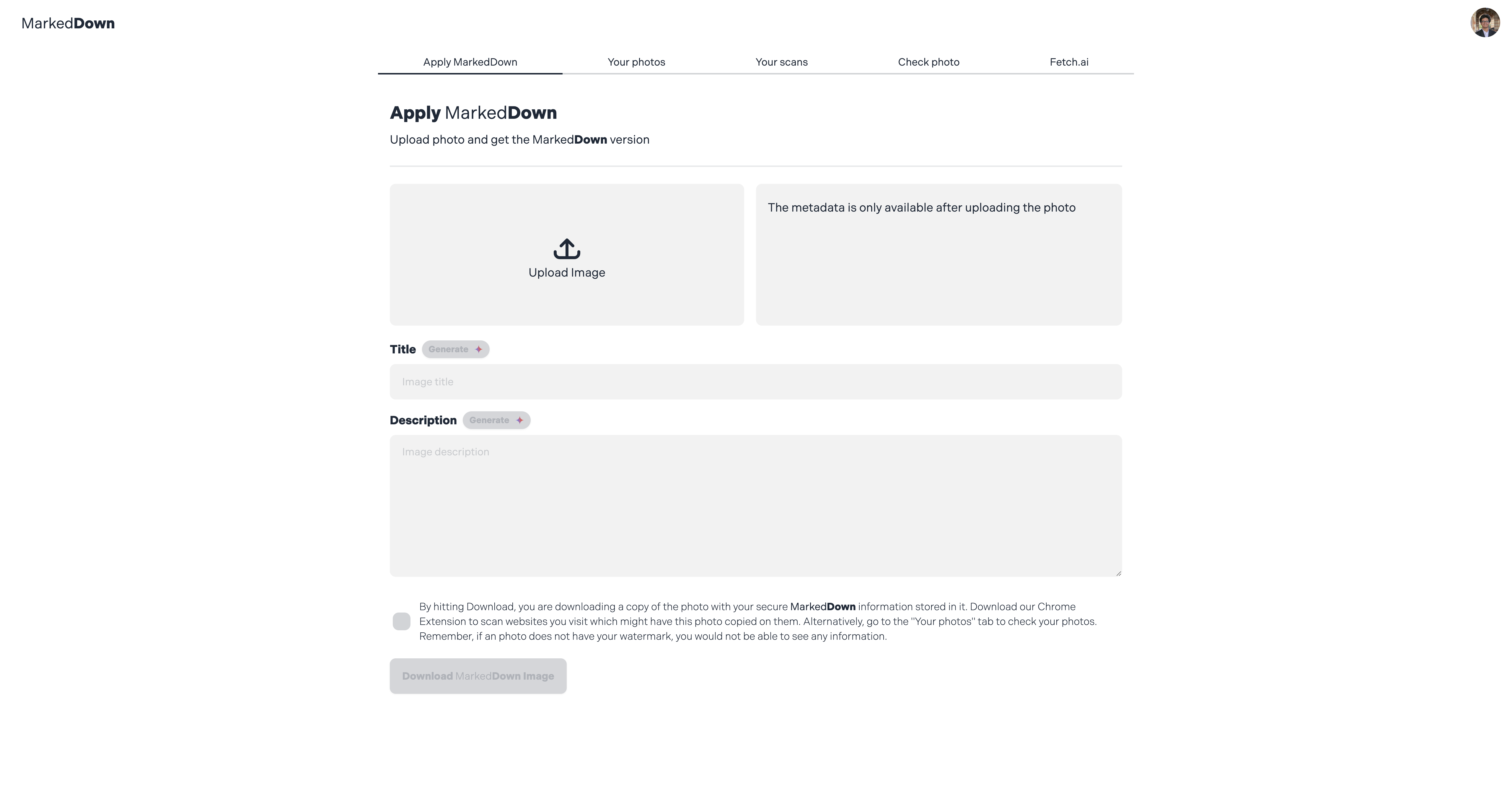
Web App Home
-
Hero
-
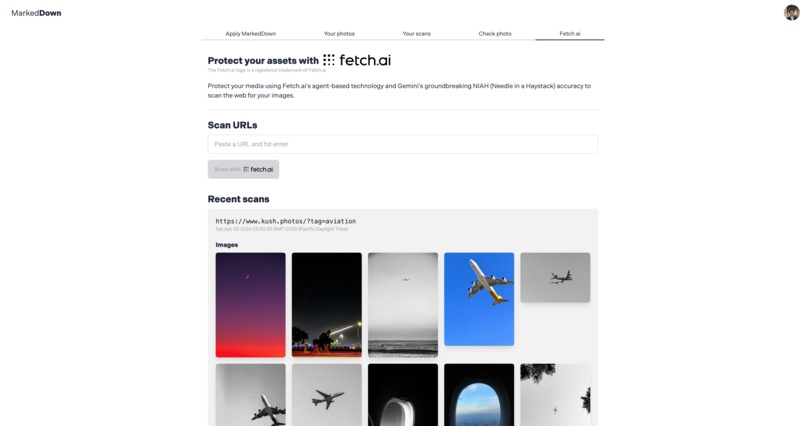
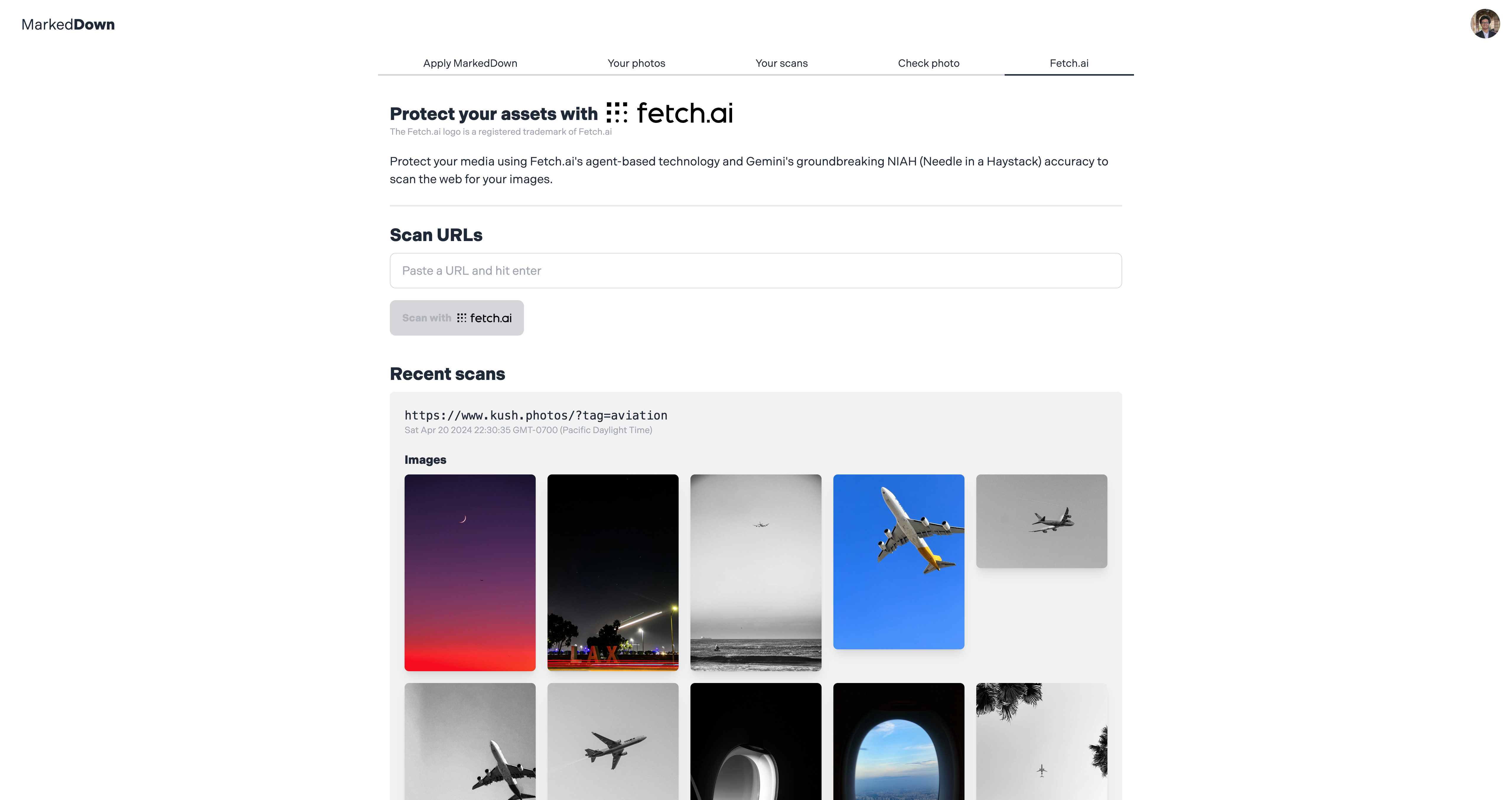
Fetch.ai Dashboard
-
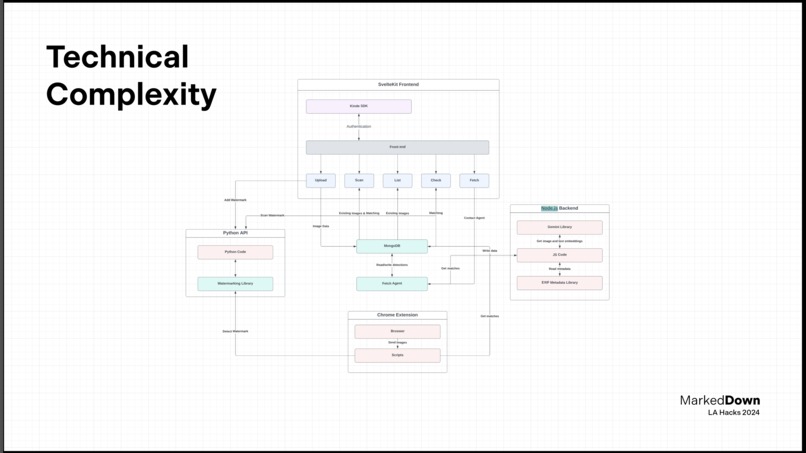
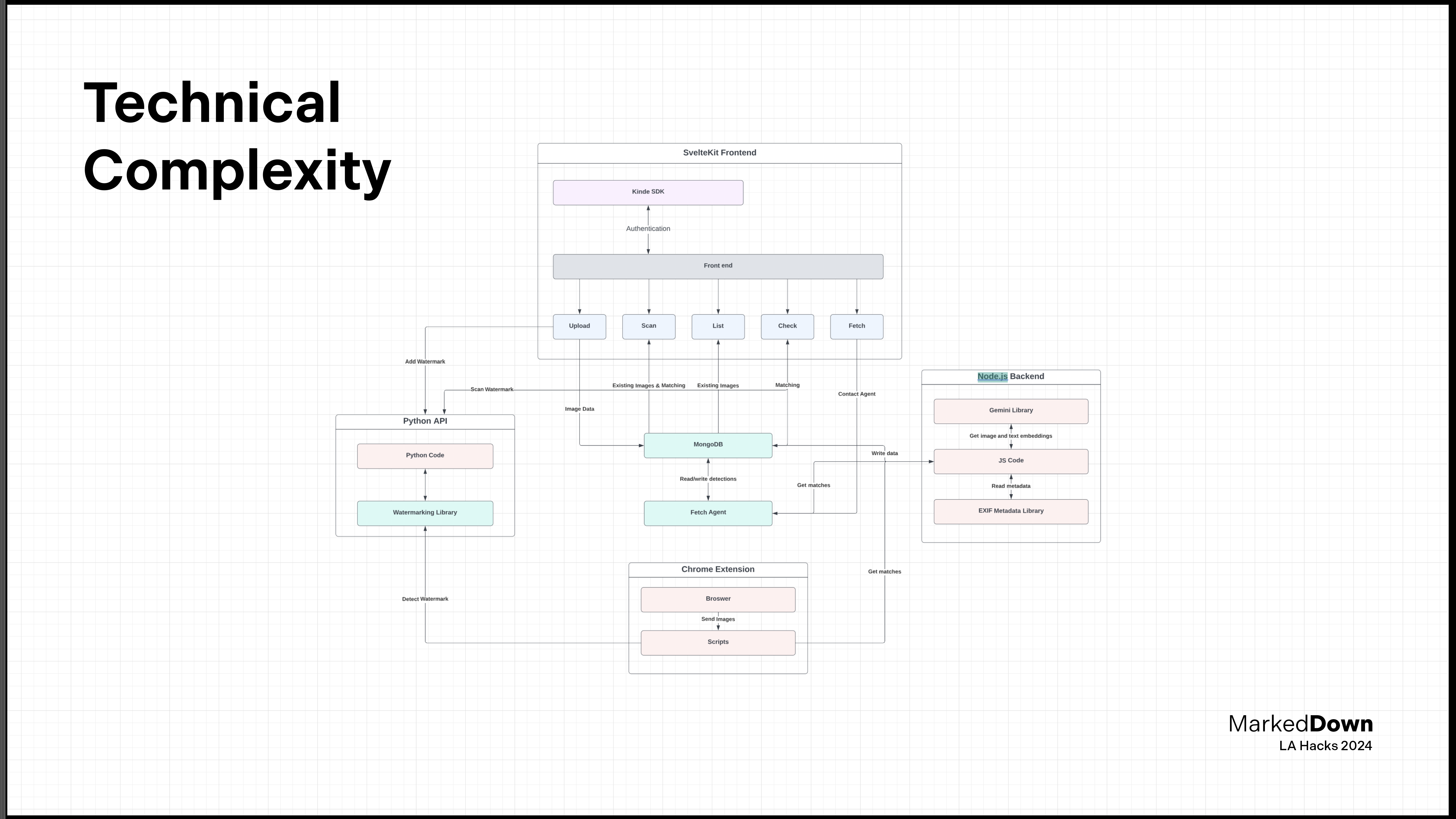
Flowchart of the architecture
IMPORTANT: Setup information for the project
Make sure to use the cdn branch for judging/running. I had issues merging with main
Run the following commands in /web,/landing and /extension to build the project.
npm run build
To preview, run npm run dev, but /extension will have to be built and opened in Chrome.
In addition, create two .env files in /web and /py-api with the following data
MONGODB_URI=
AWS_ACCESS_KEY_ID=
AWS_SECRET_ACCESS_KEY=
Lastly, start the python server by running uvicorn main:app inside of \py-api
Inspiration
As an avid photographer, I love browsing the web and social media for other people's work, and more often than not I have encountered people presenting some work as their own when it clearly isn't. The issue of plagiarism needs no introduction, as students we have been told the repercussions are severe at the very least. However, for digital media, this is far from true.
Pirated movies are available everywhere, unreleased songs pop up out of nowhere and it is the actual creators who suffer the most, who are often not credited, or worse, not paid for their work. Stealing a photo is as easy as hitting right-click and download and having stolen digital media taken down is far from easy.
I got the idea of a low-cost entry level solution last year at Adobe Max where I met a company that engages in the protection of digital media. I was very interested until they told me it's going to cost me 1000$ a month. For hobbyists, that is unreasonably too expensive. Nevertheless, the concept was pretty simple, embed some information in the image which only you know how to reverse and that gives you a proof of identification.
For LA Hacks, I decided to build on that experience and expand the scope and use more ways to watermark an image to make it more resistant to compression, scaling, adding filters and more.
What it does
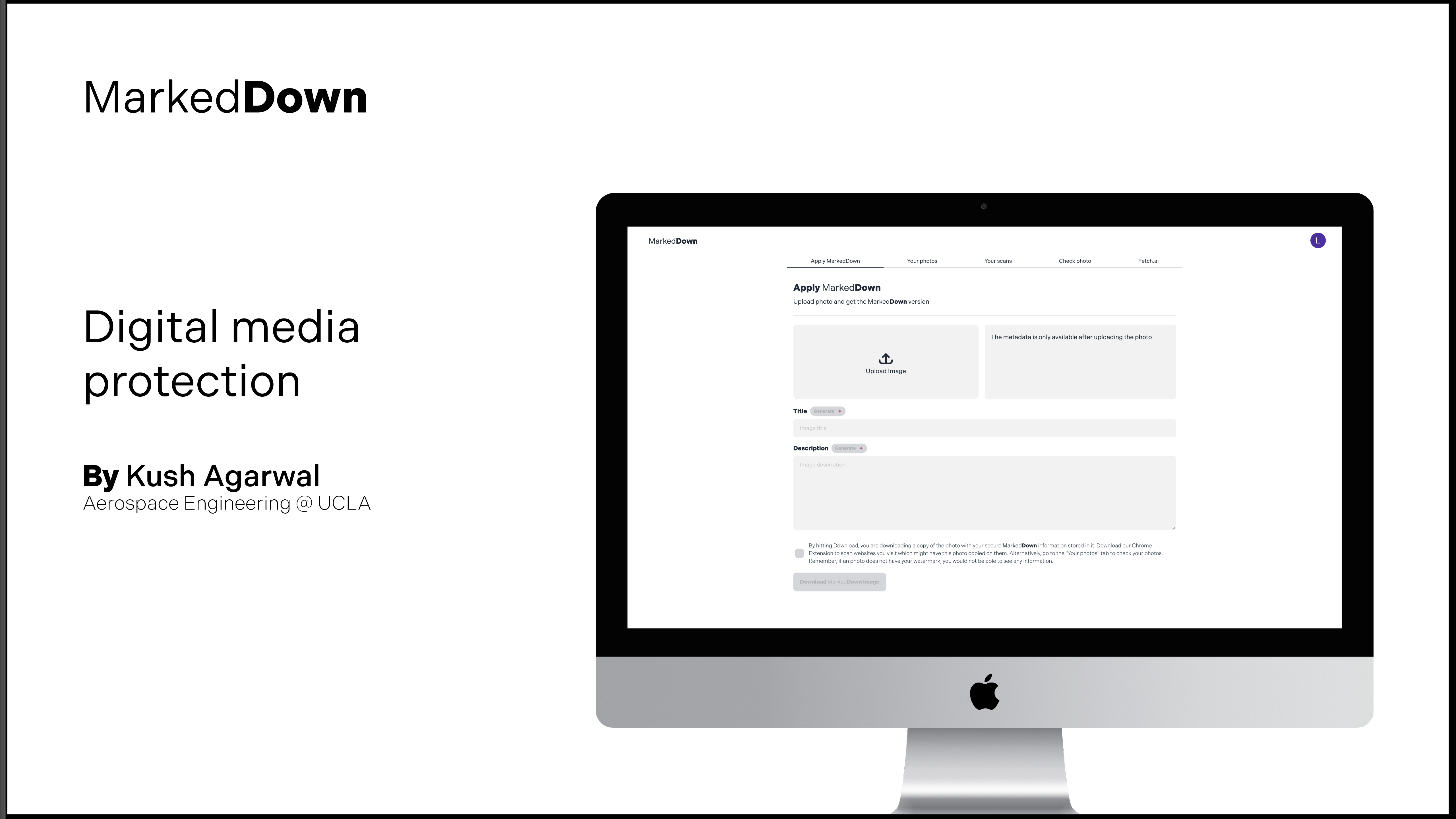
MarkedDown is a web application and Chrome extension that help you watermark, identify and trace your digital media online. Since it is bundled as a SaaS platform, it is ready-to-use from signup. The process is as simple as uploading your image, downloading the watermarked copy and using that for all your media.
The Chrome extension sits in the browser and can passively scan websites for your content intermittently or you can trigger it to scan suspicious websites. In addition, the web app dashboard employs a custom Fetch.ai agent that both routinely and upon request scans specific URLs, returns the images and scans them for your unique watermark.
With a sleek UI, super response times and easy navigation, MarkedDown hopes to give even the hobby level photographer to be confident about their digital assets.
How I built it
I started off by creating the skeleton for all different parts - web app, landing page, extension, node server, python server and Fetch.ai agent. I worked on the APIs first since they were going to be the core functionality of the app. I used Python for the watermarking as it had a reliable library and allowed for customization. I used Node.js for rest of the interaction since it lives in the same SvelteKit project as the web app, reducing load times and makes the overall code easier to comprehend.
Next, I worked on the web app, where my extensive experience in using SvelteKit for a lot of projects helped me spin it up very quickly. I used daisyUI and TailwindCSS for effortless styling. The daisyUI SaaS landing page template also helped me make my landing page very quickly.
Alongside the web app, I worked on the Chrome extension. It was surprisingly similar to making a website, which made it pretty straightforward too. Since the beginning, I was also using Google's GenAI model, Gemini 1.5 Pro for image and text embedding. Since the model does not offer image embeddings, I obtained a low temperature description of the image thanks to Gemini's multimodal capabilities which I then embedded as a vector. The vector is used to decide if images found on the web (and then put through the same process) are similar to the photo or not.
At the very end, as the deadline was approaching, I started to work on integrating Fetch.ai. I used a Fetch.ai Agent to help automate the task of scraping a website and getting the URLs. It was a great feature to add and definitely made coding a tad bit easier.
Challenges we ran into
I had some difficulties implementing the watermarking approach myself. My initial plan was to create it completely from scratch but I ended up using a library which does something similar (alter data in the image's high frequency domain) and spending more time on indexing the image using other ways.
Another challenging part was setting up MongoDB as a vector database. I felt the documentation was poorly written and I was not sure of what I did wrong.
Accomplishments that we're proud of
I am very satisfied with how smoothly Kinde authentication worked out. Within 5 mins of starting, I had working authentication in my app with social logins, which I thought was impossible.
In addition, I am very pleased with the UI/UX of the app. daisyUI's great UI kits and my experience of using it in over 20 web apps finally led me to make what I could consider one of my best design works ever.
What we learned
Before LA Hacks, I had no idea how Chrome extensions are built and this was a great learning experience. I did not expect it to be so straightforward, and I was pleasantly surprised. I would surely be making some Chrome extensions in the future.
What's next for MarkedDown
I think MarkedDown can do well as an actual SaaS business, as there is a true gap in the market. I hope to integrate more Fetch.ai Agents for automating tasks such as sending takedown requests and adding more media formats such as video and audio.
Here's the Agentverse code
import re
import requests

class TestRequest(Model):
    message: str
    email: str

class Response(Model):
    text: str

@agent.on_query(TestRequest)
async def handle_message(ctx: Context, sender: str, msg: TestRequest):
    ctx.logger.info(f'Received {msg.message}')
    try:
        response = requests.get(msg.message)
        html_content = response.text
        # Simple regex to find images; beware this is not foolproof and can have false positives
        images = re.findall(r'<img [^>]*src=["\'](.*?)["\']', html_content, re.IGNORECASE)
        processed_images = []
        url= msg.message
        for img in images:
            if not img.startswith(('http:', 'https:')):
                # Check for trailing slash in the base URL
                if url.endswith('/'):
                    base_url = url[:-1]
                else:
                    base_url = url
                img = base_url + '/' + img.lstrip('/')
            processed_images.append(img)

        image_list = ', '.join(processed_images)

        ctx.logger.info(f'Found {len(images)} images')
        await ctx.send(sender, Response(text=image_list))
    except Exception as exc:
        ctx.logger.error(f"Error in processing request: {exc}")
        await ctx.send(sender, Response(text='Failed to retrieve images'))


Log in or sign up for Devpost to join the conversation.