
Inspiration
One of us is currently in a brain-computer interface class and wanted to experiment with the EEG headset that the BCI club at USF offered. Since the theme is retro, we wanted to make a simple arcade game, but control it with our minds as a modern twist.
What it does
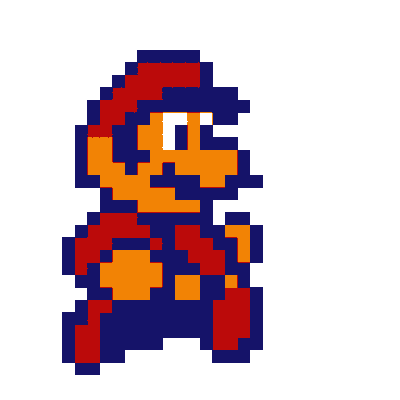
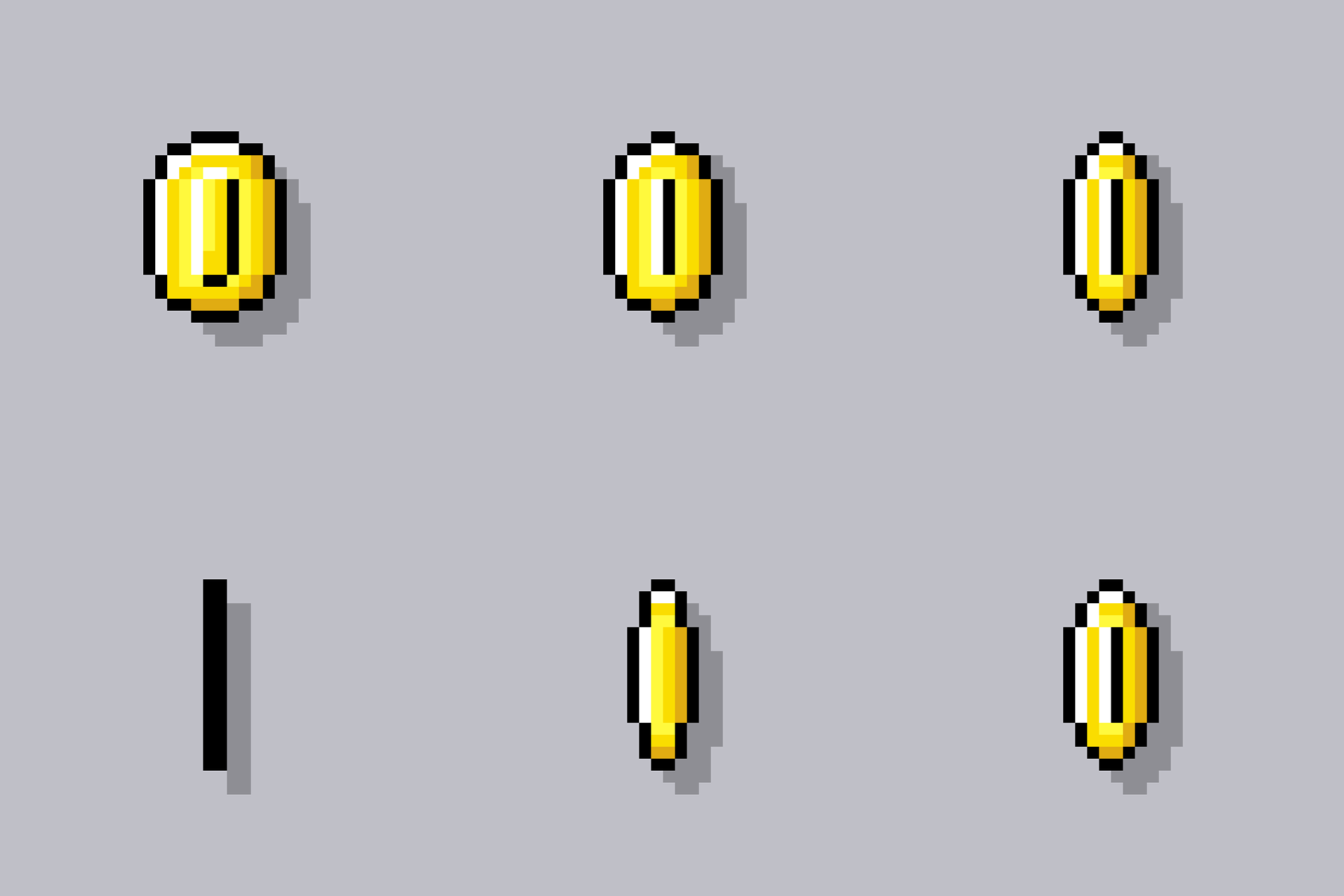
The application moves Mario around the screen with our minds. As soon as the player thinks about turning Mario up, down, left or right, Mario will move in that according direction. When Mario collects the coin, the player's score increases and the coin will reappear at another random location on the screen. This process will be repeated 3x. When you collected the coin 3 times, you beat the game with your brain power :)
How I built it
We used the emotive API to get the left, right, up, and down commands. The emotive application must be trained on the individual who uses the headset in order for it to understand what the brainwaves look like when the user thinks of that specific command. Since the headset is very sensitive, we trained it on a friend with short hair to get a good signal. This process is streamlined and initiated in a threat. The main threat runs the game and is listening to the emotive API's command. When the command is changed, Mario moves in the direction of the command.
The Mario sprite and the coin sprite are created in separate classes. The game reads the changes of the sprites in every frame and updates it accordingly.
Challenges I ran into
Since we both have long hair, our contact was not good, so we had to ask a friend of ours with short hair to be our test subject. Since the device is not perfect it still took a while to get a good EEG signal and to train the device.
Our next challenge was figuring out how the to collide function works in pygame. We were at first not properly updating the sprites correctly. After debugging and reading the pygame documentation, we found out we were supposed to specify the center of the sprites as a parameter in a specific function.
Accomplishments that I'm proud of
- learned how to use pygame on the fly
- getting the emotiv API to work properly
- learned how to use threads
- Accomplishing this in a day
- staying up all night
What I learned
- Learning how to thread different functions, and have them rely on one another
- learned how to use pygame
- learned how and when to render different sprites
- learned how to use OOP in python
- restructure given code to make it work in our application
What's next for mario BCI
- We want to get another EEG headset that is more opensource, and perhaps make a platformer
- We hope to make the game a bit more complex and pretty looking.

Log in or sign up for Devpost to join the conversation.