-
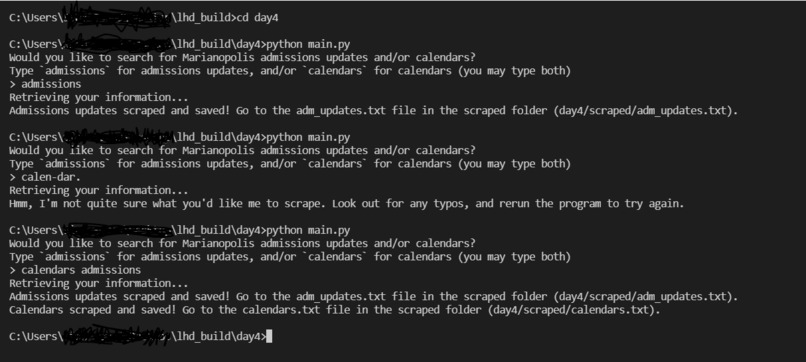
The scraper CLI in action
-
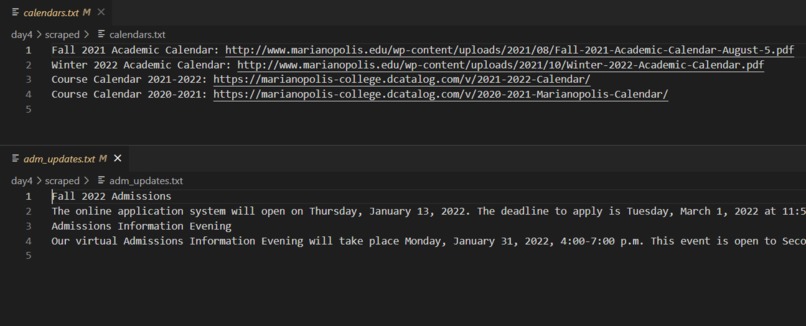
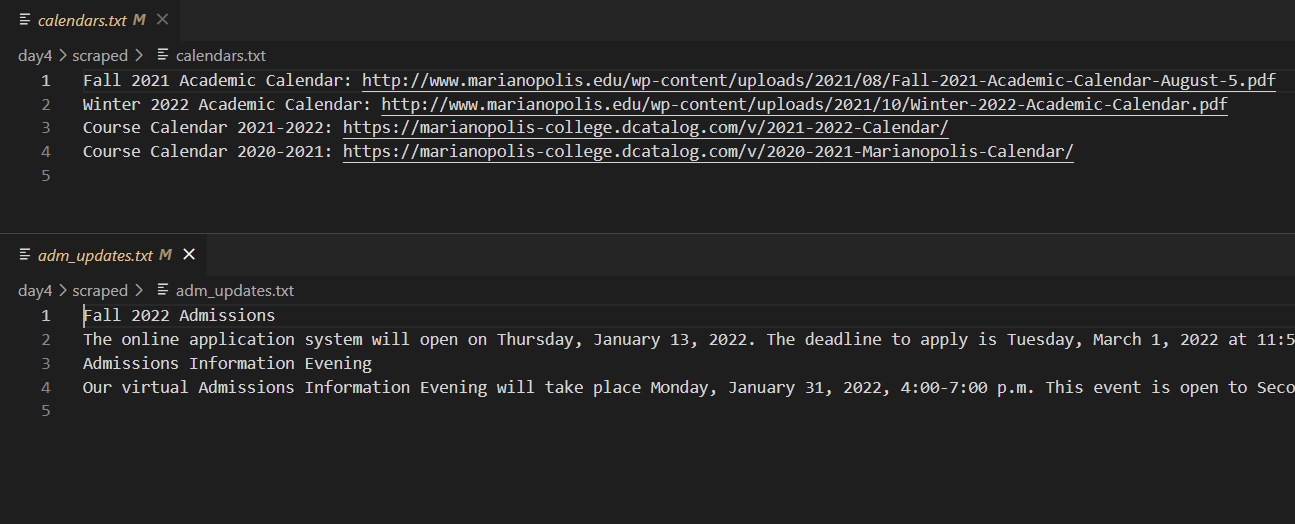
Updated text files after running the scraping script
-
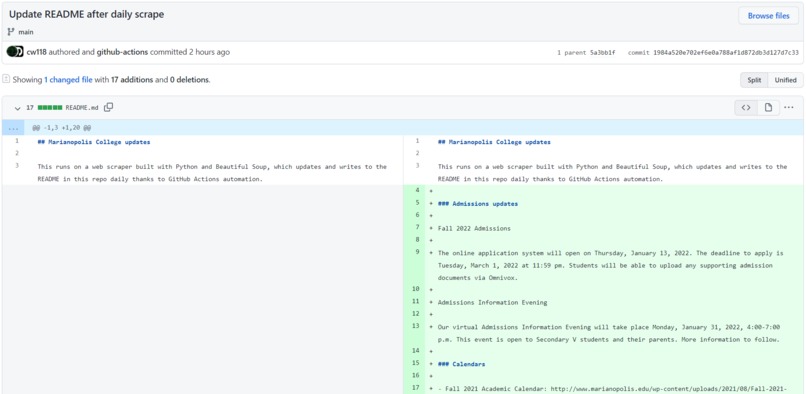
My GitHub Action's automated commit/update!


Inspiration
This project was inspired by the LHD: Build day 4 challenge to build a web scraper in addition to Quebec's CEGEPs—CEGEP in Quebec is the step between high school and university, and as I know many people who are preparing to apply for CEGEP, I thought of this web scraper idea that checks for updates on the website of one of Quebec's anglophone CEGEPs, Marianopolis College.
High school students are understandably anxious when application time rolls around, so even though this web scraper isn't exactly the most useful tool, I felt inspired to help reassure them and reduce their stress in any way possible. (Previously, I also made a website which is entirely a guide to CEGEP for this reason, and I still update it when I can.)
What it does
The Mari-Web Scraper scrapes two pages/"sections" of Marianopolis College's websites (yes, they have two!). One part of the scraping script sends a request to acquire Marianopolis' admissions updates, and the second retrieves the links to their academic and course calendars. There are actually two "types" of this scraper—for more details, see "How I built it" below.
How I built it
I made two versions of the web scraper: one is a command-line tool, and the other is a self-updating README. Both were coded in Python using the requests and BeautifulSoup4 libraries.
- CLI version: a Python script can be run by the user, and depending on the type of scrape they ask for (the program uses
input()to ask them), will save the scrape results to the corresponding text file(s). See the first GitHub repo link.- Two types of scrape/commands:
admissions(admissions updates) andcalendar(calendar links). It's also possible for both to be run in one command (done by typing both keywords when asked for input).
- Two types of scrape/commands:
- Self-updating version: a modified version of the Python script above that does both scrapes each time it's run. Automation was configured with a custom GitHub Action (workflow) to run the scraper script once every day at 00:00 UTC, and the results of the scrape are written to the repo's README file. See the second GitHub repo link.
Challenges I ran into
This was my first time writing a web scraping program, and also my first Python program of the year! It had been a while since I coded in Python, but with the help of a couple of tutorials, it all came back to me very quickly.
Honestly, the most difficult part of the scraper (self-updating version) was configuring the GitHub Action properly. I'm not very familiar with GitHub Actions yet, but thanks to some workflows/Actions already available for my purposes (shoutout to checkout, setup-python and add-and-commit), I managed to get the workflow working as I wanted (after the first run failed :/).
What I'm proud of/what I learned
I'm very proud to have learned the basics of web scraping in Python, as well as configuring GitHub Actions. Both are very powerful tools that I'll definitely come back to in the near future.
What's next for Mari-Web Scraper
- Probably scraping more sites (e.g. more cegeps) and changing the project name accordingly
- Possibly modifying the Actions workflow to display the updates on a static site (removes the limitation of the updates being available only in a GitHub repo README)
- A README/documentation with full instructions and/or a dedicated page (section) on my static lhd_build microsite (coming soon)
Built With
- beautiful-soup
- github-actions
- markdown
- python

Log in or sign up for Devpost to join the conversation.