Inspiration
It started with a Turkish speaker, Kadir Mısıroğlu, famous for his heavy Ottoman-era vocabulary. In a single minute he can drop phrases like zevâle ermek ("to come to an end") or quote Mekerû ve mekerallah ("they plotted, and God plotted"), and most younger Turkish listeners only half-catch them. Each missed phrase blurs the point he's making.
The usual fix is to pause, search, read and come back. In a dense 30-minute video that can mean pausing 25 times. At that point you're not watching anymore; you're doing homework, and you've lost the thread of the argument.
We noticed the same problem everywhere: Shakespeare, university lectures, historic speeches, documentaries. The topic isn't always what makes them hard to follow. Often it's the words. And a dictionary rarely helps, because what you actually need is the contextual point: what the speaker meant by it, right there.
What it does
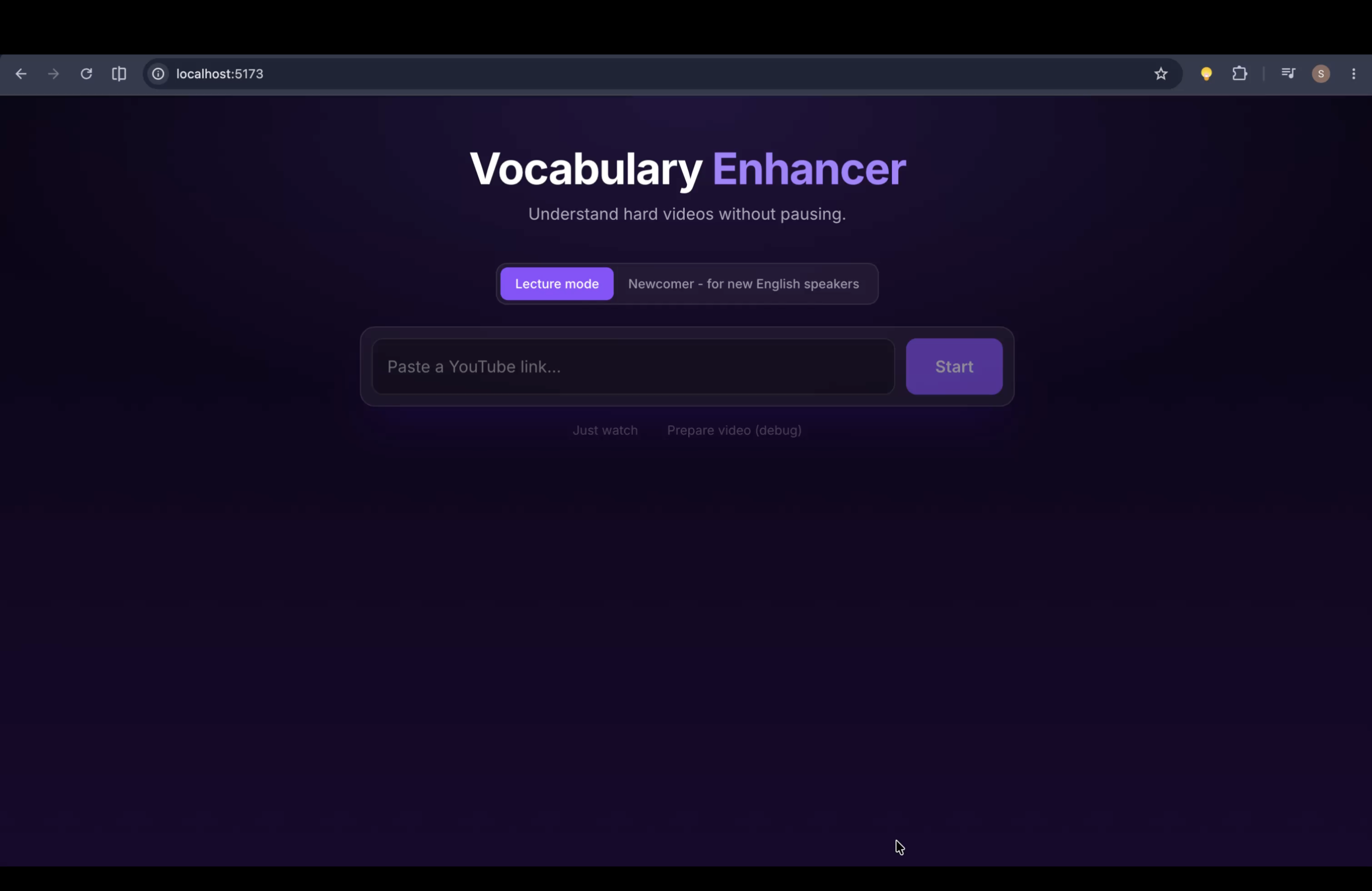
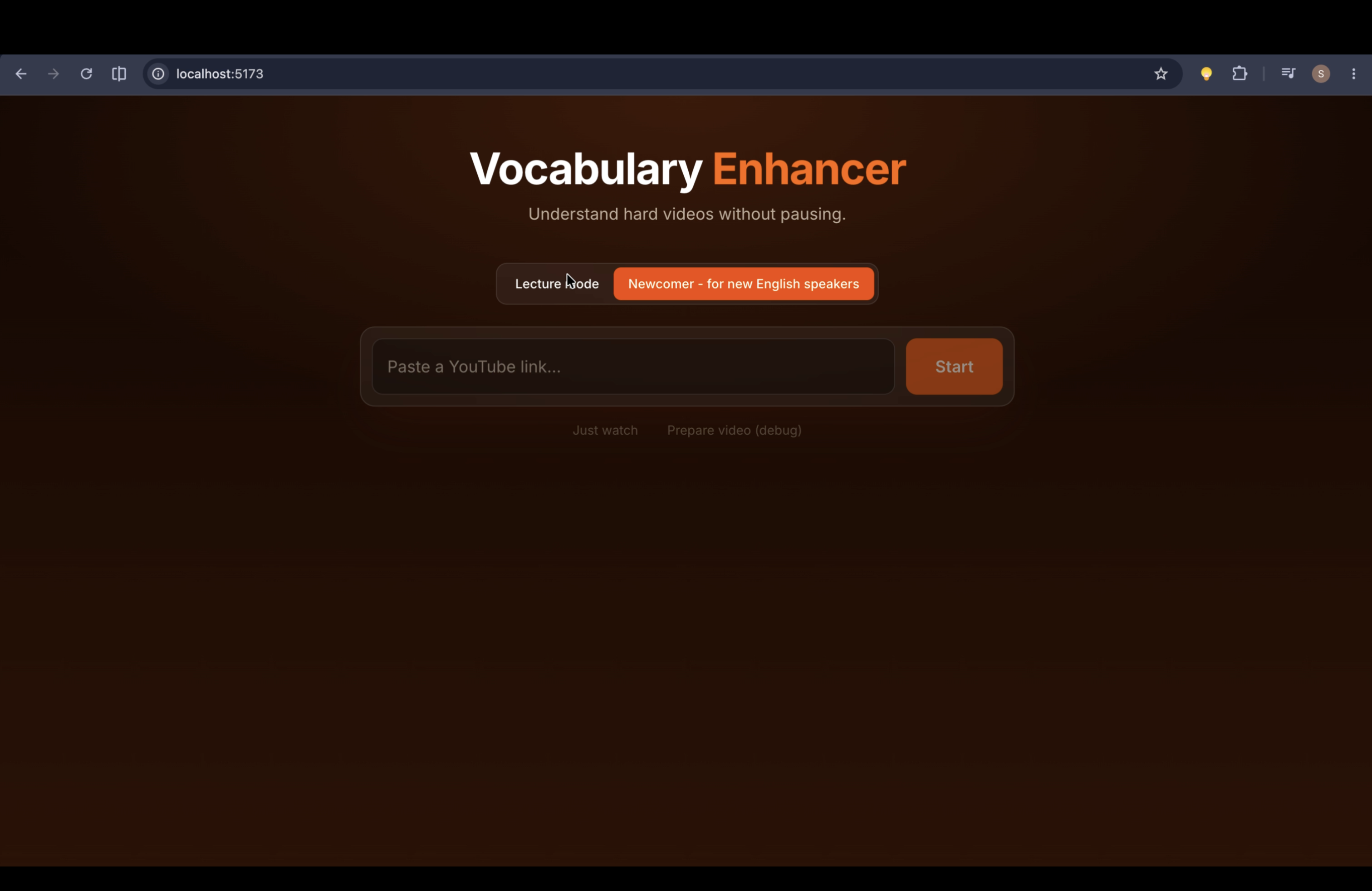
Margin turns a hard YouTube video into a personal lesson, without making you pause.
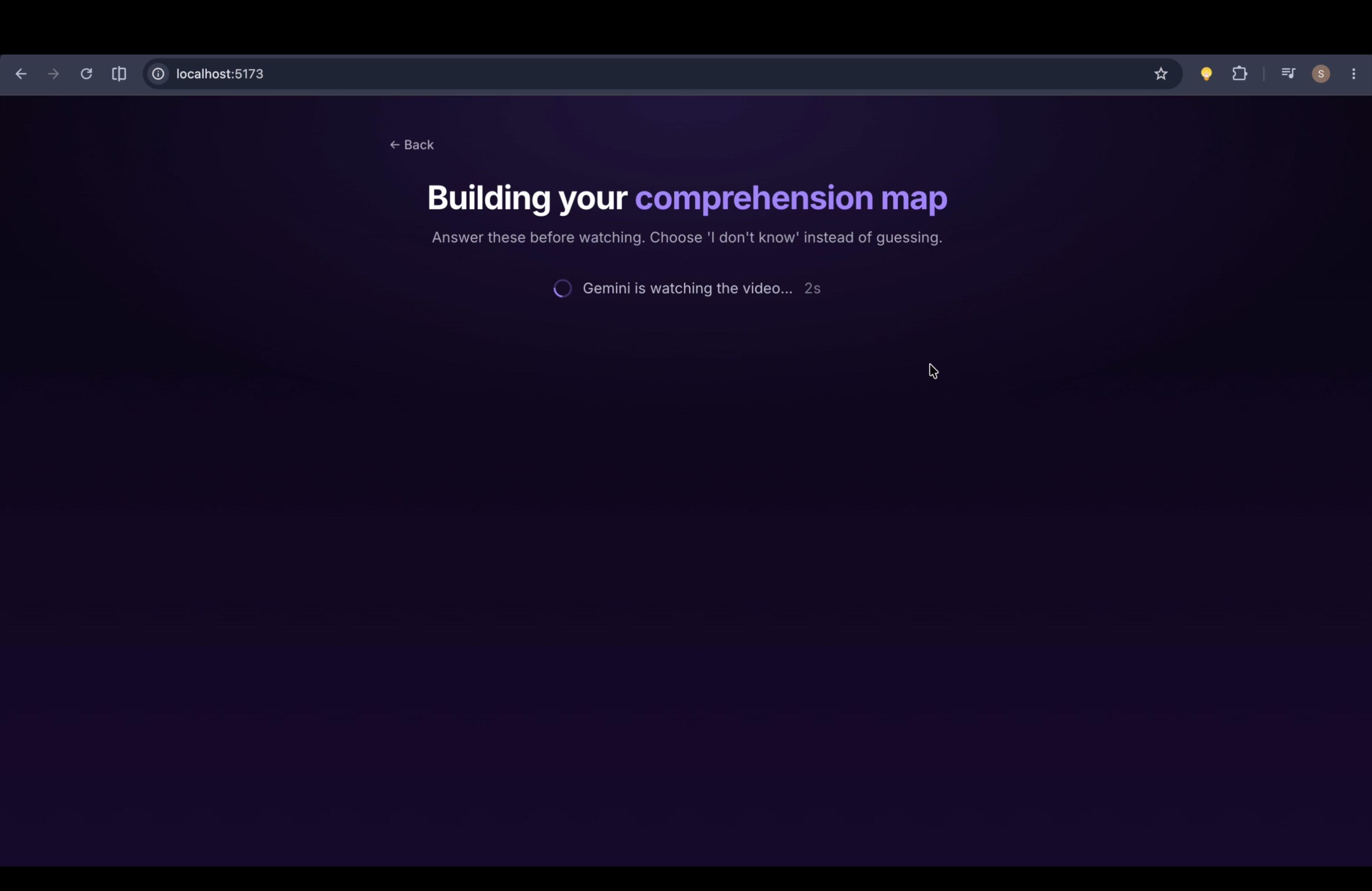
- Paste a YouTube link. Gemini watches the video itself (nothing is downloaded) and writes a timestamped transcript.
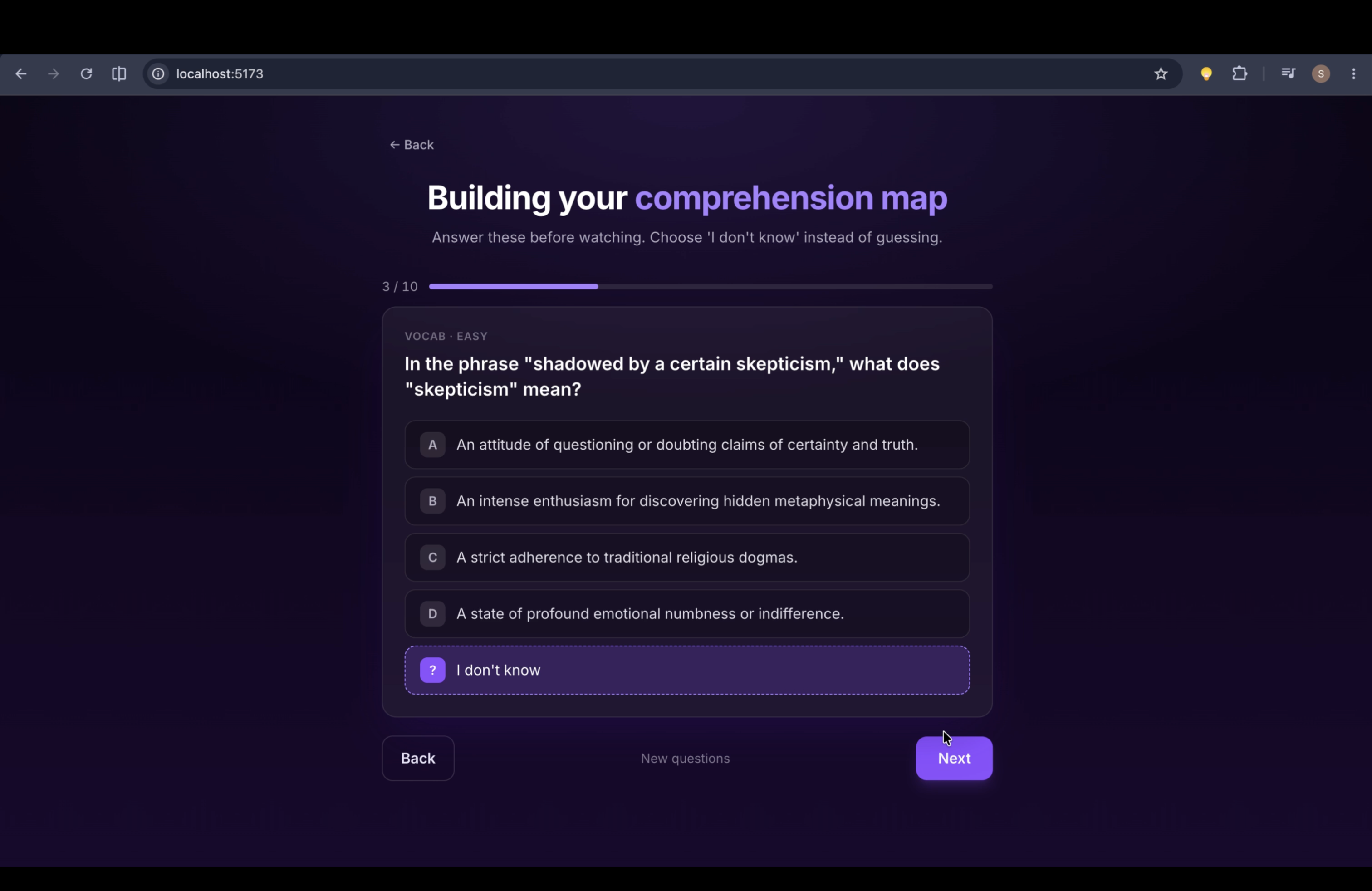
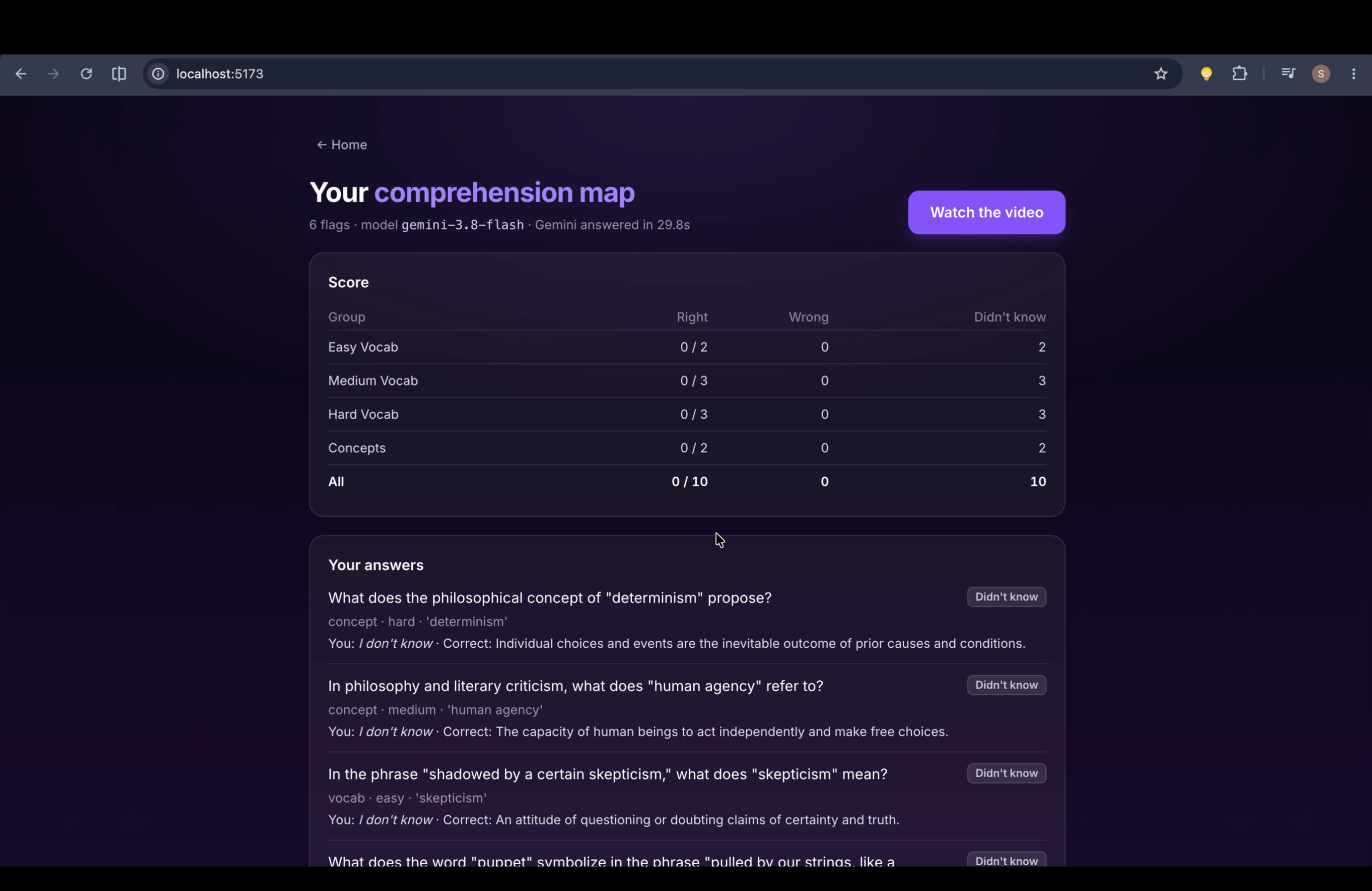
- Take a quick pre-watch quiz. Gemini writes about 7 multiple-choice questions from that video's own vocabulary and key concepts, spread across easy, medium and hard. Every question has an "I don't know" option so guesses don't pollute the results.
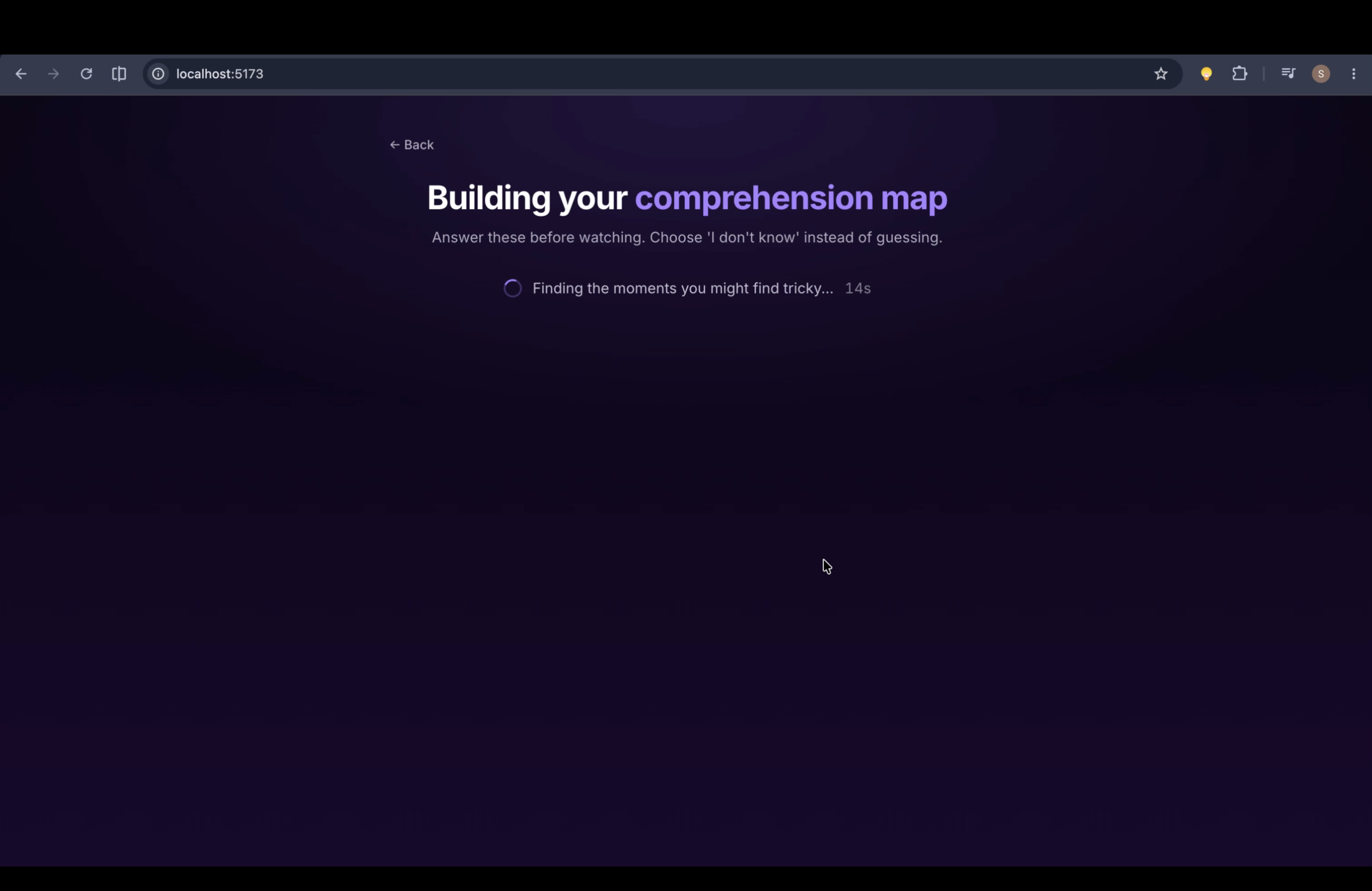
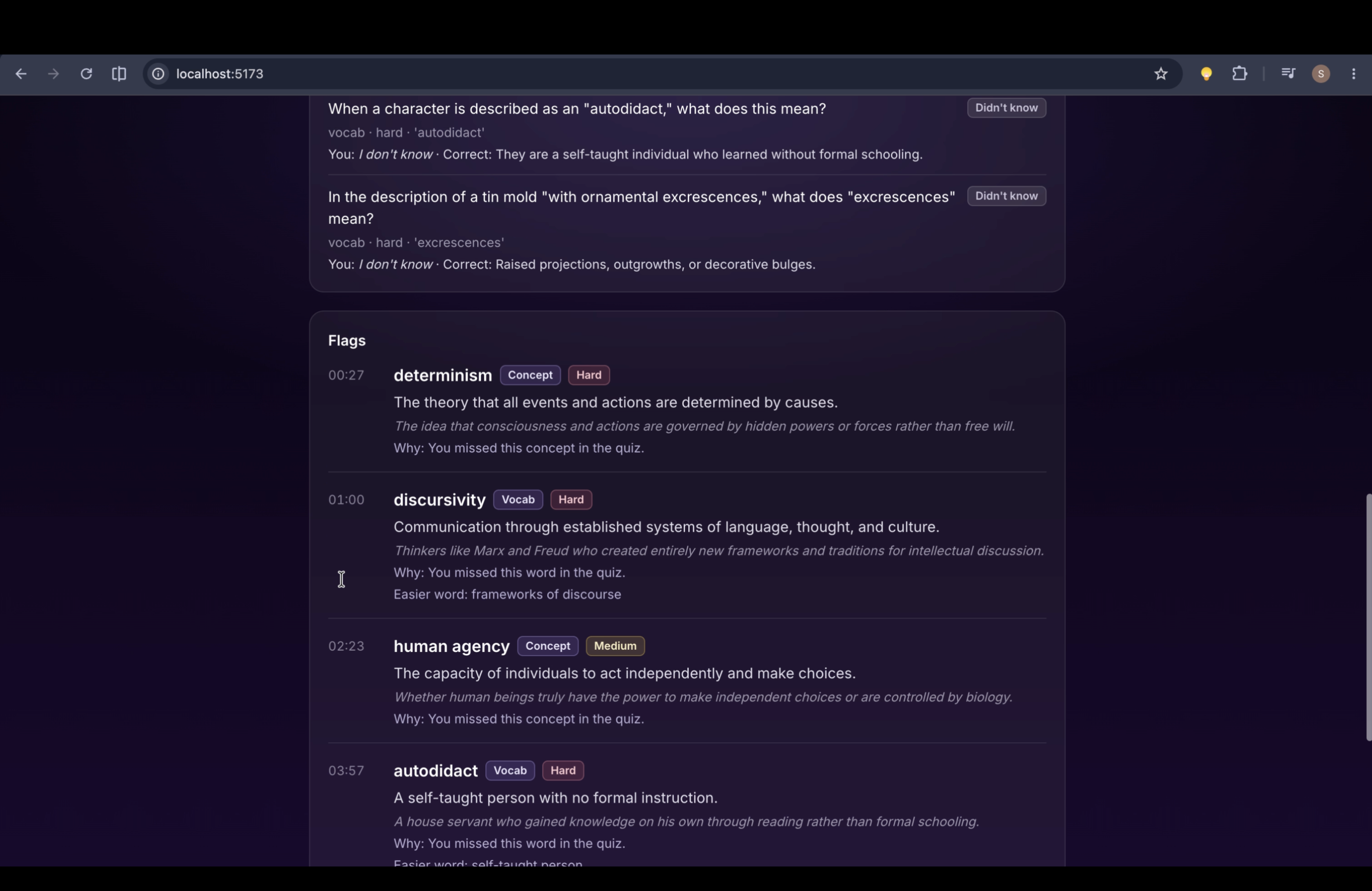
- Get your comprehension map. Your answers are scored, and a second Gemini call decides which moments in the video you are most likely to struggle with, and why.
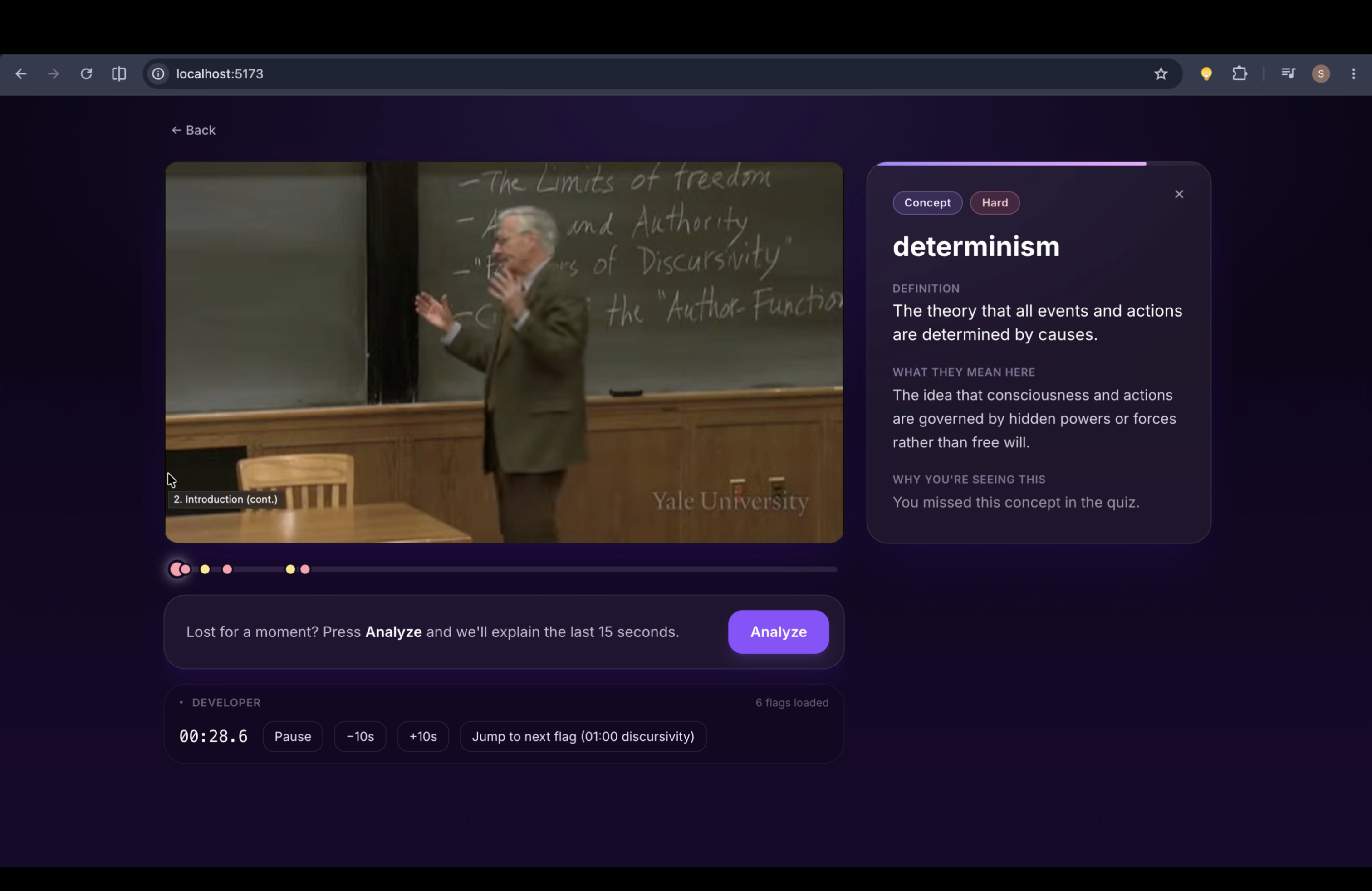
- Watch. The video plays in our page. When a flagged moment arrives, the video glides to the side and a card slides in with the term, a short definition, what the speaker means here, why you're seeing it, and an easier synonym. The video never stops.
- Press Analyze when you're lost. It pauses the video and explains the last 15 seconds: a plain-English summary of what was just said, plus the hardest term in it, and why it's tricky. It's a safety net for anything the flags missed.
How we built it
- Frontend: React, TypeScript and Tailwind (Vite), with a dark purple glassy design. The video uses the official YouTube IFrame Player API, which lets us read the playback clock every 250 ms and pause, play or seek it, all without downloading anything.
- Backend: a small Python FastAPI server that keeps the Gemini key off the browser and saves every Gemini answer to disk, so the same video never costs a second call.
- Gemini, in three structured calls, each forced into a fixed JSON shape with a response schema:
- Quiz (watches the video): transcript, vocabulary and concepts with timestamps, and the questions.
- Flags (text only): quiz results plus transcript give personalized, timestamped flags.
- Analyze (text only, on demand): the last 15 seconds of transcript give one rich explanation.
Only the first call watches video. The other two read the saved transcript, which makes them fast and cheap.
- Prompts live in plain Markdown files with placeholders like
{QUIZ_RESULTS}and{TRANSCRIPT}, so we could rewrite the AI's instructions without touching code. Changing a prompt automatically invalidates the saved answer for it. - The deterministic parts are plain code: scoring the quiz, converting
MM:SStimes to seconds, enforcing card spacing, and deciding which card is showing at a given second (a pure function with unit tests).
Challenges we ran into
Throwing away our first architecture. We started with a classic pipeline: fetch YouTube captions, split them with spaCy, rank words by frequency against CEFR word lists, then ask the AI to clean up. A teammate's version downloaded audio through a third-party service. Both were fragile and slow to build, and downloading YouTube raises terms-of-service problems. We rebuilt around one idea: let Gemini watch the YouTube URL directly, and keep our code for the parts that need to be exact.
A five-question quiz is a thin signal. With 4 options, a pure guess is right 25% of the time. With only two questions per difficulty level, the chance of a guesser looking competent on a level purely by luck is
$$P(\text{at least one lucky hit}) = 1 - \left(\tfrac{3}{4}\right)^2 = \tfrac{7}{16} \approx 44\%.$$
That's why every question has an explicit "I don't know", and why the quiz is scored in code rather than by the model.
Cards arriving early. Our transcript had one timestamp per sentence, so a word at the end of a long sentence got the sentence's start time, and its card popped up 2–3 seconds before the word. We switched to short phrase-level transcript lines and estimate the word's moment from its position in the line:
$$t_{\text{word}} \approx t_i + \frac{c}{|L_i|}\,\bigl(t_{i+1} - t_i\bigr)$$
where $t_i$ is the line's start, $c$ is the character offset of the term in line $L_i$, and $t_{i+1}$ is the next line's start. We also show the card a moment after that time, never before.
"This model is currently experiencing high demand." Late on Saturday night, Gemini kept returning 503 errors, which are server overload, not our quota. We added automatic retries with back-off, gave the light text-only calls their own smaller model, and added a fallback model. Video calls are the heaviest, so they suffer first; splitting the workload made the app far more reliable.
Smooth, not blocky. Shrinking a playing YouTube iframe without restarting it or stuttering took care: we only animate the wrapper's width, never re-create the player, and freeze each card's countdown in video time so pausing doesn't steal your reading time.
Accomplishments that we're proud of
- It never makes you pause. Explanations arrive at the moment of need while the video keeps playing.
- It's personal. Two people watching the same lecture see different cards, based on what each of them actually knows.
- Comprehension, not just translation. Cards explain what the speaker meant here and why you're seeing it, not just a dictionary definition.
- No downloads, no scraping. Gemini watches the official YouTube link, and we play the official embedded player.
- A clean split between AI and code. Gemini does the judgment calls; code does everything that must be exact and testable.
What we learned
- Use the model where judgment matters, and code where correctness matters. Gemini is great at "which word will confuse this person?" and unreliable at arithmetic like "keep cards 25 seconds apart." We moved every rule into code.
- Structured output changes everything. Forcing a JSON schema turned "parse whatever the AI said" into a typed contract the frontend can rely on.
- Separate prompts from code. Keeping prompts in editable files let us iterate on the AI's behavior dozens of times without breaking the app.
- Cache everything and plan for failure. Saved answers, retries and fallback models made the difference between a demo that works and one that dies on stage.
- Small steps beat big leaps. We built one rung at a time (player, then quiz, then flags, then cards, then Analyze) and tested each before moving on, working on a separate git branch whenever a change was risky.
What's next for Margin
- Quiz as a guide, not a list. Gemini already watches the whole video once; next it will list a pool of 30–40 candidate terms by category (academic, idiom, literary, technical, reference, concept). The quiz becomes a placement test whose results generalize ("struggles with idioms, fine with technical terms"), so most cards come from words you were never quizzed on.
- Natural pacing. Gemini scores each candidate by how likely you are to struggle, and code picks cards by a reading budget (a minimum gap and a per-minute cap) instead of a fixed rhythm, with a Light / Normal / Heavy density setting.
- Back to where it started: Ottoman-inflected Turkish, then other languages with an older register (Arabic, Persian, older English).
- An end-of-video recap with quick review questions, and a "Got it" button that teaches the app as you watch.
- A browser extension that works directly on YouTube.
Built With
- css
- fastapi
- git
- github
- google-ai-studio
- google-gemini
- html
- javascript
- pydantic
- python
- react
- tailwind
- typescript
- vite

Log in or sign up for Devpost to join the conversation.