
Inspiration
I released Margin on the iPad less than a month ago. Most AI assistants live in restrictive chat windows that leave little room to arrange ideas spatially. I'm a visual learner, and I knew these tools could do more, so I never felt at home in them for real research and deep thinking.
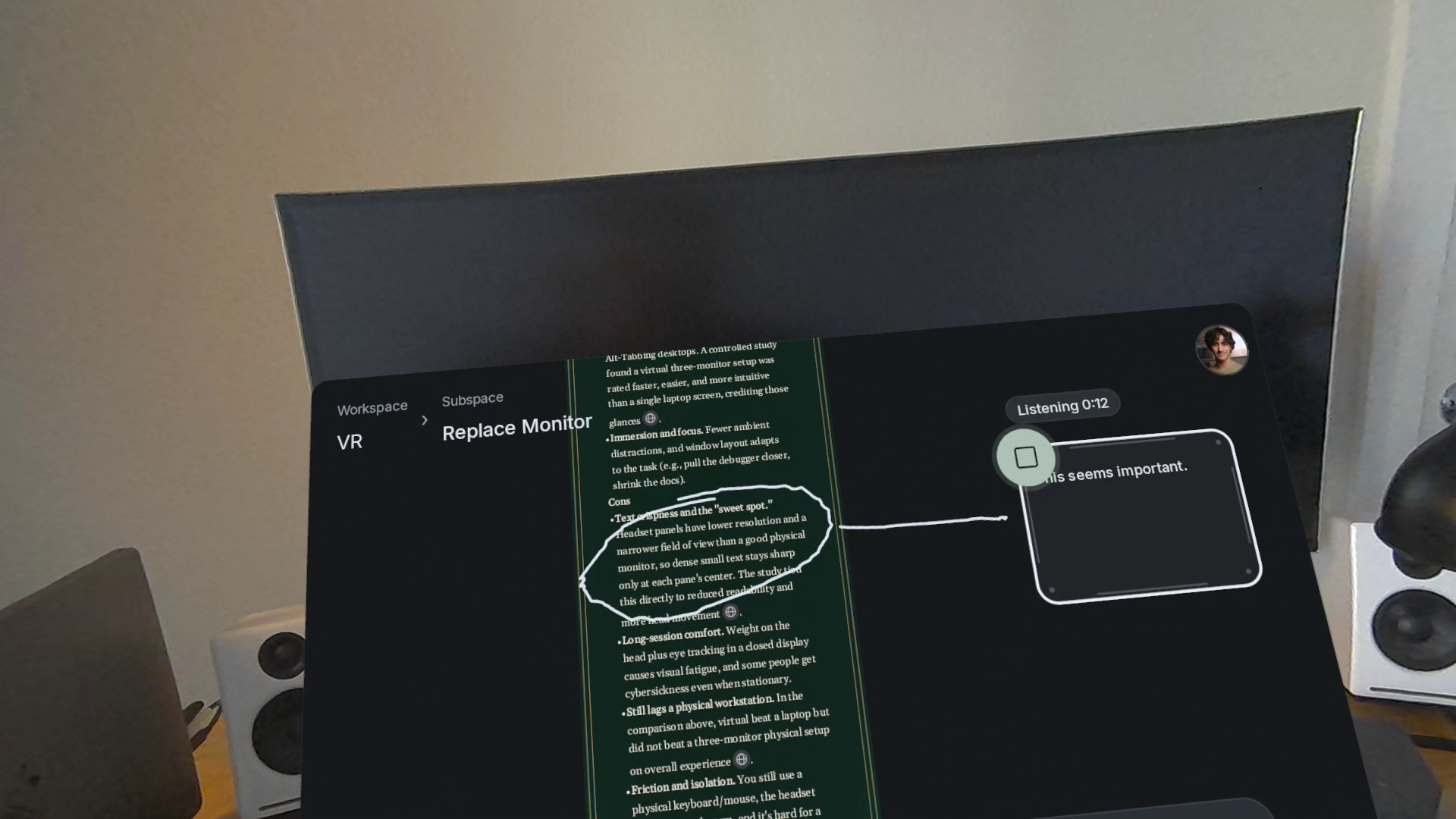
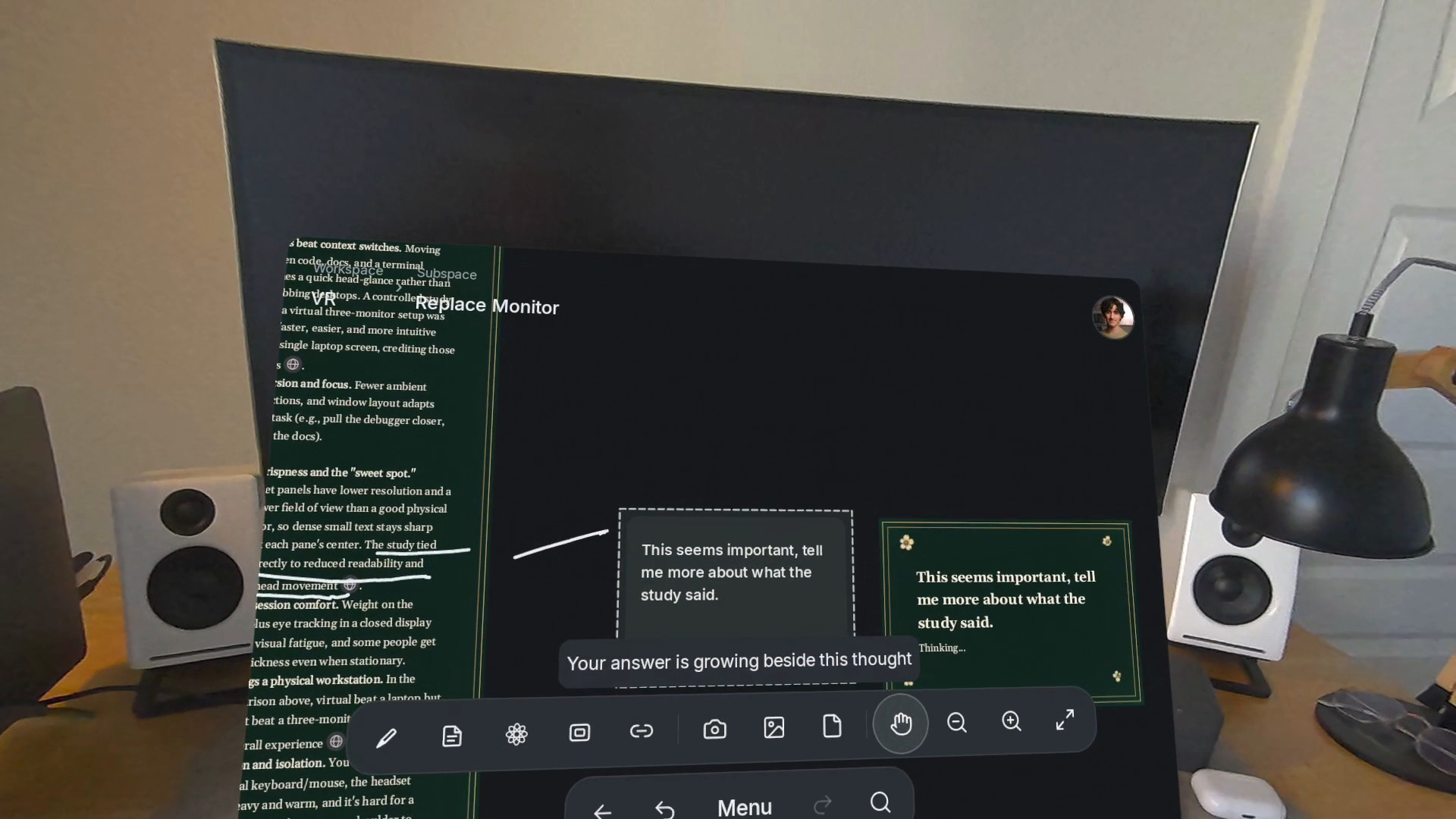
There's a barrier that puts you one step away from your thoughts when you use a mouse and keyboard. The iPad helps remove that barrier by letting you write and interact directly with your hands. The Quest takes that step, but also, somehow, one more step. When your canvas can move with you around your environment as you think, the thinker and the thoughts get even closer together. And with a research agent right there inside the canvas, thinking with AI has never felt this dynamic to me.
What it does
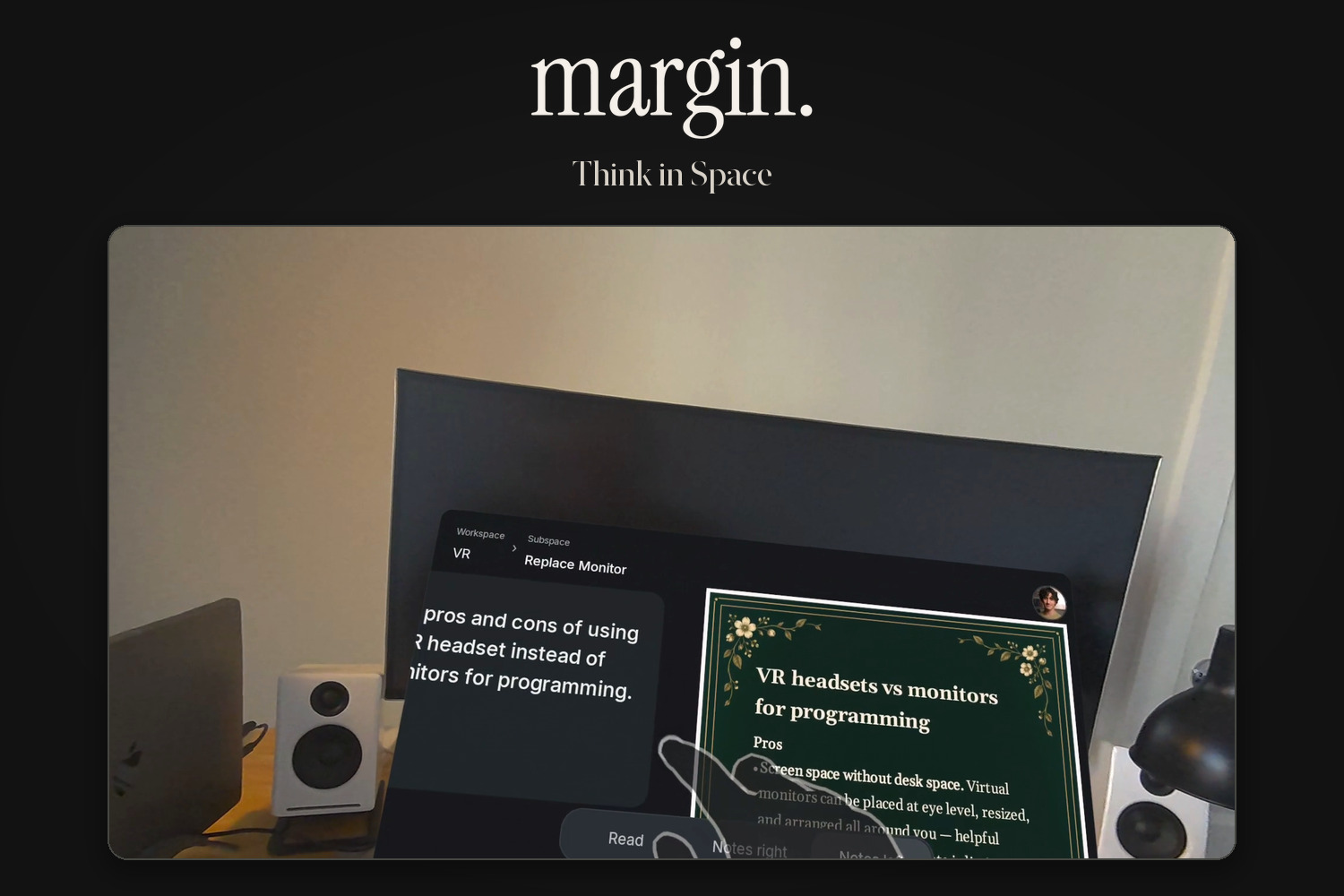
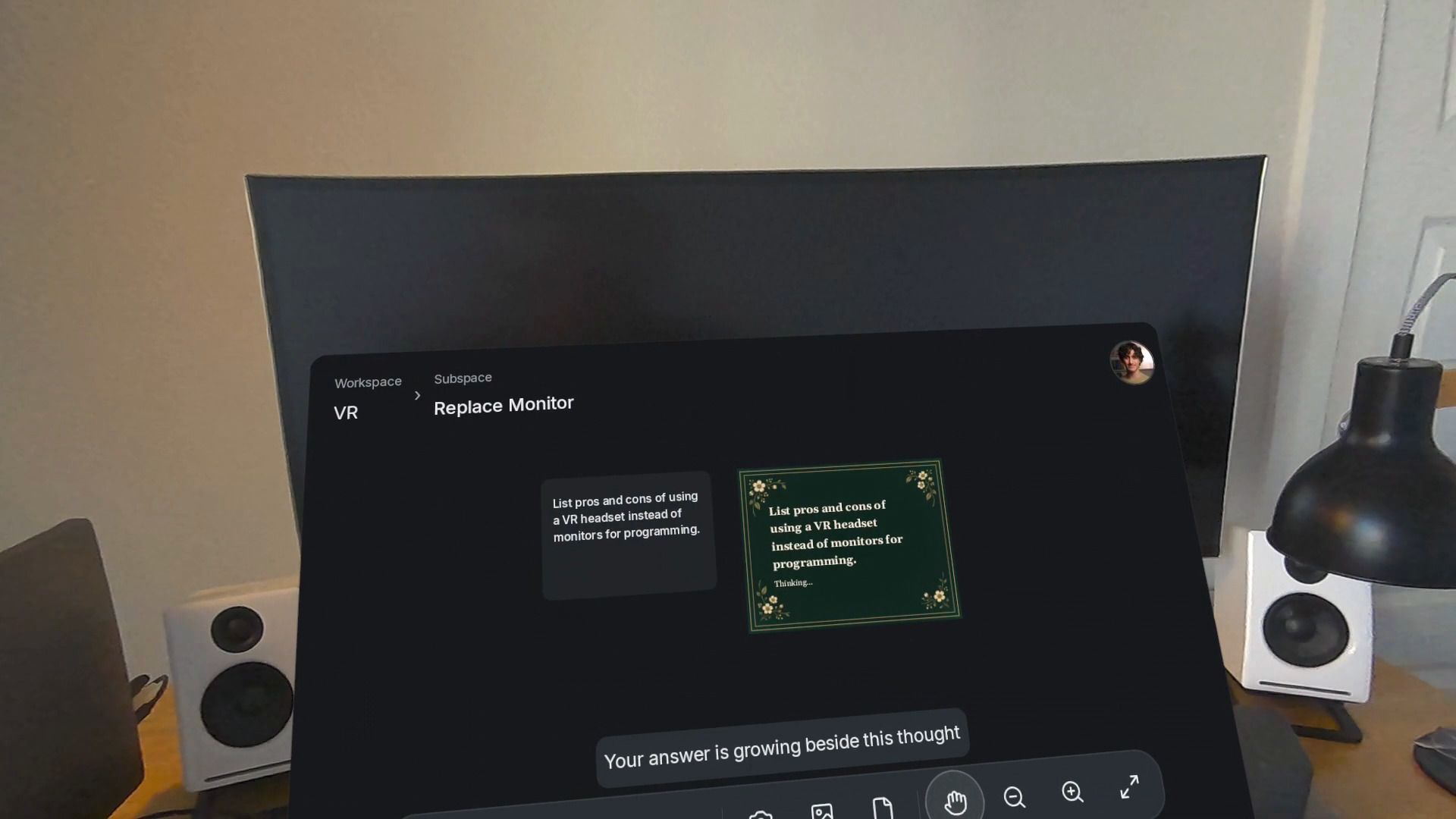
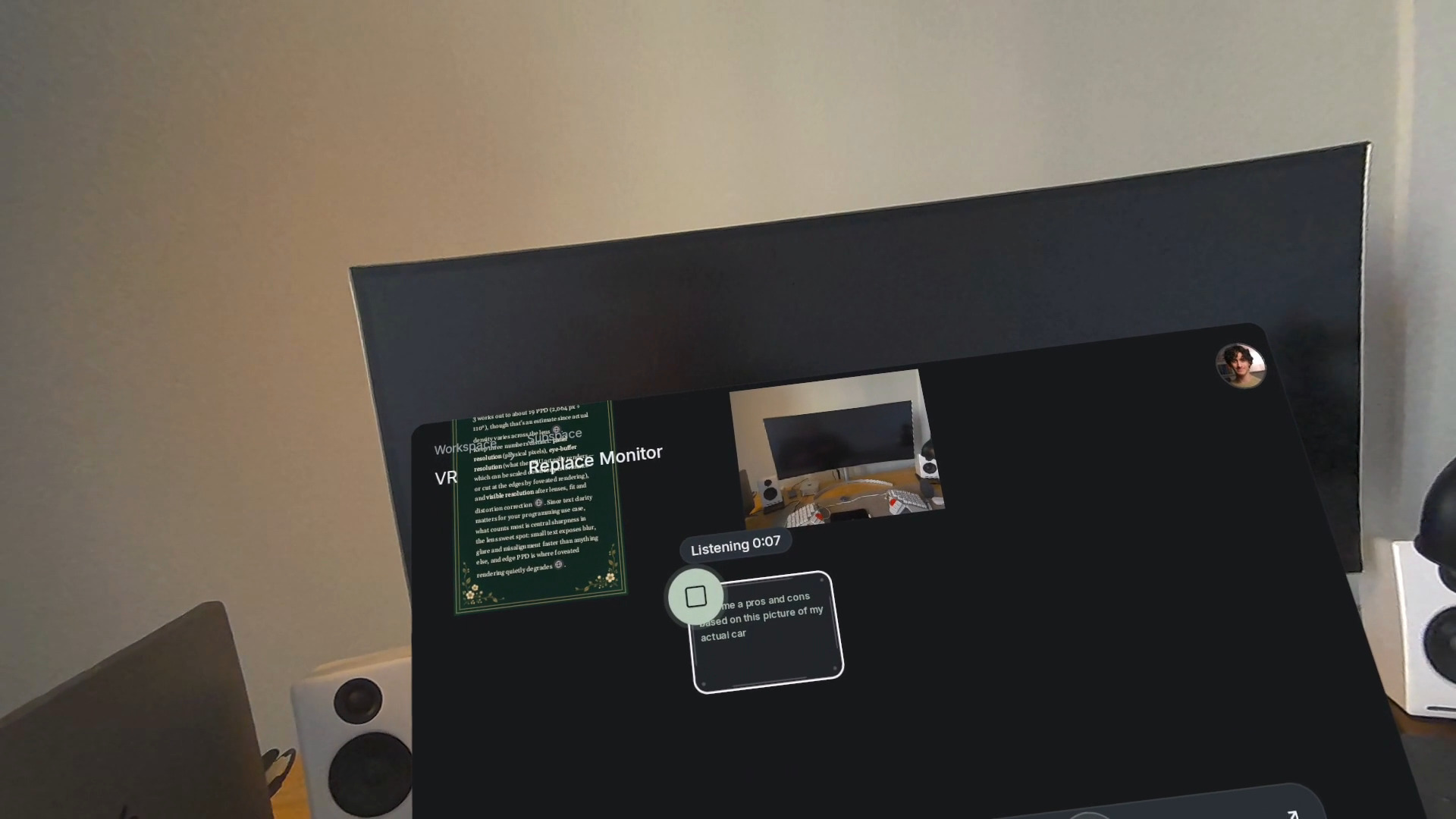
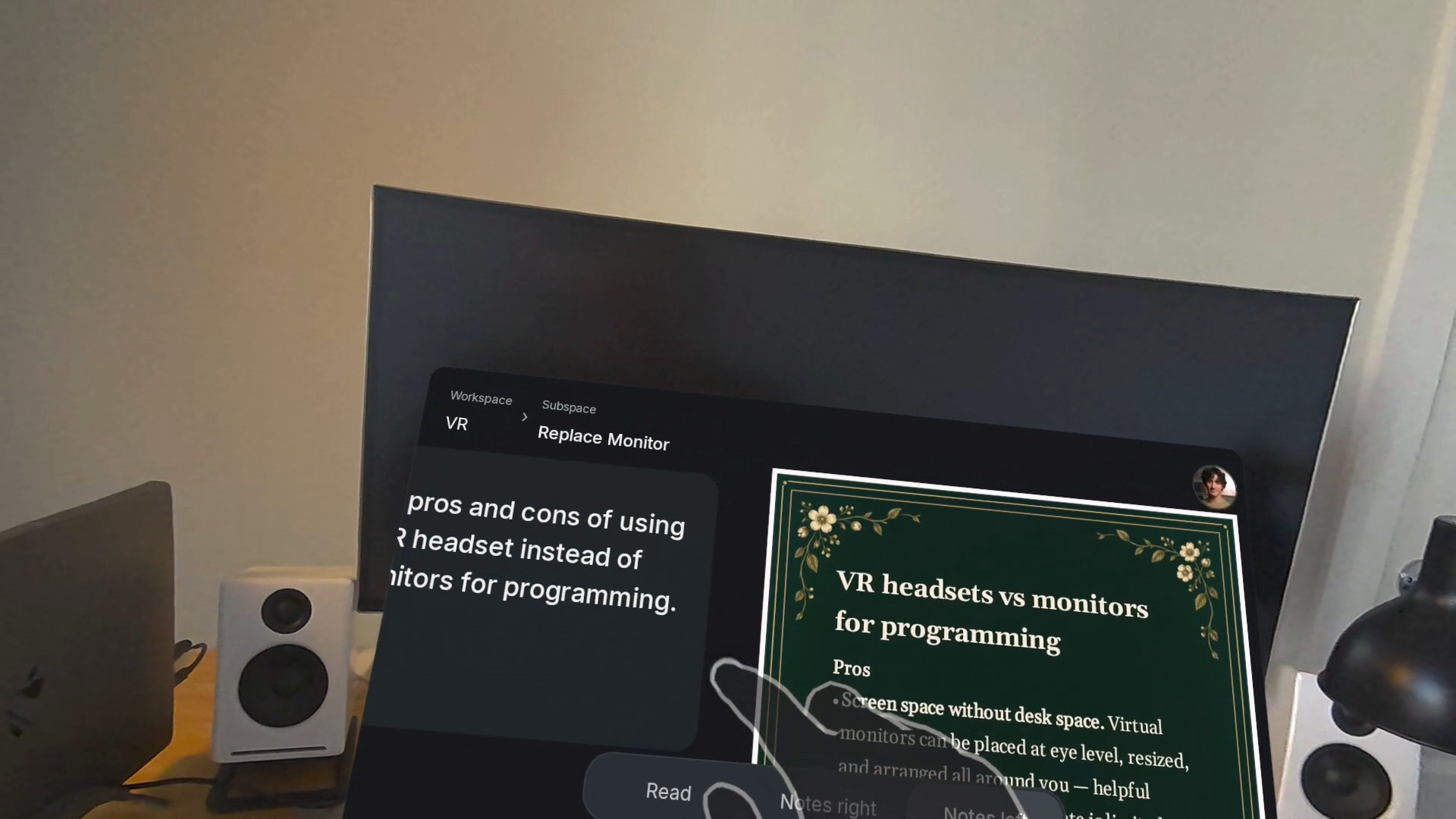
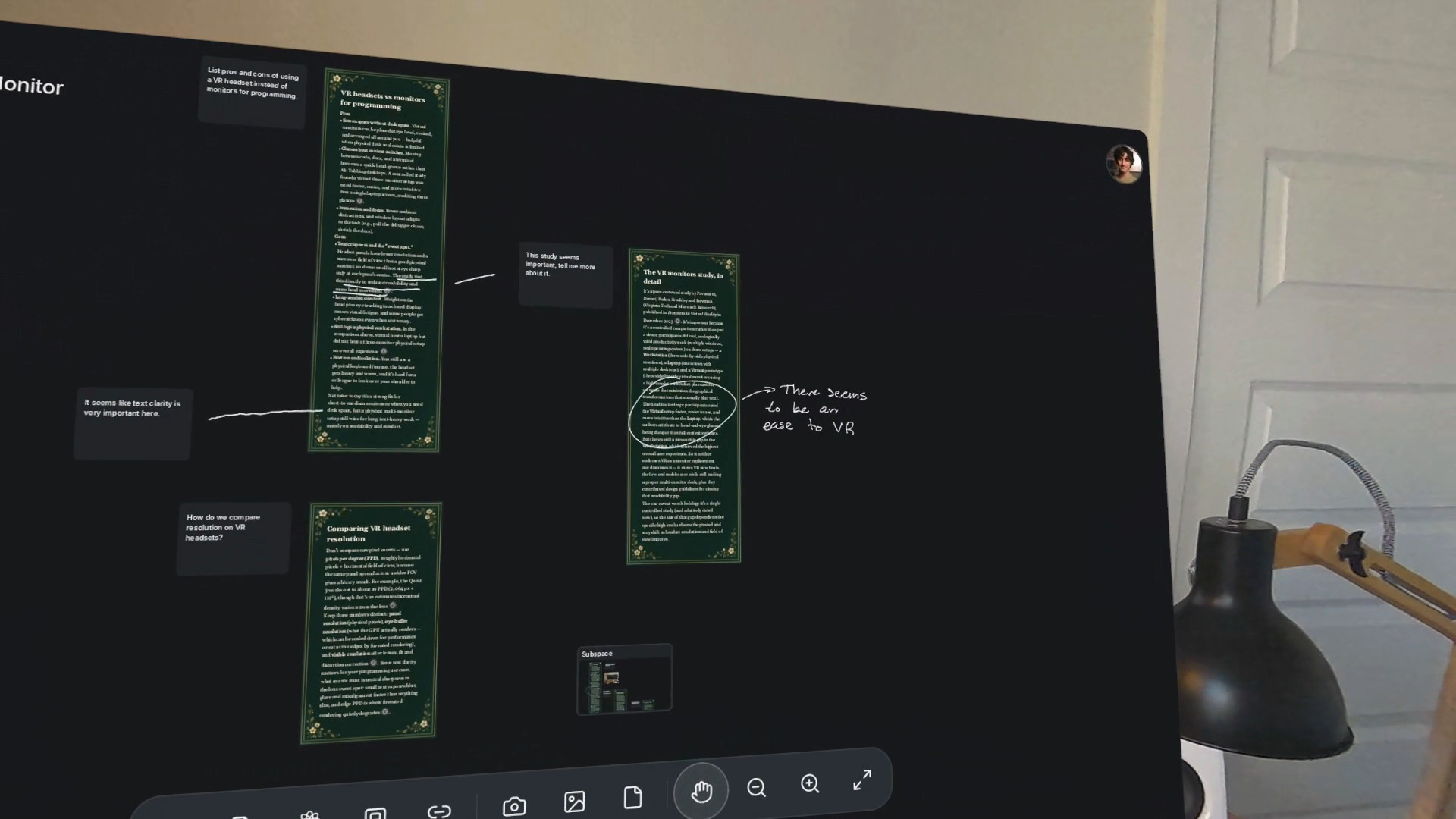
Margin lets you dictate, sketch, and research with AI on an infinite canvas. You can explore ideas in nested subspaces, photograph something in front of you and ask about it, or open different boards in separate windows. Everything syncs with the iPad and Mac apps, so your work doesn't stay in the headset.
How I built it
Margin started in Swift for iPad and Mac. For the Quest, I rebuilt the interface in Kotlin and Jetpack Compose and kept the shared document and sync system underneath. A lot of the work was figuring out how to make the same app feel natural with hands instead of an Apple Pencil or a mouse.
Challenges I ran into
This was my first time developing for a VR device. I actually rented the Quest 3S from my university library! So I spent a good amount of time just orienting myself and getting the interactions to feel fluid. I also had to make the choice to go voice first for input, since typing felt a bit slow and handwriting wasn't going to fly like it does on the iPad.
The biggest challenge with the app, though, was building a nonlinear interface for AI. In a chat window, there's a clear order to the conversation. You expect to be able to reference anything you've said before, and older messages can be summarized to keep the context manageable. On a sprawling canvas, there's no single thread to follow. Figuring out which notes, images, and earlier conversations matter to a question, without sending the entire workspace to the model, making the user wait, or letting input token costs skyrocket, was a much harder problem.
I had a working approach when I released the iPad version, but there was still a lot of room to improve it. This hackathon gave me a chance to experiment with decision models that advise on which tools a question needs and which earlier exchanges are worth including.
Accomplishments that I'm proud of
I'm proud that I took an idea I wasn't really sure how to build and made it work. Trying to get a nonlinear AI workspace to feel good felt a bit like exploring a new frontier, and on top of that it was my first time developing for VR. There's still plenty I want to improve, but I'm glad I pushed past what I already knew how to do.
What I learned
Mostly, I learned how to navigate tradeoffs. Giving the AI more context can help it answer better, but it also makes requests slower and more expensive. Adding more features gives users more freedom, but it can make the interface less clear. The more I worked on the project, the more I realized the goal wasn't just to make it capable, but to make those capabilities feel refined and intuitive.
What's next for Margin: Think in Space
I want to get it in more people's hands!
I have a lot of ambitions for this tool, and I think it could benefit so much from more iteration based on how other people actually use it.
Built With
- android
- automerge
- cerebras

