-
-
Can Can Contraption
-
Creating music
-
Playing in Passthrough
-
Ride the music
-
Fun Designs
-
Customize your track
Inspiration
Marble Melody began with the fascination of watching marble music videos on youtube. Millions of fans like us watch a ball rolls through elaborate contraptions, and every impact becomes part of a song. We wanted to put that creativity in the player's hands.
What if you could build your own musical marble track around you, hear your imagination come to life, and then ride through your creation from inside the ball? Things only possible in VR. That became the heart of Marble Melody.
What it does
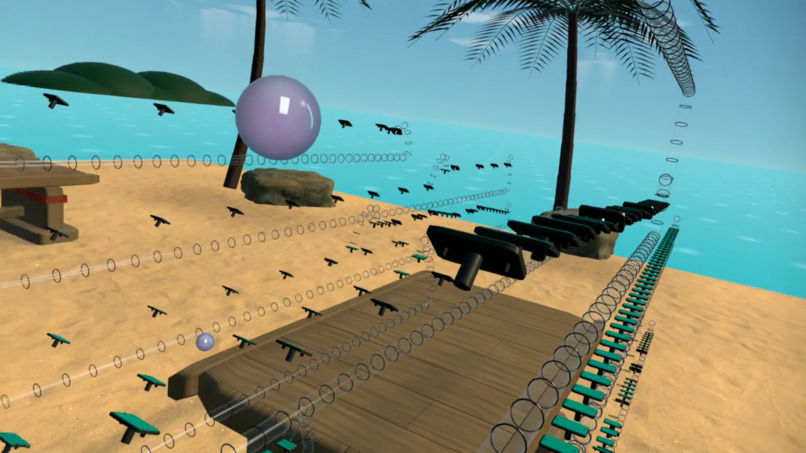
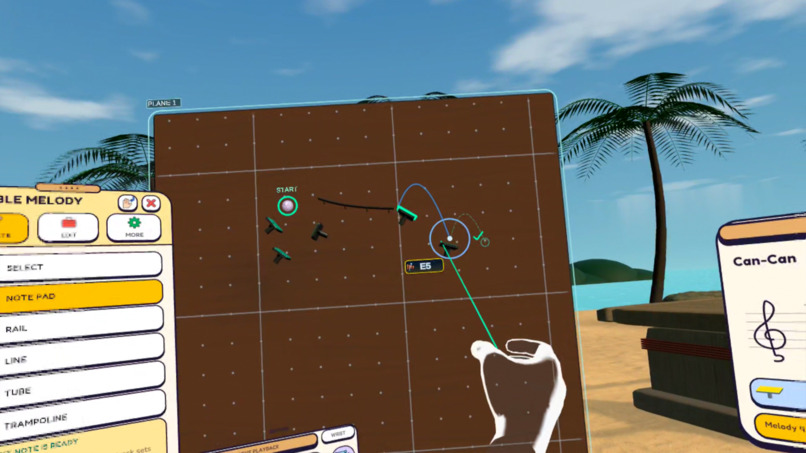
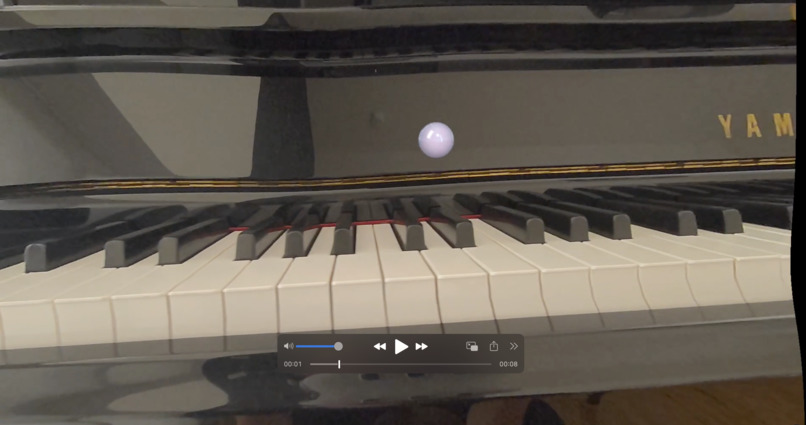
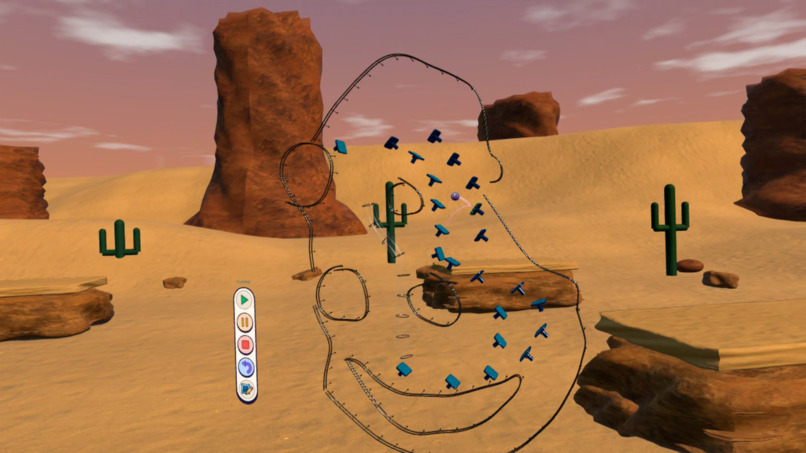
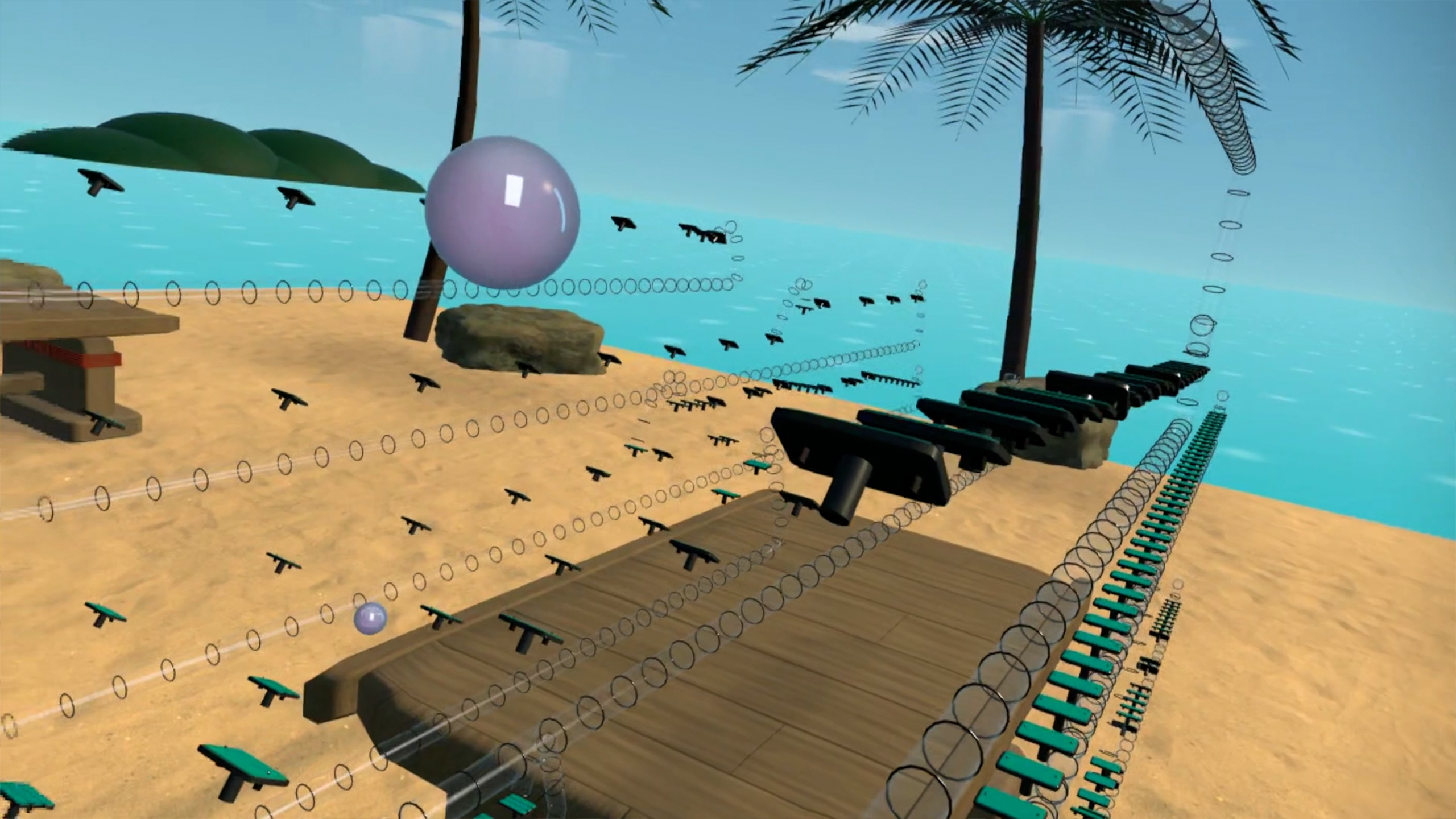
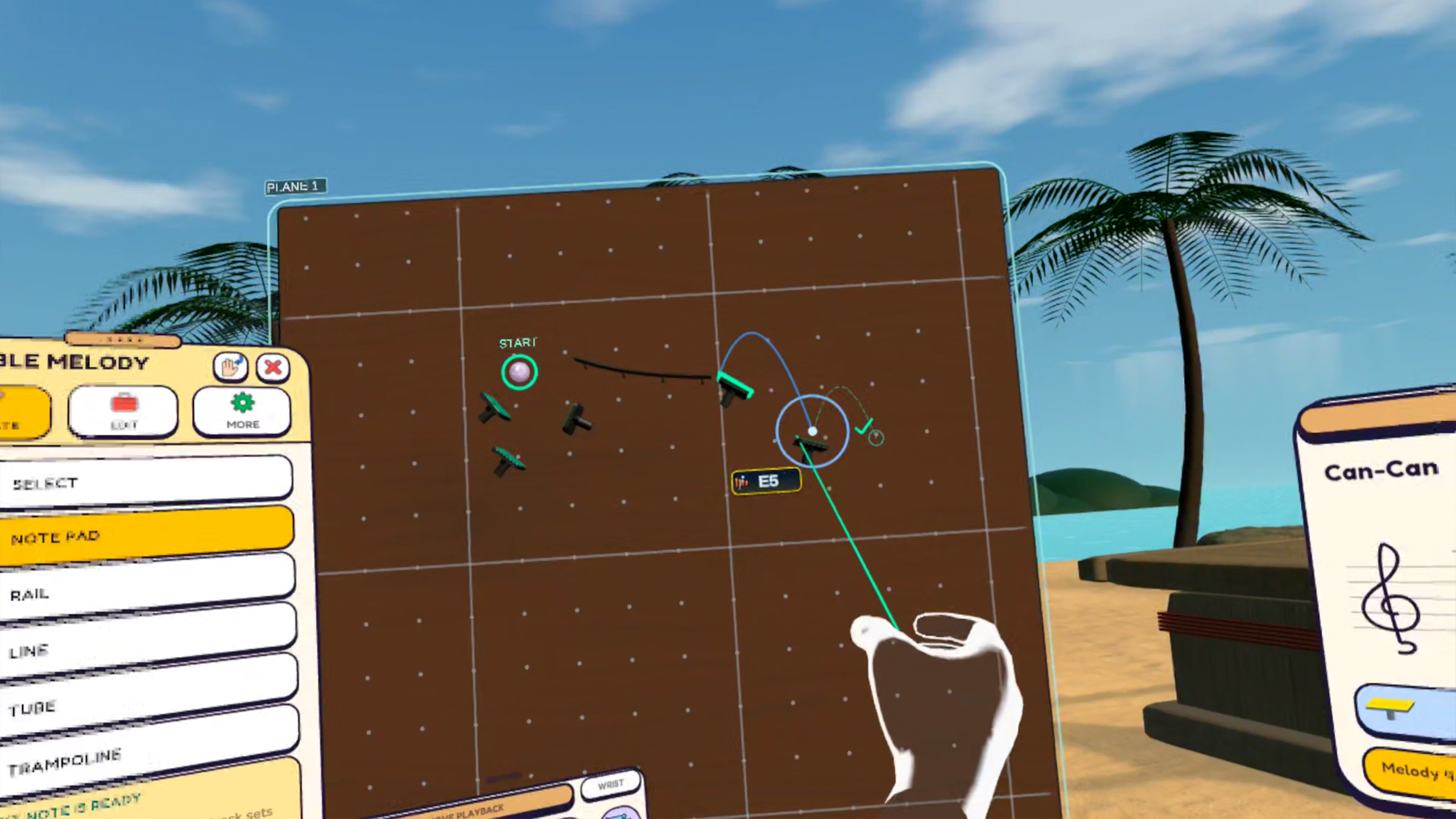
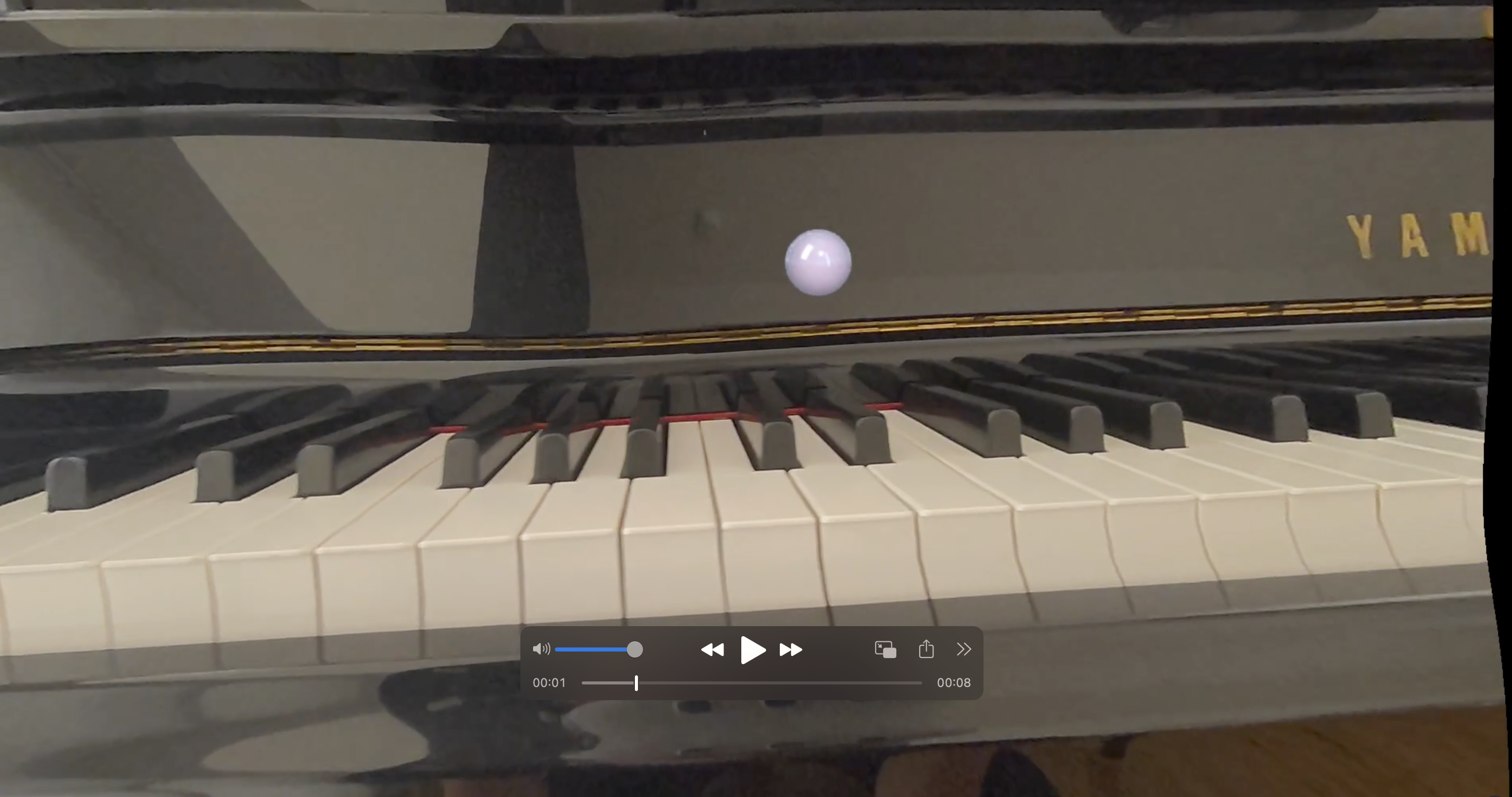
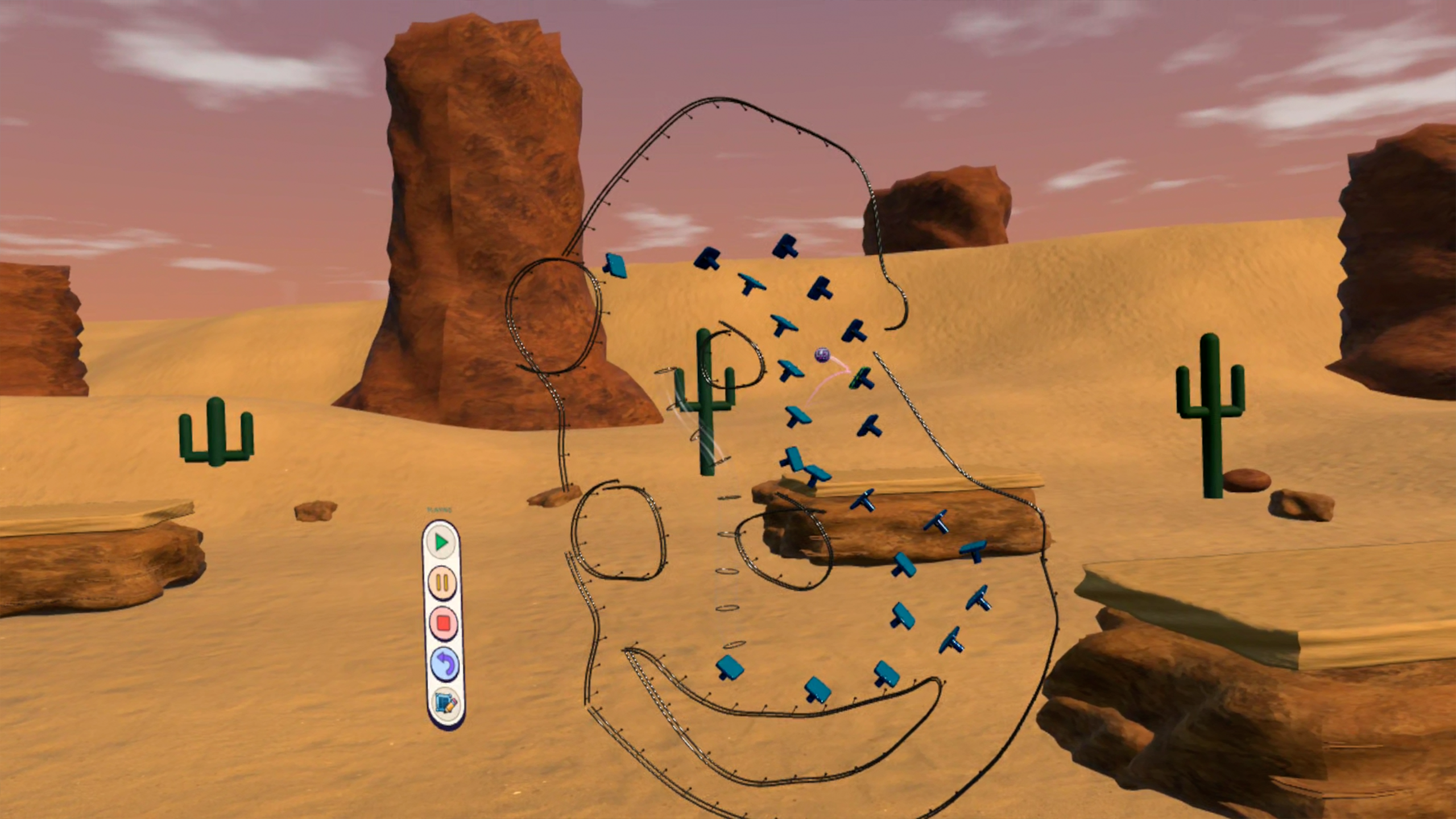
Marble Melody is a musical building playground for Meta Quest in VR and mixed reality. Players arrange musical pads, draw rails, and connect sections with suction tubes to create tracks in a virtual environment or their own room. In passthrough, the marble bounces off of their stuff, turning their furniture into instruments!
The track is both a contraption and a composition. Where the marble goes shapes what you hear, turning spatial design into a way to make music. Choose notes and instrument sounds, experiment with angles and bounce, and build a musical journey that is your own.
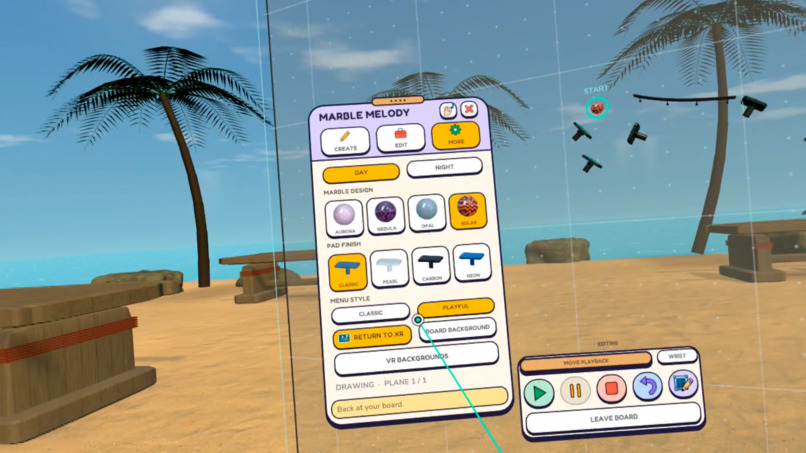
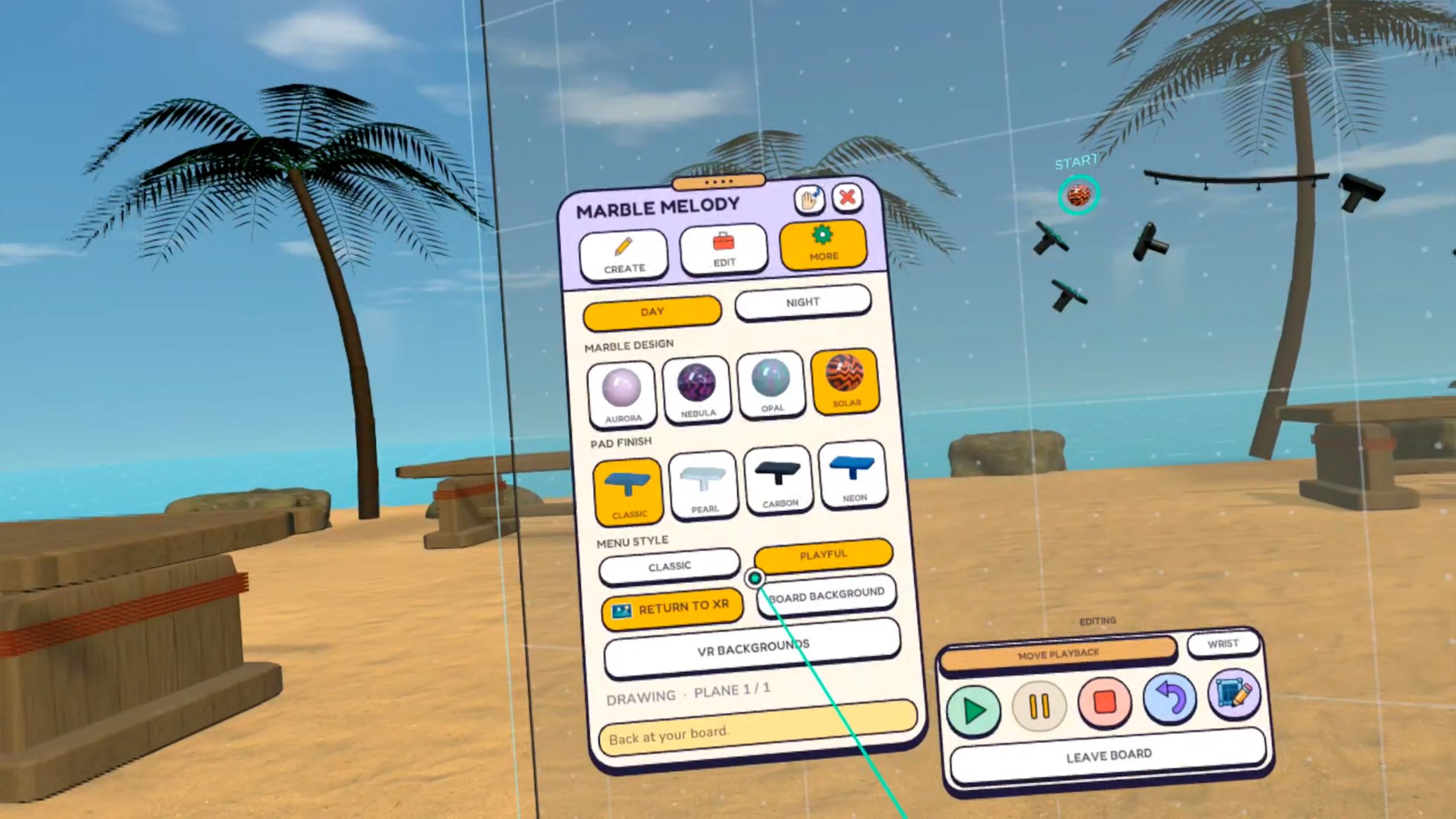
Players can build with controllers or hand tracking, using gestures to place and draw elements and a palm menu to access tools. Guided melodies and a first-song lesson provide a starting point, while local saving, loading, and undo support experimentation.
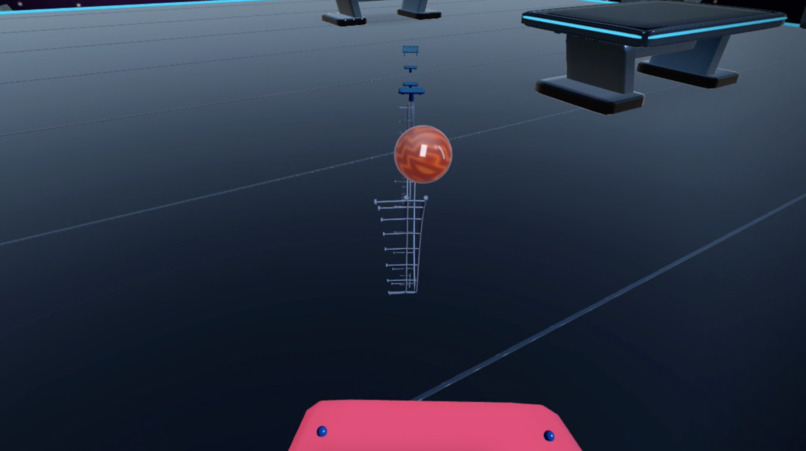
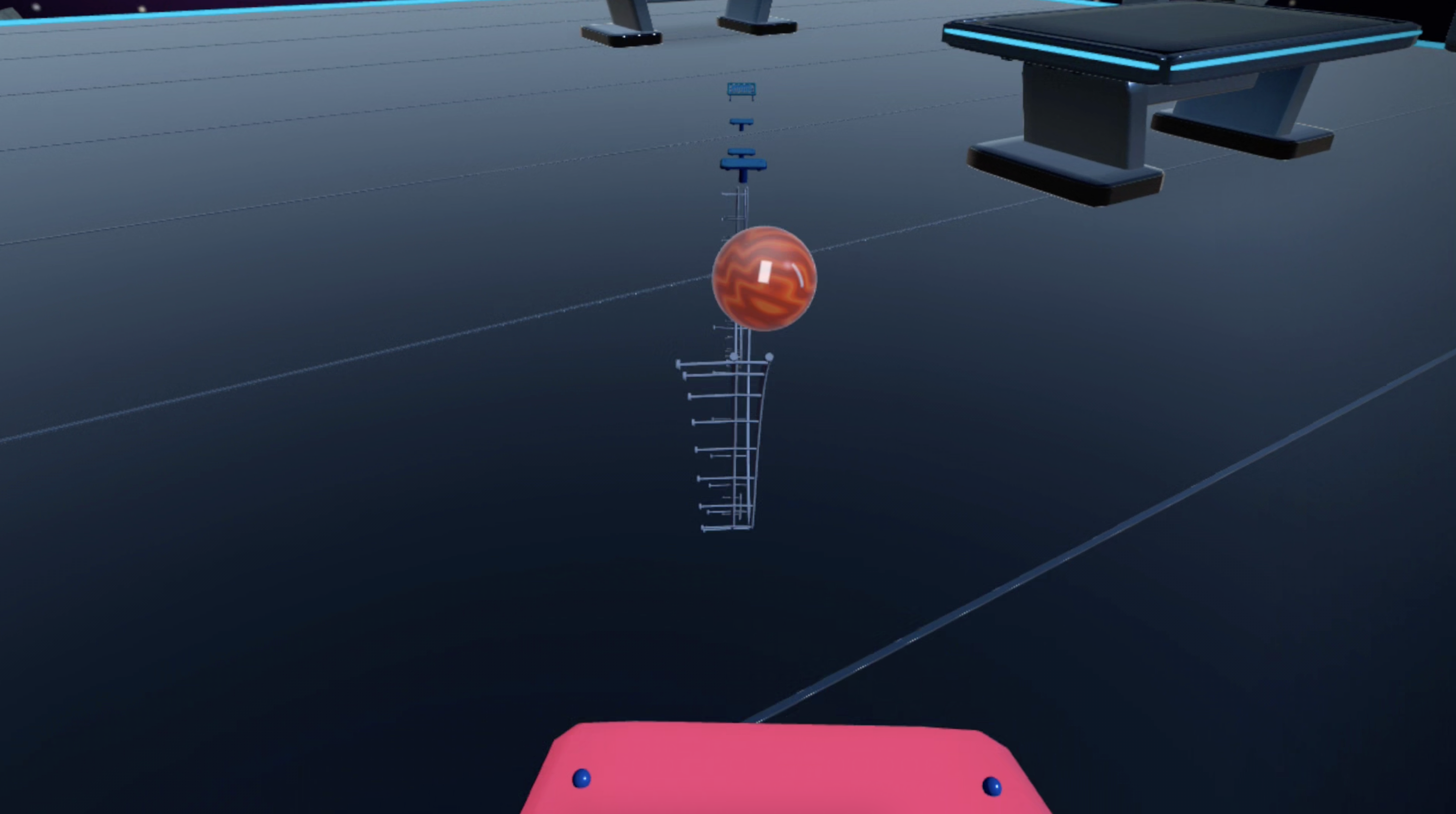
Once a track is ready, players can experience it through Inside Ball, Third Person, or Overview perspectives. Build the musical journey, watch it unfold, and become part of the ride.
How we built it
We built Marble Melody in Unity with C#, Universal Render Pipeline, OpenXR, Meta OpenXR, the Unity Input System, and XR Hands.
At its core is a custom integer fixed-point physics solver. Path prediction and playback use the same simulation, so the same saved track, starting state, and simulator version produce repeatable marble motion and musical impact timing.
Audio is triggered by physical impacts on musical pads. This keeps the music connected to the marble's journey and makes the relationship between a track's shape and its sound part of the creative experience.
Challenges we ran into
One central challenge was connecting musical timing with physical motion. A track needs to behave consistently enough that players can understand how their changes affect the tune. Sharing the simulation between prediction and playback became an important part of that foundation.
Another challenge was making spatial construction approachable. Placing, grabbing, drawing, and adjusting objects must work across both controllers and hands while keeping the creation visible and understandable.
Riding inside a moving marble also introduces different comfort considerations from watching a track. We support several viewing perspectives and use fades during view changes. Further headset testing remains important as we refine the experience.
Accomplishments that we're proud of
We're proud of bringing building, music, and riding together in one creative loop. A player's creation becomes something they can see, hear, and experience from multiple perspectives.
We also built supporting tools that help turn an initial idea into a repeatable creation: guided melodies, a first-song lesson, local save and load, undo, and consistent simulation.
What we learned
Marble Melody has reinforced how closely interaction design and creative freedom are connected. Players need to understand how to manipulate a piece before they can express an idea with it.
It has also highlighted the value of consistency. When motion, prediction, and sound agree, players have a clearer foundation for experimenting with the relationship between space and music.
What's next for Marble Melody
Our next priorities are to polish onboarding and hand interactions, continue testing ride comfort and performance, and expand the possibilities for musical construction.
We want the first creation to feel approachable and the next idea to feel worth trying. Our ambition is to make Marble Melody a place where players keep asking, "What could I build next?"


