-
-
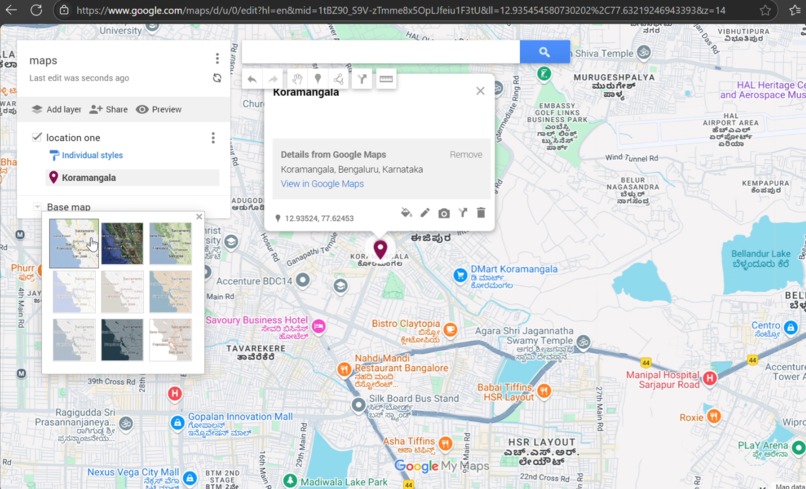
maps
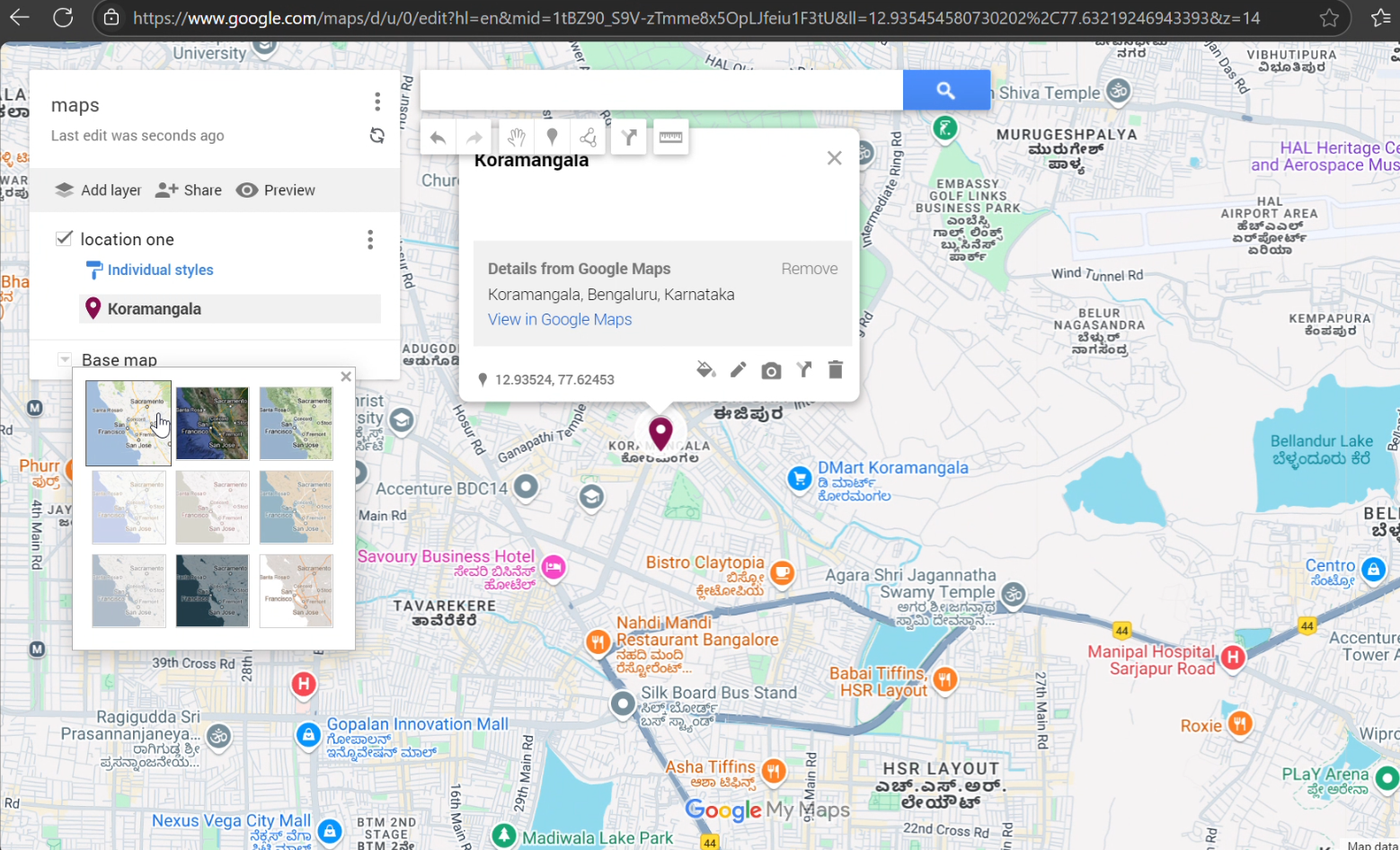
Inspiration
Google Maps is powerful, but it offers limited flexibility for personalization. We were inspired to build a platform where users can create customizable maps — tailored with their own markers, styles, themes, and data layers — for personal, business, or event-based use.
What it does
Our project lets users design fully customizable maps with ease. Key features include: Adding custom markers with notes or images Drawing routes or boundaries Applying different themes or color schemes Sharing the map via a unique link
How we built it
We built the application using: Google Maps API for map rendering and geolocation HTML/CSS/JavaScript for frontend UI Firebase for storing user data and custom maps React.js for dynamic component management
Challenges we ran into
ntegrating customization features without compromising usability Managing map state and dynamic data updates Handling Google Maps API limits and pricing models Cross-browser styling issues
Accomplishments that we're proud of
A smooth and intuitive interface for creating personalized maps Implementing a real-time save/load system with Firebase Successfully testing it on multiple use-cases like event planning and delivery maps
What we learned
How to work with complex APIs like Google Maps Real-time data management with Firebase UX/UI best practices for tools that rely heavily on user input Importance of modular and scalable code architecture
What's next for maps
Add collaboration features so teams can work on maps together
Export maps as PDFs or embed into websites
Enable geofencing and route optimization features
Built With
- api
- html/css/javascript
- maps
- react.js


Log in or sign up for Devpost to join the conversation.