-
-
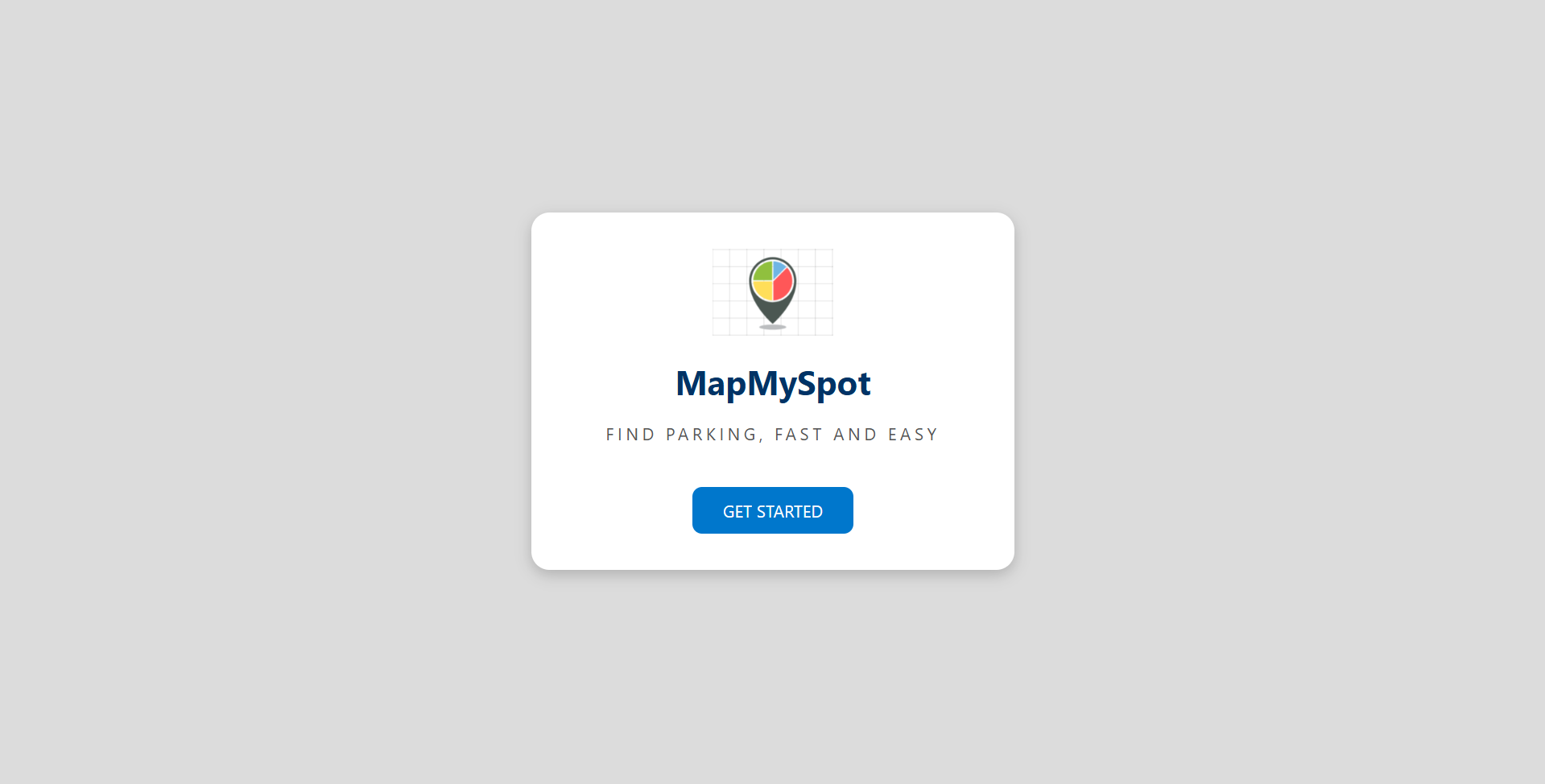
Get Started
-
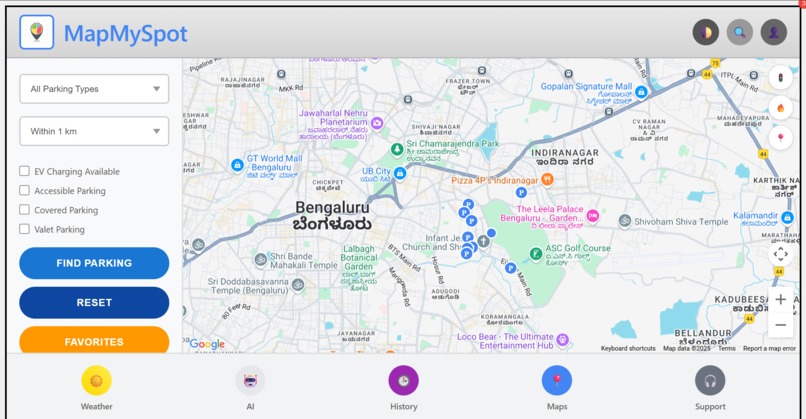
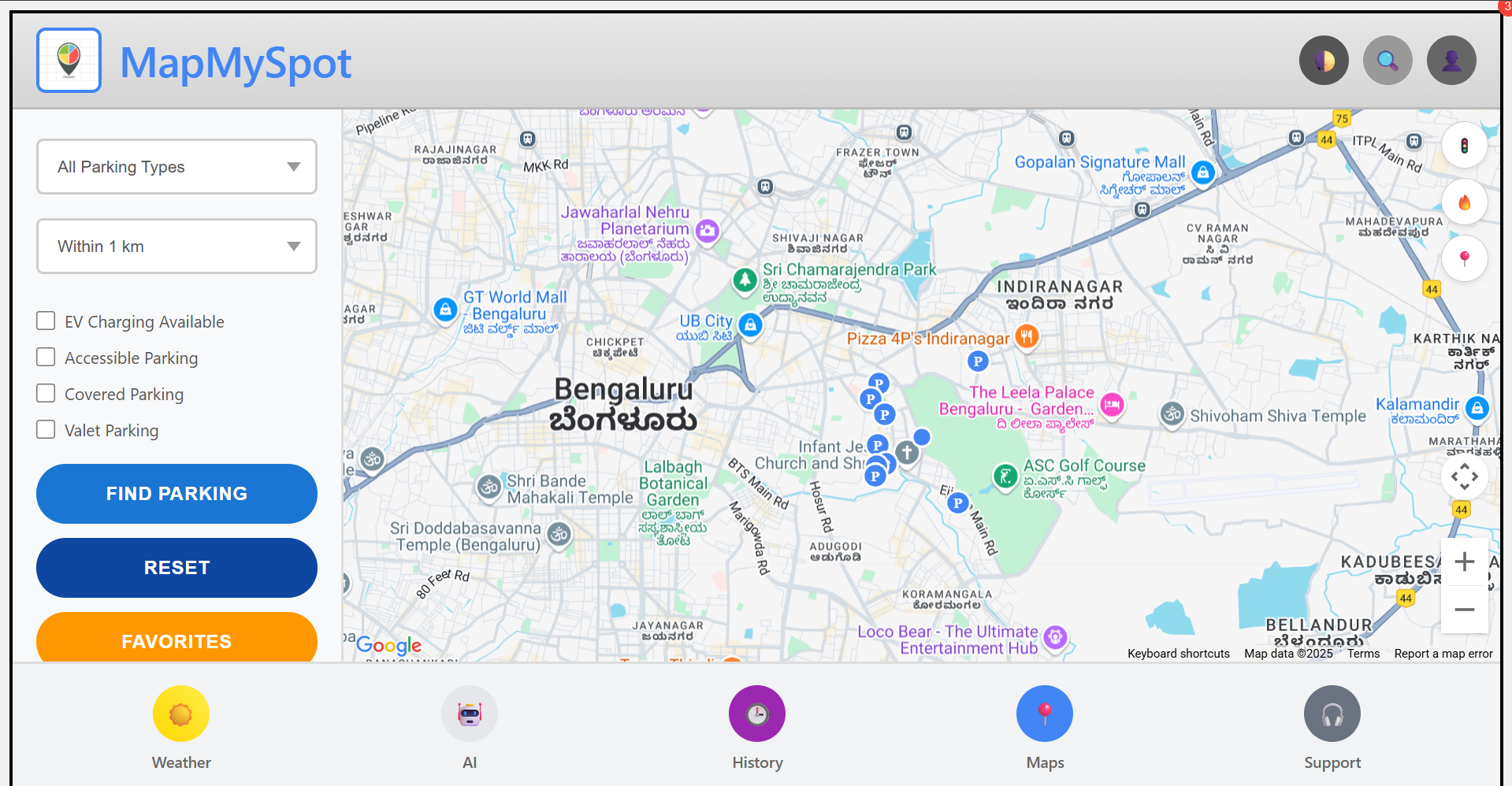
MapMySpot Dashboard
-
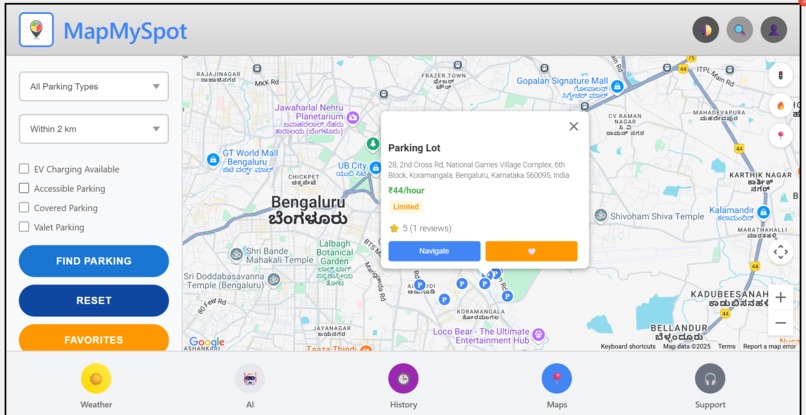
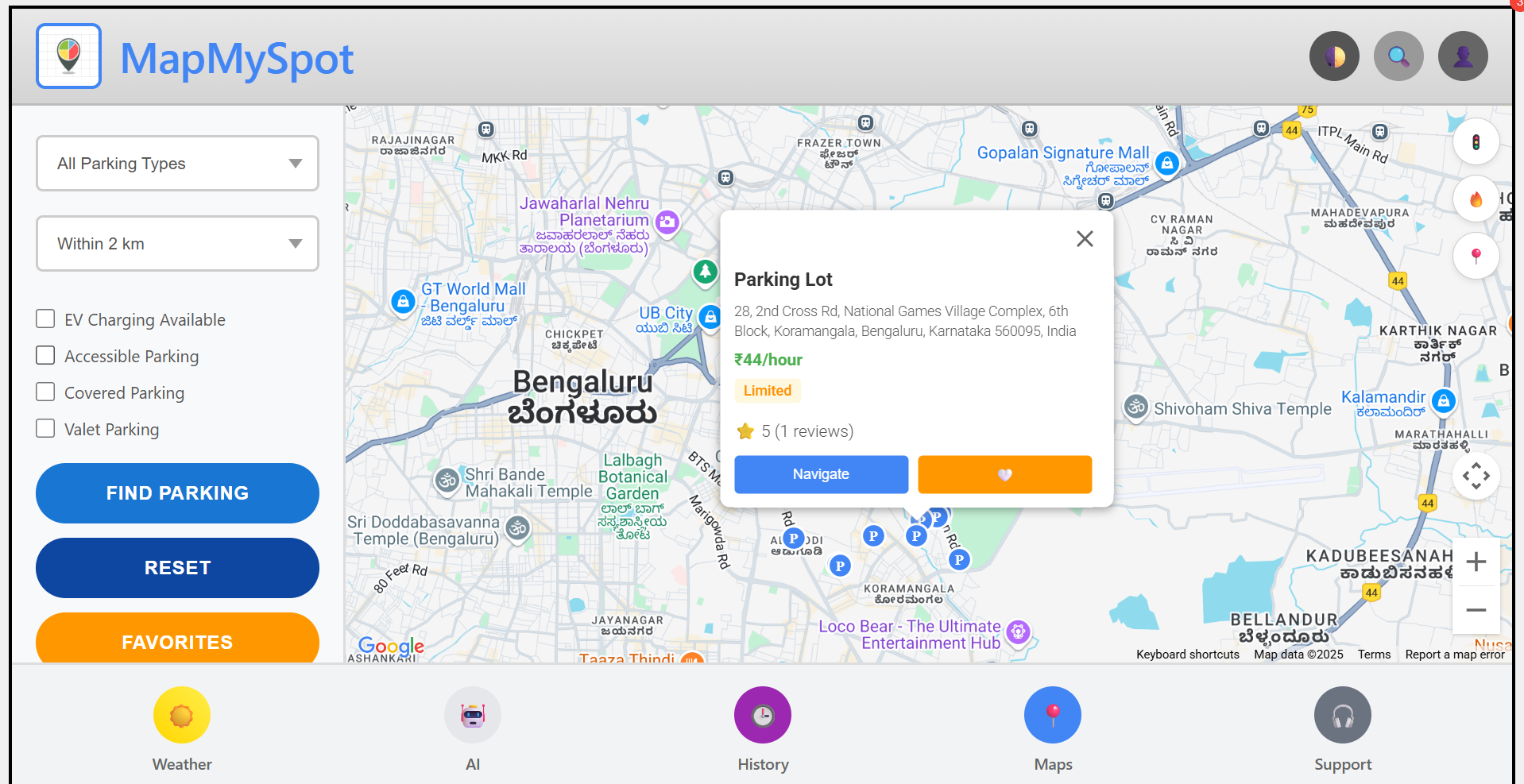
Finding a Spot
-
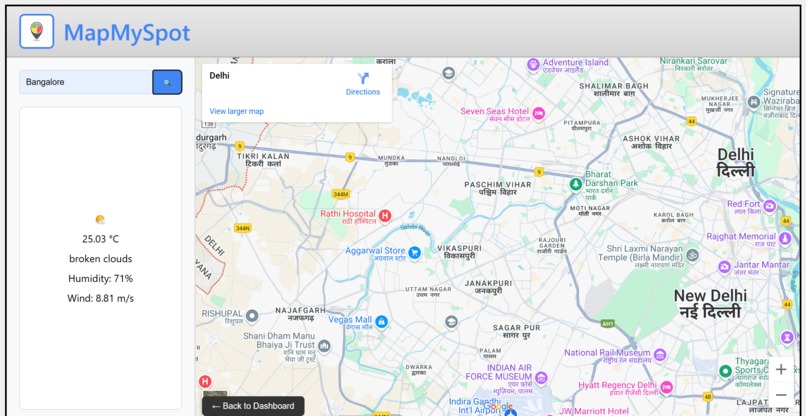
Weather Page
-
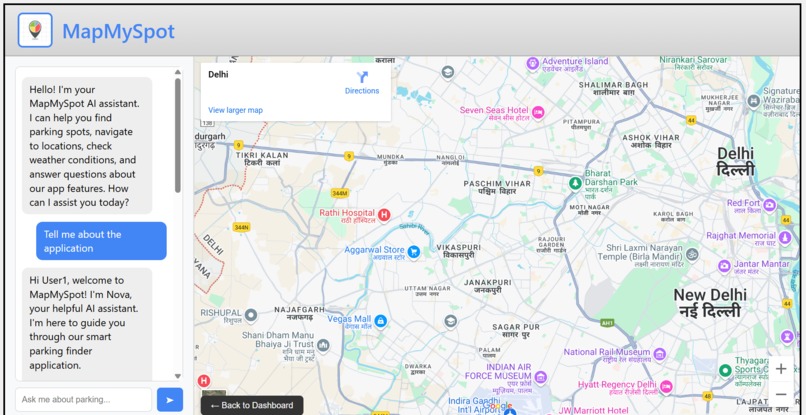
Nova - The AI Assistant
Inspiration
The idea for MapMySpot emerged from a common urban frustration: parking is often more stressful than the commute itself.
As cities grow denser, we identified several consistent problems:
- Wasted Time: A large share of urban traffic results from drivers circling in search of parking.
- Unclear Pricing: Many users only discover the parking cost after arriving.
- Context Blindness: Most tools don't account for real-world factors like traffic, weather, or spot demand.
- Feature Gaps: Existing apps ignore essentials like favorites, filters, or dynamic navigation.
MapMySpot aims to transform parking from a guessing game into a smart, effortless process.
What it does
MapMySpot is a web-based smart parking assistant that helps users find, compare, and navigate to the most suitable parking spots nearby in real time.
Core Features
Real-Time Parking Availability
Utilizes Google Places API to show nearby garages, lots, and street parking.Smart Filters
Users can filter parking spots based on:- EV charging availability
- Valet service
- Accessibility
- Covered parking
- EV charging availability
Heatmap and Traffic Layers
Integrated heatmap and live traffic overlays to show high-demand zones and congestion.Price Comparison
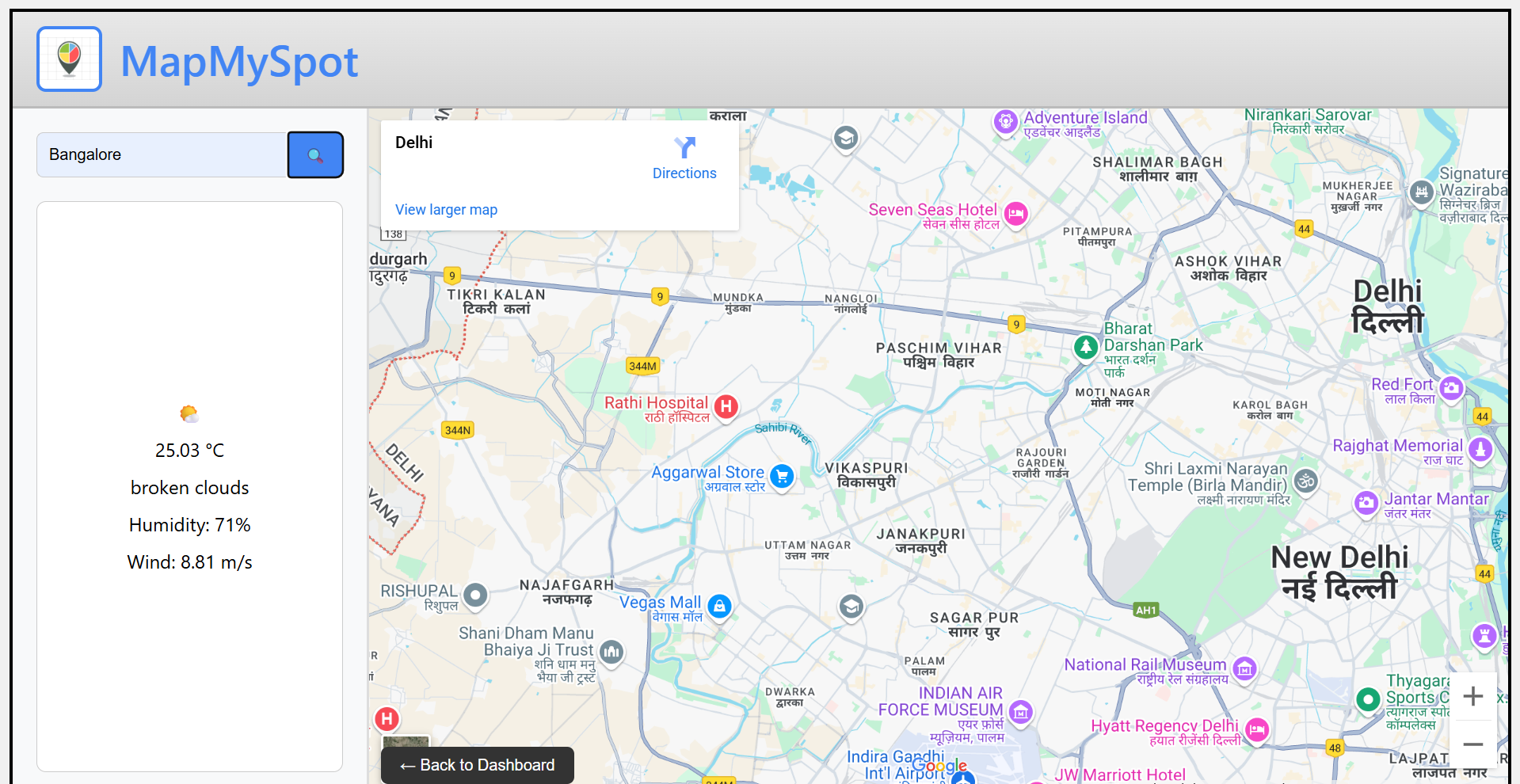
Displays estimated hourly pricing and highlights free parking where available.Weather Integration
Uses OpenWeatherMap API to inform users about current conditions affecting parking.Favorites and History
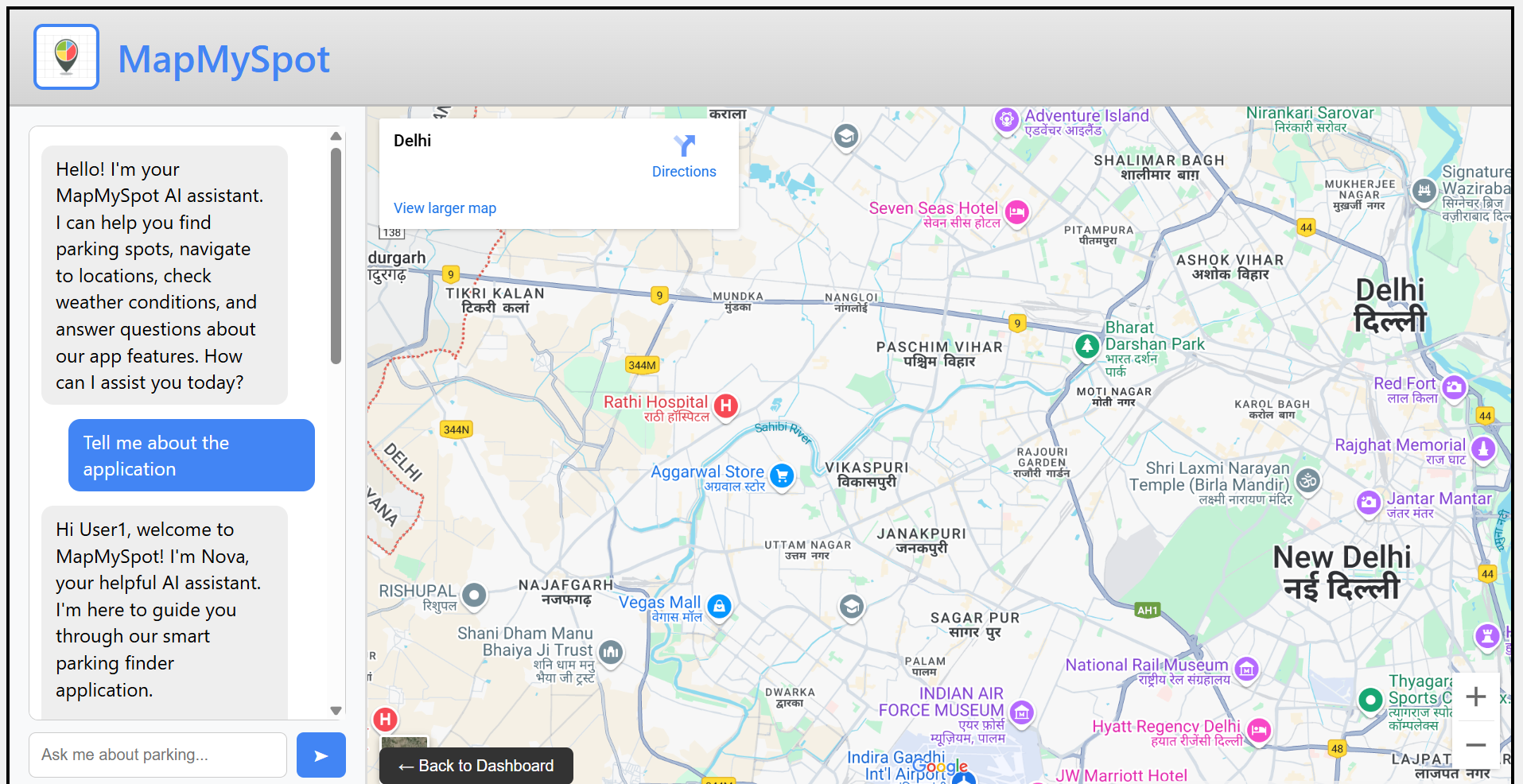
Users can save favorite parking spots and view recent parking history.AI Assistant
A built-in assistant powered by LLaMA (via Groq API) answers parking-related questions and offers suggestions.Navigation Integration
One-click redirection to Google Maps for real-time directions to the selected parking spot.Dark Mode and Mobile Responsiveness
Full support for mobile users and dark mode for comfortable night-time use.
How we built it
The project was built using a frontend-only stack focused on user experience and real-time data integration.
- HTML/CSS/JavaScript for the full UI and interactions.
- Google Maps JavaScript API for rendering maps and overlays.
- Google Places API for retrieving nearby parking spots and place details.
- Google Autocomplete API for location-based search input.
- Google Geocoding API to convert selected place IDs to coordinates.
- Google Directions API (via map links) to navigate users to selected spots.
- Google Traffic and Heatmap Layers to visualize congestion and demand.
- OpenWeatherMap API for dynamic weather updates based on city input.
- Groq API (LLaMA) to power the AI assistant.
- LocalStorage for saving user favorites, history, and preferences (like dark mode).
Everything was tied together with simple, intuitive UI flows that prioritized mobile usability.
Challenges we ran into
- API Limitations & Rate Quotas: Managing free tier restrictions across multiple APIs.
- Data Accuracy: Google Places sometimes lacks granularity for informal parking spots.
- Heatmap Simulation: We had to simulate heatmap intensity based on estimated demand.
- AI Integration: Crafting a prompt that gives useful parking-only responses was key to avoiding irrelevant replies.
- Design Balance: Combining utility and simplicity without overwhelming the user.
Accomplishments that we're proud of
- Integrated and functional real-time parking display with filters and pricing.
- Built a responsive, dark-mode compatible interface with smooth user flow.
- Developed a fully functional AI assistant specific to the parking context.
- Achieved seamless Google Maps navigation, weather data usage, and persistent user preferences.
- Delivered a clean experience entirely on the frontend — no backend required.
What we learned
- How to work with multiple Google APIs together in a unified map experience.
- How to simulate dynamic data (e.g., heatmaps) when real APIs have limits.
- Prompt design for LLMs matters — especially in domain-specific tasks like parking guidance.
- Progressive enhancement of UX through dark mode, favorites, and user history adds real value.
What's next for MapMySpot
- Backend Integration: To support real-time user-generated parking data and reservations.
- Spot Availability Accuracy: Improve reliability by integrating crowdsourced inputs or IoT sensors.
- Payment Integration: Enable in-app payment for paid parking spots.
- Push Notifications: Alert users of nearby open spots or weather-based suggestions.
- Multi-city Launch: Expand to cover more regions with parking data beyond the current demo zones.
Built With
- css
- google-autocomplete-api
- google-directions
- google-geocoding-api
- google-maps-heatmap-layer
- google-maps-javascript-api
- google-maps-traffic-layer
- google-places
- groq-api-(llama)
- html
- javascript
- openweathermap-api


Log in or sign up for Devpost to join the conversation.