-
-

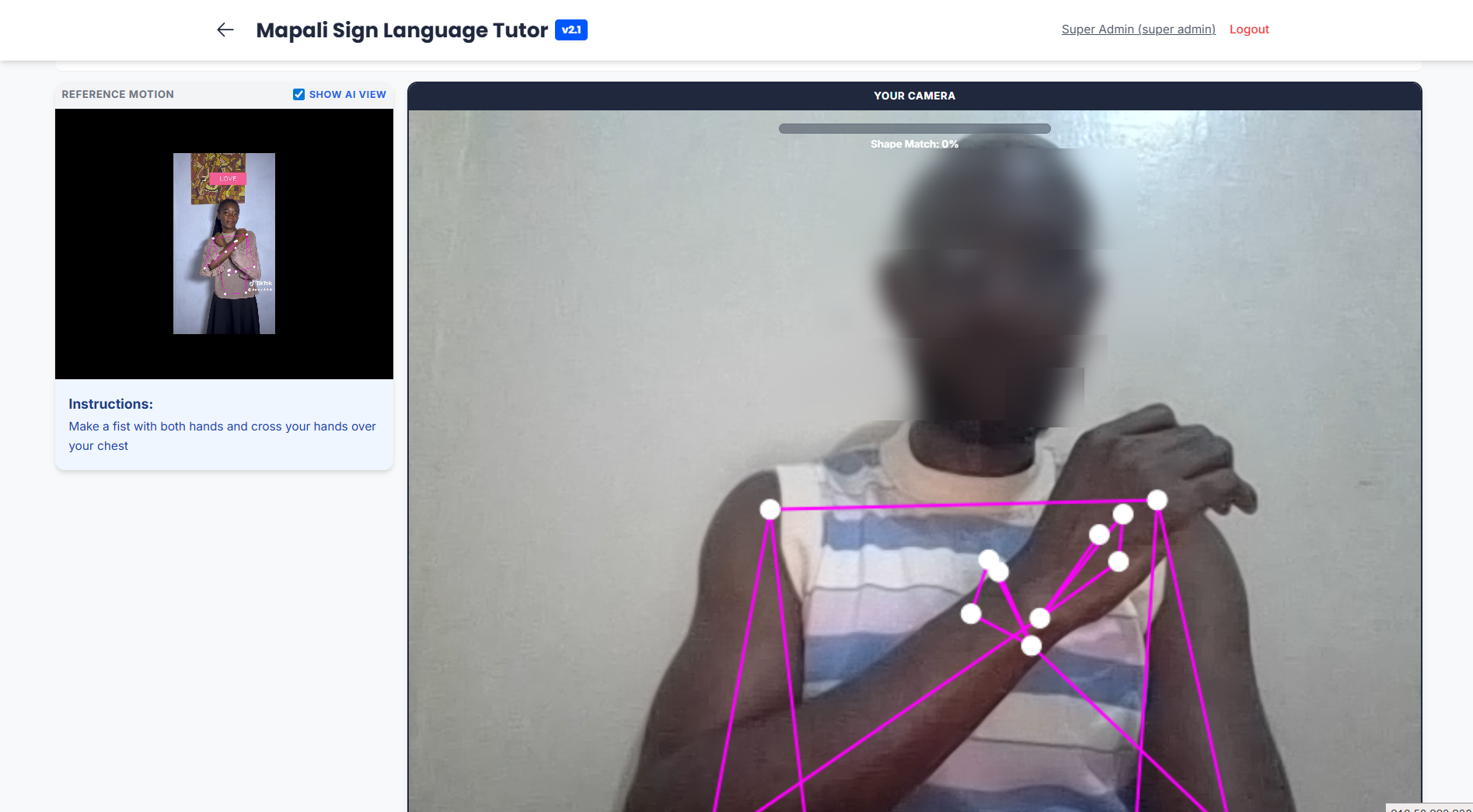
Sample Sign Language - Love
-
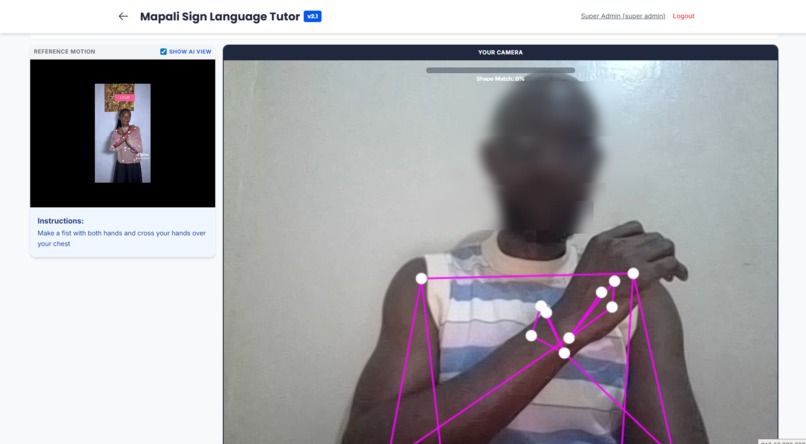
Screenshot - Practice Sign
-
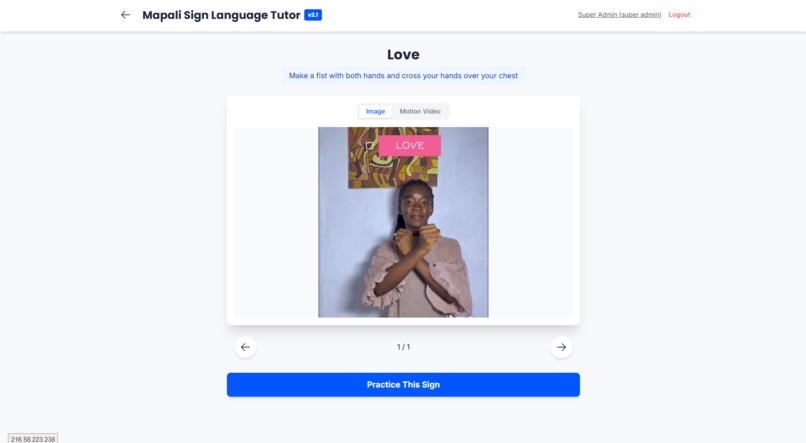
Screenshot - Learn Sign


Mapali Sign Language Tutor (Open Source Framework)
Mapali Sign Language Tutor is a motion-based, AI-powered learning application designed to help users practice sign language using real-time computer vision.
While originally architected by Matthew Anorkplim Loh to digitize and teach Ghana Sign Language (GSL), this application has been open-sourced as a universal framework. Developers and educators worldwide can adapt this codebase to create a Sign Language Tutor for their own country's sign language (e.g., ASL, BSL, LSF) simply by curating the content within the Admin Panel.
👨💻 Developer & Architect
Matthew Anorkplim Loh
Solutions Architect
Contact via Gravatar
Matthew built Mapali with the vision of making sign language education accessible, interactive, and scalable using on-device AI technology.
🌍 Adaptability: Build Your Own Tutor
This app is content-agnostic. The "Sign Language" logic is not hardcoded into the engine; instead, it uses a Record-and-Compare mechanism.
To create a tutor for Your Country's Sign Language:
- Deploy this app.
- Log in as Admin.
- Create a Course (e.g., "American Sign Language - Basics").
- Record yourself performing the signs using the built-in AI Recorder.
- The app captures your motion data as the "Ground Truth".
- Users can now practice against your recorded local signs immediately.
🔑 Key Features
- Hybrid Scoring Engine: Combines Dynamic Time Warping (DTW) for motion trajectory and Geometric Shape Matching for hand pose accuracy.
- CMS & AI Recorder: Admins can record "Master Motions" via webcam. The system captures video and extracts 3D landmarks simultaneously.
- Ghost Hand Visualization: If video bandwidth is low, the app can render the stored AI motion data as a skeletal animation.
- Internationalization (i18n): Built-in support for multiple interface languages (English, Spanish, French).
- Offline Capable: Designed as a PWA (Progressive Web App).
🚀 Getting Started
1. Installation
Clone the repository and install dependencies (using a standard React setup). Note: This project uses standard React + Vite structure.
2. Default Login Credentials
Upon first load, the system initializes with these demo accounts:
- Admin (Content Creator):
- Email:
admin@gsl.com - Password:
AdminMVP2025!
- Email:
- Learner:
- Email:
learner@gsl.com - Password:
LearnerMVP2025!
- Email:
📚 Documentation
- User Guide - Detailed instructions for Admins and Learners.
- Technical Specifications - Deep dive into the AI algorithms and architecture.
📄 License
This project is licensed under the MIT License. See the LICENSE file for details.
Built With
- gemini
- html
- mediapipe
- typescript

Log in or sign up for Devpost to join the conversation.