-
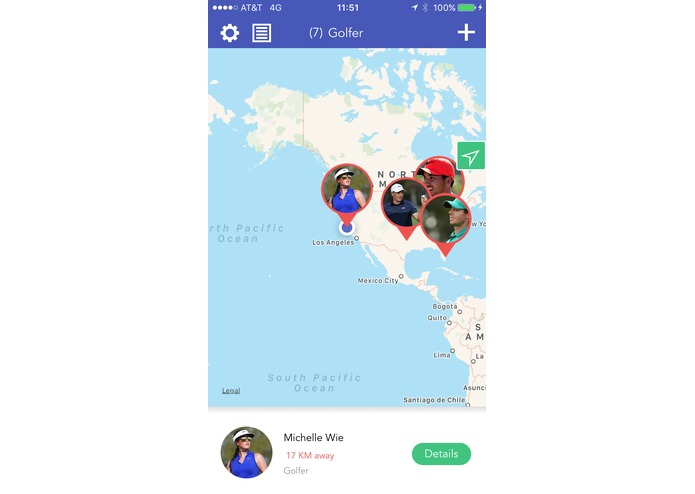
Map View
-
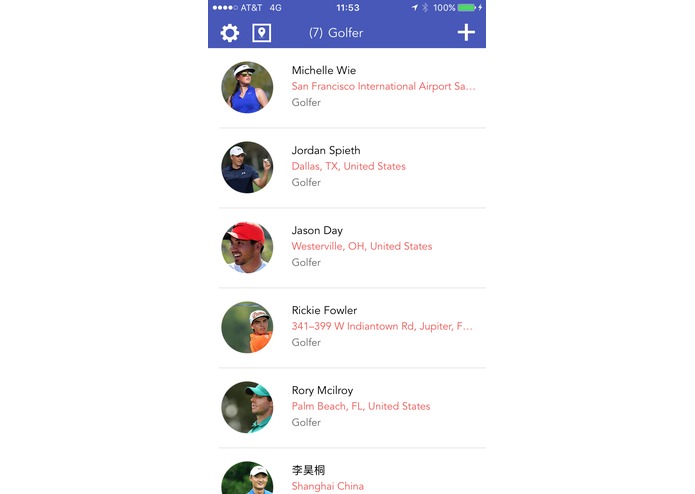
List View
-
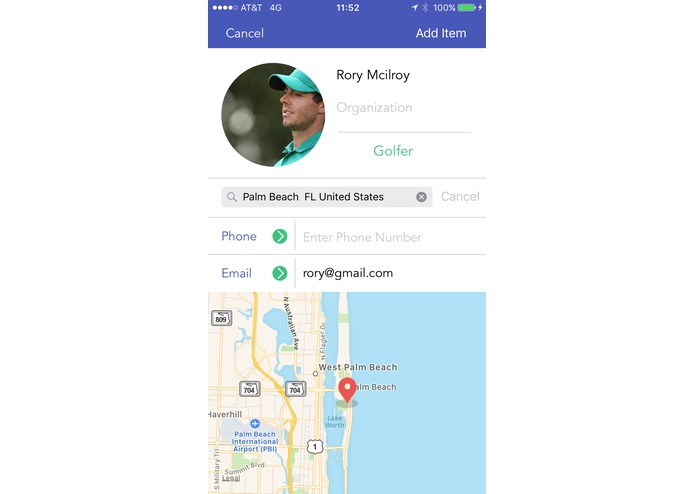
Add Item
-

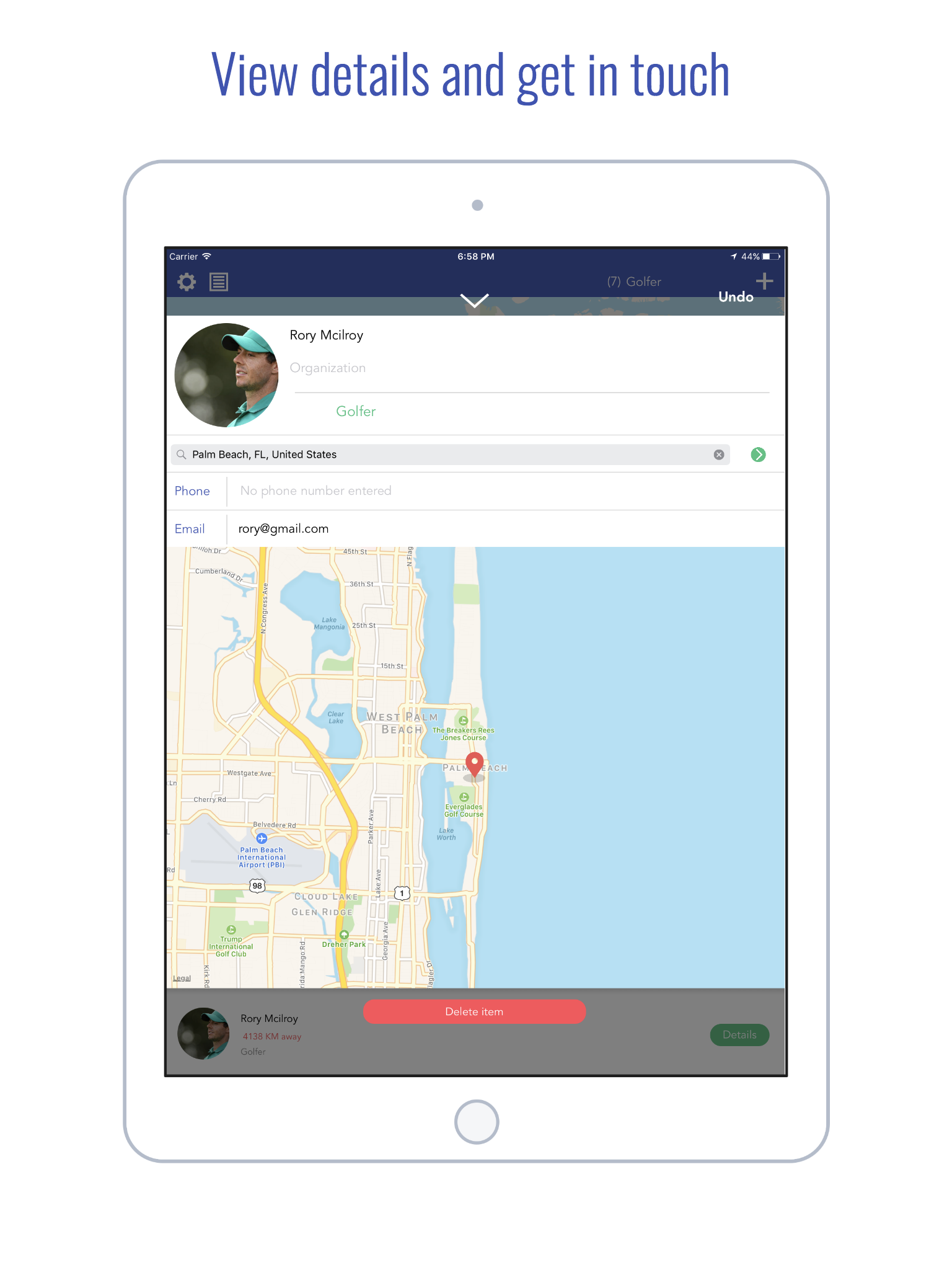
View Item
-
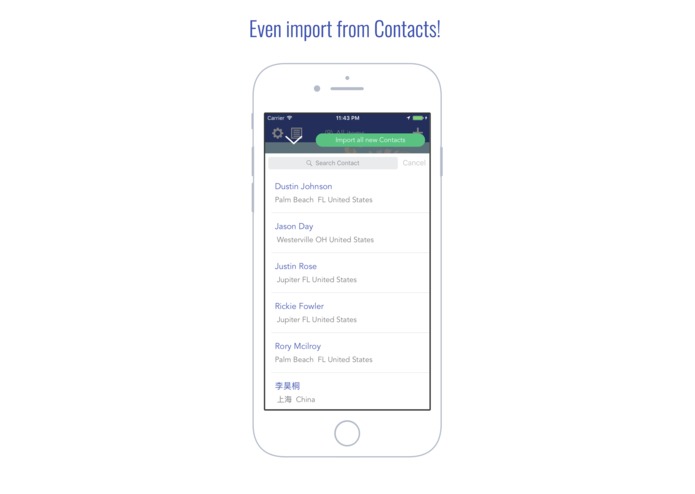
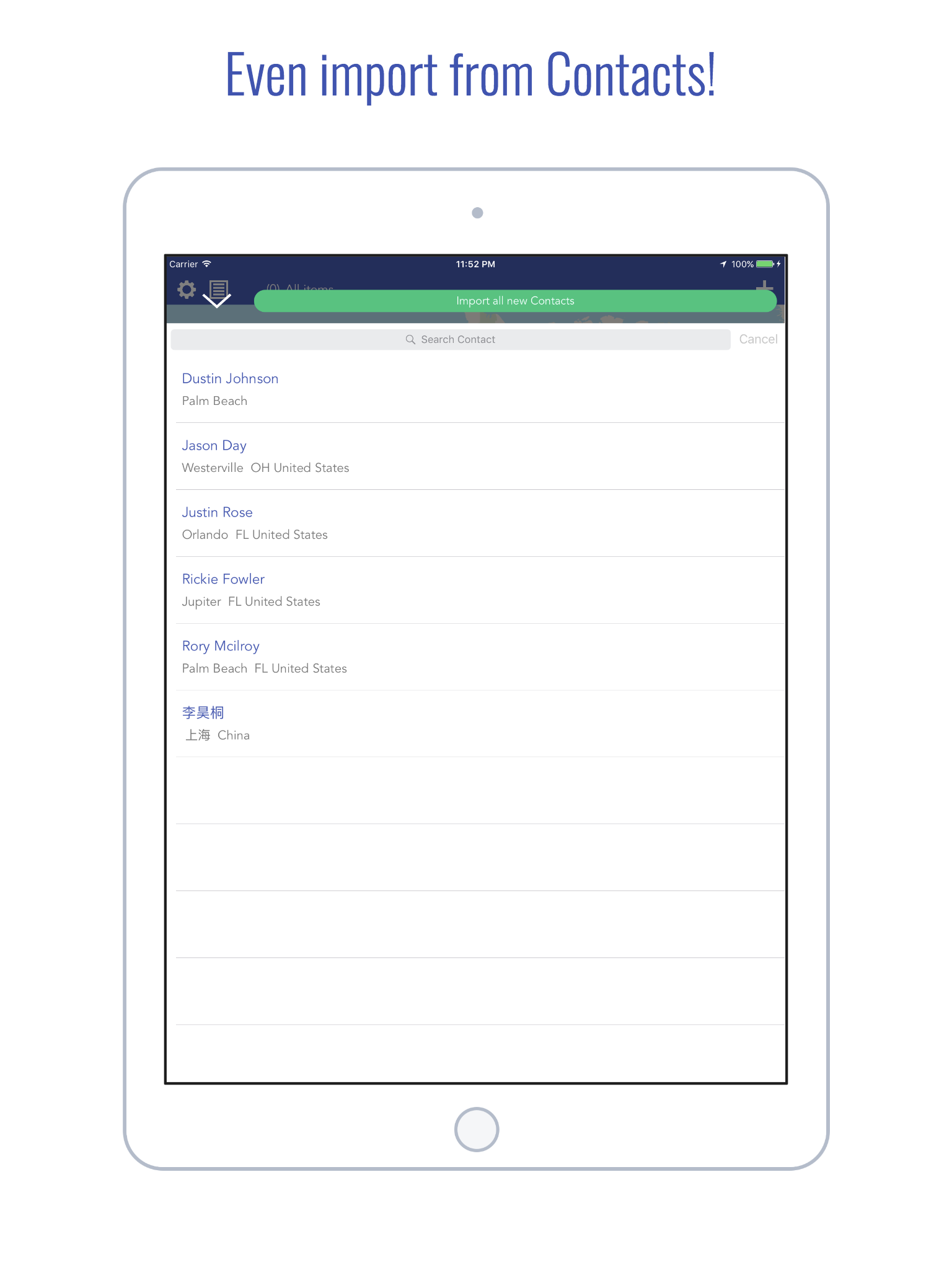
Import from Contacts (Ipad)
-
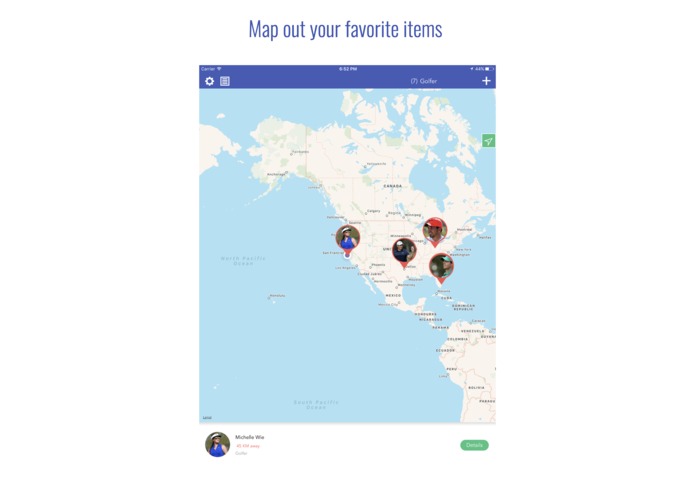
Map View (Ipad)
-
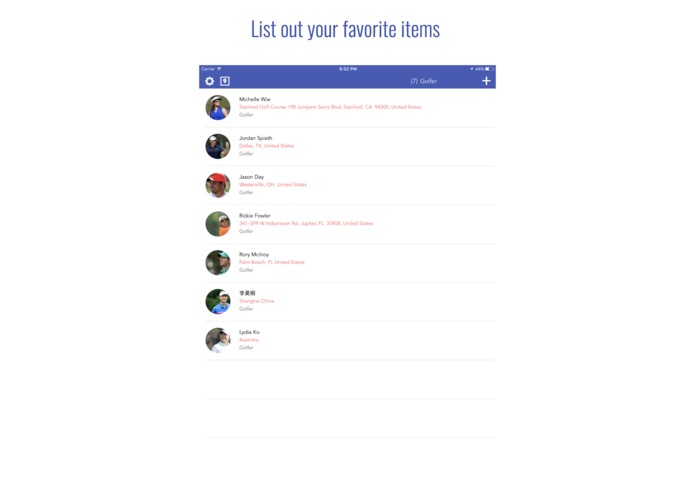
List View (Ipad)
-
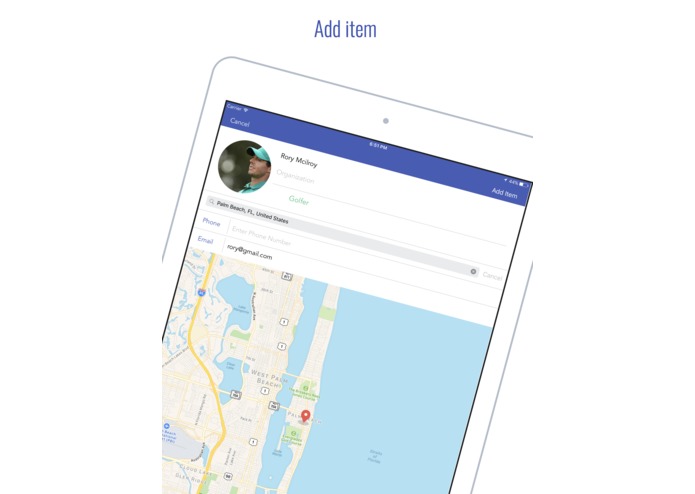
Add Item (Ipad)
-
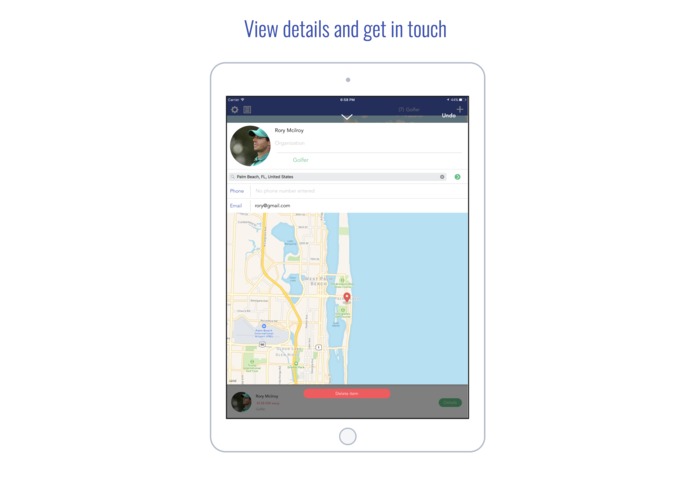
View Item (Ipad)
-
Import from Contacts (Ipad)

Inspiration
We all have many contacts on our phones, but oftentimes when we need them at specific locations, we never remember who they are. Personally, I waste a lot of time finding certain friends(who I do not remember clearly) on Contacts. Which is why I created Map It Out. It offers a simple and visual solution to viewing and locating your contacts.
What it does
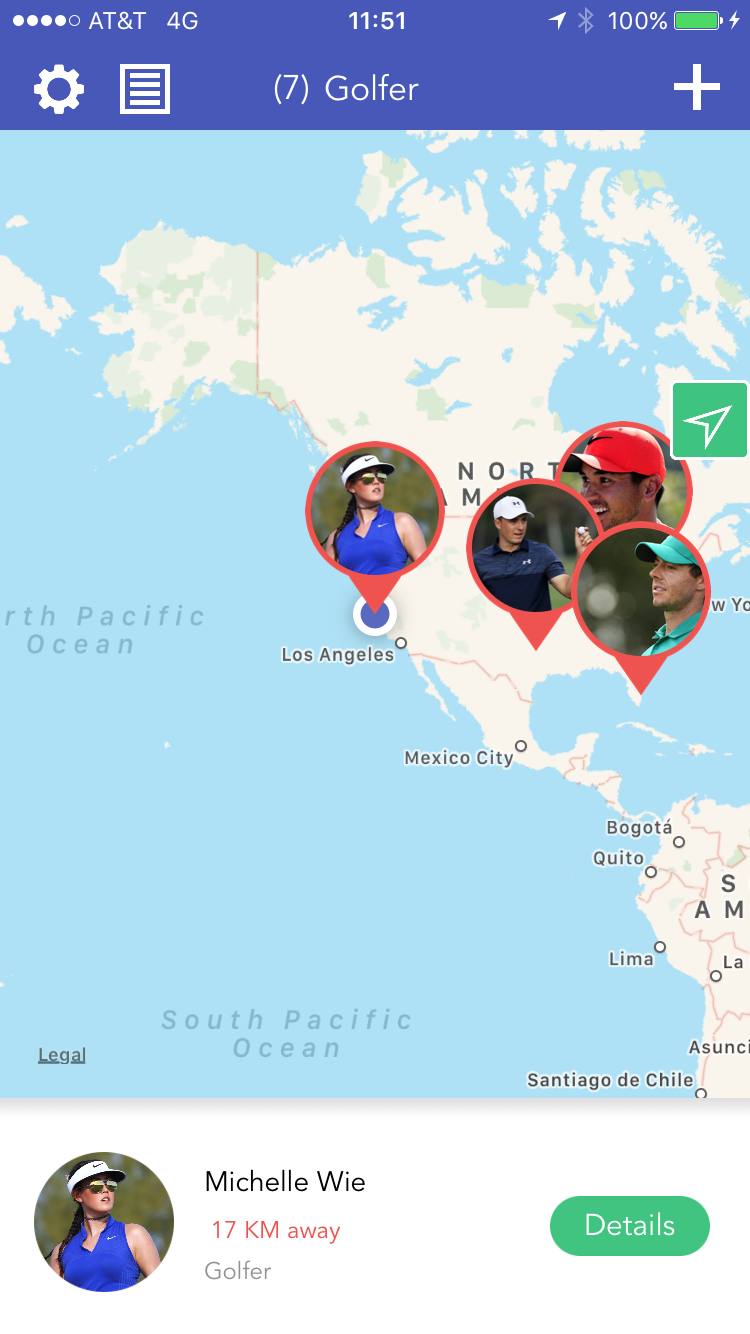
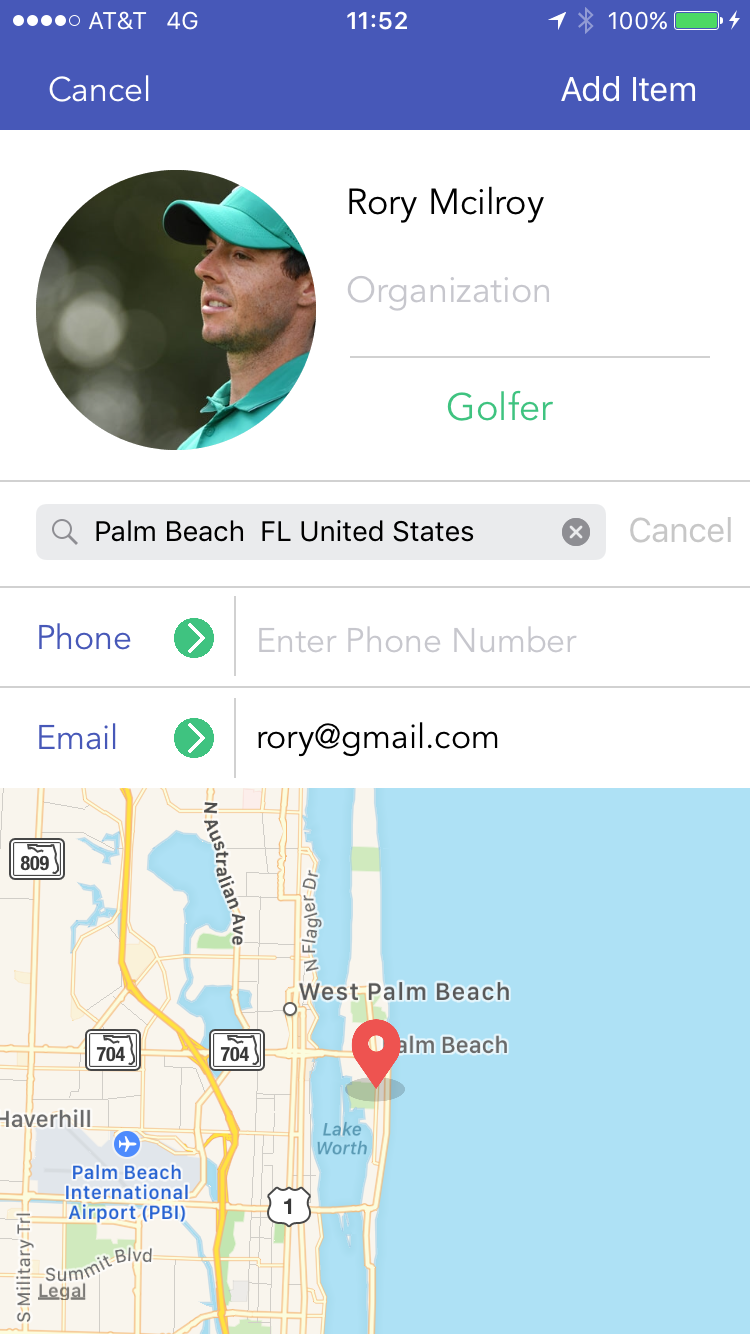
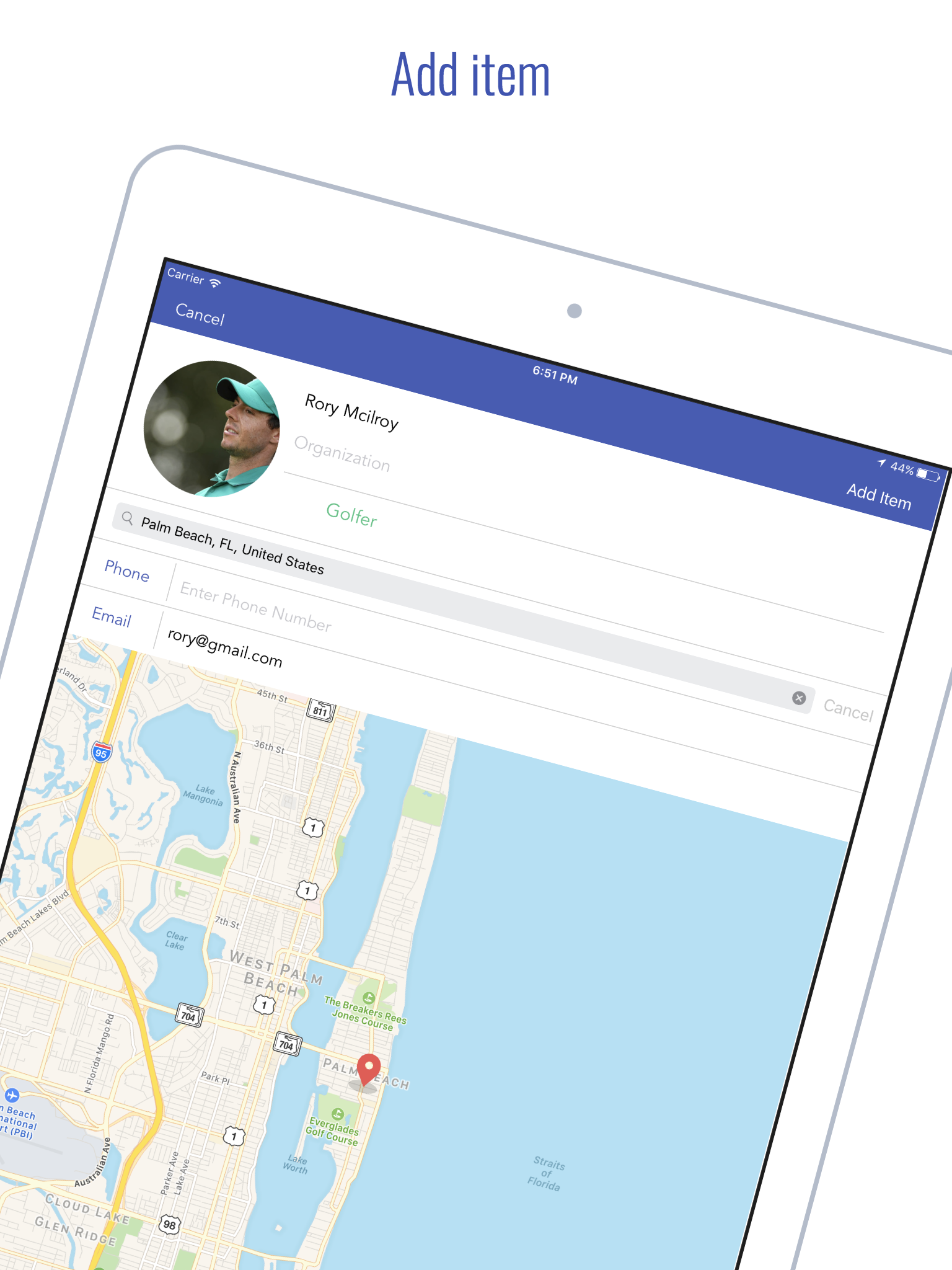
The app takes in imported Contacts/ manually added contacts and displays them on a map, as well as a list ranked by distance from you.
Core Functions:
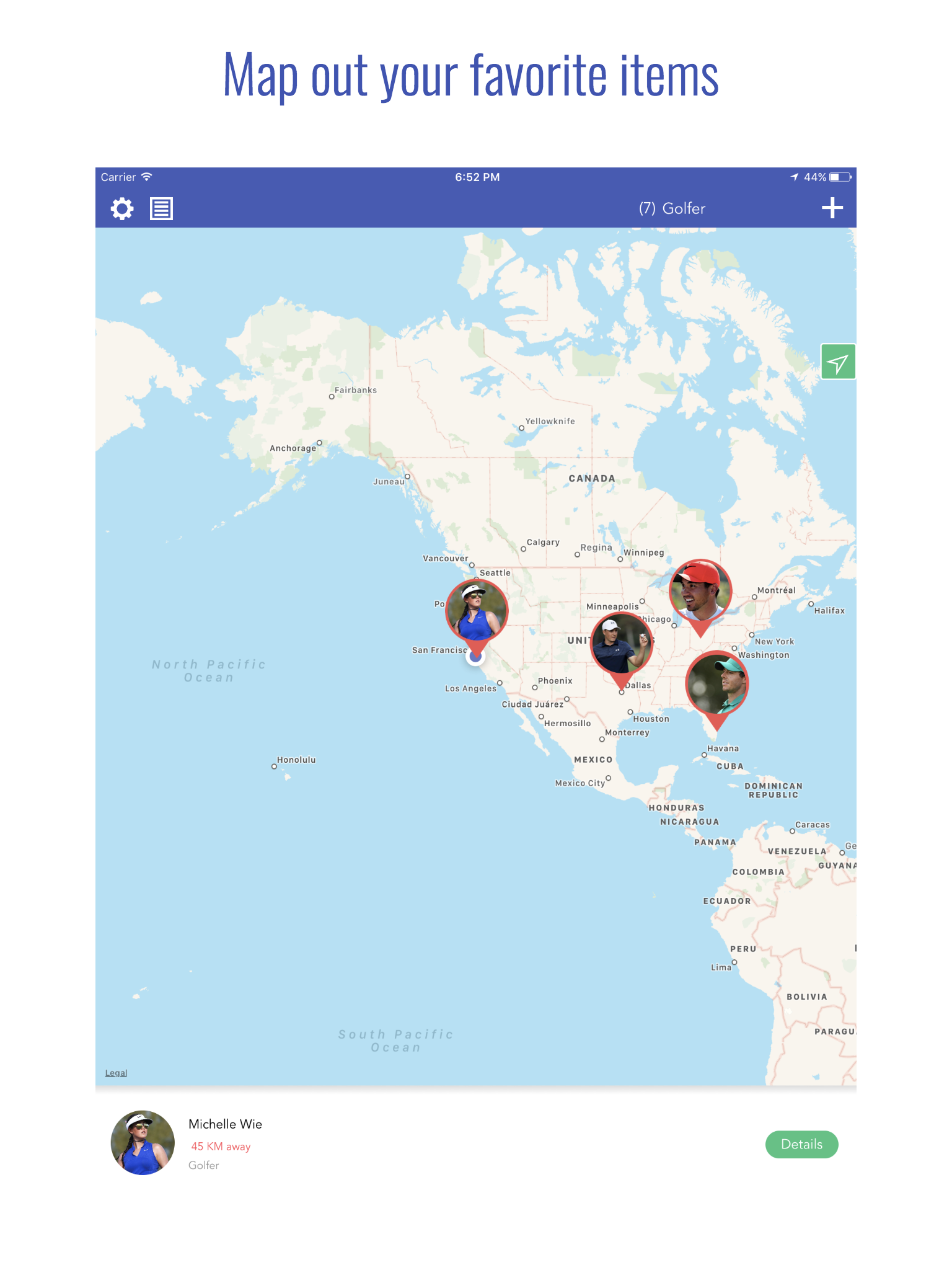
Map View of entered items (Contacts)
- Custom pins with images entered
- You can click to see distance from you, name and address
- Viewing details
- Buttons to send messages, emails and view addresses on Apple maps.
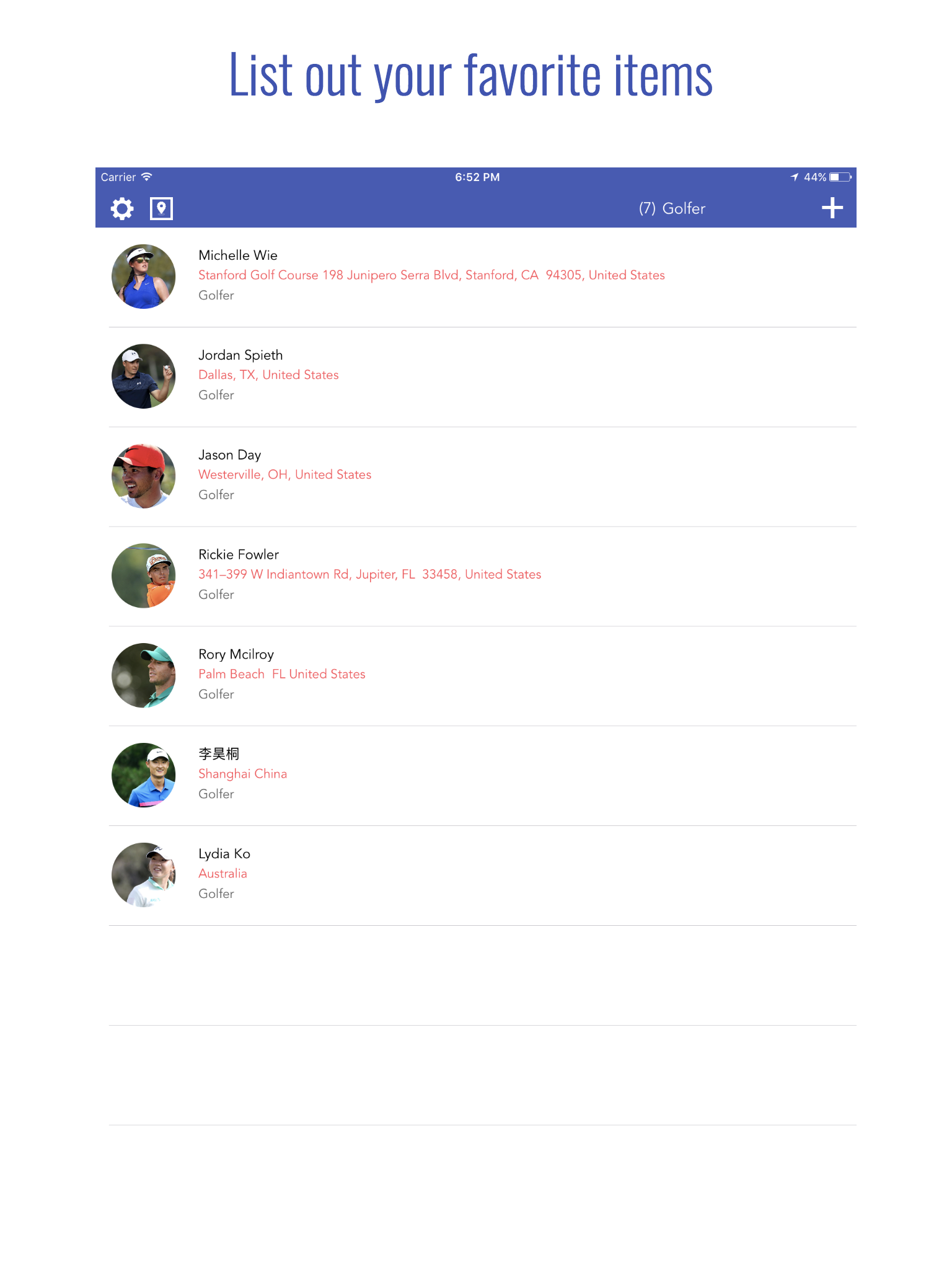
List View of entered items
- Search Contacts
- Filter Contacts by type
- Ranked by distance from you
- Buttons to send messages, emails and view addresses on Apple maps.
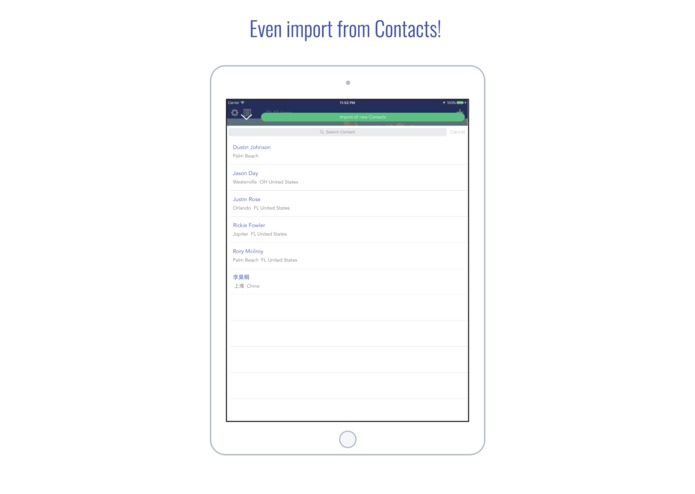
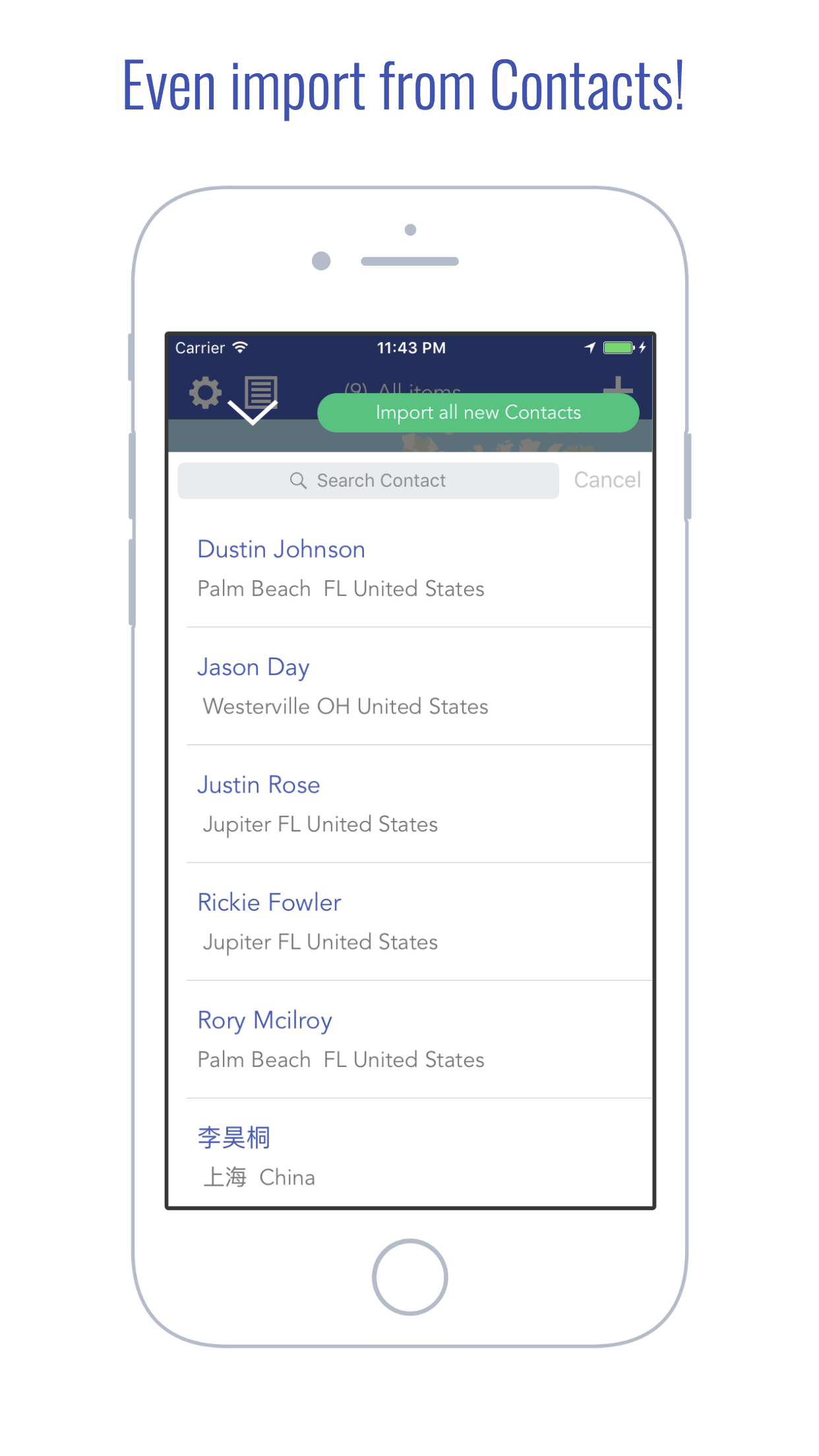
Import from Contacts
- View and import selected contacts that contain addresses.
- Import all new contacts with the click of one single button.
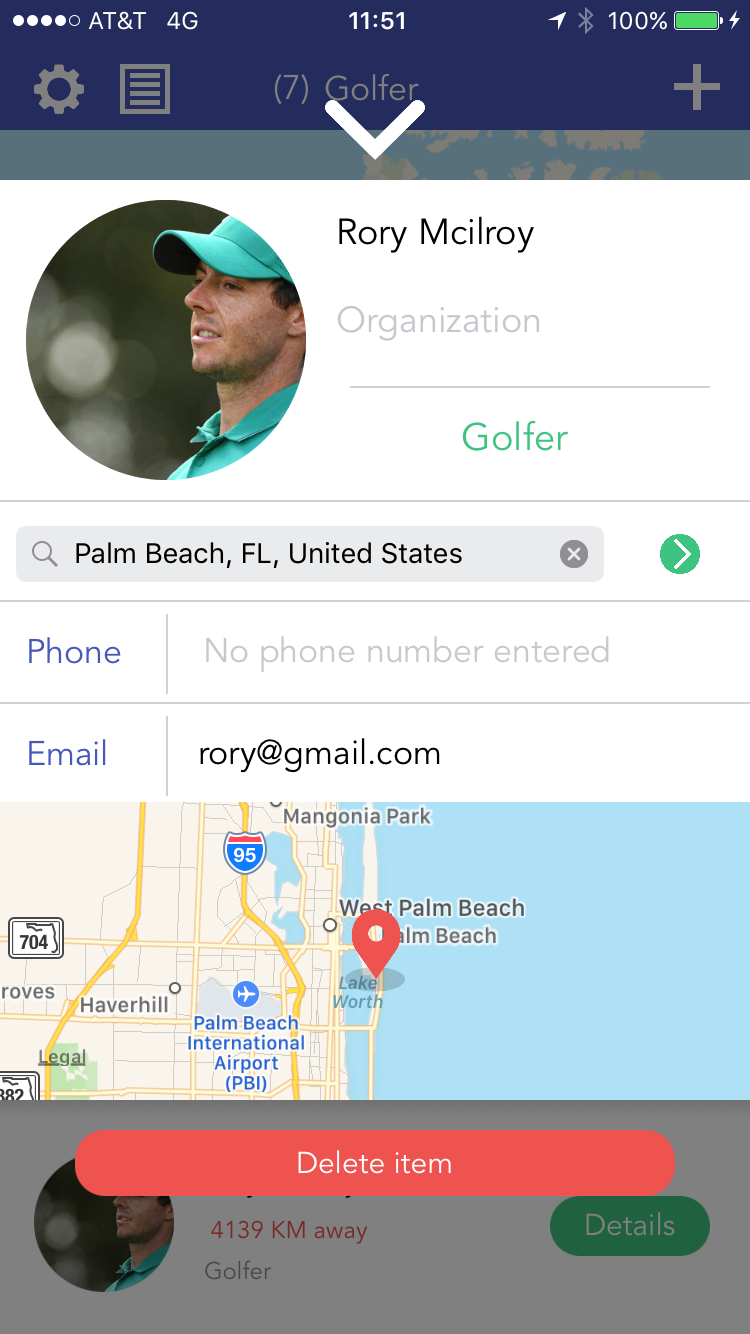
View details
- Call/ email/ view friends on Apple Maps.
How I built it
I went through several stages of refactoring storage systems and optimizing the user experience. The app uses Coredata, user defaults and Firebase,
Challenges I ran into
When I had a friend in China test out the app early on, we realized that the Chinese apple maps and the US one incorporated different coordinate systems(GCJ and WGS), meaning that locations in China would have drifted a couple hundred feet. I spent some time reading drone company's calibration on the two different coordinates and fixed the drift by calibrations.
In the start, importing contacts functionality was really laggy when I first implemented it and crashes when the number contacts stored on someone's phone reaches a big number(2000).
When I made the app also compatible on Ipads, despite having the auto layout working, Ipads require Xcode to further define the pop-up Alert controllers. Then I had to check for the availability of calling and emailing as some devices may not have the functions.(A problem that emerged with the Ipad version testing)
Accomplishments that I'm proud of
The app offers a Firebase login option: it stores all logged-in users information and contacts on Firebase, allowing them to re-access the data after logging out/ switching devices.
Meanwhile, Map It Out also offers a no account setting, meaning that you could use all functions but the server storage. This extra function is designed for users in areas where Google is not accessible(ie. China).
The coordinates conversion I mention from above is fixed, so when people access it in China, the coordinates are correctly calibrated.
I made all of my assets using Sketch (a tool that I learned throughout the development of the project ), so everything uses see on my app is designed and drawn out by me.
With the import all new Contacts button, it filters through imported contacts when the Contact identifier:)
What I learned
I learned the how to use Apple Map Kit, customizing annotation views, retrieve and storing Contacts, Sketch
Prior to Makeschool, I had almost no exposure to programming outside the realm of writing algorithms on C++ and Java. But throughout the project and the duration of this summer, I learned that I could also make a front to backend product. I established a better ability to debug, learn new skills(area of swift) by myself and be better organized.
What's next for Map It Out - Record, Map and Connect
I am implementing importing Contacts from social media and the searching functionality and based on locations and regions.(not just names)
(For the links below, the Apple Store link is a functional version, the Github link is a version I am working for 1.3 (Please look into the Coredata branch of the GitHub repository and disregard the commits' names :) ))

Log in or sign up for Devpost to join the conversation.