Inspiration
In high school, I joined Key Club, where I discovered the impact of community service. This experience inspired me to create Voluntere—a platform that simplifies finding and signing up for volunteer opportunities. While school emails and text messages along with the SignUp Genius platform helped organize events, I wanted to enhance accessibility by integrating Google Maps for visual location tracking and a streamlined sign-up process.
What it does
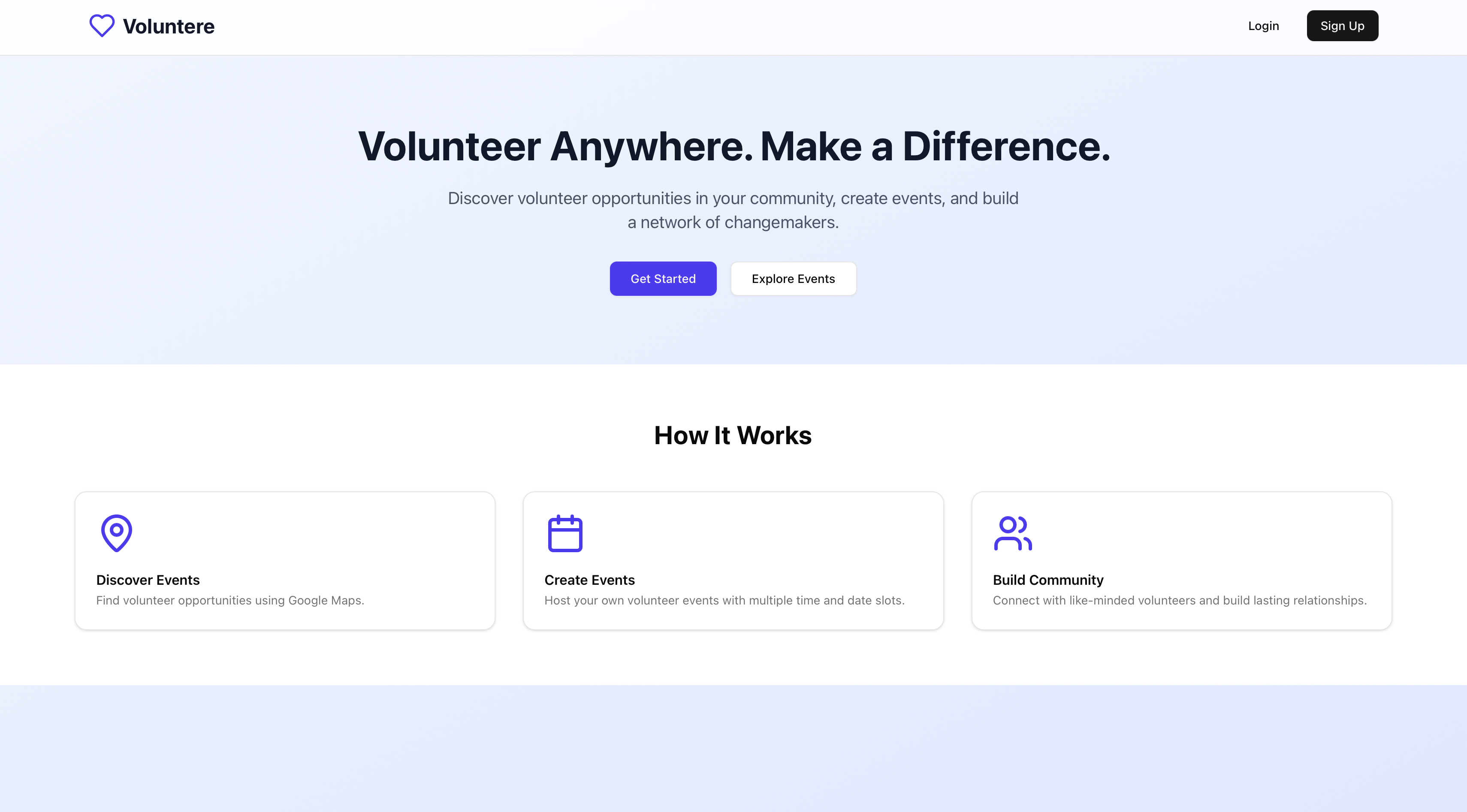
Voluntere is a dynamic, multi-user platform that connects volunteers with local events through an interactive Google Maps interface. Users can effortlessly discover nearby volunteering opportunities, register with just a few clicks, and manage their participation seamlessly. Also, Voluntere simplifies event creation with a flexible scheduling feature, allowing users to set multiple date/time slots to accommodate diverse volunteer availability.
How we built it 🛠️
- Next.js, Tailwind, Shadcn: Frontend tools used to build the user interface
- Supabase: SQL database that collects events the user created, retrieves events to display on Google Maps, stores accounts, and manages user registrations and event slots
- Places API: API from Google Maps Platform that auto suggests a variety of existing addresses whenever the user starts typing in the search bar of the event creation form for a location
- Maps Javascript API: API from Google Maps Platform that was used via @react-google-maps/api package to display the map itself
Challenges we ran into 🚧
- A main obstacle was rendering events as location pinpoints onto our map. I figured to implicitly obtain the coordinates of the user’s inputted address and render those coordinates in the Google Marker component.
- Although I accessed the events database, I faced another challenge: rendering the event creator’s name, which was stored in the users database. While the events database provided the user’s ID as a foreign key, I still needed to query the users database to retrieve their name.
- A minor challenge was dynamically updating the number of volunteers needed in Supabase when they registered/unregistered for particular slots in events and re-rendering the count. When someone registered for a slot, the number of volunteers needed would decrease and vice versa.
- Managing Supabase schema: Overall, managing a potentially scaleable Supabase schema to handle tons of users with multiple foreign key relationships through multiple databases was challenging but eventually, I was comfortable with understanding it and being able to work with it seamlessly.
Accomplishments that we're proud of 🎉
I’m proud of using Supabase for the first time, which I found to be useful and handy in the future. Also, I’m proud of creating an app that supports multiple users with individual accounts. Additionally, I’m proud of integrating Google Maps APIs for the first time through the Google Cloud Platform. I’m looking forward to creating new projects using more of Google’s in house APIs and leveraging services from GCP next time.
What we learned 💡
I learned how relational databases work together as well as implementing CRUD operations for Supabase. I also learned how to implement a multi-user app by creating a signup-login feature for multiple accounts to interact with each other.
What's next for Voluntere 🔜
- creating a stricter user authentication policy for signing up and logging in
- integrating 3rd party accounts for signing up and logging in like Google, Facebook, etc.
- adding a registration/unregistration confirmation message via email
- implementing a feature that filters certain volunteer events (location, type, events near you, etc.)
- implementing further event management (editing events and time slots)
- implementing a feature where users can connect and add each other as friends
- creating a scoring system as an incentive for users to volunteer more
Built With
- google-maps
- next.js
- shadcn
- supabase
- tailwind

Log in or sign up for Devpost to join the conversation.