-
-
Importing a Shapefile
-
Select a record for export

Inspiration
I want to help people make better use of geospatial data (aka map data) in Airtable with the Map Bock and in the apps they build with the Airtable API/SDK. There are an endless number of public/open data on the Internet, often in a format called a Shapefile, the Map Data Tools block automatically imports Shapefiles setup to work with the Map Block, plus much more.
What it does
Import Data
Import map data, including all attribution information, automatically creating centroid point locations if the data is a polygon or a line, and create location and cache fields compatible with Airtable's built-in Map Block
Export Data
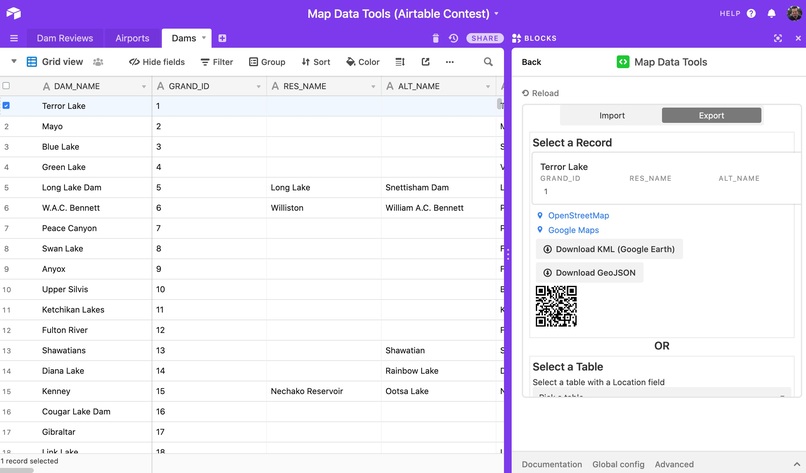
Open a selected record in OpenStreetMap Google Maps, or on your phone with a QR code. Export entire tables as KML to open in Google Earth or GeoJSON to use in other apps.
Analysis Tools
Find locations nearby other locations by comparing tables, for example with a Client Locations table and Airports table, find the nearest Airport to each client and save it in a linked field.
Example Scenario
Dams are fun places to visit, especially with people looking for more outdoorsy activities. So lets make an app for finding and writing reviews of dams ...Let's call it "The Best Dam App" (tm) and let dam enthusiasts write reviews and upload photos. We'll also tell them the nearest airport so they can plan their trip!
Step 1 - Import
We'll use the GRanD dam dataset from NASA and Columbia University https://sedac.ciesin.columbia.edu/data/set/grand-v1-dams-rev01 It will download a Zip file containing a Shapefile (Shapefiles are normally shared as Zips)
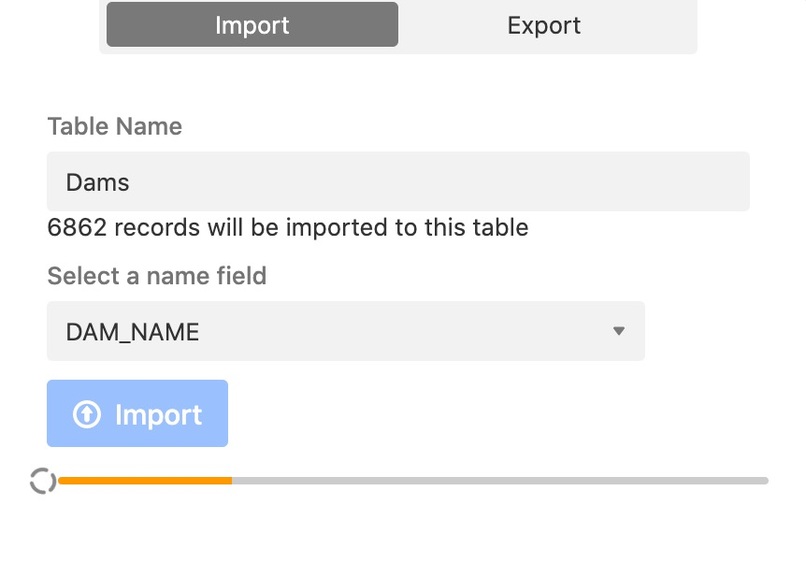
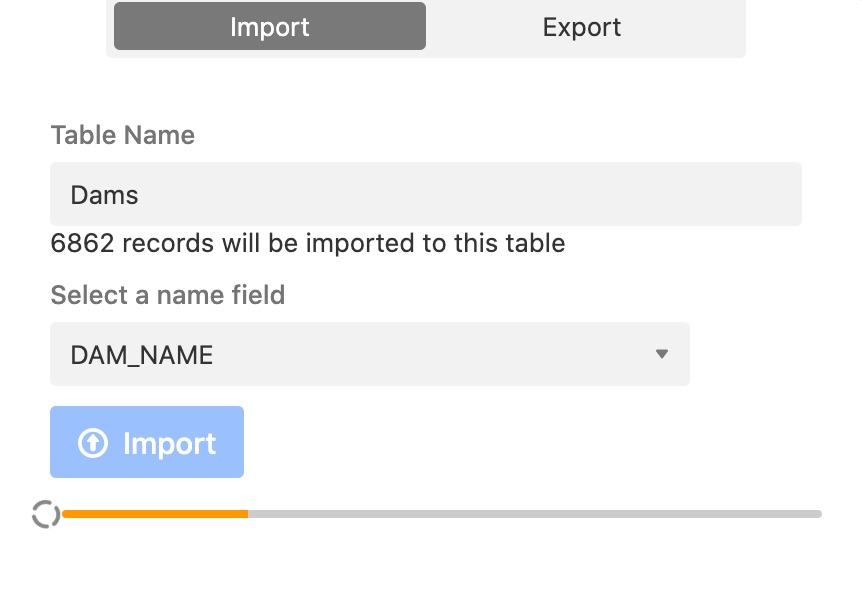
We'll then open the Map Data Tools block, choose Import, select the Zip file, choose "Dams" as the name of our table, and click Import. It will take awhile to load 5,000+ records so grab a coffee and watch the progress bar :)
Next well do the same for an airports dataset from Natural Earth https://www.naturalearthdata.com/downloads/50m-cultural-vectors/ naming the table Airports.
Step 2 - Find nearest airport to each dam
In the Dams table, we'll create a new field called Nearest Airport. In the
Step 3 - Do something fun
Finally we'll create a Dam Reviews table where the app will store dam reviews from users. That's it we now have a simple backend for our app with tons of data from around the globe. Now we can make an app using the Airtable API, or just work with the data in Airtable using the Map Block
Or you could just write a bunch of reviews yourself (as the #1 Dam Fan) then use the Export tab of the Map Data Tools block to download the data. You can use your downloaded geo-data in a range of tools like our MapHubs products (maphubs.com), Mapbox (mapbox.com), free sites like MapForEnvironment (mapforenvironment.org), and a very long list of other geospatial and GIS software.
What's next for Map Data Tools
- More analysis tools for comparing data
- A companion advanced map block for additional data visualization
- Support for polygon areas (currently somewhat limited by the long text field size limit, and performance of storing retrieving file attachments in bulk)
- MapHubs support - integration with our open-source mapping platform, MapHubs, so you can make more maps

Log in or sign up for Devpost to join the conversation.