-
-
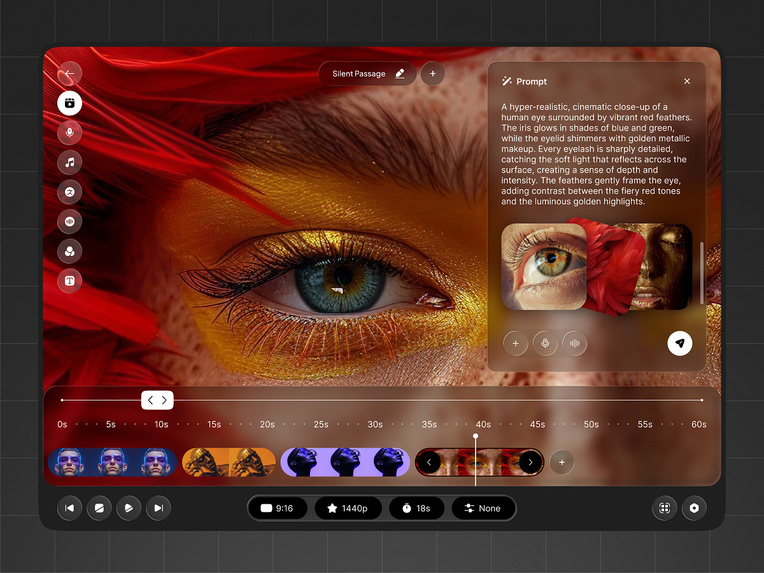
Render of application only
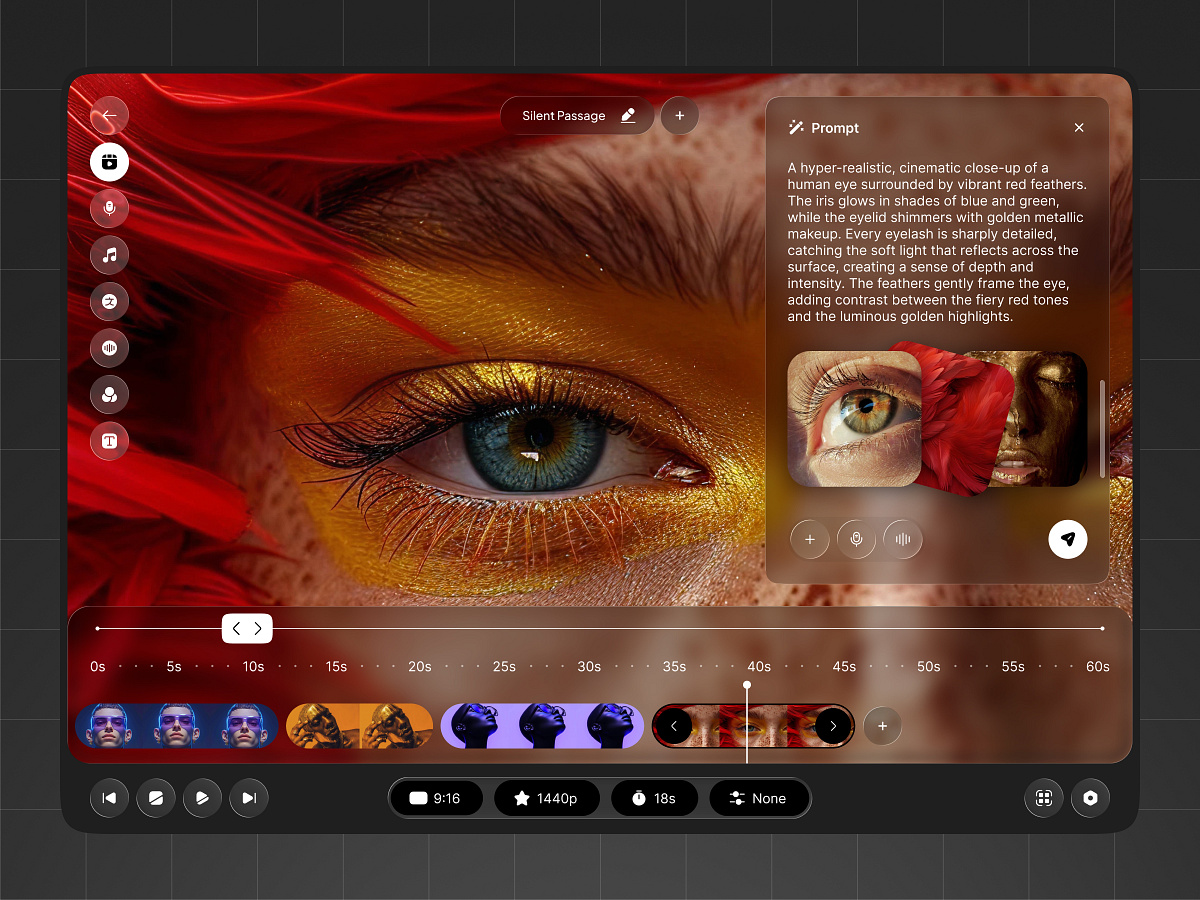
Manim Studio — Speed-Running Educational Content with AI
Inspiration
Creating high-quality educational visuals is deceptively hard. Libraries like Manim, originally created by 3Blue1Brown, have shown what’s possible when mathematics, animation, and storytelling come together. The results are stunning—but the barrier to entry is high. To recreate even a fraction of that quality, creators must understand Python, Manim’s object model, animation primitives, scene lifecycle, and rendering pipelines.
For educators, students, and creators who care about ideas more than implementation details, this friction is a bottleneck. The intent is clear—explain something beautifully—but the tooling demands engineering expertise that many simply don’t have.
Manim Studio is built on the hypothesis that this barrier is artificial. If the structure of Manim animations can be understood, abstracted, and generated, then the creative act can be reduced to its essence: describing what you want to teach.
What It Does
Manim Studio is an AI-powered, all-in-one platform for generating Manim animations from natural-language prompts.
Instead of writing Python code, users describe:
- the concept they want to explain,
- the visual structure (graphs, equations, transformations, motion),
- and the pacing or style of the animation.
Manim Studio translates these prompts into:
- valid, idiomatic Manim code,
- rendered animations (MP4, SVG, or frames),
- and editable project files for advanced users.
The platform is designed to serve both ends of the spectrum:
- Beginners, who want instant, high-quality visuals without coding.
- Power users, who want to iterate faster, prototype ideas, or scaffold complex scenes.
How It Works
At its core, Manim Studio treats Manim scenes as structured programs, not free-form code.
Prompt Parsing
User prompts are parsed into semantic components:- objects (text, equations, graphs, vectors),
- actions (transform, fade, move, scale),
- temporal structure (sequence, overlap, pacing).
Scene Planning
The system builds an intermediate scene graph:- a timeline of animations,
- dependencies between objects,
- spatial and stylistic constraints.
Code Synthesis
The scene graph is compiled into Manim code:- following Manim’s scene lifecycle,
- using best-practice animation patterns,
- avoiding brittle or ad-hoc constructions.
Rendering & Feedback Loop
Animations are rendered server-side. Users can refine results by:- adjusting prompts,
- modifying timing or emphasis,
- or dropping into code if desired.
This separation—intent → structure → code—is what allows Manim Studio to remain flexible while still producing reliable output.
Architecture
Manim Studio is designed as a modular, prompt-to-render pipeline.
Frontend
The frontend focuses on clarity, speed, and creative flow.
- Prompt editor with structured suggestions
- Live preview and render status
- Asset management for scenes and projects
Technologies
- Next.js
- React
- Tailwind CSS
- Framer Motion
Backend
The backend is responsible for interpretation, generation, and rendering.
- Prompt interpretation and scene planning
- Manim code generation
- Isolated render workers for reliability
Technologies
- Python
- FastAPI
- Containerized Manim render environments
AI Layer
The AI layer acts as the reasoning engine.
- Converts natural language into structured animation intent
- Maps high-level concepts to Manim primitives
- Ensures generated code respects Manim’s abstractions
Rather than treating Manim as text-to-code alone, the system reasons about animation semantics—what should exist, when it should appear, and how it should transform.
Challenges
Abstraction without loss of control
Too much abstraction makes results vague; too little reintroduces complexity. Finding the balance is non-trivial.Manim’s expressive but strict model
Manim is powerful, but small mistakes can break renders. Generated code must be structurally correct, not just plausible.Temporal reasoning
Educational clarity depends on timing. Encoding pacing, emphasis, and sequencing from language is harder than static layout.
What We Learned
- Educational animation is closer to choreography than illustration.
- Most creators think in terms of ideas and transitions, not objects and methods.
- Treating animations as first-class structured entities enables far better results than raw code generation.
What’s Next for Manim Studio
- More granular control over timing and style through prompts
- Interactive timeline editing layered on top of generated scenes
- Support for reusable animation “patterns” (proofs, derivations, explanations)
- Export to multiple formats (SVG sequences, web-native animations)
Long-term, Manim Studio aims to become a creative copilot for technical explanation, not just a code generator.
Tech Stack
Frontend
- Next.js
- React
- Tailwind CSS
- Framer Motion
Backend
- FastAPI
- Python
- Containerized Manim render workers
AI / ML
- Large language models for prompt interpretation and code synthesis
Rendering
- Manim (Python)
- FFmpeg
Other Tools
- GitHub for version control
- Docker for isolation
- Figma for UI design
Built With
- firebase
- flask
- html/css
- javascript
- netlify

Log in or sign up for Devpost to join the conversation.